


Vitality Glance Monitor Mod (26.2, 1.21.1) – Track Gear Durability
 2
2
 0
0

Vitality Glance Monitor Mod adds clean on-screen status displays and customizable HUD elements to Minecraft. It gives you instant readouts for armor durability, active potion effects, keystrokes, coordinates, and system stats. You can place every element where you want on screen using an in-game editor with grid snapping.
Features:
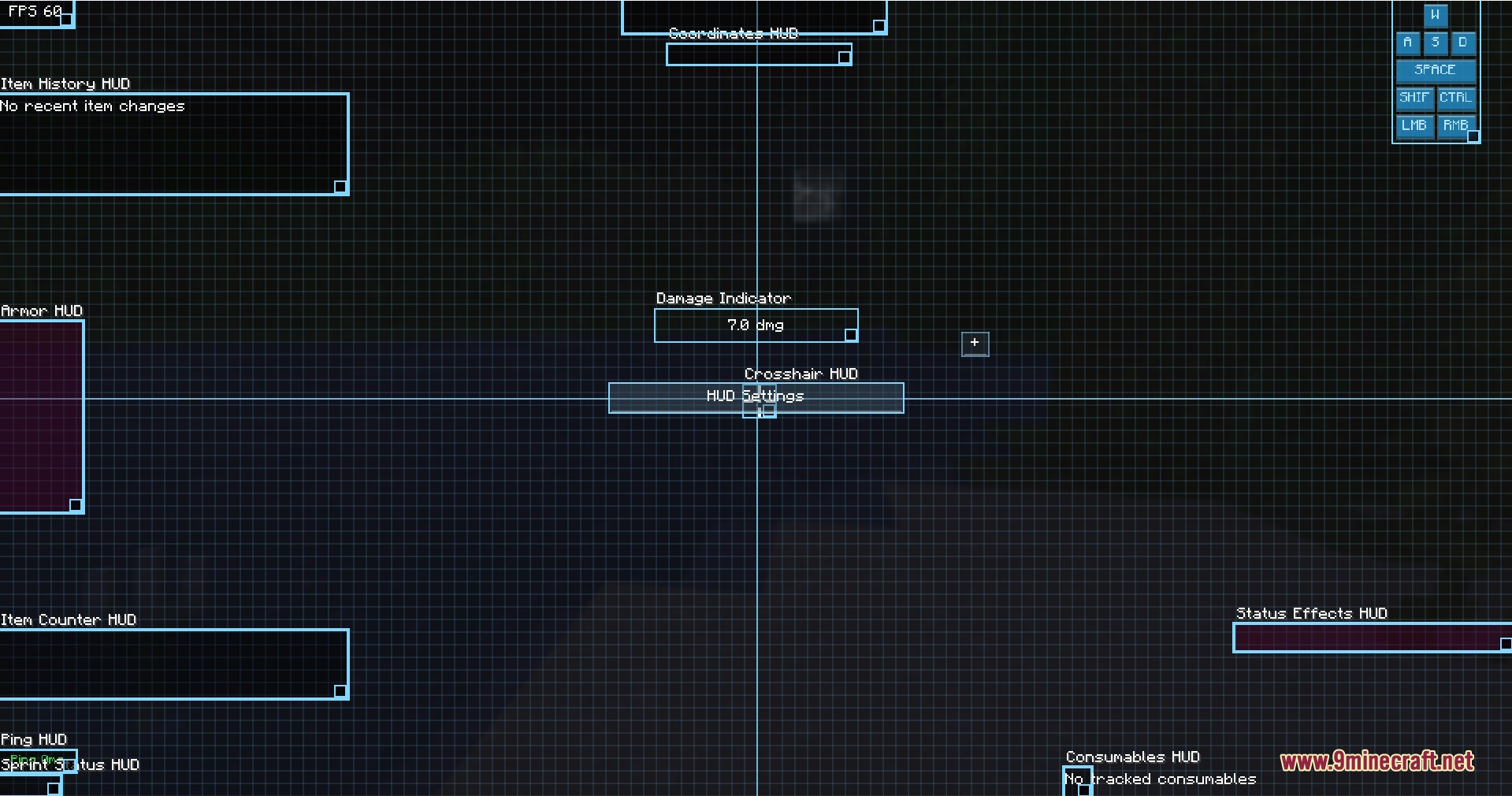
- Drag-and-drop editor lets you move and resize elements across your display with grid snapping.
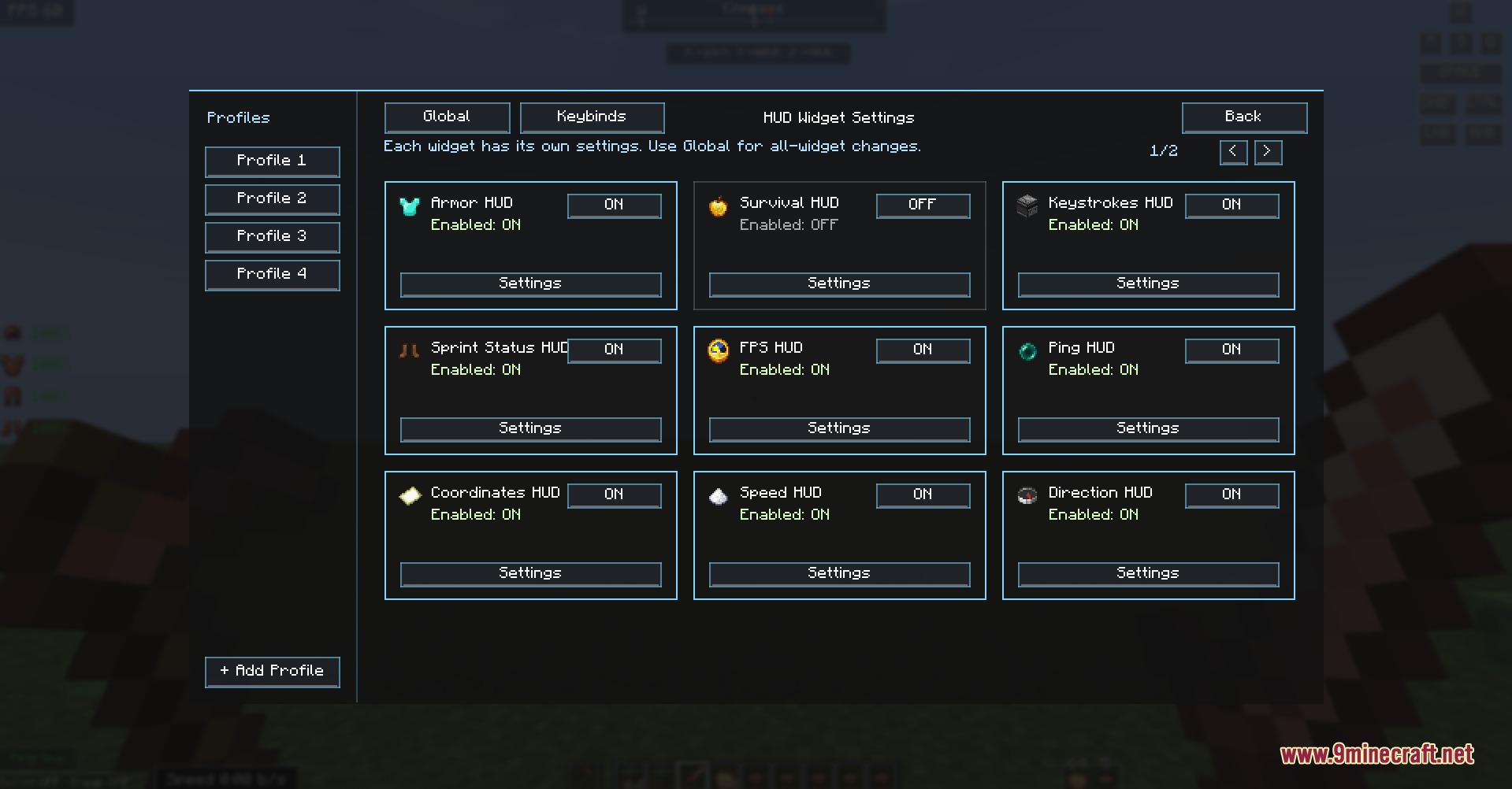
- Card-based menu lets you customize each display widget on your screen.
- Lets you change widget colors, scale sizes, and toggle background visuals.
- Profile system lets you import and export your custom screen layouts.
- Lets you build a custom crosshair directly in the game.
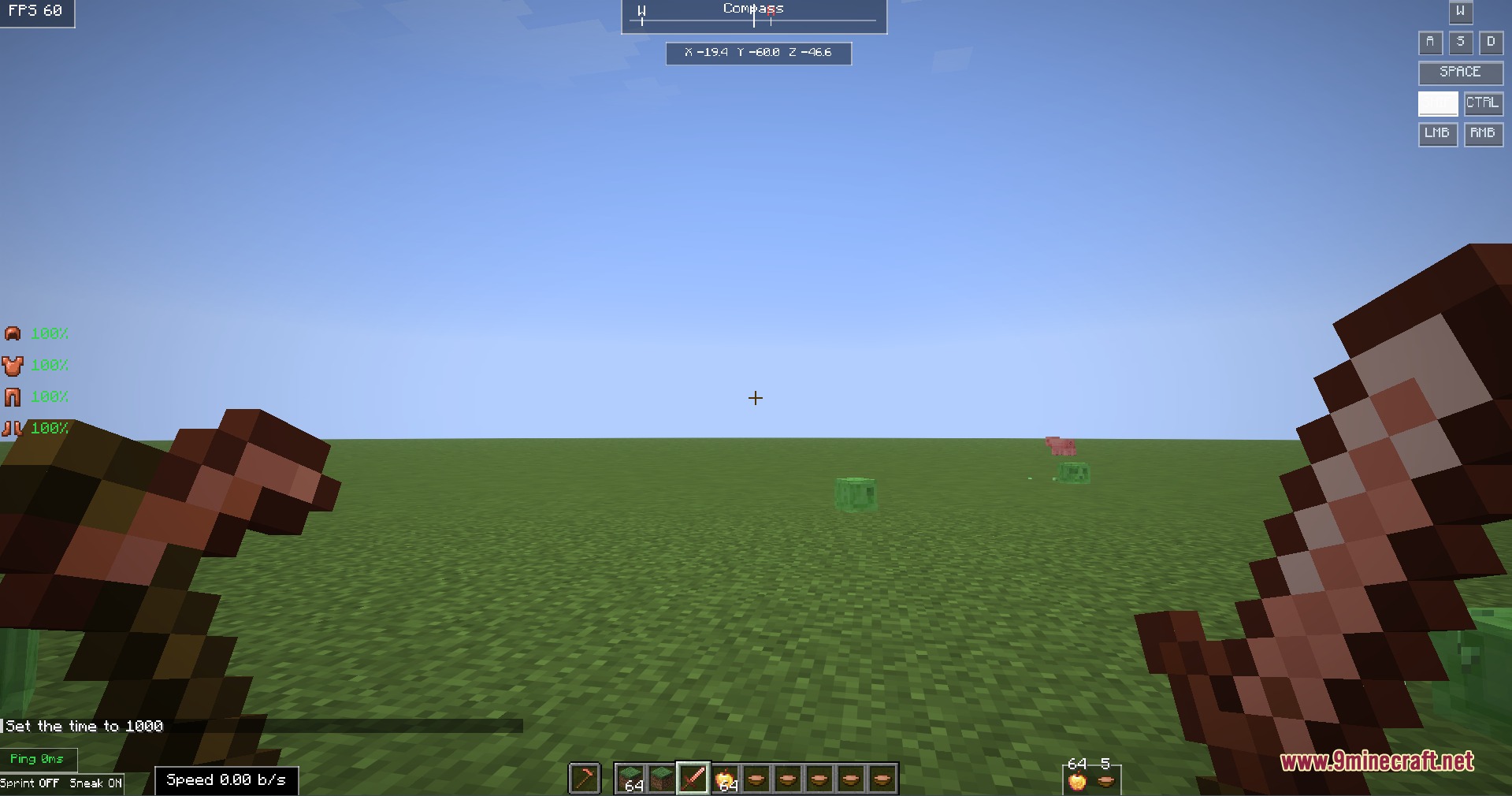
- Shows armor pieces along with current durability levels.
- Displays held items, main hand status, and inventory counters.
- Tracks coordinates, facing direction, current biome, and game time.
- Shows survival status, active potion effects, and food items.
- Monitors movement speed, sprint status, keystrokes, FPS, and server ping.
- Brings a mini inventory widget for quick item checks during gameplay.
How to Use:
- Open the HUD editor screen to view active widgets.
- Click and drag any widget to reposition it across the grid.
- Adjust scale, colors, and text options inside each widget settings card.
- Save your layout to a profile to keep your screen organized.
Screenshots:
How to Install:
New to Minecraft? Follow our step-by-step guide to install Mods on your PC.View Guide
Requirements:


Vitality Glance Monitor Mod Download Links
For Minecraft 26.2
For Minecraft 26.1.2, 26.1.1, 26.1
For Minecraft 1.21.11
For Minecraft 1.21.10, 1.21.9
For Minecraft 1.21.8, 1.21.7, 1.21.6
For Minecraft 1.21.5
For Minecraft 1.21.4
For Minecraft 1.21.1, 1.21
For Minecraft
1.16.5,
1.16.4,
1.16.3
All Versions Covered
1.16.5
1.16.4
1.16.3
1.16.2
1.16.1
All Versions Covered
1.16.5
1.16.4
1.16.3
1.16.2
1.16.1
Click to rate this post!
[Total: 0 Average: 0]
You May Also Like












This post has no comments yet. Be the first — your comment will appear here.