


Vivecraft Extensions Plugin (1.21.1, 1.20.1) – Companion Plugin For Vivecraft The VR Mod For Java Minecraft

 0
0  August 15, 2024
Vivecraft Extensions Plugin is a plugin designed to enhance the experience of playing Minecraft in virtual reality (VR) using Vivecraft. It integrates with Spigot servers to provide VR-specific features, ensuring that VR players have a smooth and immersive gameplay experience alongside non-VR players.
Features:
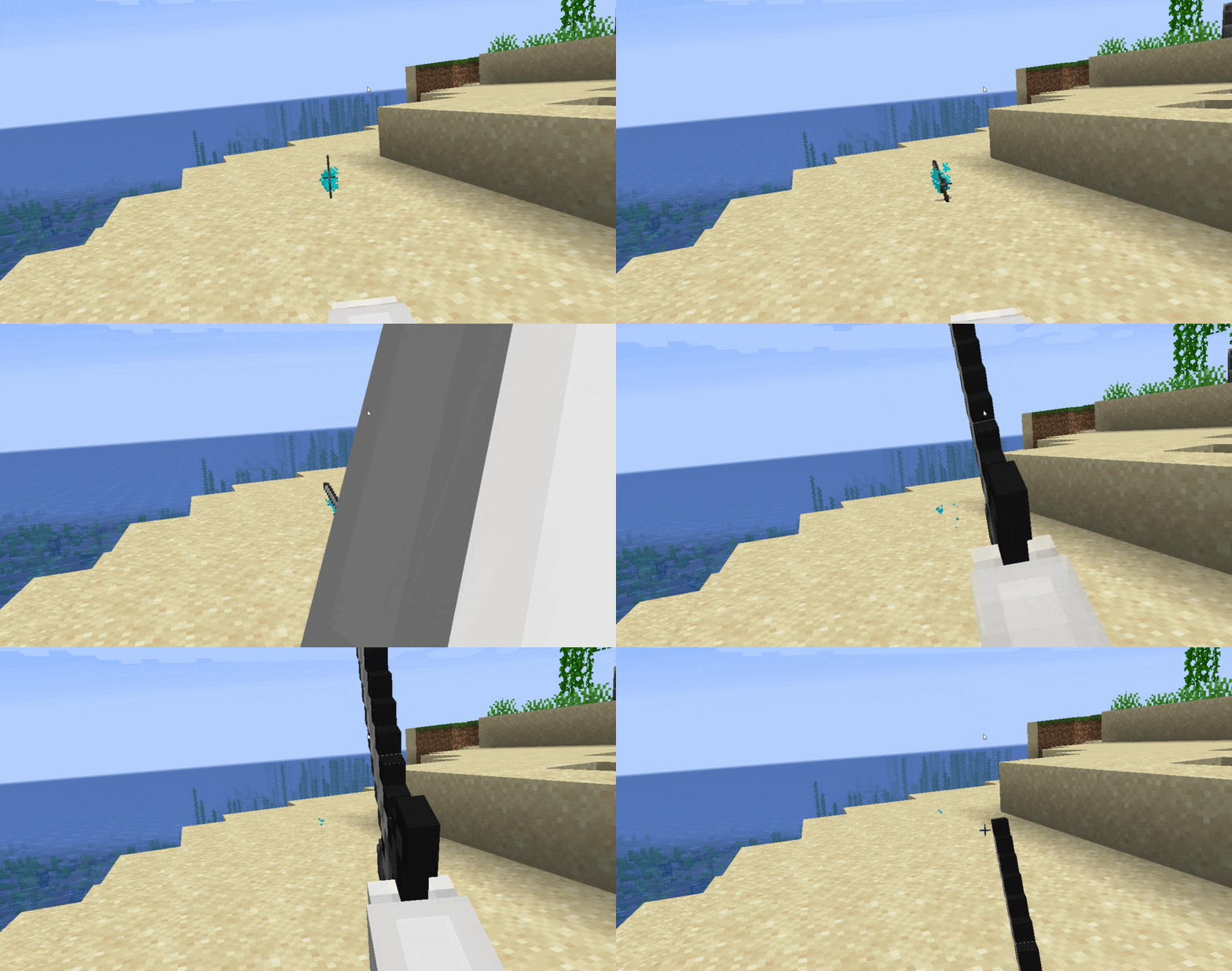
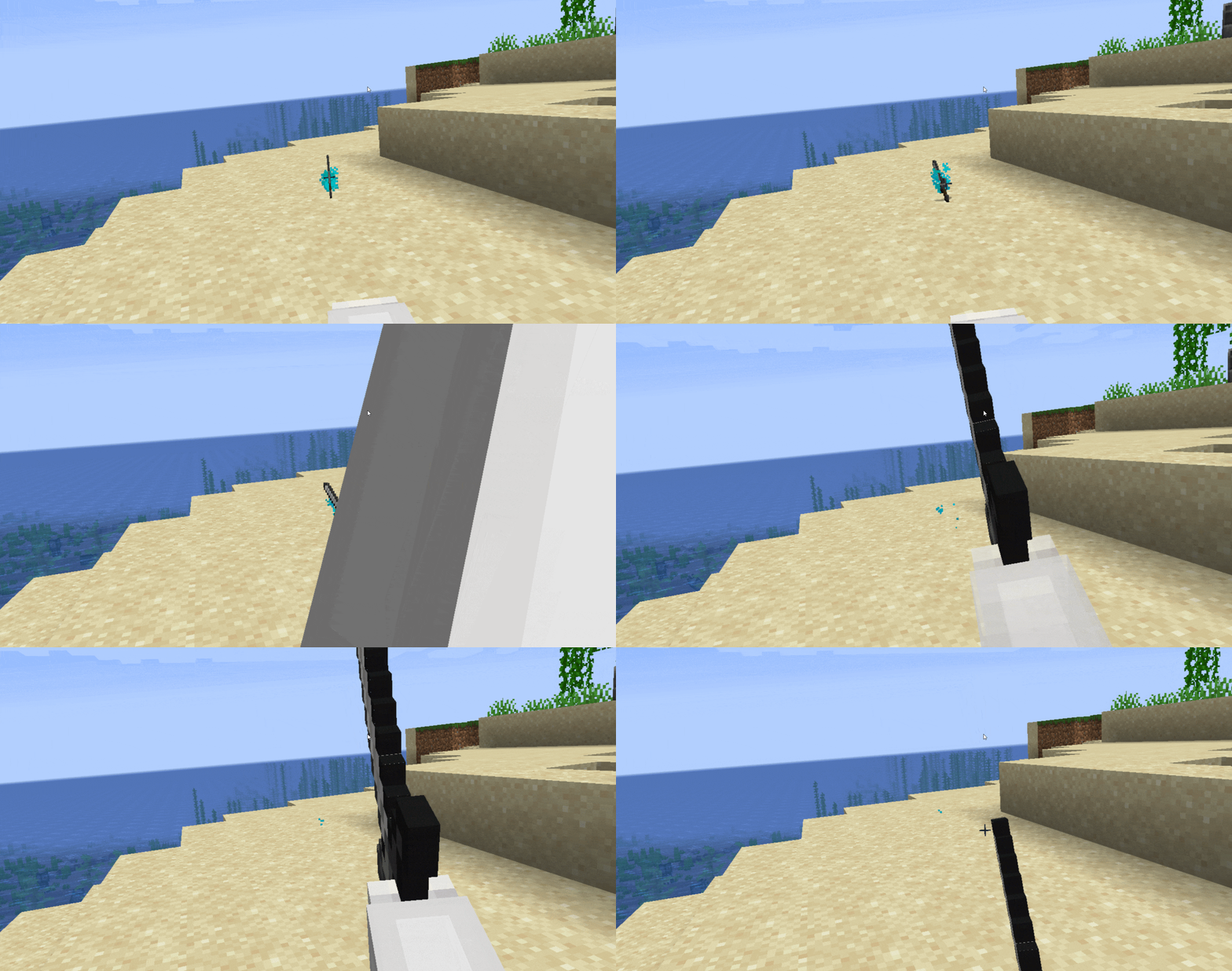
- The plugin is essential for enabling full VR functionality on Spigot servers. It ensures that Vivecraft players can interact with the world in VR, including actions like bow pulling, sword swinging, and block placing.
- Server admins can fine-tune settings specific to VR players, such as adjusting movement speeds, interactions, and even restricting certain VR capabilities to maintain game balance.
- The plugin allows VR players to make use of dual-wielding more naturally, enhancing the combat experience in VR. Interactions like placing blocks or using items are also optimized for the VR environment.
- Vivecraft Spigot Extensions ensures that VR and non-VR players can coexist on the same server, with proper synchronization of player actions, animations, and movements.
Screenshost:
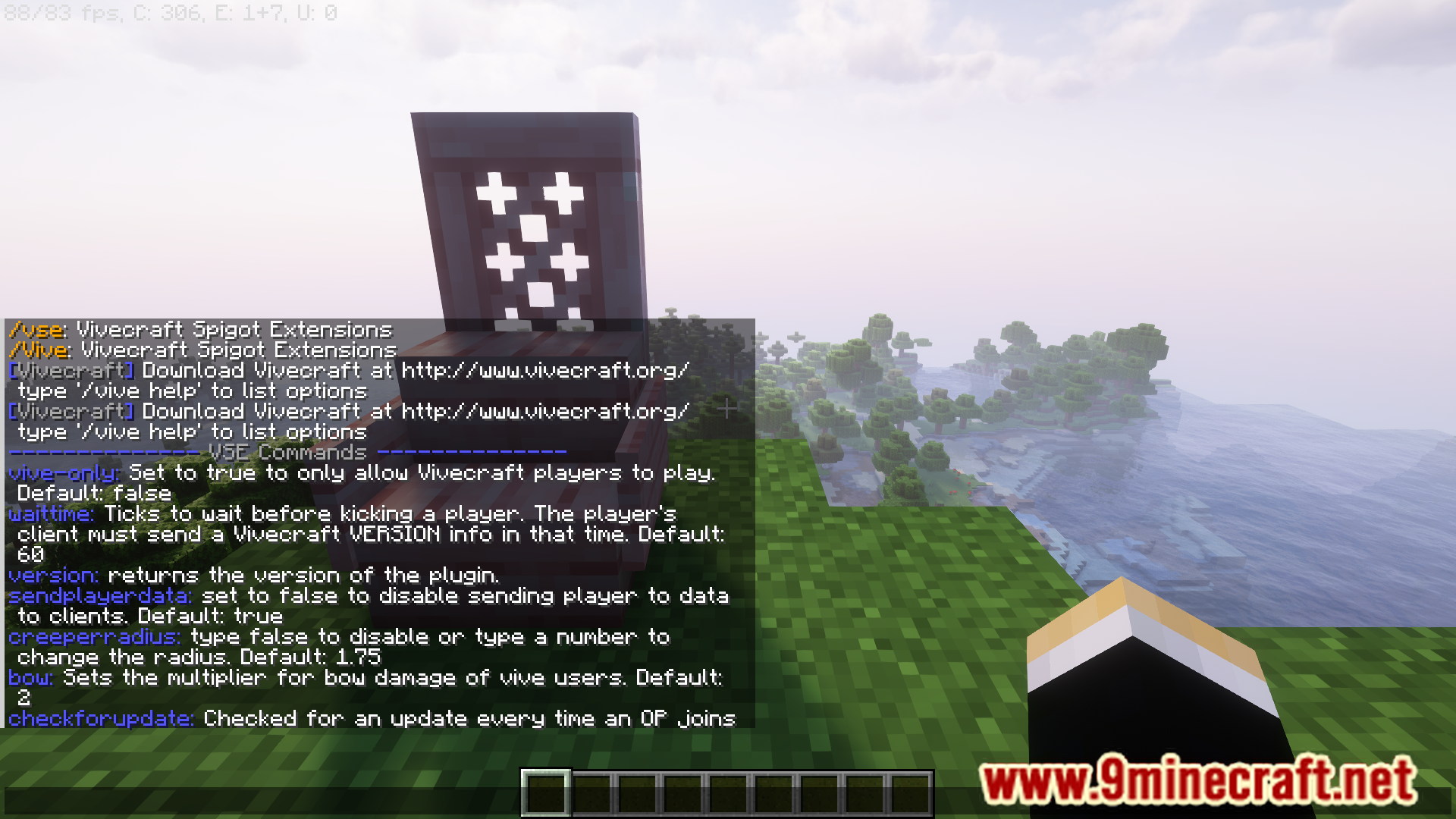
Commands:
- /vive help – List all command.
How to Install:
New to Minecraft? Follow our step-by-step guide to install Plugins on your PC.View Guide
Vivecraft Plugin Download Links
For Minecraft 1.21.1, 1.21
For Minecraft 1.20
1.20.1: Download from Server 1 – Download from Server 2
1.20.2: Download from Server 1 – Download from Server 2
1.20.4: Download from Server 1 – Download from Server 2
1.20.6: Download from Server 1 – Download from Server 2
For Minecraft 1.19.4
For Minecraft 1.18.2
For Minecraft 1.17.1
For Minecraft 1.16.5
For Minecraft 1.15.2
For Minecraft 1.12.2
Click to rate this post!
[Total: 0 Average: 0]
You May Also Like









This post has no comments yet. Be the first — your comment will appear here.