


Vivid Adventure Frames Mod (1.21.11) – Manage and Share Your In-Game Photos
 0
0
 0
0

Vivid Adventure Frames Mod overhauls the way you take and manage photos in Minecraft. It brings an in-game photo gallery so you never need to leave your world to look at your pictures. You can quickly copy pictures straight to your clipboard from chat and adjust visual layers like hands, scoreboards, and nametags.
Features:
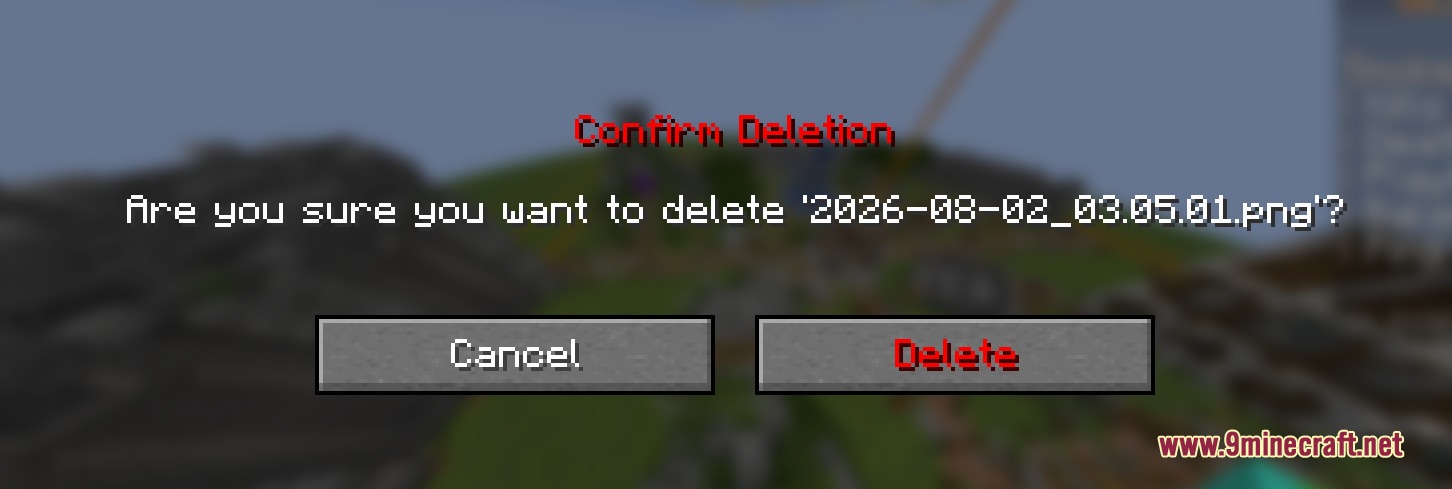
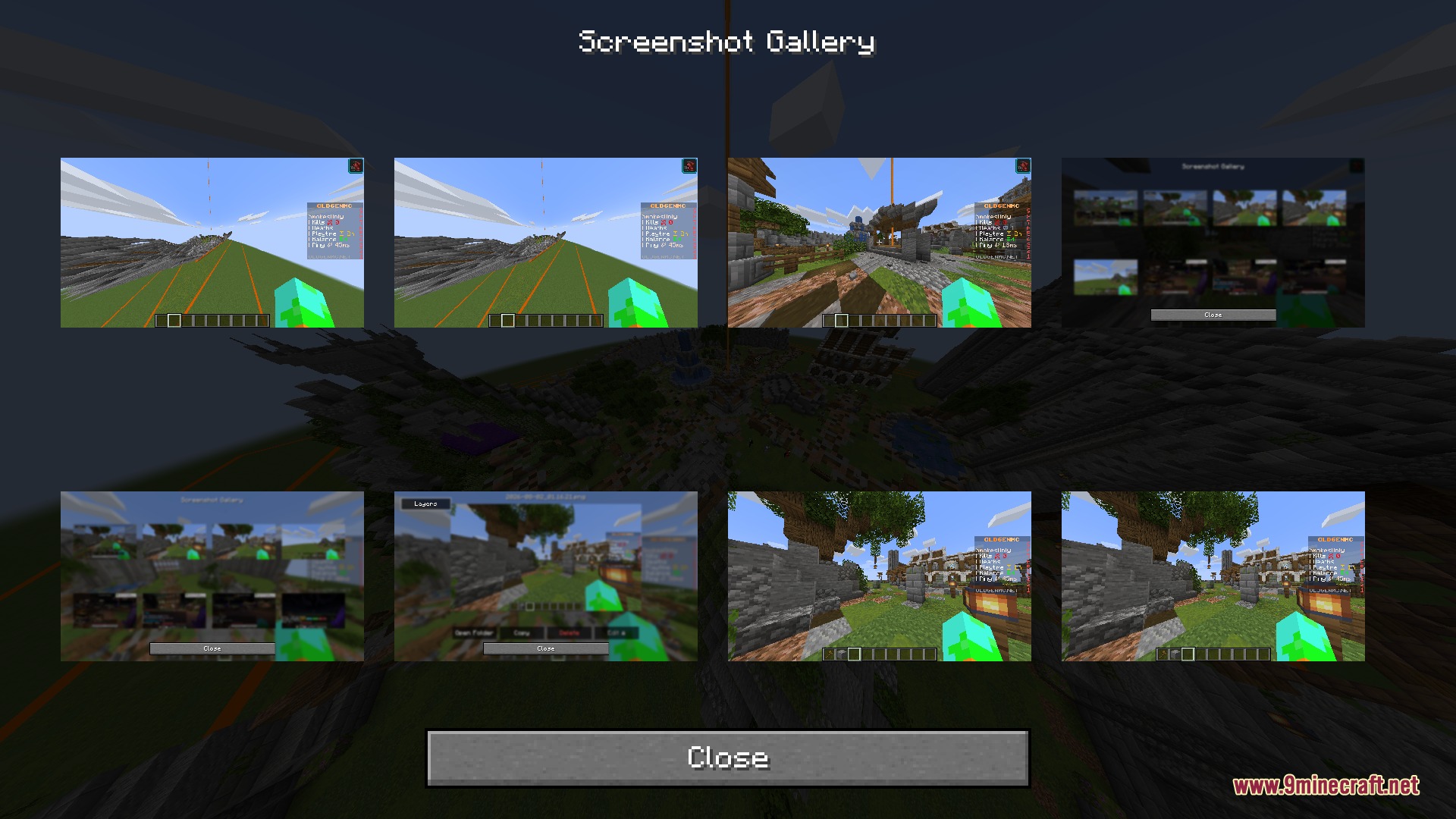
- In-Game Gallery: Lets you view, organize, and delete your saved photos without closing or tabbing out of the game.
- Instant Clipboard Copy: Adds a clickable copy button directly in chat right after you take a snap.
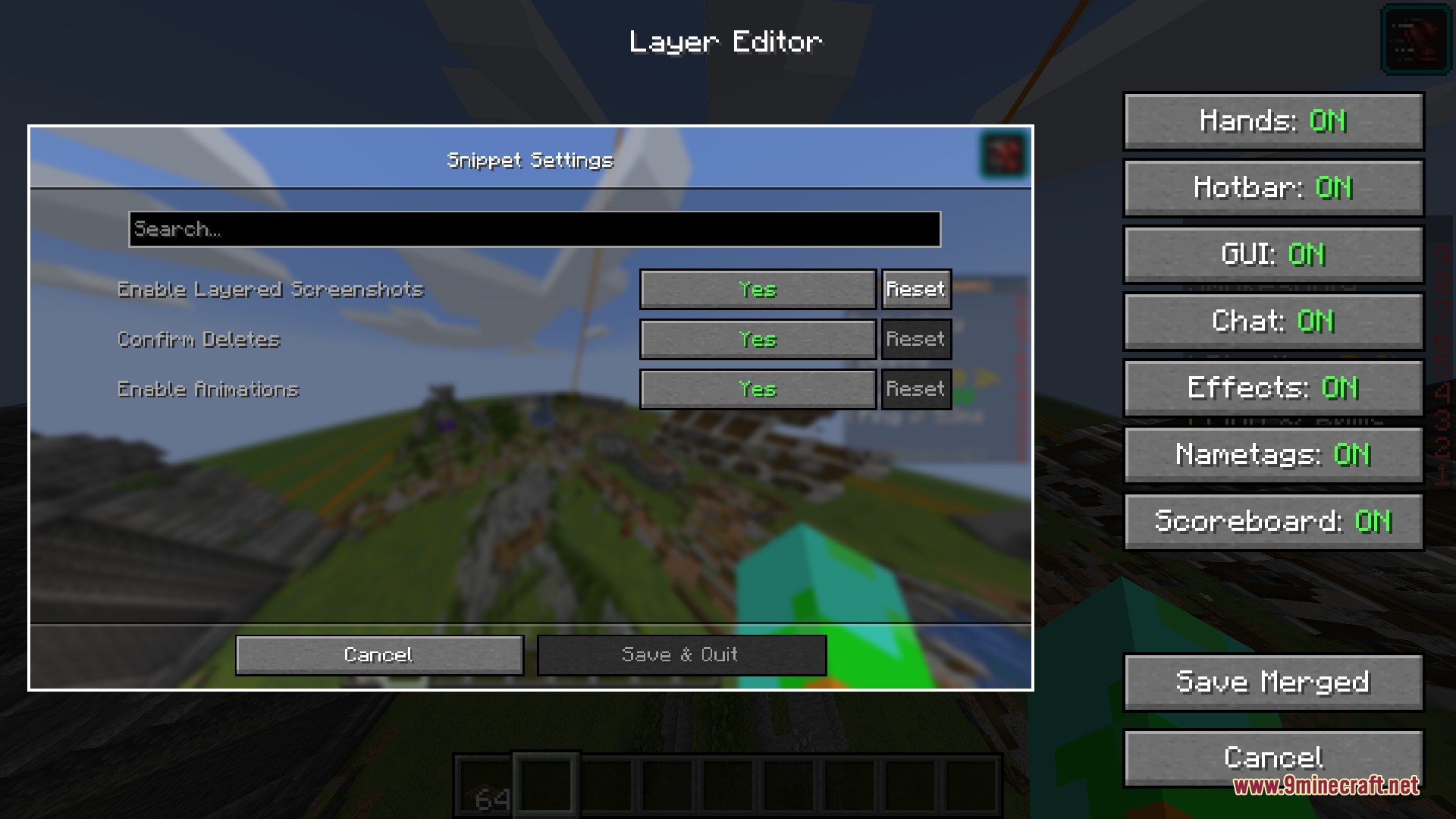
- Layered Captures: Toggles specific visual elements like held items, status effects, nametags, scoreboards, and the player hand on or off.
- Mutes the default screenshot saved message to keep your chat window clean.
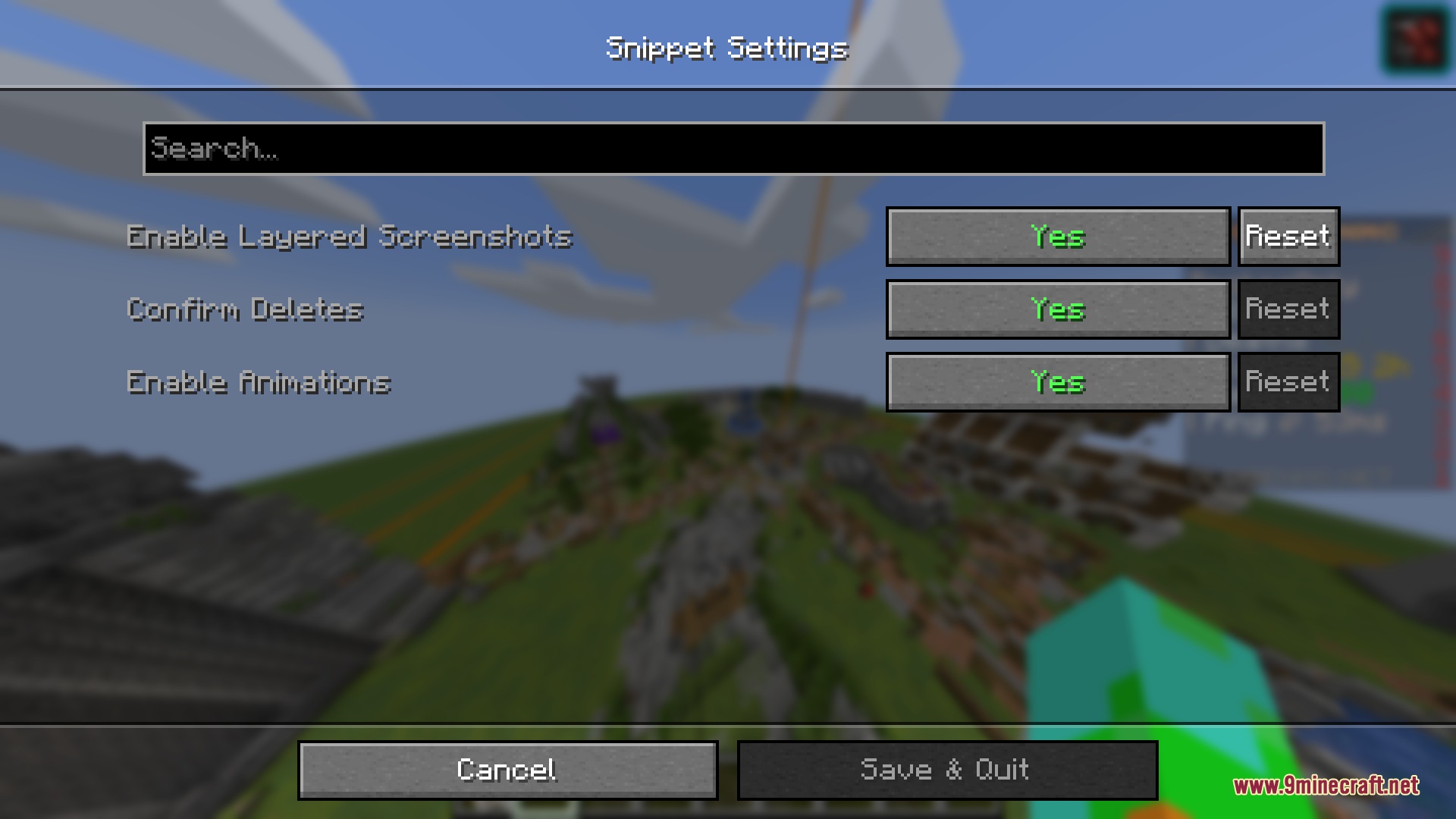
- Customizes shortcut keys for snapping photos and opening the gallery menu.
How to Use:
- Press the screenshot key to capture your view.
- Click the copy button in the chat box to paste the image outside the game immediately.
- Open the in-game photo gallery using your assigned keybind.
- Select any picture in the menu to adjust layers or remove unwanted files.
Screenshots:
How to Install:
New to Minecraft? Follow our step-by-step guide to install Mods on your PC.View Guide
Requirements:


Vivid Adventure Frames Mod Download Links
For Minecraft 1.21.11
Click to rate this post!
[Total: 0 Average: 0]
You May Also Like



This post has no comments yet. Be the first — your comment will appear here.