


Vivid Interface Designer Mod (26.2, 1.20.1) – Track Live Game Stats Directly
 0
0
 0
0

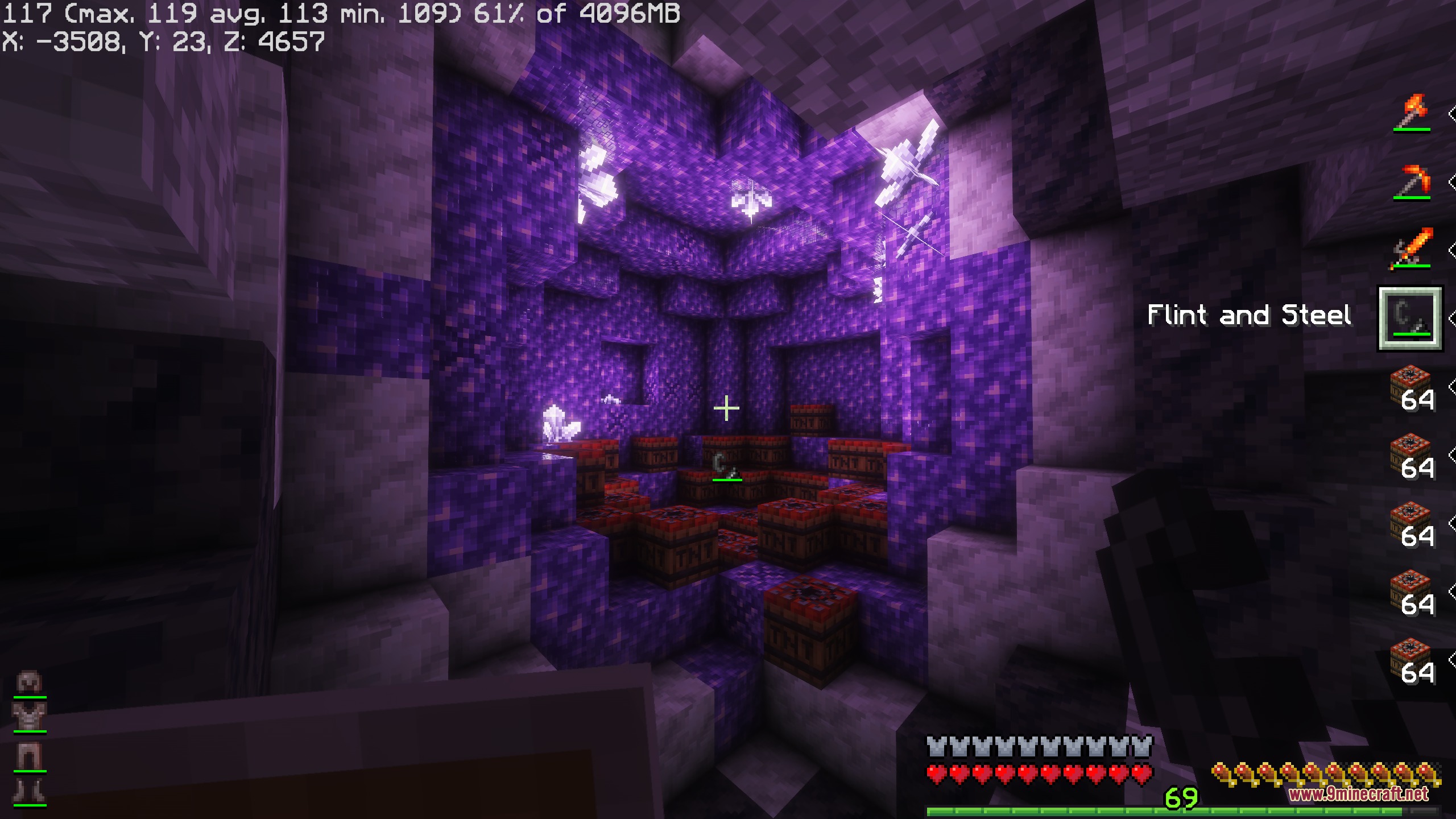
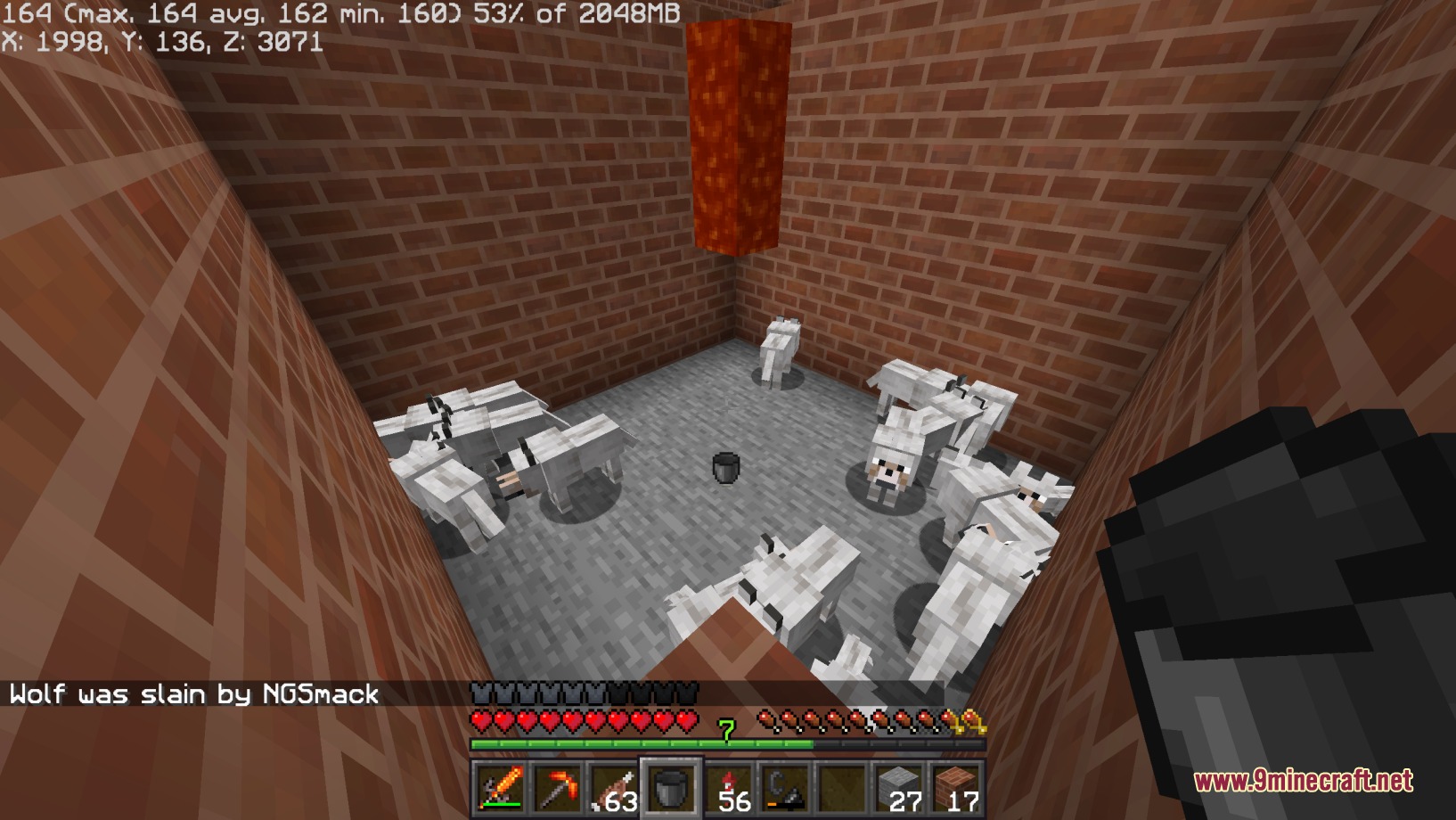
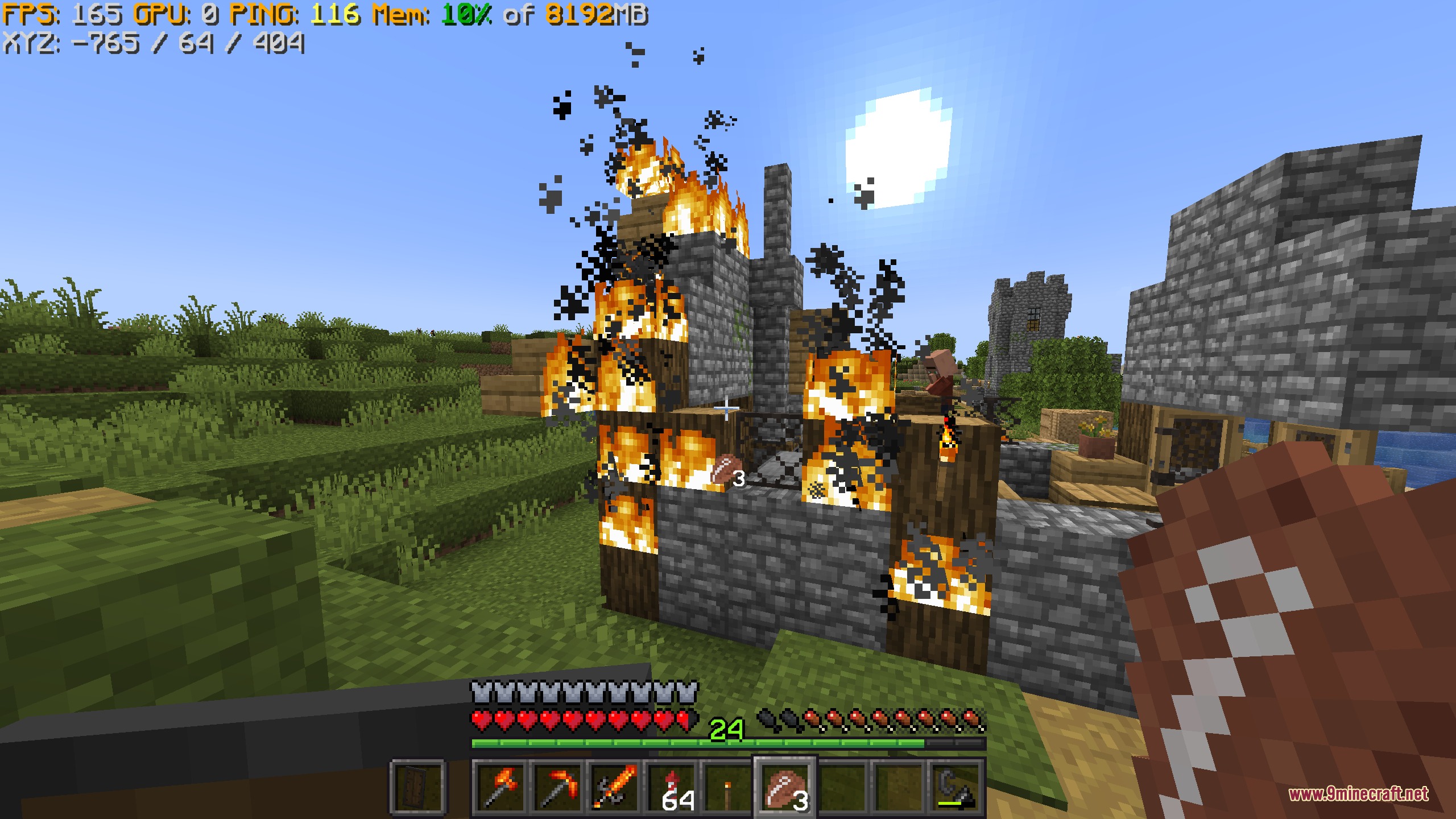
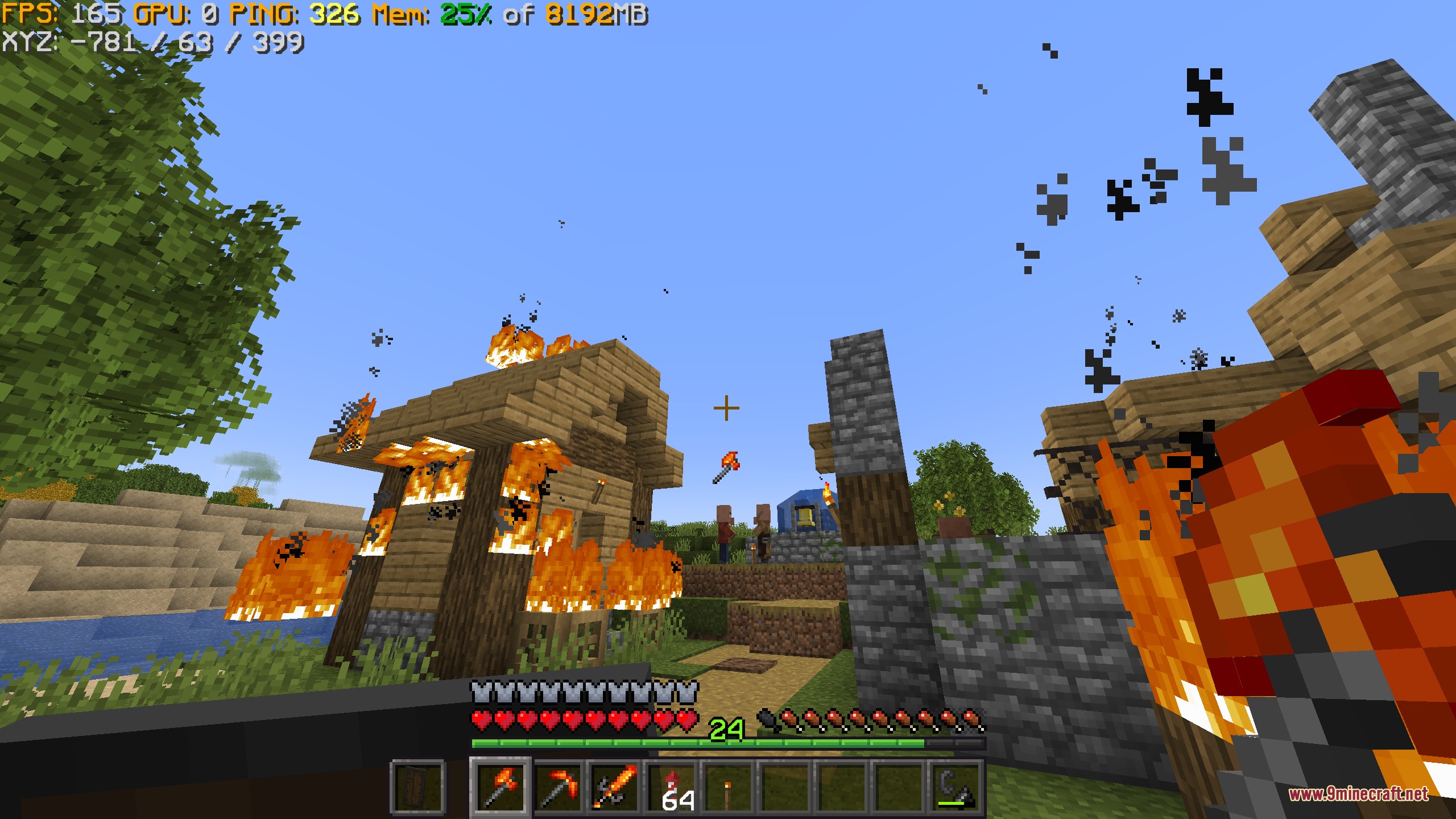
Vivid Interface Designer Mod lets you build custom heads-up displays directly on your game screen. You can display helpful text, icons, and live statistics like frame rates while you play. The mod works with a simple built-in scripting language as well as JavaScript for players who want to write math formulas or custom logic.

Features:
- Lets you create custom screen overlays and stats anywhere on your view.
- Shows real-time game information like your current frame rate using simple text tags.
- Supports JavaScript for math, custom methods, and complex screen elements.
- Works with a beginner-friendly built-in scripting language for quick setups.
- Displays custom icons, item textures, and hotbar status bars.
How to Use:
- Write your HUD tags or scripts in the mod configuration files.
- Add simple tags like
{fps}to show live frame rate numbers on screen. - Apply custom math formulas or JavaScript methods to position icons and bars where you want them.
Screenshots:
How to Install:
New to Minecraft? Follow our step-by-step guide to install Mods on your PC.View Guide
Requirements:




Vivid Interface Designer Mod Download Links
For Minecraft 26.2
For Minecraft 26.1.2, 26.1.1, 26.1
For Minecraft 1.21.11
For Minecraft 1.21.1, 1.21
For Minecraft 1.20.1, 1.20
Click to rate this post!
[Total: 0 Average: 0]
You May Also Like














This post has no comments yet. Be the first — your comment will appear here.