


Voice Chat Soundboard Mod (1.21.4, 1.20.1) – Play Memes Through Your Mic

 0
0 

🌐 Read this article in your language! Choose your preferred language below.
Or pick the one you like:
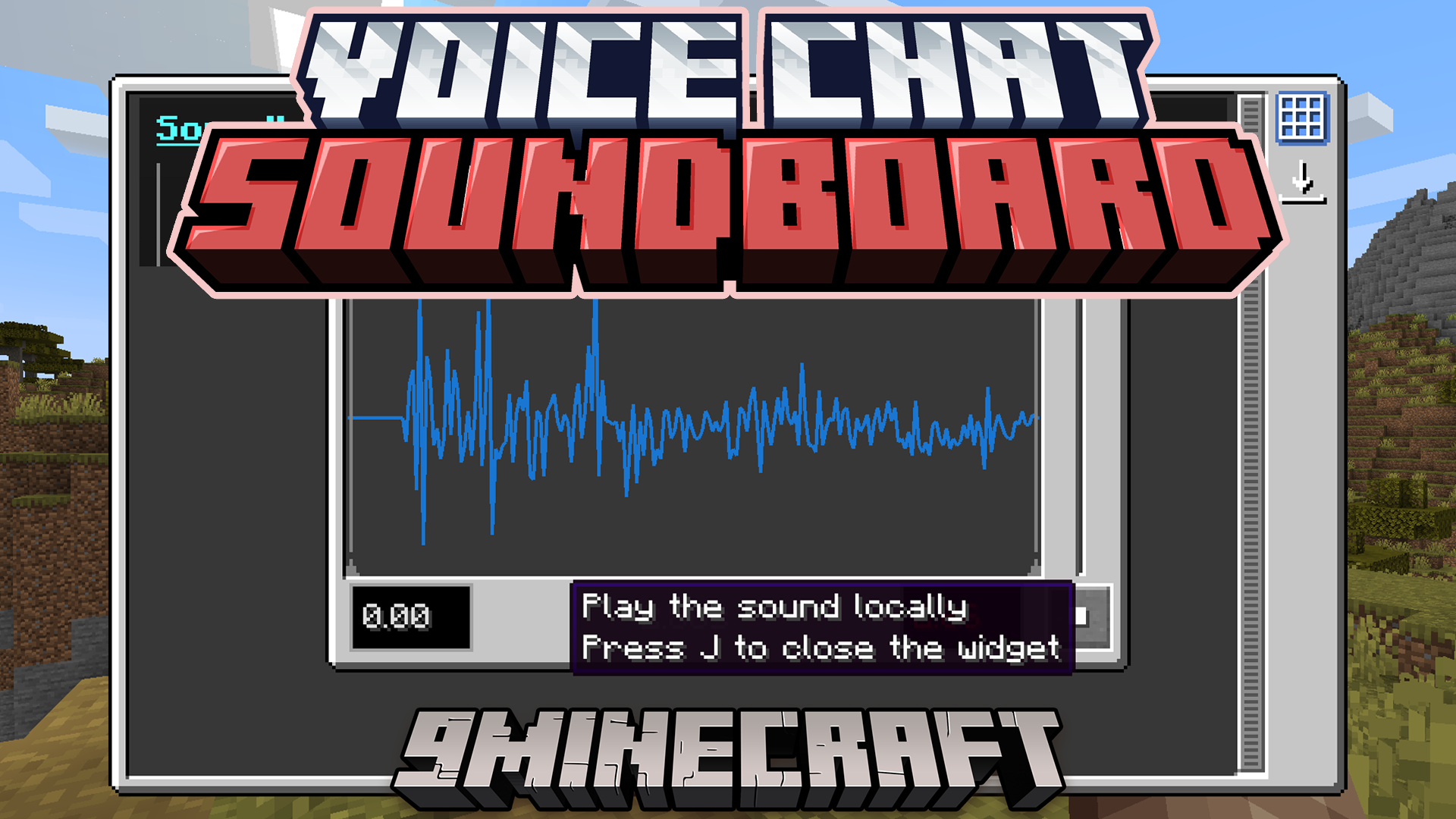
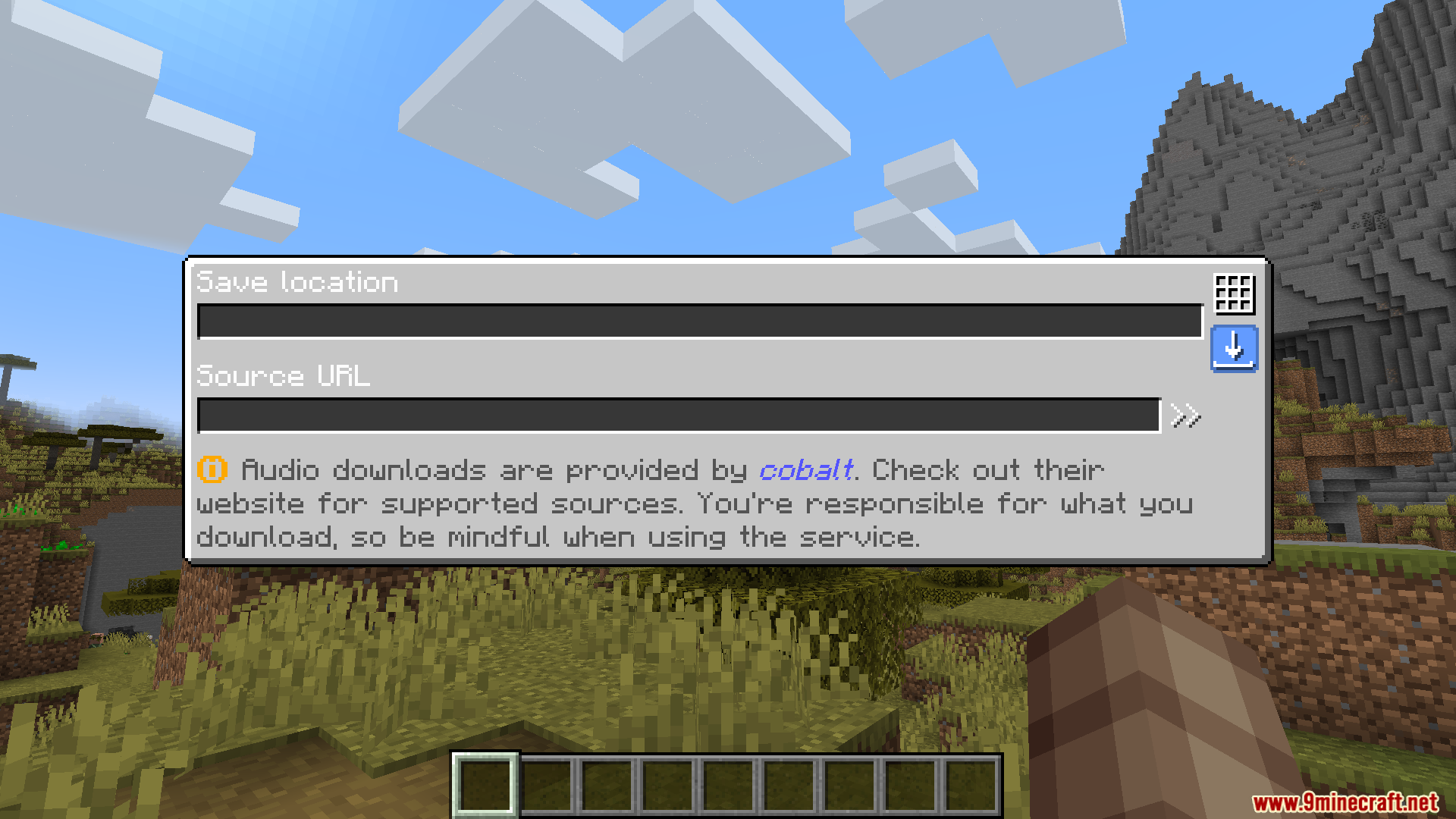
Voice Chat Soundboard Mod adds a soundboard that works with proximity voice chat mods. It lets you play your own sound effects and audio clips for other players to hear in the game. You just need to place your sound files into a special folder, and they will appear on the soundboard menu, ready to use.
Features:
- Lets you play custom audio clips through the Simple Voice Chat mod.
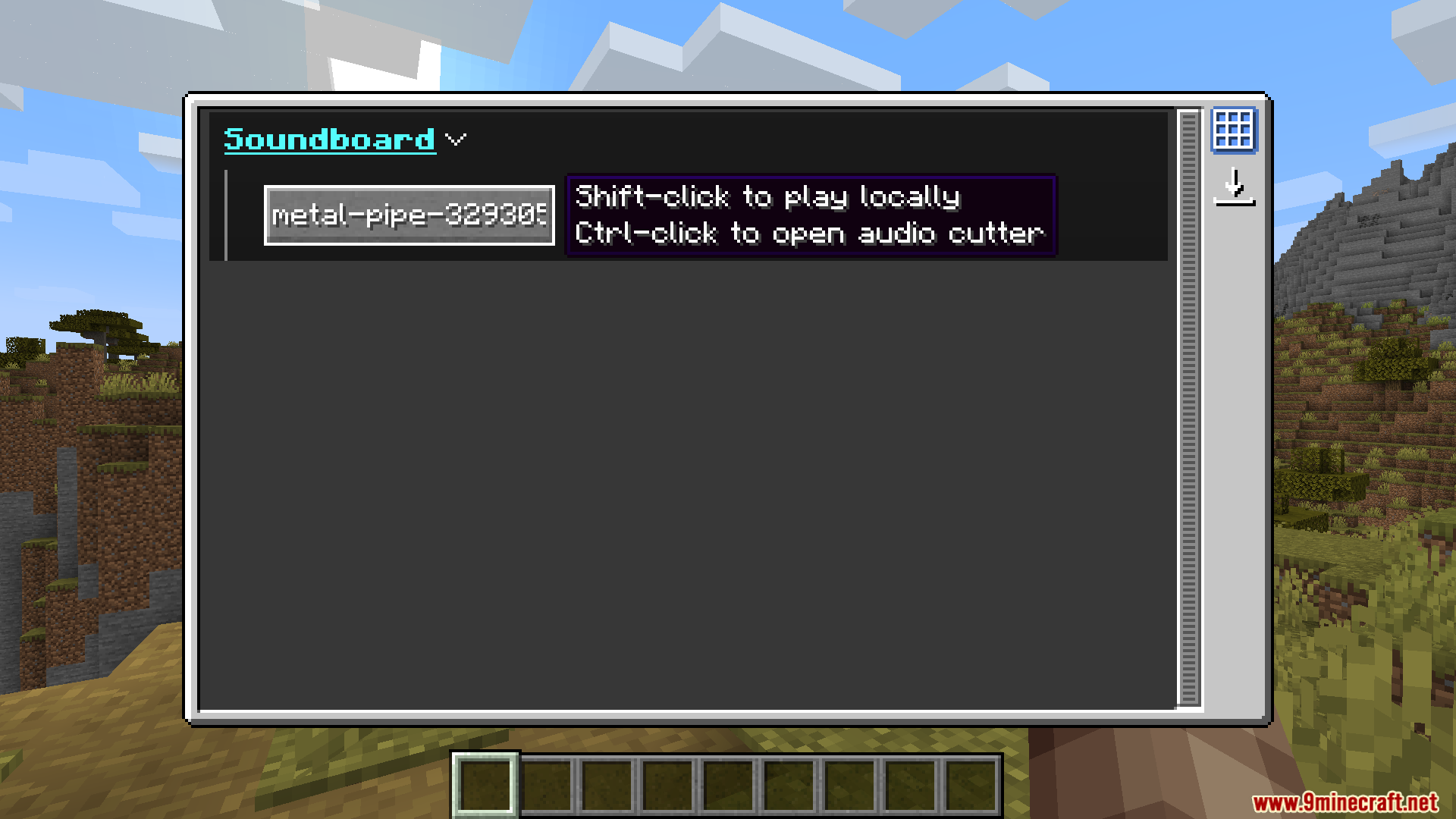
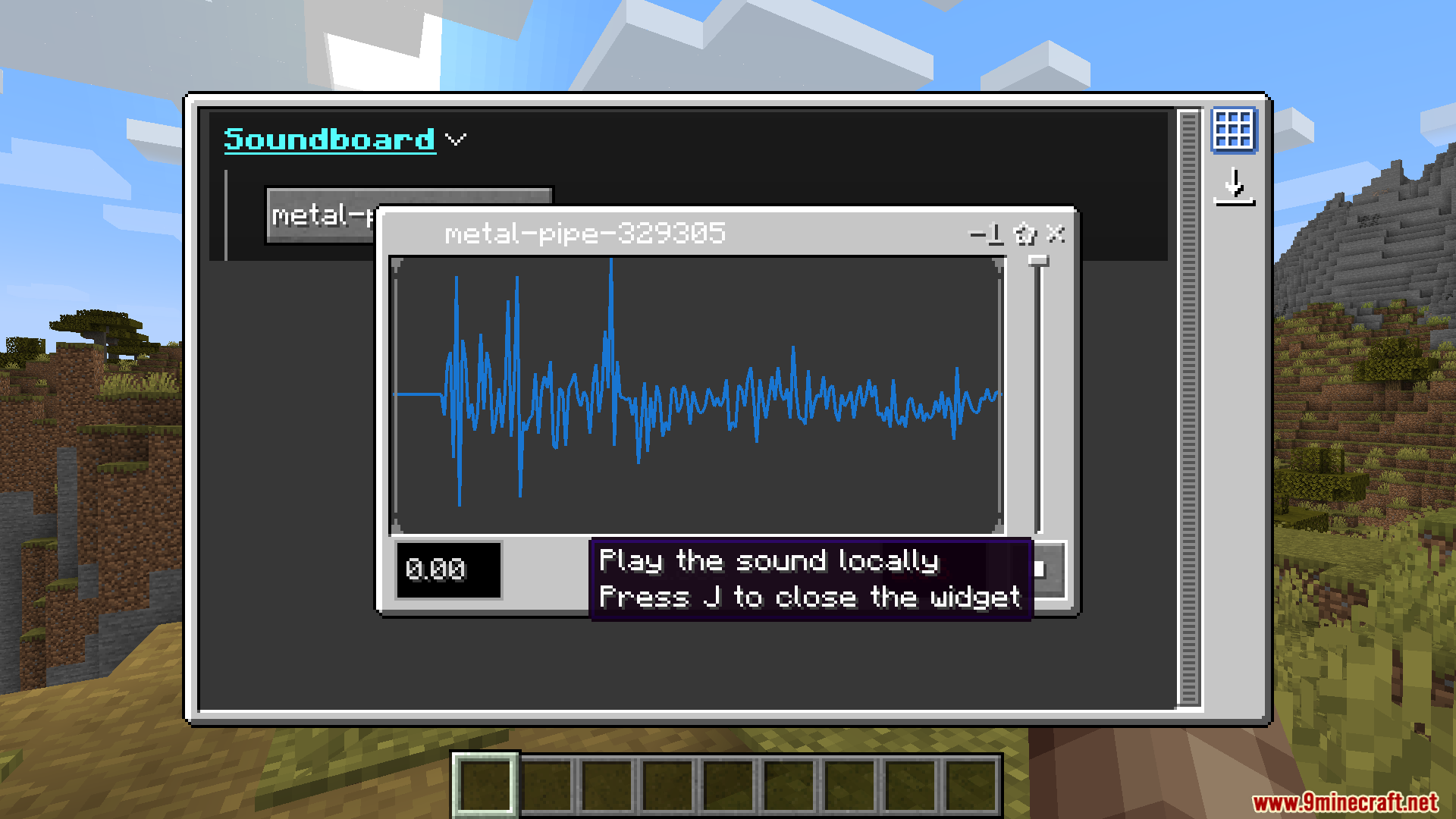
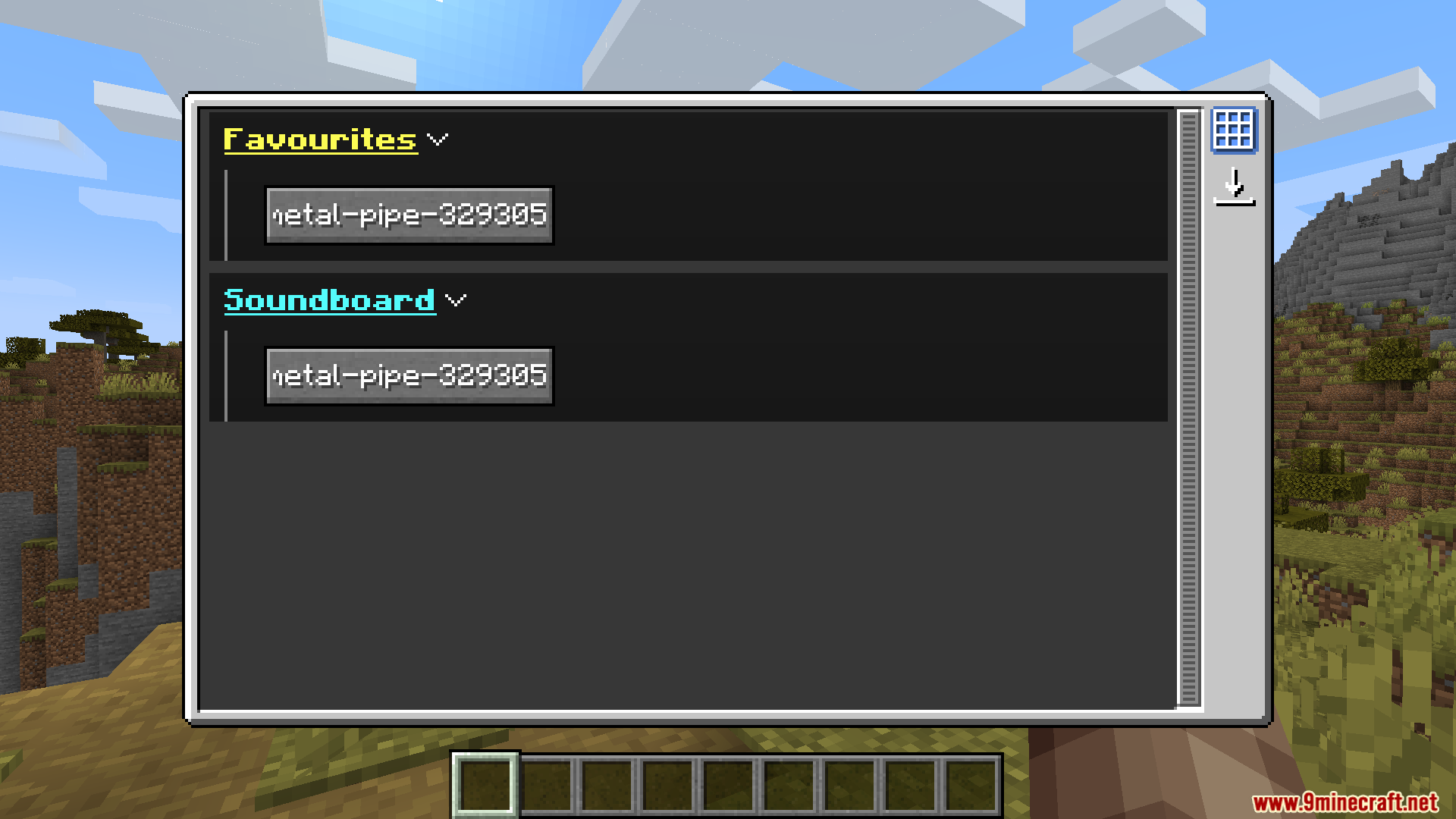
- Adds a soundboard menu to select and play your sounds in the game.
- The sounds you play are directional, so other players hear them based on how close they are.
- You can create your own folders in the config to organize different types of sounds.
- All audio files must be in the
.wavformat to work correctly. - Press the ‘J’ key by default to open the soundboard screen.
How to Use:
- Place your sound files into the
.minecraft/config/soundboardfolder. You can create new folders inside to keep your sounds organized. - Make sure all your files are in the
.wavformat. You may need to use an online tool to convert them if they are in a different format. - Once in the game, press the J key to open the soundboard screen.
Screenshots:
How to Install:
New to Minecraft? Follow our step-by-step guide to install Mods on your PC.View Guide
Requirements:
 Fabric Language Kotlin Mod Required
 OwO Lib Mod Required
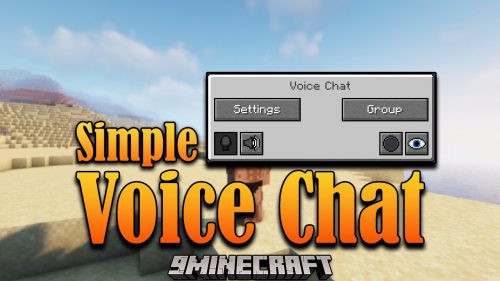 Simple Voice Chat Mod Required
oωo (owo-lib) Required
Voice Chat Soundboard Mod Download Links
For Minecraft 1.21.4
Fabric version: Download from Server 1 – Download from Server 2
For Minecraft 1.21.1, 1.21
Fabric version: Download from Server 1 – Download from Server 2
For Minecraft 1.20.1, 1.20
Fabric version: Download from Server 1 – Download from Server 2
Click to rate this post!
[Total: 3 Average: 1]
You May Also Like




This post has no comments yet. Be the first — your comment will appear here.