
Void Commands Mod (26.3, 1.21.1) – Test Blocks and Spawn Mobs Locally
 577
 0


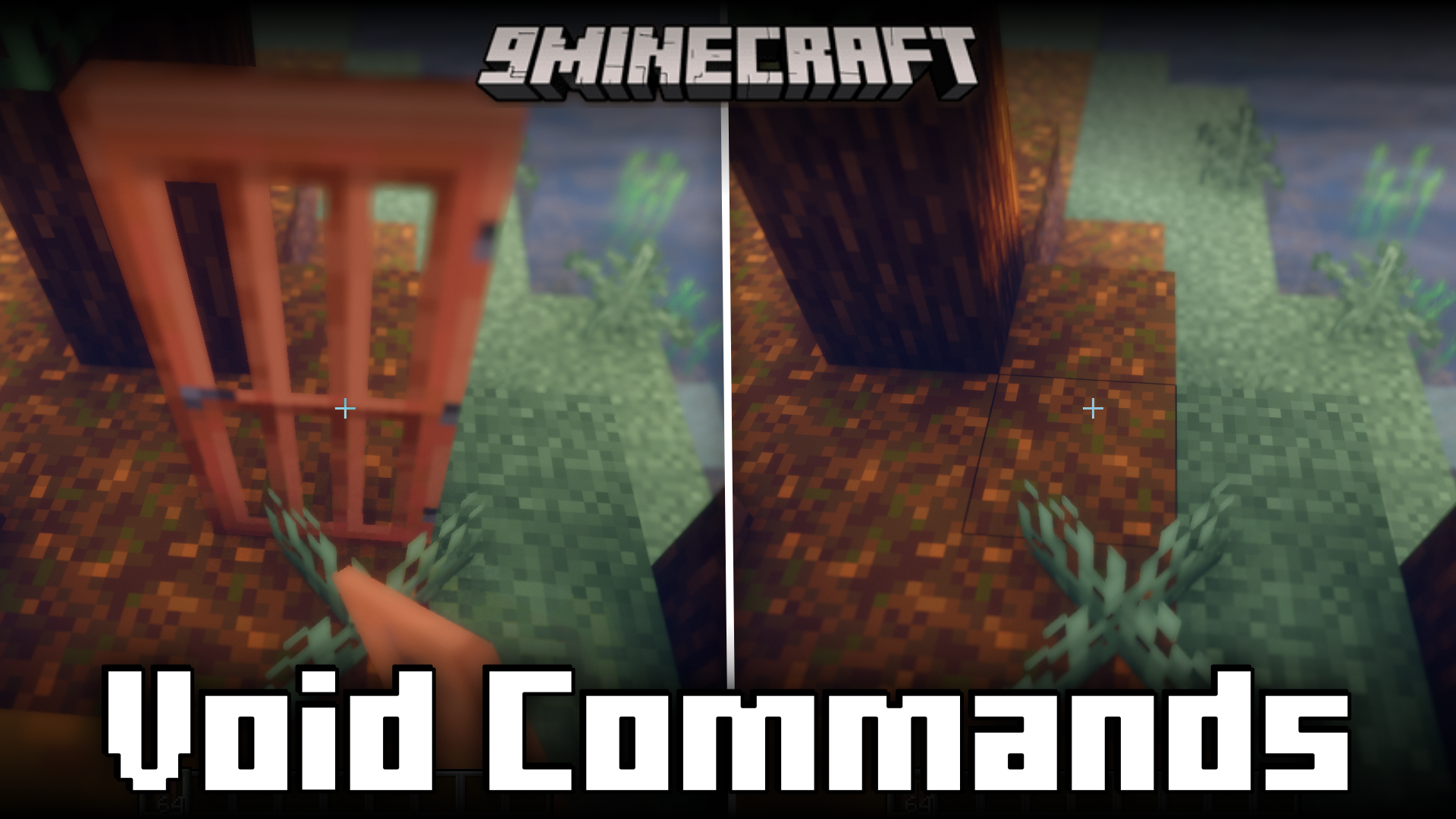
Void Commands Mod brings a collection of client-side commands to the game. These commands only make changes on your own system and do not affect other players on a server. It gives you useful tools to test things, manage blocks, and control your game window.
Features:
- Adds client-side commands that only affect your own game system without changing anything for other players on a server.
- Lets you spawn ghost items, set blocks, summon client-side mobs, and fill areas with blocks.
- Allows you to toggle block interaction packets, check render distances, and view your current coordinates and dimension.
- Provides tools to remove client-side entities, query loaded blocks or chunks, stop the client, and resize your game window.
Commands:
Note: This mod uses v instead of / as its command prefix. Type every command below in chat starting with v.
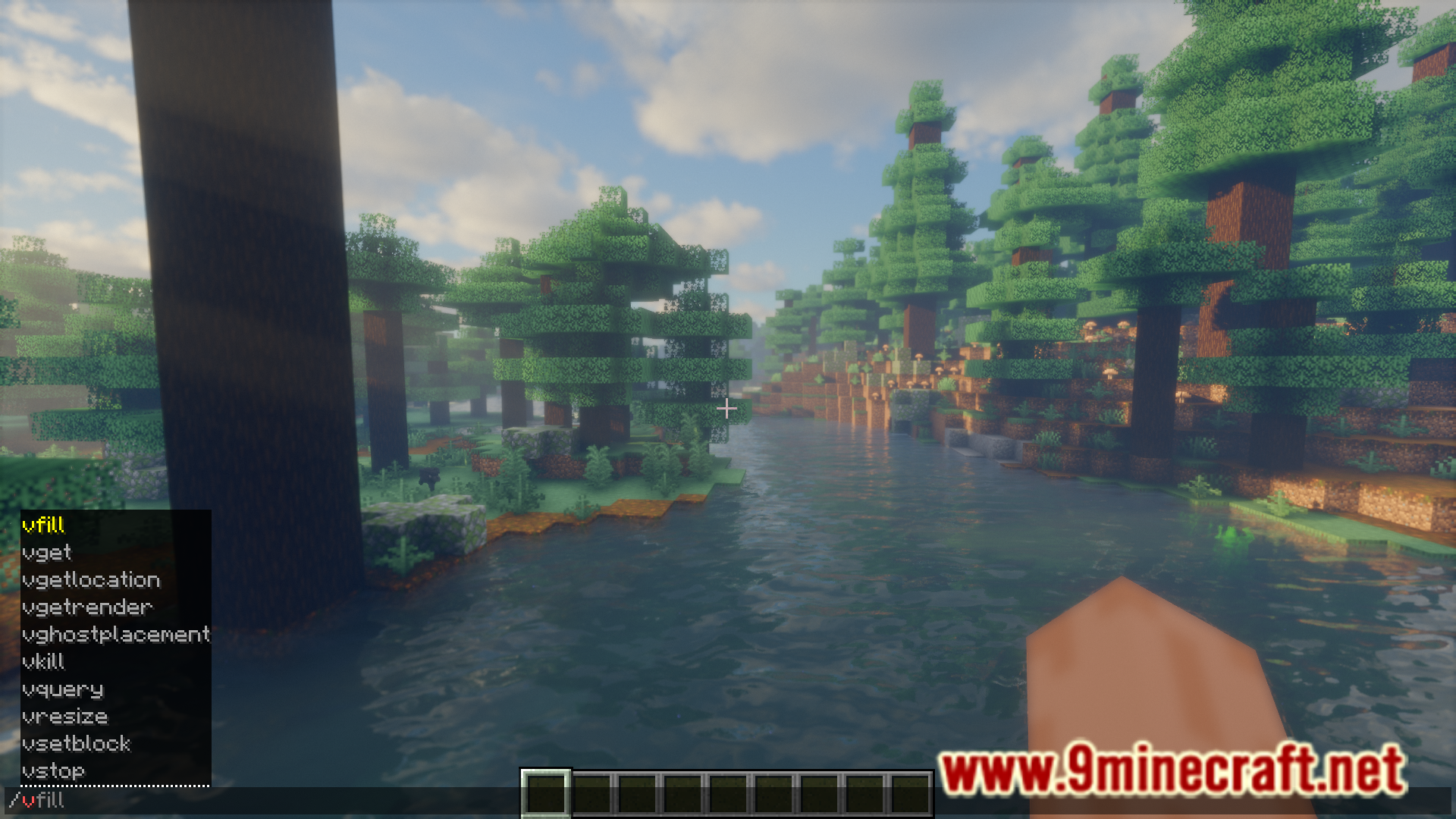
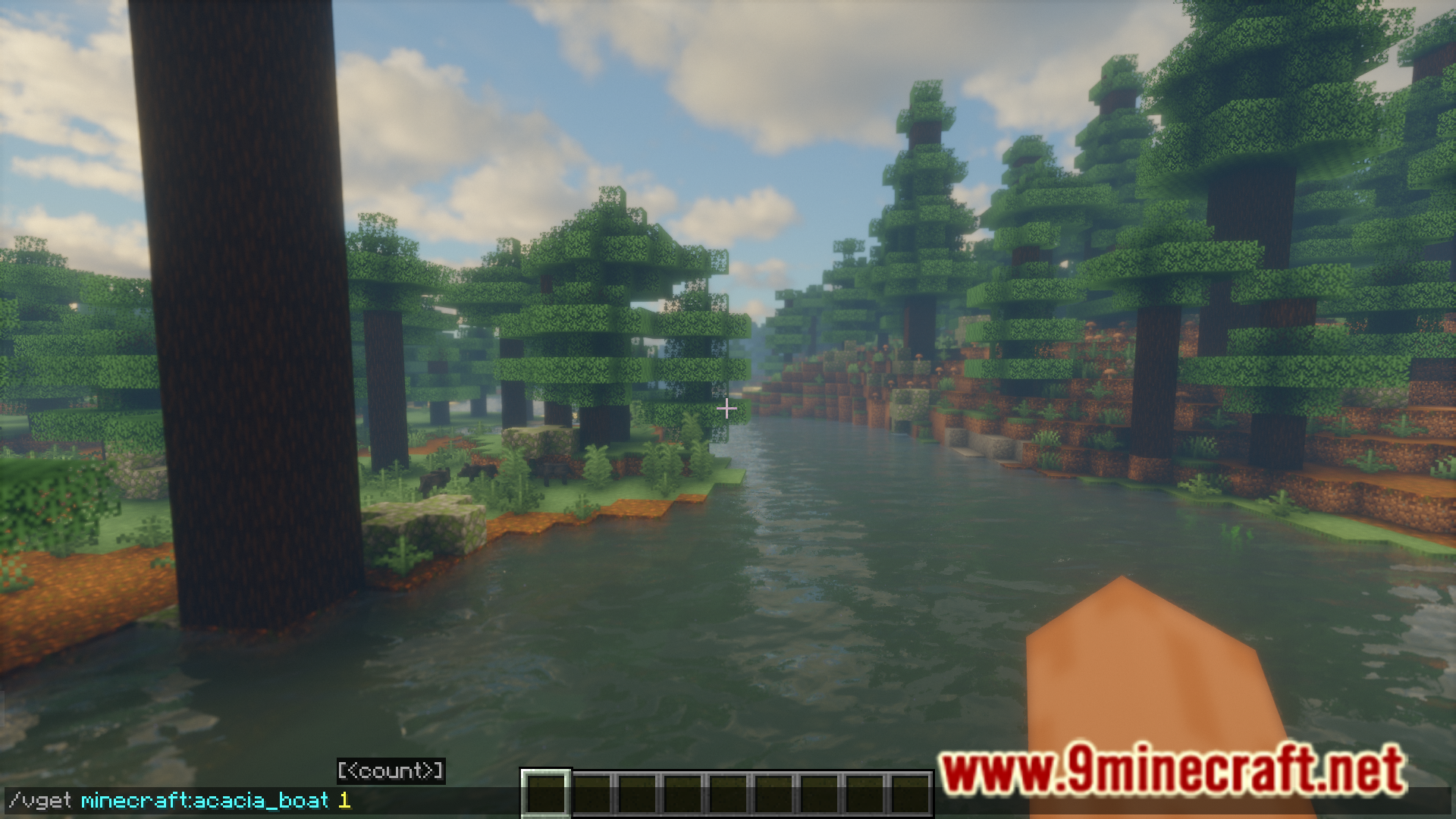
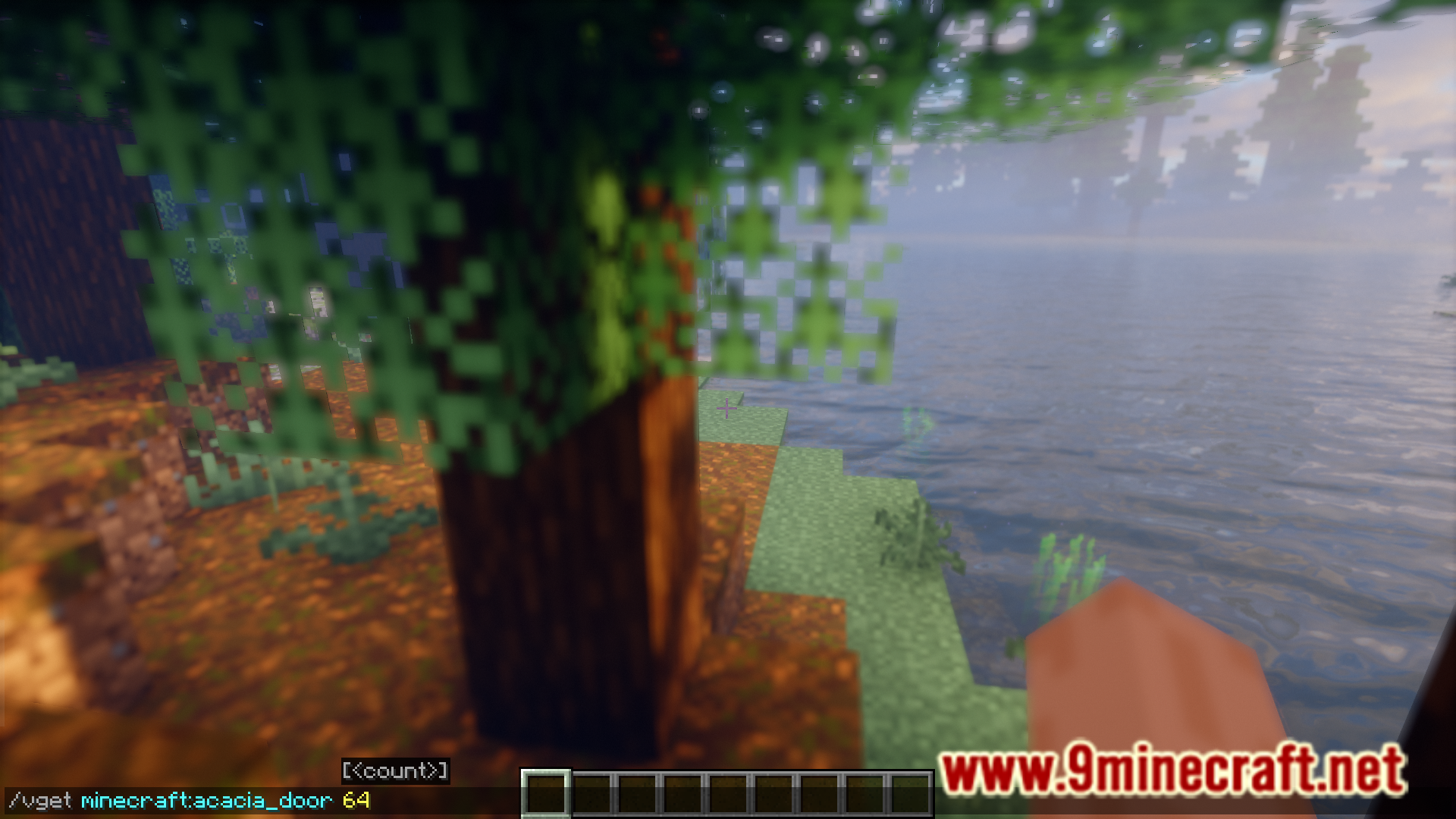
vget <item> <count>: Gives yourself a ghost item. In Creative it will be a ghost, until you use it.vsetblock <pos> <block>: Sets the block at the specified position to the chosen block.vghostplacement <boolean>: Toggles if interacting with blocks sends a packet, including placing blocks and using buttons.vgetrender: Prints simulation and view distance in chat.vgetlocation <entity>: Prints current coordinates and dimension in chat.vsummon <entity> <location> <nbt>: Summons an entity client-side where you can be nudged by client-side entities.vkill <entities>: Removes entities from the client world.vquery [blocks|entities] <block|entity> <distance>: Prints the amount of entities or blocks loaded within chunks using your render distance by default.vfill <pos1> <pos2> <block> [hollow|keep|outline|replace] [block]: Fills an area with blocks client-side using vanilla fill syntax.vstop: Stops the Minecraft client.vresize <width> <height>: Resizes the Minecraft client window.
How to Use:
- Open your chat window in the game.
- Type the letter
vfollowed by the command name instead of the standard slash. - Run any of the client-side commands to test blocks, check coordinates, or manage your game window locally.
Screenshots:
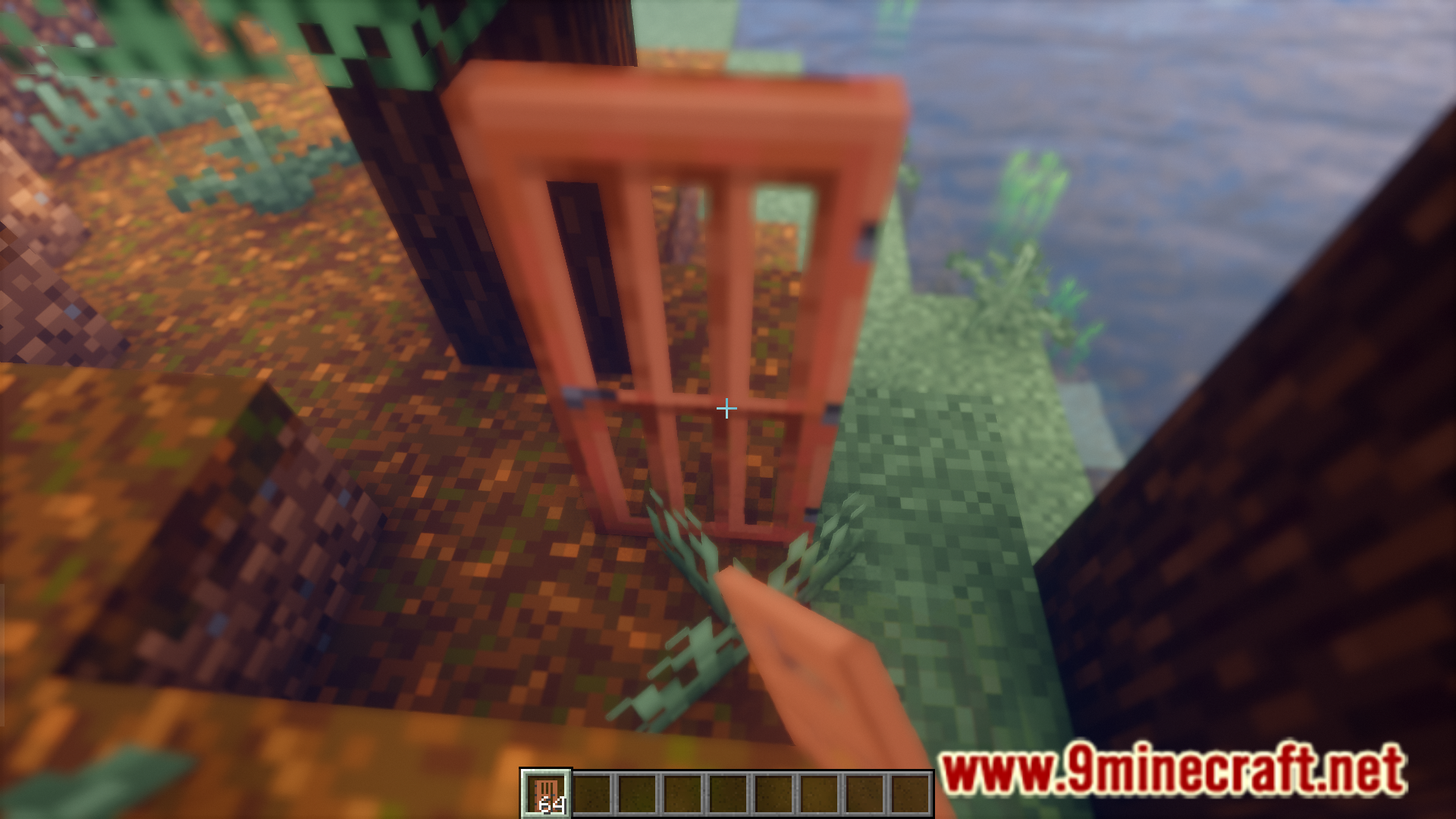
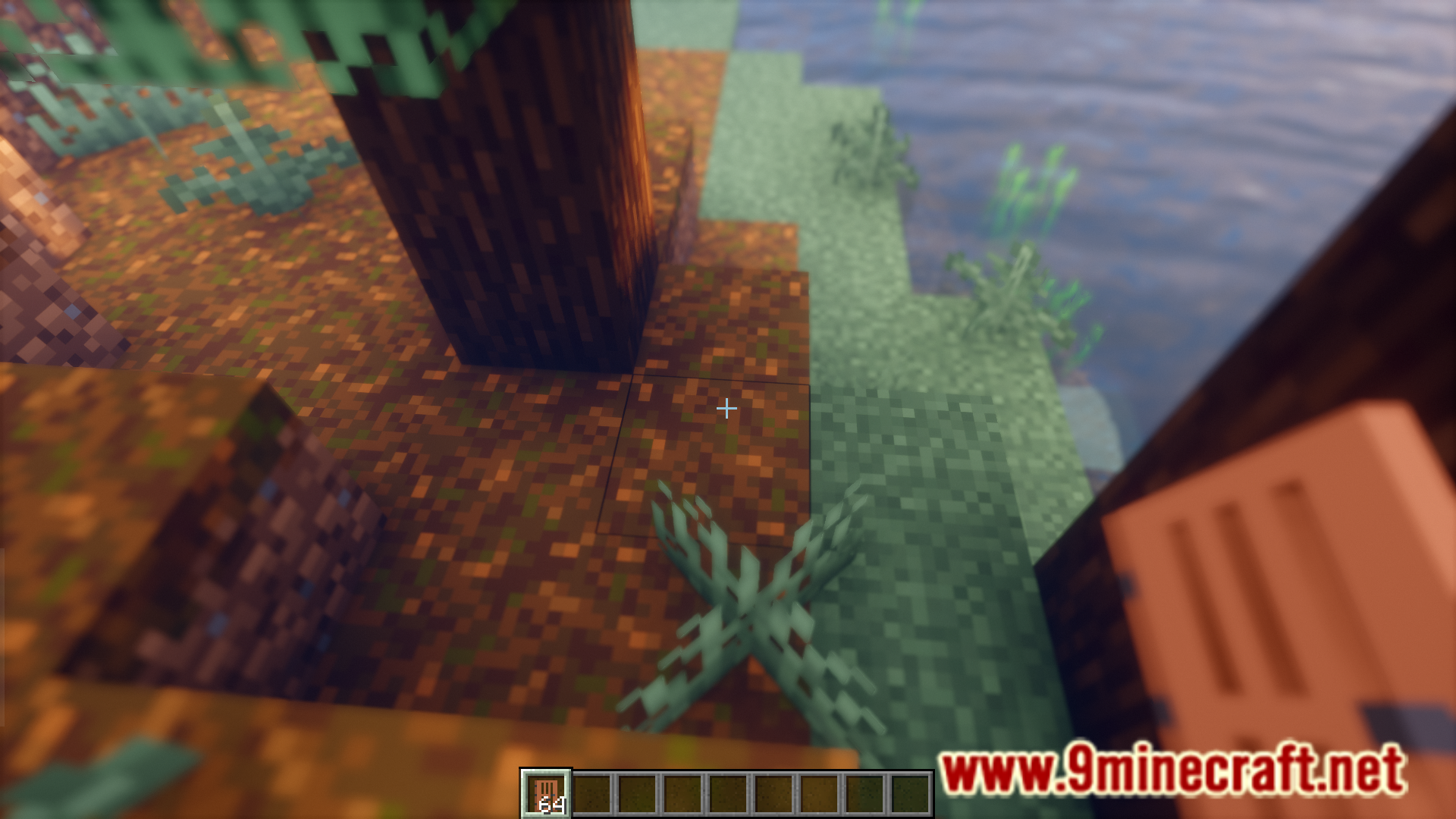
How to Install:
New to Minecraft? Follow our step-by-step guide to install Mods on your PC.View Guide
Requirements:

Void Commands Mod Download Links
For Minecraft 26.3
For Minecraft 26.2
For Minecraft 26.1.2, 26.1.1, 26.1
For Minecraft 1.21.11
For Minecraft 1.21.10
For Minecraft 1.21.8, 1.21.7, 1.21.6
For Minecraft 1.21.5
For Minecraft 1.21.4
For Minecraft 1.21.1, 1.21
For Minecraft 1.20.6
For Minecraft 1.20.4
Click to rate this post!
[Total: 0 Average: 0]
QUICK MINECRAFT SURVEY · ONE TAP
Mods & Modpacks
What is the longest real-time wait you will tolerate for a heavily modded game to load to the main menu?
11 responses · See the full results →
You May Also Like
Picked for this page
 Harvest With Ease Mod (26.1.2, 1.20.1) – Right-Click Harvesting
 Perfect Accuracy Mod (26.3, 1.20.1) – True Aim Mechanics
 Break Free Mod (26.3, 1.20.1) – Keep Breaking Blocks When Switch Items
 Client Crafting Mod (26.3, 1.20.1) – Instant Crafting
 Better Hanging Signs Mod (1.21.11, 1.20.1) – Enables Placement of Items on Hanging Signs
 Magic Particles Mod (26.3, 1.20.1) – Creating Custom Particle Effects
 Chat Tools Mod (26.3, 1.20.1) – Advanced Tools and Customization Chat Options
 Vanilla Plus Blocks Mod (1.21.11, 1.20.1) – Adds 2500+ New Block Variants
 Ordinary Crook Mod (26.2, 1.20.1) – Boost Your Leaf Drops
 Craftable Tall Grass Mod (26.3, 1.21.1) – New Crafting Recipes For Tall Grass & Large Fern
 Ronco Record Vault Mod (26.3, 1.20.1) – Store Music Discs In Bookshelves
 Pet Protect Mod (26.3, 1.21.1) – Protect Pets During Combat
Most viewed in Mods over the last 7 days
 Ala Industrial Mod (26.3) – Run Electric Power Grids and Automated Factories
 PleasureCraft Mod (26.3, 1.21.1) – Jenny Mod Remake for Fabric
 Jennycraft Mod (26.3, 1.20.1) – Virtual Girlfriend in Minecraft
 Fapcraft Mod (26.3, 1.12.2) – Comprehensive and Detailed Content
 Jenny Mod (Fapcraft) Official Complete Guide – How to use, Tutorial
 BangCraft Mod (1.20.1) – Jenny, Ellie and Elliot
 Fabric Loader (26.3, 1.20.1) – Fabric Installer for All Minecraft Versions
 The Shooting Star Demo Mod (26.3, 1.20.1) – Vaporize Terrain From Orbit
 Meteor Client Mod (26.3, 1.20.1) – Xray, HUD, Fly
 OptiFine HD (26.3, 1.20.1) – Run Faster, FPS Boost, Shaders Support
 Aristois Client Mod (1.21.4, 1.20.1) – World Class Minecraft Utility
 Prestige Client Mod (1.21.11, 1.21.4) – Powerful Ghost Features for Crystal & Sword PvP
More from Mods
 Luxium Let There Be Light Mod (1.20.1) – Stunning Lighting on Low-End Computers
 Soulscraft Tarnished Legacy Mod (1.21.1) – Hunt Relics to Forge Dark Fantasy
 Fetzi’s Displays Mod (26.1.2, 1.20.1) – Turn Rare Gear and Weapons
 Primal Plushies Paleo Pals Mod (1.21.1, 1.20.1) – Decorate Your Base
 Ipla Mod (26.3, 1.20.1) – Showcase Your Favorite Items
 MesdagPortLib Mod (1.20.1) – Run Modern Minecraft Mechanics on Older Versions
 Hellion’s API Mod (1.21.11, 1.21.1) – Play Hellion Series Addons Without Crashes
 Terrestria Mod (26.3, 1.20.1) – Highly Detailed Biomes
 Tre’s Tack Library Mod (1.20.1) – Outfit Your Horses with Fully Detailed Tack
 YDM’s coreX Library Mod (1.20.1) – Loot RPG Gear with Random Names
 Gunpowder Recipe Mod (26.3, 1.20.1) – Gunpowder is Craftable
 Villager Timetable Mod (26.3, 1.20.1) – Master Villager Schedules

This post has no comments yet. Be the first — your comment will appear here.