
WAIG Mod (26.3, 1.20.1) – Track Your Direction in Any Biome

 0


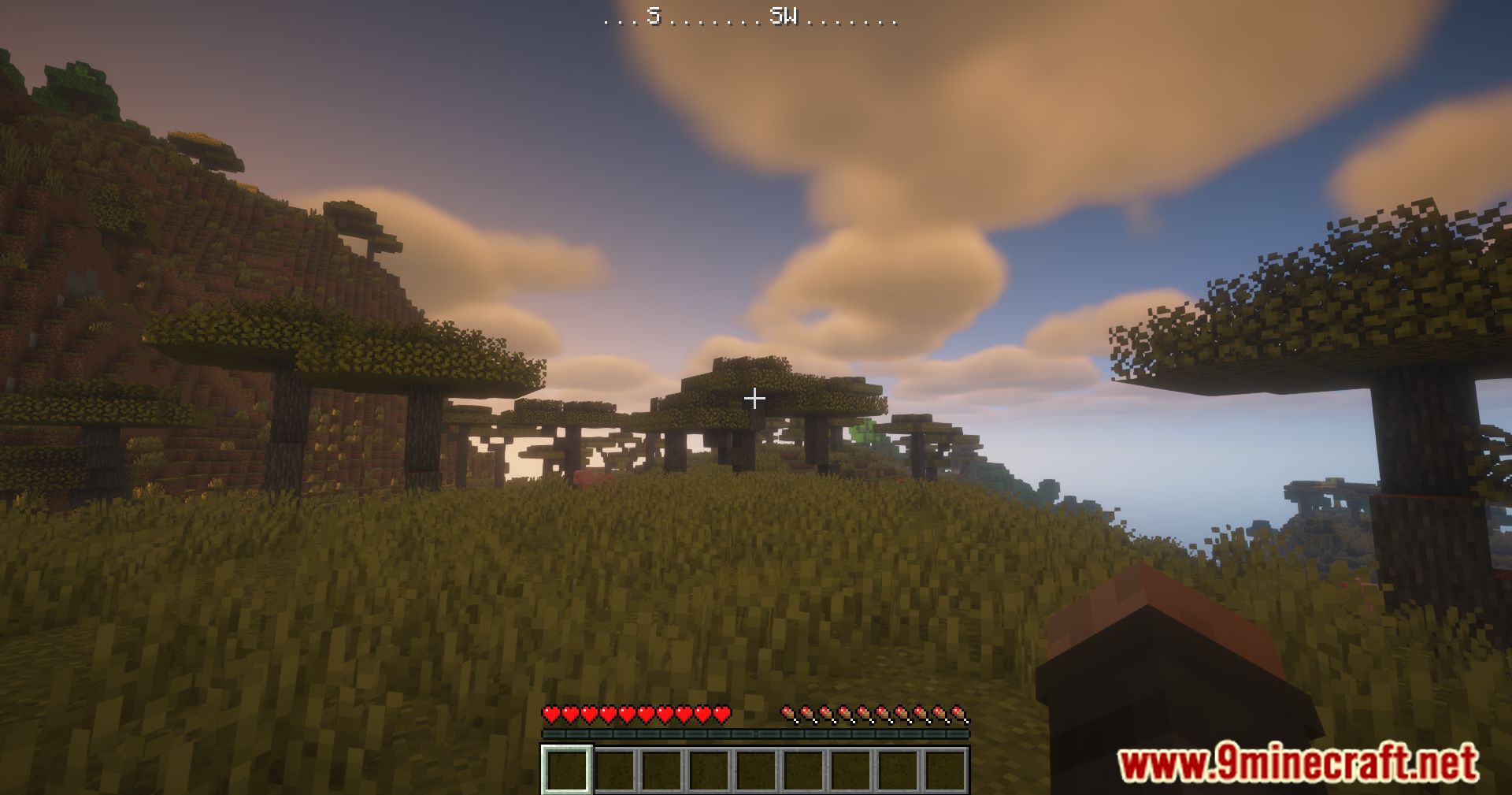
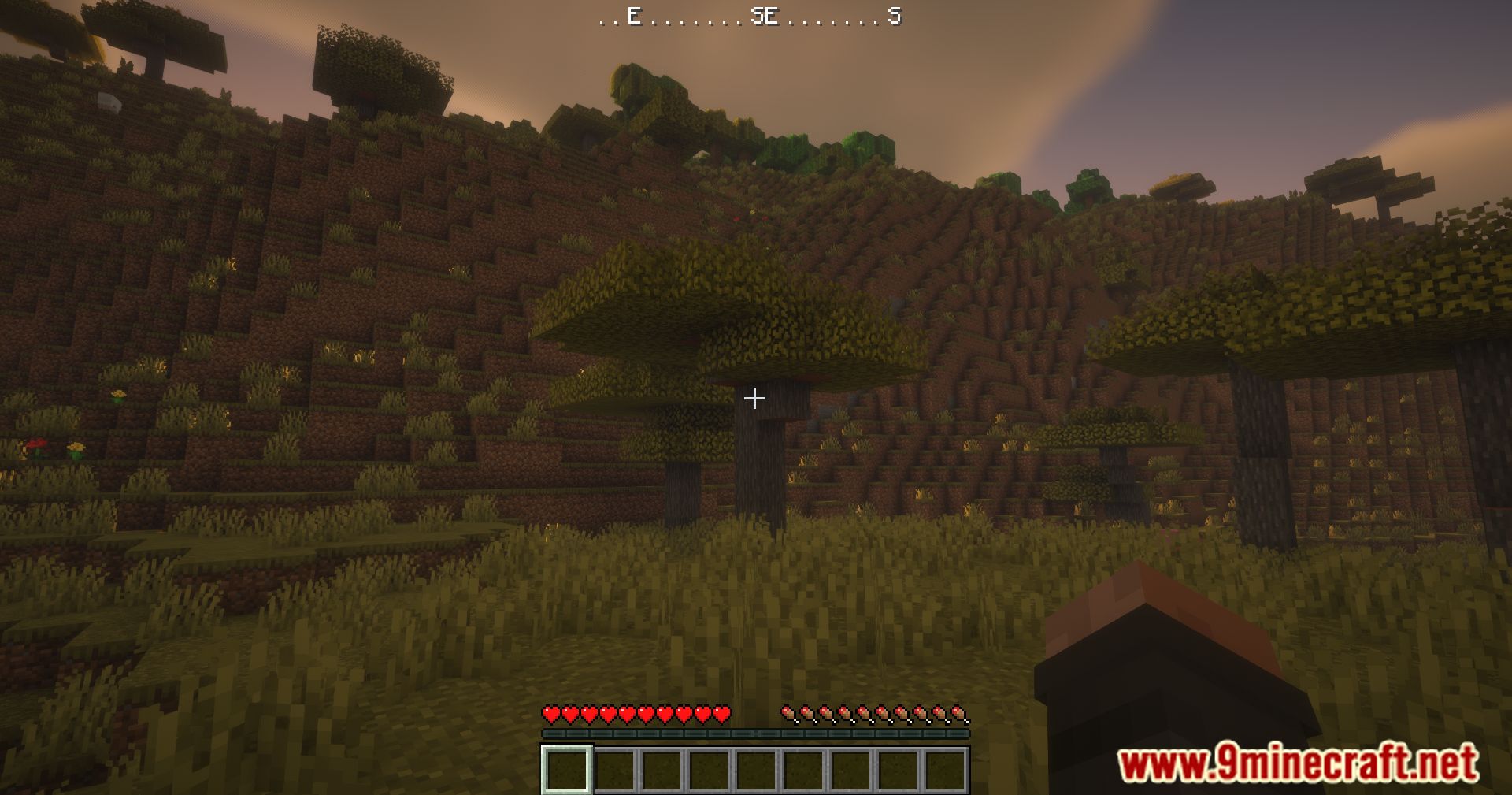
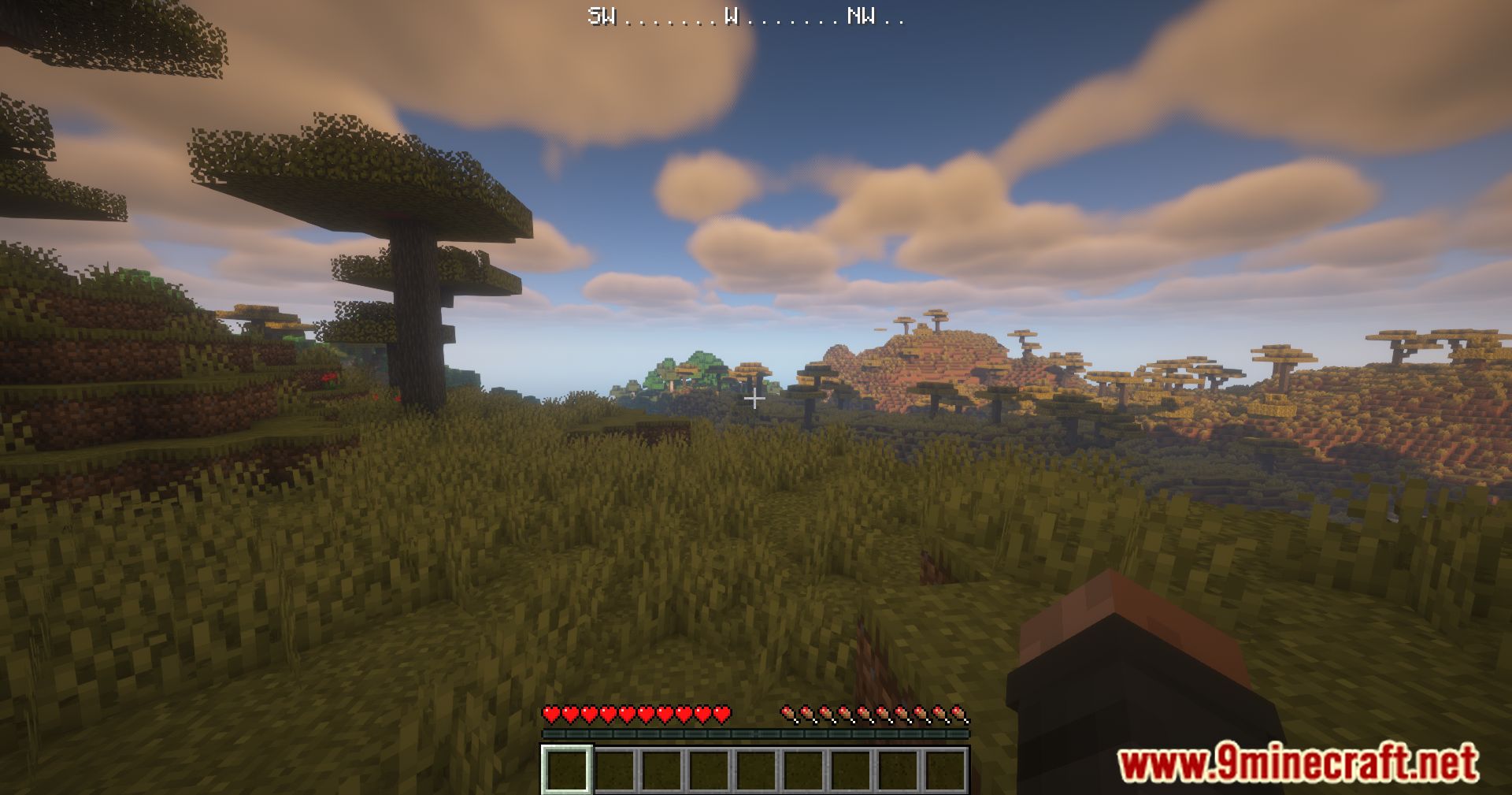
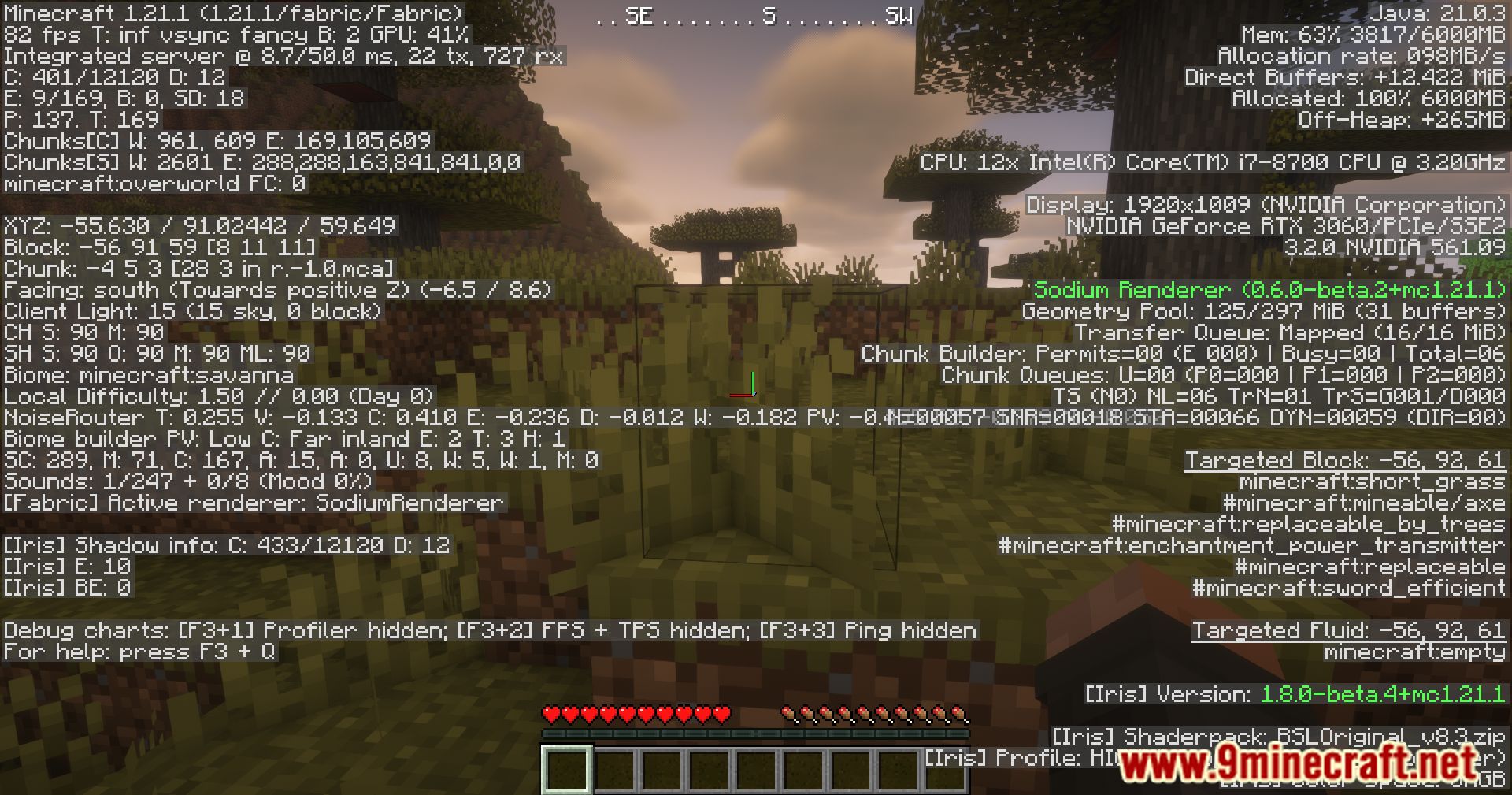
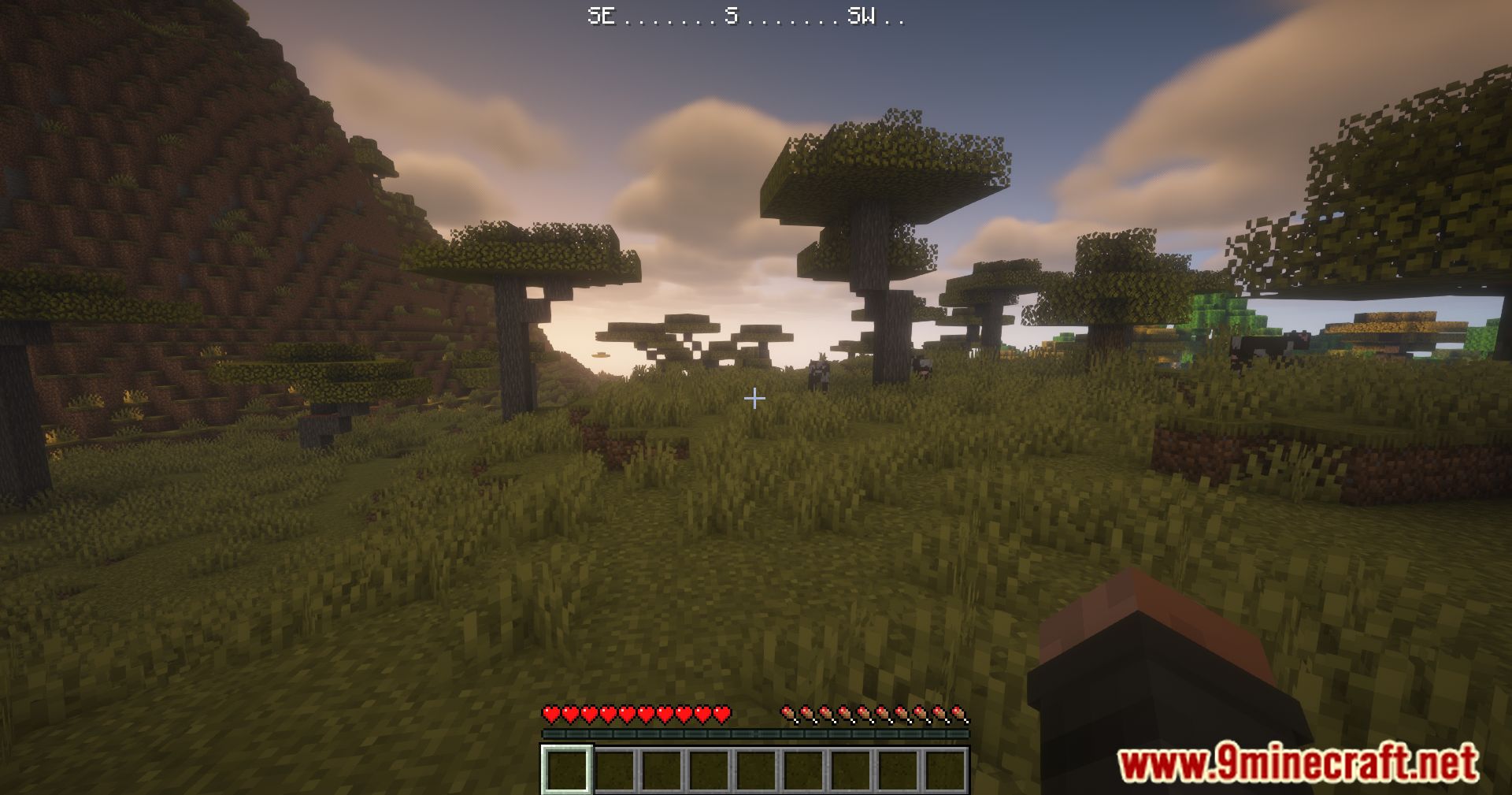
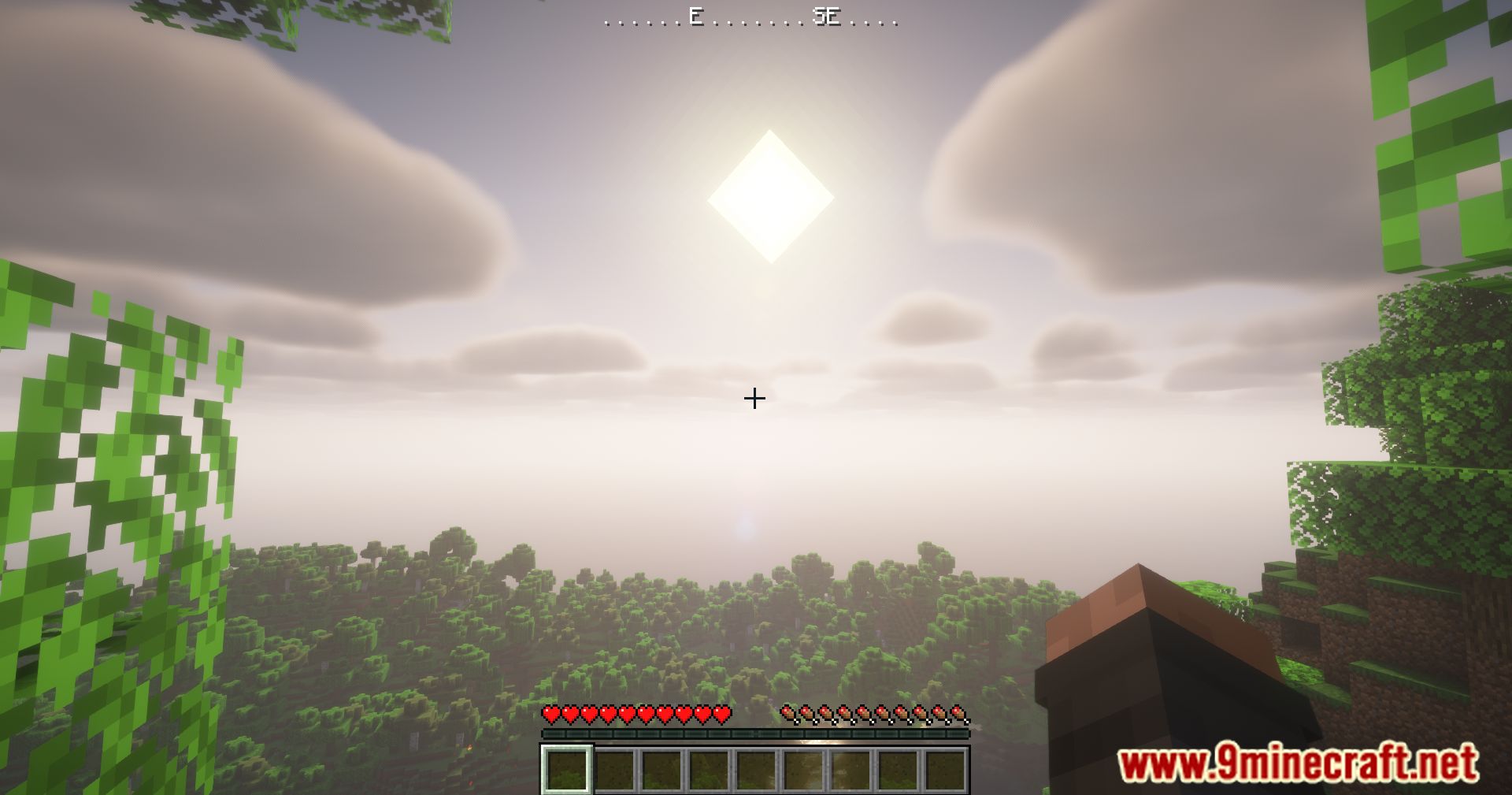
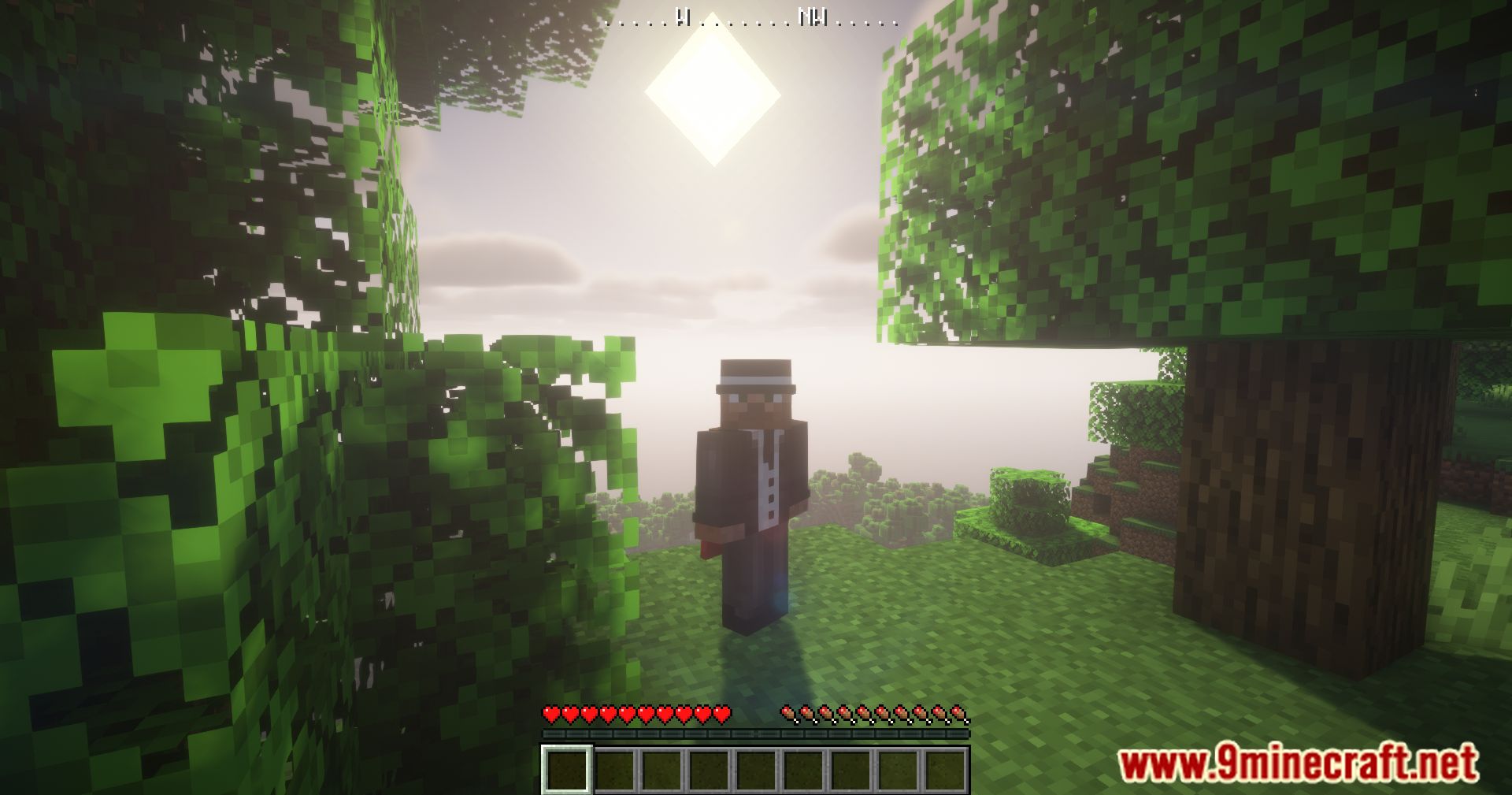
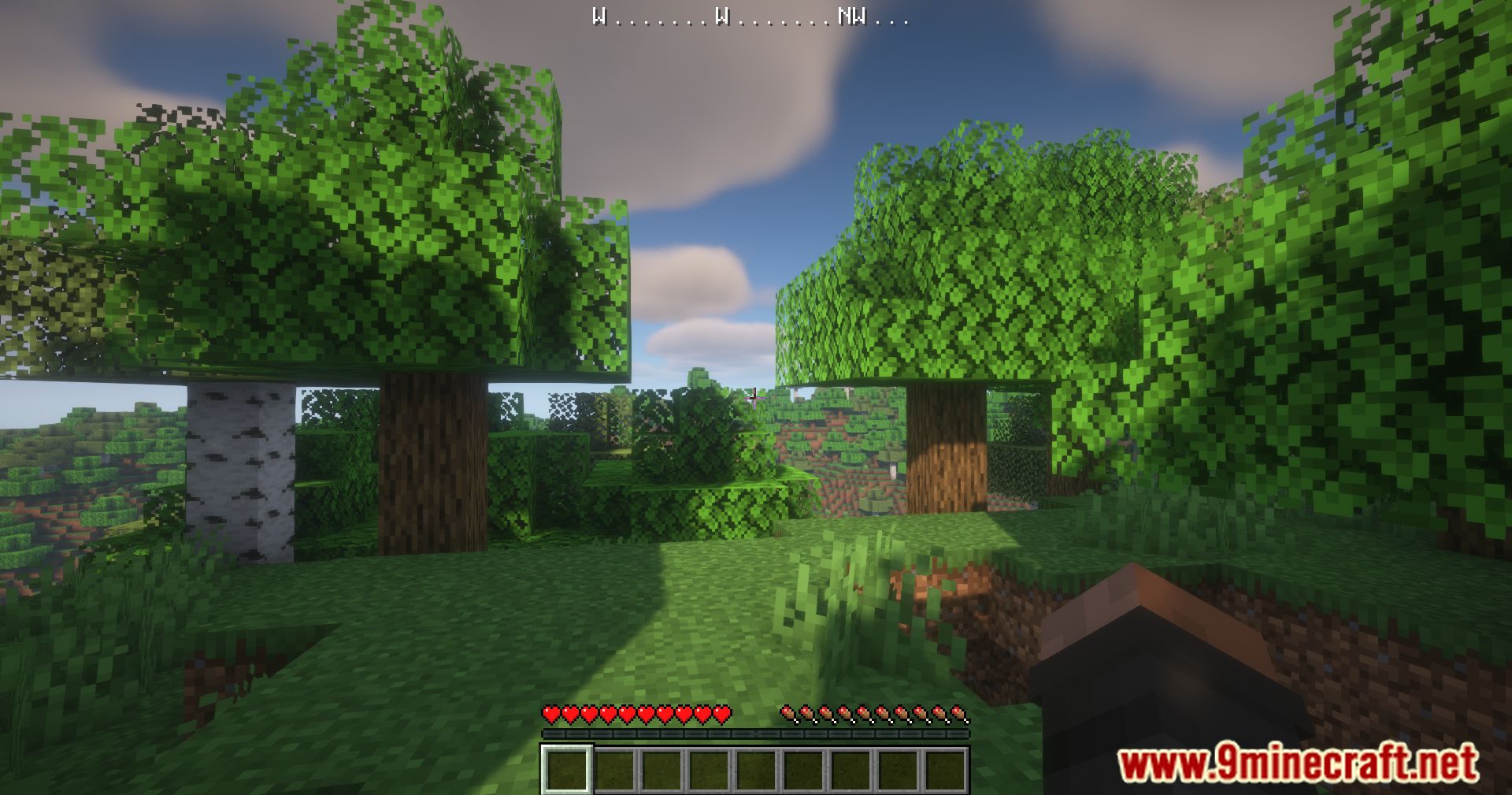
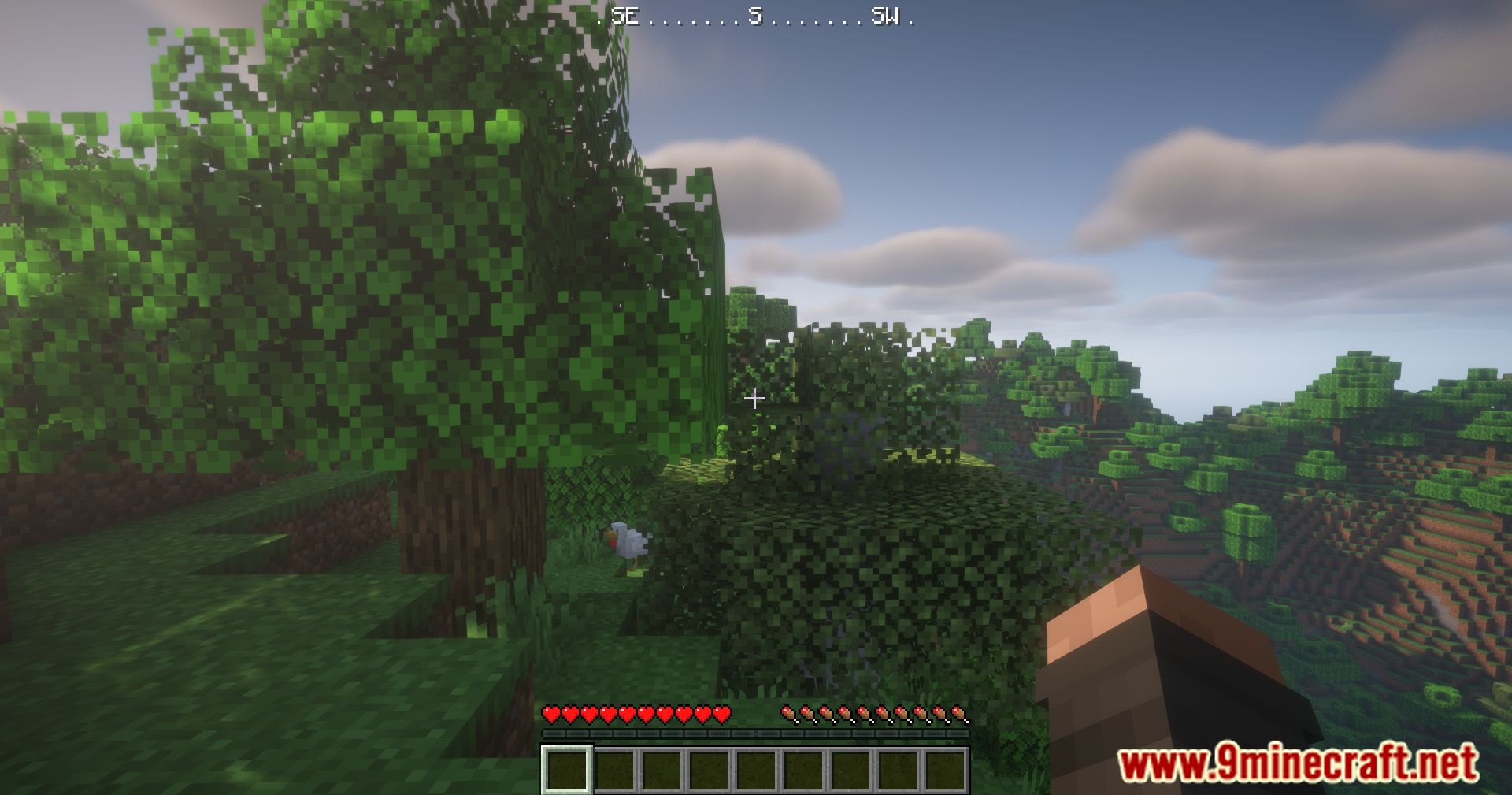
WAIG Mod adds a clean, RPG-style compass HUD to help players track their exact direction in the game world. This client-side mod displays which way the character faces at all times, making navigation much simpler during adventures. Players can easily toggle the overlay on or off using a key binding, ensuring the screen stays clutter-free whenever necessary.

Features:
- Displays a minimal compass HUD at the top of the screen to show character direction.
- Toggles on or off quickly using a custom key binding (default is F6).
- Configures to show the HUD only when holding a compass in either hand or carrying one in the inventory.
- Shifts downward automatically to avoid blocking active boss health bars.
- Runs entirely on the client side without requiring server-side installation.
- Scales smoothly with different GUI sizes for clear visibility.
How to Use:
- Press the F6 key on your keyboard to turn the compass HUD on or off.
- Edit the
waig.configfile in your configuration folder to change the display mode between always on, inventory check, or hand holding. - Keep a compass in your inventory or hand if your config mode requires it to display the direction overlay.
Configuration:
- Config file location:
minecraft-base-folder/config/waig.config. hud-show-mode: Config key that sets when the compass HUD appears (options:always,inventory, orhand).
Screenshots:
How to Install:
New to Minecraft? Follow our step-by-step guide to install Mods on your PC.View Guide
Requirements:

WAIG Mod Download Links
For Minecraft 26.3
For Minecraft 26.2
For Minecraft 26.1.2, 26.1.1, 26.1
For Minecraft
1.21.11,
1.21.10,
1.21.9
All Versions Covered
1.21.11
1.21.10
1.21.9
1.21.8
1.21.7
1.21.6
1.21.5
1.21.4
1.21.1
1.21
All Versions Covered
1.21.11
1.21.10
1.21.9
1.21.8
1.21.7
1.21.6
1.21.5
1.21.4
1.21.1
1.21
For Minecraft 1.21.10, 1.21.9
For Minecraft 1.21.8, 1.21.7, 1.21.6
For Minecraft 1.21.5
For Minecraft 1.21.4
For Minecraft 1.21.3, 1.21.2
For Minecraft
1.20.6,
1.20.5,
1.20.4
All Versions Covered
1.20.6
1.20.5
1.20.4
1.20.3
1.20.2
1.20.1
1.20
All Versions Covered
1.20.6
1.20.5
1.20.4
1.20.3
1.20.2
1.20.1
1.20
For Minecraft 1.19.4, 1.19.3
For Minecraft
1.19.2,
1.19.1,
1.19
All Versions Covered
1.19.2
1.19.1
1.19
1.18.2
1.18.1
1.18
All Versions Covered
1.19.2
1.19.1
1.19
1.18.2
1.18.1
1.18
For Minecraft 1.17.1
Click to rate this post!
[Total: 0 Average: 0]
You May Also Like
Picked for this page
 Just Enough Items Mod (26.3, 1.20.1) – JEI, Crafting Recipes Viewing
 JourneyMap Mod (26.3, 1.20.1) – Never Get Lost Exploring
 Corail Tombstone Mod (26.2, 1.20.1) – Never Lose Your Items Again
 Xaero’s World Map Mod (26.3, 1.20.1) – Trace Your Footsteps
 Roughly Enough Items Mod (26.3, 1.20.1) – Look Up Any Recipe Without a Wiki
 Ambient Sounds Mod (26.3, 1.20.1) – Listen to The Sounds of Nature
 Pufferfish’s Skills Mod (26.3, 1.20.1) – Level Up Your Abilities
 RPG-Hud Mod (26.2, 1.20.1) – Your Screen Becomes an RPG
 Spice of Life Carrot Edition Mod (26.3, 1.20.1) – Turn Food Into More Health
 Traveler’s Compass Mod (26.3, 1.20.1) – Item & Mob Tracker
 WITS Mod (26.3, 1.20.1) – Instantly ID Any Structure
 Improved Signs Mod (26.3, 1.20.1) – Passthrough Signs, Retain Sign Text
Most viewed in Mods over the last 7 days
 Ala Industrial Mod (26.3) – Run Electric Power Grids and Automated Factories
 PleasureCraft Mod (26.3, 1.21.1) – Jenny Mod Remake for Fabric
 Jennycraft Mod (26.3, 1.20.1) – Virtual Girlfriend in Minecraft
 Fapcraft Mod (26.3, 1.12.2) – Comprehensive and Detailed Content
 Jenny Mod (Fapcraft) Official Complete Guide – How to use, Tutorial
 BangCraft Mod (1.20.1) – Jenny, Ellie and Elliot
 Fabric Loader (26.3, 1.20.1) – Fabric Installer for All Minecraft Versions
 The Shooting Star Demo Mod (26.3, 1.20.1) – Vaporize Terrain From Orbit
 Meteor Client Mod (26.3, 1.20.1) – Xray, HUD, Fly
 OptiFine HD (26.3, 1.20.1) – Run Faster, FPS Boost, Shaders Support
 Aristois Client Mod (1.21.4, 1.20.1) – World Class Minecraft Utility
 Prestige Client Mod (1.21.11, 1.21.4) – Powerful Ghost Features for Crystal & Sword PvP
More from Mods
 Terrestria Mod (26.3, 1.20.1) – Highly Detailed Biomes
 Tre’s Tack Library Mod (1.20.1) – Outfit Your Horses with Fully Detailed Tack
 YDM’s coreX Library Mod (1.20.1) – Loot RPG Gear with Random Names
 Gunpowder Recipe Mod (26.3, 1.20.1) – Gunpowder is Craftable
 Villager Timetable Mod (26.3, 1.20.1) – Master Villager Schedules
 Artemis Laboratory Blocks Mod (26.3, 1.20.1) – Lab Blocks And Dynamic Decorations
 Fabric ORM Jimmer Mod (26.3, 1.20.1) – Prevent Sudden Server Crashes
 Cafe Core Mod (26.2, 1.21.1) – Bypass Anvil Limits and Tame Pets in Seconds
 GTNH’s Forgelin Mod (1.7.10) – Play Kotlin-Powered Mods on Minecraft 1.7.10
 Nodeflow Mod (26.1.2, 1.21.1) – Wire Custom Redstone Logic on Visual Graph
 Winter Client Mod (1.21.11) – Survive Ruthless PvP on Anarchy Servers
 LARP Client Mod (1.21.11) – Dominate Crystal PvP on Anarchy Servers

This post has no comments yet. Be the first — your comment will appear here.