
Wayland Fix Mod (1.21.1, 1.20.1) – Play Natively on Linux Without Blurry
 351
 0


Wayland Fix Mod lets you run Minecraft natively on Linux systems using Wayland instead of XWayland. It fixes display problems like blurry graphics and makes per-monitor HiDPI scaling work properly. This mod is specifically for Linux users and does not help if you use a different operating system.



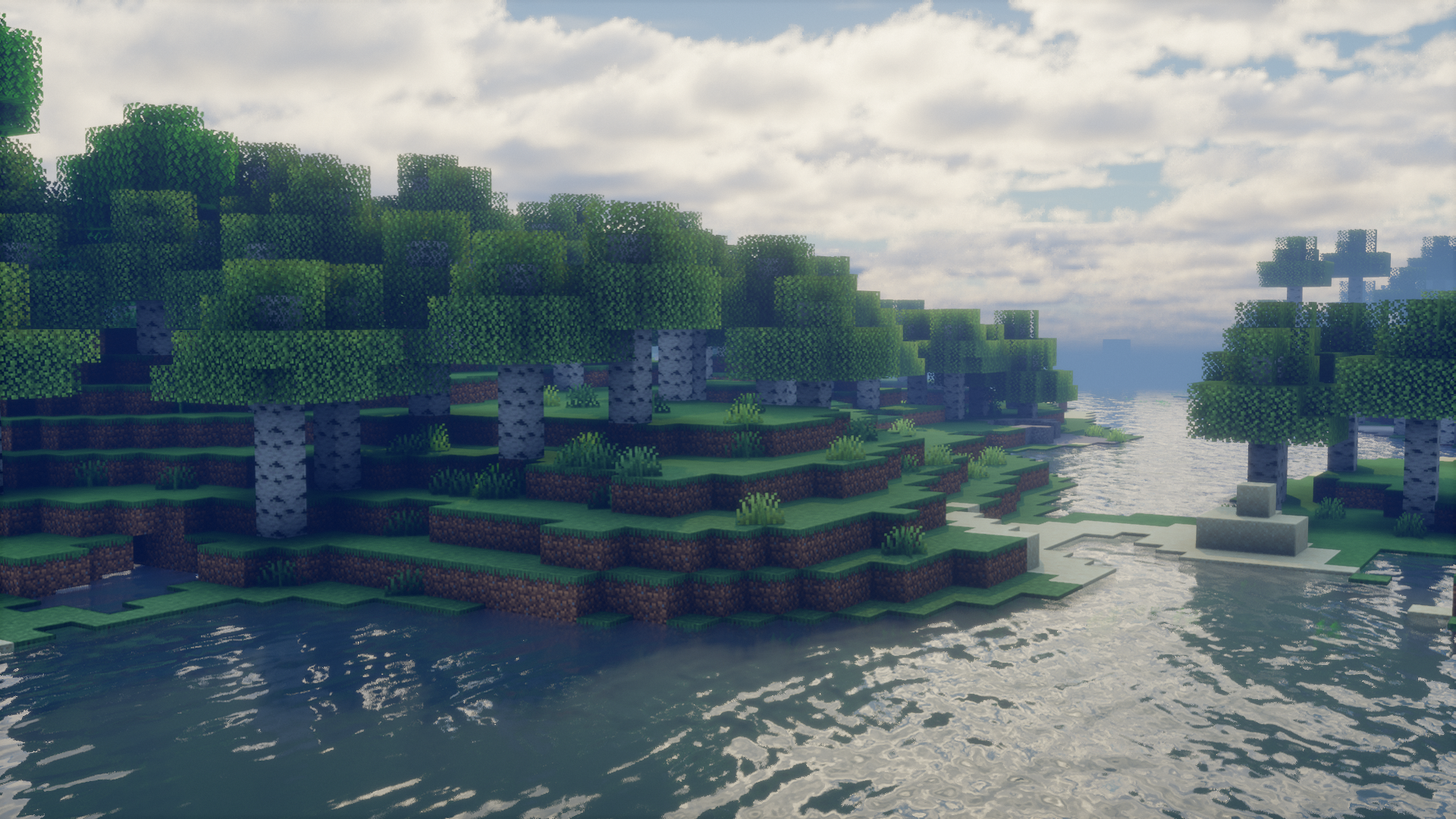
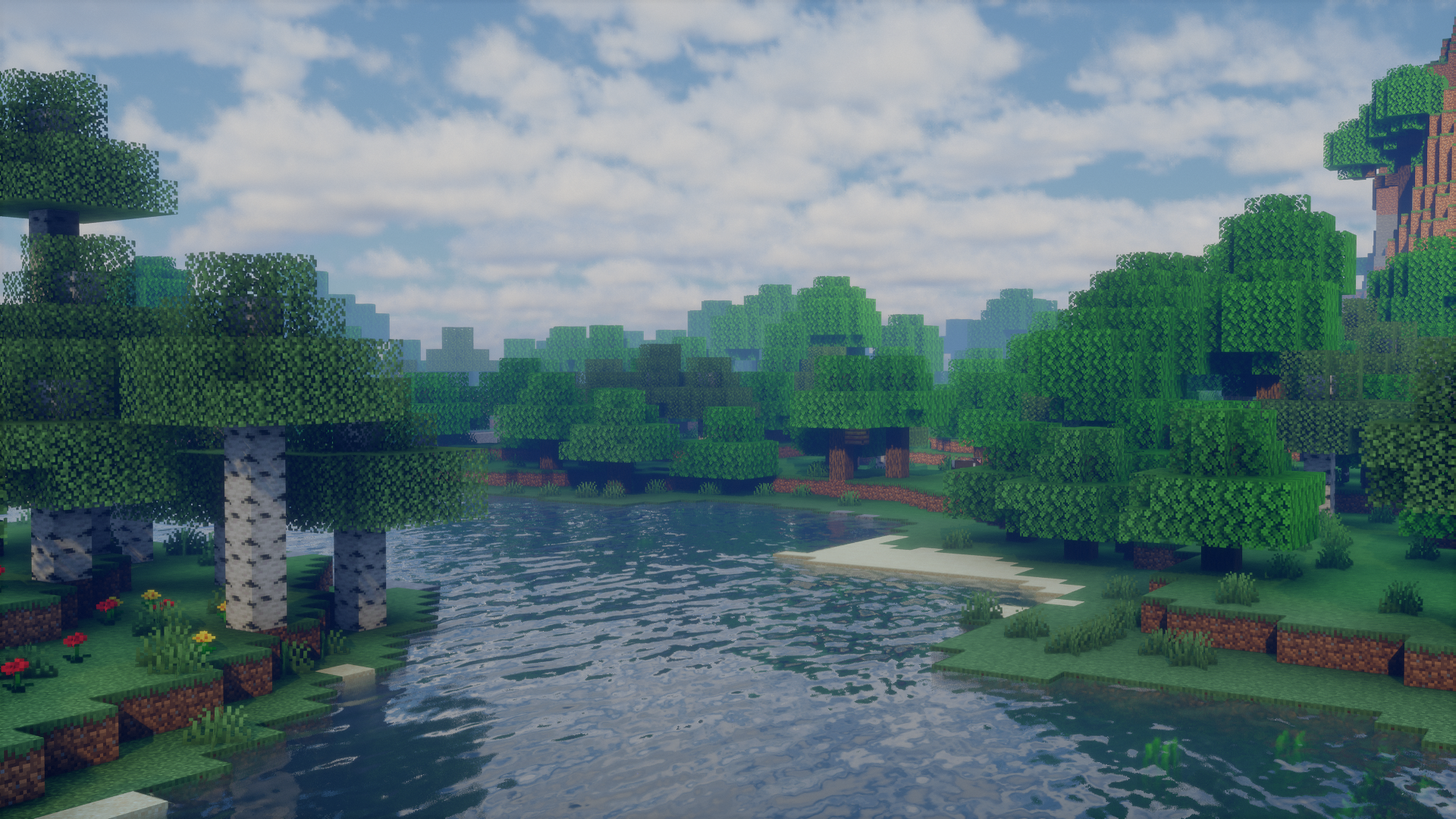
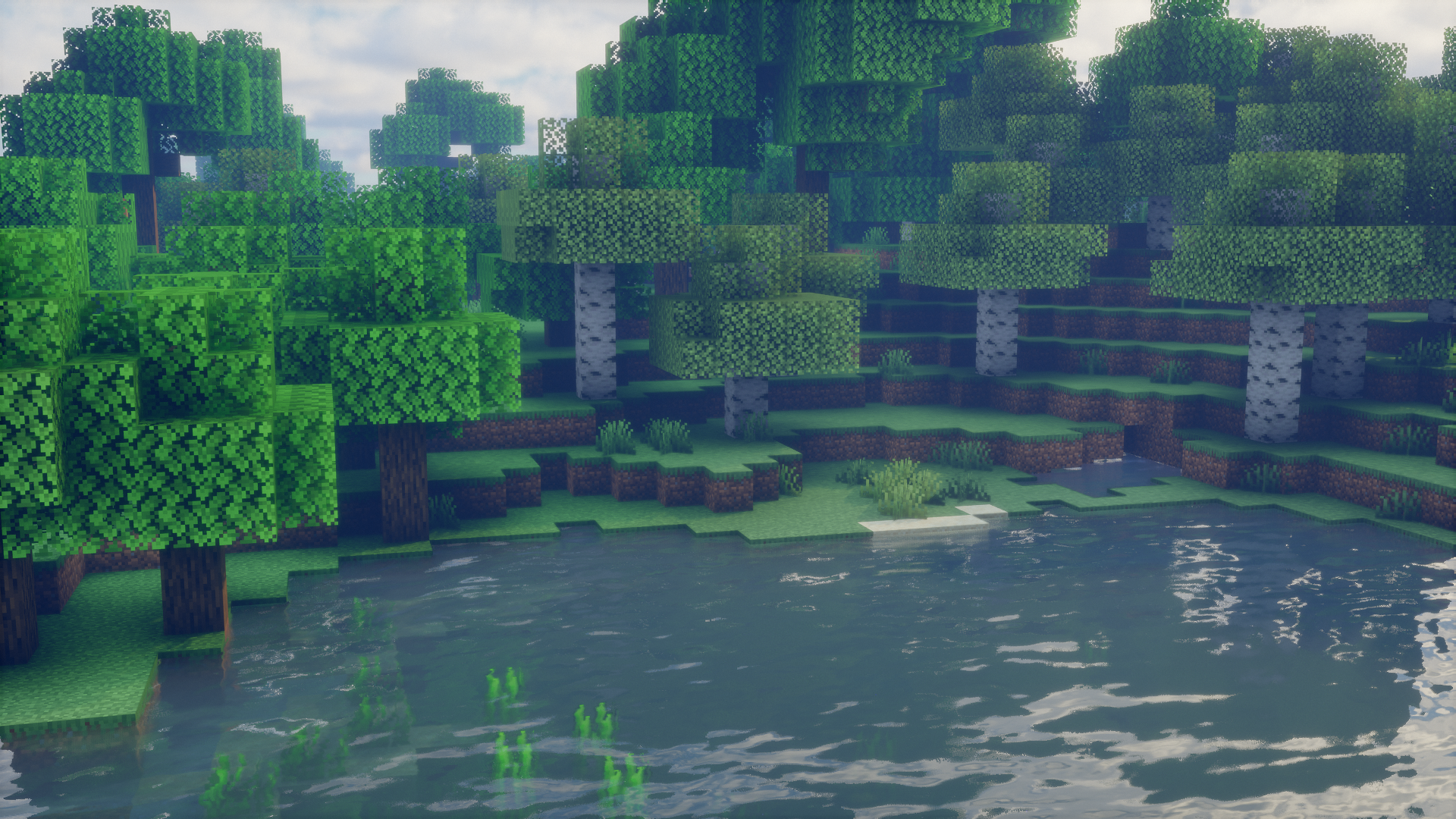
Features:
- Runs Minecraft natively on Linux systems with Wayland compositors.
- Fixes display problems caused by running the game through XWayland.
- Enables proper per-monitor HiDPI scaling for crisp graphics on high-resolution displays.
- Requires a Wayland-supported system GLFW installation and a specific JVM flag to function correctly.
How to Use:
- Make sure your system uses a Wayland compositor on Linux.
- Install a Wayland-supported system GLFW, such as
glfw-waylandon Arch Linux. - Add the JVM flag
-Dorg.lwjgl.glfw.libname=/usr/lib/libglfw.soto your game launcher settings. - Launch the game to enjoy native Wayland support without blurry XWayland graphics.
How to Install:
New to Minecraft? Follow our step-by-step guide to install Mods on your PC.View Guide
Wayland Fix Mod Download Links
For All Versions from Minecraft 1.7.10 to Minecraft 1.21.1
Fabric version: Download from Server 1 – Download from Server 2
Click to rate this post!
[Total: 0 Average: 0]
QUICK MINECRAFT SURVEY · ONE TAP
Mods & Modpacks
What is your biggest frustration when playing with mods?
22 responses · See the full results →
You May Also Like
Picked for this page
 Dynamic Trees Mod (26.1.2, 1.20.1) – Change the Natural Growth of Trees
 Custom Skin Loader Mod (26.3, 1.20.1) – Wear Any Skin You Can Find
 VR Mod (26.3, 1.20.1) – Play Minecraft in a Simulated 3D Environment
 Easy Shulker Boxes Mod (26.3, 1.20.1) – Making Shulker Boxes More Usable
 Thread Tweak Mod (1.21.11, 1.20.1) – Fork of Smooth Boot Mod
 Death Backup Mod (26.3, 1.20.1) – Automatic Inventory Backup
 Nether Villager Trader Mod (26.3, 1.20.1) – New Villager Found in The Nether
 Hellion’s Sniffer Plus Mod (1.21.1, 1.20.1) – An Expansion of Sniffer
 Reborn Core Mod (26.3, 1.20.1) – Library for Some Tech Mods
 Exploitation Timer Mod (26.3, 1.21.1) – TNT Explosion Countdown
 Your Options Shall Be Respected Mod (26.3, 1.20.1) – YOSBR, Default Options
 Tech Reborn Mod (26.3, 1.20.1) – Build Advanced Factories to Automate
Most viewed in Mods over the last 7 days
 Ala Industrial Mod (26.3) – Run Electric Power Grids and Automated Factories
 PleasureCraft Mod (26.3, 1.21.1) – Jenny Mod Remake for Fabric
 Jennycraft Mod (26.3, 1.20.1) – Virtual Girlfriend in Minecraft
 Fapcraft Mod (26.3, 1.12.2) – Comprehensive and Detailed Content
 Jenny Mod (Fapcraft) Official Complete Guide – How to use, Tutorial
 BangCraft Mod (1.20.1) – Jenny, Ellie and Elliot
 Fabric Loader (26.3, 1.20.1) – Fabric Installer for All Minecraft Versions
 The Shooting Star Demo Mod (26.3, 1.20.1) – Vaporize Terrain From Orbit
 Meteor Client Mod (26.3, 1.20.1) – Xray, HUD, Fly
 OptiFine HD (26.3, 1.20.1) – Run Faster, FPS Boost, Shaders Support
 Aristois Client Mod (1.21.4, 1.20.1) – World Class Minecraft Utility
 Prestige Client Mod (1.21.11, 1.21.4) – Powerful Ghost Features for Crystal & Sword PvP
More from Mods
 Fabric ORM Jimmer Mod (26.3, 1.20.1) – Prevent Sudden Server Crashes
 Cafe Core Mod (26.2, 1.21.1) – Bypass Anvil Limits and Tame Pets in Seconds
 GTNH’s Forgelin Mod (1.7.10) – Play Kotlin-Powered Mods on Minecraft 1.7.10
 Nodeflow Mod (26.1.2, 1.21.1) – Wire Custom Redstone Logic on Visual Graph
 Winter Client Mod (1.21.11) – Survive Ruthless PvP on Anarchy Servers
 LARP Client Mod (1.21.11) – Dominate Crystal PvP on Anarchy Servers
 Berlin Client Mod (1.21.11) – Hunt Stashes and Win Crystal Fights
 Kaleidoscope Cookery Refabricated Mod (26.3, 1.20.1) – Cook Hearty Meals
 Minecraft MusicBox Mod (1.21.12) – Play Your Favorite Songs While Mining and Building
 MTR Navigation Mod (1.21.1) – Plan Railway Trips and Never Miss a Train Stop
 TheHouse Mod (1.21.11) – Host Casino Tables and Track Every Bet in Real Time
 CinematicInteractions Mod (1.21.1) – Watch Your Hands Work at Every Crafting Table

This post has no comments yet. Be the first — your comment will appear here.