


WG GUI Plugin (26.2, 1.21.1) – Stop Griefing with Simple Click Menus

 0
0 

WG GUI Plugin simplifies land protection by turning long text commands into easy click menus. This plugin helps server staff and regular players manage safe zones without needing to memorize complicated text.
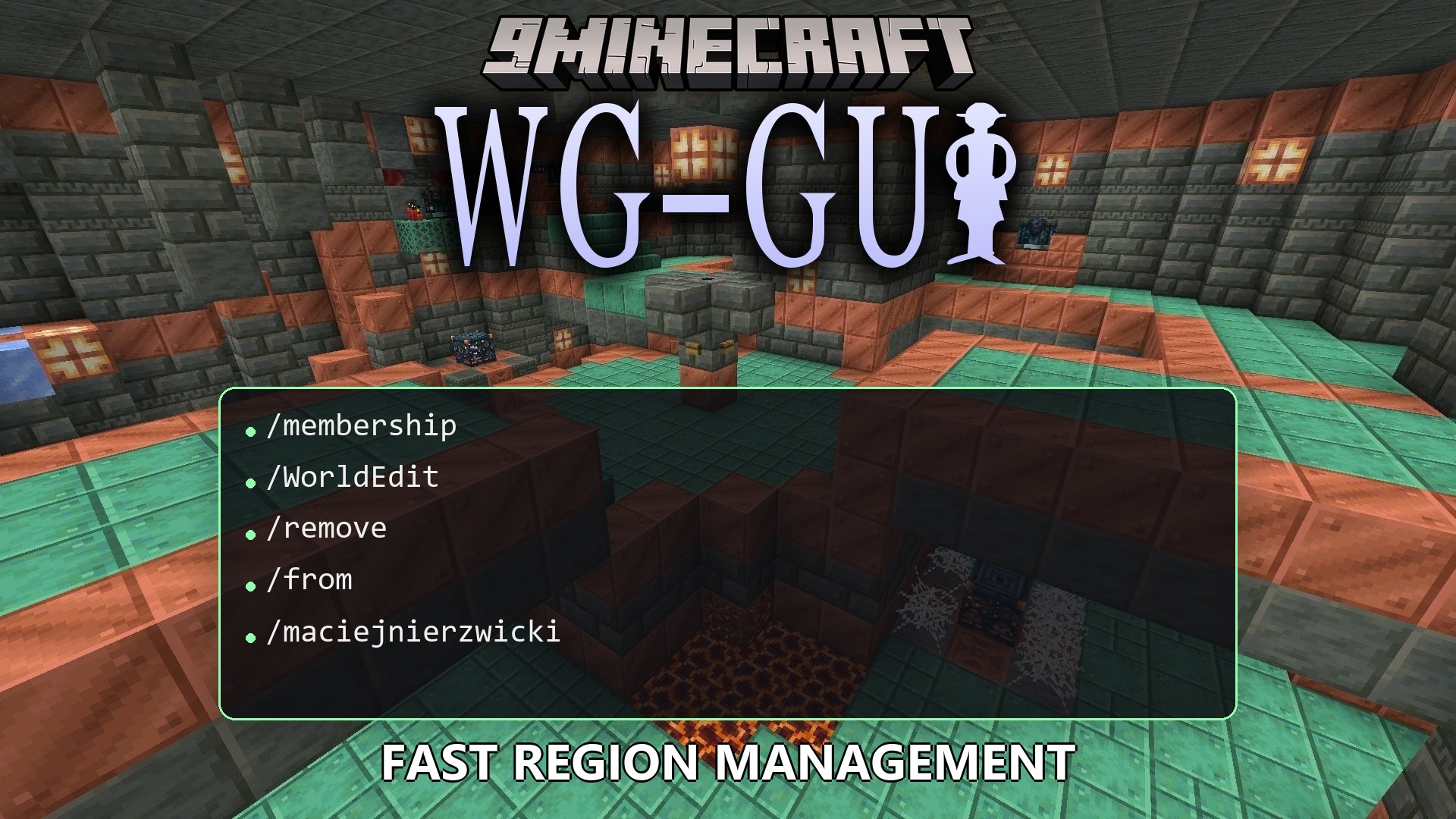
Features:
- Clickable Menus: Replaces typing long text with easy inventory screens.
- Region Templates: Lets you set up land protections faster by using pre-made setups.
- Players can easily add or remove friends from their protected areas.
- Changes the boundaries of safe zones with just a few clicks.
- Adjusts area rules like player combat or mob spawning by picking options from a list.
- Copies protection rules from one area and pastes them to another.
- Restricts how many areas a person can protect based on their server rank.
- Links smaller protected areas to bigger parent zones.
How to Install:
New to Minecraft? Follow our step-by-step guide to install Plugins on your PC.View Guide
Requirements:
WG GUI Plugin Download Links
For Minecraft
26.2,
26.1.2,
26.1.1
All Versions Covered
26.2
26.1.2
26.1.1
26.1
1.21.11
1.21.10
1.21.9
1.21.8
1.21.7
1.21.6
1.21.5
1.21.4
1.21.3
1.21.2
1.21.1
1.21
1.20.6
All Versions Covered
26.2
26.1.2
26.1.1
26.1
1.21.11
1.21.10
1.21.9
1.21.8
1.21.7
1.21.6
1.21.5
1.21.4
1.21.3
1.21.2
1.21.1
1.21
1.20.6
Click to rate this post!
[Total: 0 Average: 0]
You May Also Like











This post has no comments yet. Be the first — your comment will appear here.