Zorin Client Mod (1.21.1) – Custom Build Based on ThunderHack

 0
0  2 days ago
Zorin Client Mod (1.21.1) is a PvP utility client designed for advanced combat gameplay. It includes many modules focused on Crystal PvP and competitive combat.
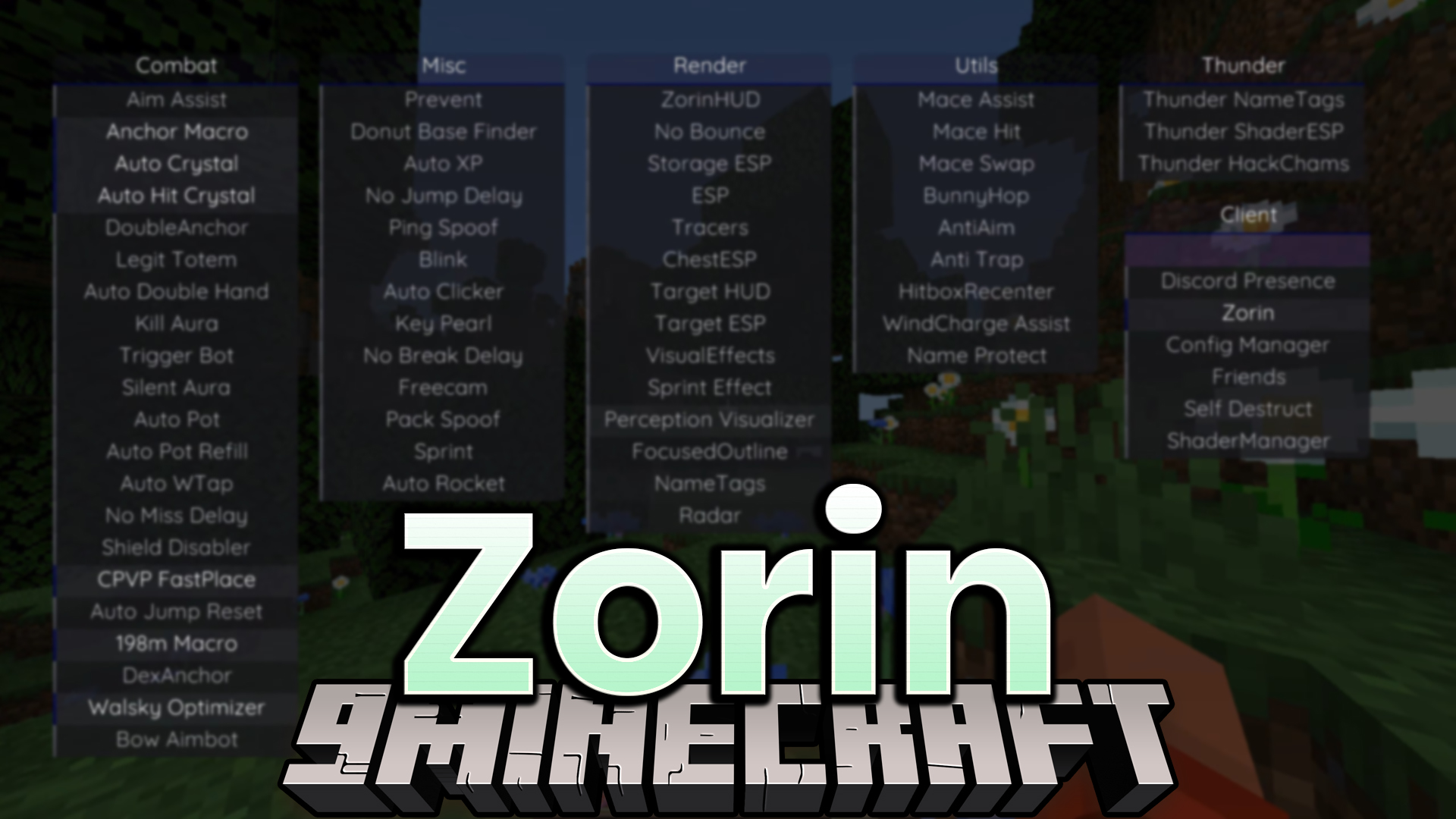
Features:
Combat
- Crystal and Anchor Combat
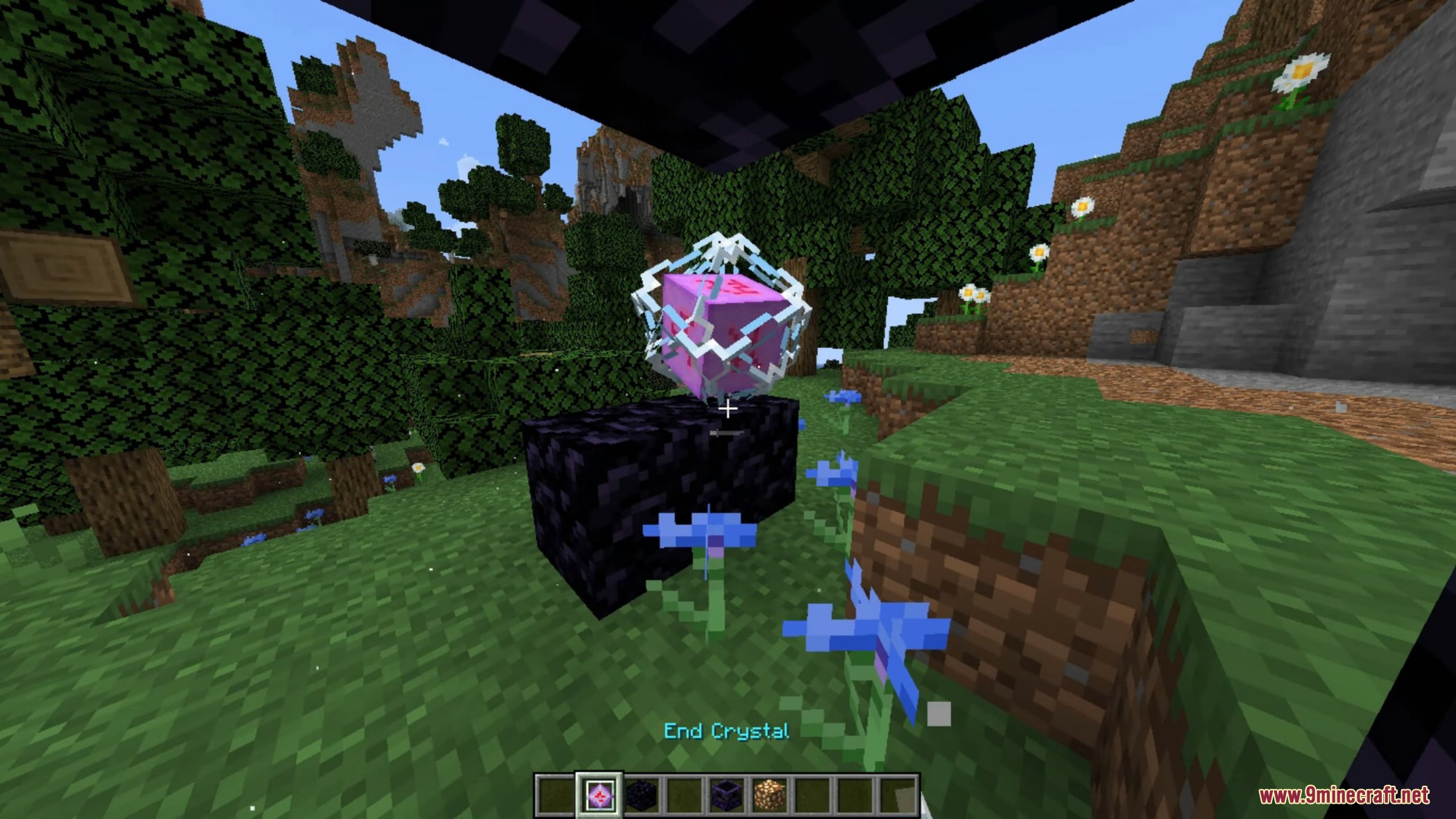
- Auto Crystal – Automatically places and breaks crystals
- Auto Hit Crystal – Quickly attacks crystals
- DoubleAnchor – Fast anchor placement
- Anchor Macro – Automated anchor attacks
- CPVP FastPlace – Faster crystal placement
- Attack Automation
- Kill Aura – Automatically attacks enemies
- Silent Aura – Attacks without visible rotation
- Trigger Bot – Attacks when aiming at targets
- Aim Assist – Helps aiming
- Bow Aimbot – Assists bow aiming
- Combat Support
- Shield Disabler – Helps disable shields
- Auto Pot – Automatically uses potions
- Auto Pot Refill – Refills potions
- Auto Jump Reset – Improves movement during combat
Misc
- Automation
- Auto Clicker – Automatic clicking
- Key Pearl – Throws ender pearls with a key
- Sprint – Automatic sprinting
- Network Features
- Ping Spoof – Changes visible ping
- Blink – Delays movement packets
- Pack Spoof – Modifies pack detection
- Utilities
- Freecam – Free camera movement
- No Break Delay – Faster block breaking
- No Jump Delay – Removes jump delay
Render
- ESP Features
- ESP – Shows player positions
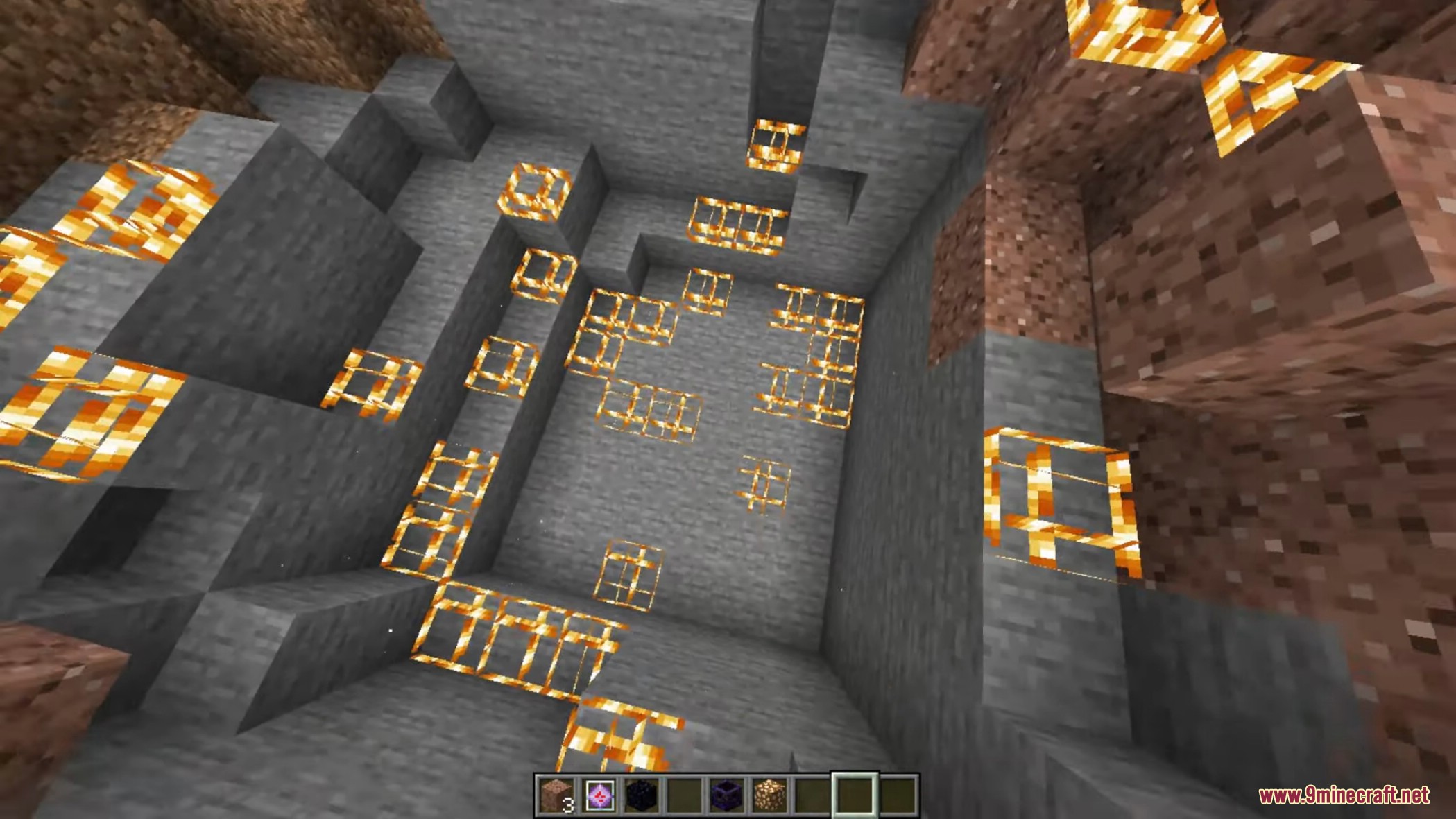
- Storage ESP – Shows containers
- ChestESP – Shows chests
- Tracers – Lines to players
- HUD Features
- Target HUD – Displays target information
- Target ESP – Highlights targets
- NameTags – Enhanced name display
- Radar – Shows nearby players
- Visual Effects
- FocusedOutline – Highlights entities
Utils
- Combat Utilities
- Mace Assist – Helps mace combat
- Mace Hit – Improves mace attacks
- Mace Swap – Swaps to mace automatically
- Movement and Protection
- BunnyHop – Faster movement
- Anti Trap – Helps escape traps
- Hitbox Recenter – Adjusts hitbox position
- Other Tools
- WindCharge Assist – Assists wind charge usage
- Name Protect – Hides player name
- AntiAim – Rotation protection
Thunder
- Thunder Features
- Thunder NameTags – Advanced nametags
- Thunder ShaderESP – Shader-based ESP
- Thunder HackChams – Visible player models
Other
- Client Tools
- Config Manager – Saves settings
- Friends – Friend list
- ShaderManager – Shader control
- Discord Presence – Discord status
- Security
- Self Destruct – Removes client traces
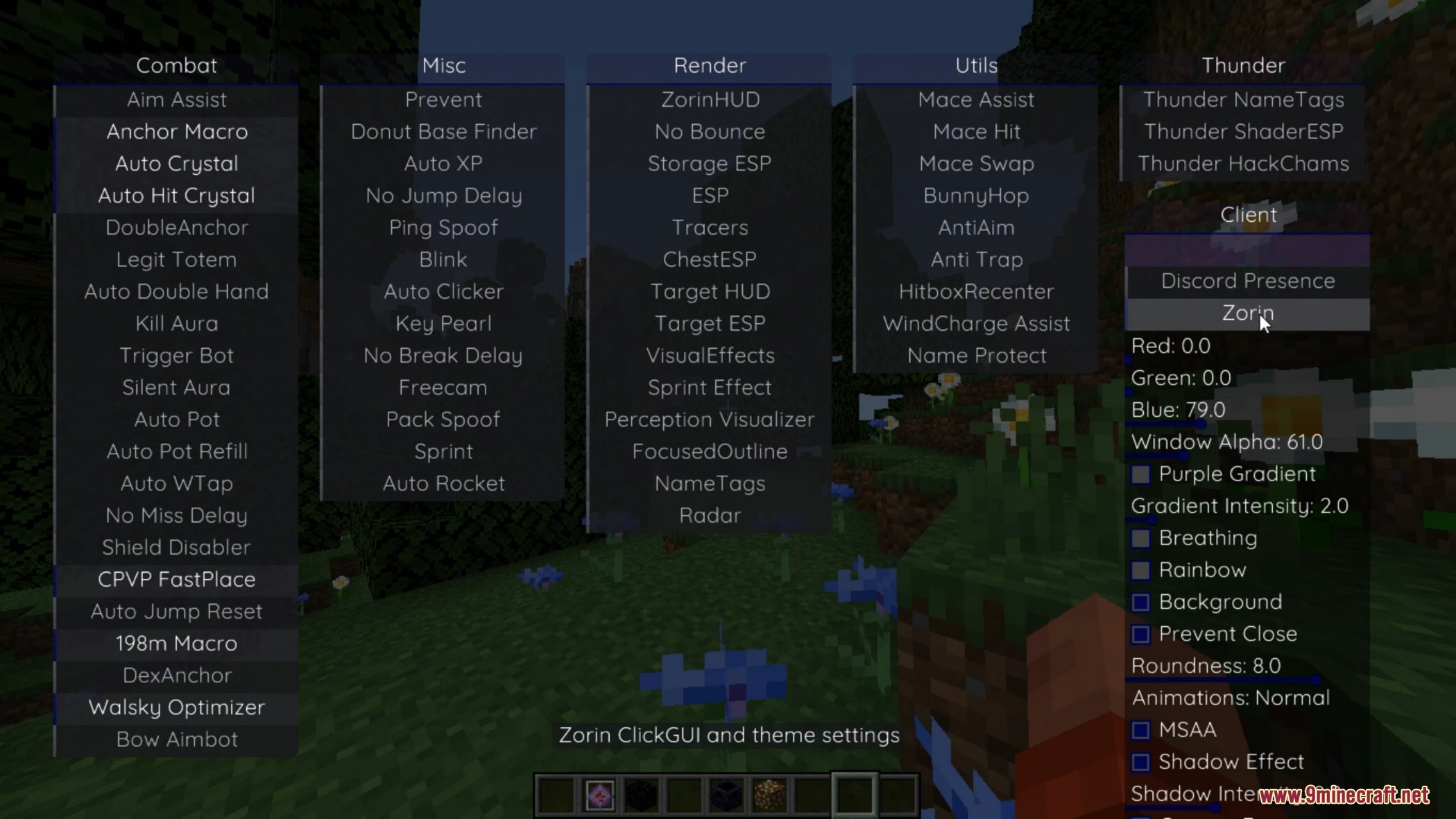
Screenshots:
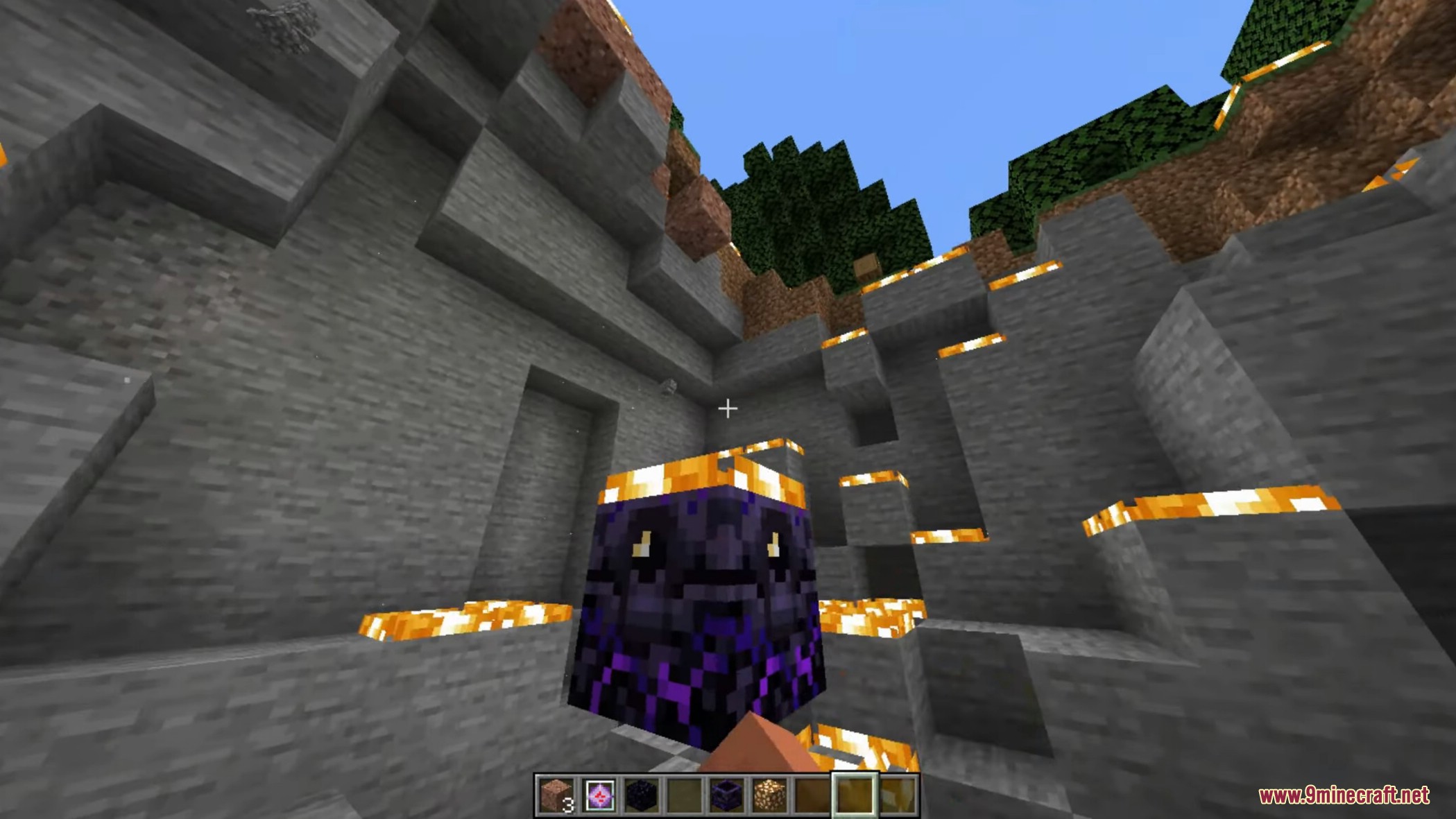
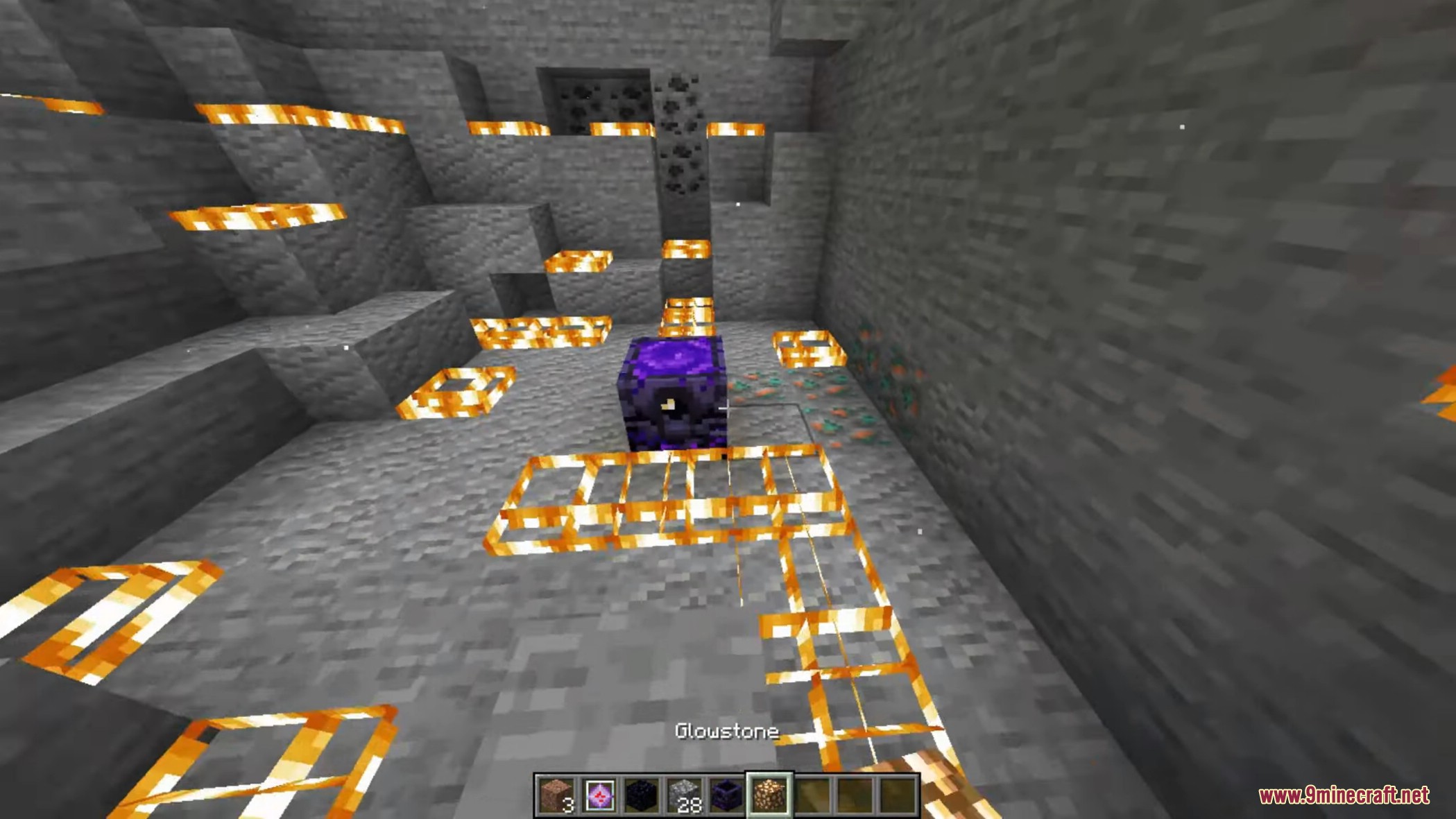
How to use:
- Press Right Shift to open or close the client menu and access all available features.
Requires:
How to install:
Click the following link to view details: How to Install Mods for Minecraft Java Edition on PC: A Beginner Guide
Zorin Client Mod (1.21.1) Download Links
For Minecraft 1.21.1, 1.21
Fabric version: Download from Server 1 – Download from Server 2
Click to rate this post!
[Total: 0 Average: 0]
You May Also Like