


Metaformat Folia Plugin (26.2, 1.20.1) – Show Off Special Gear and Rank Colors
 0
0
 0
0

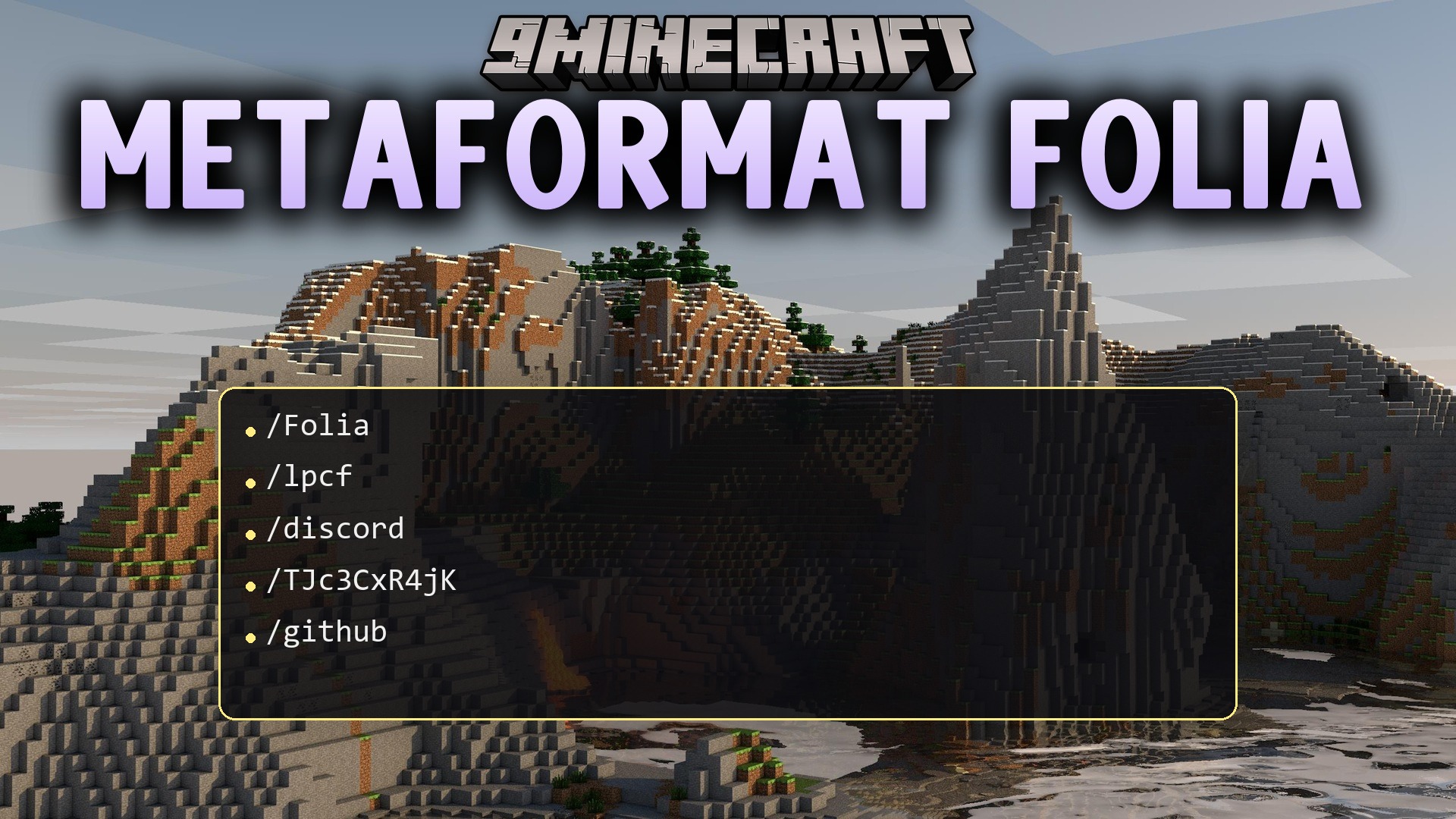
Metaformat Folia Plugin formats in-game chat messages using LuckPerms data on modern multiplayer servers. It allows server owners to set up unique chat styles for different ranks, groups, and tracks without lag on Folia or Paper. Players can show off held items in chat and see colorful names that match their server rank.
Features:
- Reads LuckPerms prefixes, suffixes, and custom colors directly into chat lines.
- Lets server owners set distinct chat layouts for specific player groups and progression tracks.
- Resolves group formatting first, then track formatting, before falling back to the global default.
- Works with modern MiniMessage styling alongside traditional color codes and RGB hex colors.
- Includes a handy [ITEM] chat tag that lets players show their currently held weapon or tool on hover.
- Runs safely on multithreaded Folia and Paper server setups.
- Controls player chat color access through simple permission nodes.
Commands:
/lpcf reload: Reloads the plugin files and chat formats.
Permissions:
lpcf.colorcodes: Grants permission to use color and style codes inside chat messages.lpcf.itemplaceholder: Grants permission to use the[ITEM]tag to display held items in chat.lpcf.reload: Grants access to the reload command.
How to Use:
- Install LuckPerms and assign player ranks with prefixes and suffixes.
- Add this plugin to your server plugins folder and start the server.
- Open the plugin settings to customize group, track, or global chat templates.
- Hold an item in your main hand and type
[ITEM]in chat to display it to other players. - Run
/lpcf reloadto apply any layout edits immediately.
How to Install:
New to Minecraft? Follow our step-by-step guide to install Plugins on your PC.View Guide
Requirements:

Metaformat Folia Plugin Download Links
For Minecraft
26.2,
26.1.2,
26.1.1
All Versions Covered
26.2
26.1.2
26.1.1
26.1
1.21.11
1.21.10
1.21.9
1.21.8
1.21.7
1.21.6
1.21.5
1.21.4
1.21.3
1.21.2
1.21.1
1.21
1.20.6
1.20.5
1.20.4
1.20.3
1.20.2
1.20.1
1.20
All Versions Covered
26.2
26.1.2
26.1.1
26.1
1.21.11
1.21.10
1.21.9
1.21.8
1.21.7
1.21.6
1.21.5
1.21.4
1.21.3
1.21.2
1.21.1
1.21
1.20.6
1.20.5
1.20.4
1.20.3
1.20.2
1.20.1
1.20
Click to rate this post!
[Total: 0 Average: 0]
You May Also Like















This post has no comments yet. Be the first — your comment will appear here.