


Aqua Vista Desktop Mod (1.20.1) – Build Working Desktop Computers Inside
 2
2
 0
0

🌐 Read this article in your language! Choose your preferred language below.
Or pick the one you like:
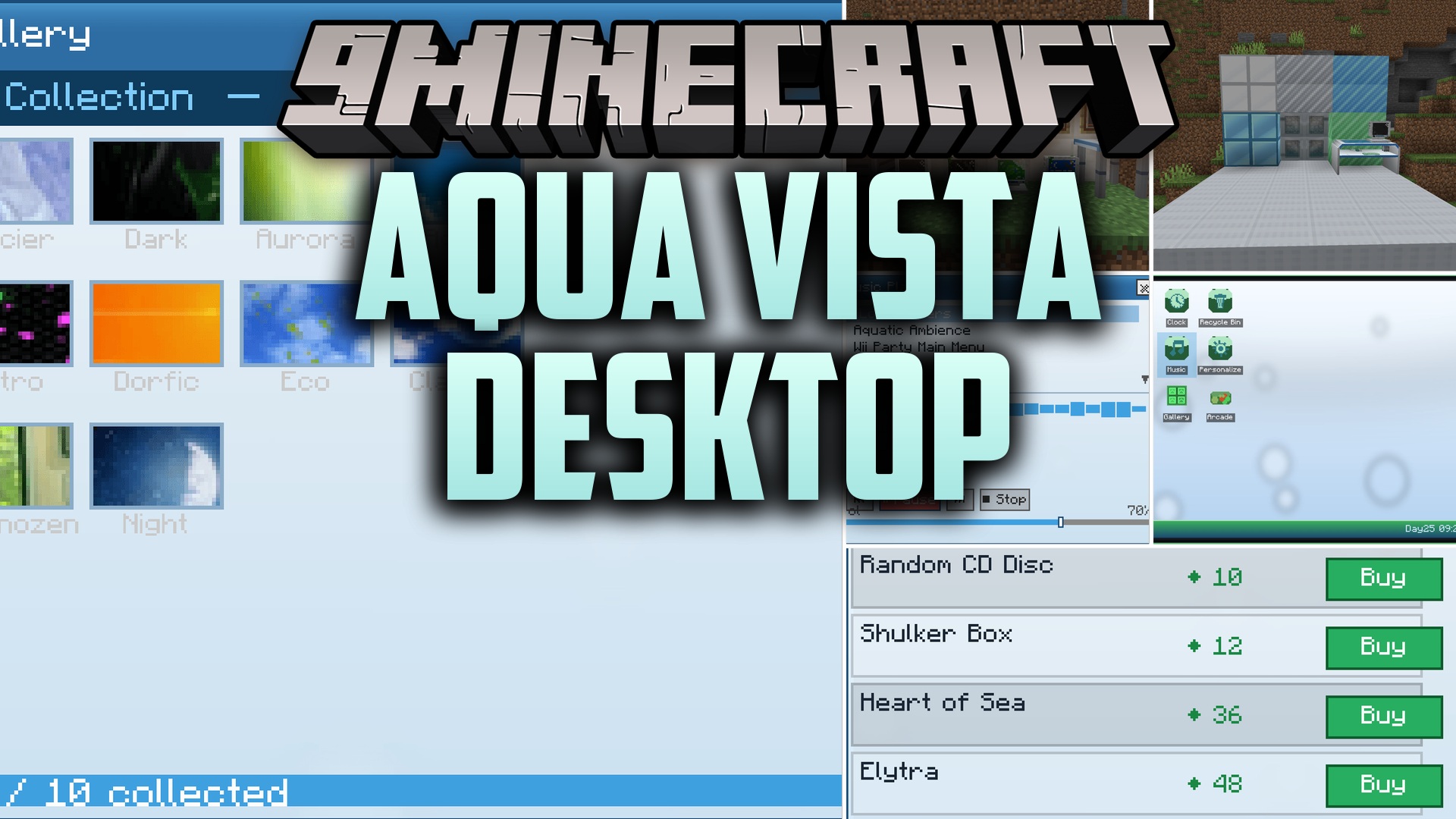
Aqua Vista Desktop Mod adds a working retro-futuristic desktop computer directly into your Minecraft world. This mod brings a full desktop operating system called AeroOS, complete with built-in apps, mini-games, and custom tech decorations. You can browse basic web pages, paint pictures to hang on your wall, play arcade games for diamond rewards, and listen to collectible music discs from your custom workstation.
Features:
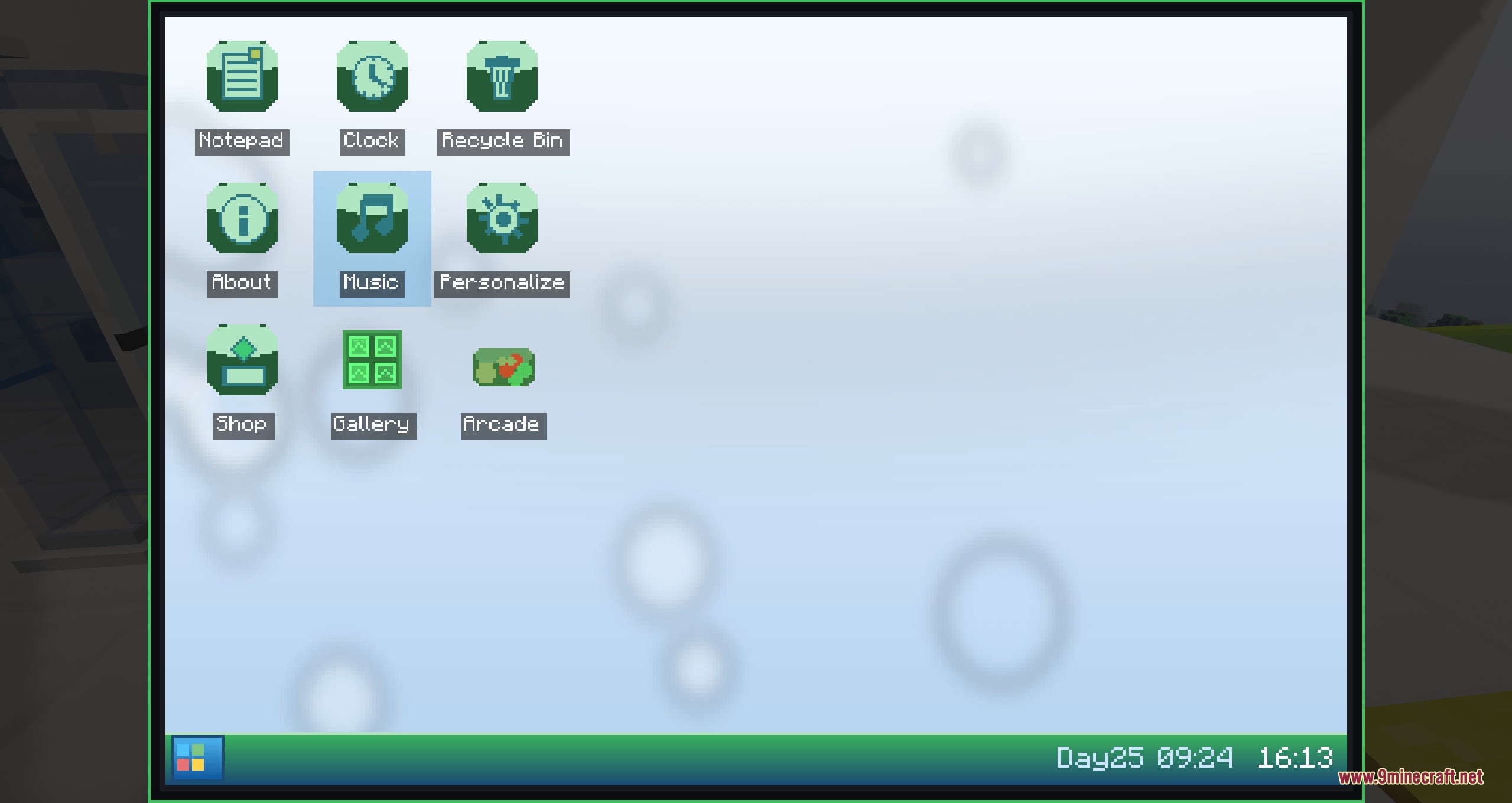
- Aero Computer: Places a desktop terminal with a working operating system, taskbar, live clock, and Start Menu.
- Interactive Built-in Apps: Runs a notepad editor, music player, calculator, photo gallery, and drawing tools.
- Arcade Minigames: Lets you play Flappy Bird, Snake, Tetris, and Doodle Jump directly on the monitor to earn iron, gold, and diamonds.
- Allows you to connect a router block to browse in-game web pages like the local map and wiki.
- Prints your custom Paint drawings using a printer block so you can display them in wall frames.
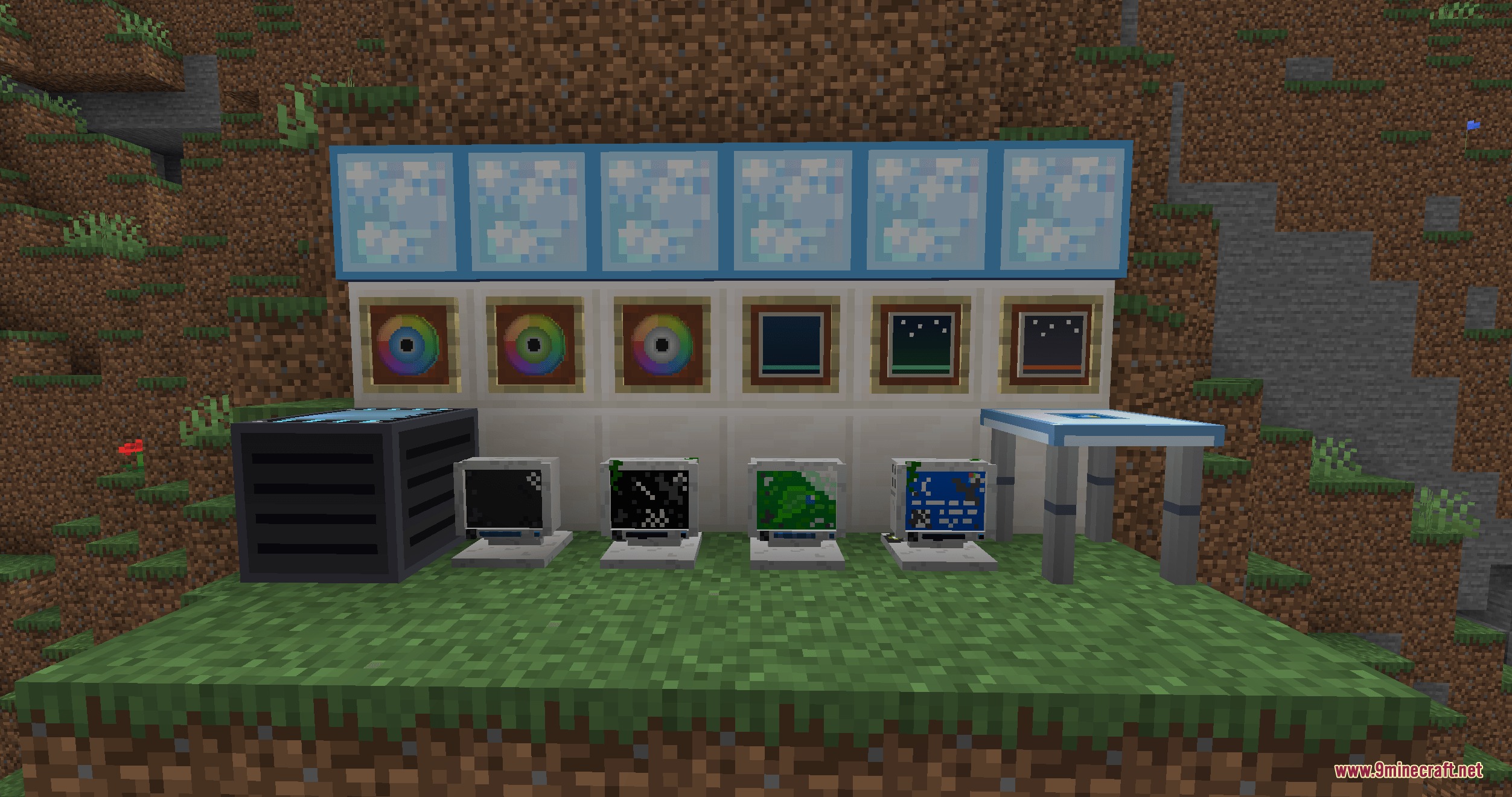
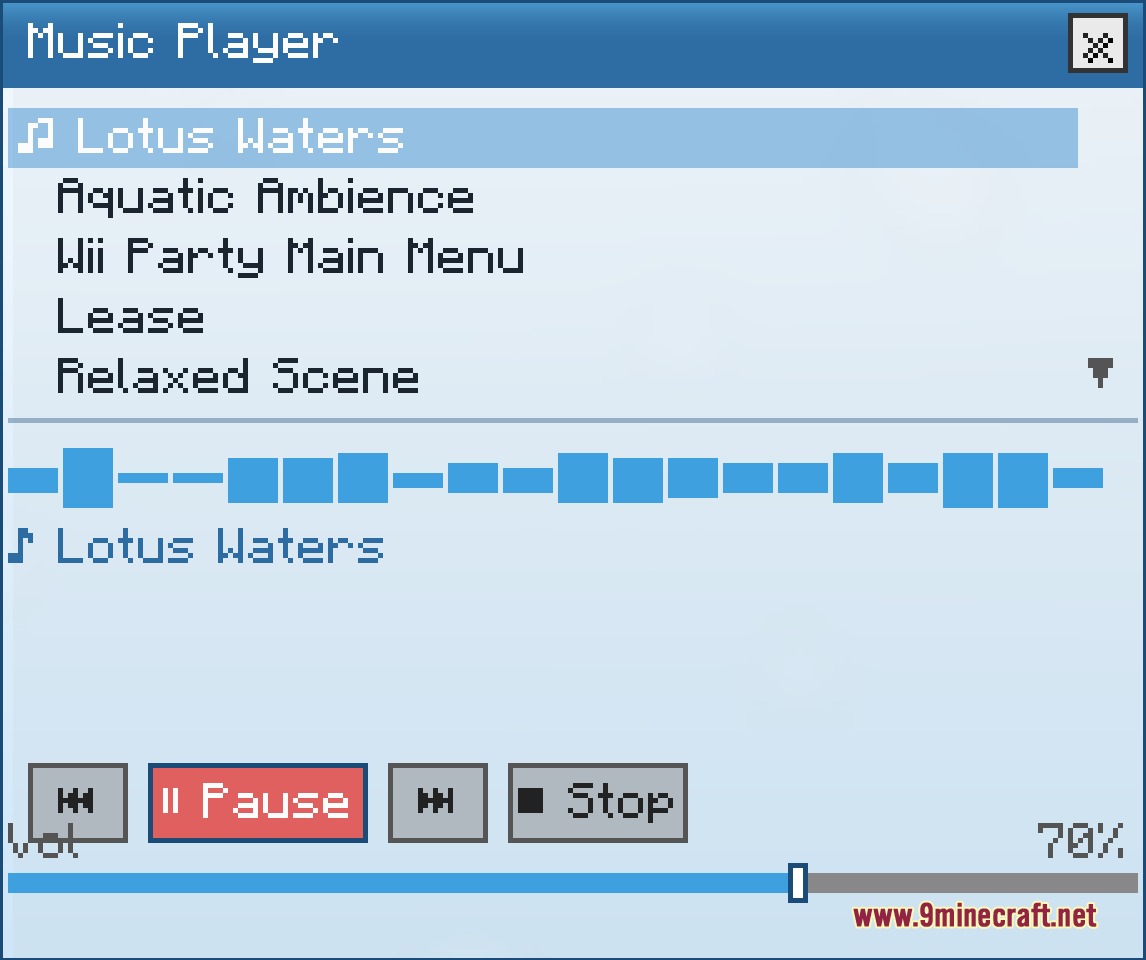
- Plays 11 collectible music discs when inserted into a powered computer setup.
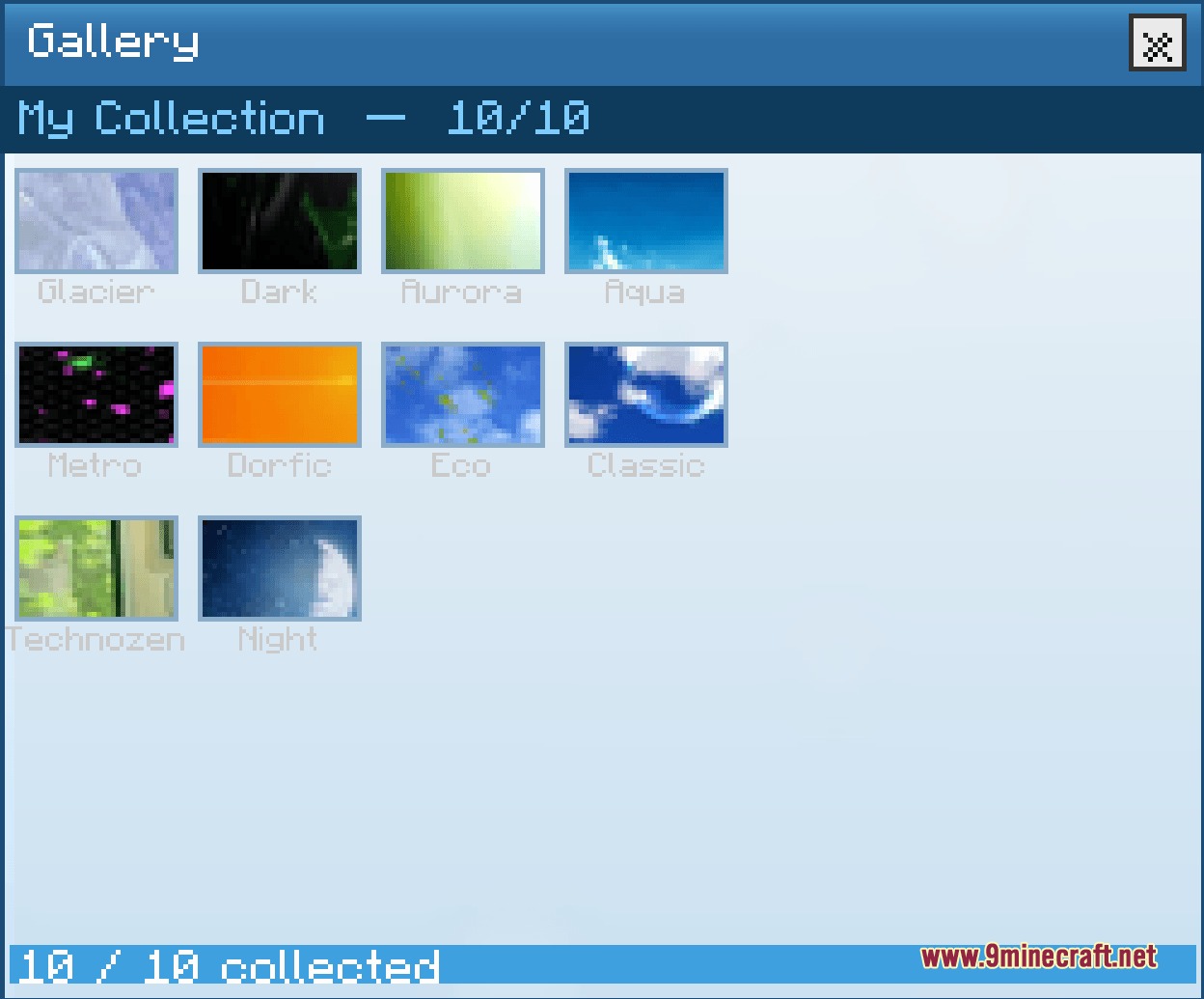
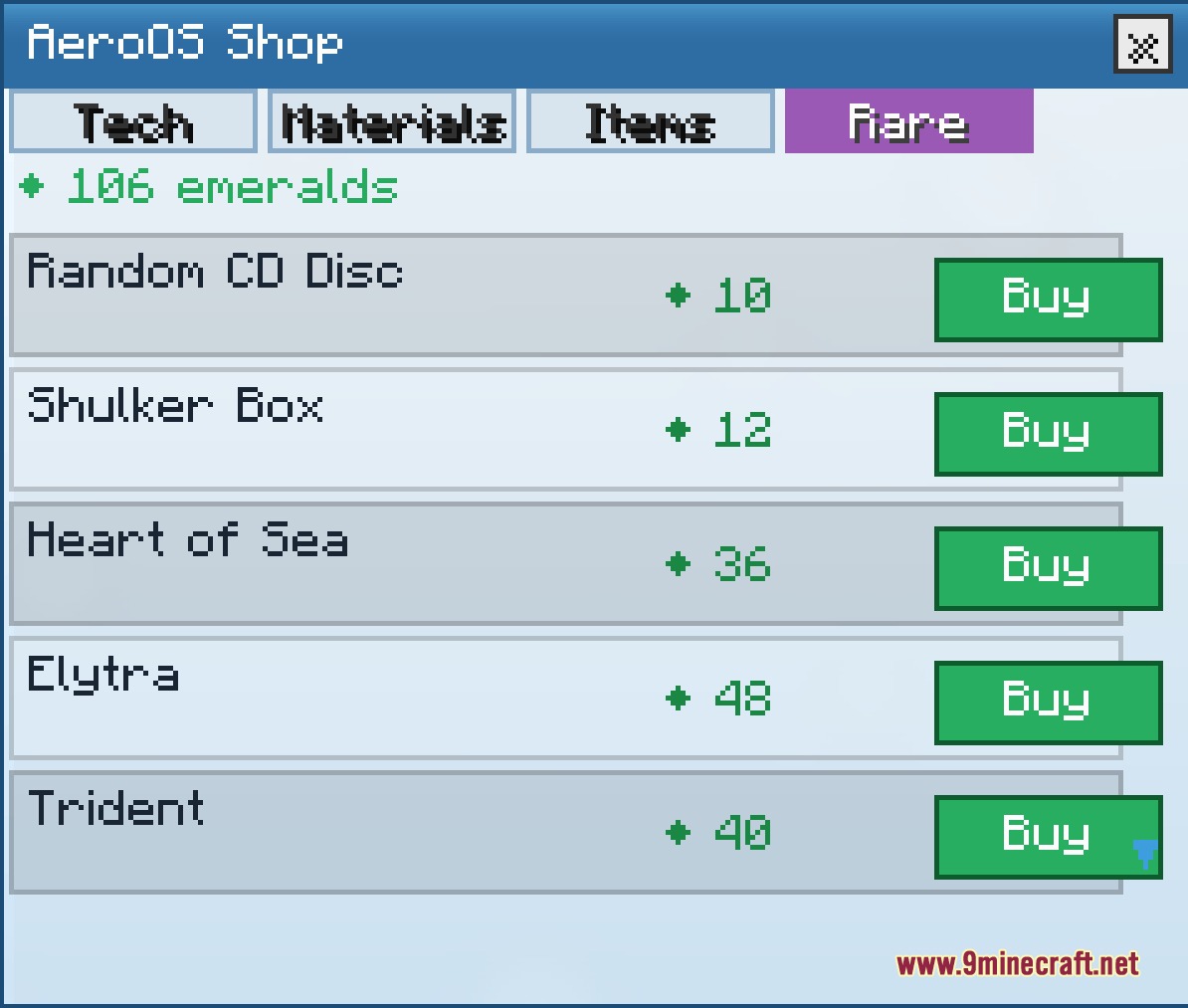
- Provides 10 collectible postcards found in world structures or bought through the in-game PC shop.
- Spawns broken computers with blue crash screens that reboot into AeroDOS after you repair them with parts.
- Adds a portable handheld gaming device to play roguelike games and check the weather on the go.
- Generates four unique structures in green biomes, including the Tech Shop and Aero Pavilion.
- Decorates your tech setup with bubble tube lamps, vending machines, and custom furniture.
Desktop Applications:
- Notepad: lets you write and save multi-line text notes.
- Arcade: challenges you with classic arcade mini-games for precious item rewards.
- Paint: offers simple drawing tools to create custom pictures and print them.
- Internet: loads the Wiki, live map, and corporate websites when connected to a router.
- Music Player: plays unlocked tracks from your disc collection.
- Personalization: changes desktop wallpapers, desktop icon packs, and your inventory HUD style.
New World Structures:
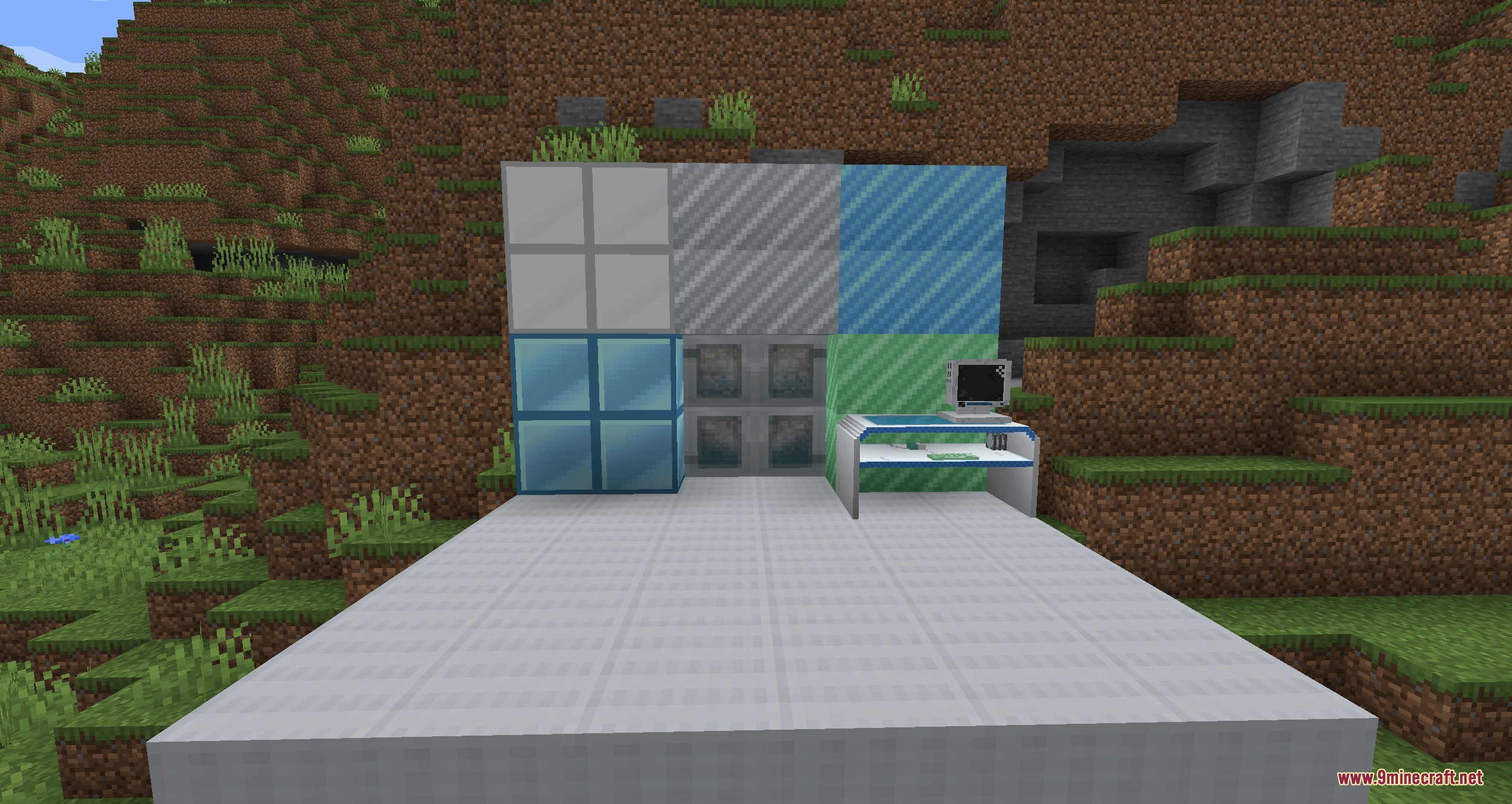
- Aero Pavilion: modern glass structure housing tech components.
- Aero Greenhouse: tech-infused plant sanctuary spawning across lush green biomes.
- Technozen Station: peaceful outpost equipped with computer terminals.
- Tech Shop: retail building where you can trade for computer parts and postcards.
How to Use:
- Gather materials to craft the five core computer parts: Circuit Board, CPU Chip, Memory Module, Power Cell, and Display Module.
- Combine the components on a crafting table to assemble the Aero Computer block.
- Place the computer block down on any solid surface or aero-table.
- Right-click the monitor to open the AeroOS desktop screen.
- Set up nearby router and printer blocks to unlock web browsing and photo printing.
Screenshots:
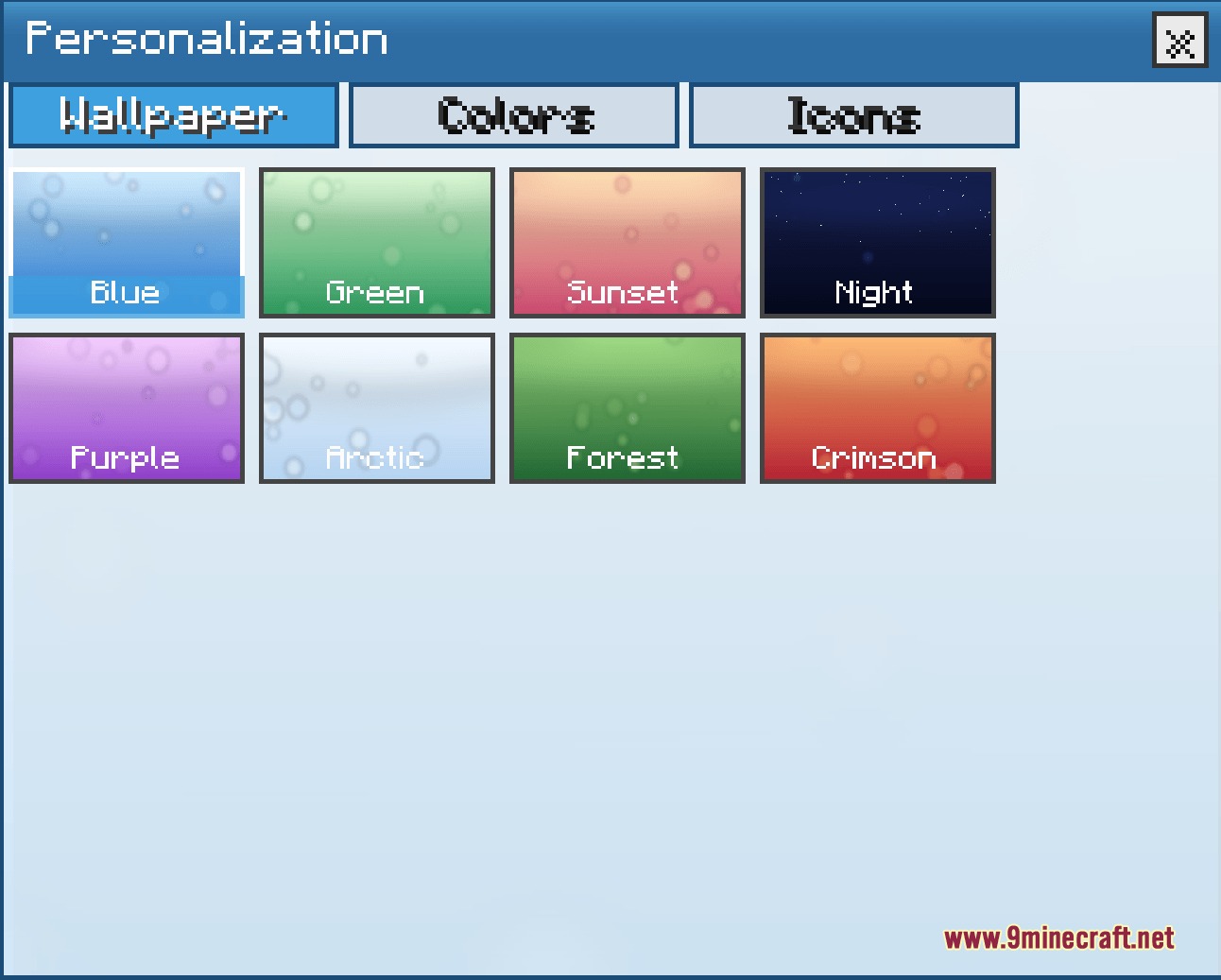
How to Install:
New to Minecraft? Follow our step-by-step guide to install Mods on your PC.View Guide
Requirements:

Aqua Vista Desktop Mod Download Links
For Minecraft 1.20.1, 1.20
Click to rate this post!
[Total: 0 Average: 0]
You May Also Like




This post has no comments yet. Be the first — your comment will appear here.