


MTR Japan Ticket Mod (1.20.1) – Tap IC Cards and Run Realistic Metro Station

 0
0 

MTR Japan Ticket Mod adds a Japanese railway ticketing system for Minecraft Transit Railway. It brings realistic ticket purchases, fare calculations, and station gate operations to your transit lines. Players can purchase paper tickets from ticket machines, tap smart cards at turnstiles, buy commuter passes, and reserve specific train seats. The mod works for single-player worlds and multiplayer transit servers running either MTR3 or MTR4.

Features:
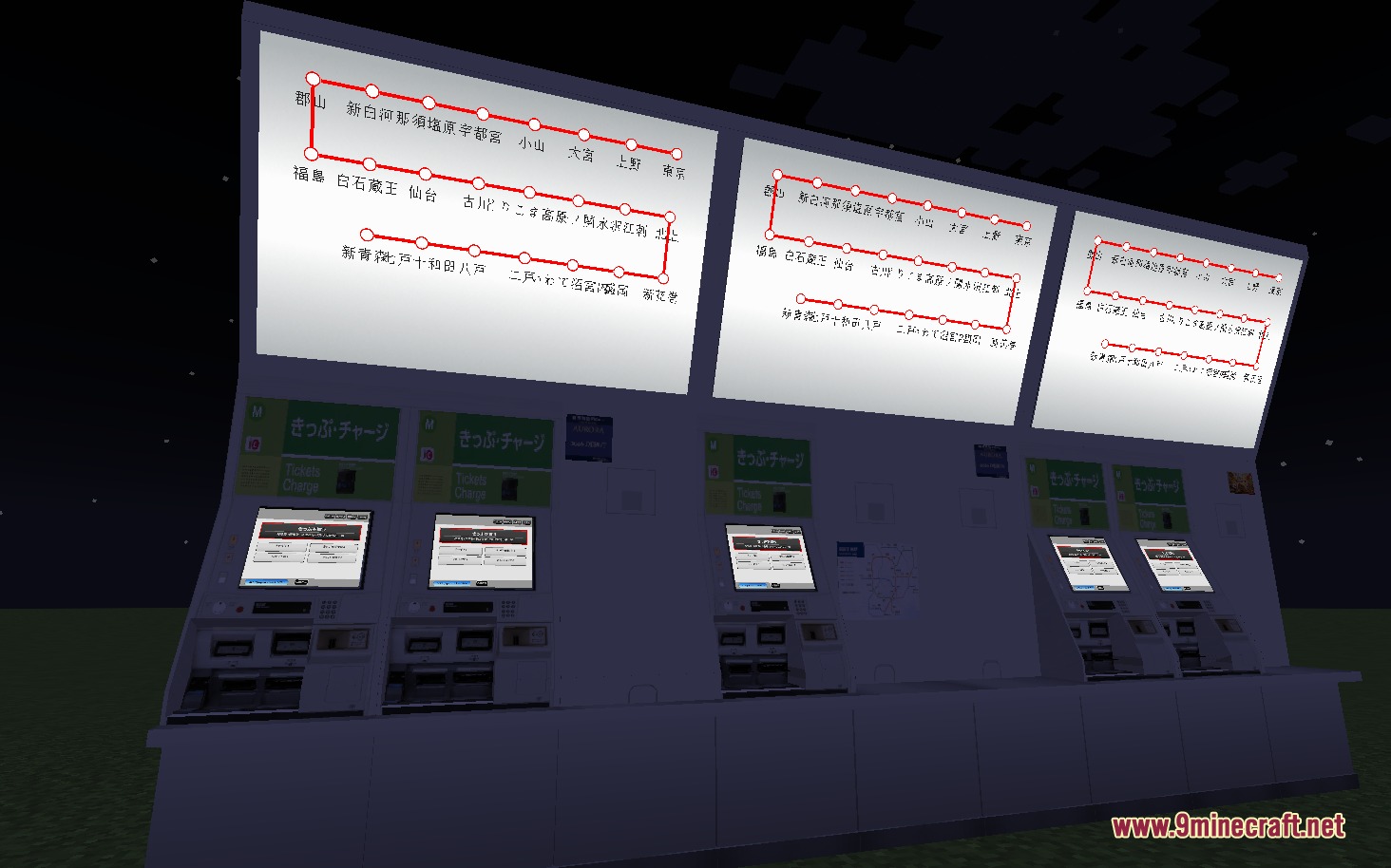
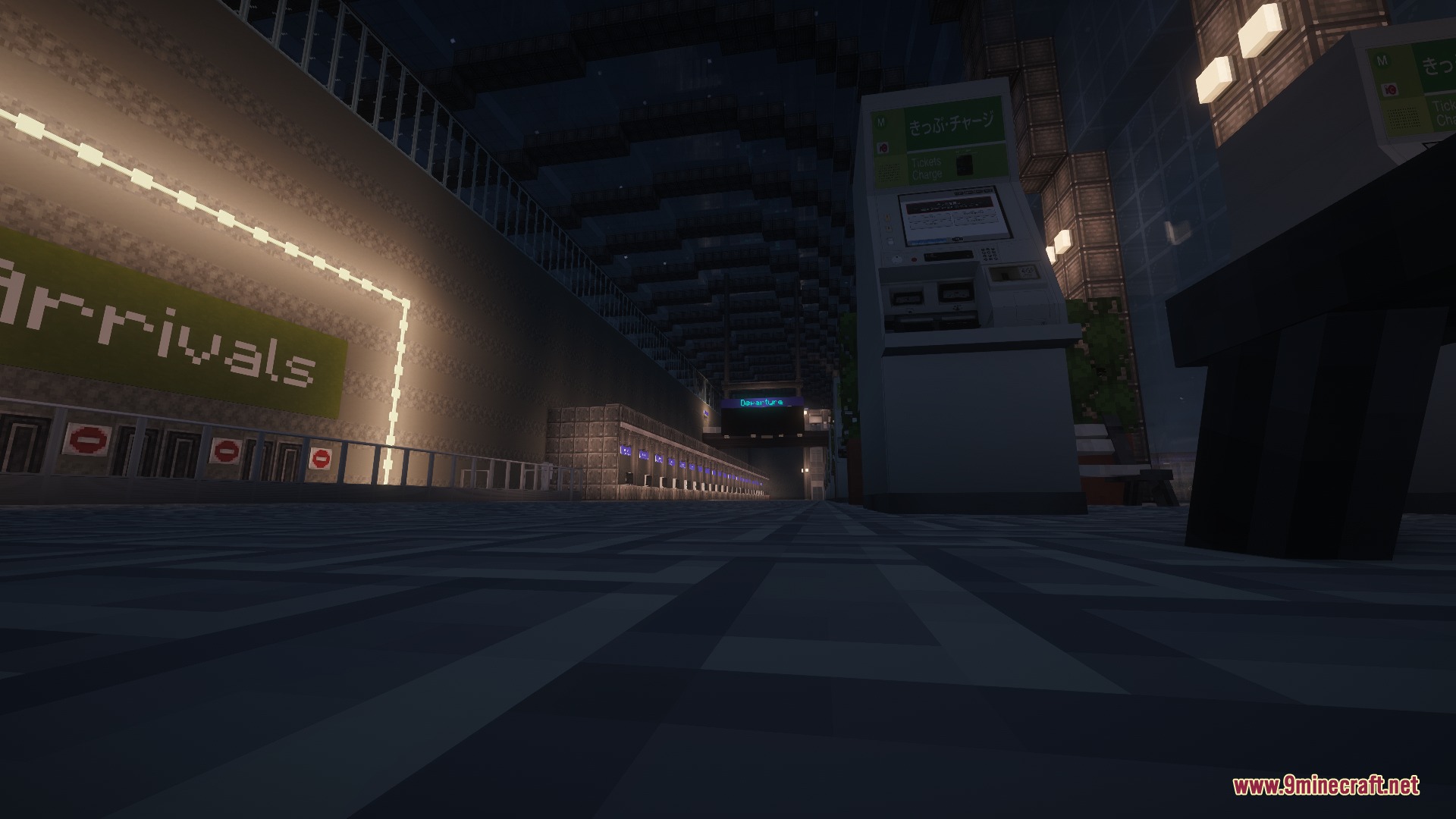
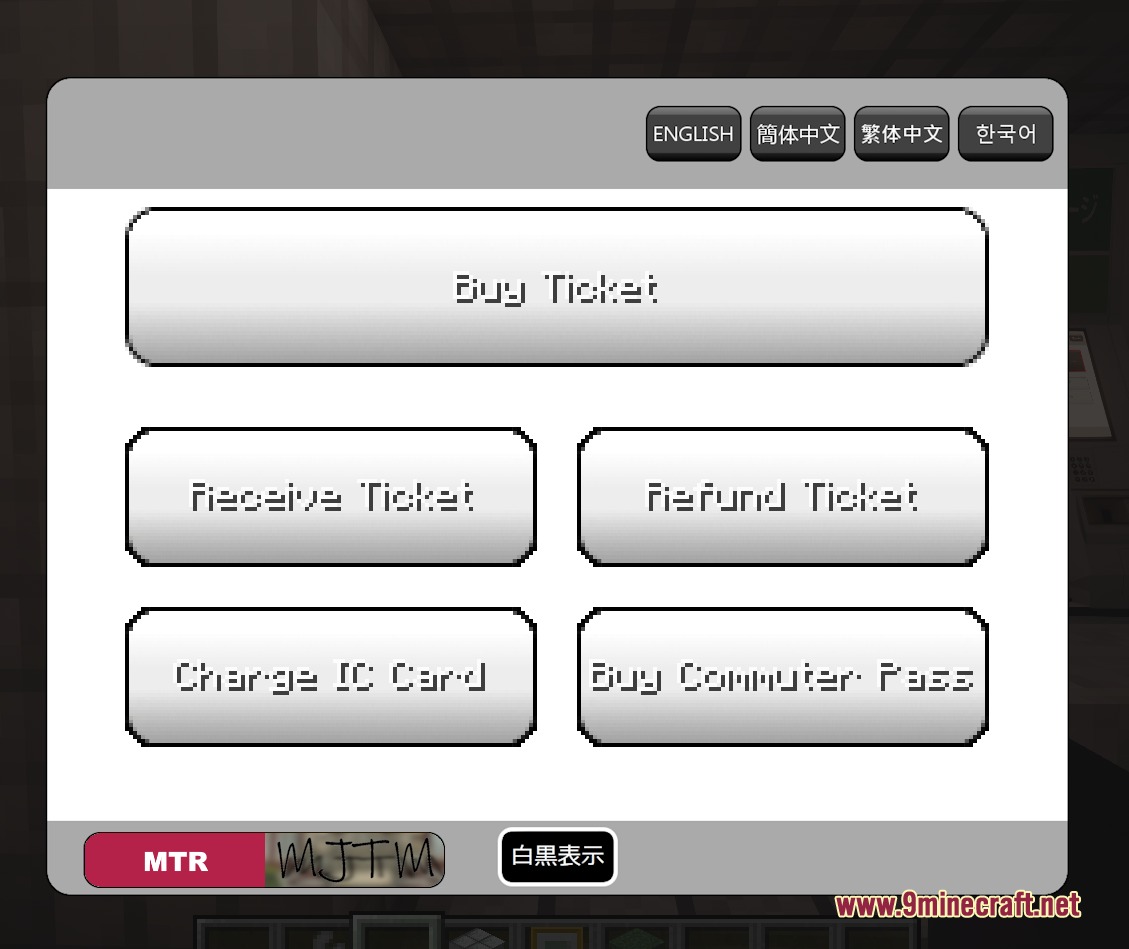
- Realistic Ticket Machines: Players can buy single-trip tickets, express passes, commuter passes, and smart cards from interactive kiosks.
- Smart IC Cards: Stored-value cards automatically calculate and deduct fares when tapping in and out at gates.
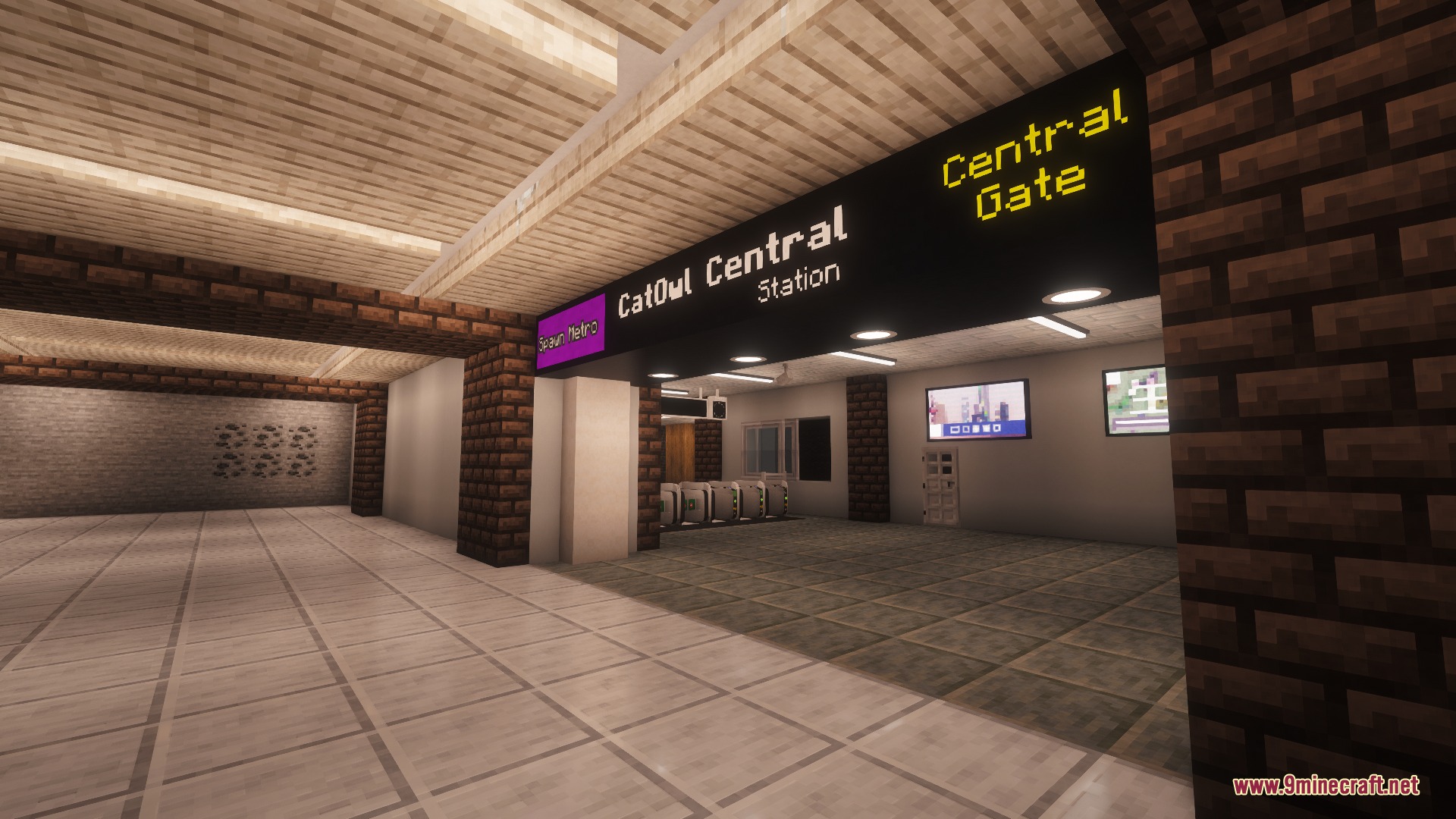
- Automated Ticket Turnstiles: Gates open for valid tickets or IC cards, returning entry tickets and collecting exit tickets automatically.
- Includes transfer gates that validate multi-line journeys in the exact order of travel.
- Offers commuter passes that grant unlimited travel between selected stations for a set duration.
- Lets station operators set up custom lines, station stops, and specific fare pricing tables.
- Adds seat reservation systems through an in-game smartphone item.
- Includes a notice tool for operators to broadcast announcements and promotional deals to player phones.
- Provides a setup wrench to edit gate rules, machine menus, and station connections.
- Features decorative ticket machine models with and without random station posters.
Specialized Gate Types:
- IC Gate: Accepts smart cards only, complete with authentic tap and error sound effects.
- Entry Gate: Reads valid tickets, opens the barrier, and returns the ticket to the player.
- Exit Gate: Validates station arrival, opens the barrier, and permanently collects single-use tickets.
- Transfer Gate: Checks transfer ticket order before letting passengers switch between different railway lines.
Ticketing & Fare Options:
- Basic Tickets: Standard paper tickets priced according to station distance and fare tables.
- Express Tickets: Special tickets with extra fare multipliers for rapid or bullet train routes.
- Reserved Car Tickets: Higher-tier tickets tied to specific passenger cars and seating classes.
How to Use:
- Place a ticket machine and hold the setup wrench in your hand.
- Press Sneak + Right Click on the block to open the setup screen.
- Create a network preset, add your railway lines, and add each station stop.
- Click between station pairs to set up ticket and smart card travel fares.
- Place ticket gates at your station entrance and exit points.
- Use Sneak + Right Click with the wrench on each gate to assign its line and station mode.
- Interact with the ticket machine as a passenger to buy tickets or charge smart card balances.
Screenshots:
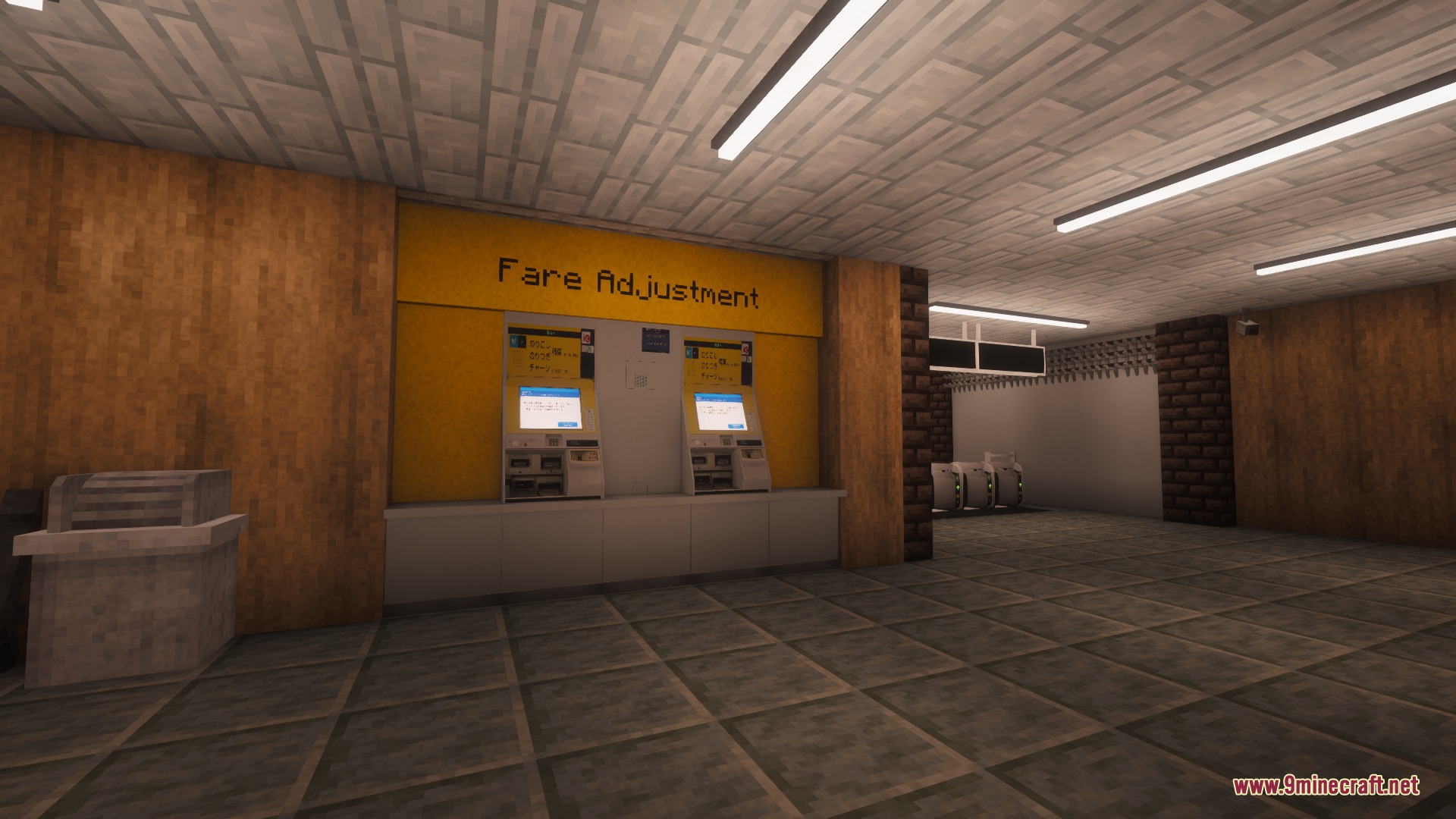
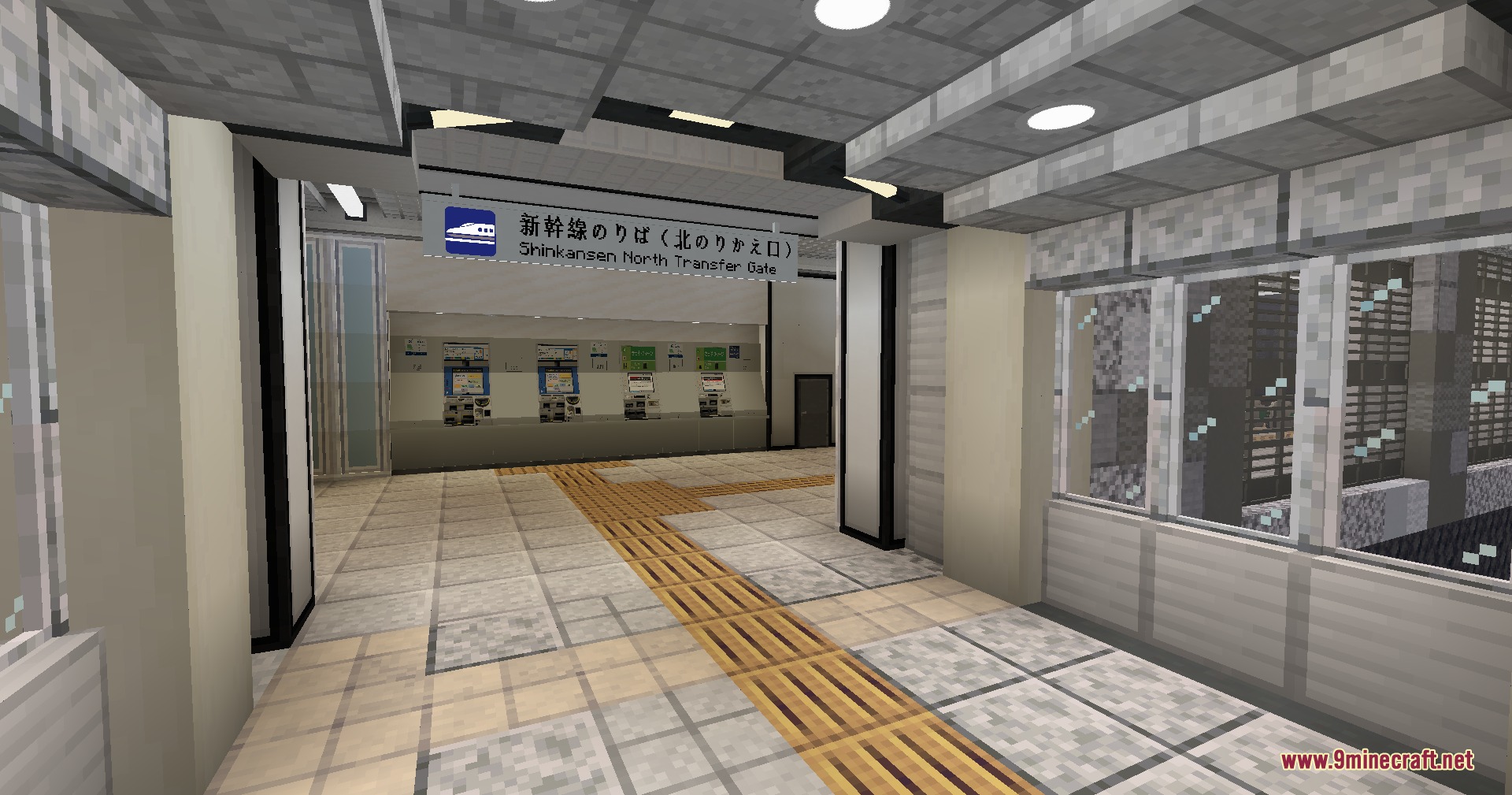
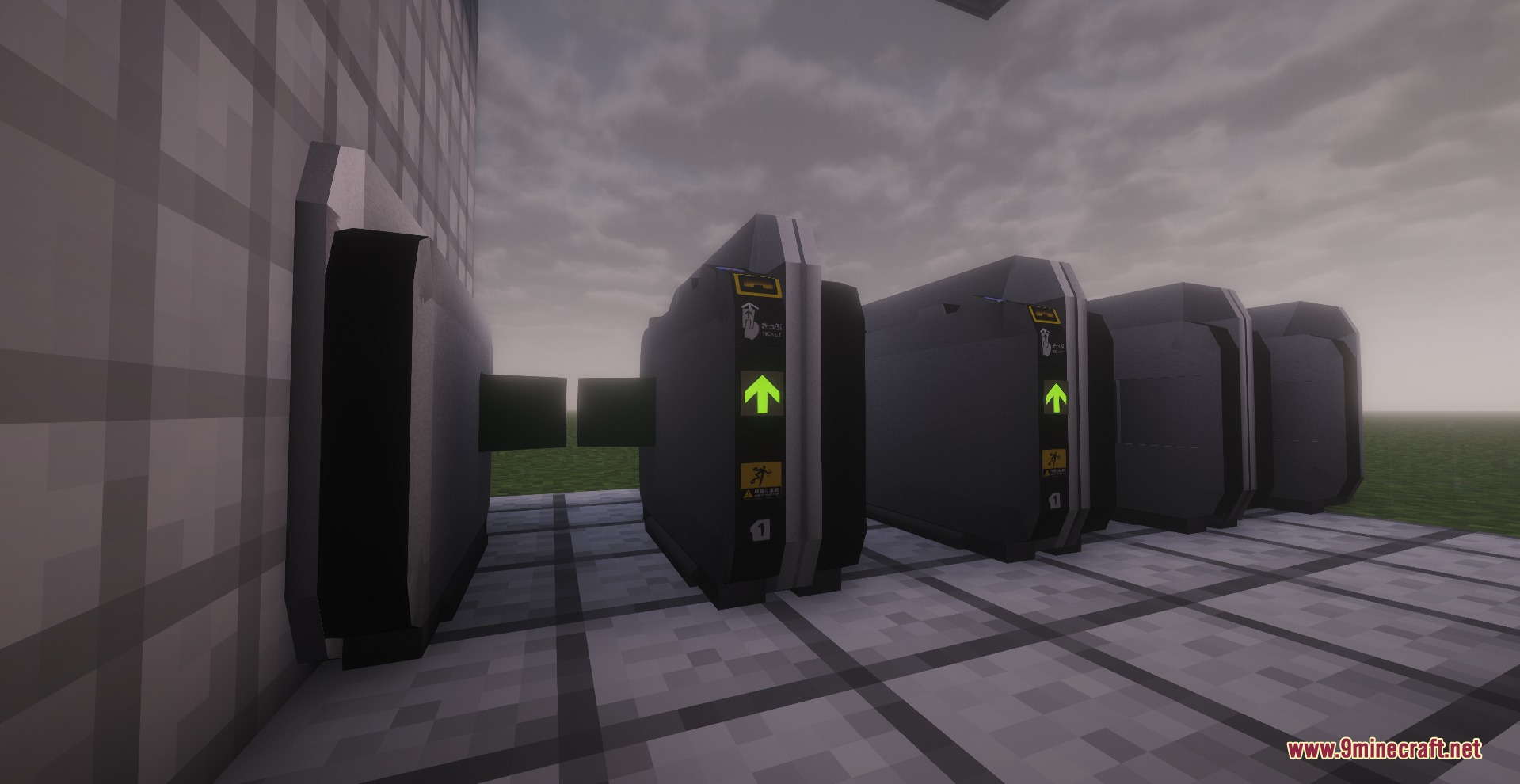
How to Install:
New to Minecraft? Follow our step-by-step guide to install Mods on your PC.View Guide


MTR Japan Ticket Mod Download Links
For Minecraft 1.20.1, 1.20
For Minecraft 1.19.2
Click to rate this post!
[Total: 0 Average: 0]
You May Also Like
Picked for this page
 Spoorn Armor Attributes Mod (26.2, 1.20.1) – Random Enchantments
 All Arrows Infinity Fix Mod (26.2, 1.21.1) – Using “Infinity” with All Arrows
 Realms Button Remover Mod (26.3, 1.20.1) – Removes The Realm Button From Main Menu
 Survival Debug Stick Mod (26.2, 1.20.1) – Adds A Crafting Recipe For The Debug Stick
 Potion Rings Reforged Mod (1.21.11, 1.20.1) – Wearable Rings With Effects
 Cobblemon Quick Battle Mod (1.21.1) – Fight Wild Monsters Without Battle Screens
 Clavis Mod (1.21.1) – Master Lockpicking Mini-Games for Better Loot
 Saro’s Better Glass Mod (26.3, 1.20.1) – Watch Windows Shatter Into Realistic
 Materia 1 Mod (1.21.1, 1.20.1) – Start in the Stone Age and Master Realistic
 Almost Unify Everything Mod (1.20.1, 1.20) – Drop-Level Integration
 Monocle Mod (1.21.11, 1.21.1) – Run Beautiful Shaders Alongside Embeddium
 Mebahel’s RPG Villager Quests and Companions Mod (1.21.11, 1.20.1)
Most viewed in Mods over the last 7 days
 Ala Industrial Mod (26.3) – Run Electric Power Grids and Automated Factories
 PleasureCraft Mod (26.3, 1.21.1) – Jenny Mod Remake for Fabric
 Jennycraft Mod (26.3, 1.20.1) – Virtual Girlfriend in Minecraft
 Fapcraft Mod (26.3, 1.12.2) – Comprehensive and Detailed Content
 Jenny Mod (Fapcraft) Official Complete Guide – How to use, Tutorial
 BangCraft Mod (1.20.1) – Jenny, Ellie and Elliot
 OptiFine HD (26.3, 1.20.1) – Run Faster, FPS Boost, Shaders Support
 Baritone 9minecraft Client Mod (26.3, 26.1.2) – Mine and Build Bases Hands-Free
 Meteor Client Mod (26.2, 1.20.1) – Xray, HUD, Fly
 SeedCrackerX Mod (26.3, 1.20.1) – Find Any World Seed
 Pretty Flesh Mod (1.16.5) – Create and Interact with Living Entities
 Mielon’s the Sift Mod (26.3, 1.20.1) – Awaken Ancient City Portals to New Worlds
More from Mods
 Vivid Verdant Arsenal Mod (26.3, 1.20.1) – Forge Powerful Emerald Gear
 Lumen Finder Mod (26.3, 1.20.1) – Quickly Find Any Shader Setting
 Icy’s Better Horses Mod (26.3, 1.20.1) – Train Loyal Steeds for Travel
 Craftable Chainmail Armor Mod (26.3, 1.20.1) – Stronger Than Leather
 Easy Craft of Chainmail Armor Mod (26.3, 1.20.1) – Adds a Crafting Recipe
 Sovereign Tier Chronicles Mod (26.3, 26.1.2) – Turn Vanilla XP Into Custom
 Carry Me Mod (26.3, 1.21.1) – Stop Other Players From Carrying You Without Consent
 Skyfall Relics Mod (26.3, 1.20.1) – Scavenge Abandoned Plane Crashes
 Trashed Mod (26.3, 1.20.1) – Voiding the Items
 Tactical Shield Overhaul Mod (26.3, 1.20.1) – Unique Shield Stats
 Portal Gun 26.2 Mod (26.2) – Teleport Across Your World and Solve Test Chambers
 Bountiful Critters Mod (1.20.1) – Collect Wild Beasts and Tame Loyal Base

This post has no comments yet. Be the first — your comment will appear here.