


Logic Decay Fragments Plugin (1.21.11, 1.21.1) – Random Ruined Dungeons
 2
2
 0
0

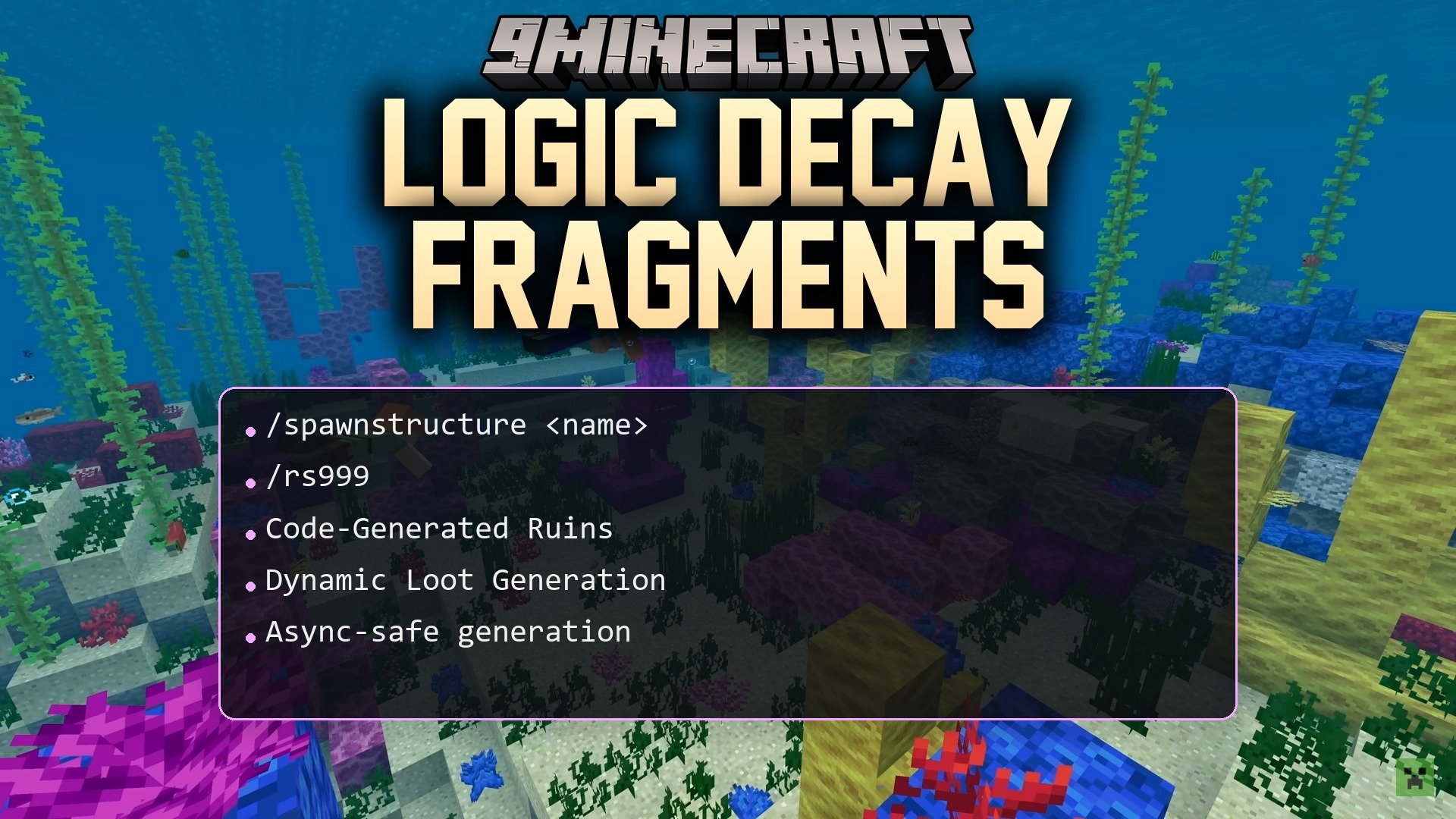
Logic Decay Fragments Plugin builds custom ruined structures across your Minecraft worlds as players walk around. Each ruin appears block by block without external schematic files or templates. Buildings adjust to the local terrain and include spawners, monsters, and custom chest items. This plugin makes survival exploration exciting while keeping server lag low.
Features:
- Generates custom ruined buildings directly through code without needing schematics or world edit tools.
- Adapts structure foundations to fit the elevation and shape of surrounding terrain.
- Fills chests with randomized loot pools the first time a player opens them.
- Places hostile mob spawners and themed decorations inside ruined rooms.
- Locks chest loot after the first opening to prevent players from farming item drops repeatedly.
- Spawns ruins automatically into newly generated chunks during exploration.
- Restricts specific structure types to chosen biomes and server worlds.
- Saves server memory by generating loot only when a player interacts with a chest.
Commands:
/spawnstructure <name>: Places a registered structure directly at your location./rs999 reload: Reloads the configuration file without restarting the server.
How to Use:
- Explore fresh chunks across the world to trigger automatic ruin spawning.
- Locate generated ruins across different biomes to find hidden monster spawners.
- Open chests inside structures to collect randomized rewards.
- Run the spawn command in chat to test or place specific ruins manually.
How to Install:
New to Minecraft? Follow our step-by-step guide to install Plugins on your PC.View Guide
Logic Decay Fragments Plugin Download Links
For Minecraft
1.21.11,
1.21.10,
1.21.9
All Versions Covered
1.21.11
1.21.10
1.21.9
1.21.8
1.21.7
1.21.6
1.21.5
1.21.4
1.21.3
1.21.2
1.21.1
1.21
All Versions Covered
1.21.11
1.21.10
1.21.9
1.21.8
1.21.7
1.21.6
1.21.5
1.21.4
1.21.3
1.21.2
1.21.1
1.21
Click to rate this post!
[Total: 0 Average: 0]
You May Also Like






This post has no comments yet. Be the first — your comment will appear here.