


Virtual Frontier Interface Mod (1.20.1) – Survive Battles with an Action RPG HUD
 0
0
 0
0

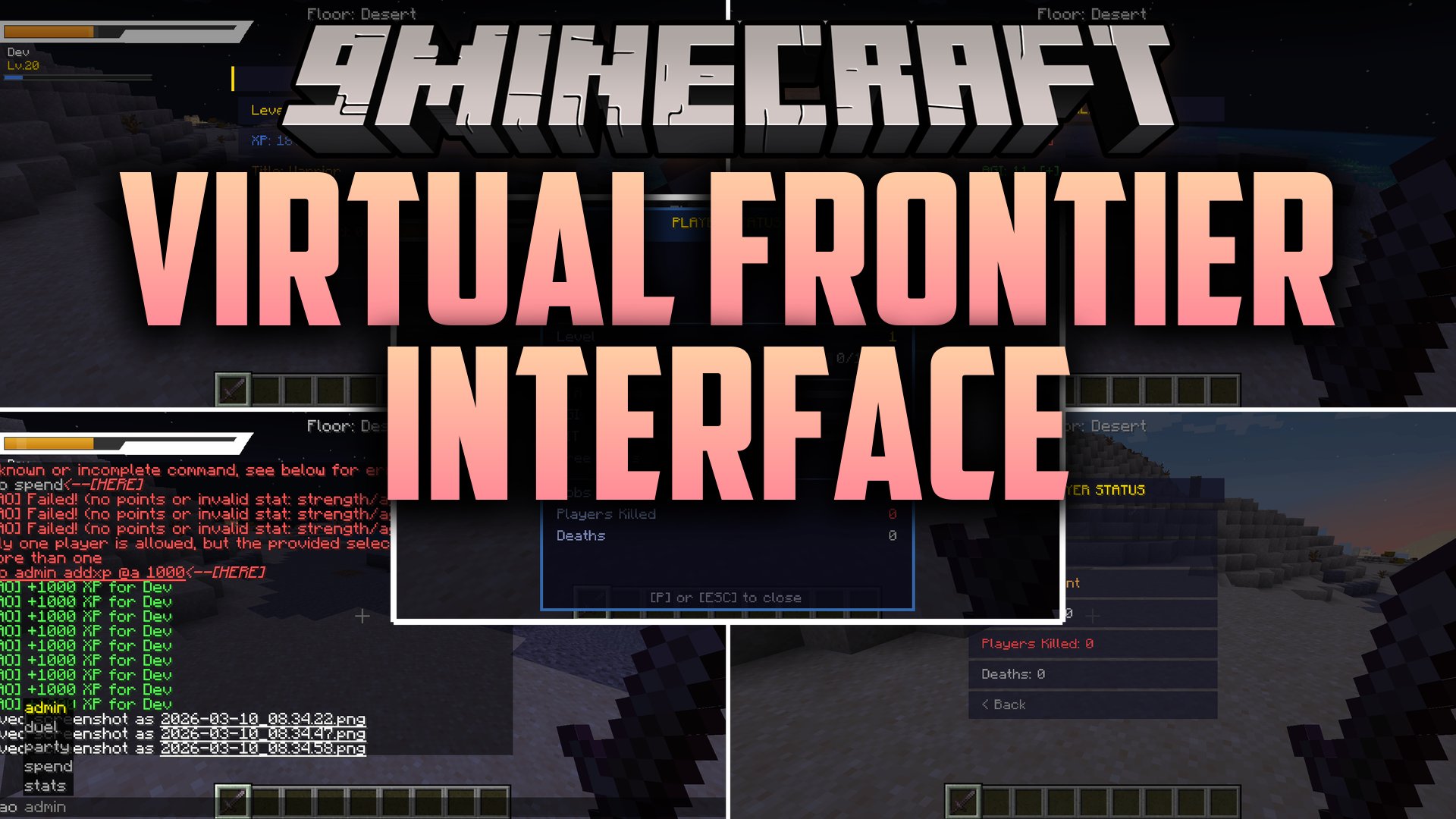
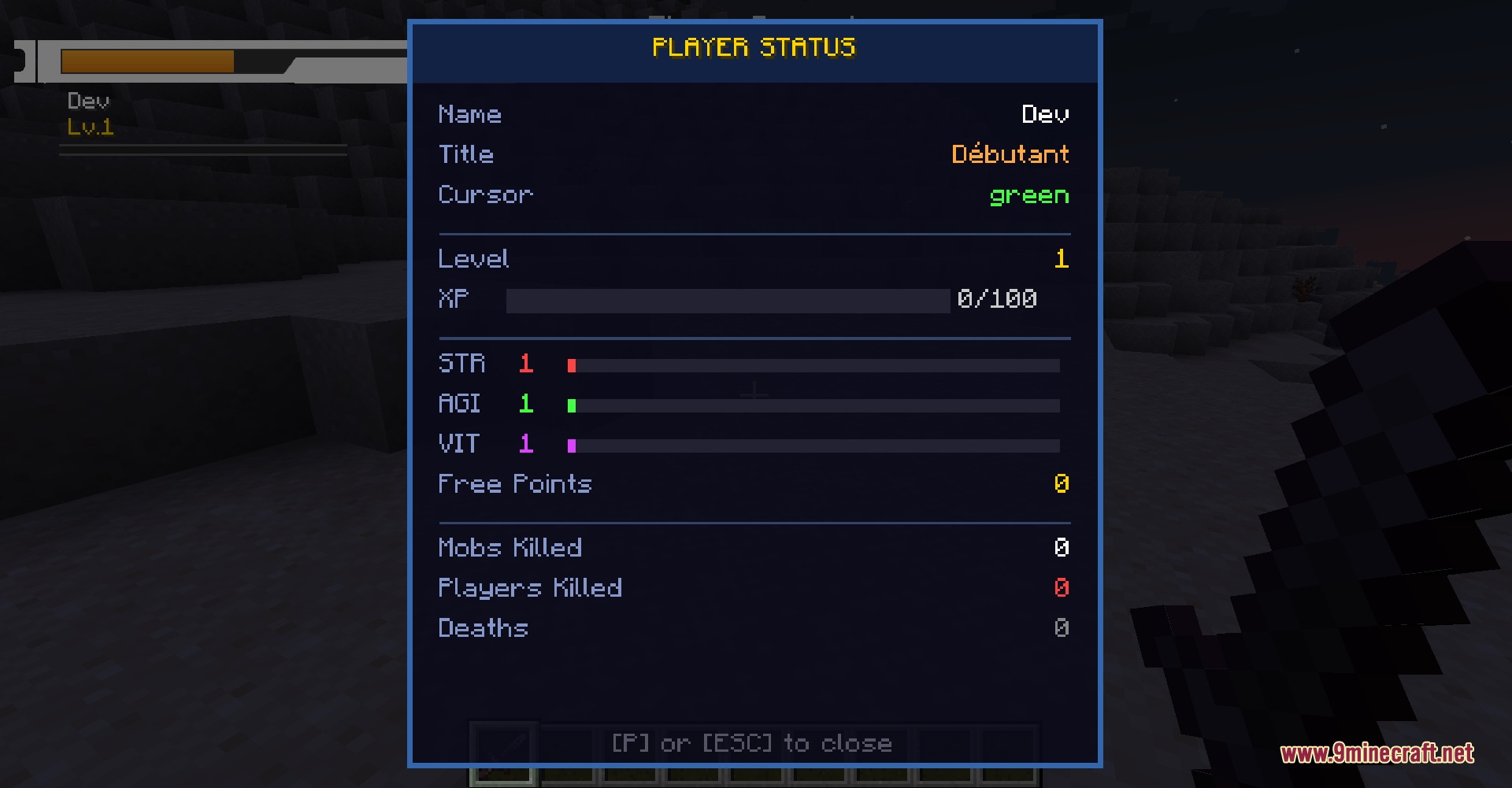
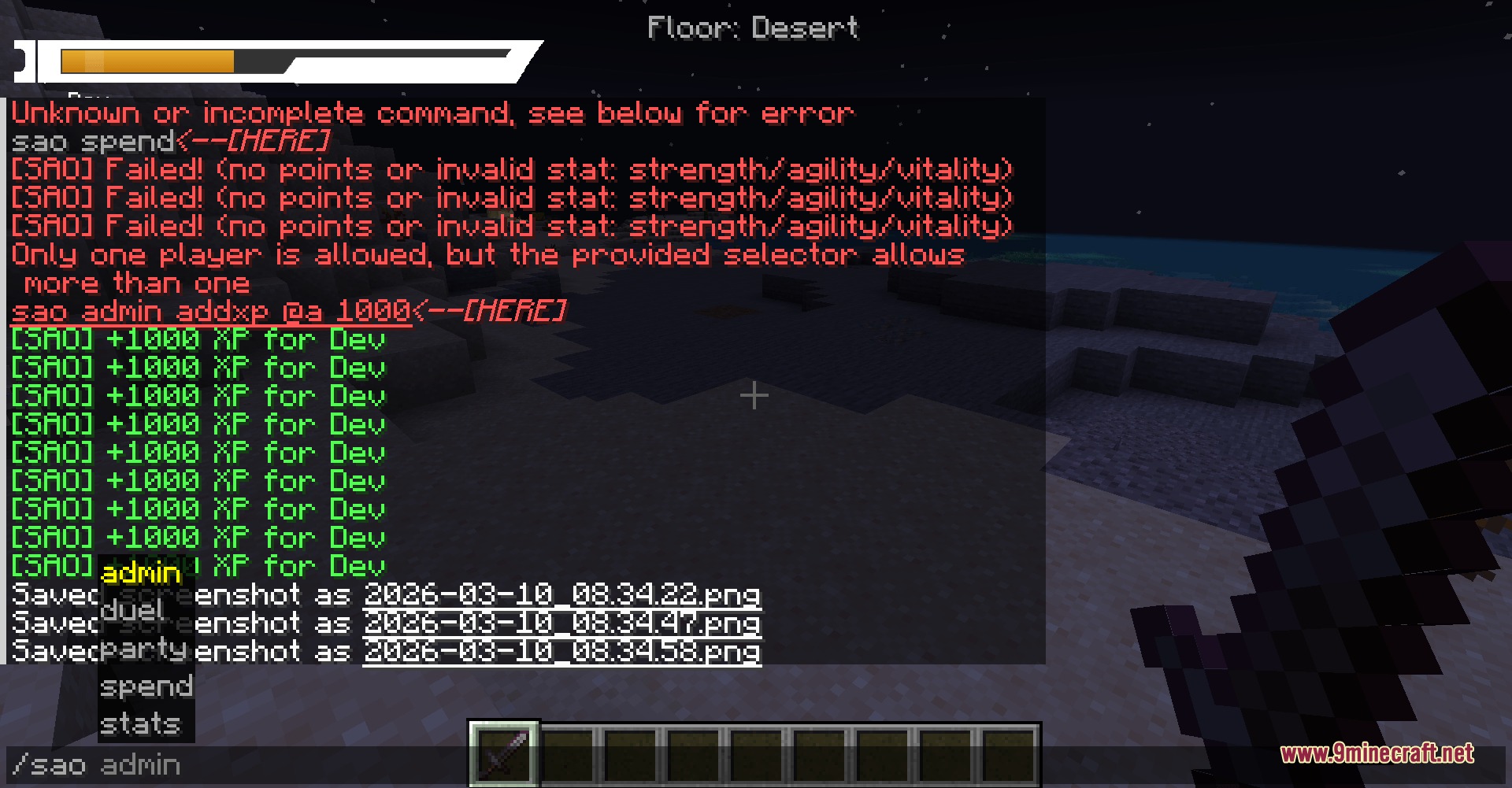
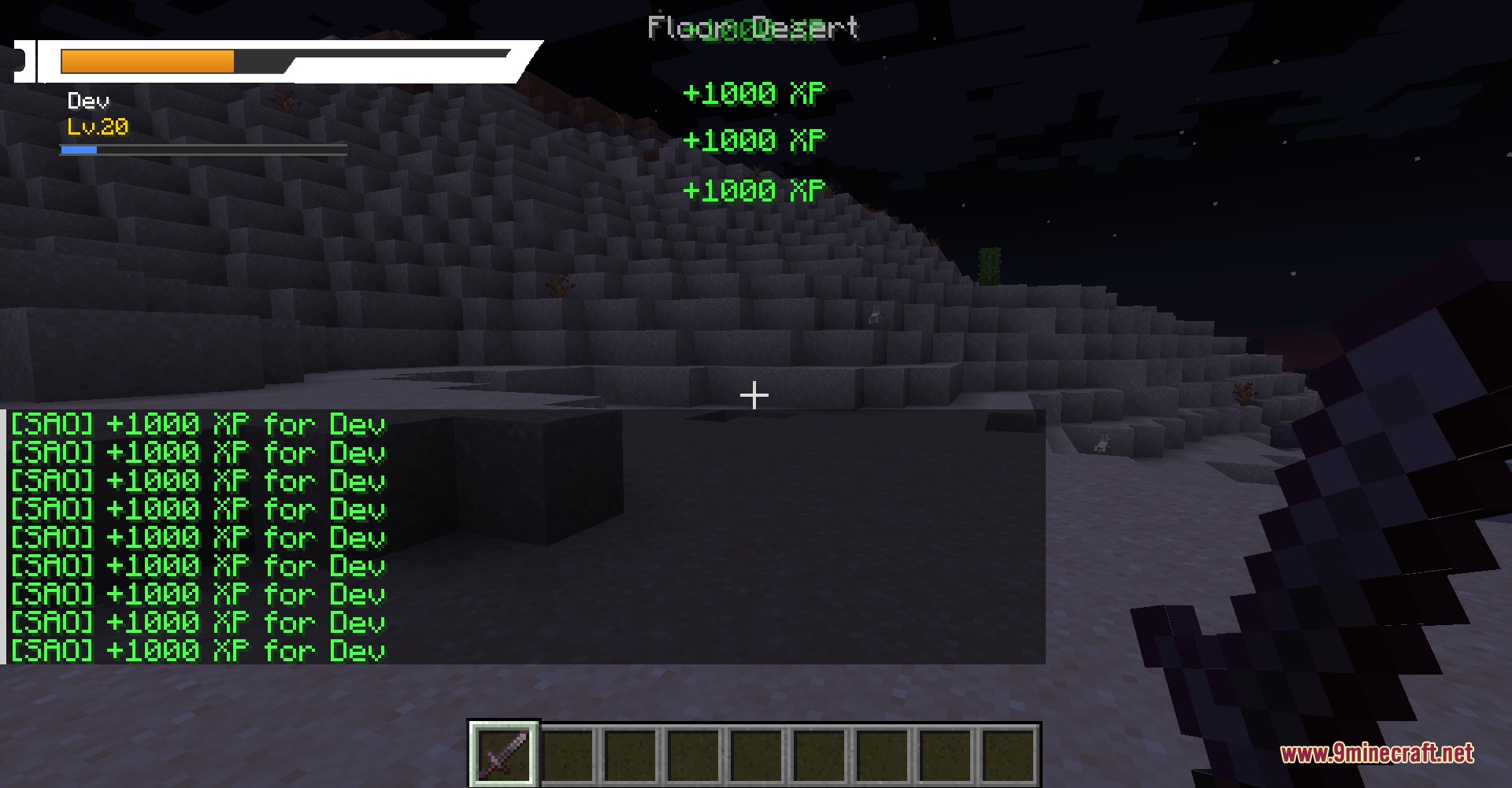
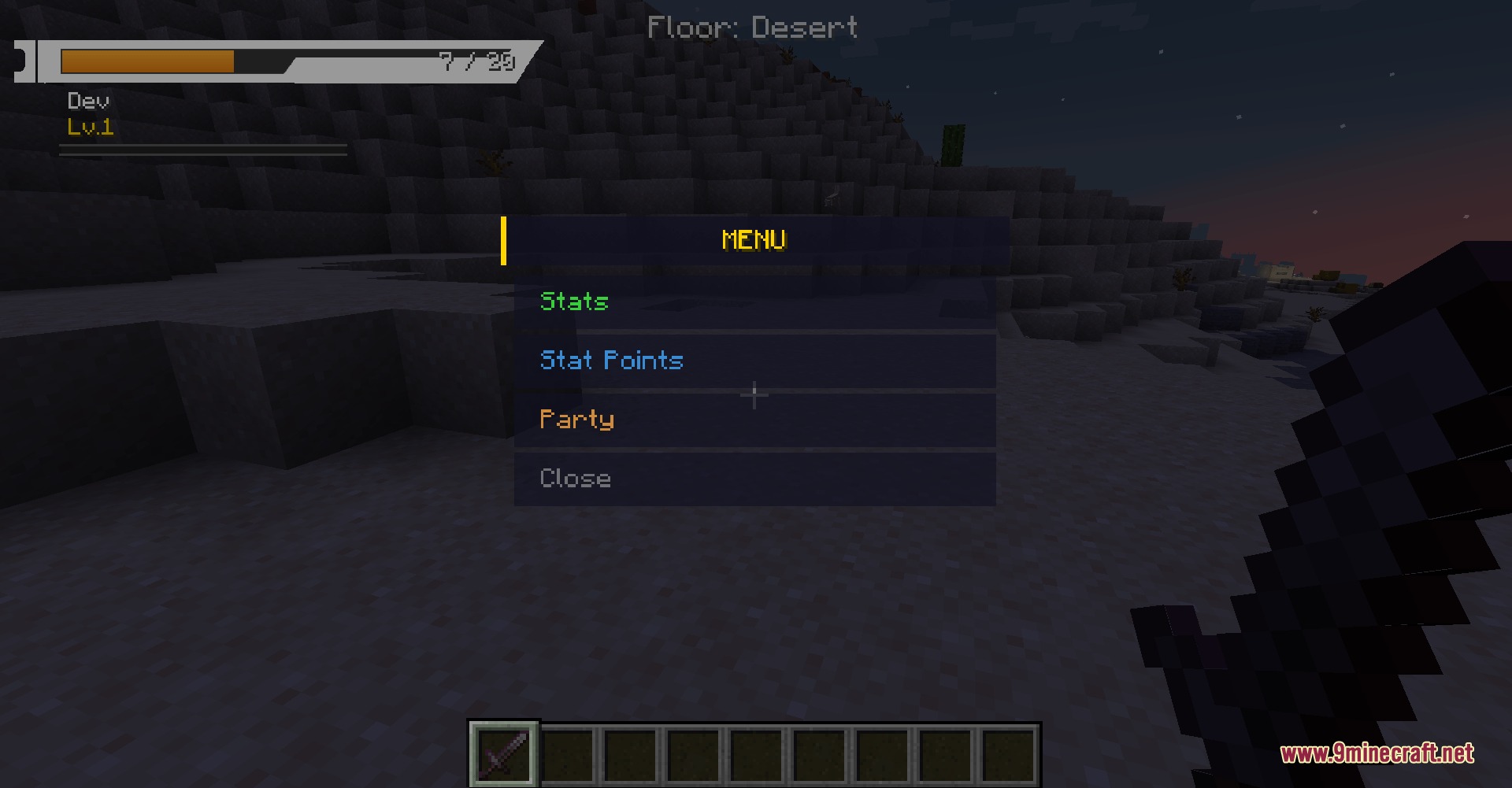
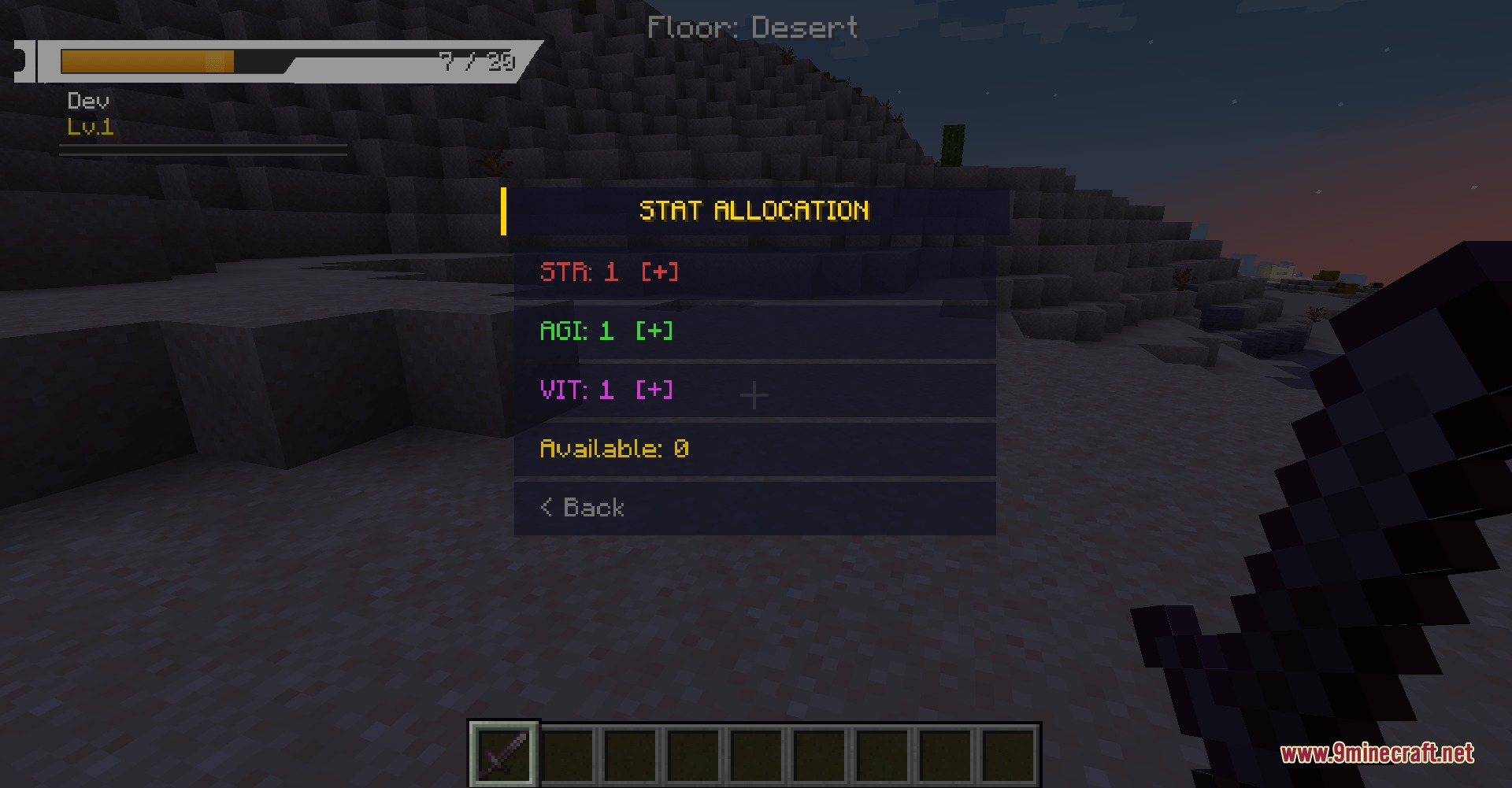
Virtual Frontier Interface Mod replaces the classic Minecraft user interface with an action game style display inspired by Sword Art Online. It removes the vanilla heart icons and places a clean health bar in the top-left corner of the screen. The mod also adds compact pop-up windows, character stat menus, and an updated death screen that lets you respawn instantly with a single mouse click.
Features:
- SAO Style HUD: Replaces the default hearts with a sleek health bar located in the top-left corner.
- The health bar shifts colors based on remaining HP, showing green above half health, orange below half health, and red during critical danger.
- Overhauls the death screen with a hexagonal prompt and a red visual filter.
- Lets you respawn immediately by clicking anywhere on the screen after you fall in combat.
- Translates in-game titles, menus, items, commands, chat messages, and toast popups into English.
- Scales down menus and interface elements to keep your screen clean and open.
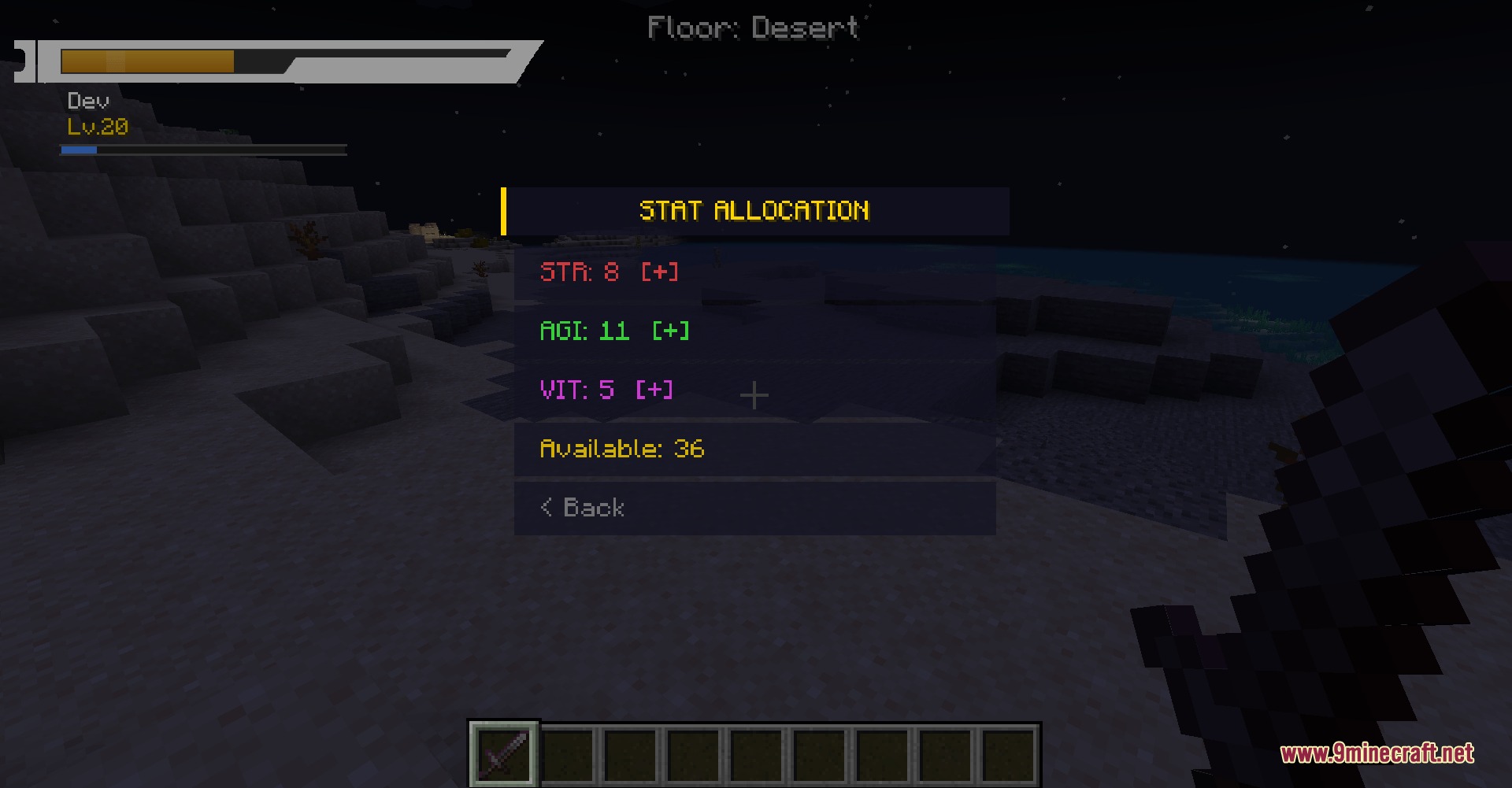
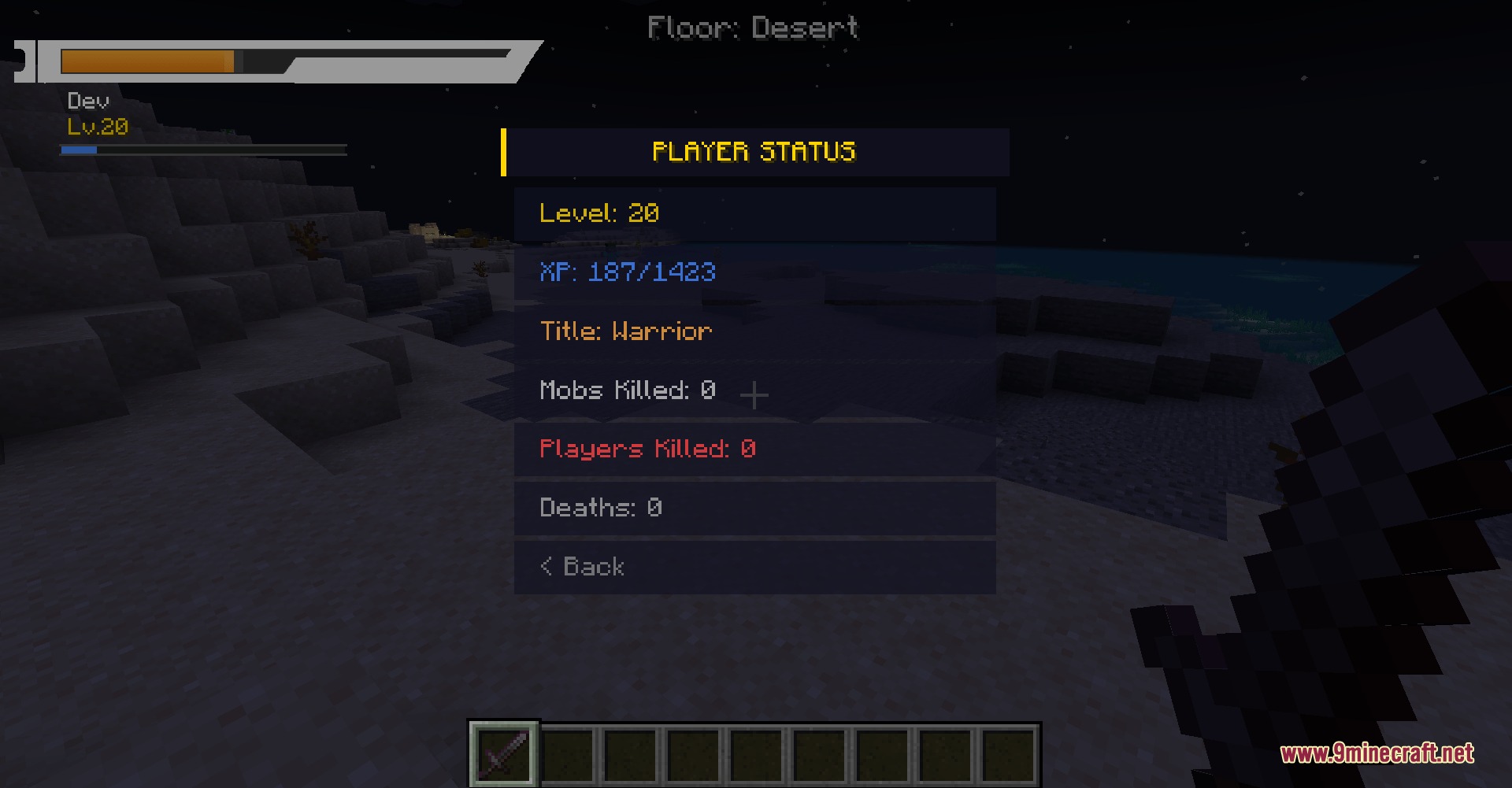
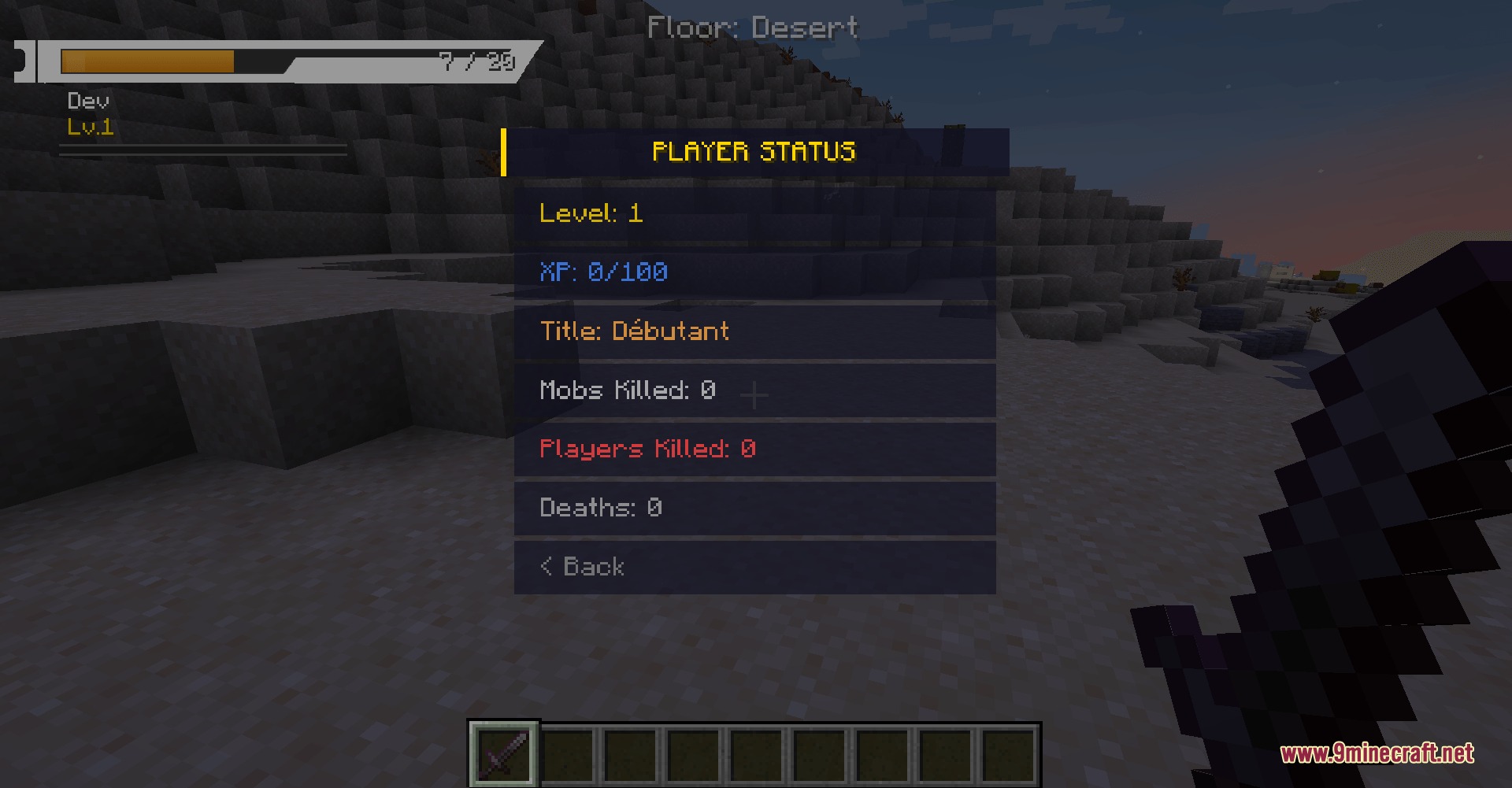
- Provides dedicated keybindings to bring up character menus and stat sheets instantly.
How to Use:
- Press M on your keyboard to open the main menu.
- Press P to open your character stats screen.
- Click anywhere on the screen during the death prompt to respawn instantly.
Configuration:
hudScale: Changes the overall size of the HUD on your screen.hudOffsetXandhudOffsetY: Shifts the HUD position horizontally and vertically.hideVanillaArmor: Toggles the vanilla armor icons on or off.hideVanillaHunger: Toggles the vanilla hunger bar display.hideVanillaXpBar: Toggles the vanilla experience bar.hideVanillaHotbar: Toggles the vanilla hotbar visibility.hideVanillaCrosshair: Toggles the default center crosshair.showHpText: Displays numeric health text next to the health bar.mobXpMultiplier: Modifies how much experience mobs drop when defeated.duelMaxDistance: Sets the maximum distance allowed between players during duels.partyXpShareRadius: Adjusts the range where party members share experience points.
Screenshots:
How to Install:
New to Minecraft? Follow our step-by-step guide to install Mods on your PC.View Guide
Requirements:

Virtual Frontier Interface Mod Download Links
For Minecraft 1.20.1, 1.20
Click to rate this post!
[Total: 0 Average: 0]
You May Also Like

This post has no comments yet. Be the first — your comment will appear here.