


Province Prime Mod (1.21.11) – Smarter Inventory and Raid Tracking for Wynncraft
 0
0
 0
0

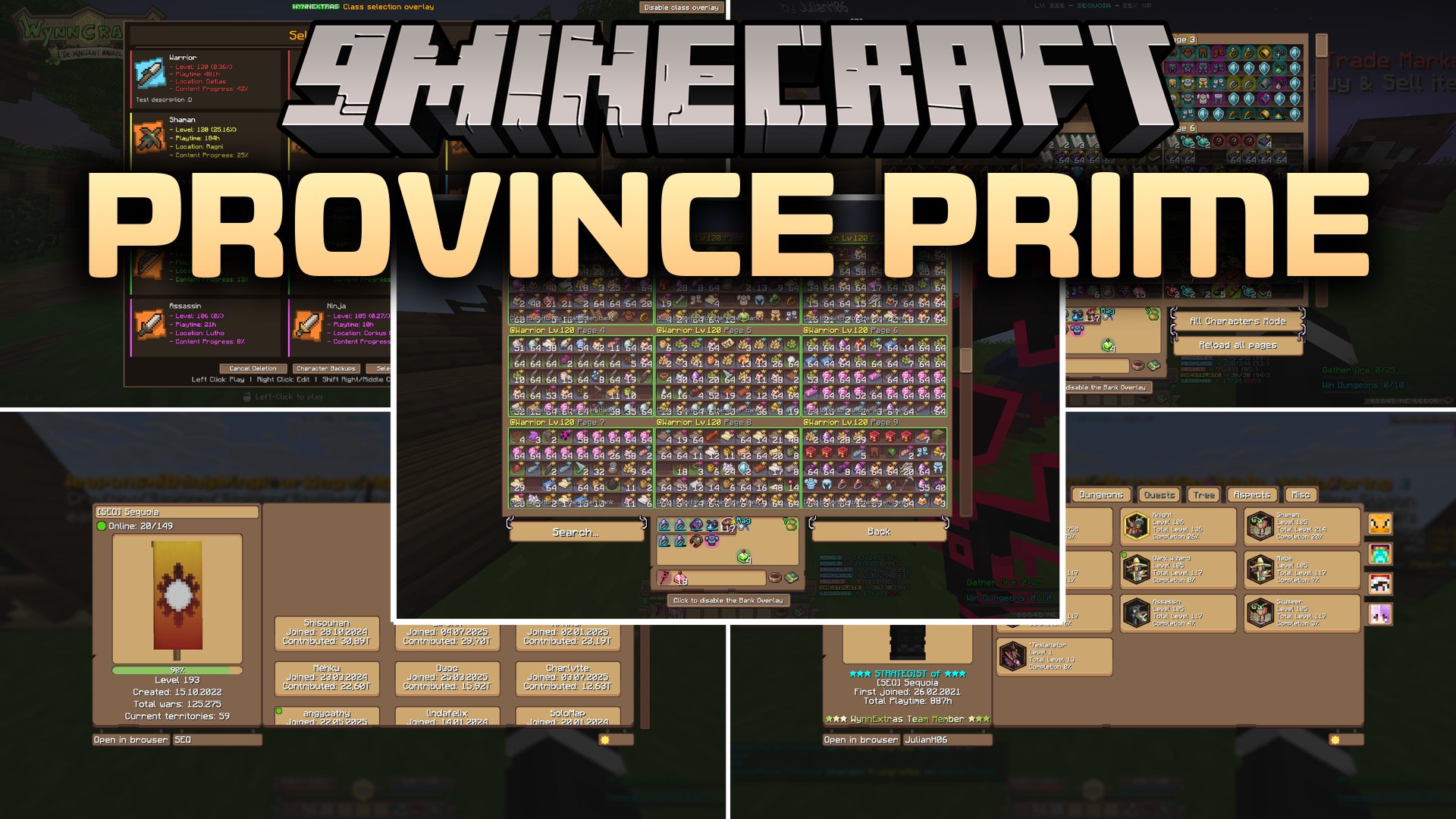
Province Prime Mod brings helpful interface upgrades and quality of life tools to Wynncraft. It replaces default menus with custom bank overlays, detailed character profile viewers, and crafting helpers. Players can check weekly raid lootpools, place coordinate markers across the map, and manage chat channels easily in one place.
Features:
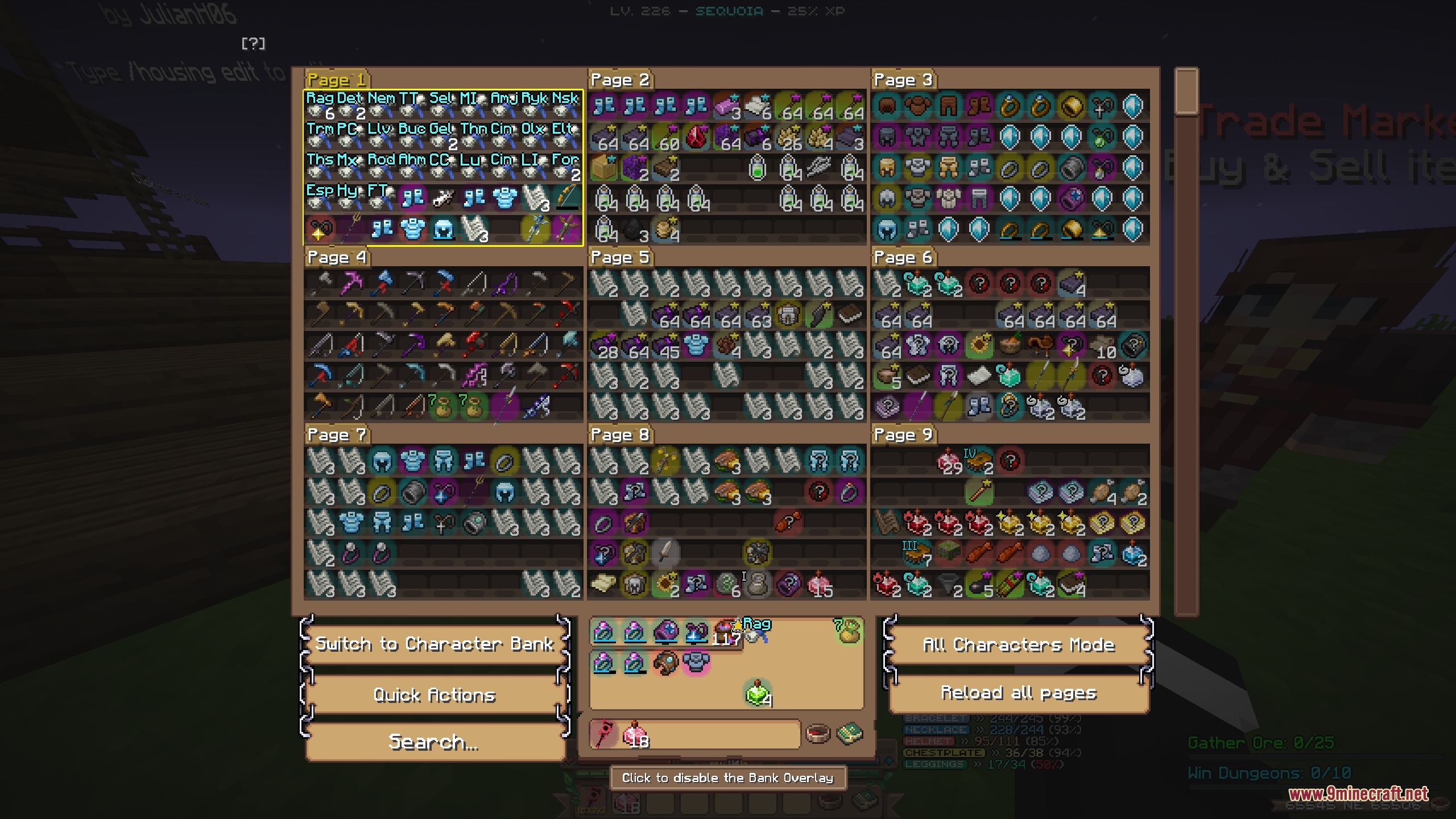
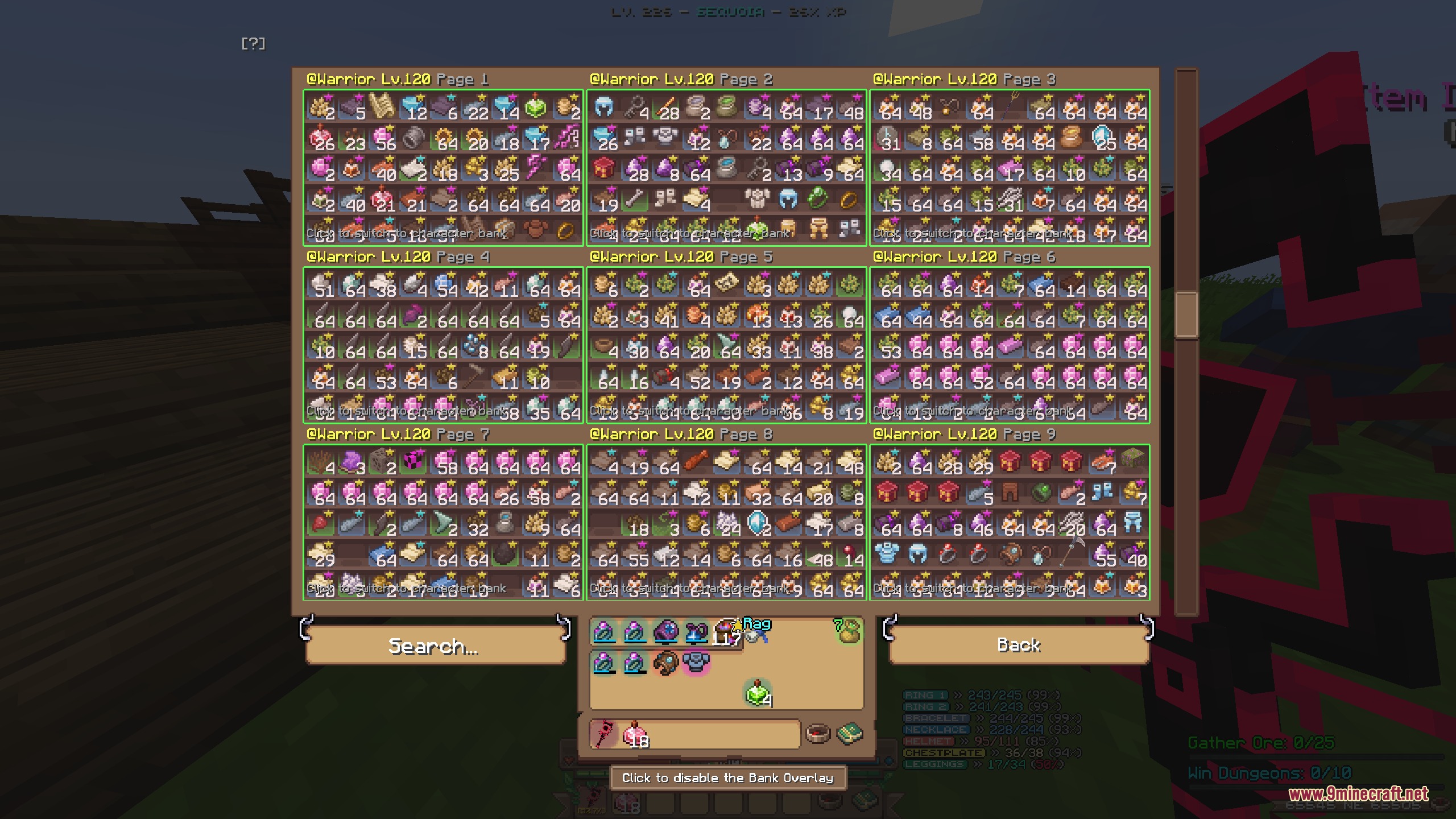
- Displays a custom storage overlay that lets you search items across all character bank pages.
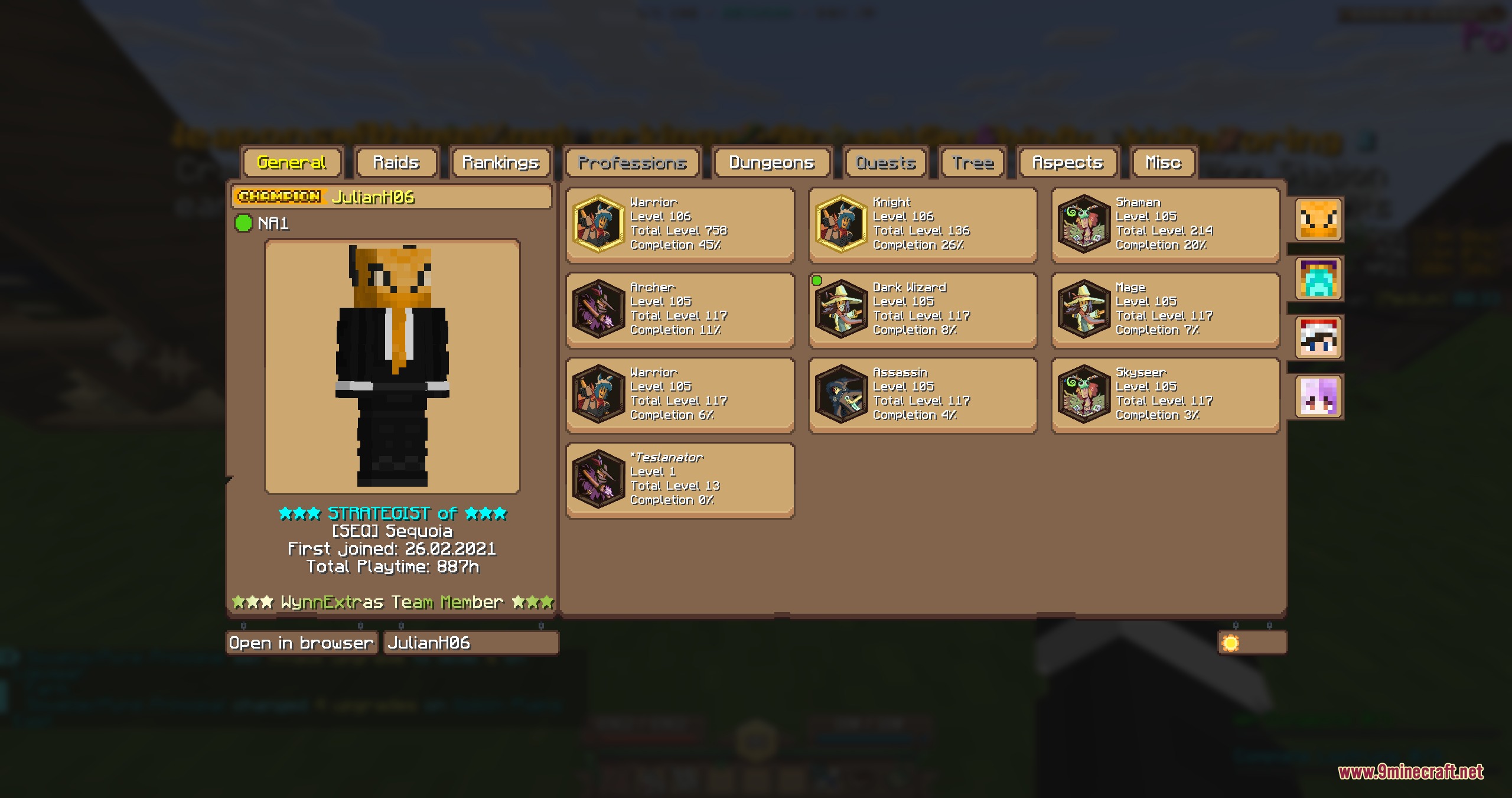
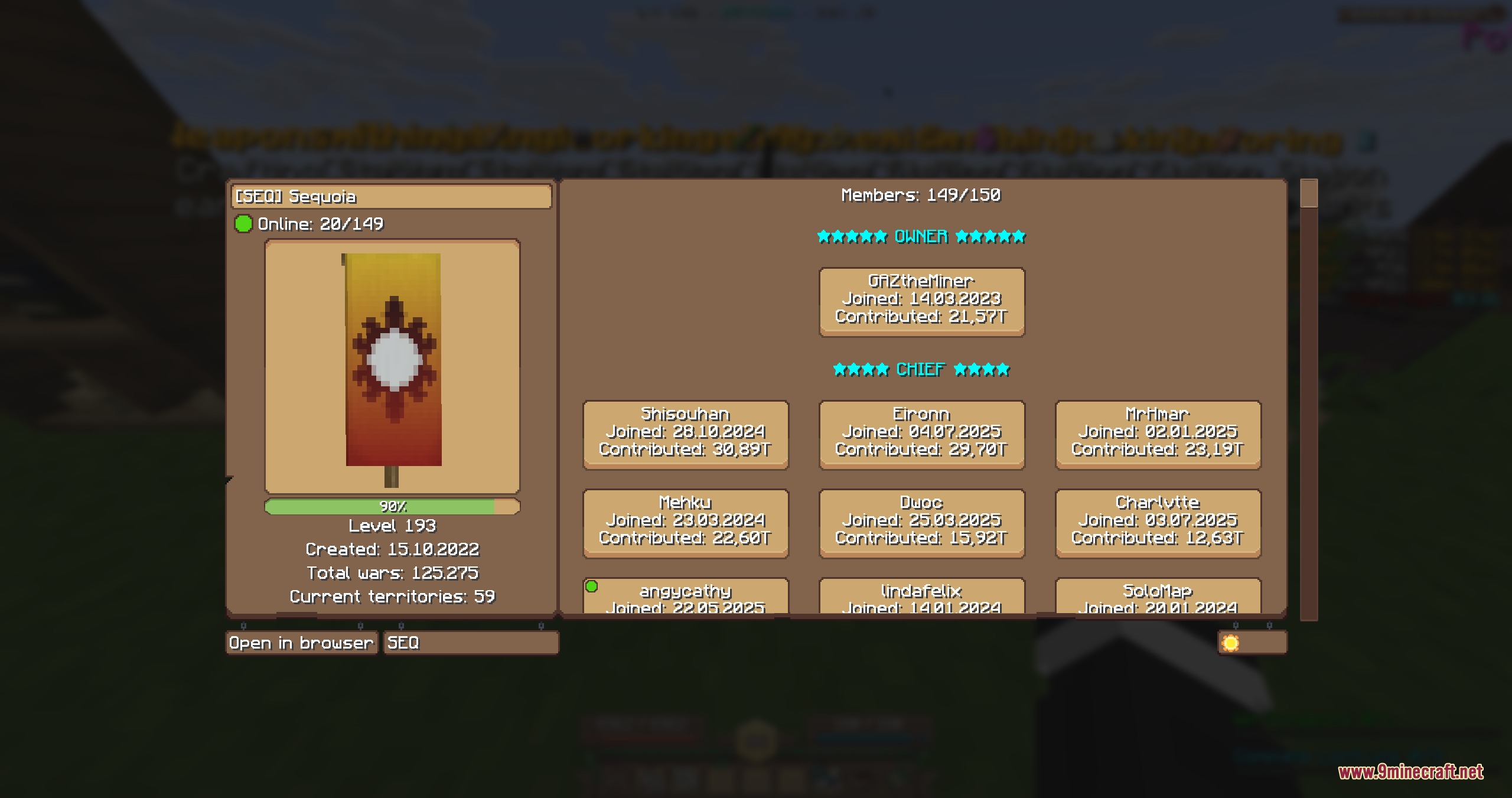
- Inspects player and guild statistics directly in game through dedicated profile menus.
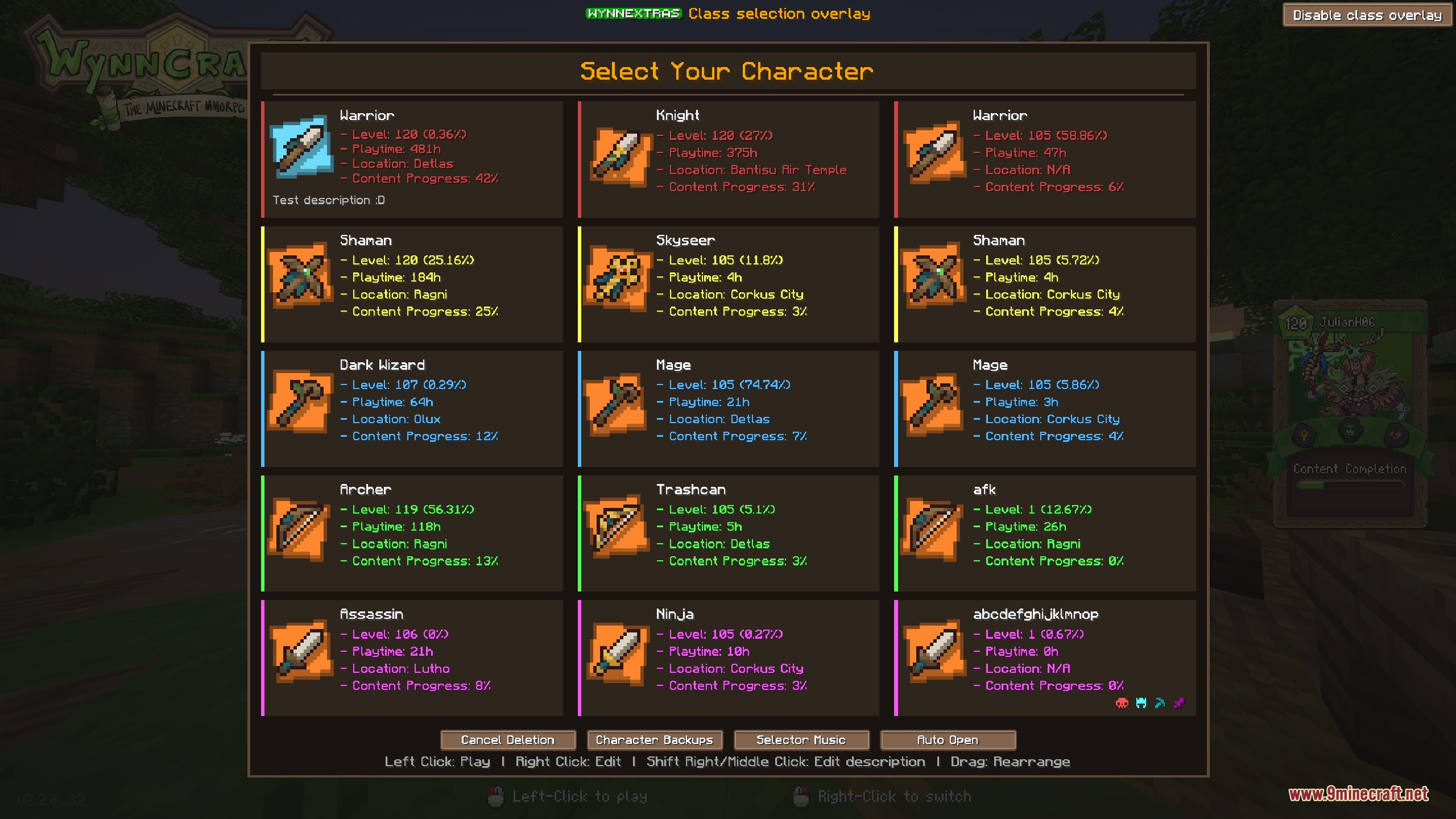
- Offers a customizable class selection screen with rearrangeable character slots and custom colors.
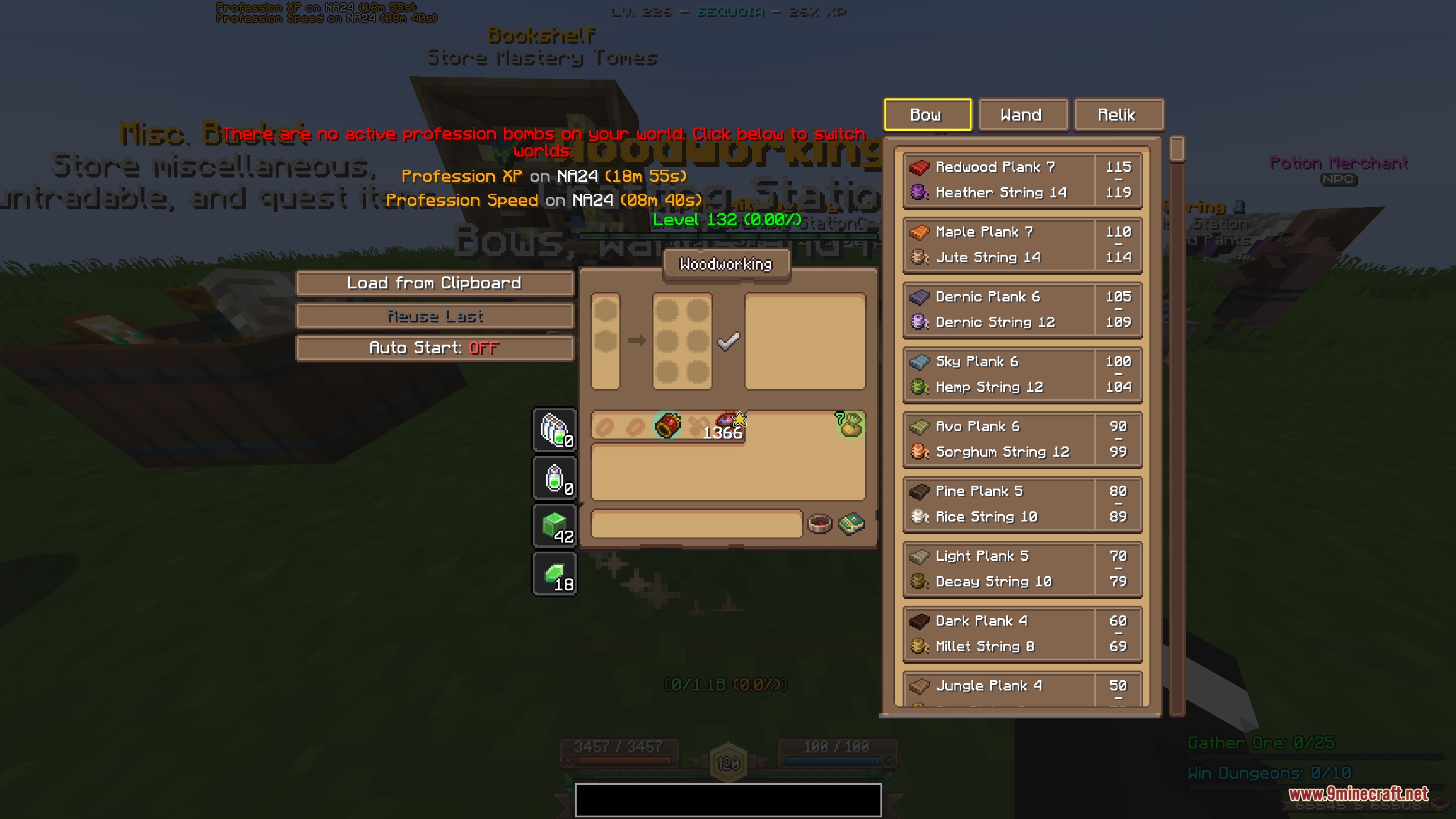
- Automates ingredient loading in crafting stations and tracks active profession bombs across worlds.
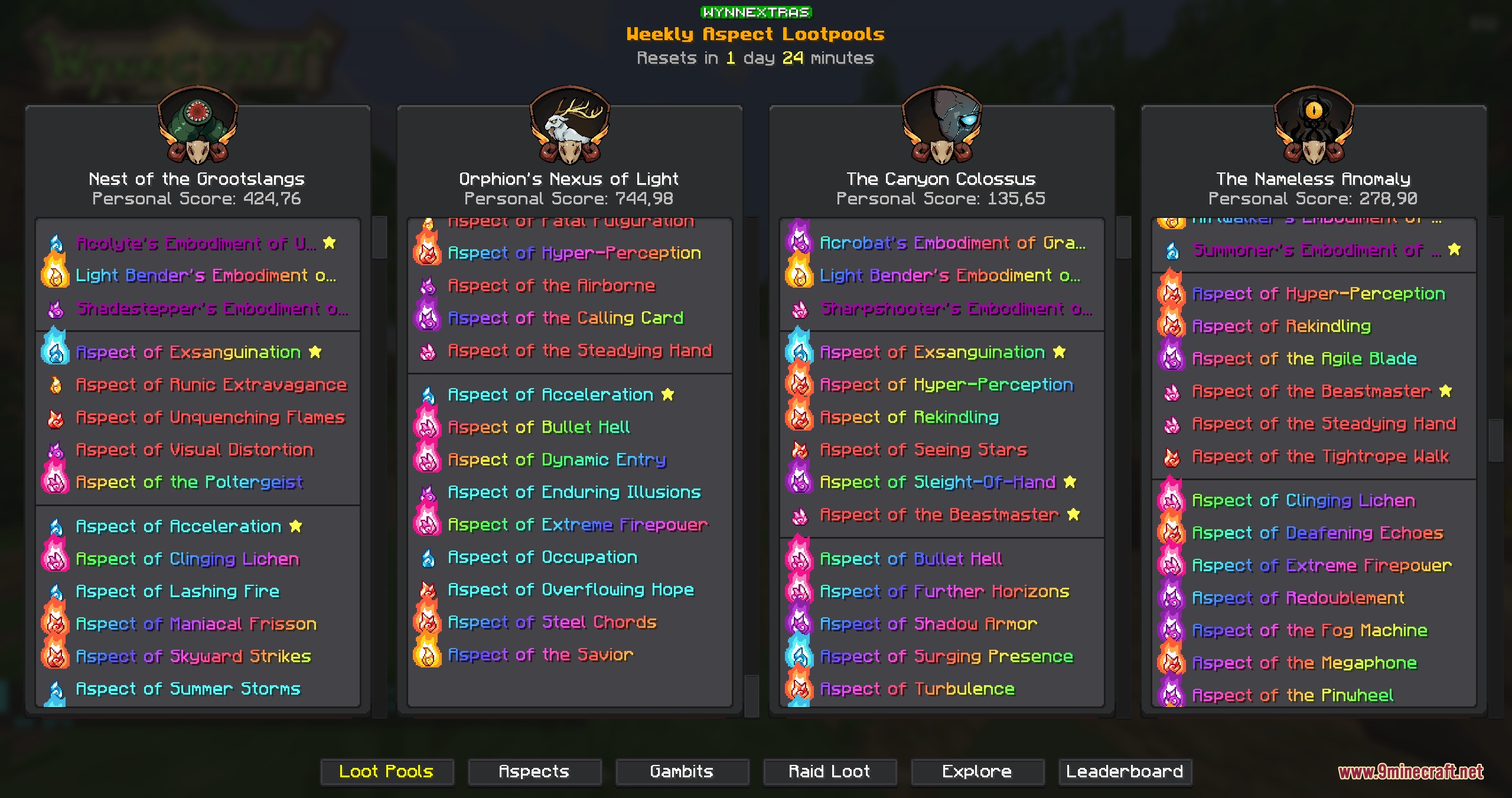
- Displays current weekly raid and lootrun reward pools alongside personal aspect scores.
- Adds coordinate waypoints with custom color categories and distance indicators.
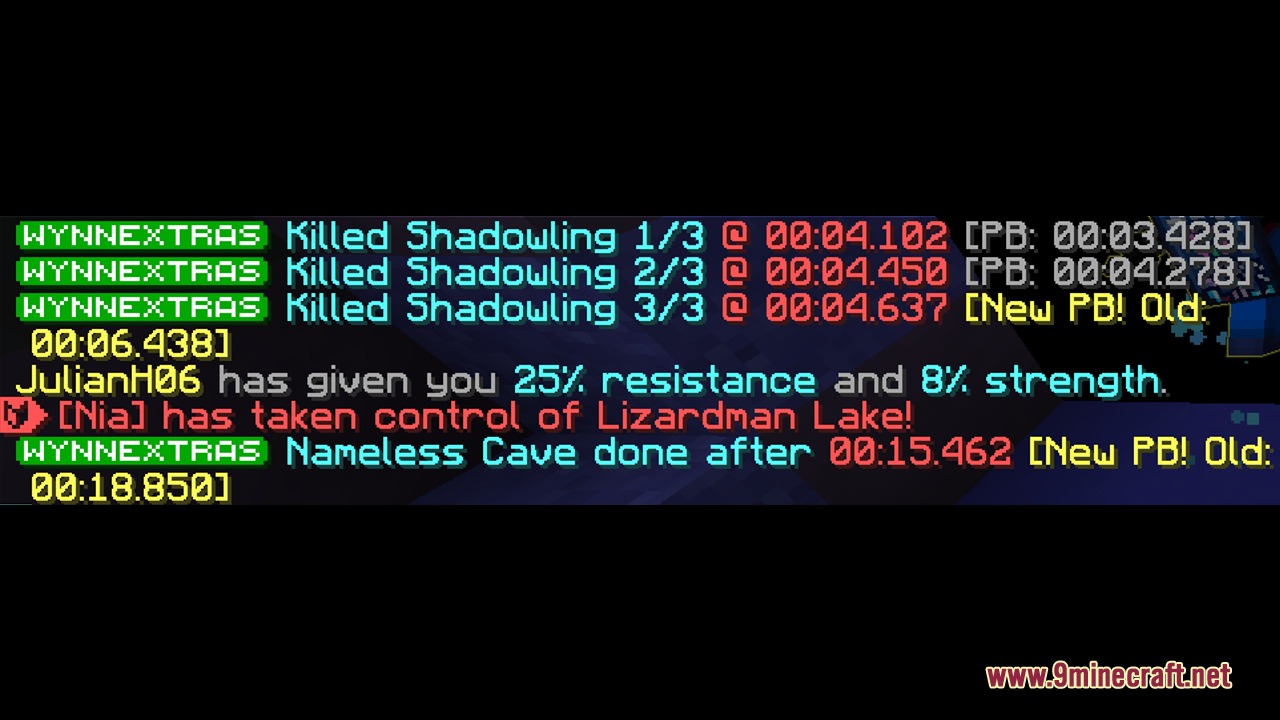
- Tracks completed raids, completion times, and reward drops with a dedicated raid list.
- Splits chat into distinct channel tabs and filters custom words or phrases.
- Hides selected players within a set block distance to keep crowded areas clear.
- Compares Trade Market item tooltips on screen by pressing F1.
- Saves and loads ability tree builds directly from the interface.
Commands:
/pv <username>: Opens the profile viewer for a player or yourself./gv <prefix>: Opens the guild viewer to check stats and guild members./we lootpool: Displays current weekly raid and lootrun reward pools./we aspects scan: Scans your aspects to calculate personal scores for each raid./WynnExtras waypoints: Opens the waypoint management menu./WynnExtras waypoints add: Places a new waypoint at your current location./WynnExtras waypoints remove: Deletes the closest waypoint./we Raidlist: Displays your list of completed raids and completion times./chat <channel>: Switches your active chat channel between all, party, and guild./we playerhider toggle: Toggles the player hider feature on or off./we playerhider add <name>: Adds a specific player to the hidden list./we playerhider remove <name>: Removes a player from the hidden list./we tree: Opens the ability tree loader menu.
How to Use:
- Open your bank or character menu to view the updated overlay tabs.
- Type
/pvin chat to check your character stats or target another player. - Press F1 while hovering over items in the Trade Market to pin tooltips for comparison.
- Access the waypoint screen with
/WynnExtras waypointsto create markers for points of interest.
Screenshots:
How to Install:
New to Minecraft? Follow our step-by-step guide to install Mods on your PC.View Guide
Requirements:


Province Prime Mod Download Links
For Minecraft 1.21.11
For Minecraft 1.21.4
Click to rate this post!
[Total: 0 Average: 0]
You May Also Like


This post has no comments yet. Be the first — your comment will appear here.