


Konfig Mod (26.2, 1.20.1) – Tweak Your Mod Settings Directly Inside In-Game
 0
0
 0
0

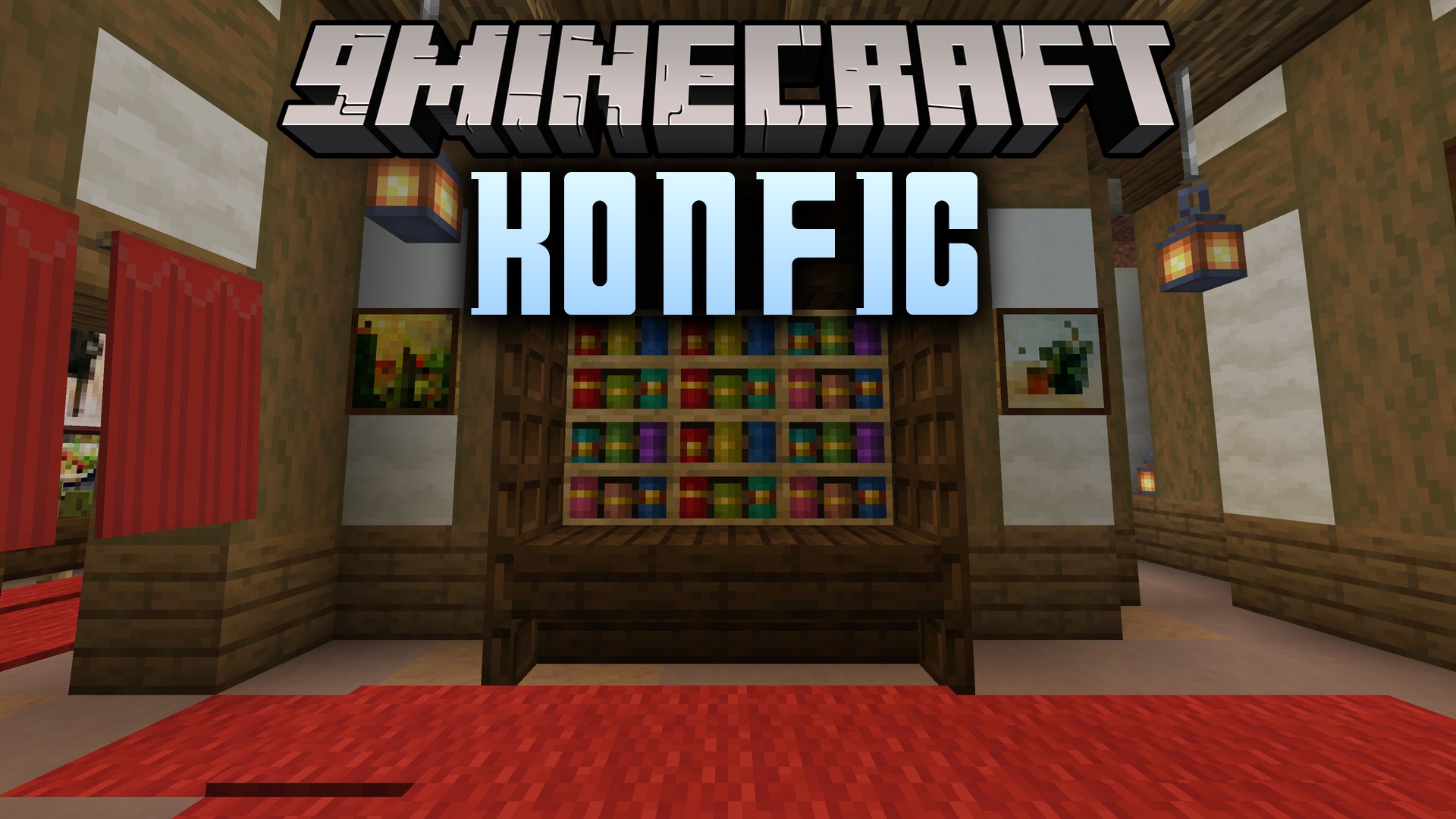
Konfig Mod brings a shared configuration system to Minecraft across Fabric, Forge, and NeoForge. It lets mods create organized settings in one place, sync data between servers and players, and build in-game option menus with visual controls. This mod saves your preferences into neat TOML files with comments and version tracking.
Features:
- Generates in-game settings screens automatically for Fabric, Forge, and NeoForge.
- Saves values into clean, commented TOML files organized by mod folders.
- Syncs important server values to connected clients during login or reloads.
- Offers built-in editors for switches, numbers, lists, registry entries, and ARGB colors.
- Displays tooltips, hover panels, images, and clickable documentation links inside menus.
- Provides scope options to keep client, common, and server settings neatly separated.
- Integrates directly with Mod Menu on Fabric and native menu buttons on Forge loaders.
- Tracks schema versions to migrate older setting values without data loss.
How to Use:
- Install the mod alongside compatible mods on your chosen loader.
- Open your settings through the Mod Menu screen on Fabric or the mod list button on Forge and NeoForge.
- Adjust sliders, buttons, color pickers, and text fields directly in the visual menu.
- Save changes to update your files and apply settings to the game.
How to Install:
New to Minecraft? Follow our step-by-step guide to install Mods on your PC.View Guide




Konfig Mod Download Links
For Minecraft
26.2,
Client,
NeoForge
All Versions Covered
26.2
Client
NeoForge
Server
All Versions Covered
26.2
Client
NeoForge
Server
For Minecraft 26.1.2, 26.1.1, 26.1
For Minecraft 1.21.11
For Minecraft 1.21.1, 1.21
For Minecraft 1.20.1, 1.20
For Minecraft 1.18.2
For Minecraft 1.16.5
Click to rate this post!
[Total: 0 Average: 0]
You May Also Like



This post has no comments yet. Be the first — your comment will appear here.