


Vivid Idle Exploration Mod (26.2, 1.21.1) – Watch Cinematic Camera Angles
 0
0
 0
0

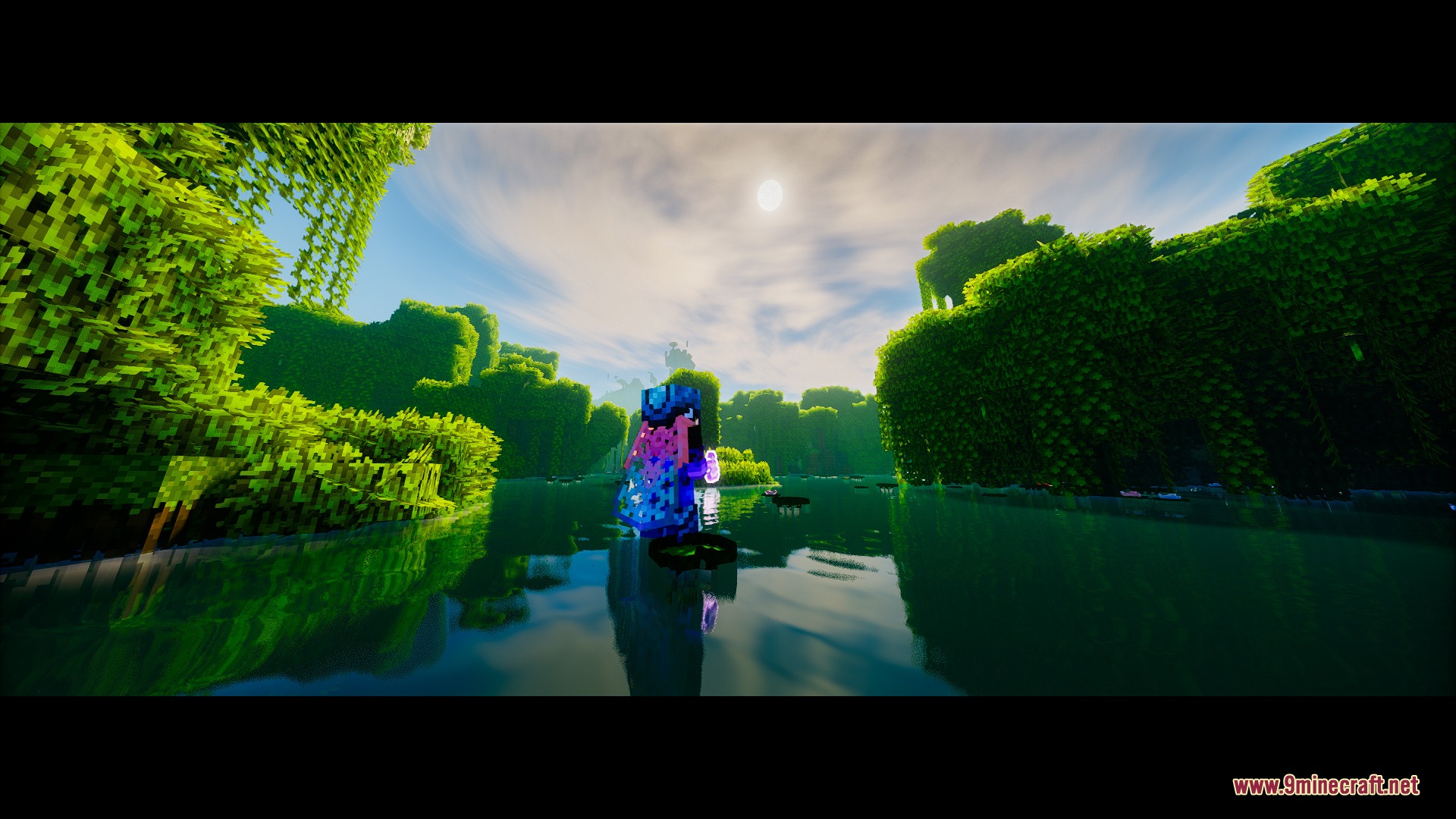
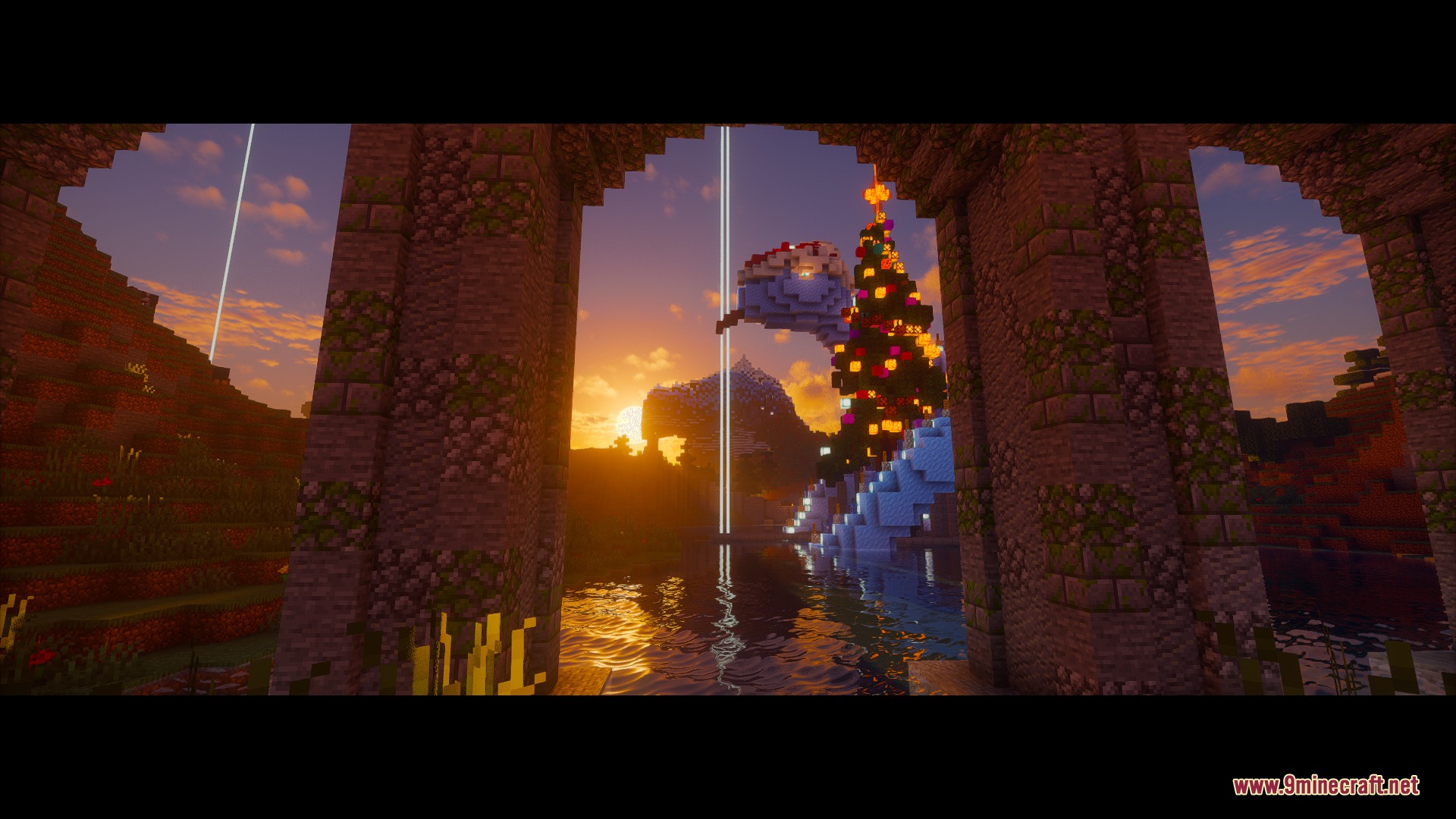
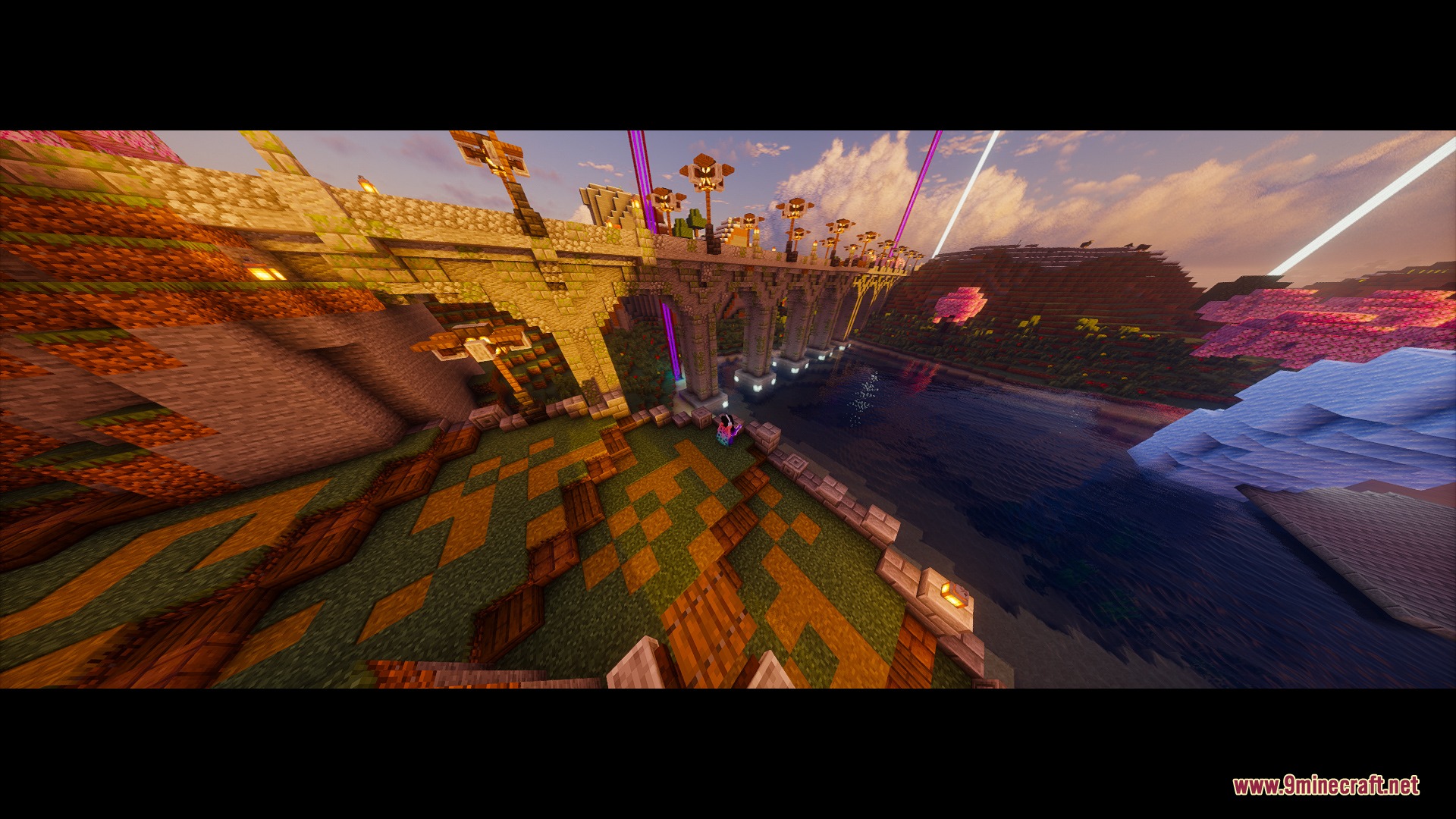
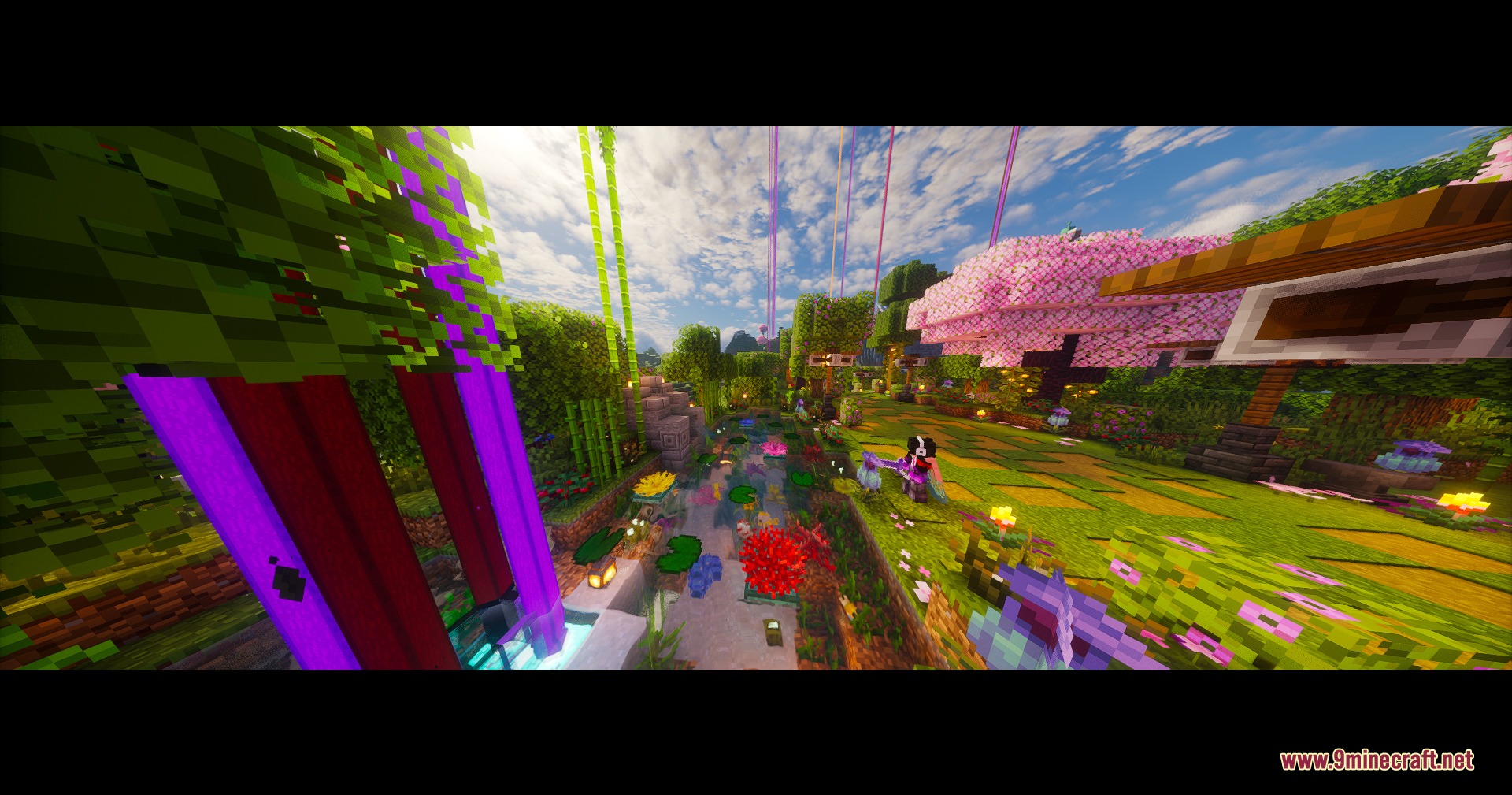
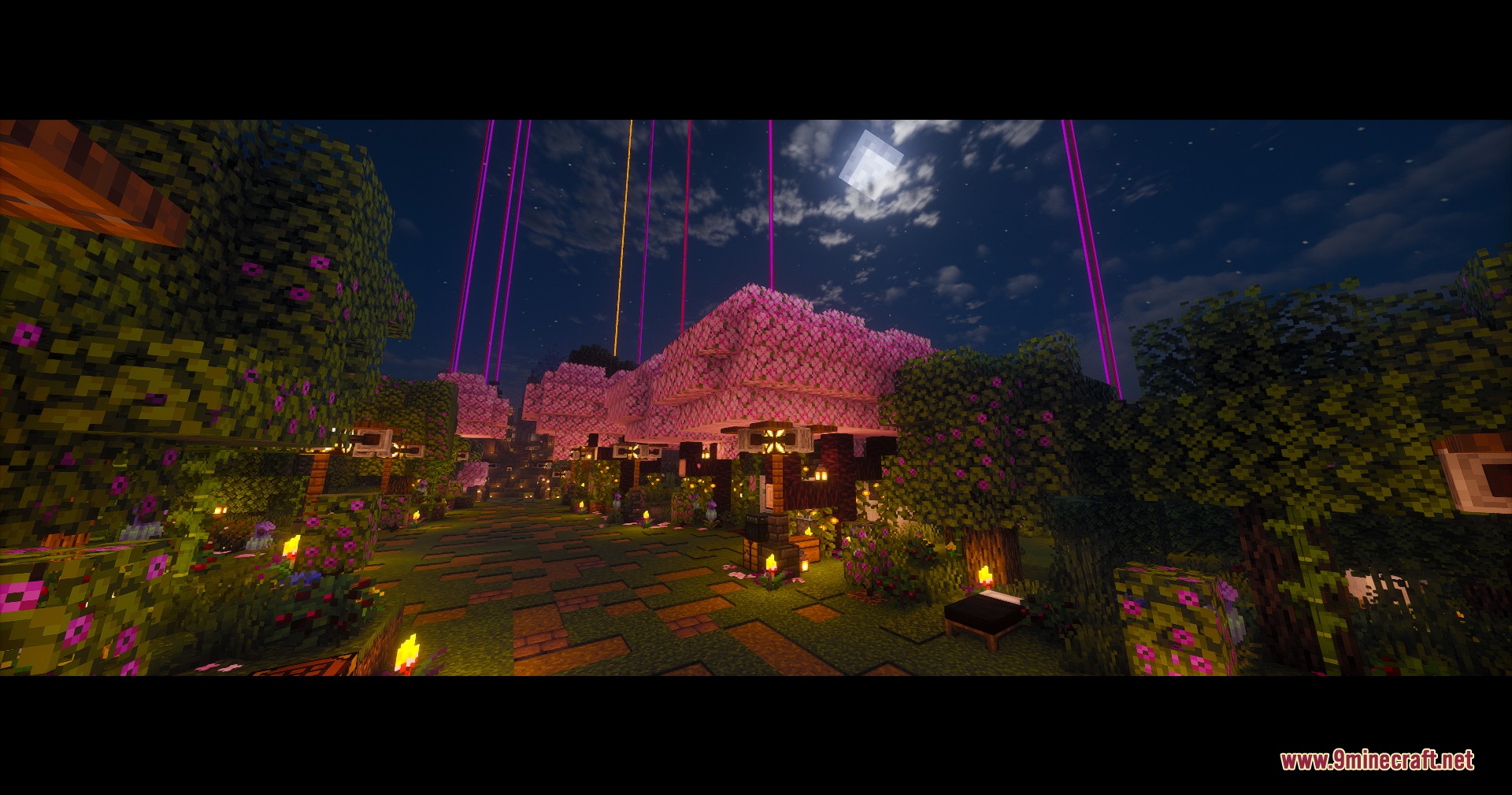
Vivid Idle Exploration Mod brings cinematic camera angles to your screen whenever you step away from the keyboard. The mod turns boring waiting times into smooth video shots of your character, builds, and surrounding scenery. It works automatically when you stop moving and hands control right back the moment you touch your mouse or keyboard.

Features:
- Switches to 10 cinematic camera angles including crane shots, orbit views, low dolly glides, and sweeping panoramas.
- Tracks your character smoothly during movement like flying with an Elytra, riding minecarts, boating, or falling.
- Wakes up your character instantly whenever you take damage to keep you safe from hazards.
- Returns normal game controls immediately as soon as you press a key or move your mouse.
- Adds optional black letterbox bars and nostalgic C418 background music for a movie feel.
- Runs entirely on the client side, allowing you to join standard vanilla servers, Realms, and custom servers without extra setup.
- Provides custom settings to change the idle countdown timer, shot duration, camera speed, and nametag visibility.
How to Use:
- Stand still in your world and wait for the AFK timer to count down.
- Watch the camera automatically switch between sweeping movie-style angles.
- Press any key or move your mouse to instantly regain full control of your player.
- Open the mod settings menu to adjust camera speed, shot length, and idle delay times.
Screenshots:
How to Install:
New to Minecraft? Follow our step-by-step guide to install Mods on your PC.View Guide


Vivid Idle Exploration Mod Download Links
For Minecraft
26.2,
26.1.2,
26.1.1
All Versions Covered
26.2
26.1.2
26.1.1
26.1
All Versions Covered
26.2
26.1.2
26.1.1
26.1
For Minecraft 1.21.11
For Minecraft 1.21.10, 1.21.9
For Minecraft 1.21.8, 1.21.7, 1.21.6
For Minecraft 1.21.5
For Minecraft 1.21.4
For Minecraft 1.21.1, 1.21
Click to rate this post!
[Total: 0 Average: 0]
You May Also Like









This post has no comments yet. Be the first — your comment will appear here.