


Cloud S Shaders (26.2, 1.20.1) – Lightweight Sky Rendering and Soft Lighting
 0
0
 0
0

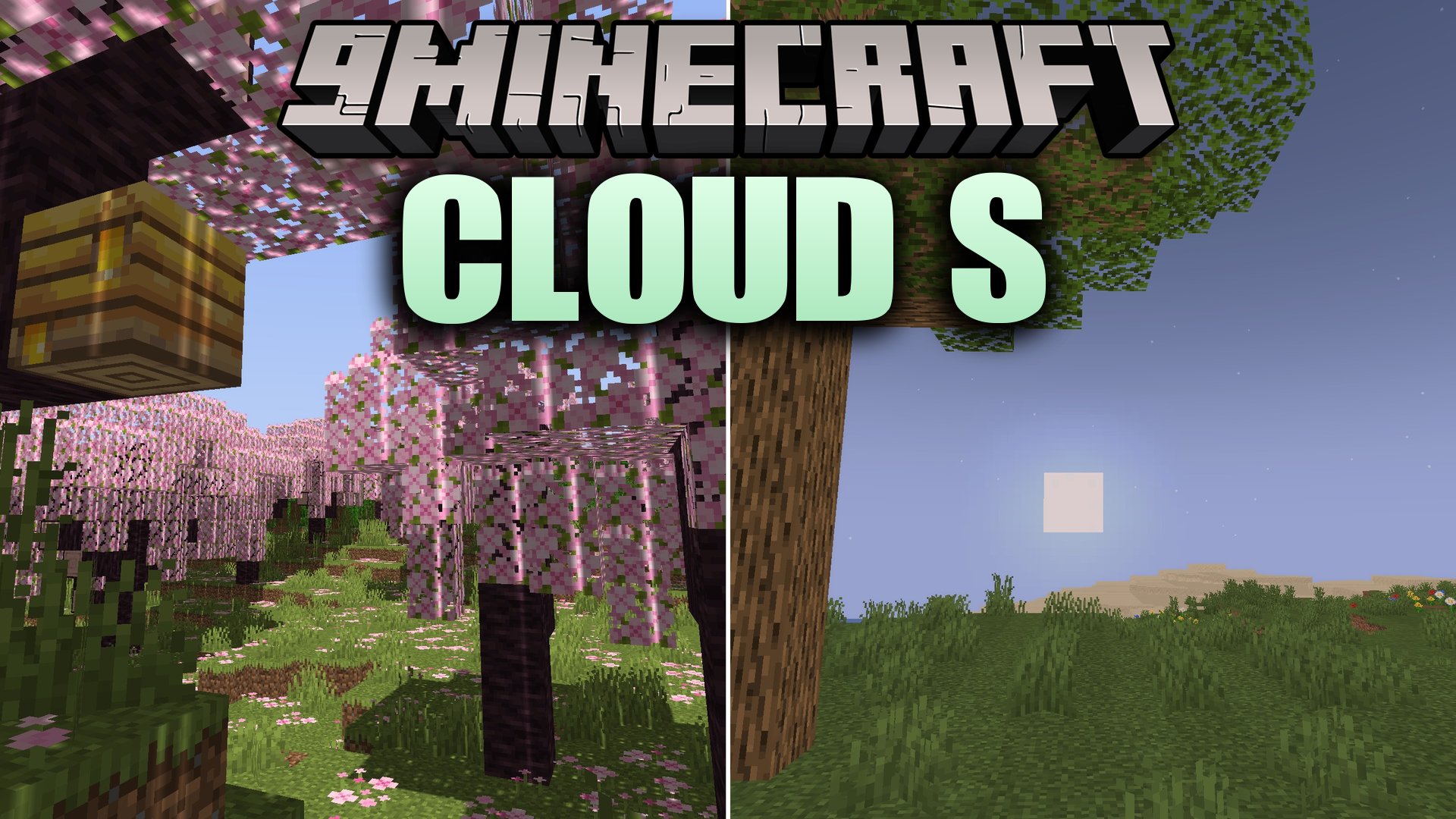
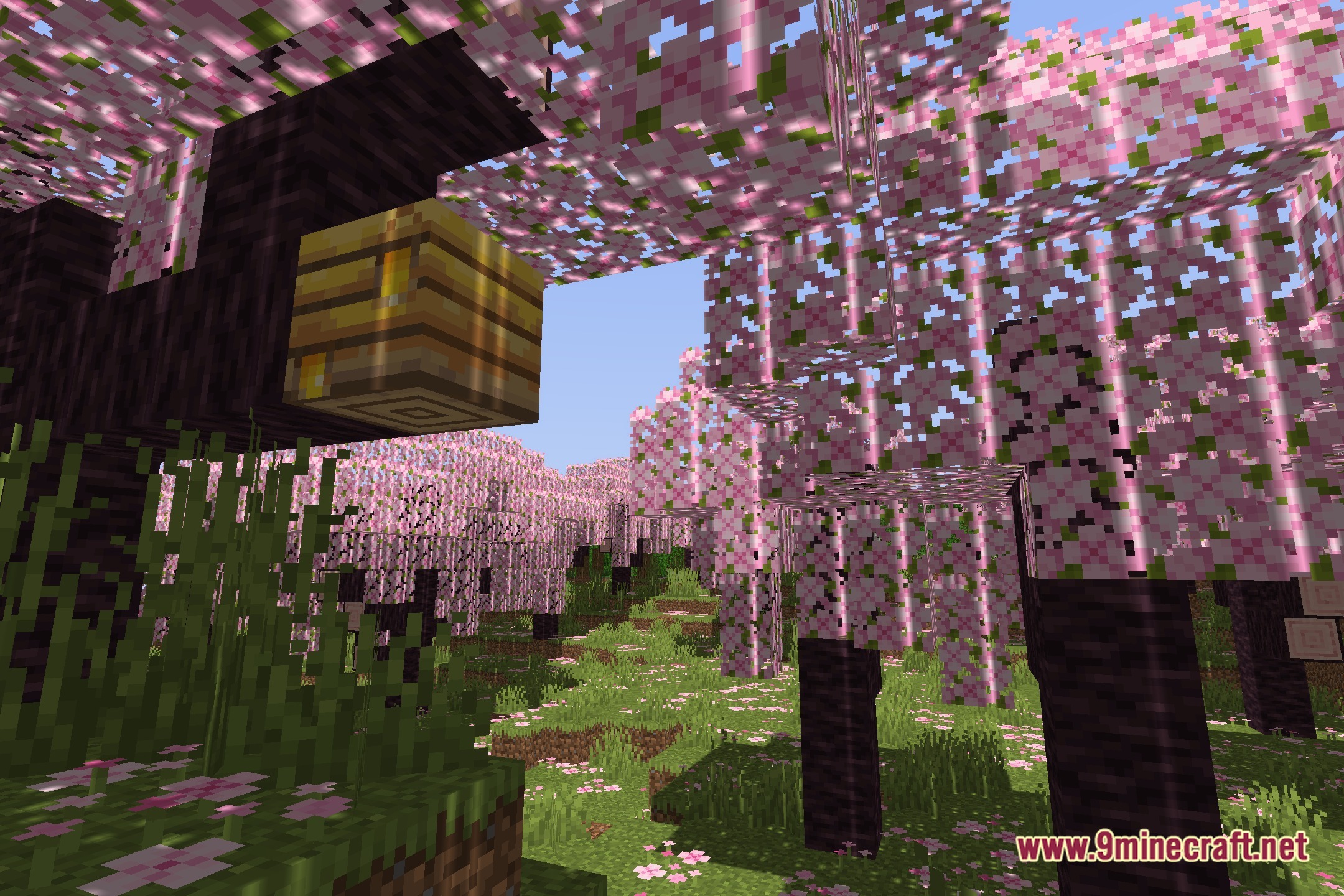
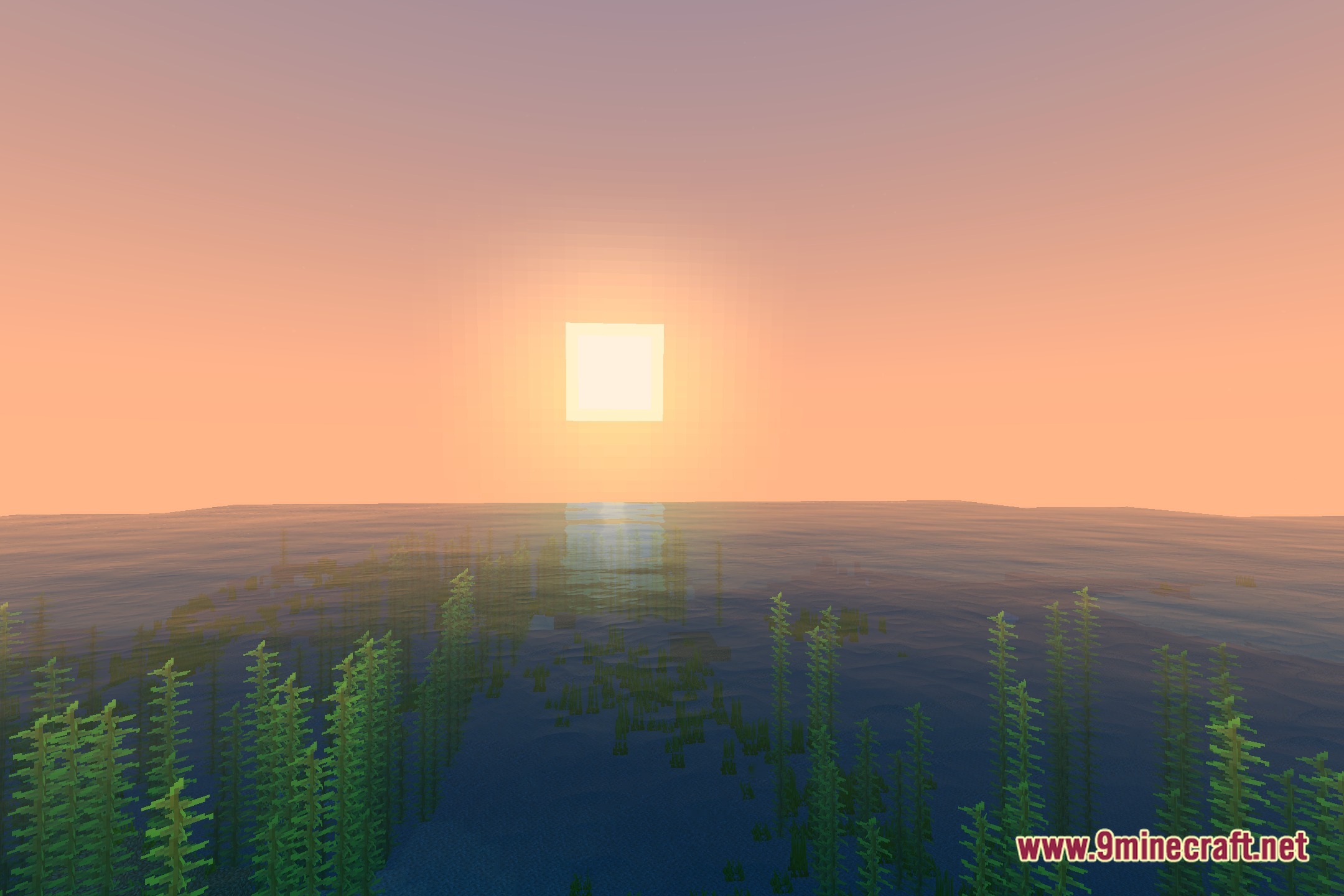
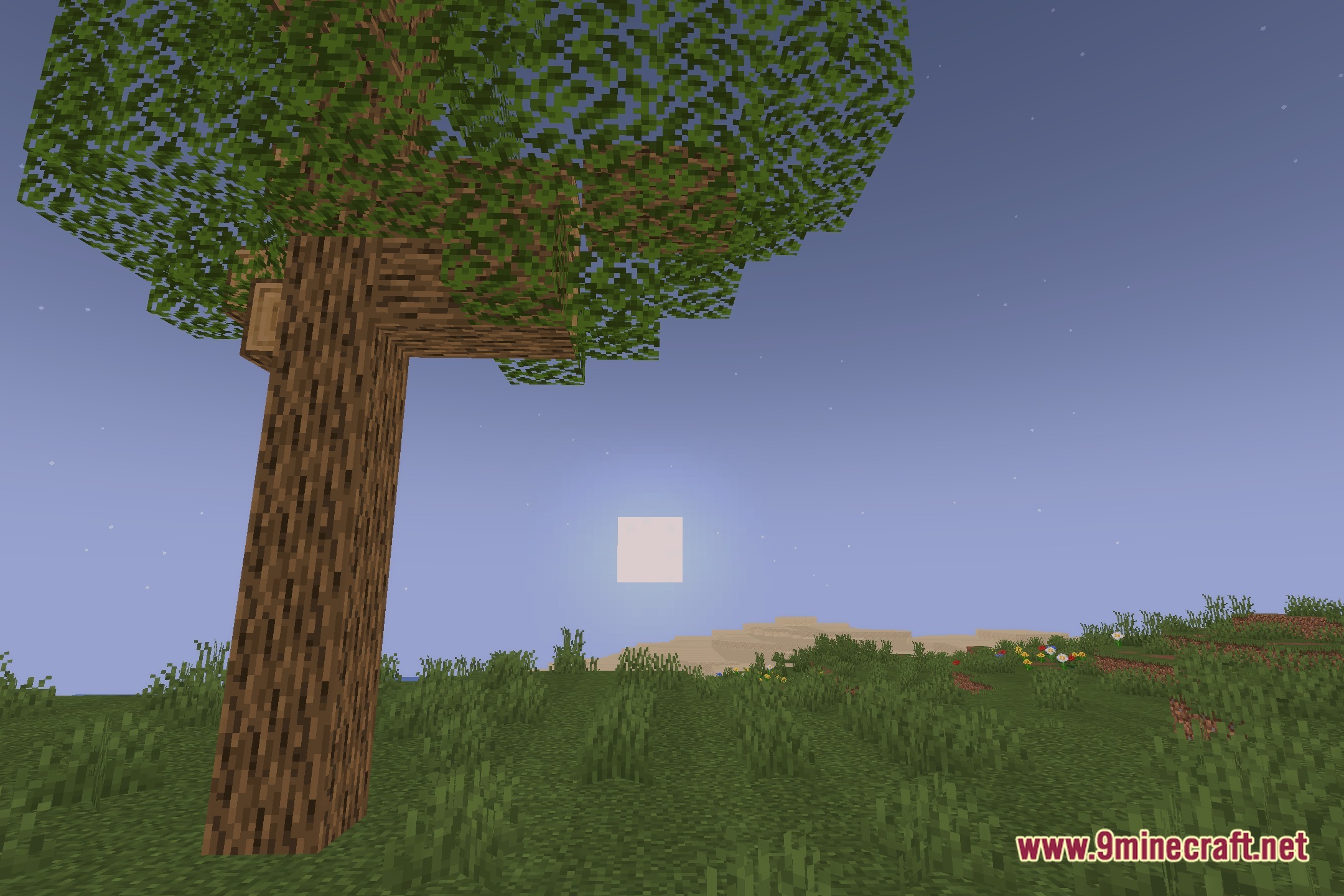
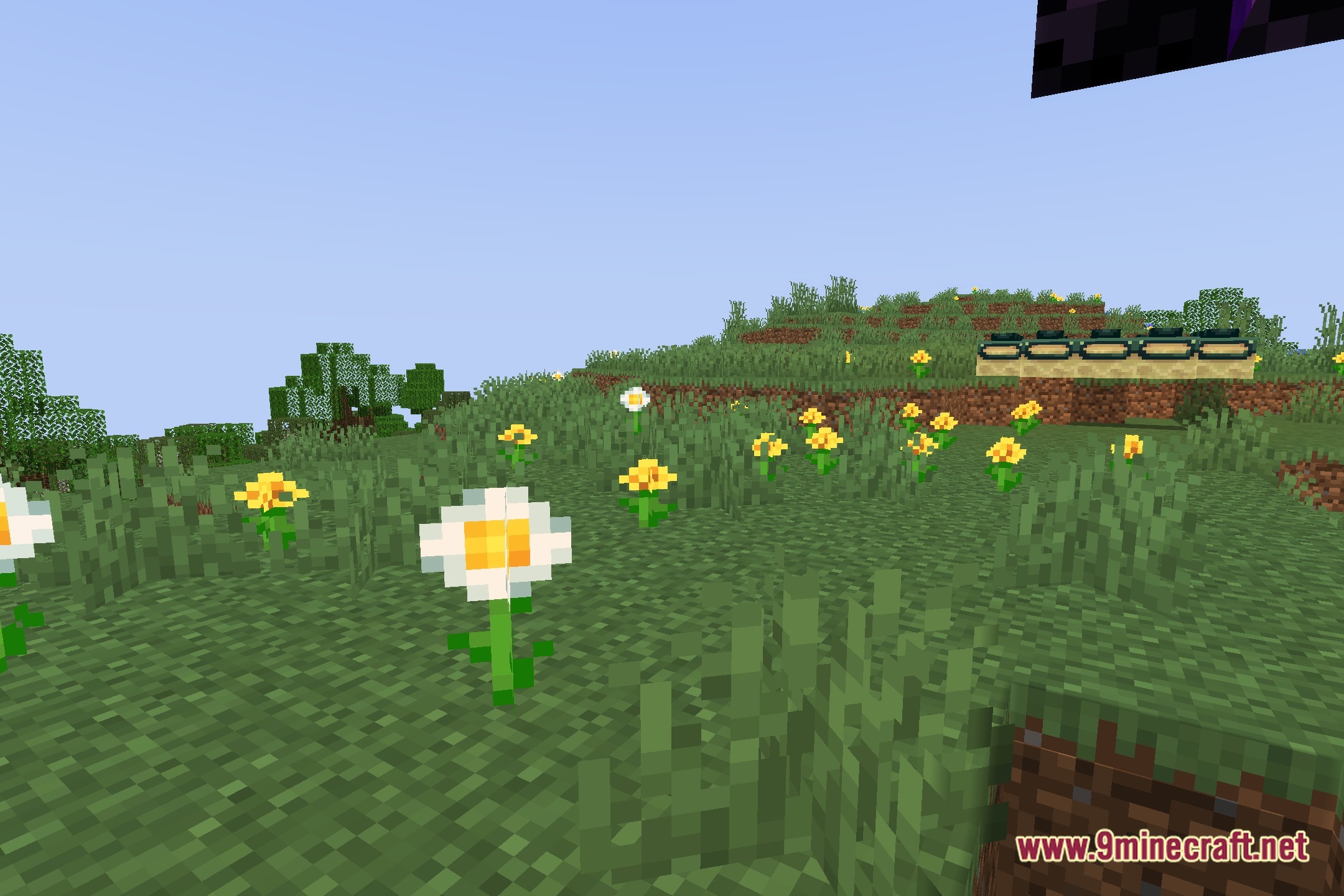
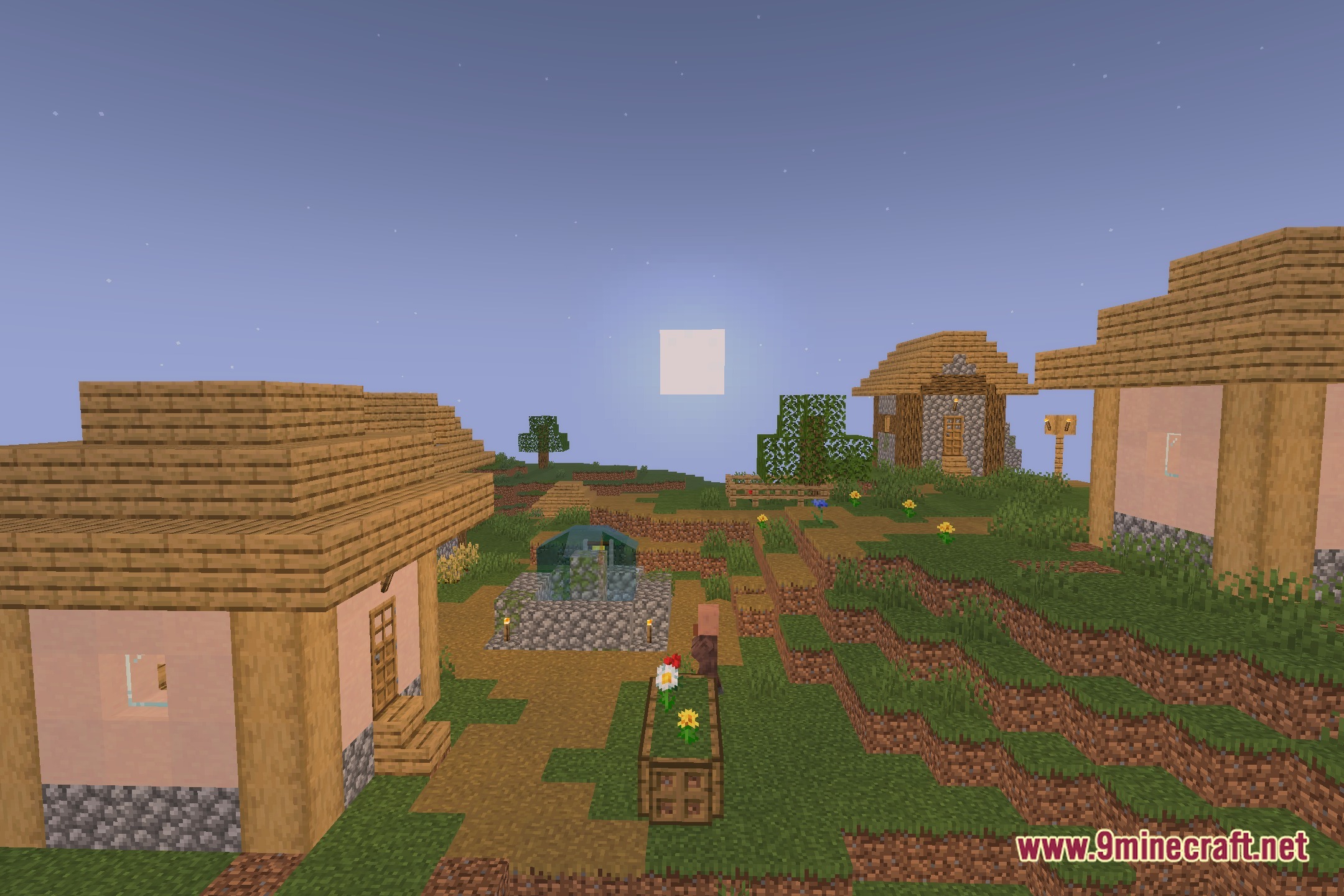
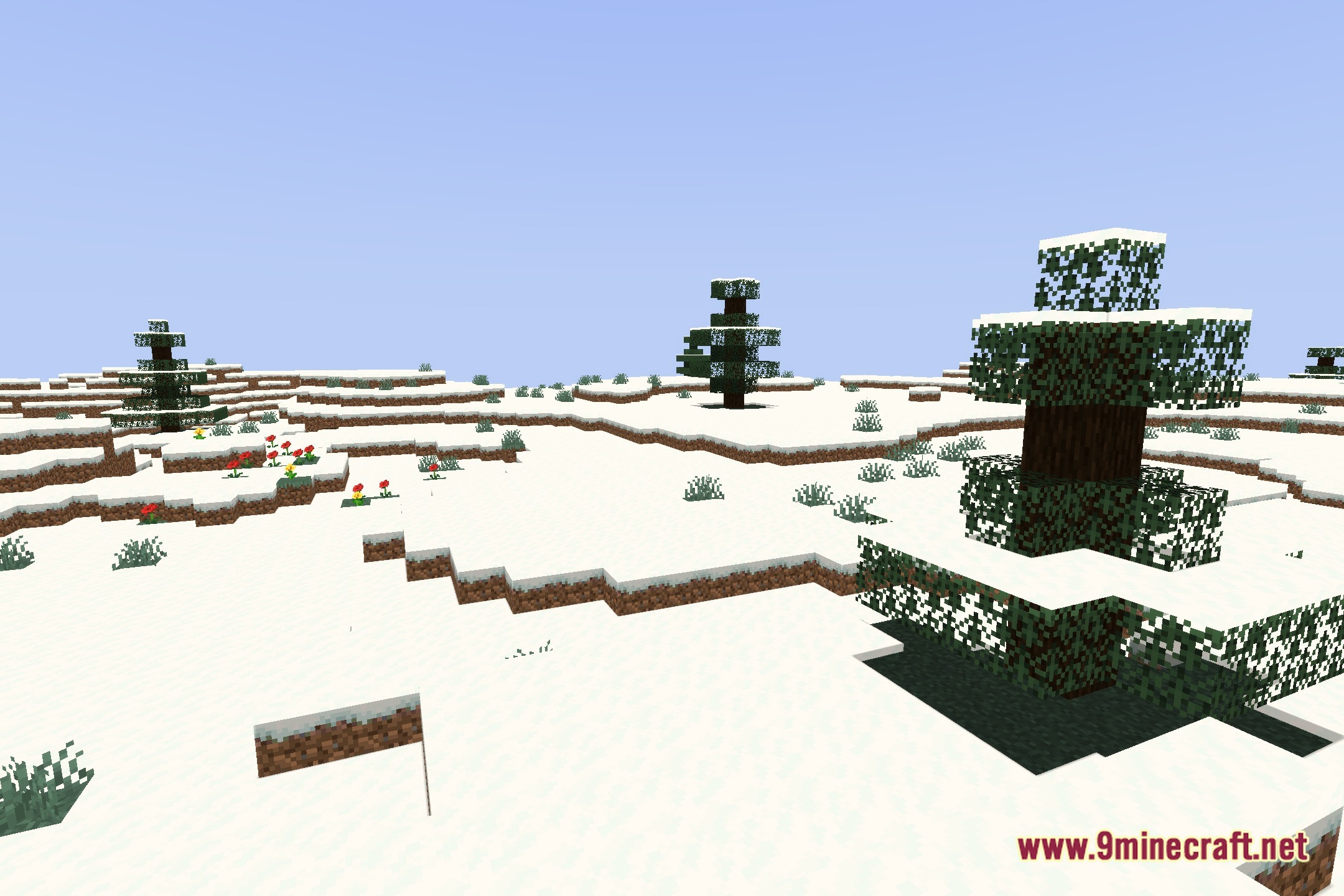
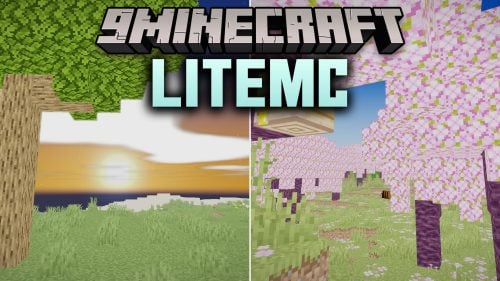
Cloud S illuminates your world with clean sky visuals and soft lighting. This shader pack works directly with Iris to keep your game running smoothly while updating the look of outdoor environments. Sunlight, shadows, and open skies blend together to give every biome a fresh and crisp appearance during your adventures.
Features:
- Runs smoothly when paired with the Iris shader loader on modern setups.
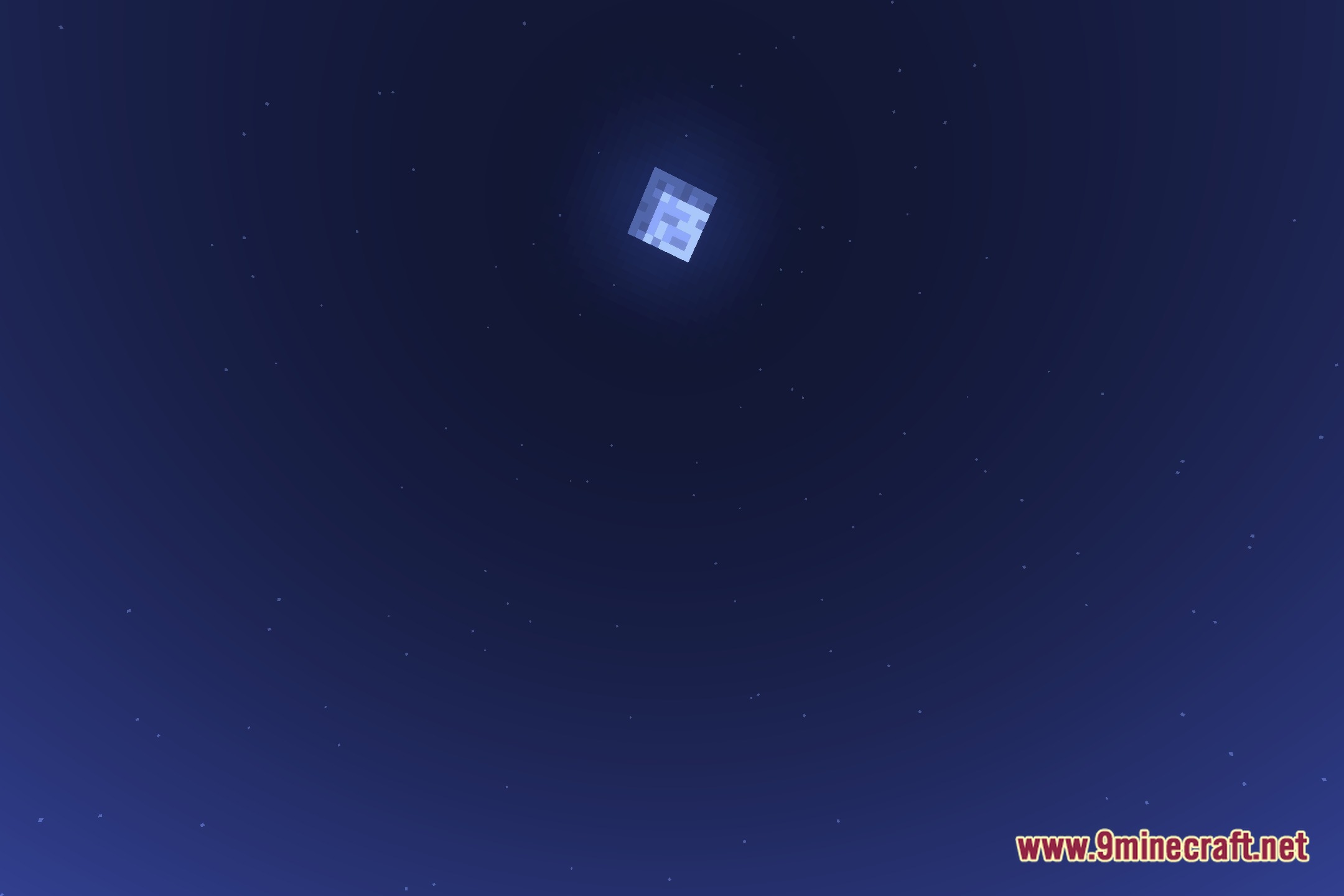
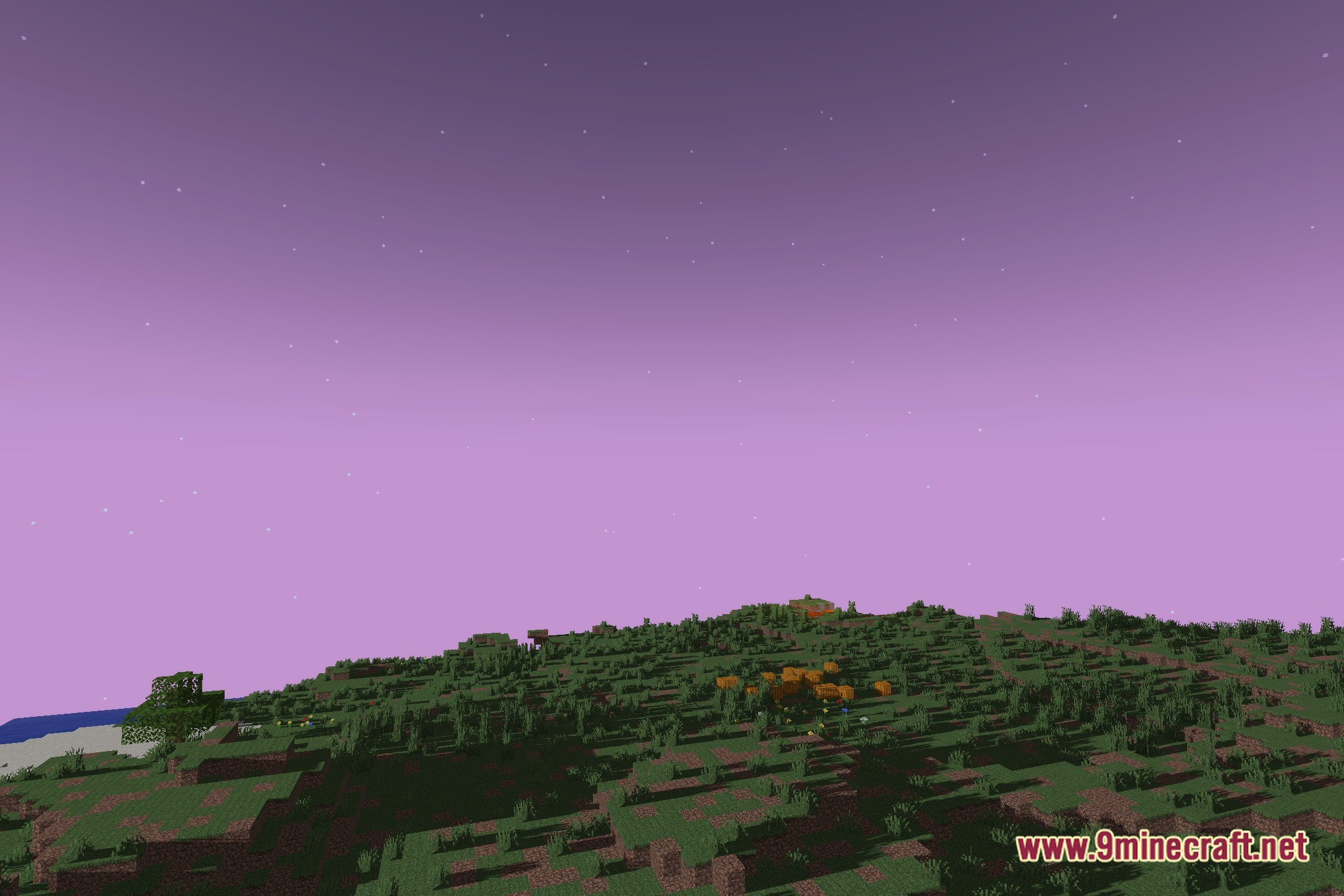
- Reworks sky rendering to give daytime and nighttime horizons a softer look.
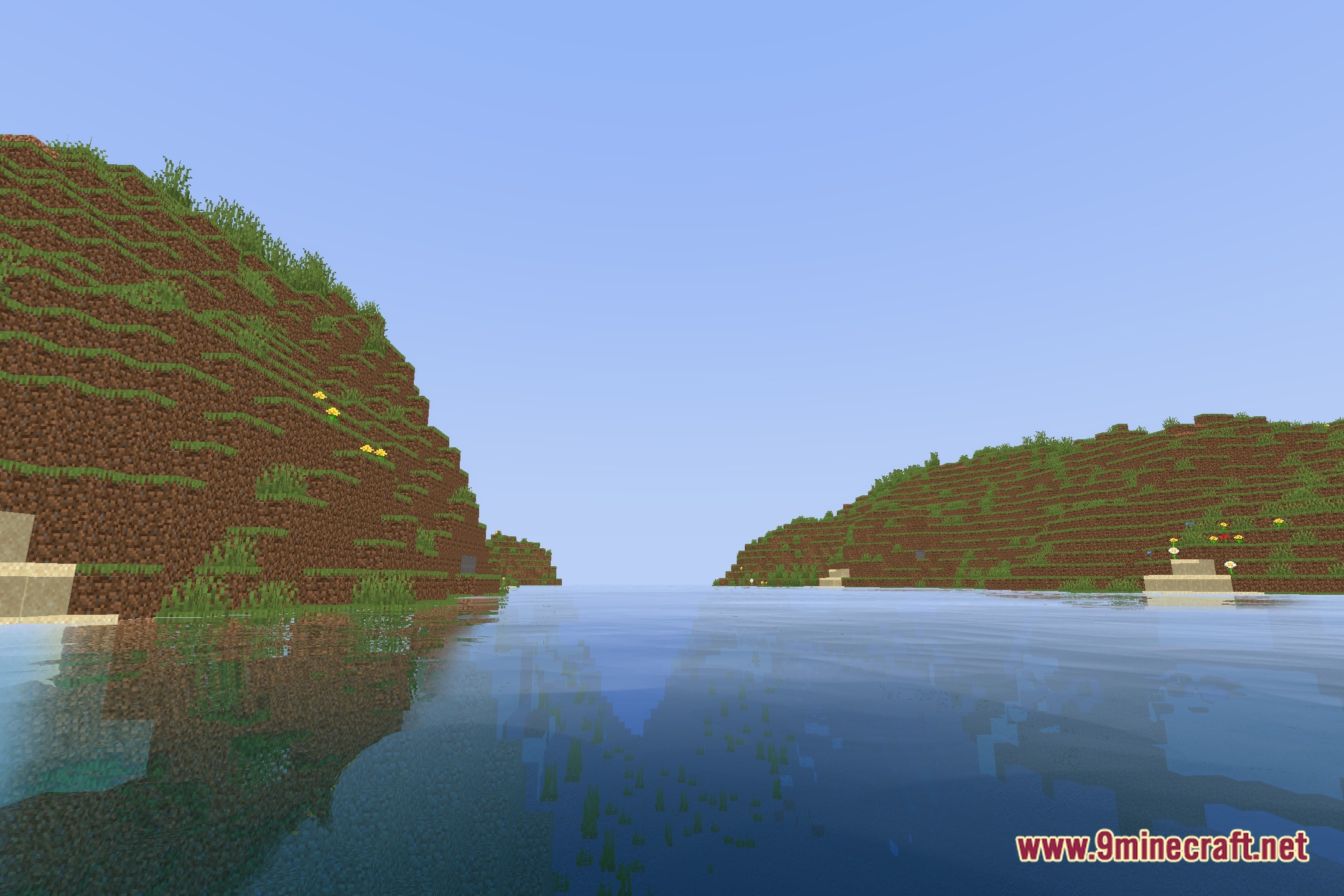
- Adjusts outdoor sunlight and shadow contrast for clear visibility during exploration.
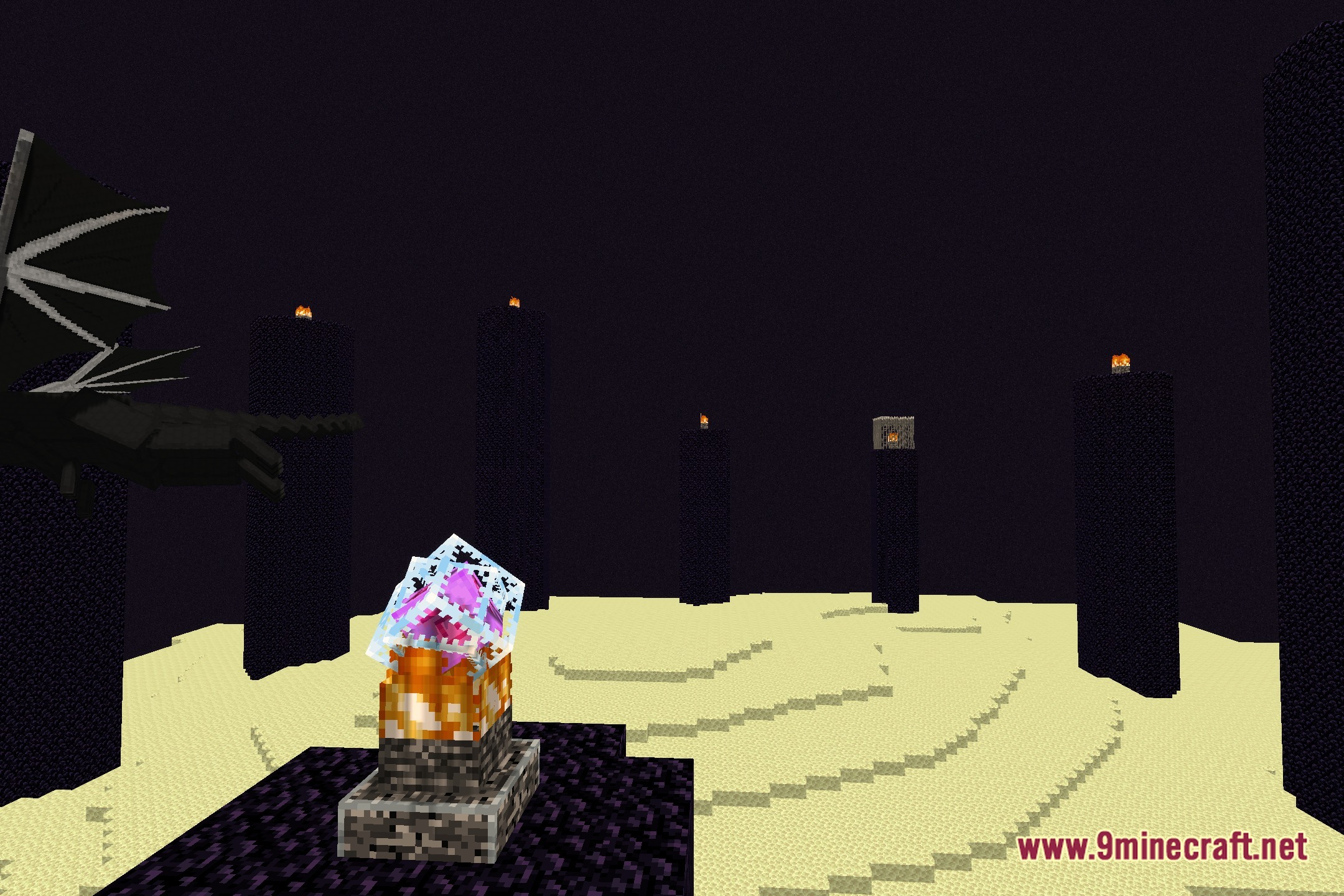
- Improves ambient light levels so caves and dark areas stay easy to read.
- Keeps visual elements simple without dropping your frame rates.
Screenshots:
How to Install:
New to Minecraft? Follow our step-by-step guide to install Shaders on your PC.View Guide
Cloud S Shaders Download Links
Click to rate this post!
[Total: 0 Average: 0]
You May Also Like

This post has no comments yet. Be the first — your comment will appear here.