


Orbit Shaders (26.2, 1.20.1) – PBR Lighting and Screen Space Reflections
 0
0
 0
0

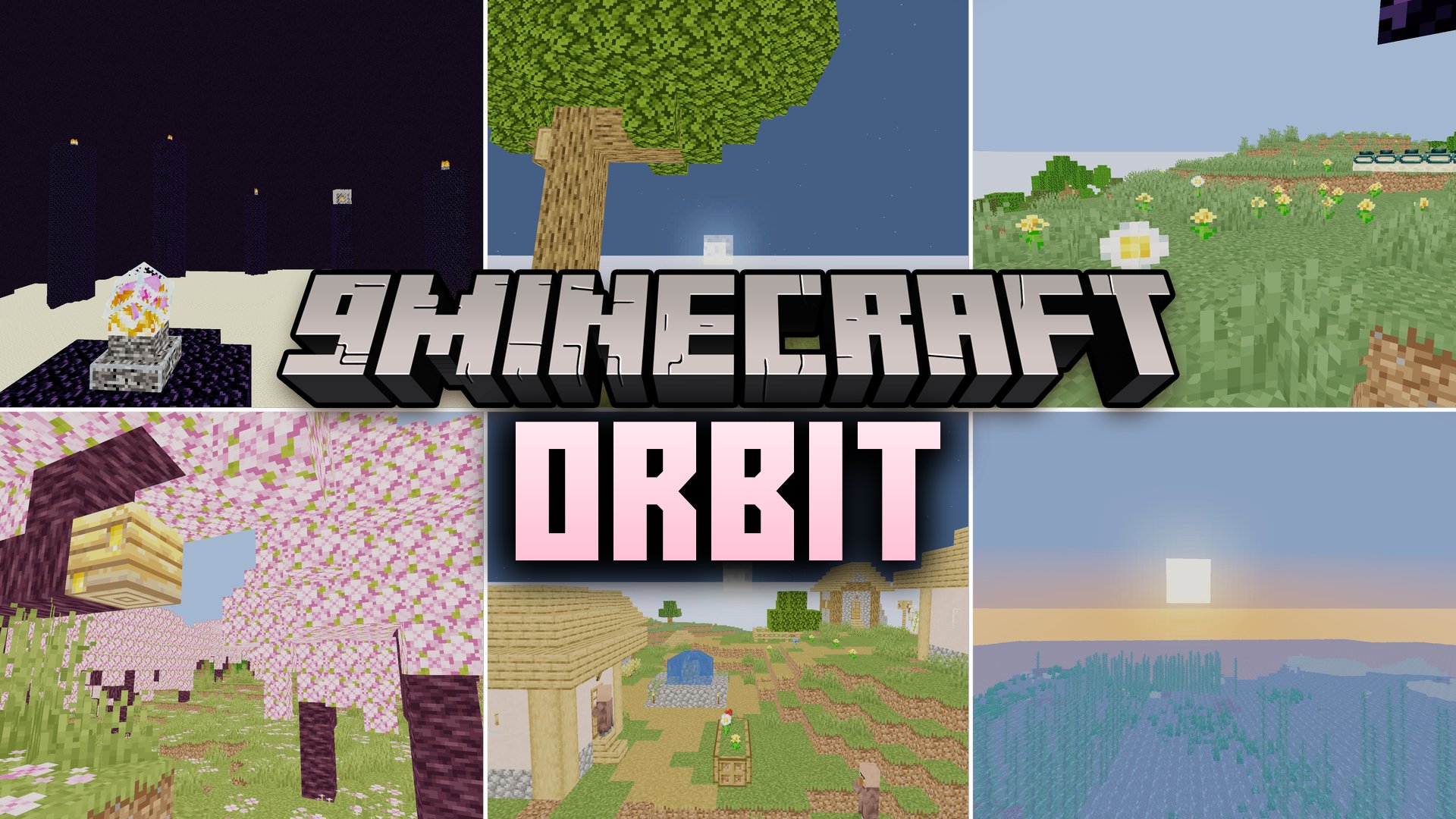
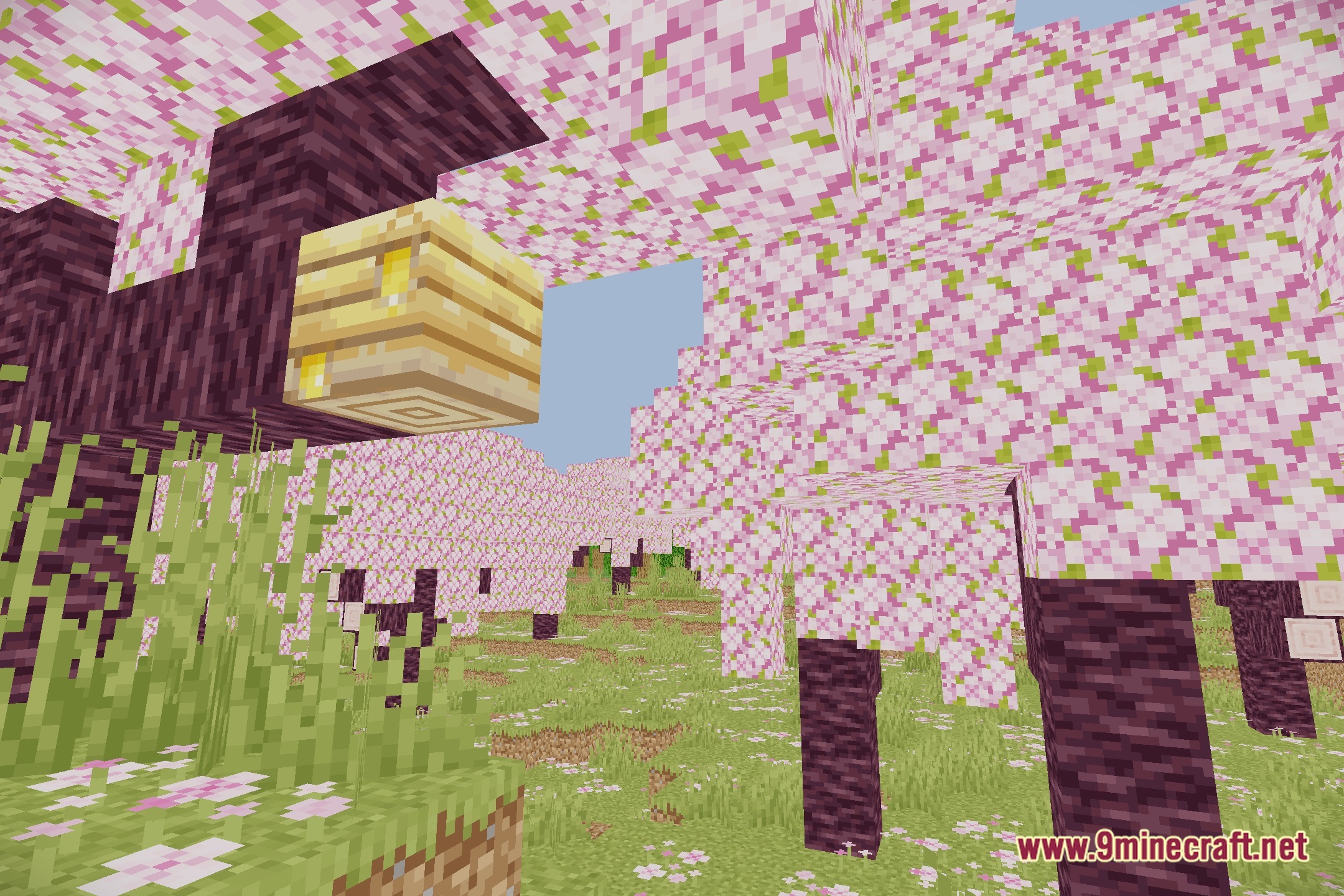
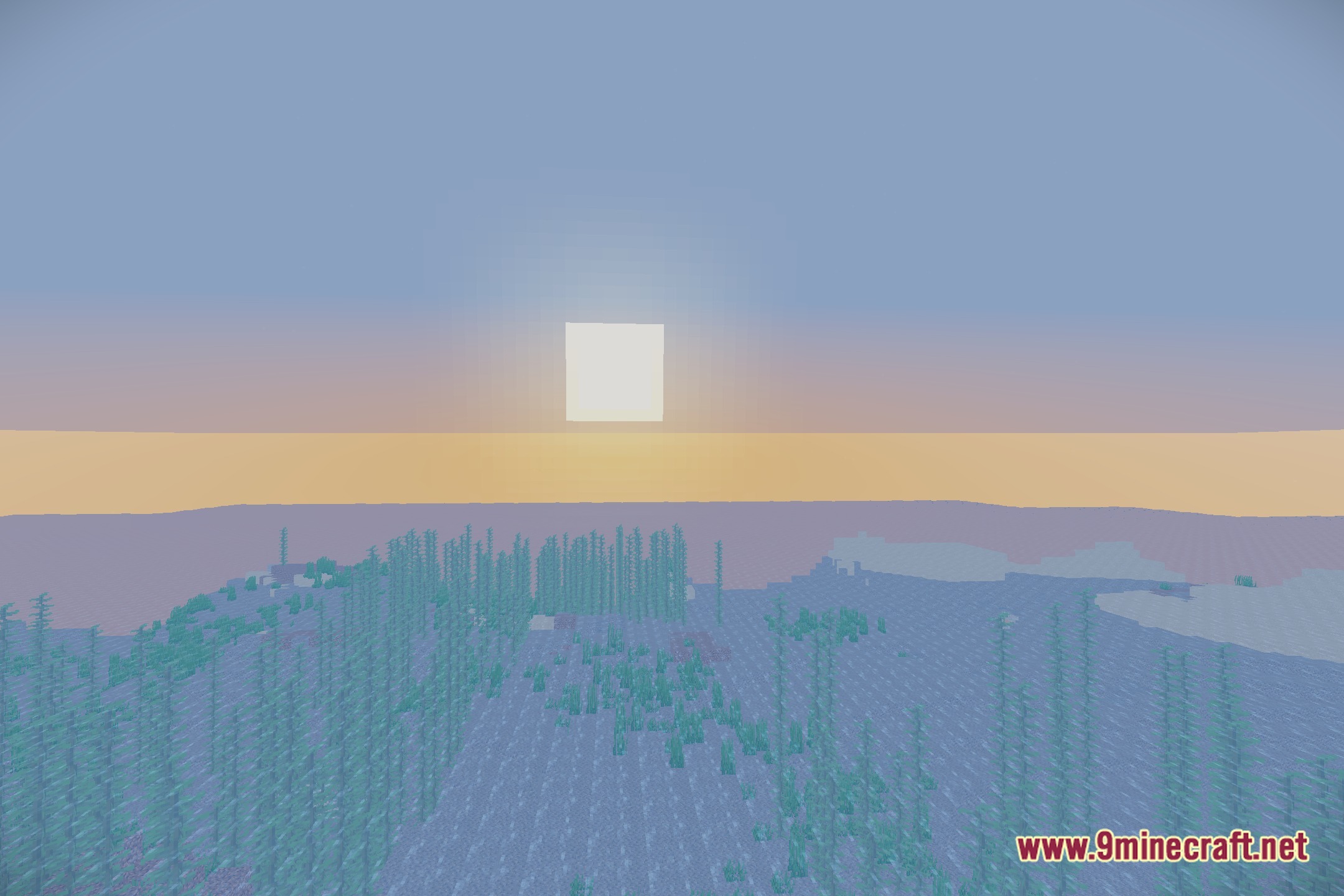
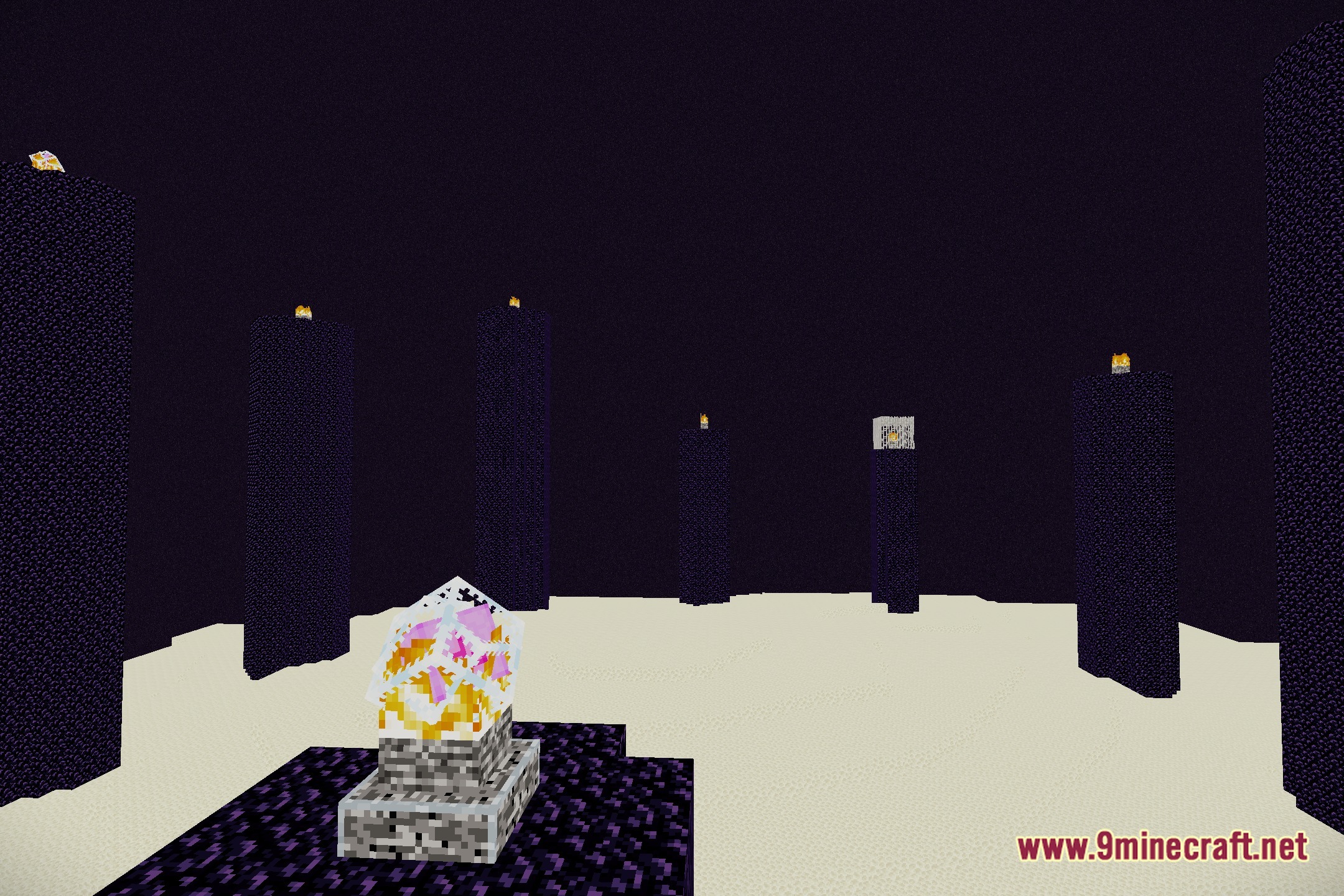
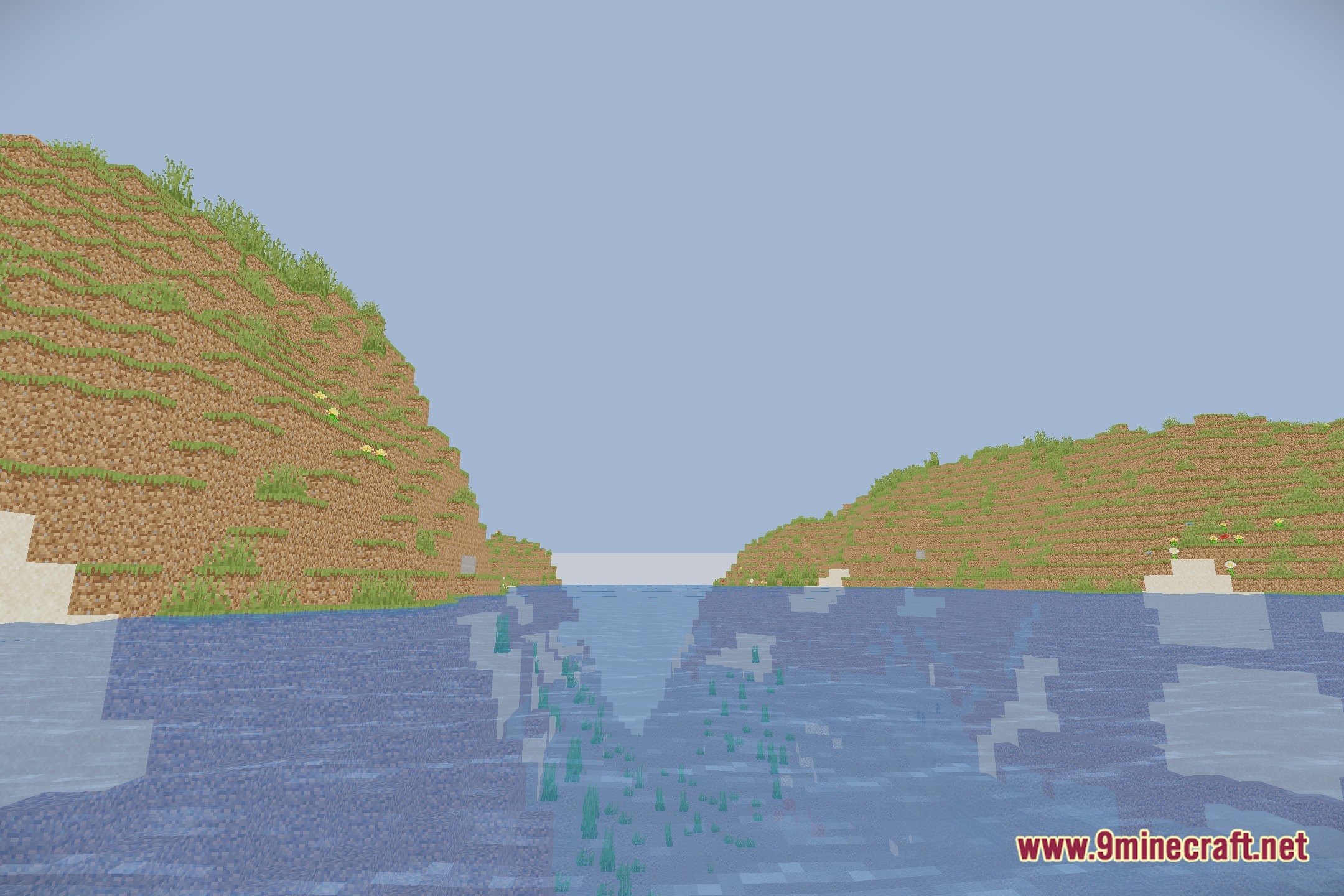
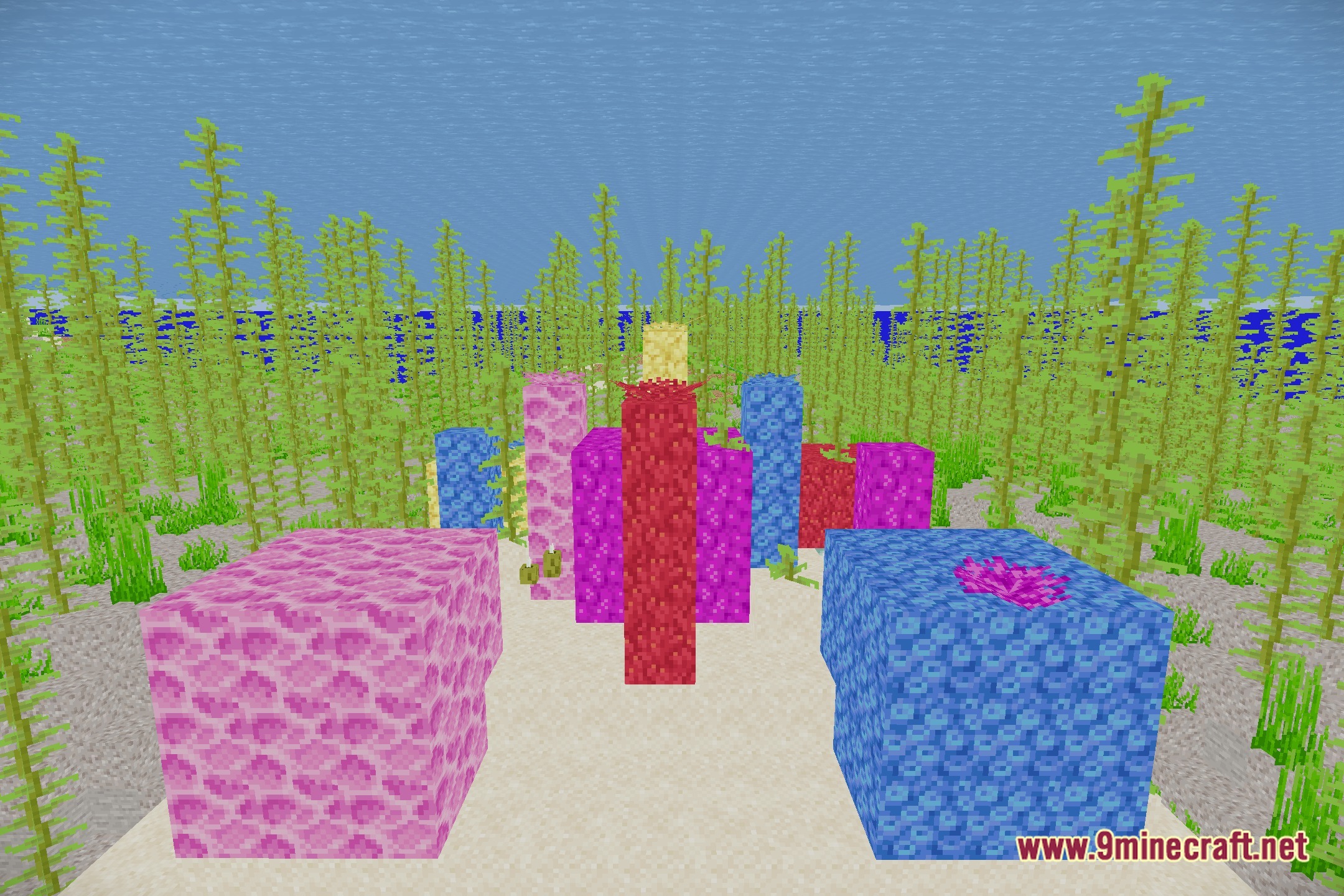
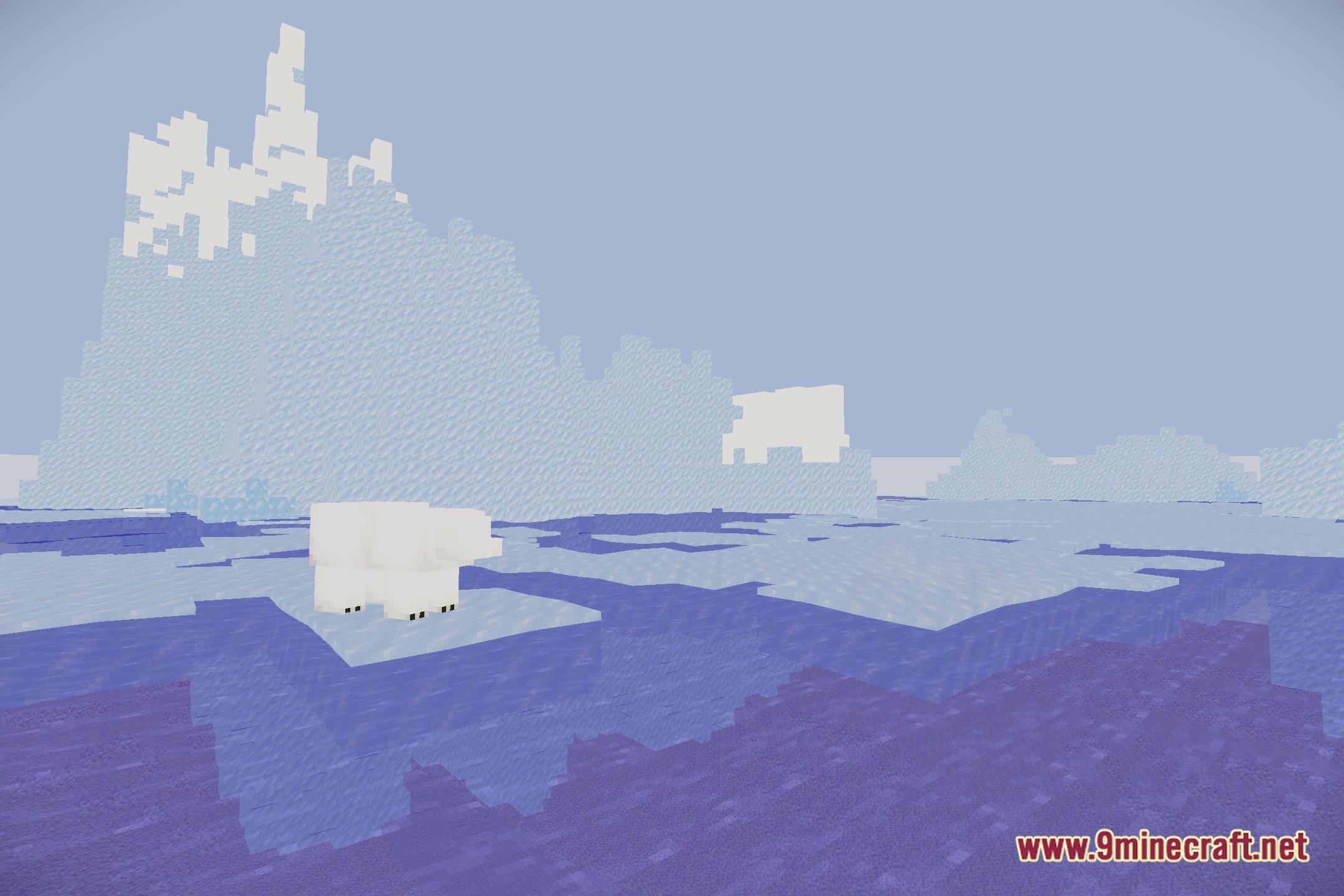
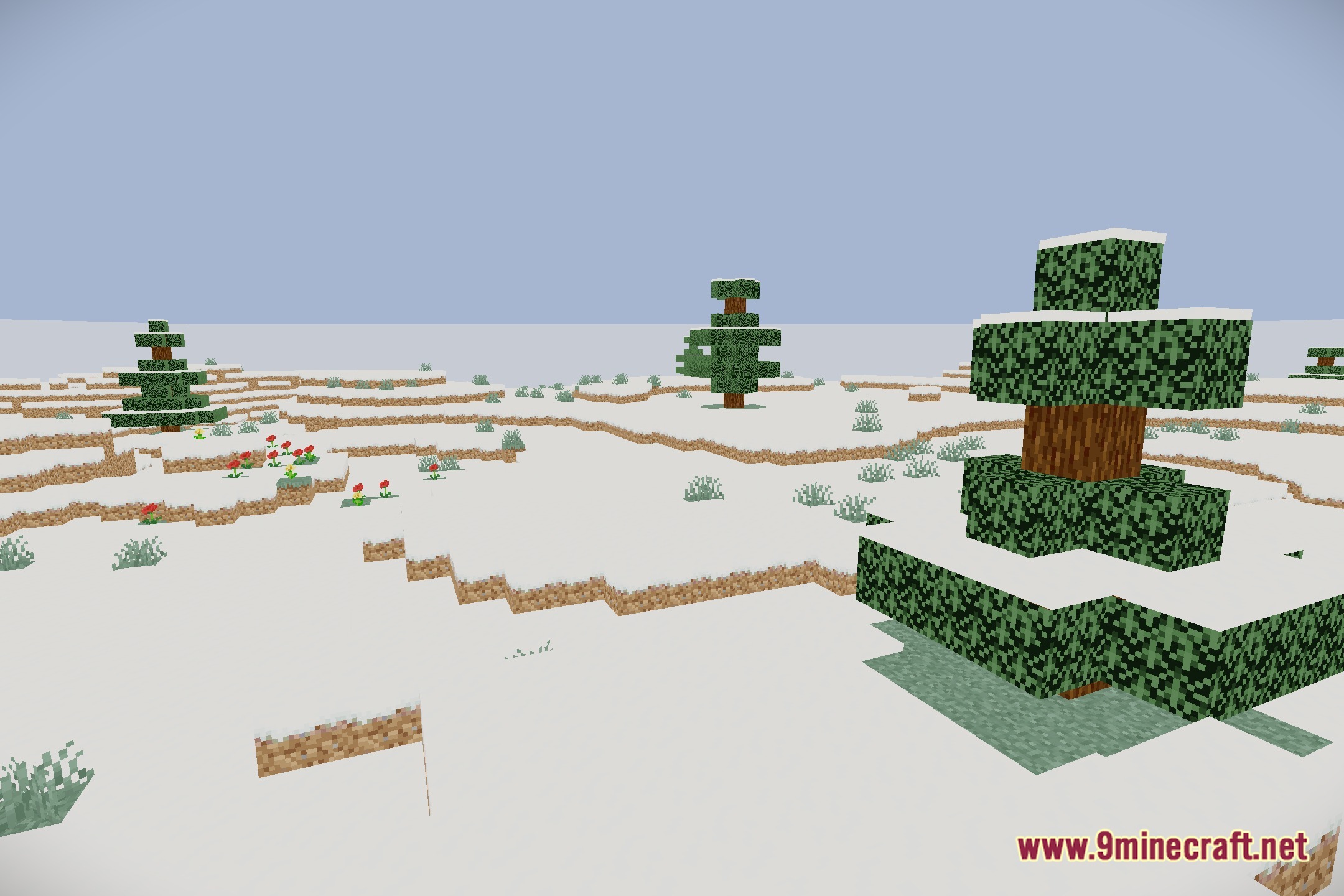
Orbit illuminates your Minecraft world with deferred rendering and physical lighting effects. The shader pack runs on Iris and Sodium for modern game versions. It brings physical surface reflections, soft ambient shadows, and bright volumetric sun rays across every biome. You can adjust the visual settings across multiple presets to fit your computer hardware.
Features:
- PBR Lighting: Blocks and materials reflect light based on their physical surface properties.
- Screen Space Reflections: Water and smooth surfaces show clear reflections of nearby blocks and skies.
- Volumetric God Rays: Beams of sunlight scatter through the air and tree leaves during clear days.
- Adds Screen Space Ambient Occlusion to create soft contact shadows in corners and crevices.
- Creates wet puddles on the ground whenever rain falls.
- Produces soft bloom glows around light sources like torches, lanterns, and glowing blocks.
- Applies ACES tonemapping to keep bright daylight and dark nights balanced.
- Provides scalable performance presets from Low to Ultra to help maintain smooth frame rates.
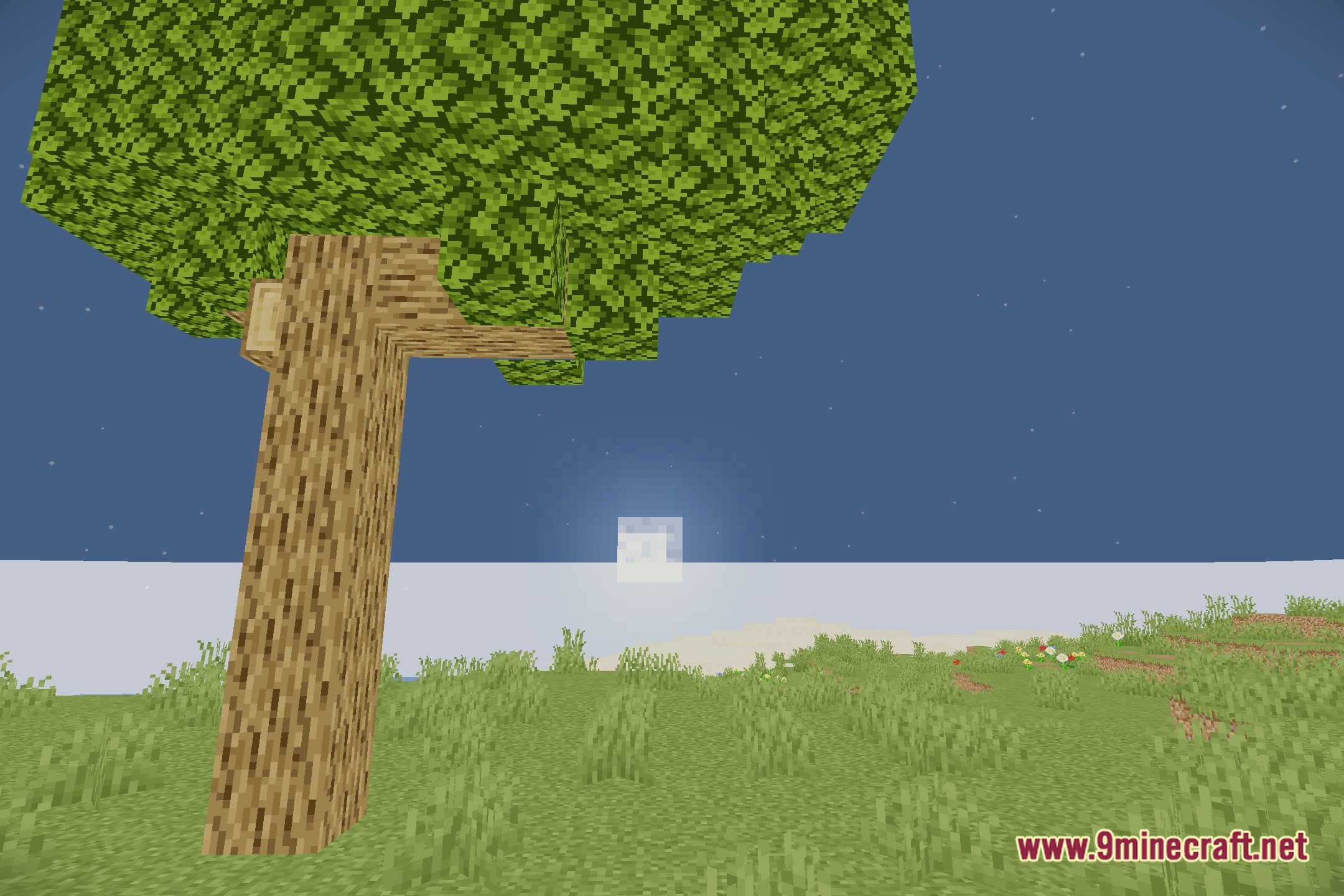
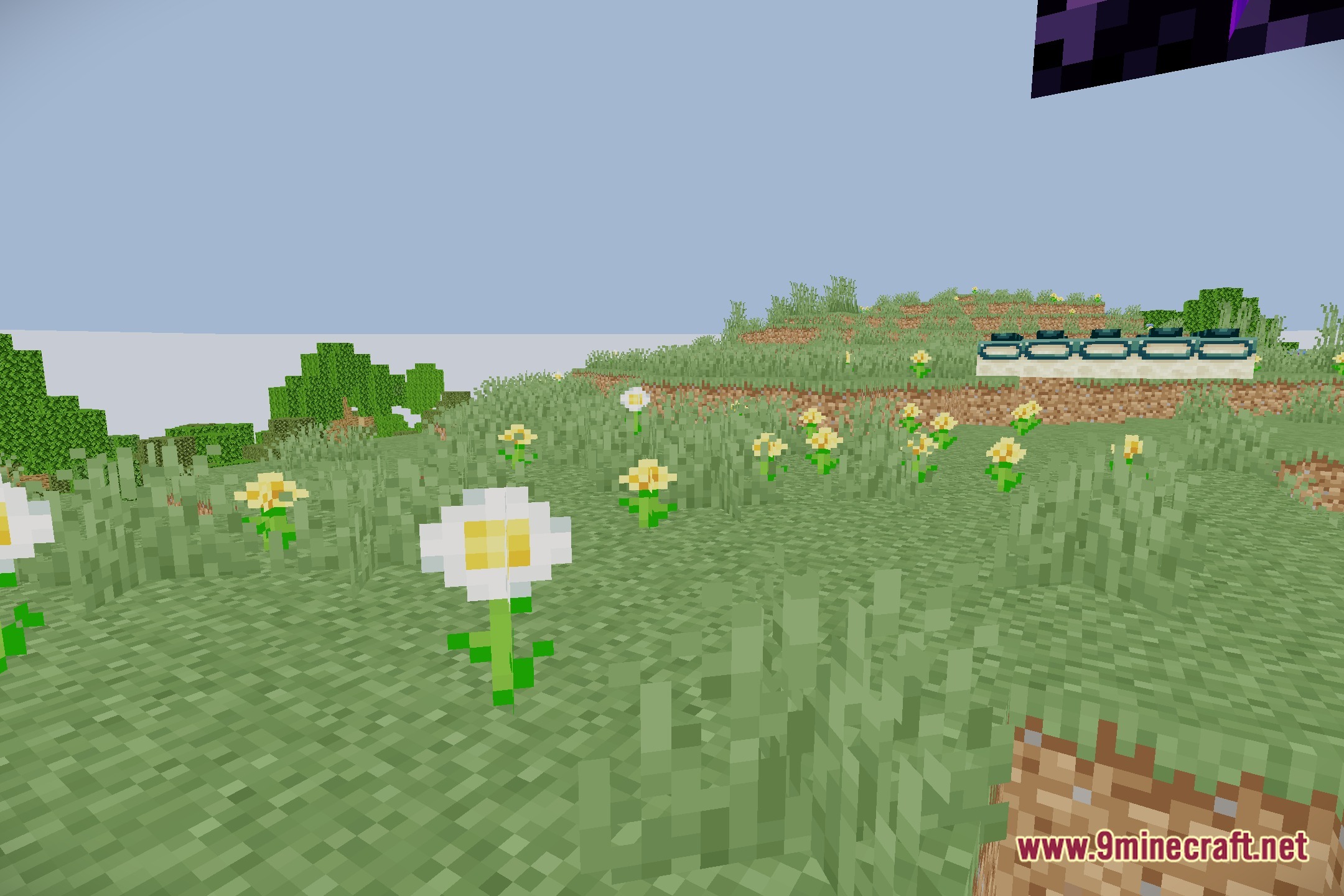
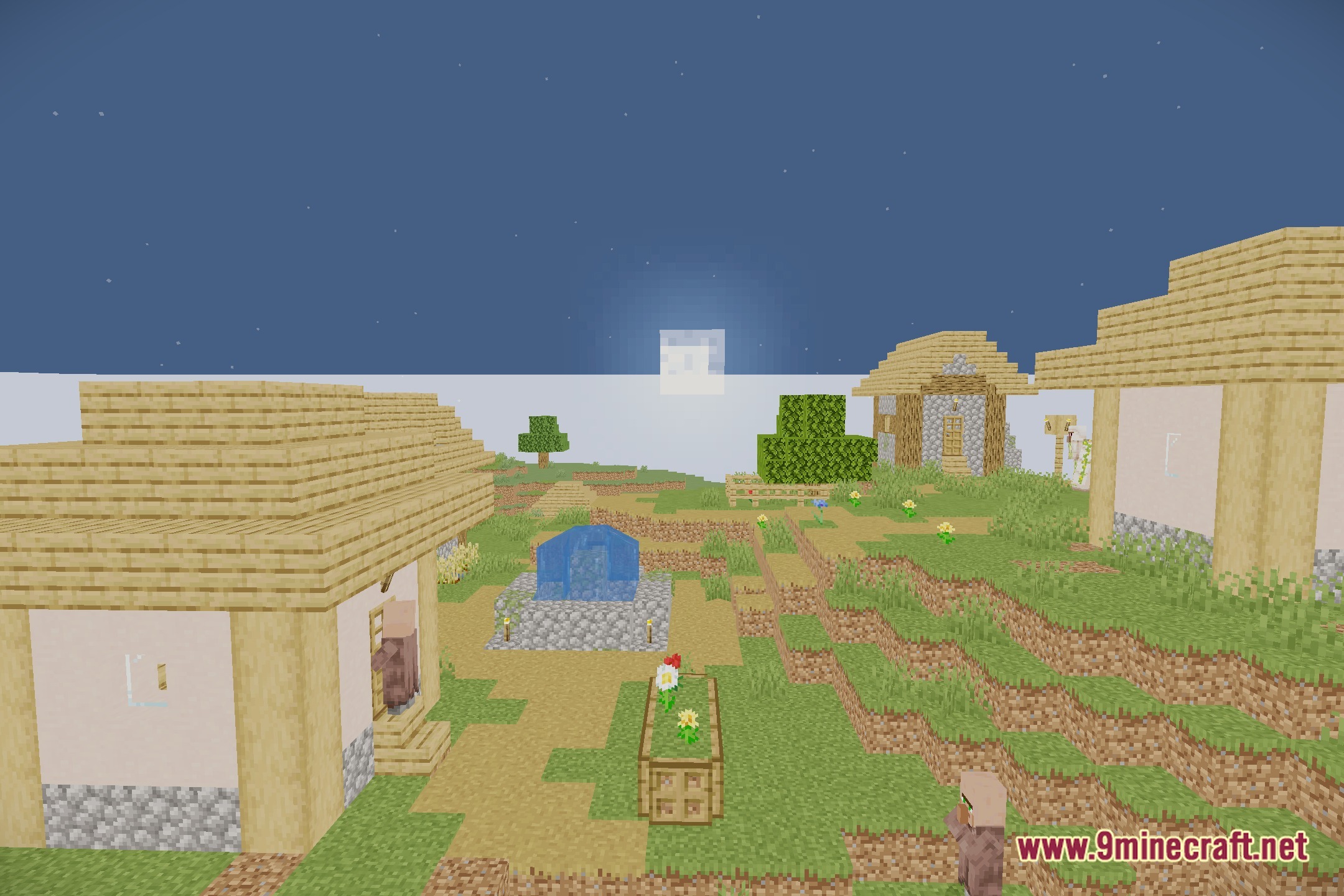
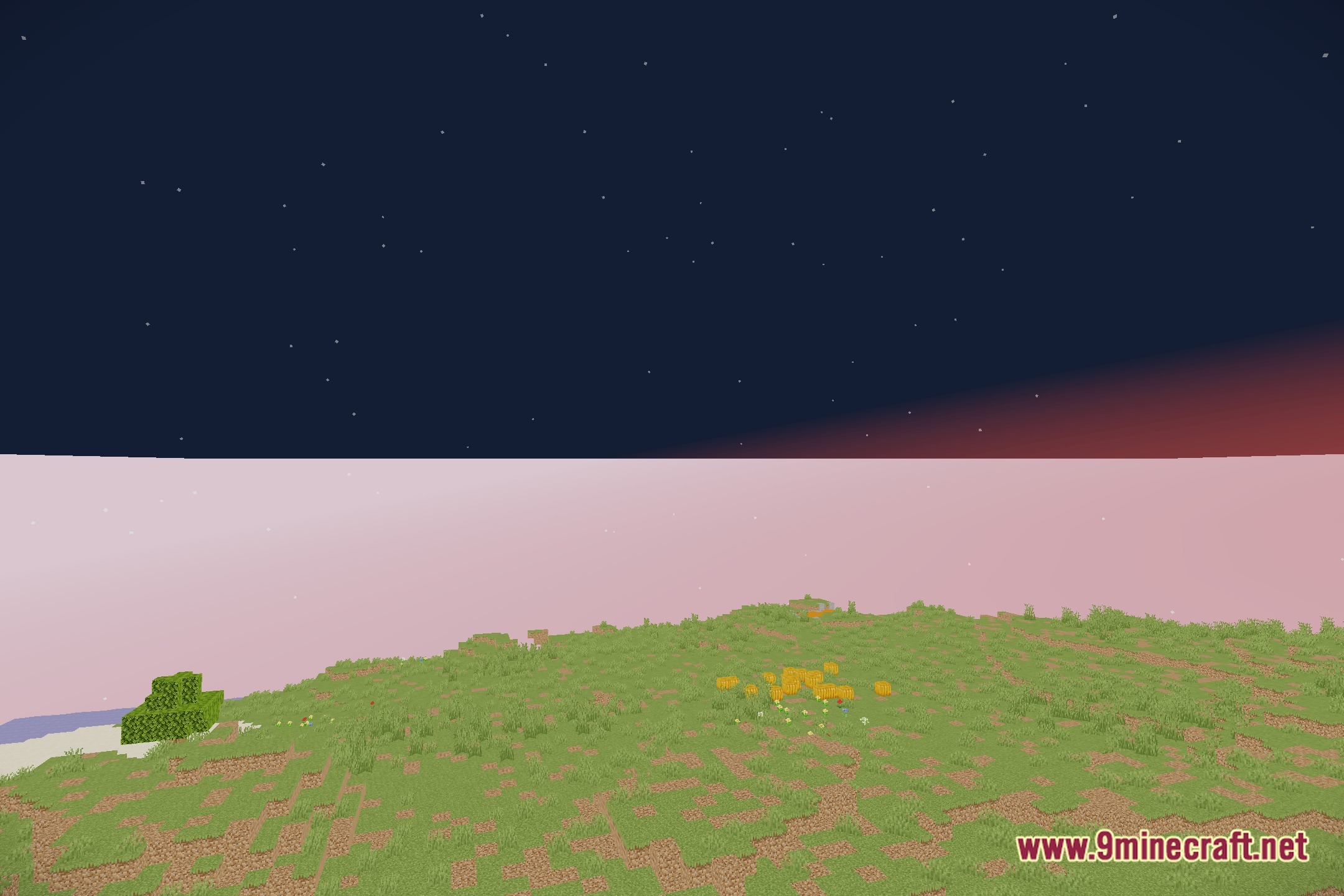
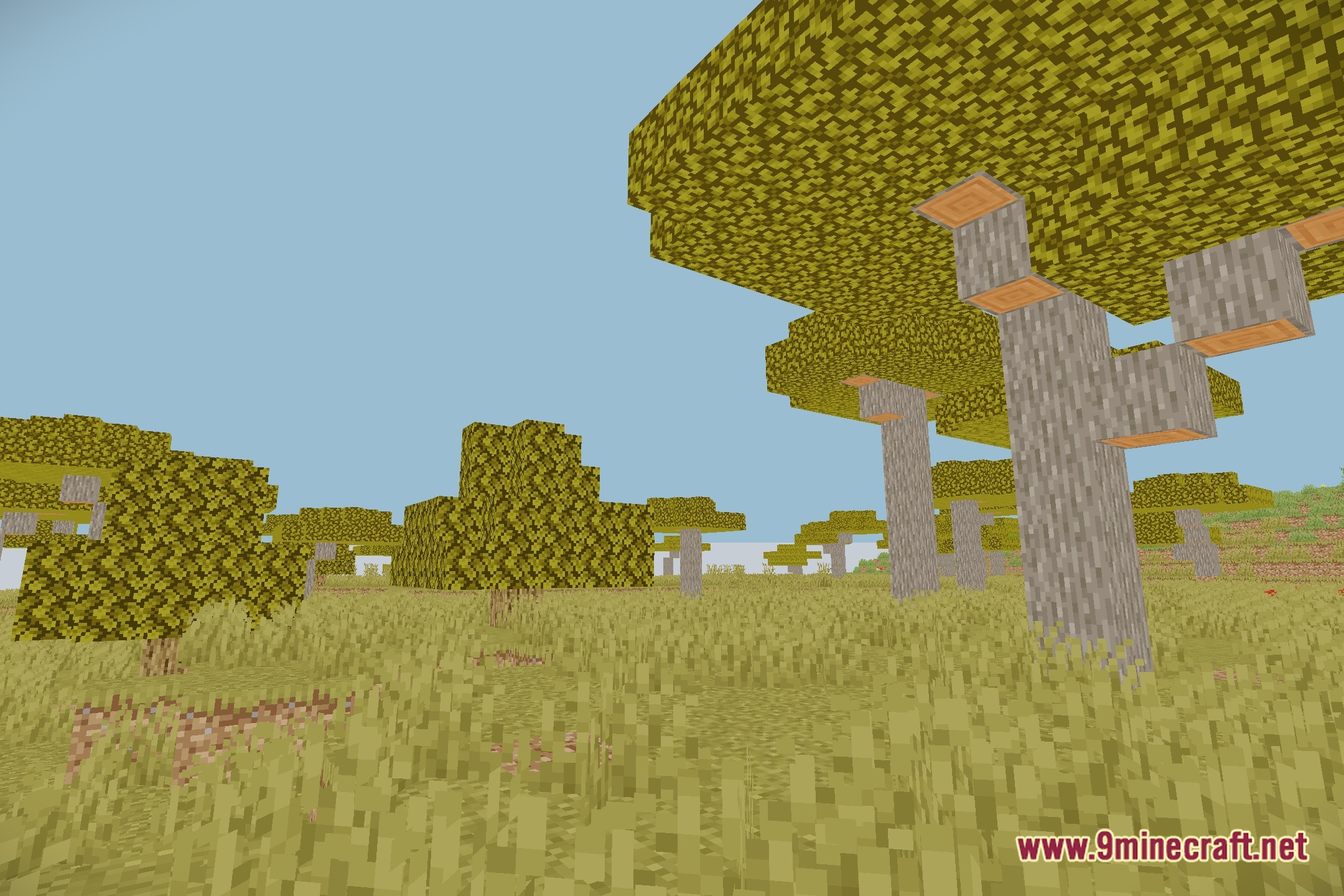
Screenshots:
How to Install:
New to Minecraft? Follow our step-by-step guide to install Shaders on your PC.View Guide
Orbit Shaders Download Links
Click to rate this post!
[Total: 0 Average: 0]
You May Also Like


This post has no comments yet. Be the first — your comment will appear here.