


Moonplayshader (26.2, 1.20.1) – Vibrant Cartoon Shading for Low-End PCs
 0
0
 0
0

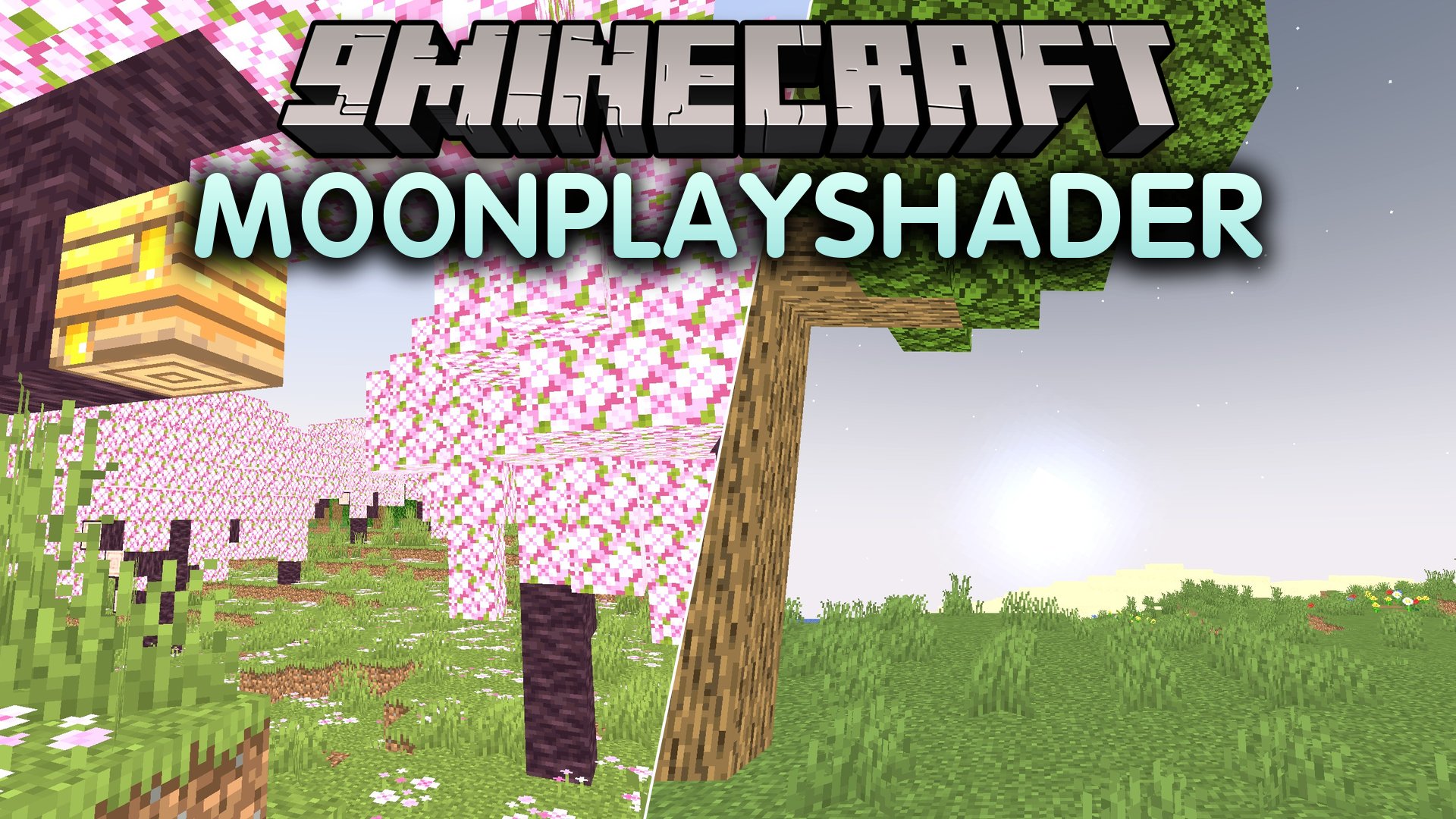
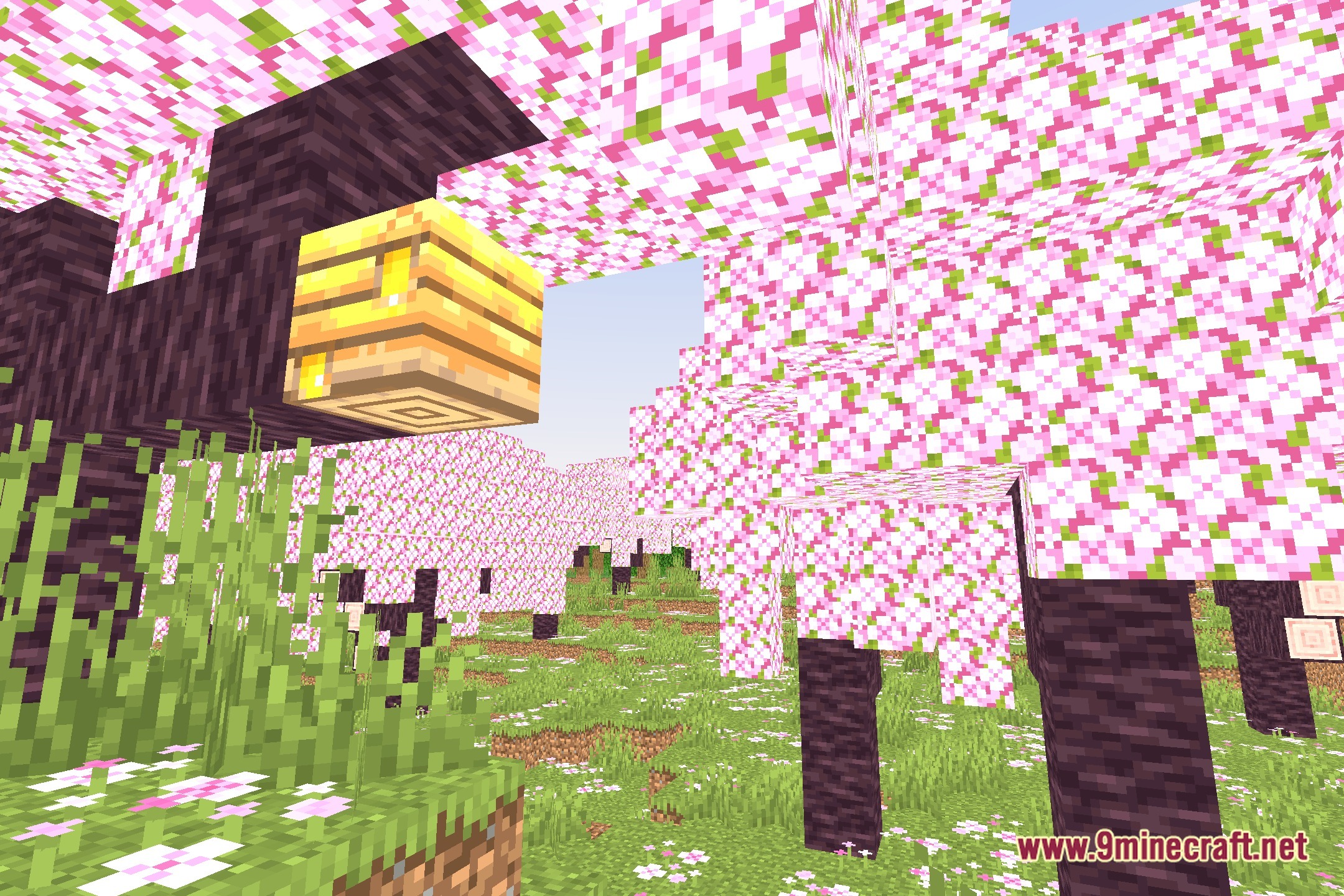
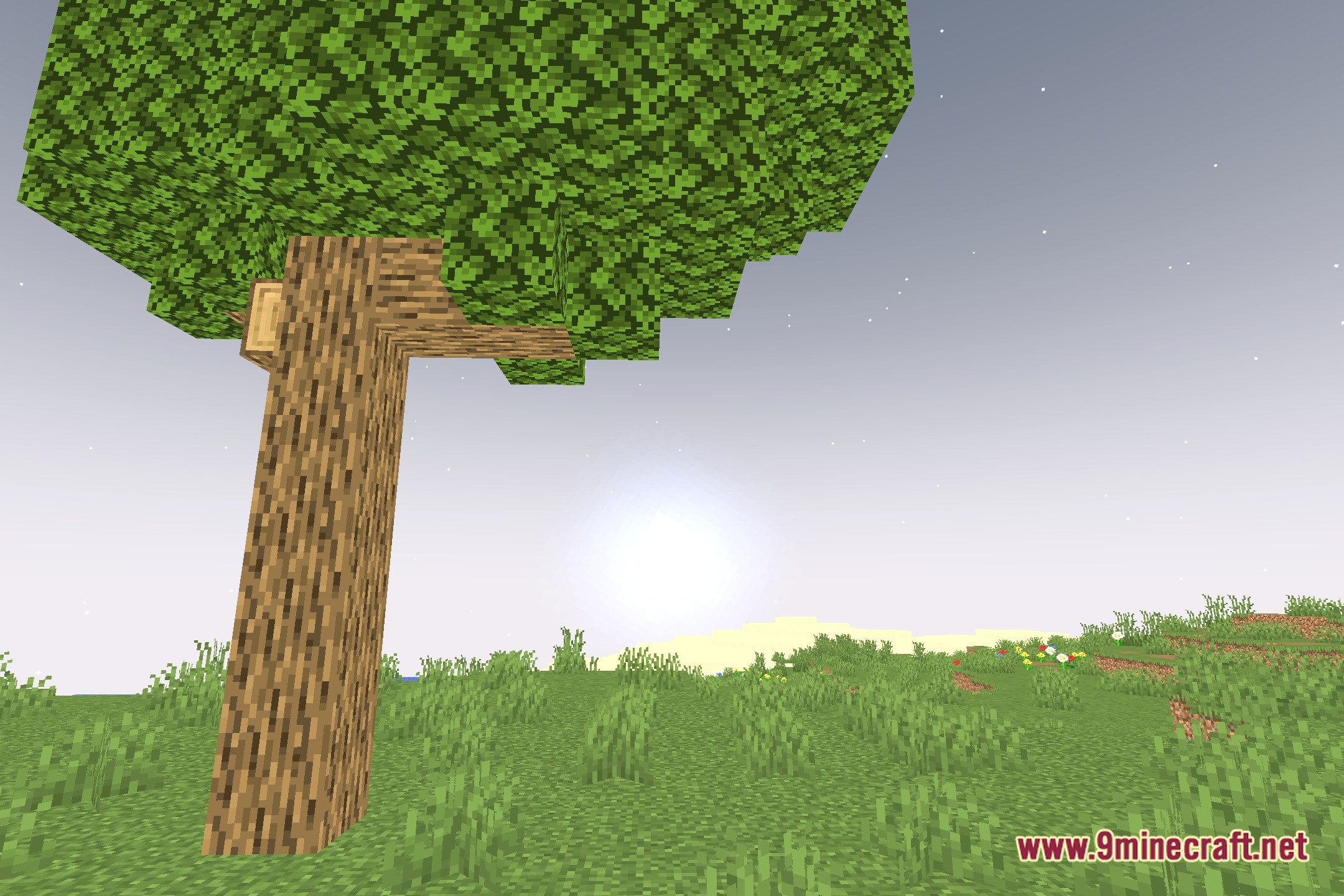
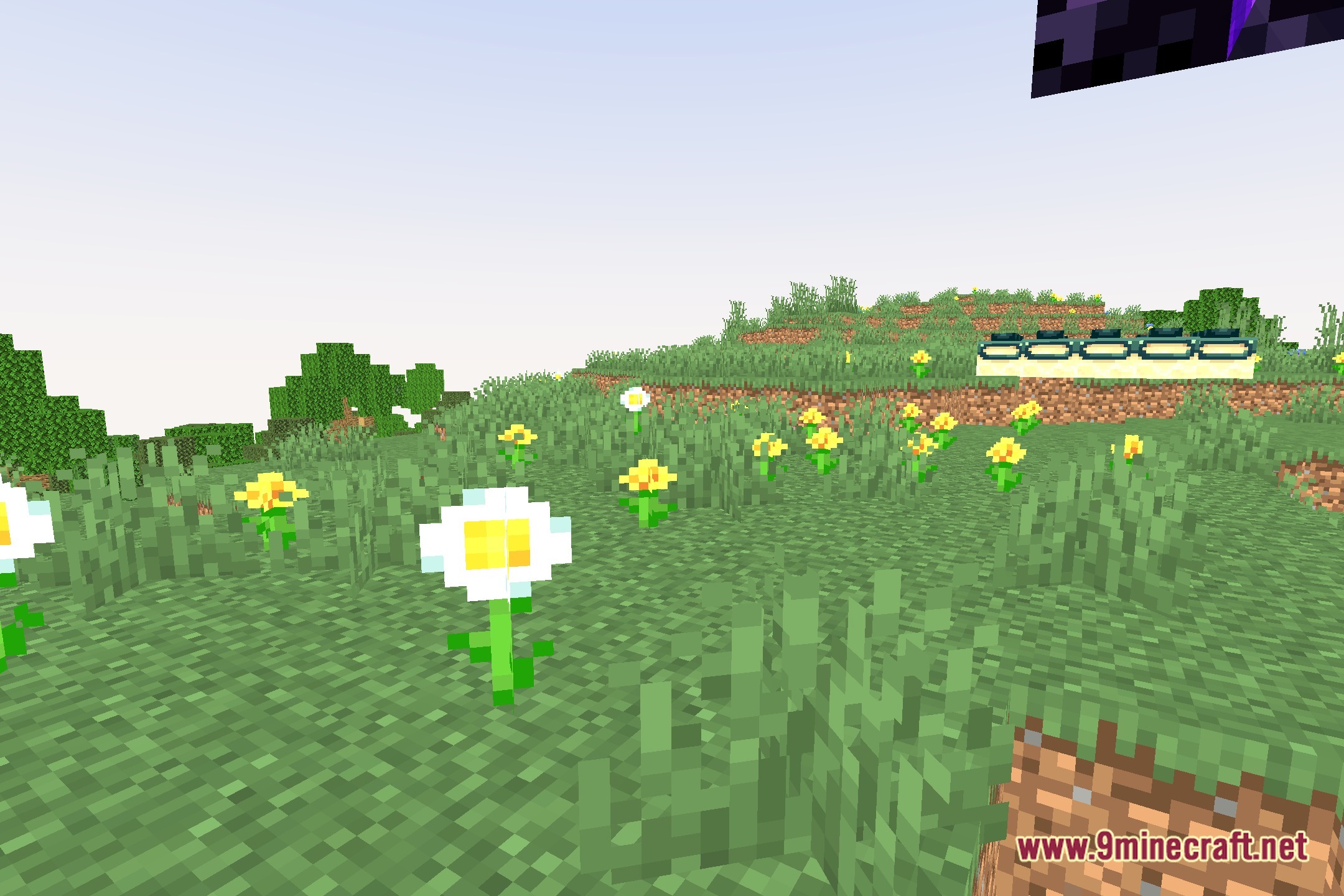
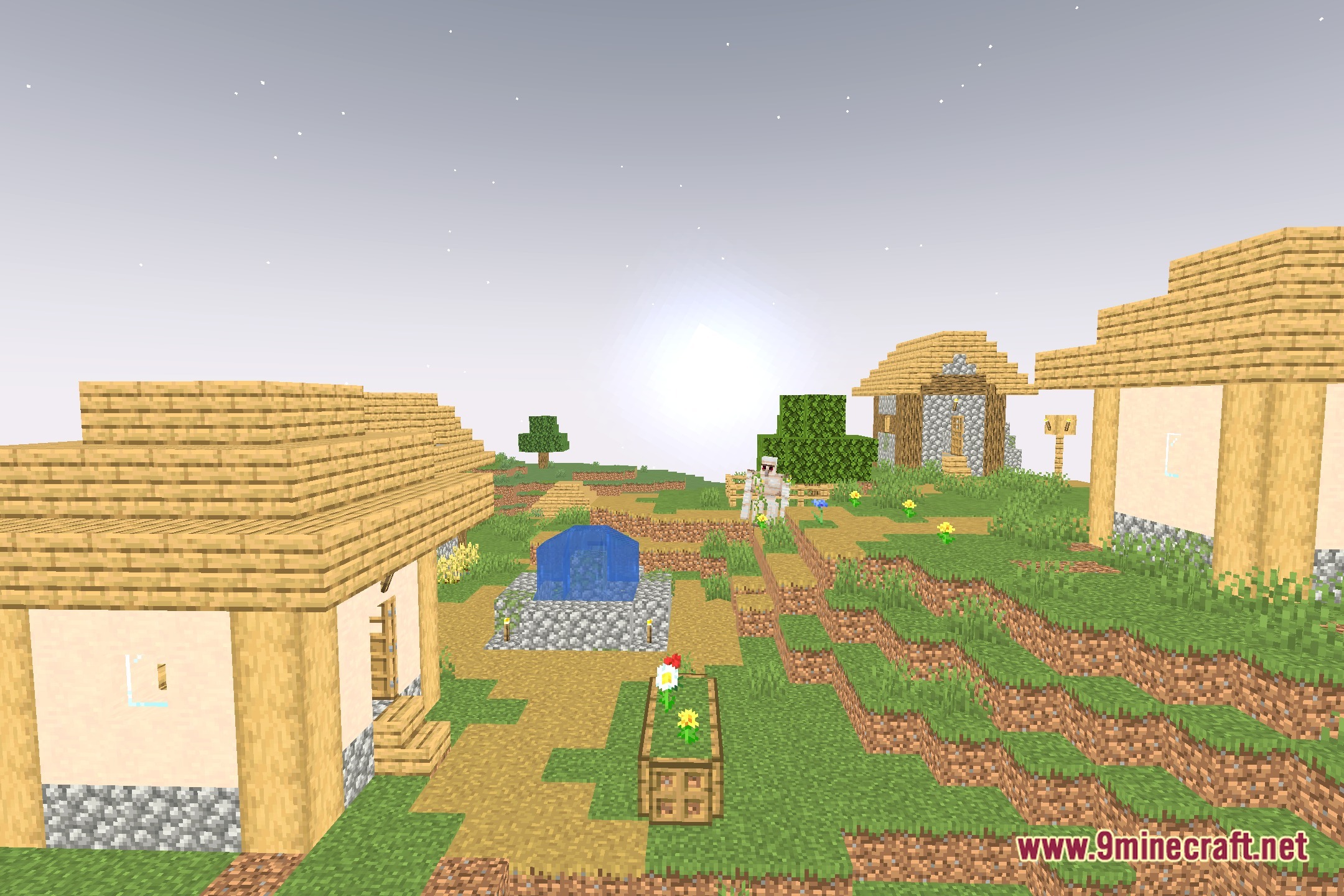
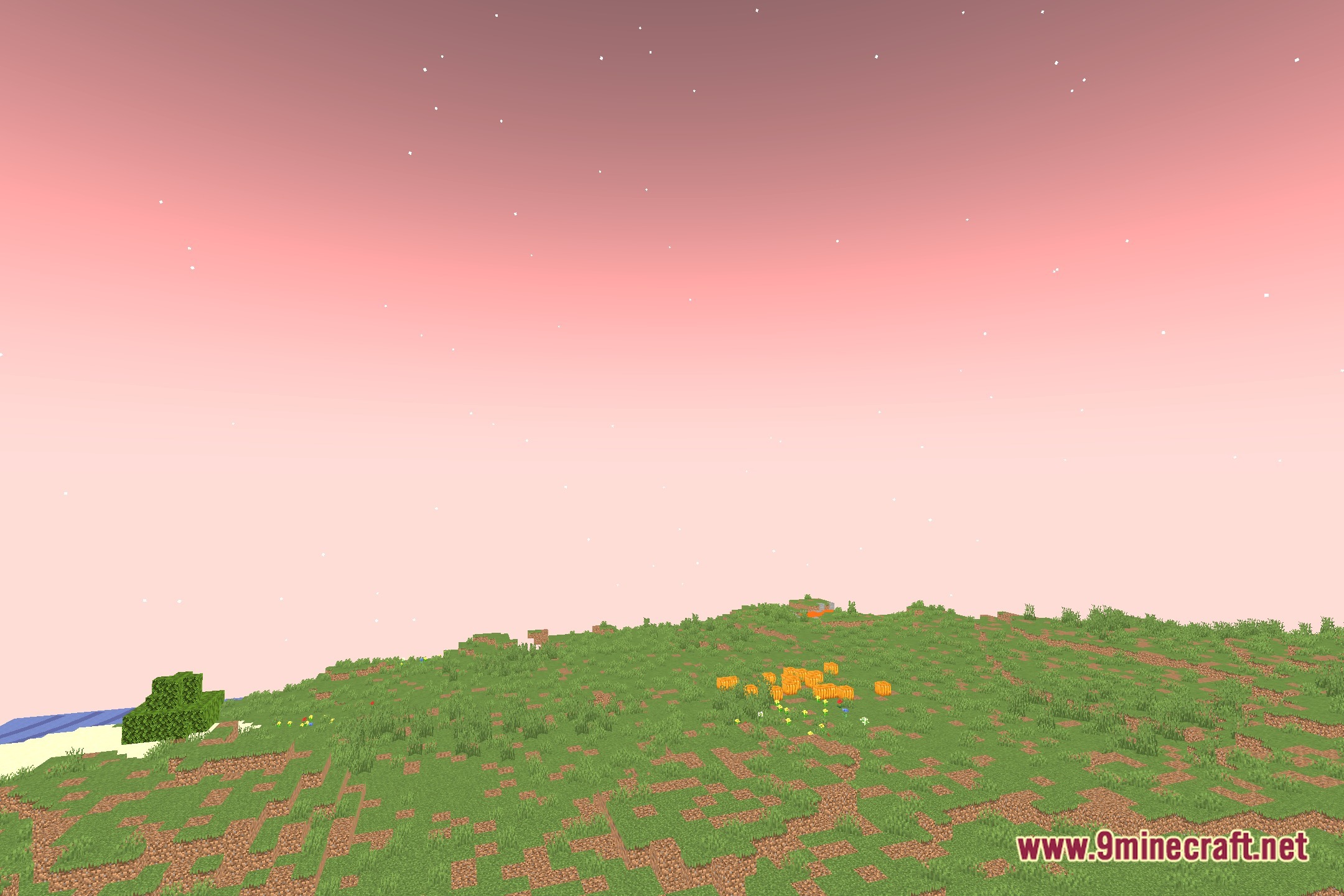
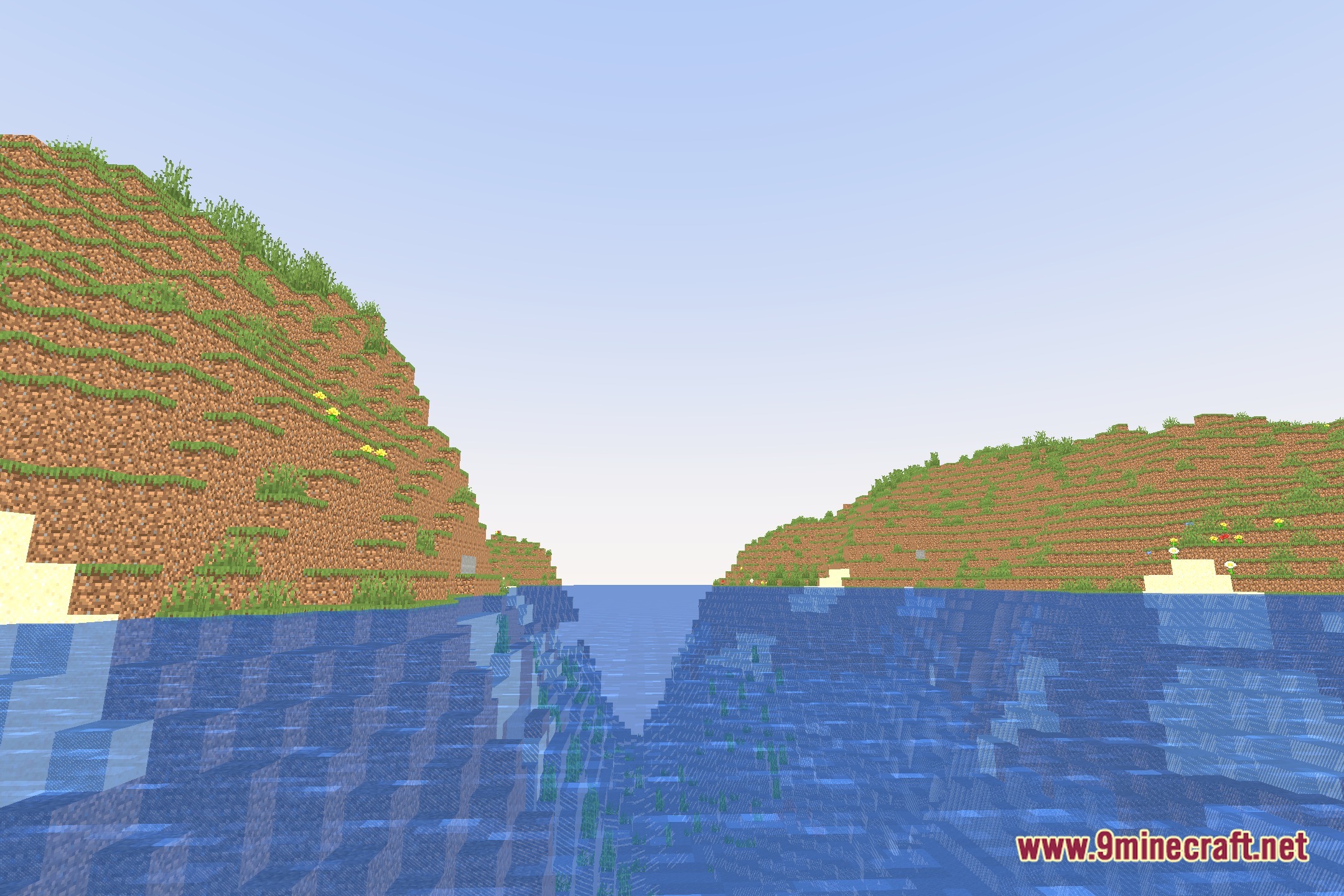
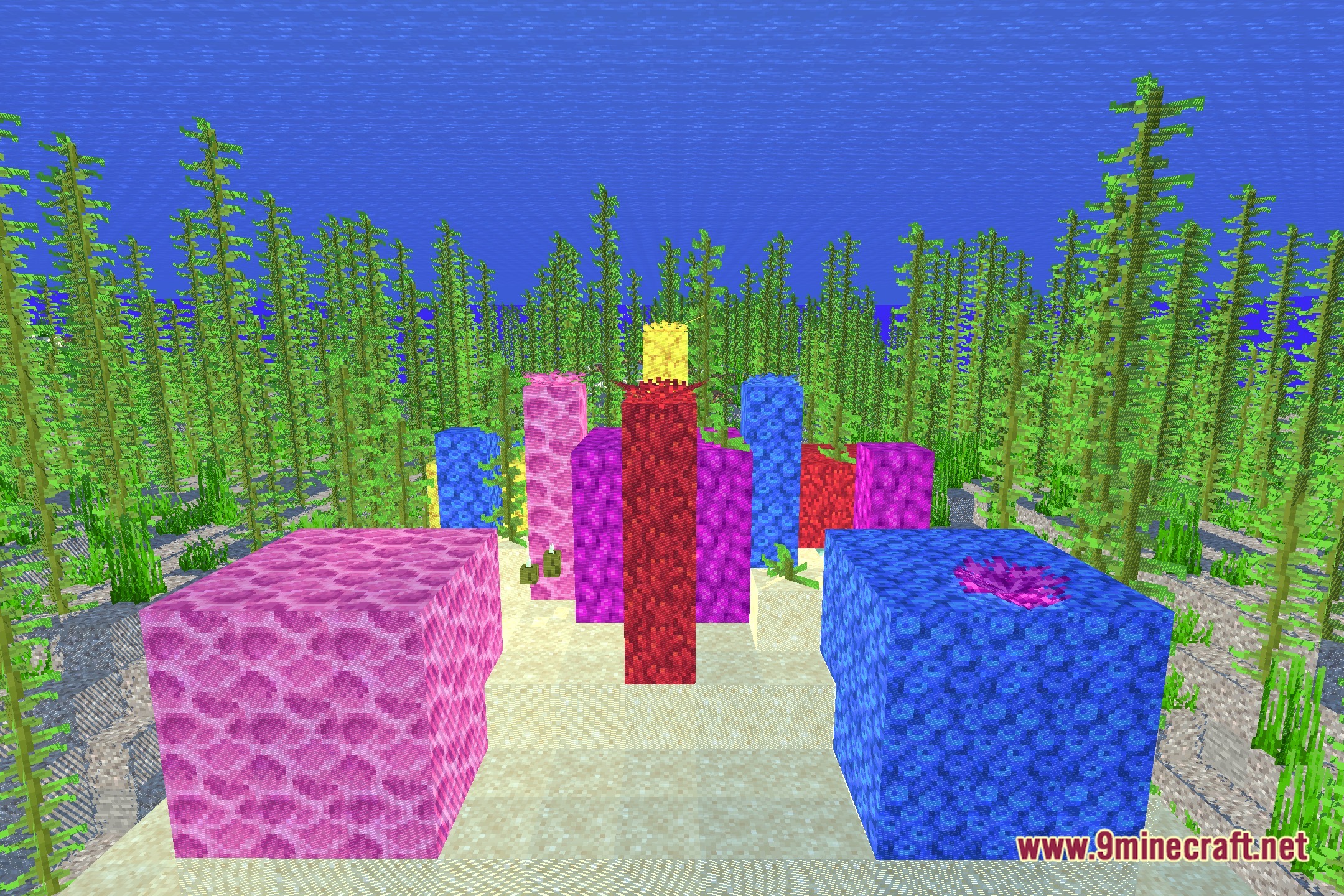
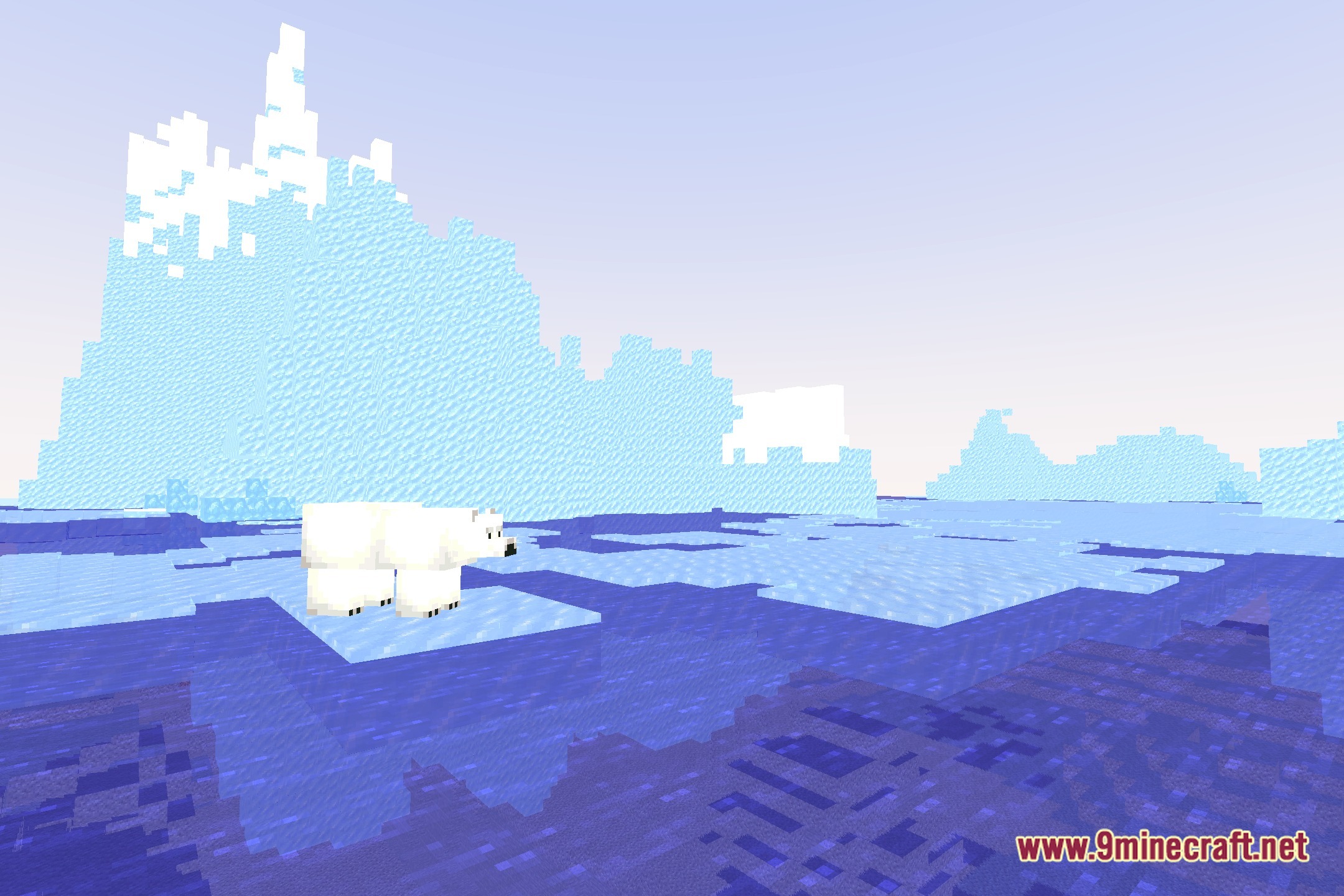
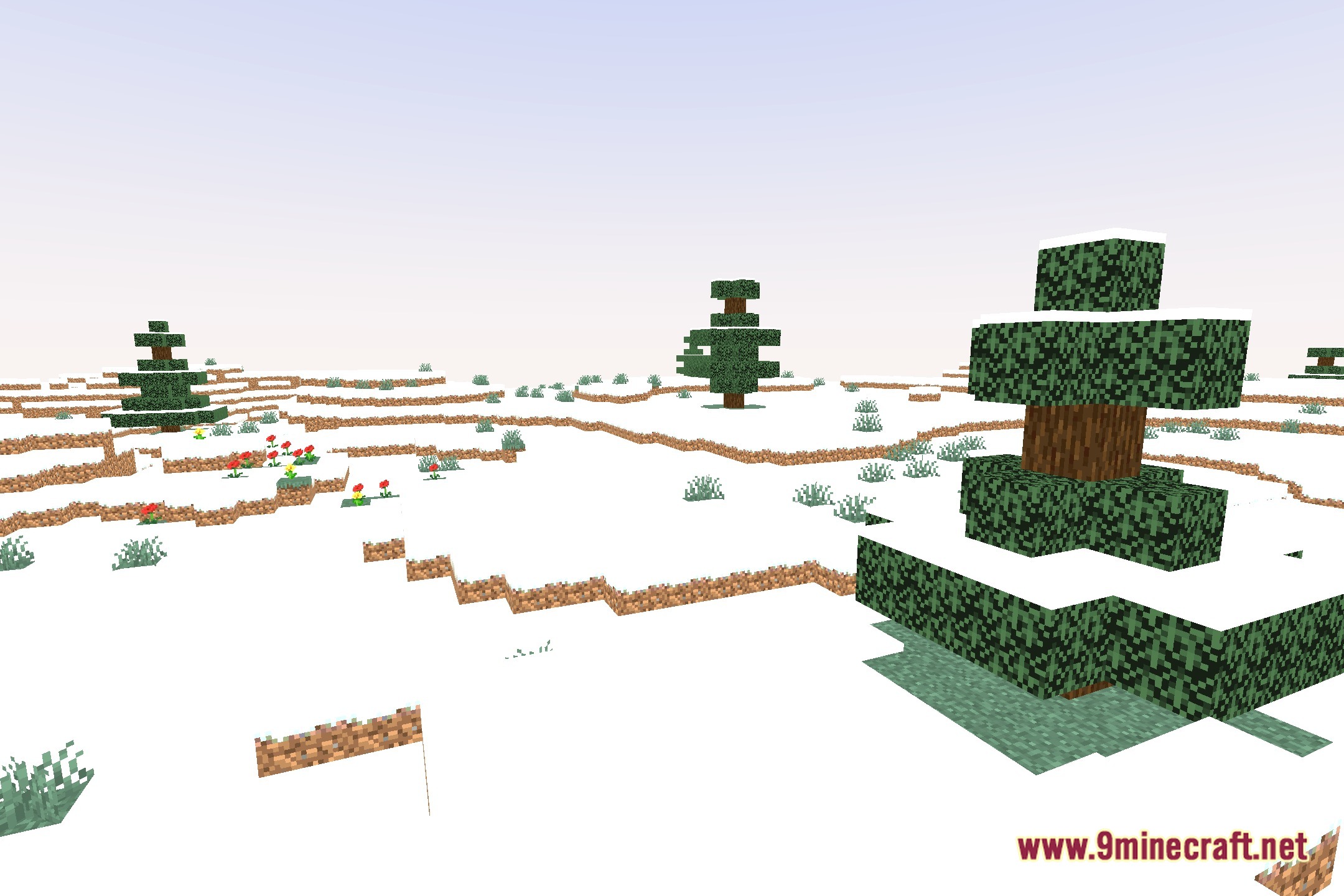
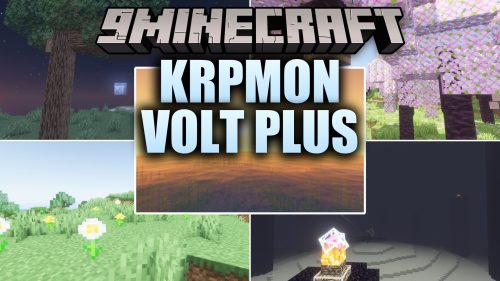
Moonplayshader paints your Minecraft world with bright colors and crisp shadows without dropping your framerate. This shader keeps the classic blocky look alive while adding clean colored light and smooth shading across every biome. Players on low-end computers can enjoy clear views, soft lighting, and high frame rates during long play sessions.
Features:
- Runs smoothly on low-end systems and potato computers with high FPS.
- Casts clean, simple shadows under blocks, mobs, and player builds.
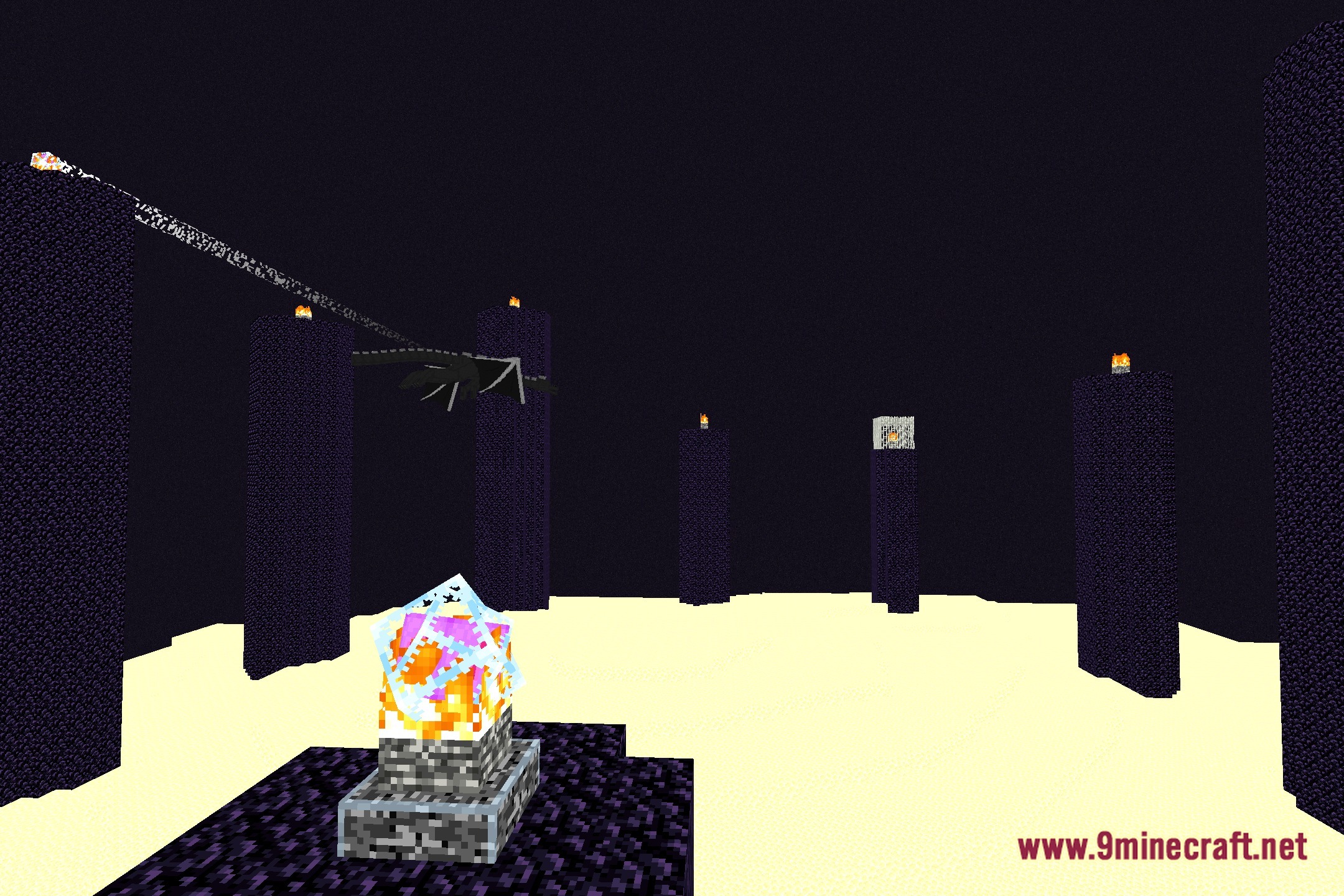
- Adds glowing colored lighting that changes how light sources look in dark places.
- Keeps a bright, cartoon-like look that stays true to the vanilla feel.
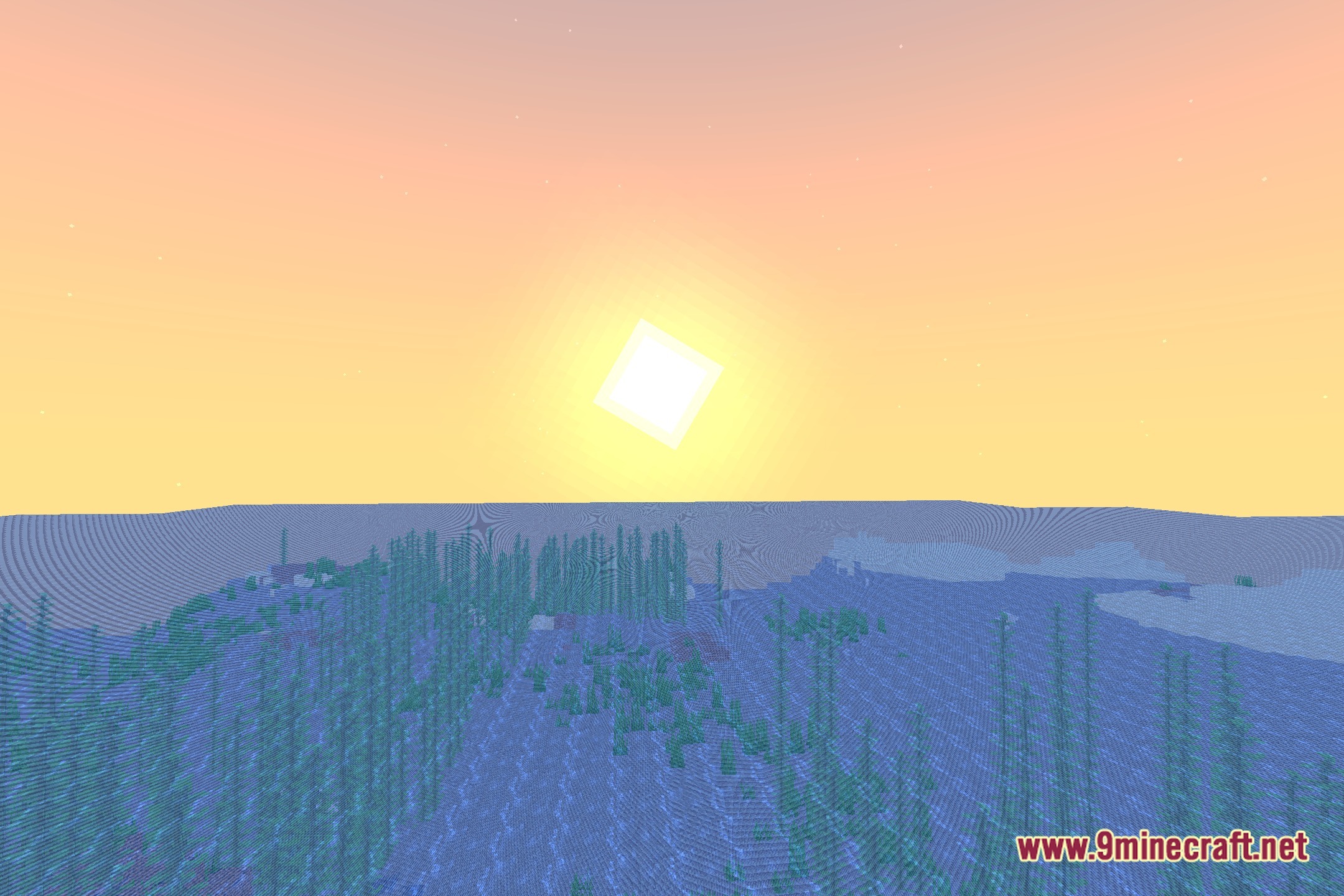
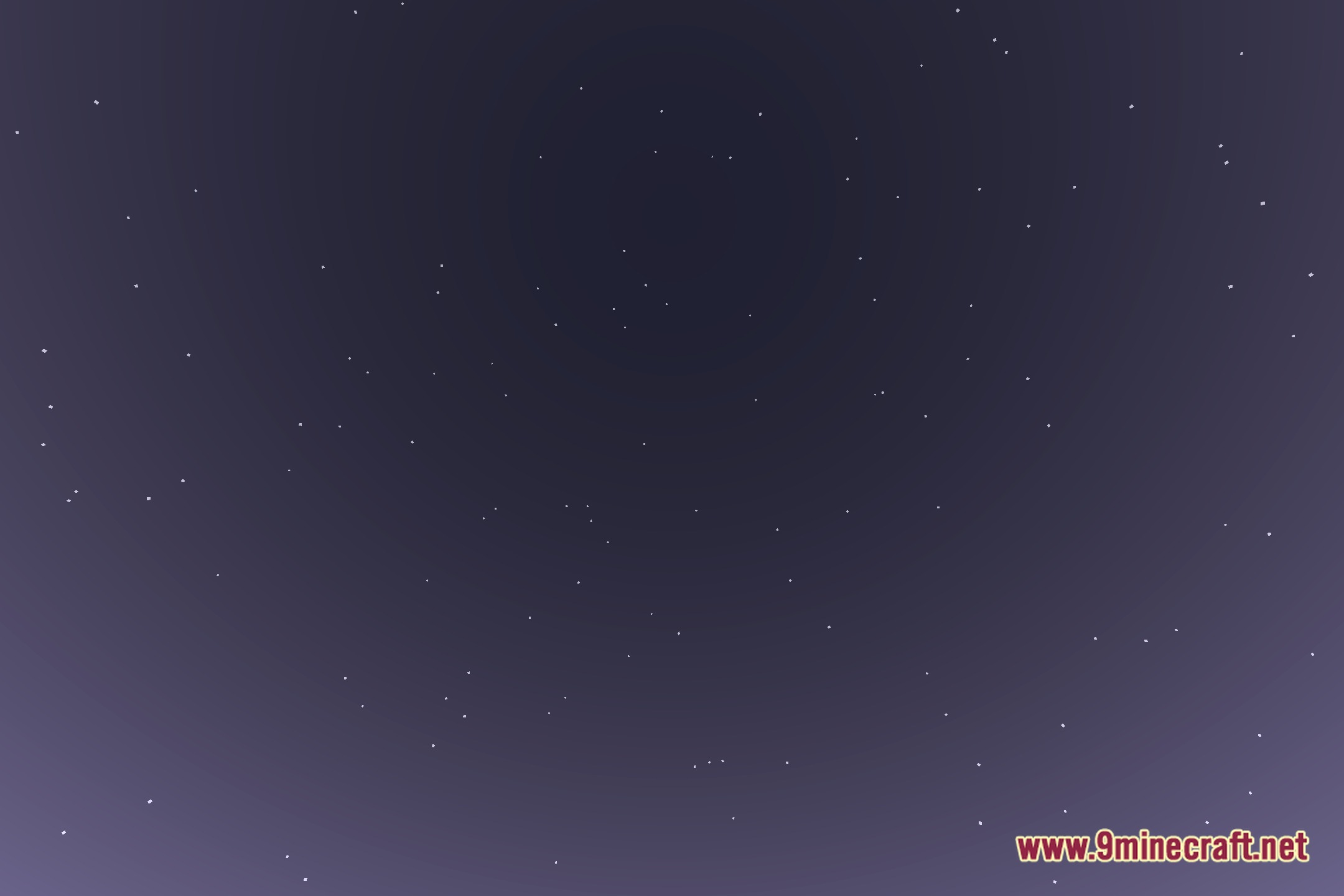
- Maintains clear visibility so caves and night skies stay easy to see.
Screenshots:
How to Install:
New to Minecraft? Follow our step-by-step guide to install Shaders on your PC.View Guide
Moonplayshader Download Links
Click to rate this post!
[Total: 0 Average: 0]
You May Also Like

This post has no comments yet. Be the first — your comment will appear here.