


Souls Combat HUD Mod (1.20.1) – Master Action RPG Battles with Soulslike Bars
 0
0
 0
0

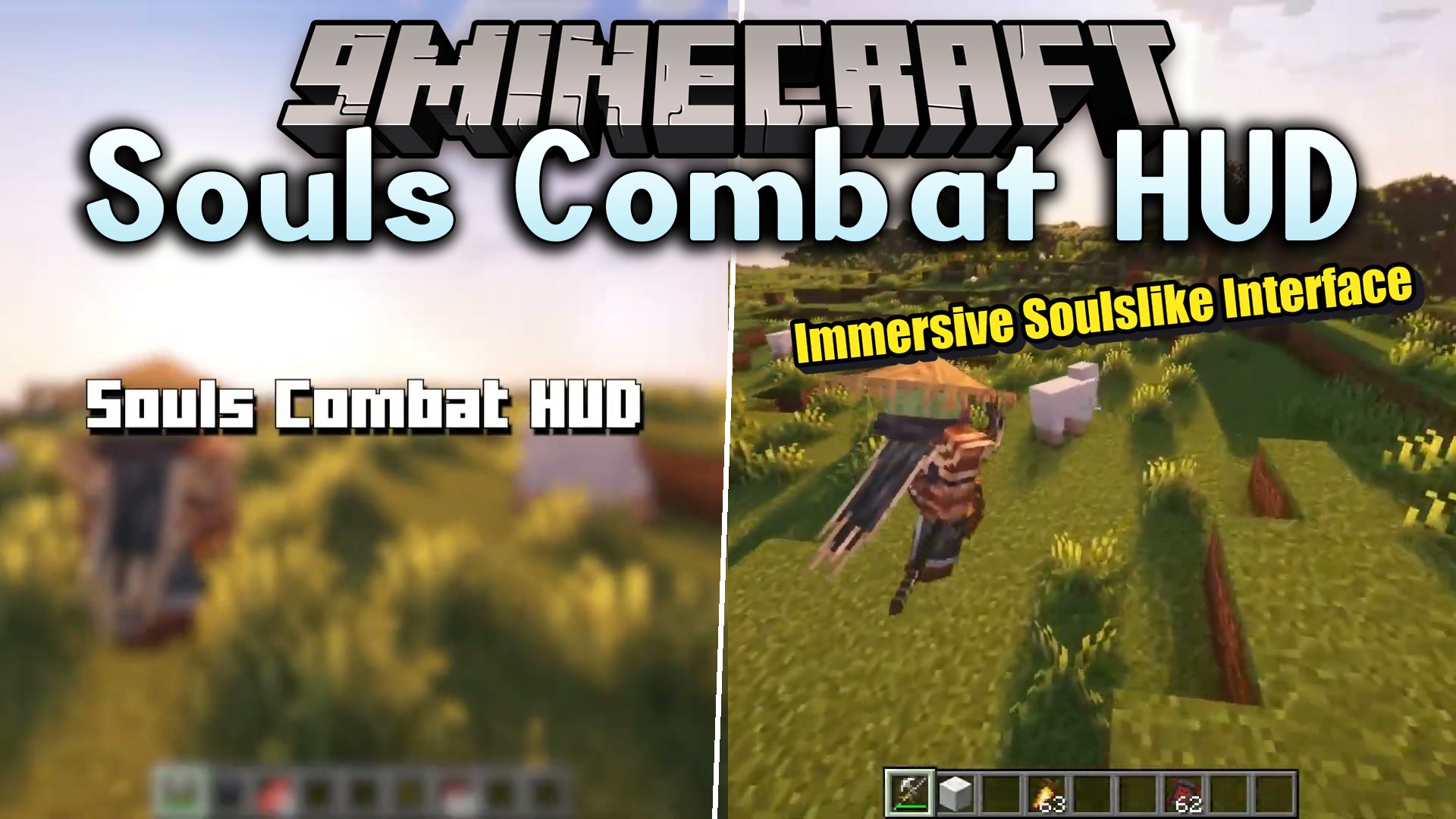
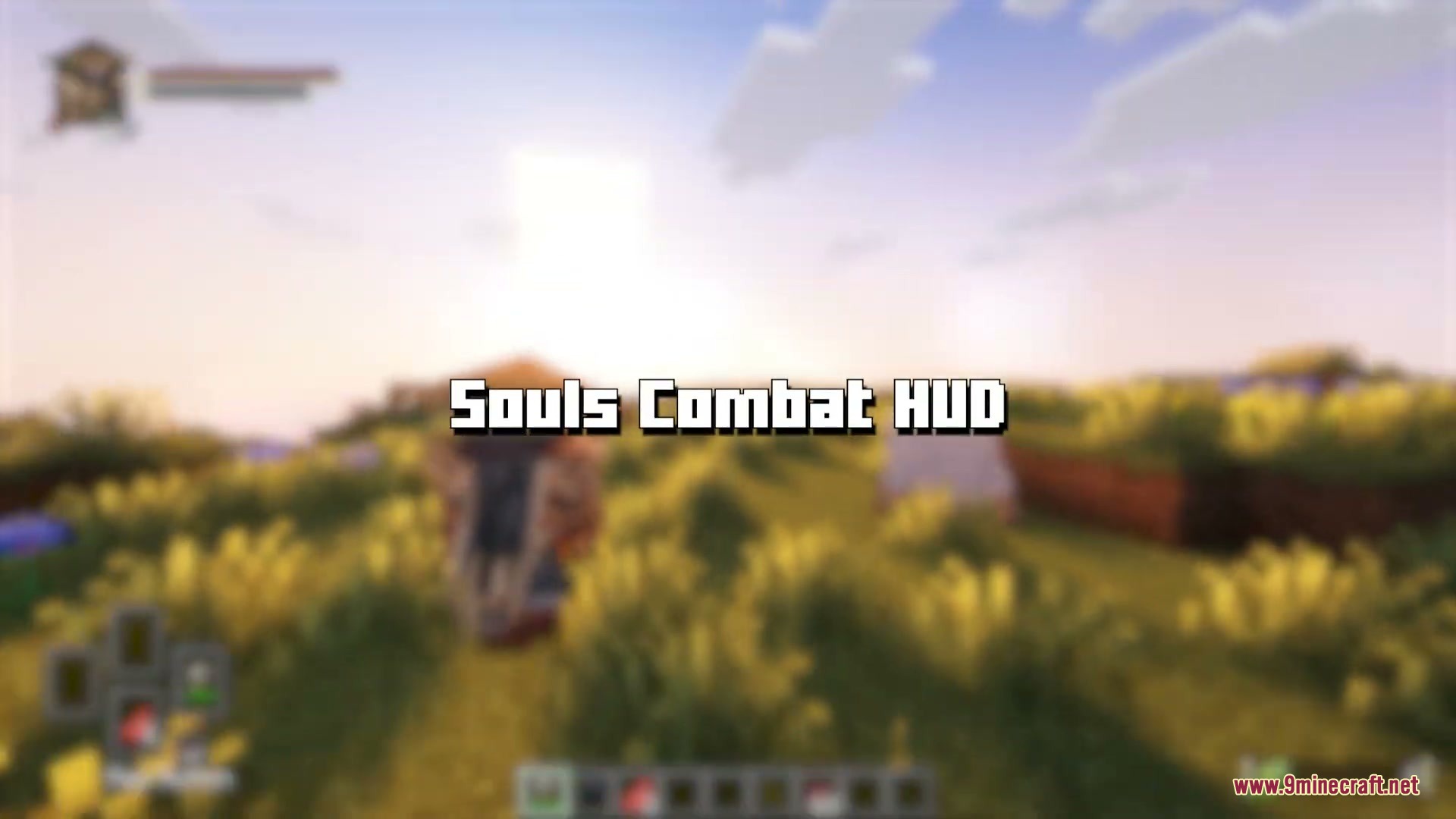
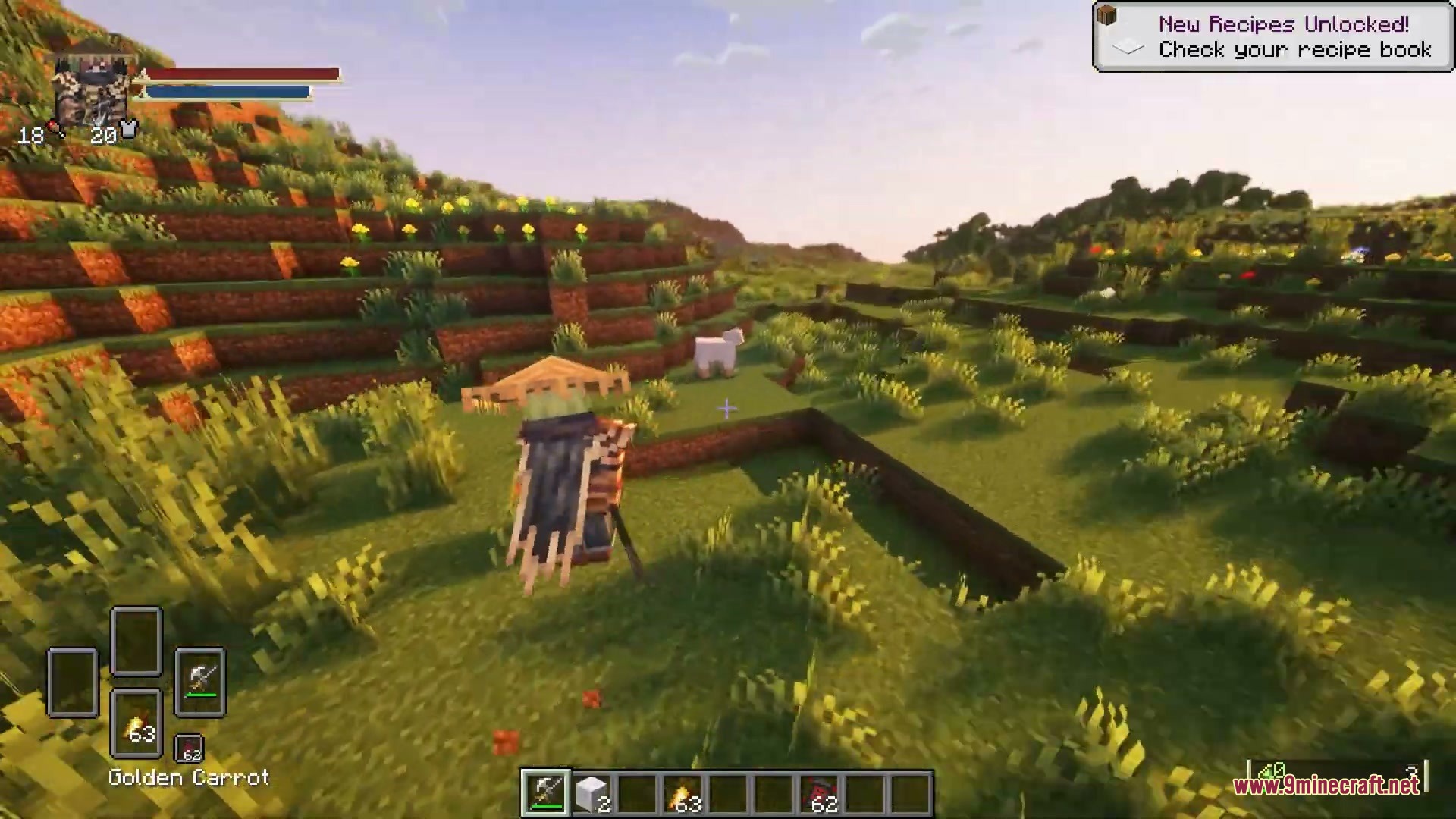
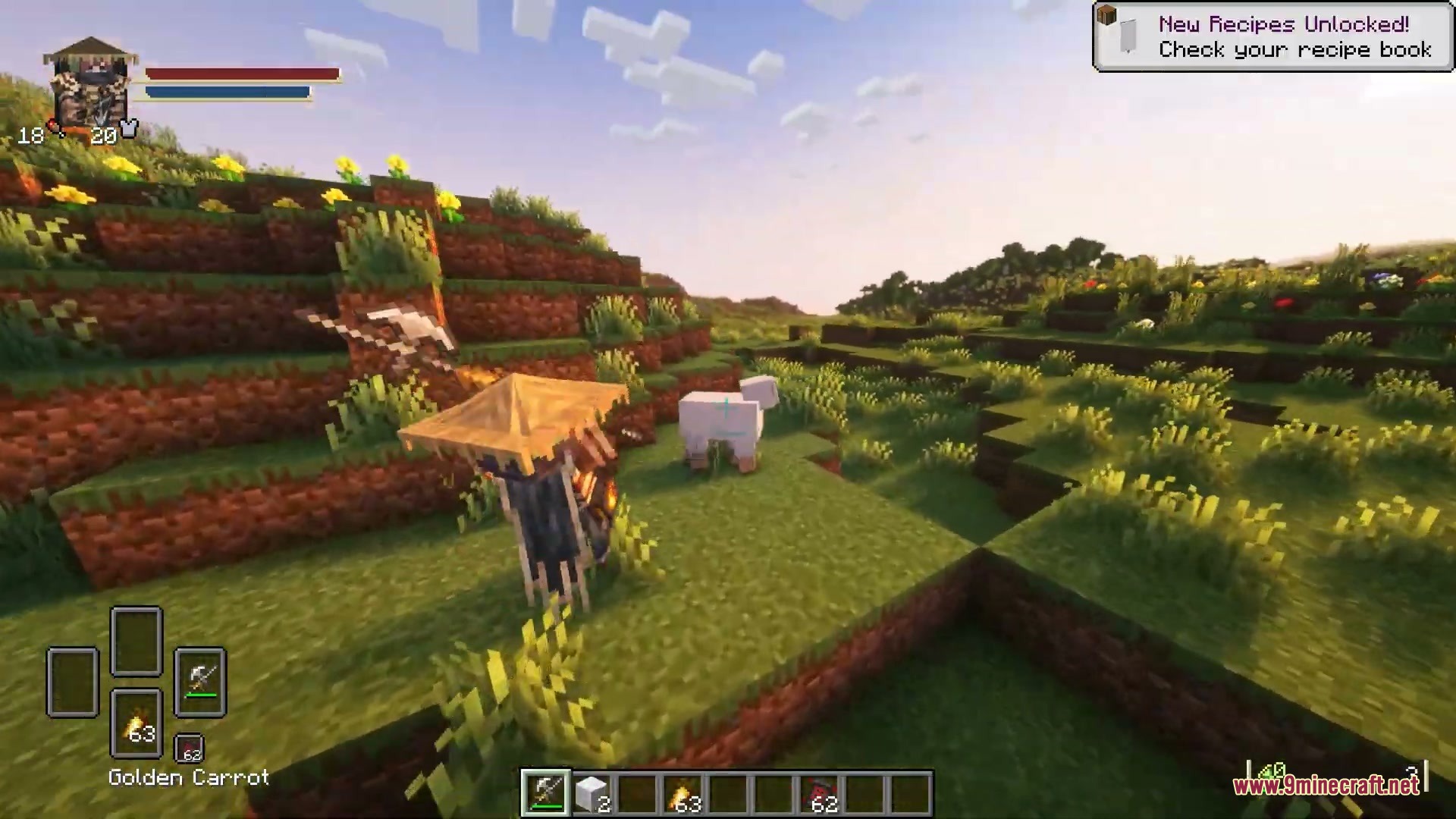
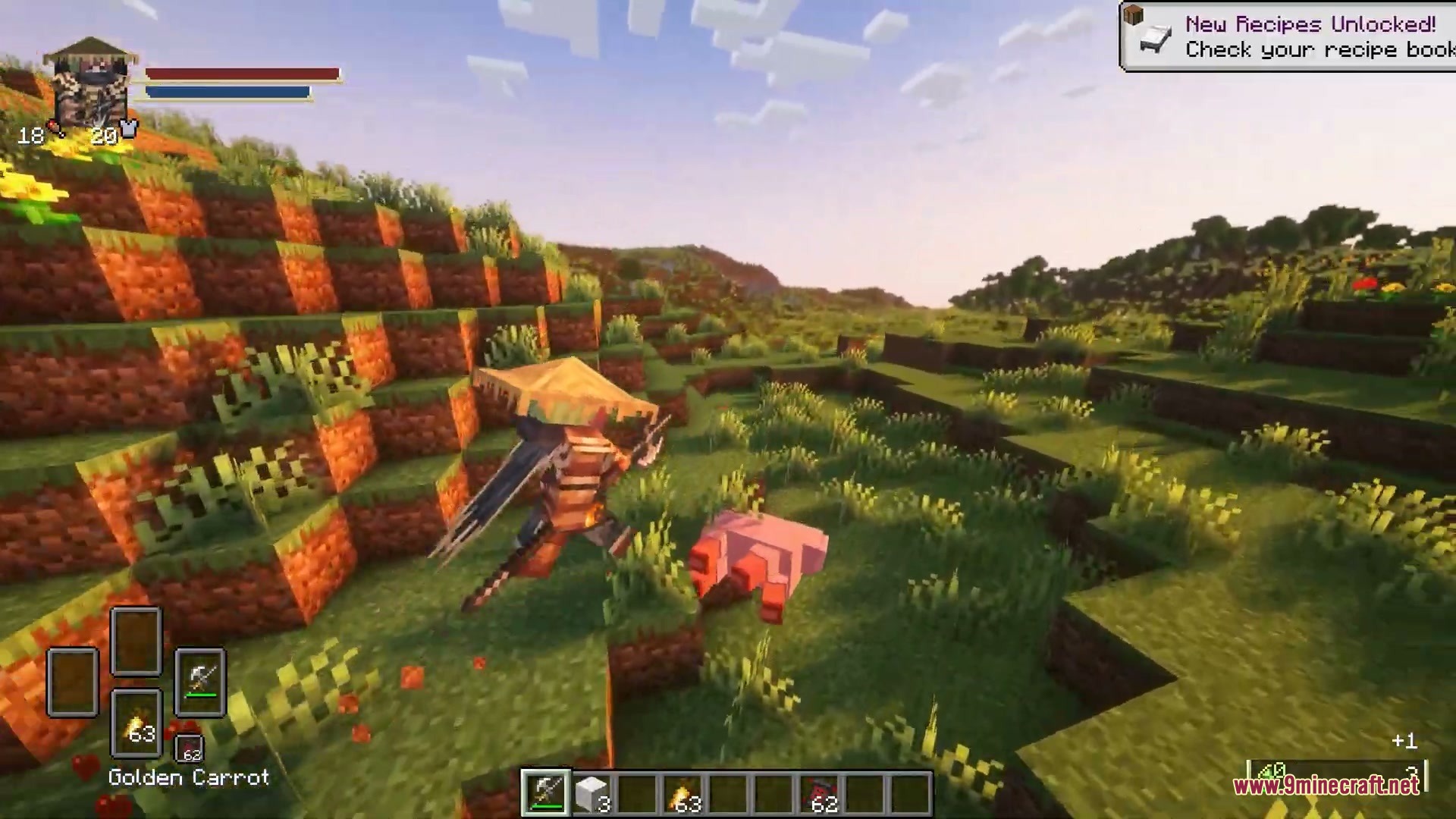
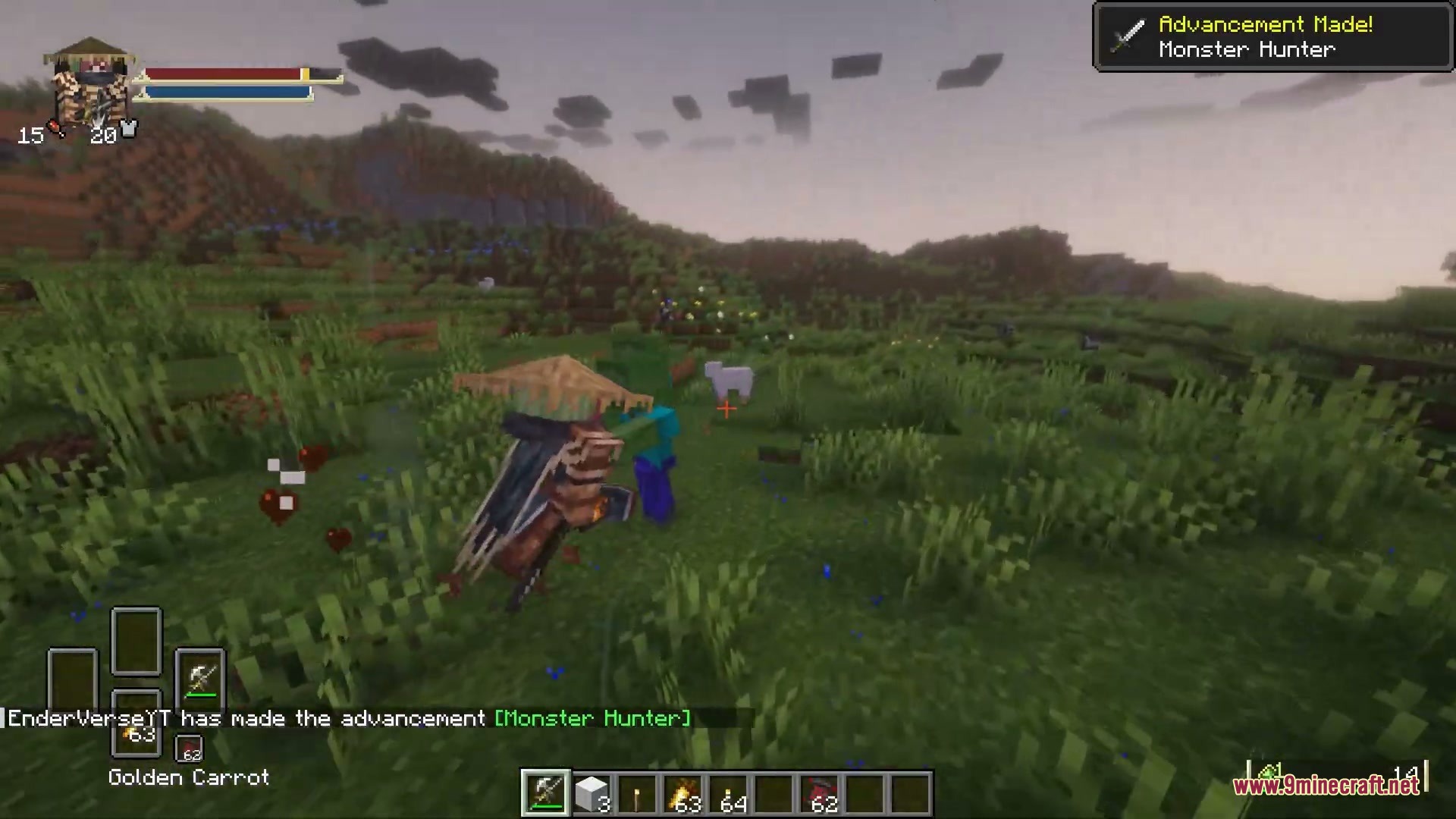
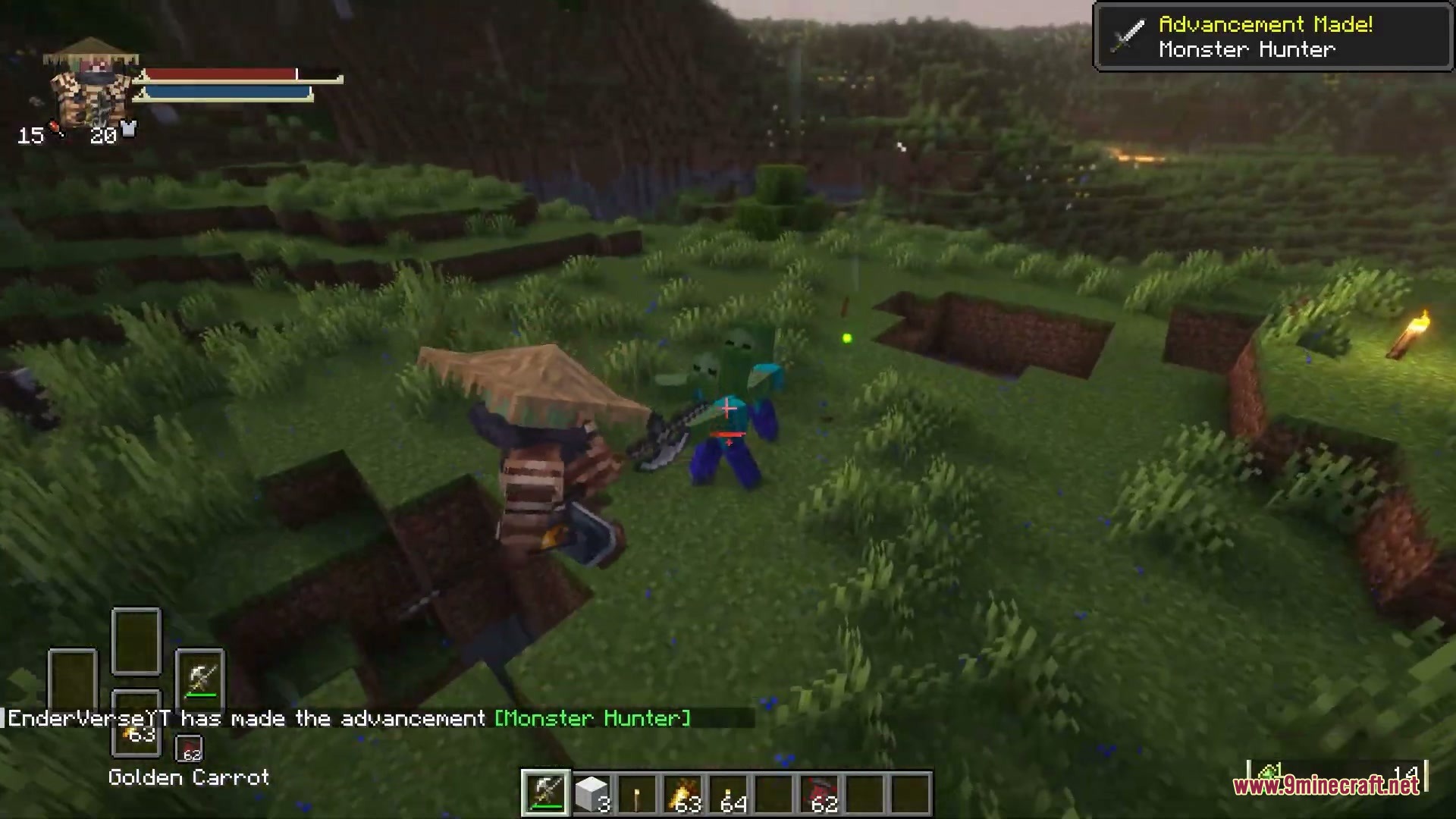
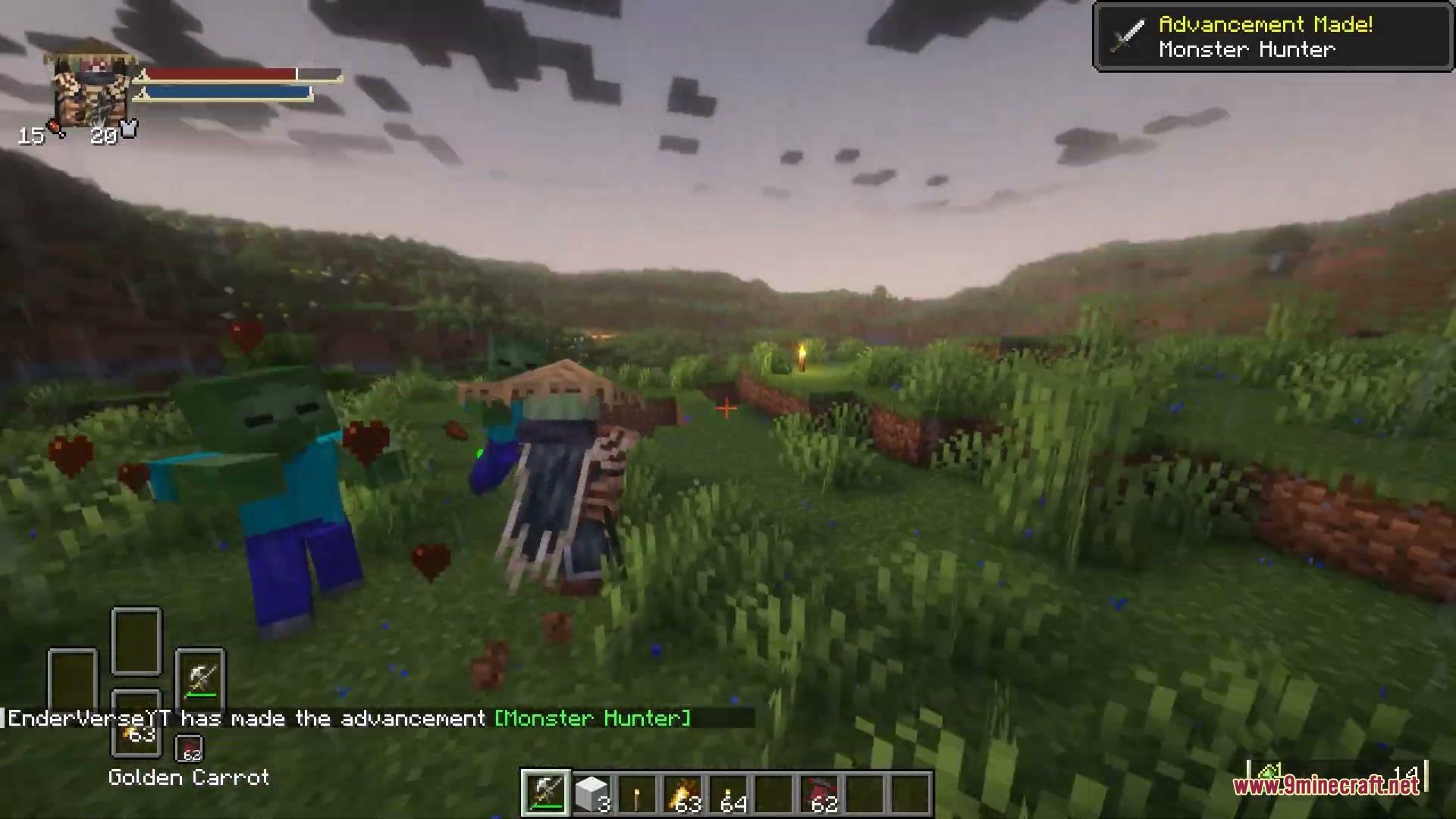
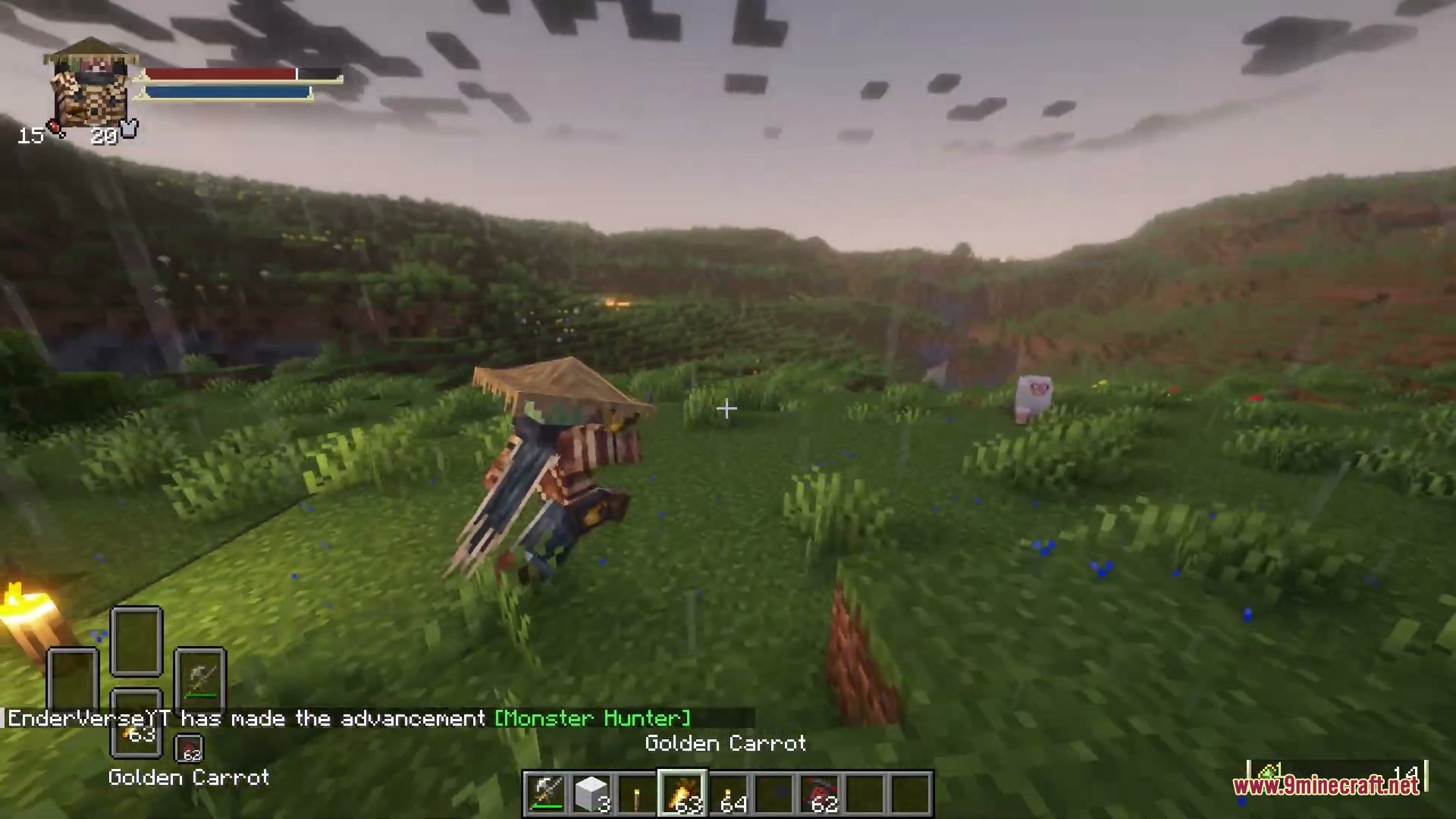
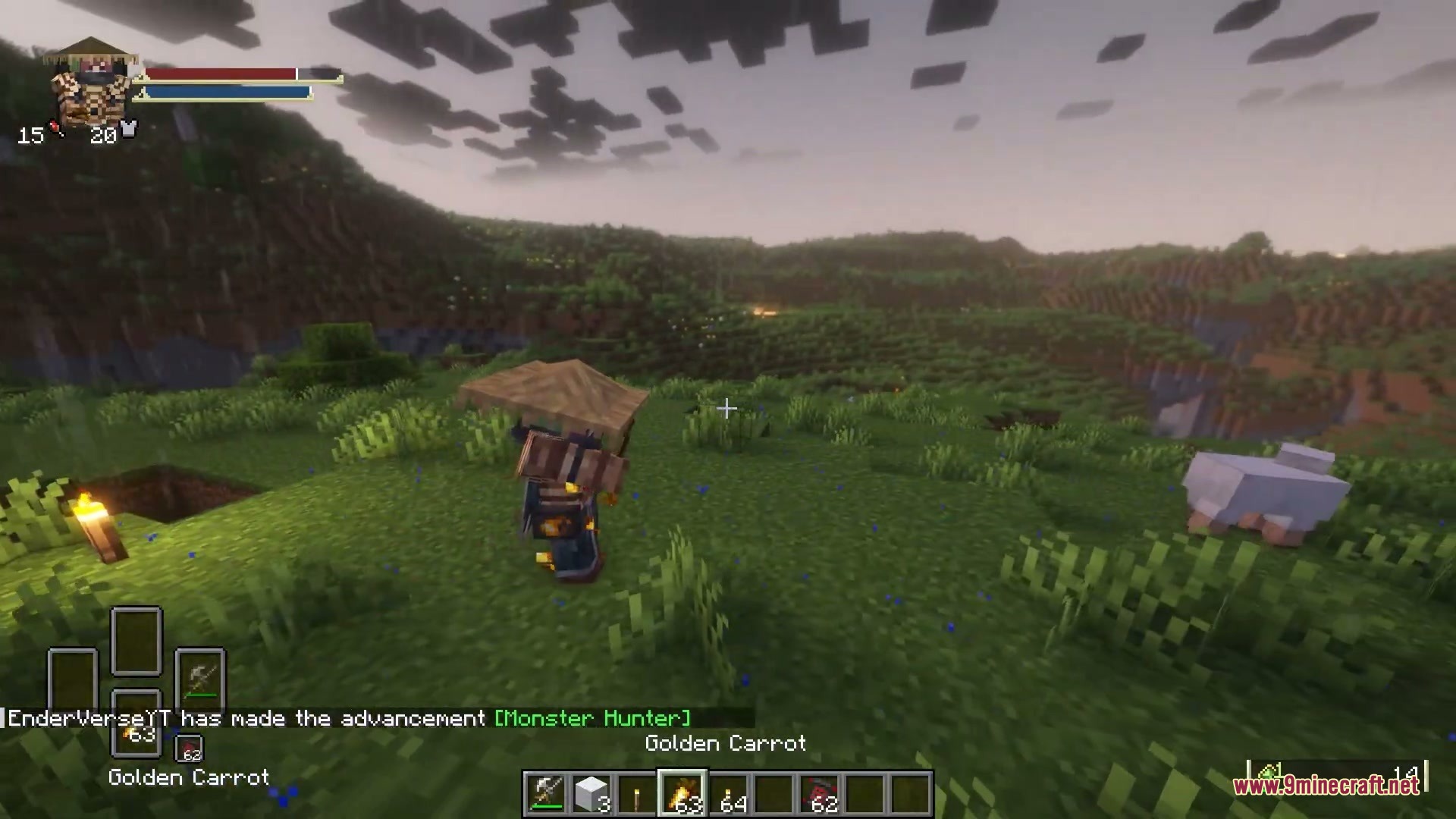
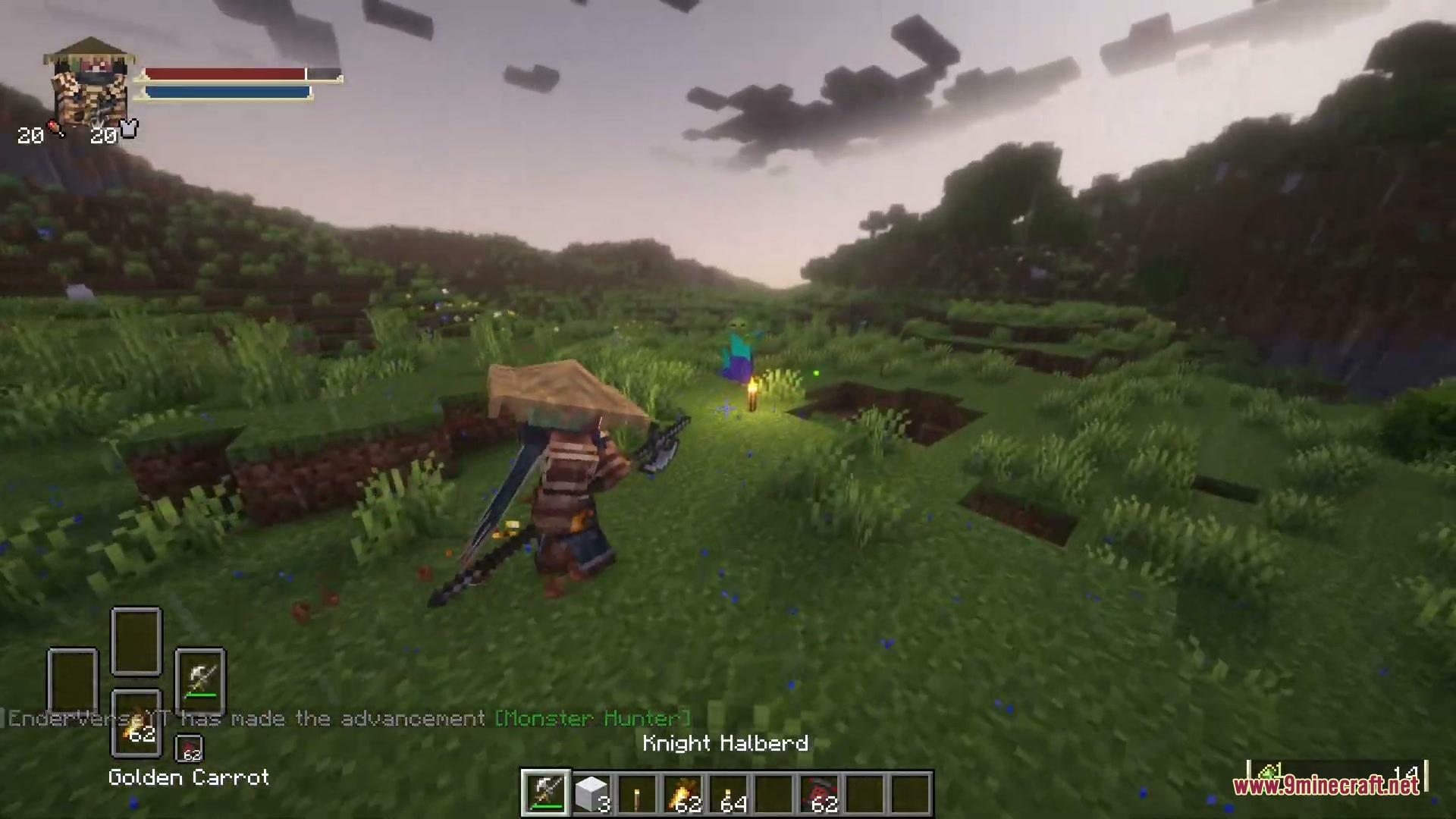
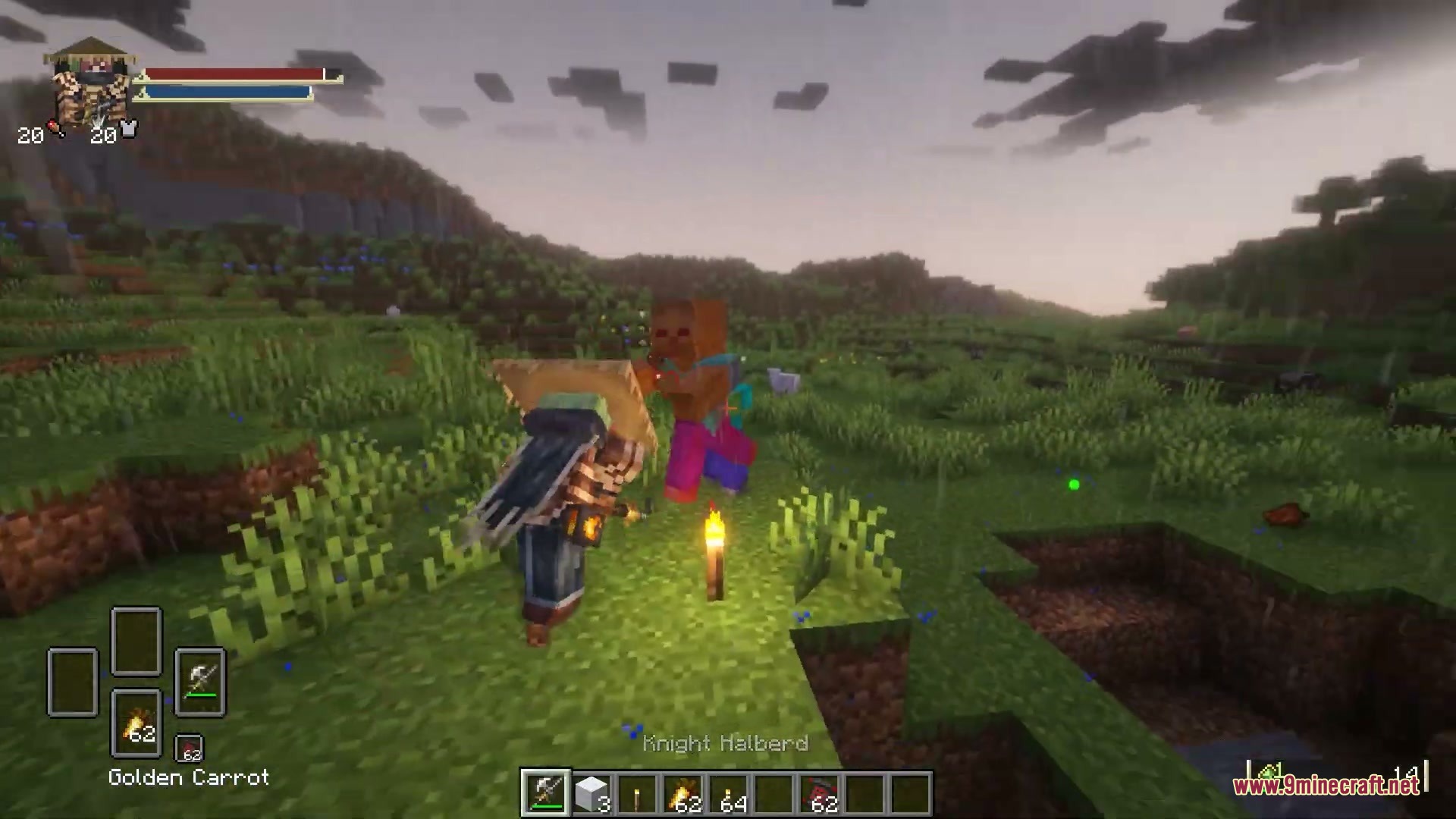
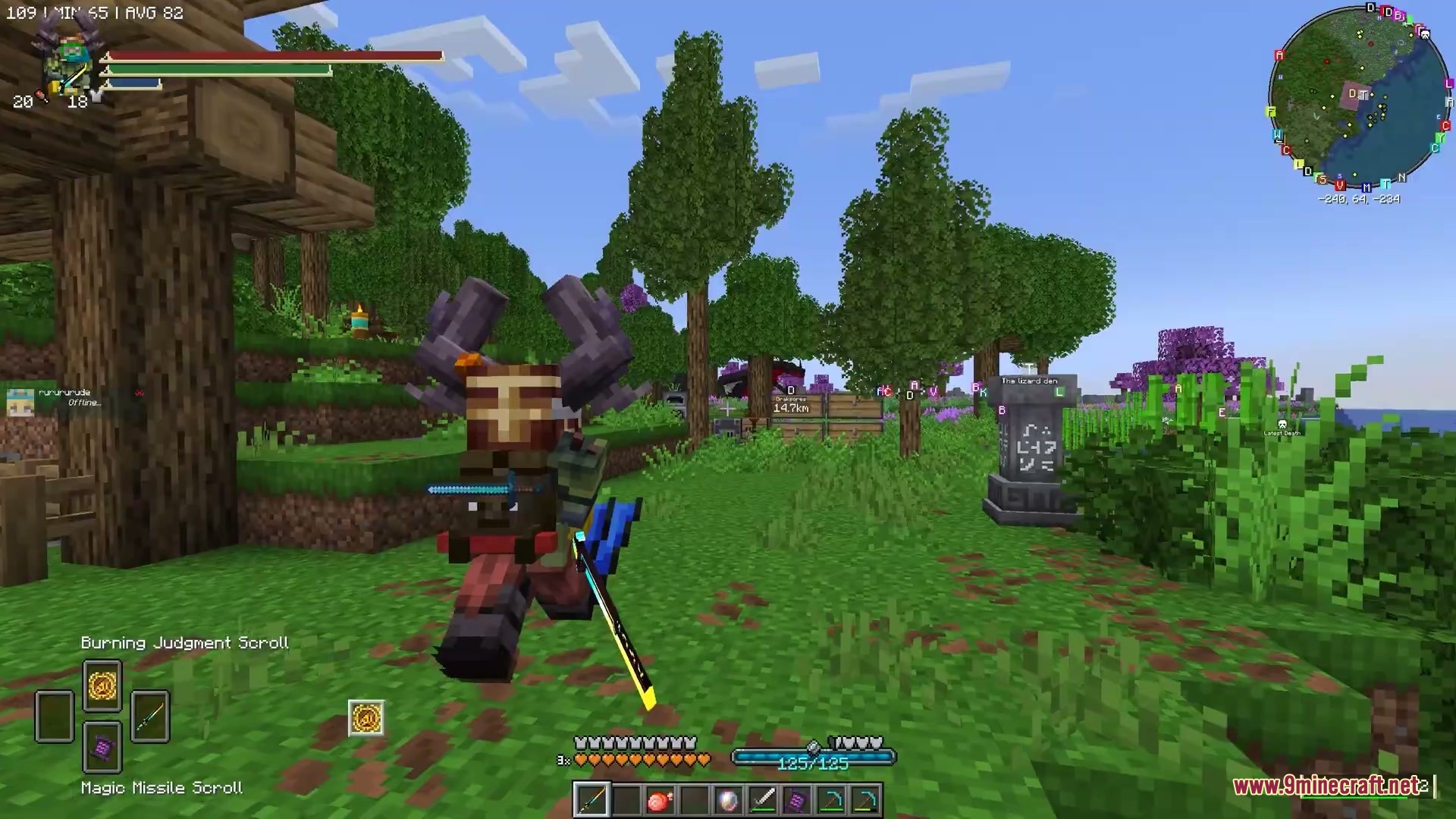
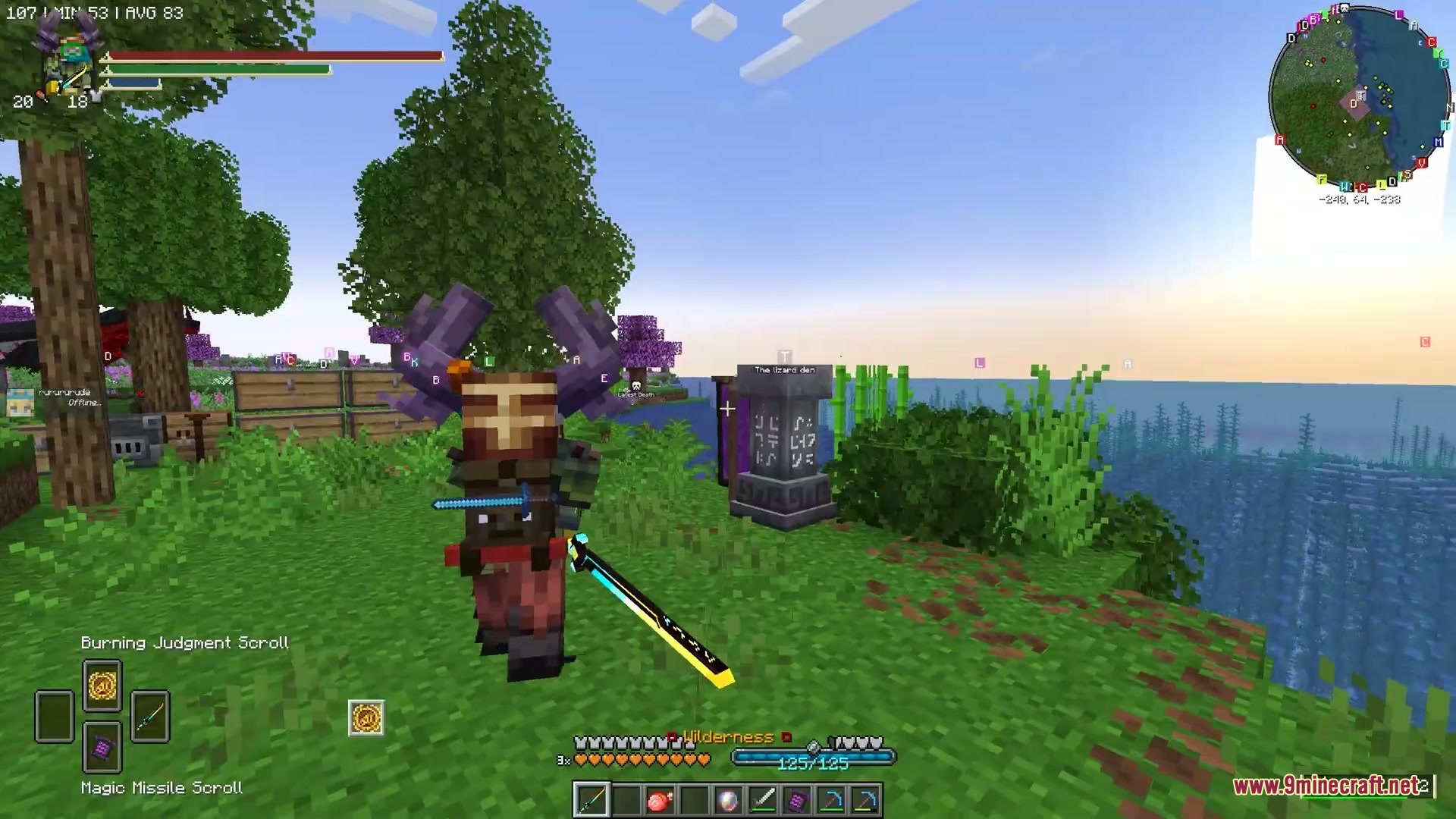
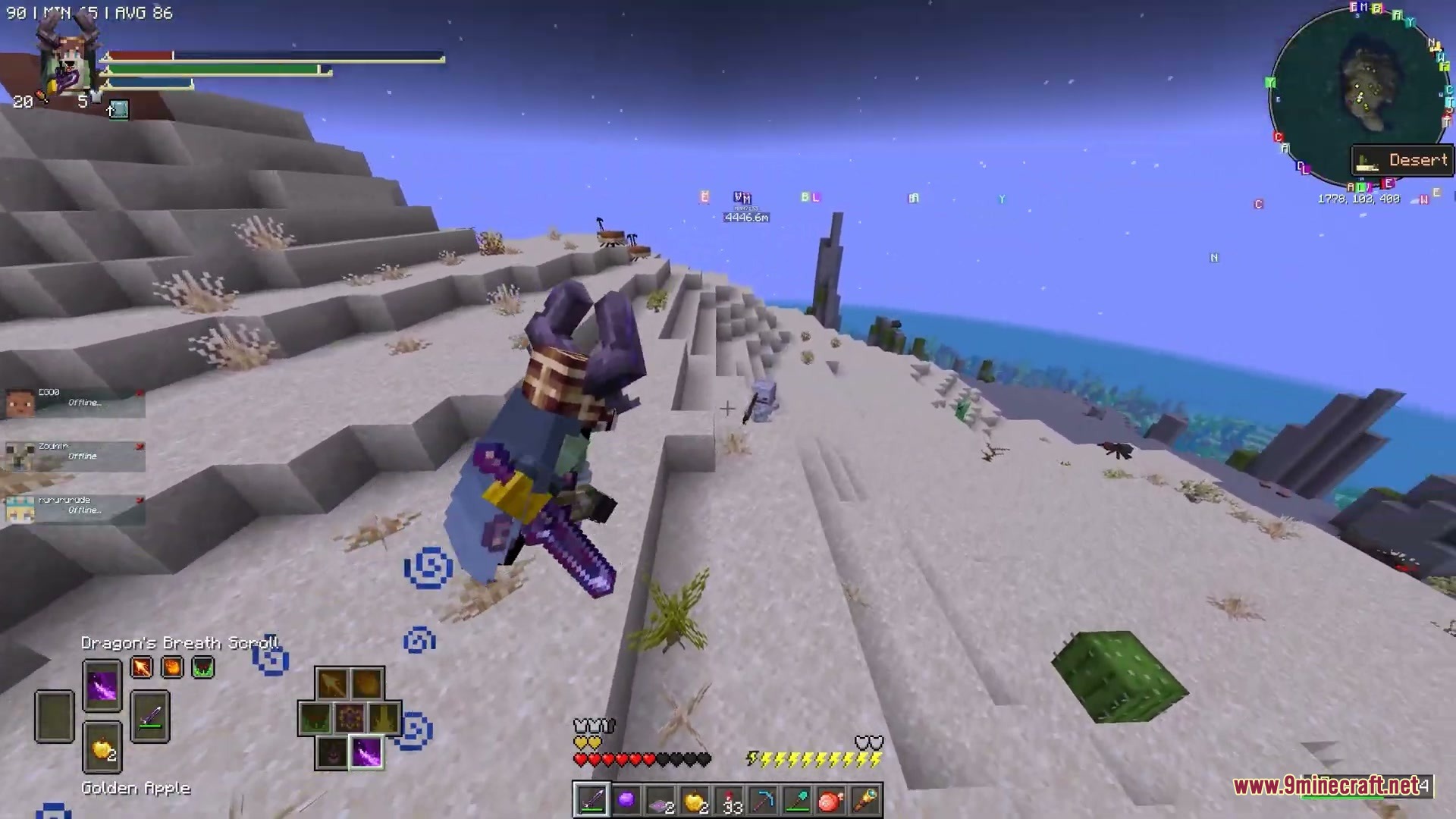
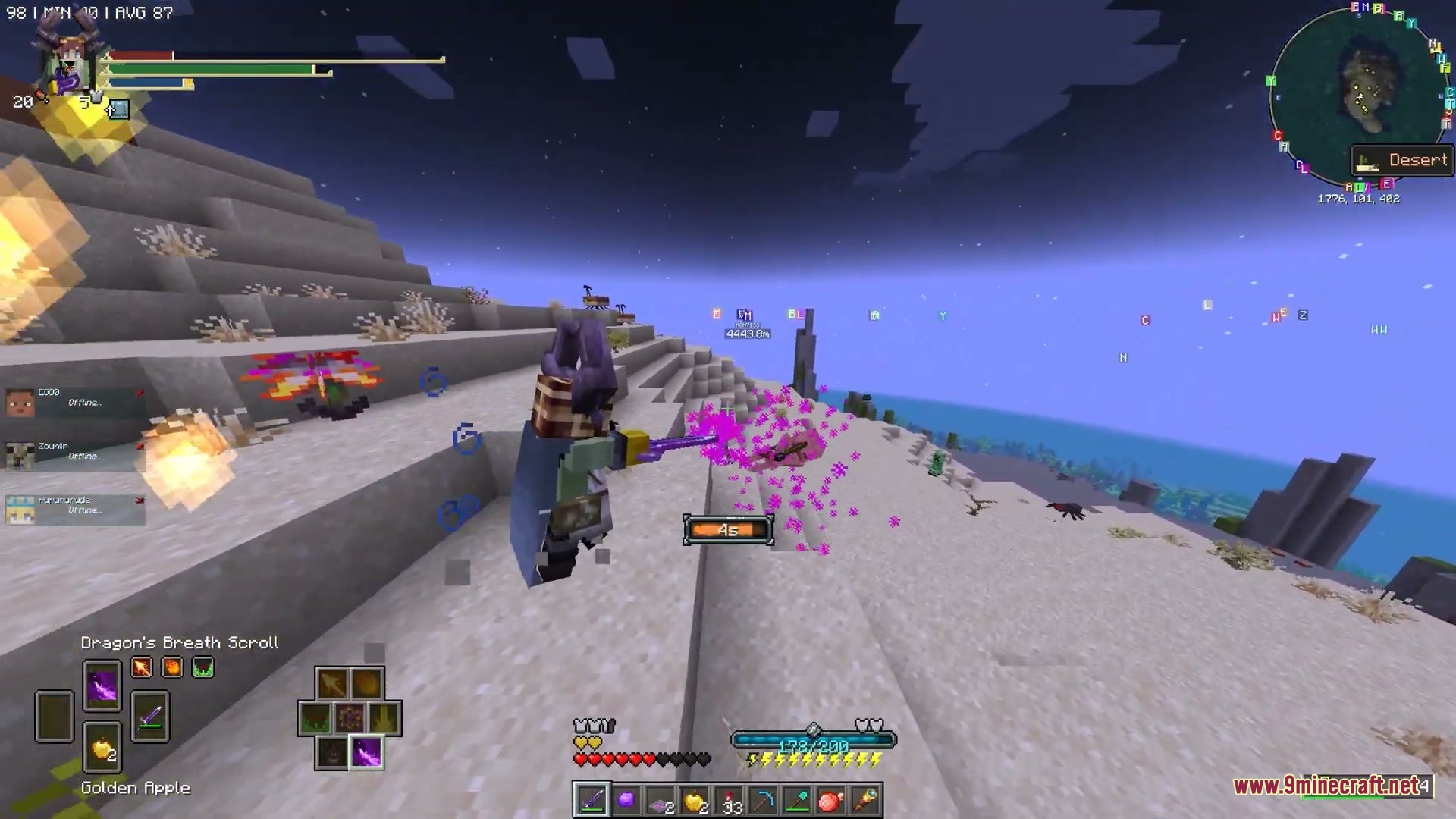
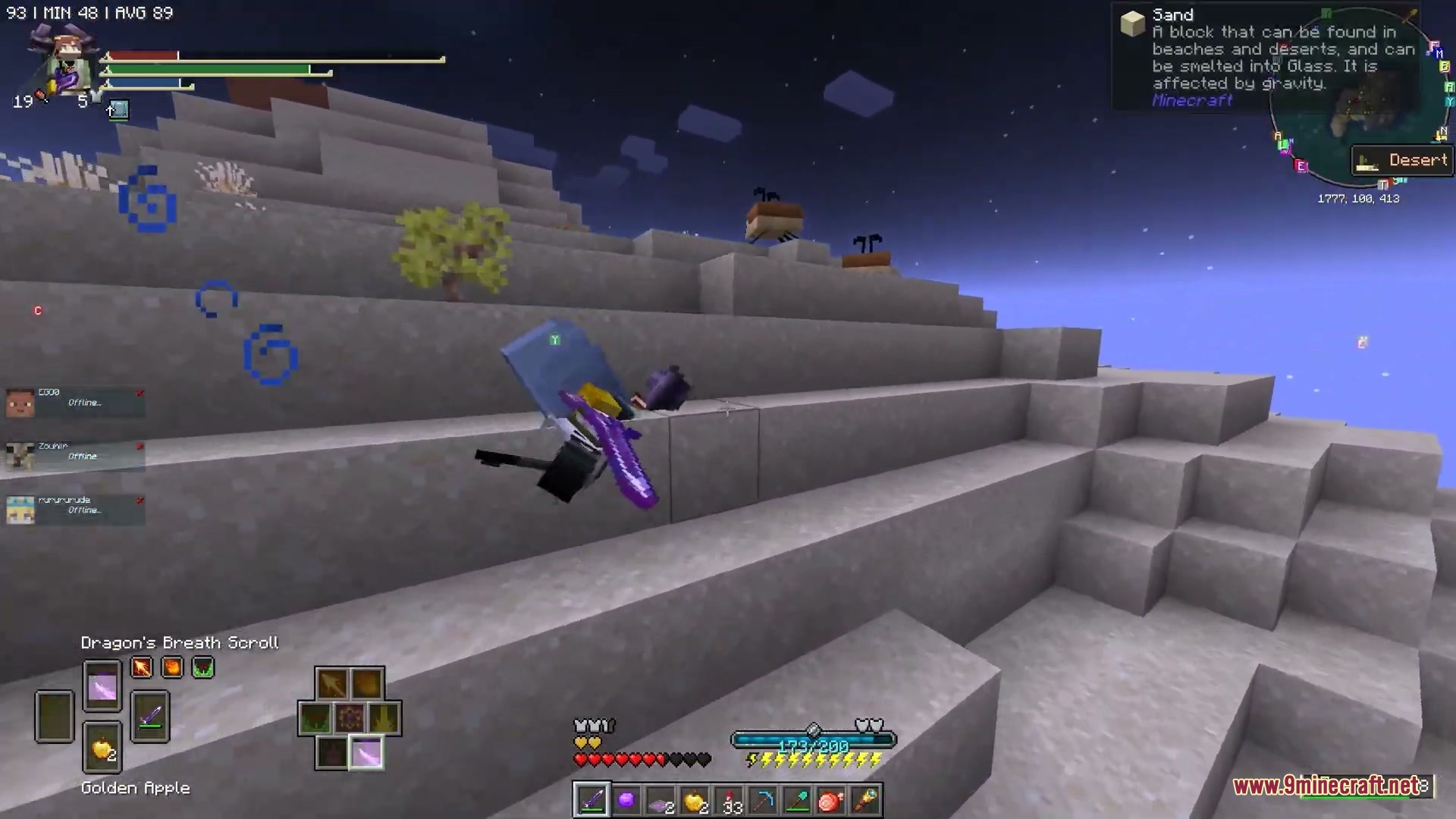
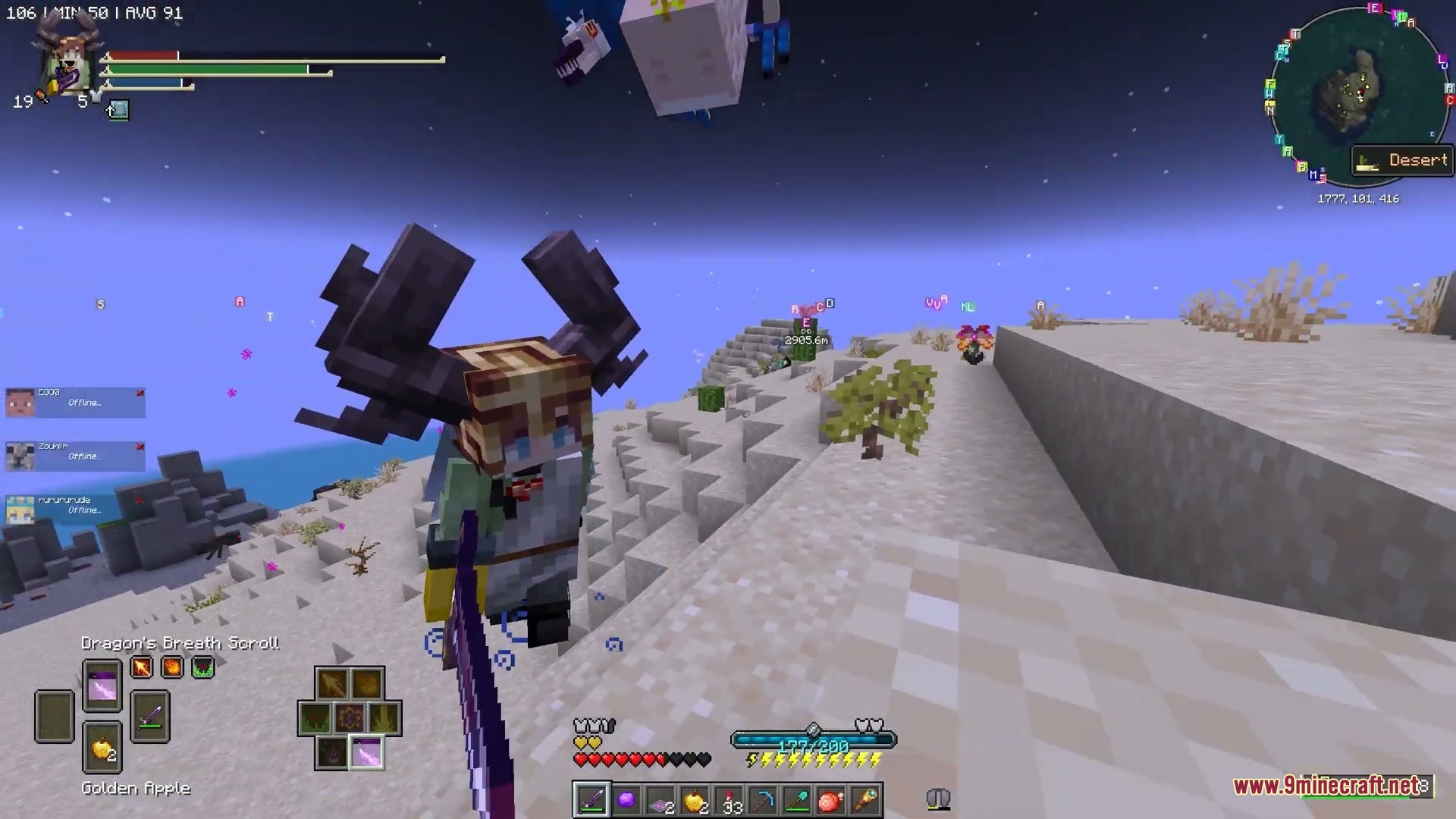
Souls Combat HUD Mod replaces the standard Minecraft interface with a clean soulslike layout inspired by action role-playing games. The mod adds four quick equipment slots so you can swap weapons, spells, and items on the fly during intense battles. It also tracks player stamina, mana, and teammate health bars right on your screen. You get custom boss bars, new hunger and armor crests, and quick item consumption keys to keep combat fast and responsive.
Features:
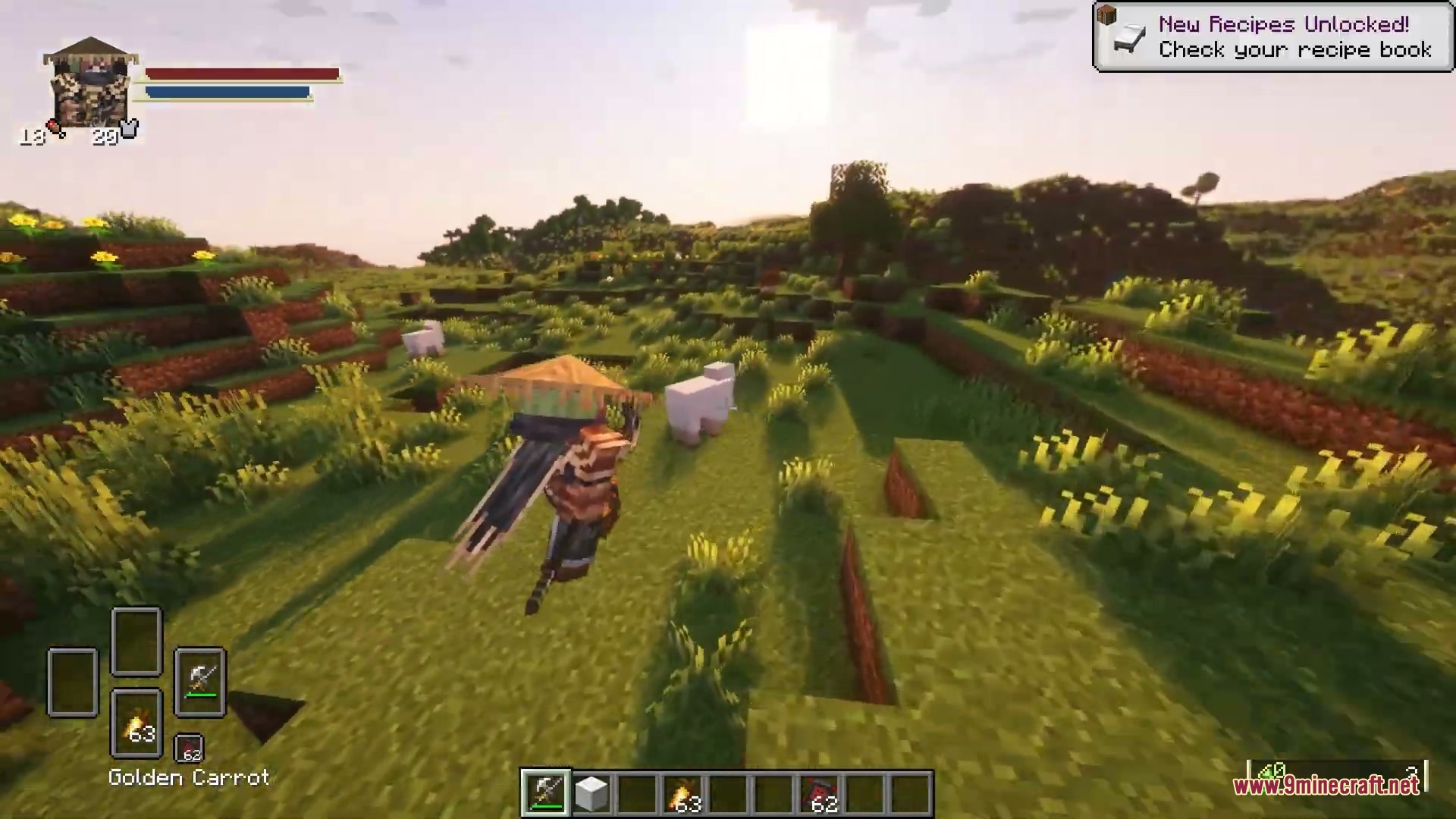
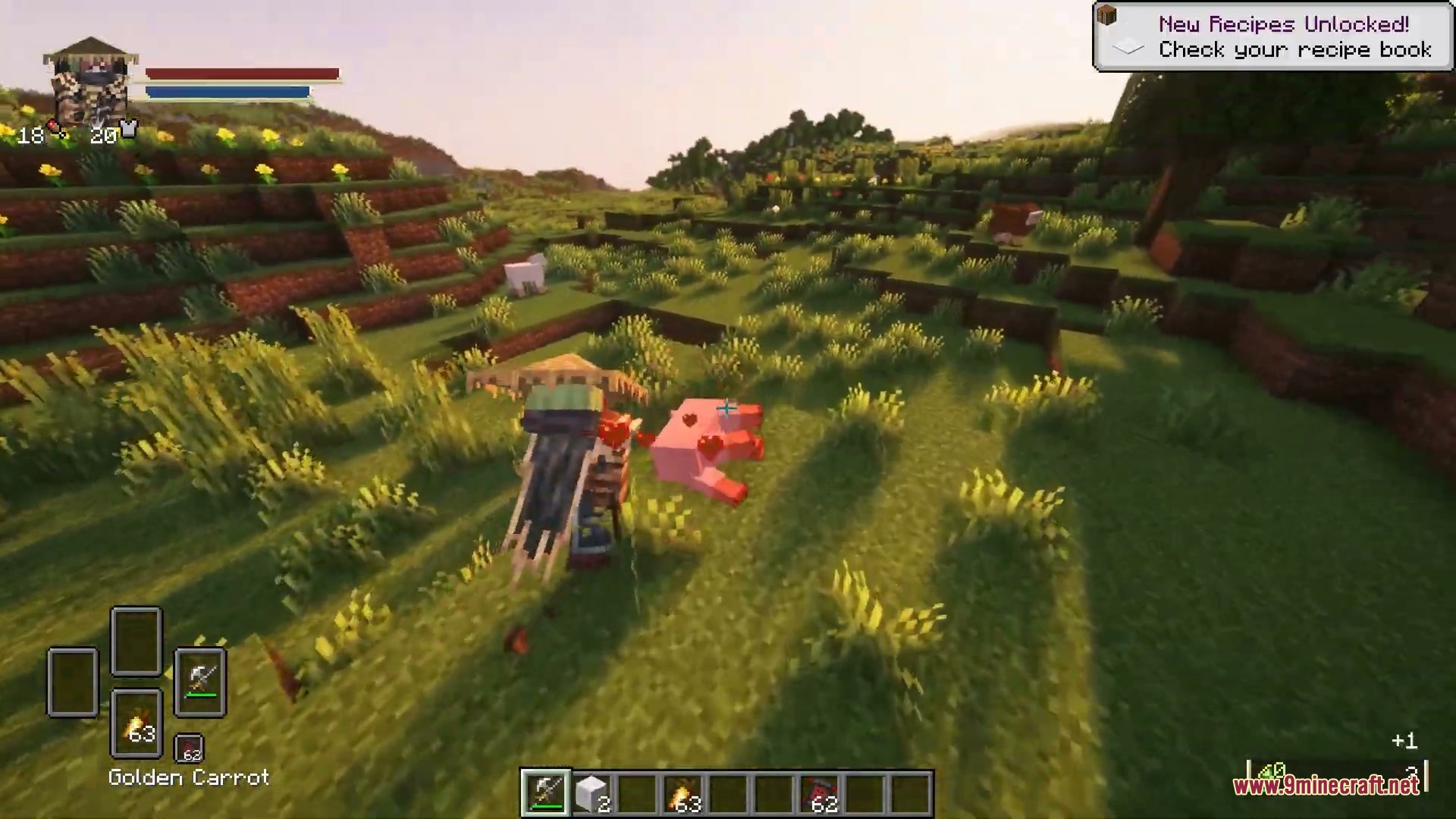
- Soulslike HUD: Replaces vanilla UI elements with action-RPG style status bars, boss gauges, and inventory frames.
- Equipment Selector: Adds four quick slots on screen to swap your main weapon, offhand item, spell, and consumable item.
- Lets you cycle through weapons and consumables quickly using your arrow keys.
- Adds a quick-use key to eat food or drink potions without holding down the right-click button.
- Displays player stamina and mana bars that automatically connect with popular combat and magic mods.
- Features a player crest showing armor level, hunger, and a miniature character portrait.
- Shows real-time health and status gauges for teammates during multiplayer parties.
- Replaces default boss health bars with wide, soulslike boss meters.
- Updates the experience bar, air meter, and item name positions to keep the screen uncluttered.
Equipment Slots:
- Weapon slot: Press the right arrow key to switch between weapons in your hotbar.
- Offhand slot: Press the left arrow key to cycle your offhand gear when using offhand expansion mods.
- Spell slot: Press the up arrow key to cycle spells with preview icons.
- Consumable slot: Press the down arrow key to cycle food or scrolls, or press the dedicated consumption key to use them immediately.
Status & Party Gauges:
- Displays player stamina from compatible movement and combat mods.
- Shows mana levels from compatible magic systems.
- Includes a sortable party display screen for tracking team member health on servers.
How to Use:
- Press the Right Arrow key to swap weapons in your hotbar.
- Press the Left Arrow key to cycle through offhand items.
- Press the Up Arrow key to switch between equipped spells.
- Press the Down Arrow key to cycle through food and items.
- Press the G key to quickly use or eat your active consumable item.
- Press the O key to open the party sorting screen when playing on a server.
Screenshots:
How to Install:
New to Minecraft? Follow our step-by-step guide to install Mods on your PC.View Guide
Requirements:
 Minecraft Forge Required
Thirst Was Reclaimed Required
Legendary Survival Overhaul Required
More Offhand Slots Required
ParCool! Required
 Epic Fight Indestructible Mod Required
 Paragliders Mod Required
Iron's Spells 'n Spellbooks Required
Souls Combat HUD Mod Download Links
For Minecraft 1.20.1, 1.20
Click to rate this post!
[Total: 0 Average: 0]
You May Also Like



This post has no comments yet. Be the first — your comment will appear here.