


Yyzsbackpack Mod (26.2, 1.20.1) – Carry Extra Gear and Craft Directly
 0
0
 0
0

Yyzsbackpack Mod brings convenient wearable storage to Minecraft without breaking the vanilla interface style. This mod displays backpack storage directly inside standard game menus such as chests, furnaces, and crafting tables. It lets you craft items using stored materials, sort your slots with a single click, and personalize your bag with dyes.
Features:
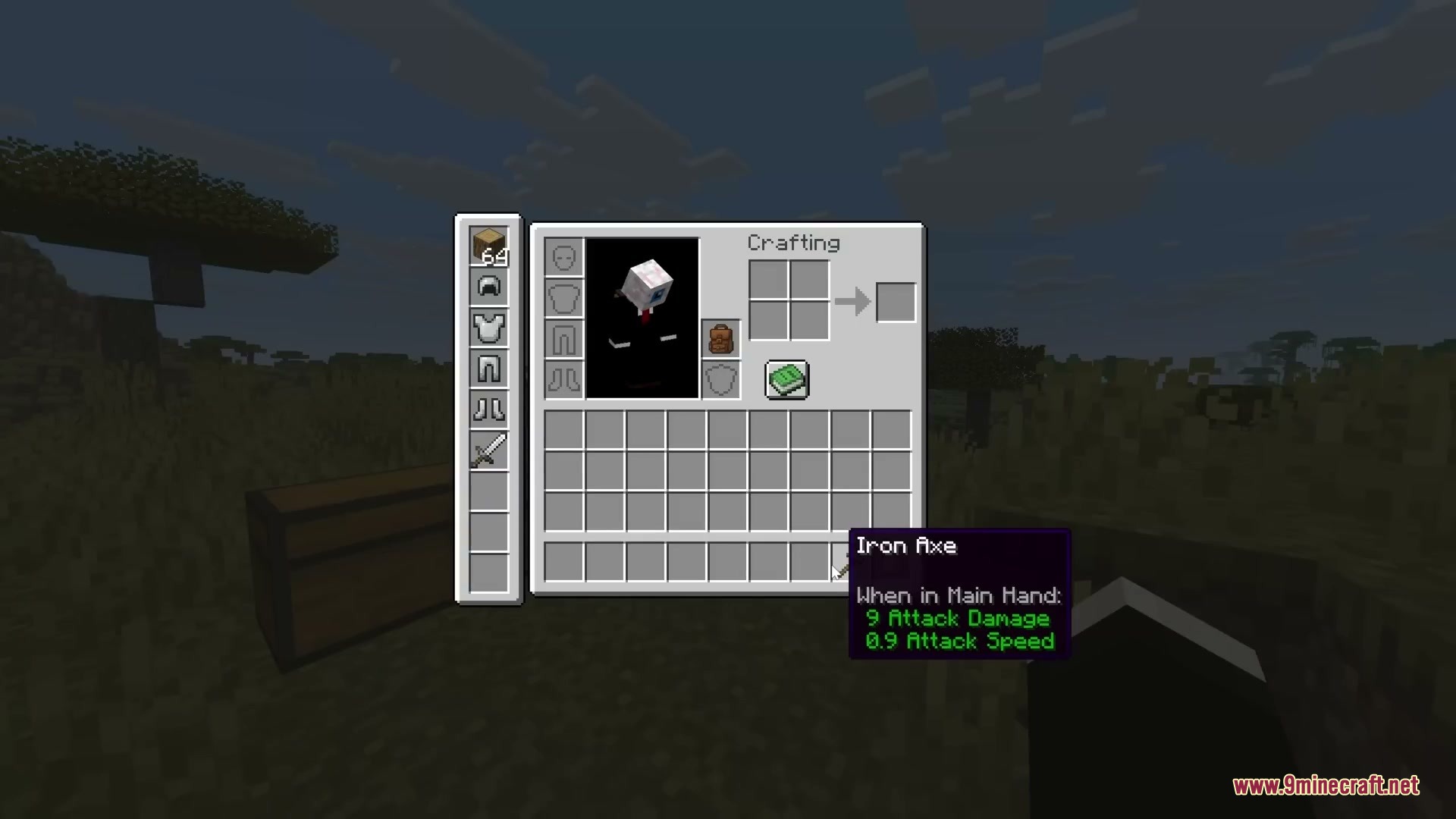
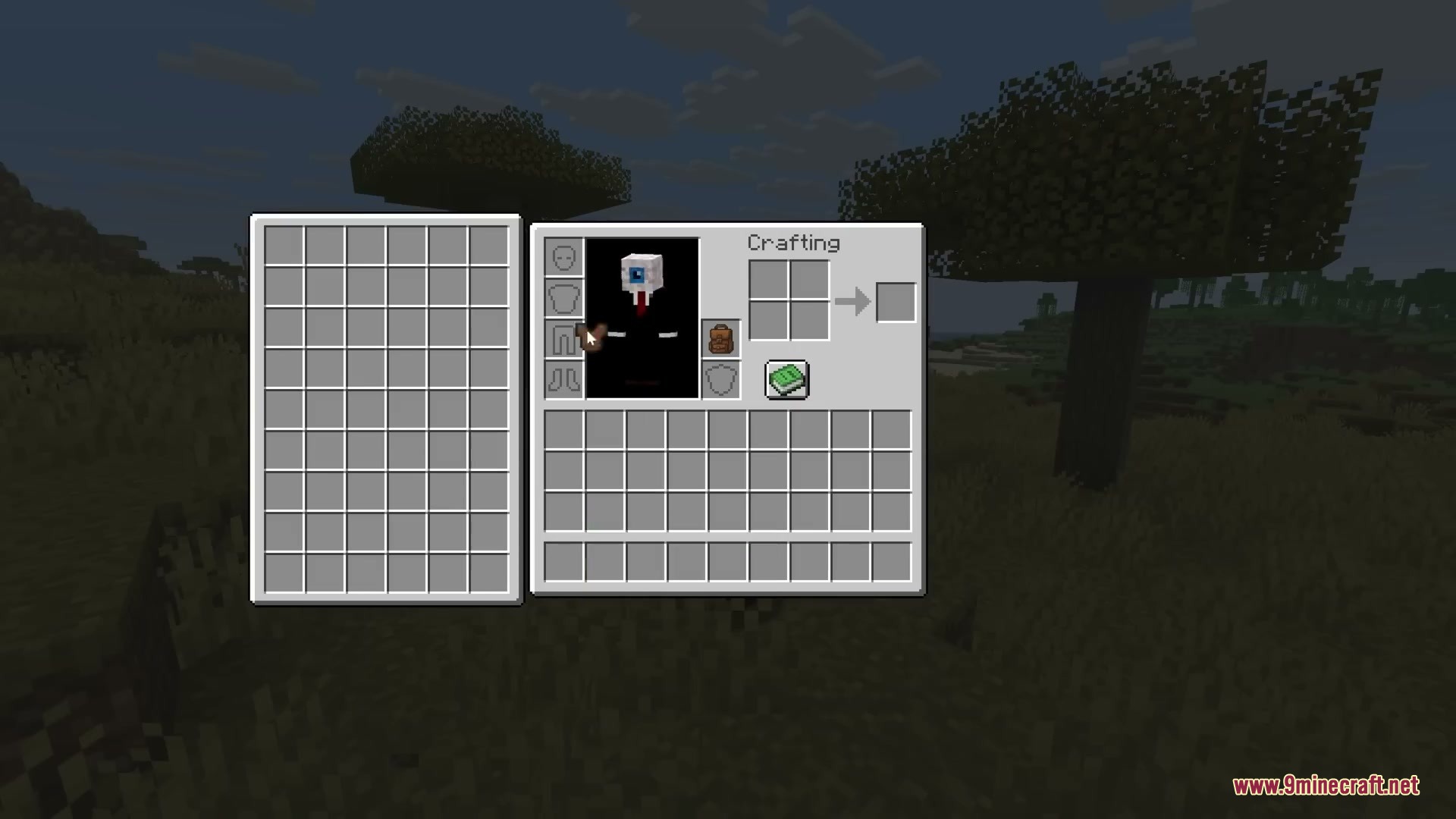
- Backpack slots show up directly on container screens so you can move items without switching menus.
- Lets you craft items using materials stored inside the backpack, with recipe book and JEI support.
- Customizes your bag appearance by letting you dye it just like leather armor.
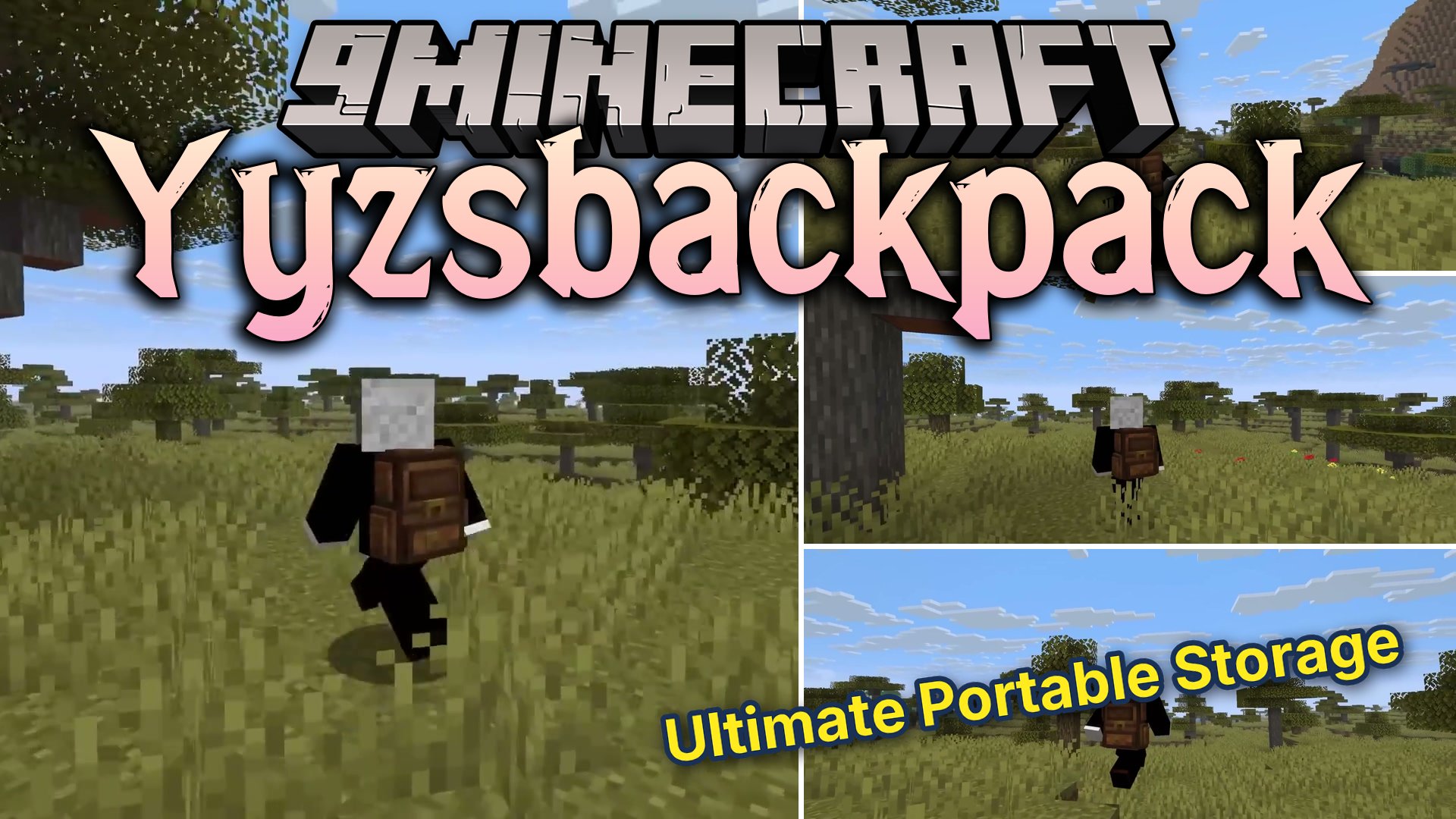
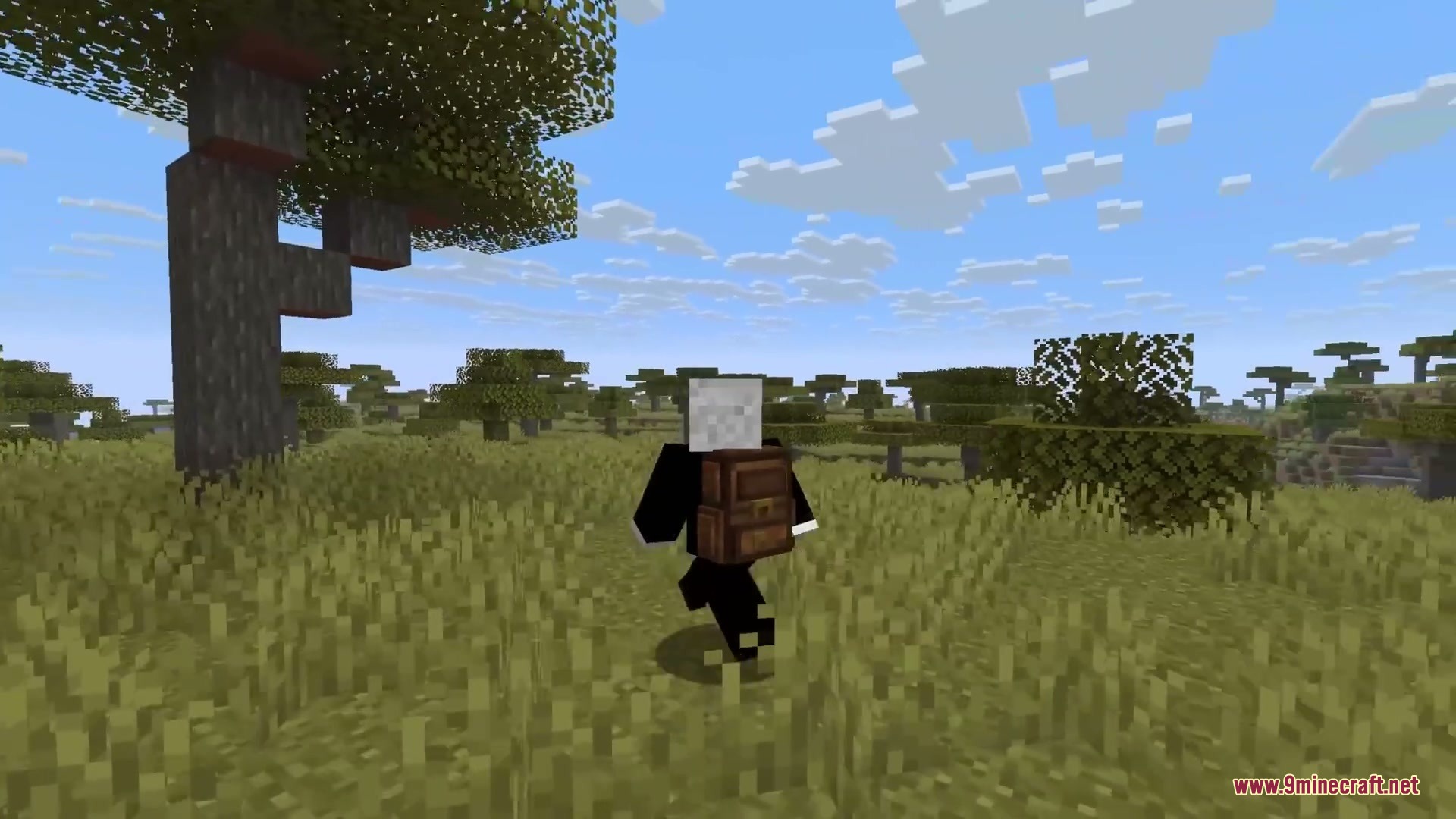
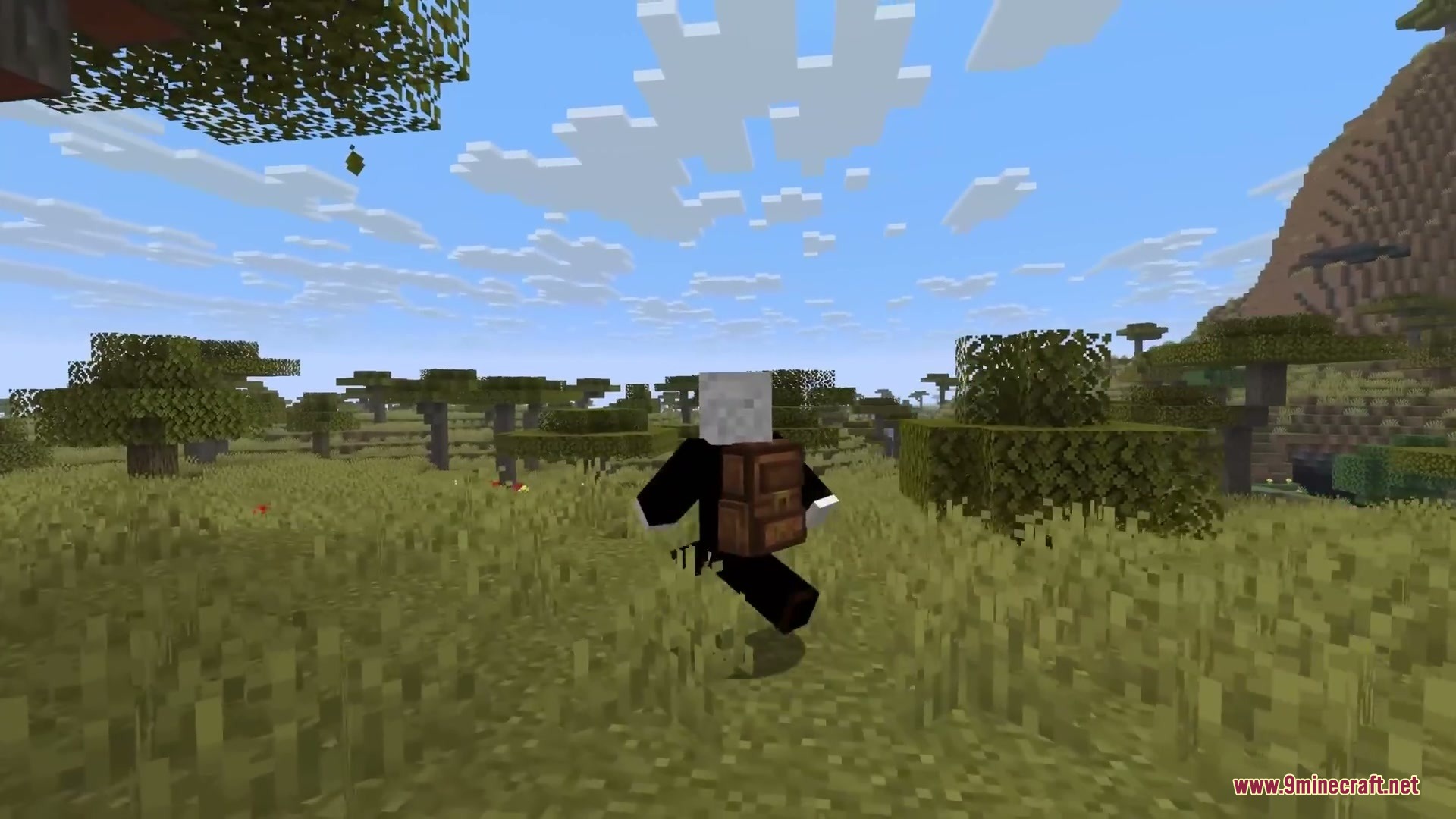
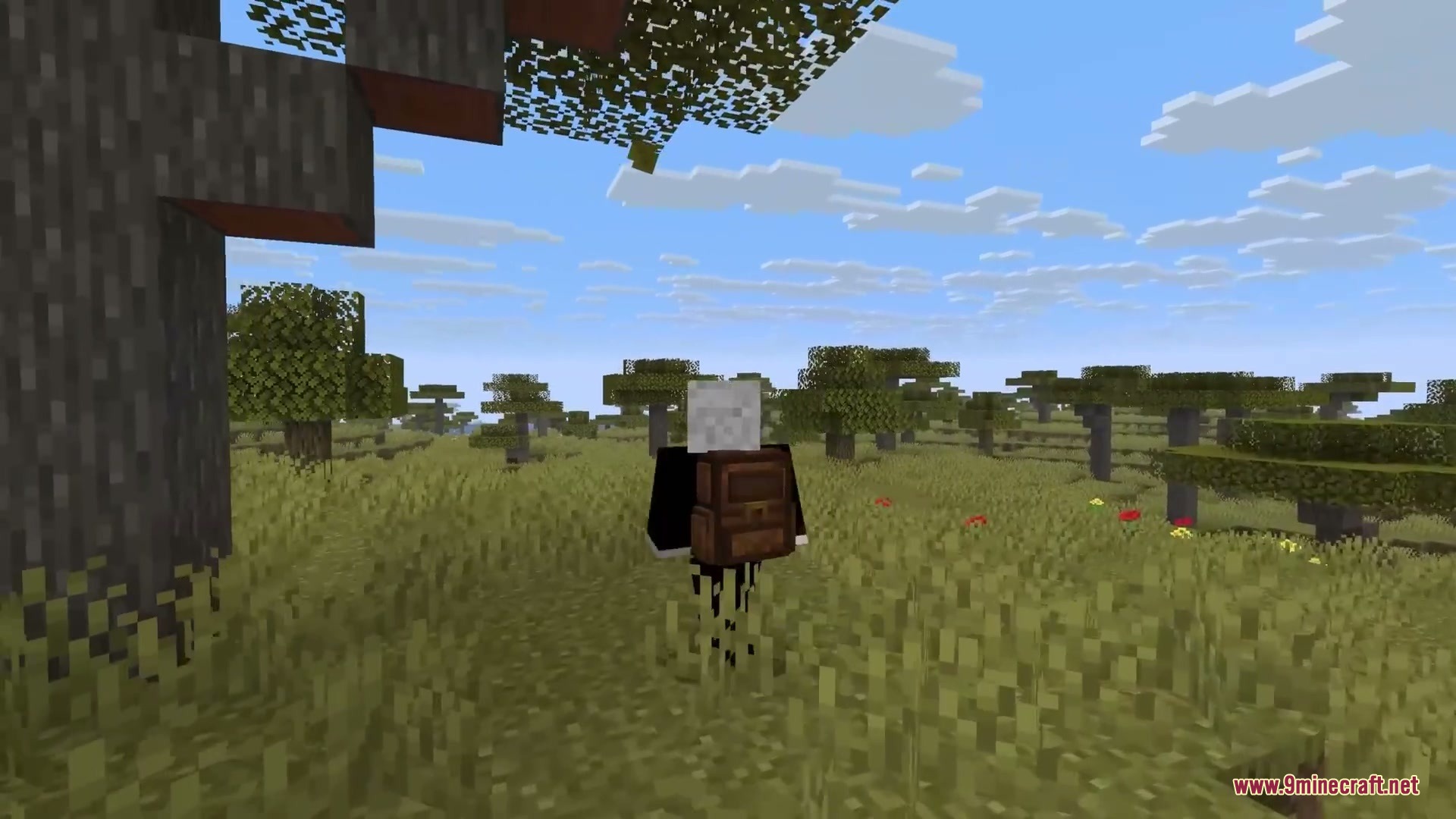
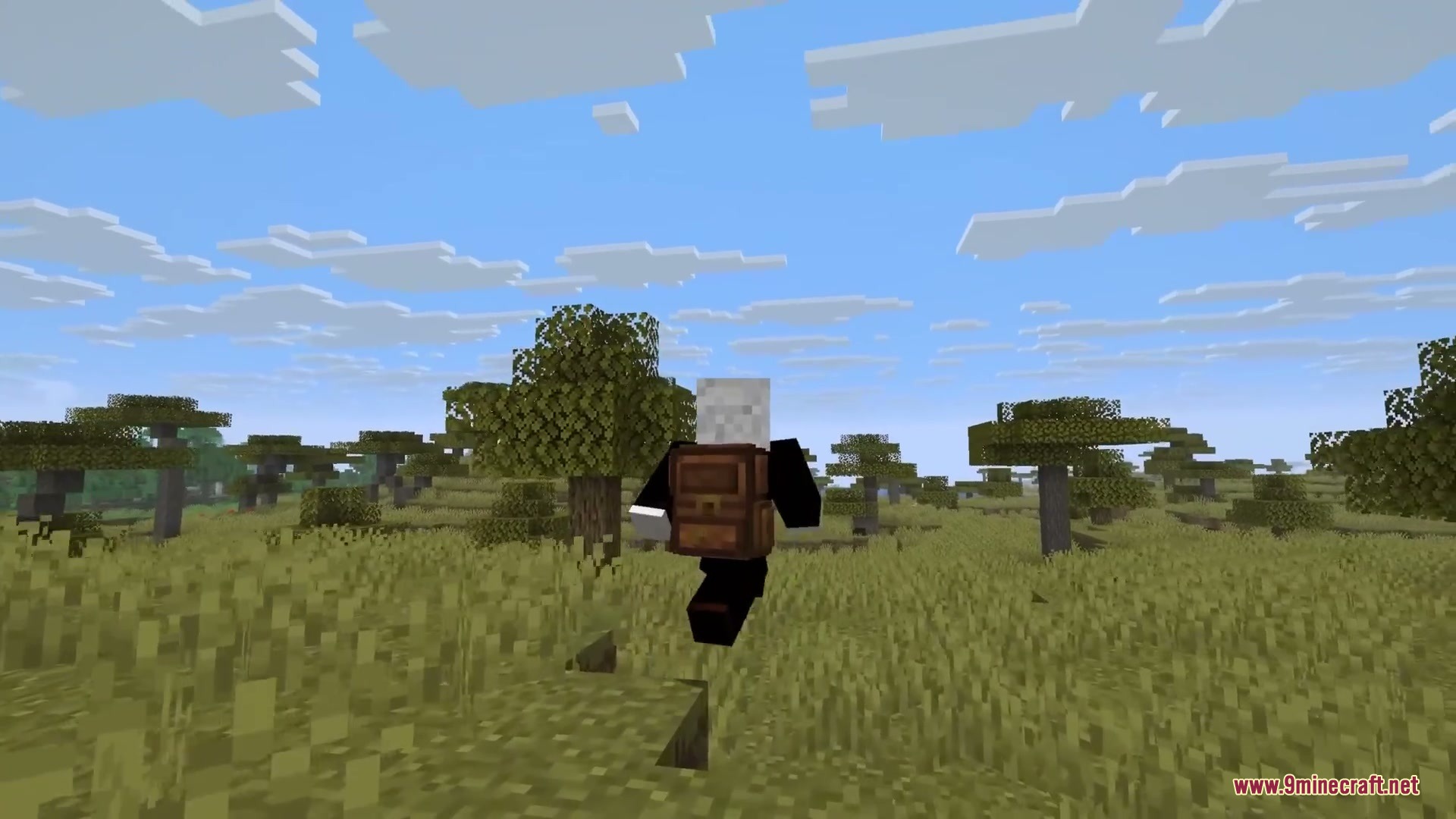
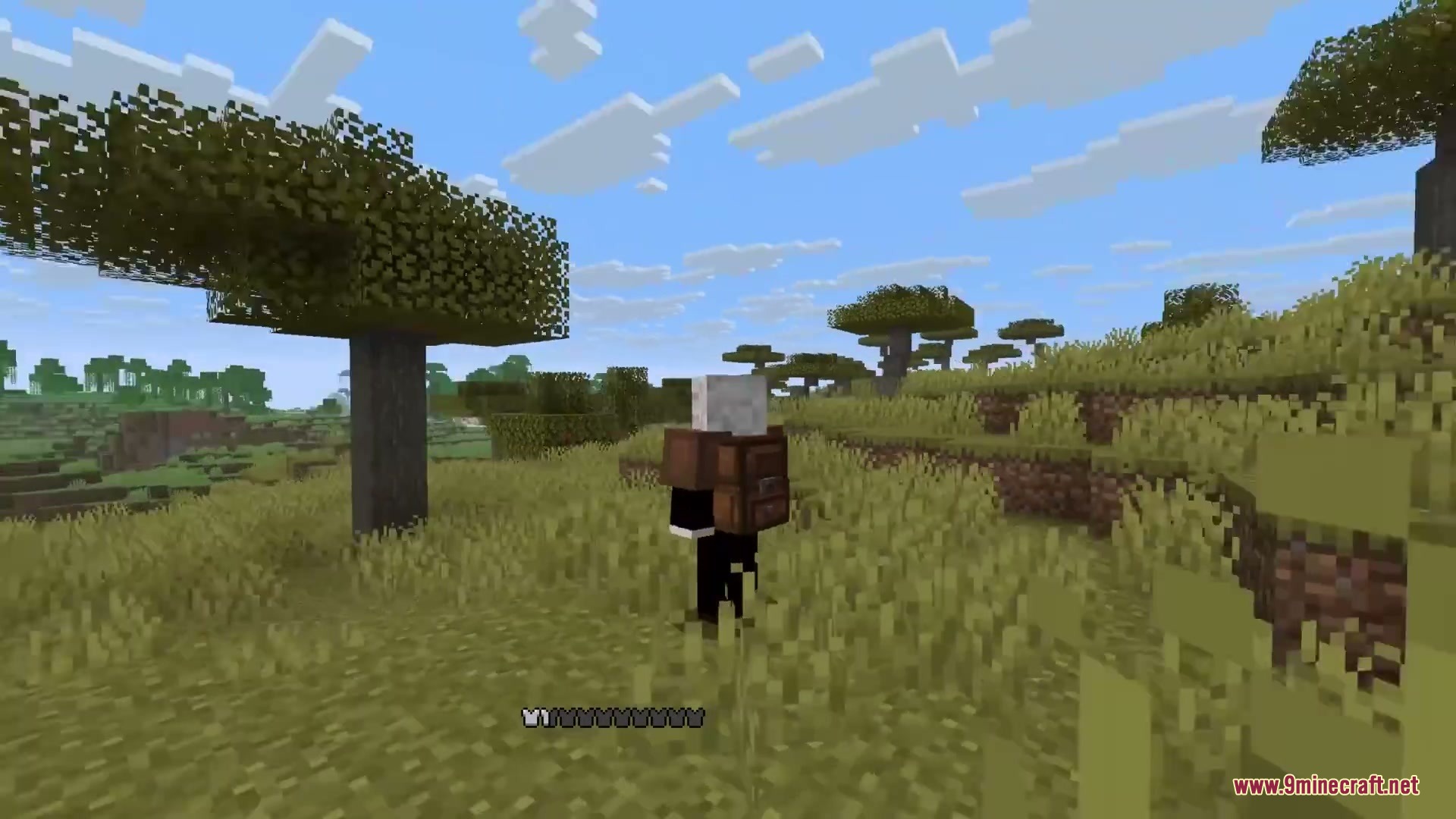
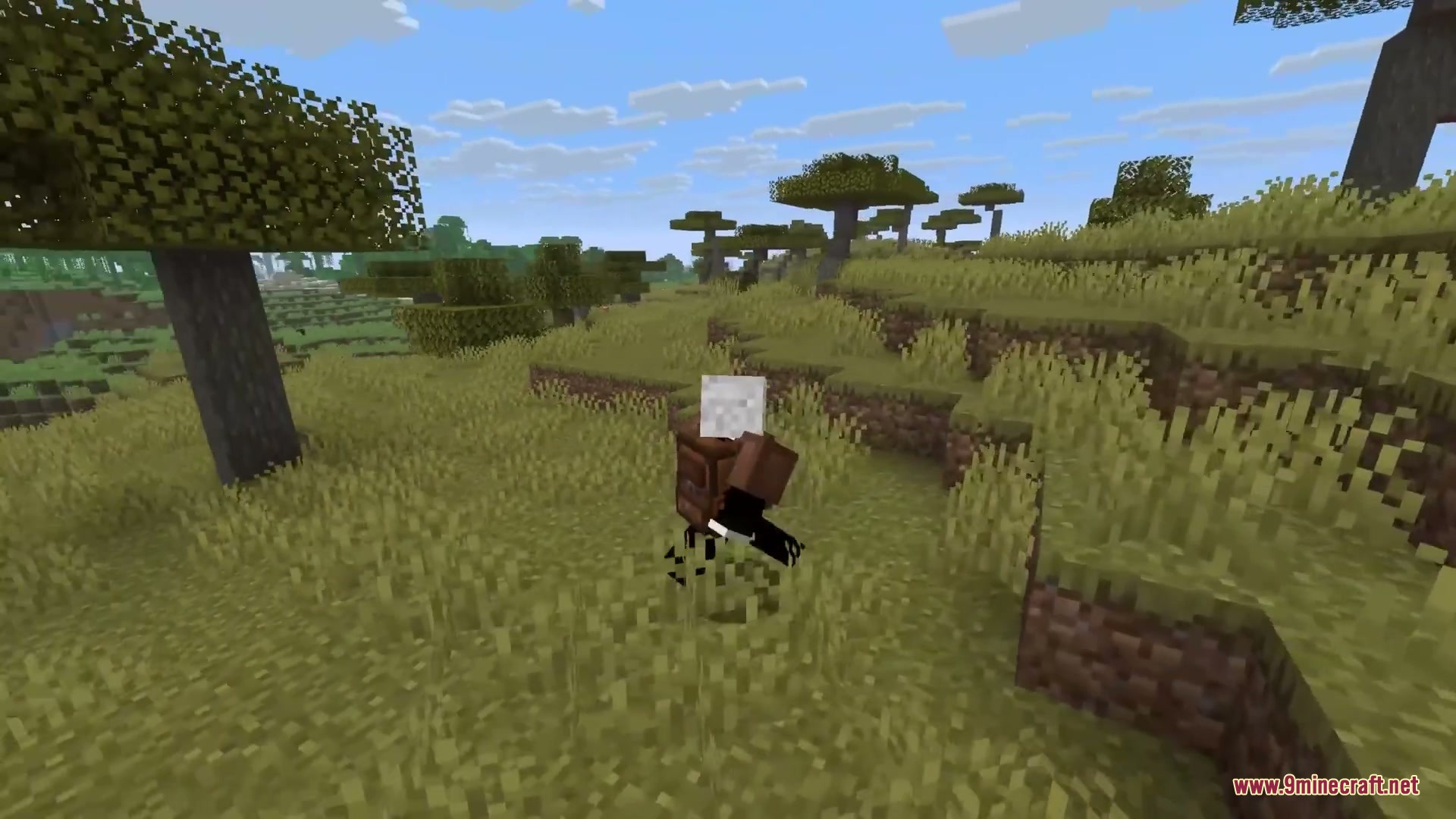
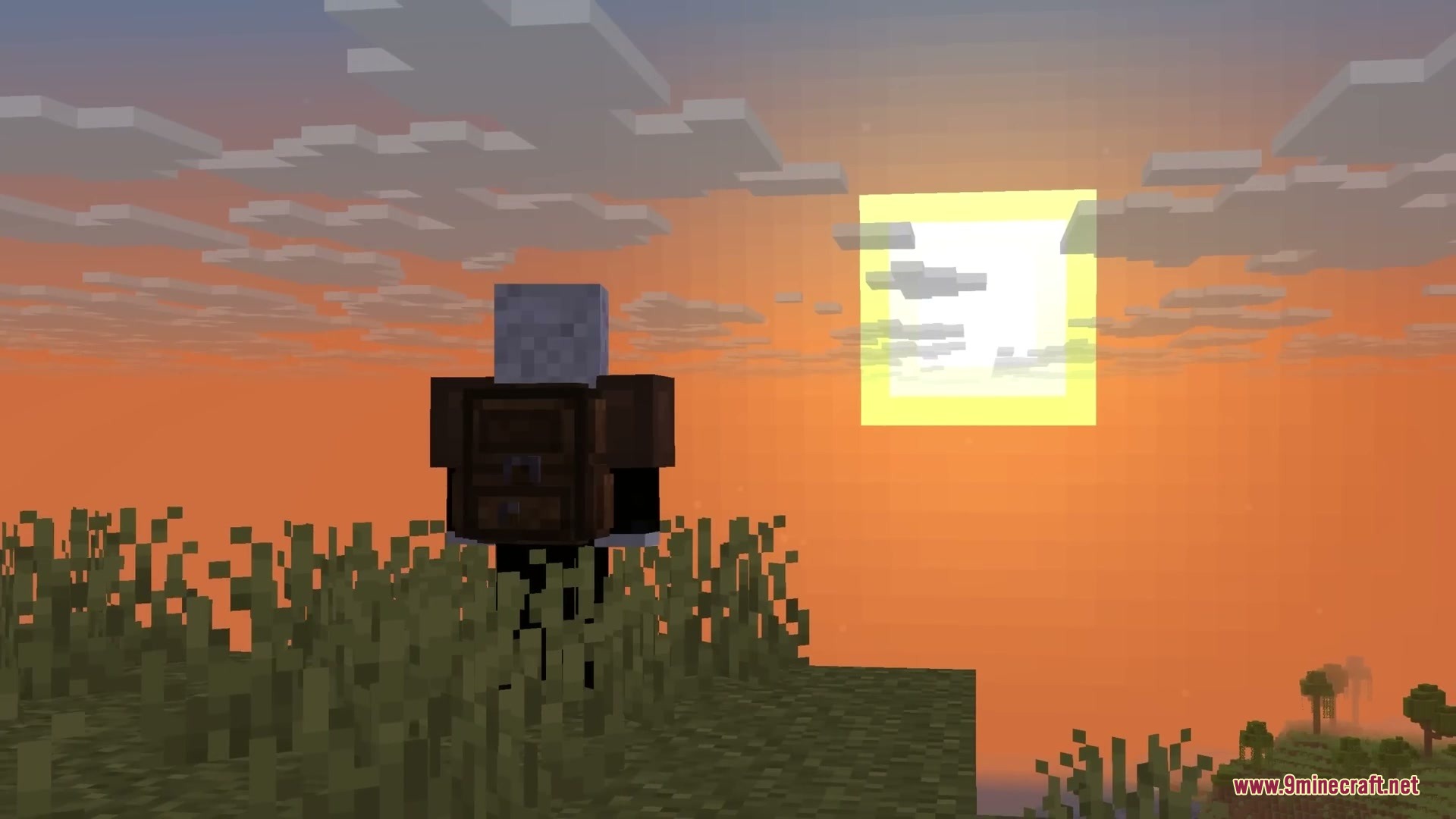
- Shows a 3D backpack model on your player character when equipped.
- Sorts items instantly by creative order, item name, count, or ID with customizable hotkeys.
- Includes quick-move shortcuts and bulk buttons to deposit or withdraw items fast.
- Provides top tabs to switch between multiple backpacks in your inventory.
- Collects newly picked up items into the bag automatically when your main inventory is full.
- Applies an encumbrance penalty that lowers movement speed and jump height if you carry too many backpacks.
Backpack Tiers:
| Backpack Type | Extra Slots | Special Ability |
|---|---|---|
| Iron Backpack | +18 | Base storage expansion |
| Gold Backpack | +36 | Medium storage expansion |
| Diamond Backpack | +54 | High storage expansion |
| Netherite Backpack | +54 | Immune to fire and lava damage |
Configuration:
model: toggles whether the 3D backpack model appears on the player back.heavy: sets the maximum number of backpacks you can carry before getting the encumbrance effect.controlPoss: defines screen coordinates for sorting and quick-move buttons.
How to Use:
- Place a crafted backpack into your main inventory or an equipped accessory slot.
- Open any container screen or press B over the bag to view its storage slots.
- Click the upper tabs to swap between different backpacks.
- Use the sorting button or mouse scroll to organize stored items.
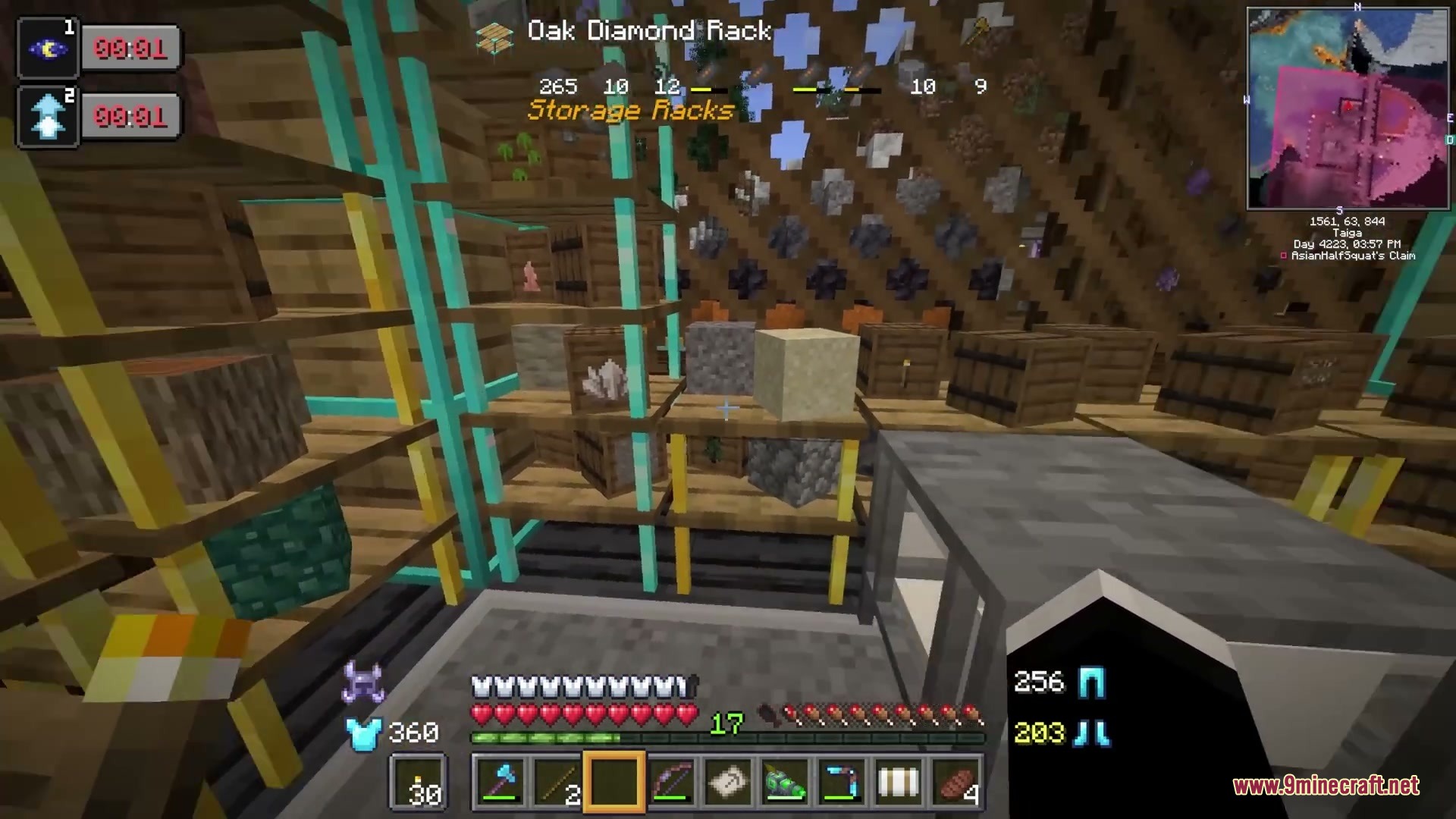
Screenshots:
How to Install:
New to Minecraft? Follow our step-by-step guide to install Mods on your PC.View Guide




Yyzsbackpack Mod Download Links
For Minecraft 26.2
For Minecraft 1.21.1, 1.21
For Minecraft 1.20.1, 1.20
For Minecraft 1.18.2, 1.18.1, 1.18
Click to rate this post!
[Total: 0 Average: 0]
You May Also Like

This post has no comments yet. Be the first — your comment will appear here.