


Maps3D Mod (26.2, 1.20.1) – Display Your World As Rising 3D Terrain
 0
0
 0
0

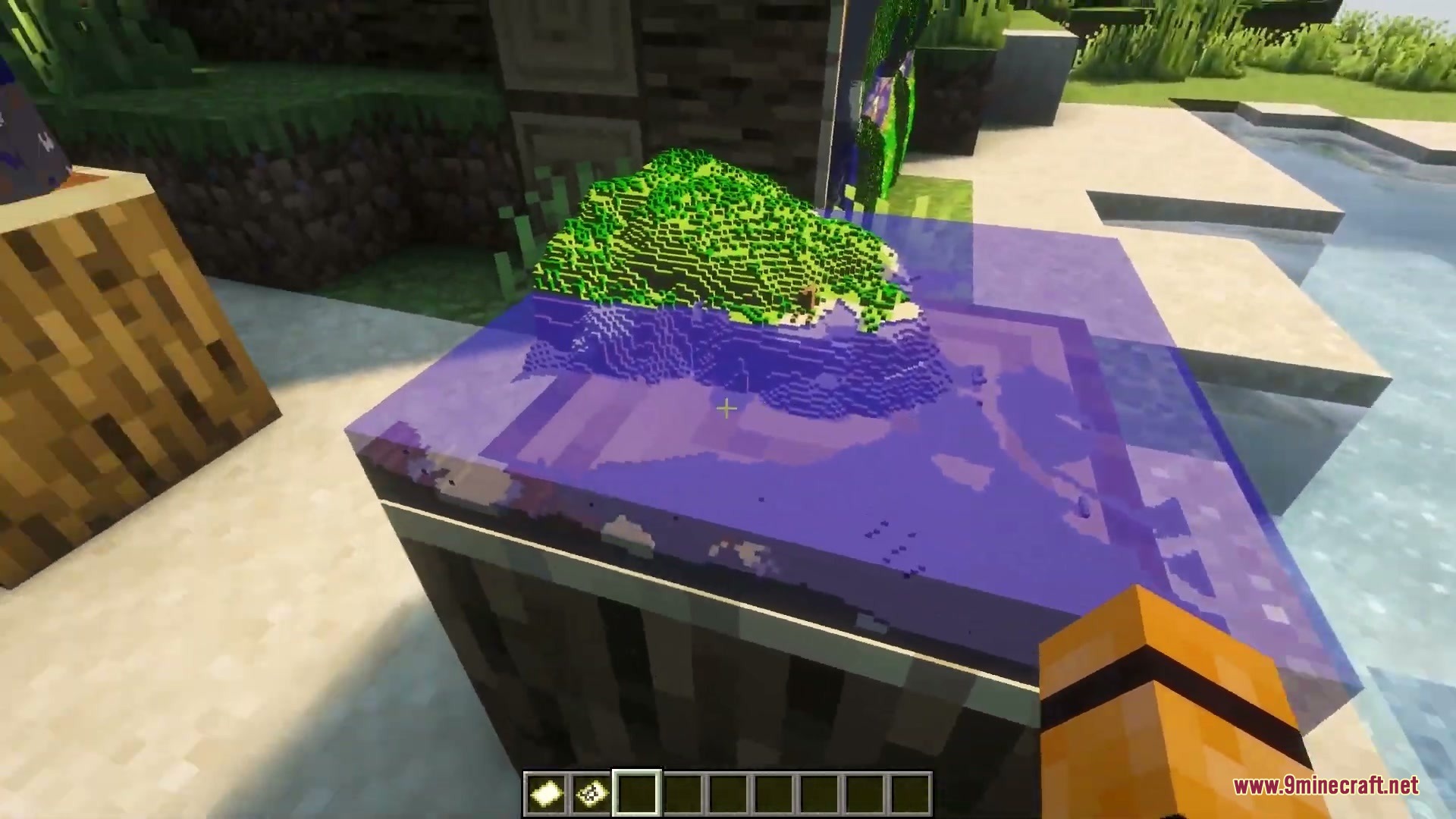
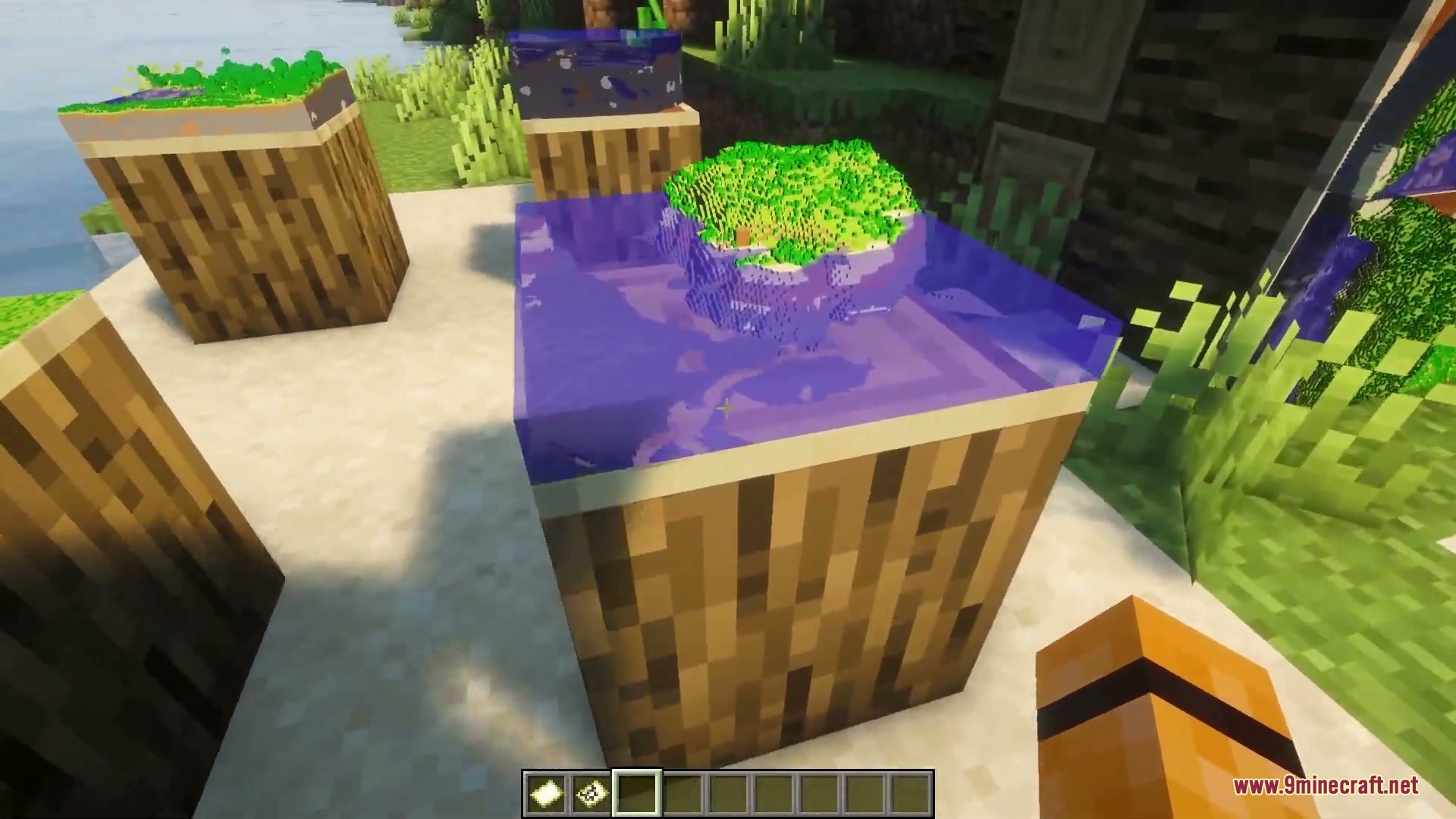
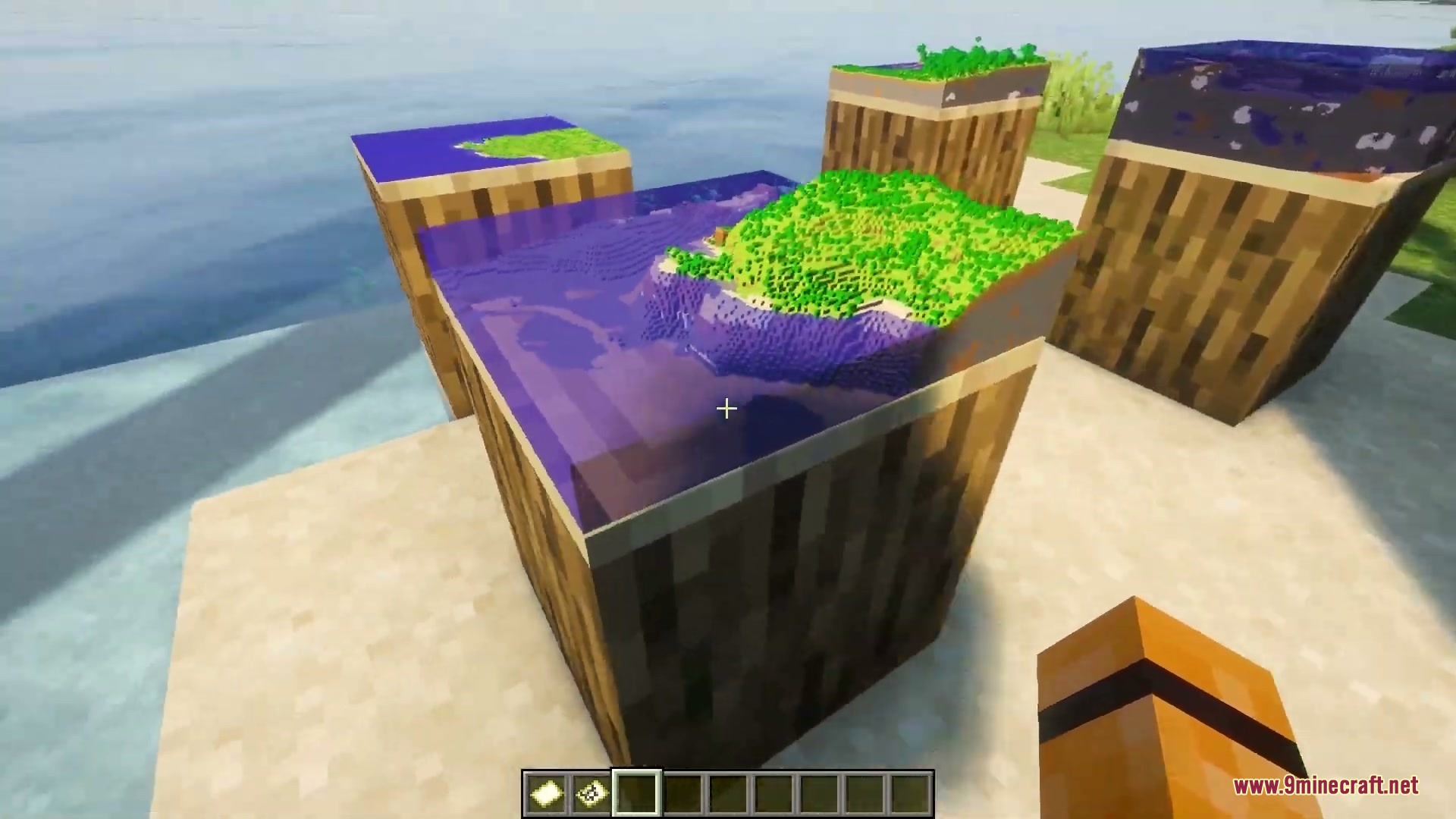
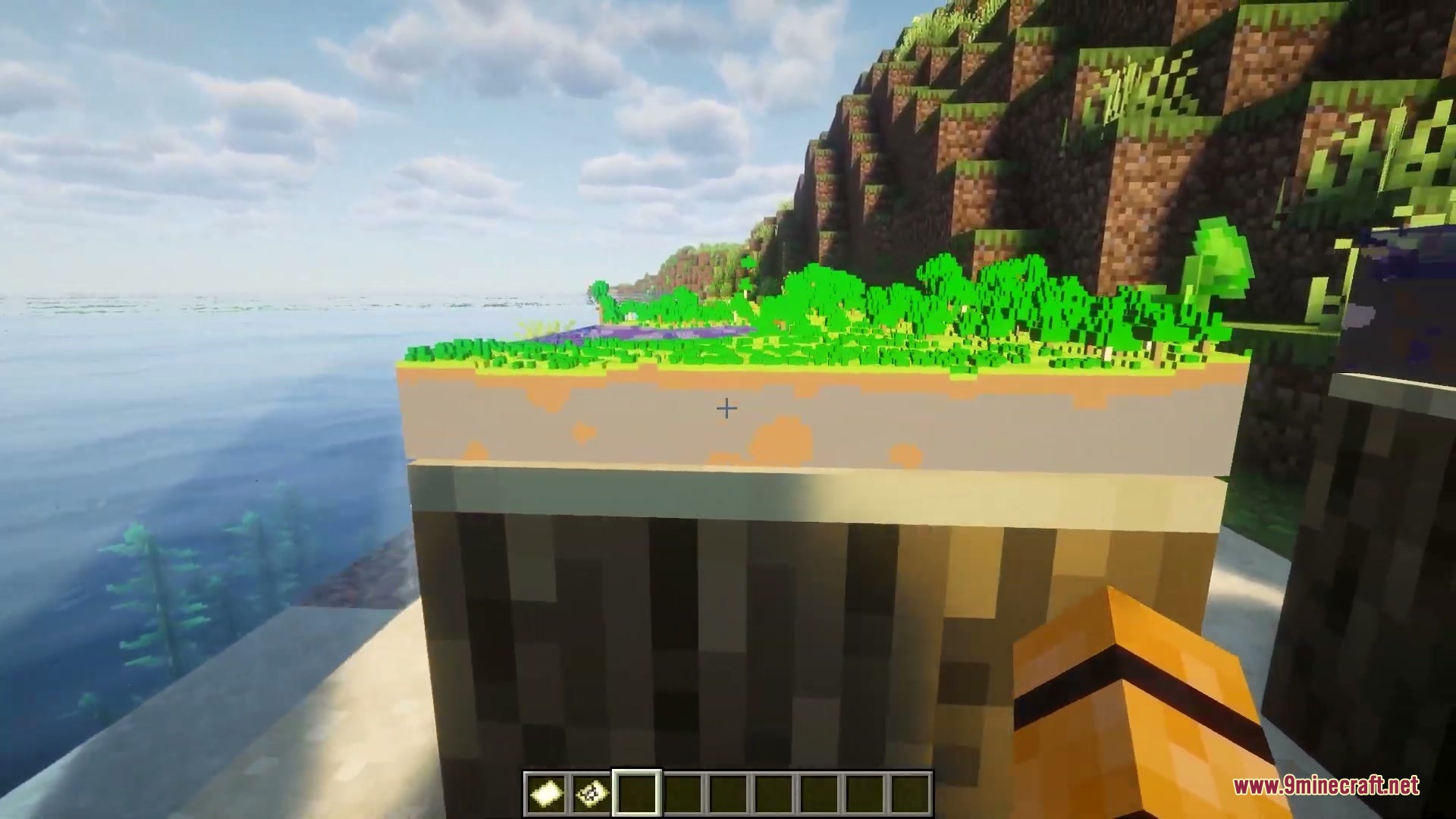
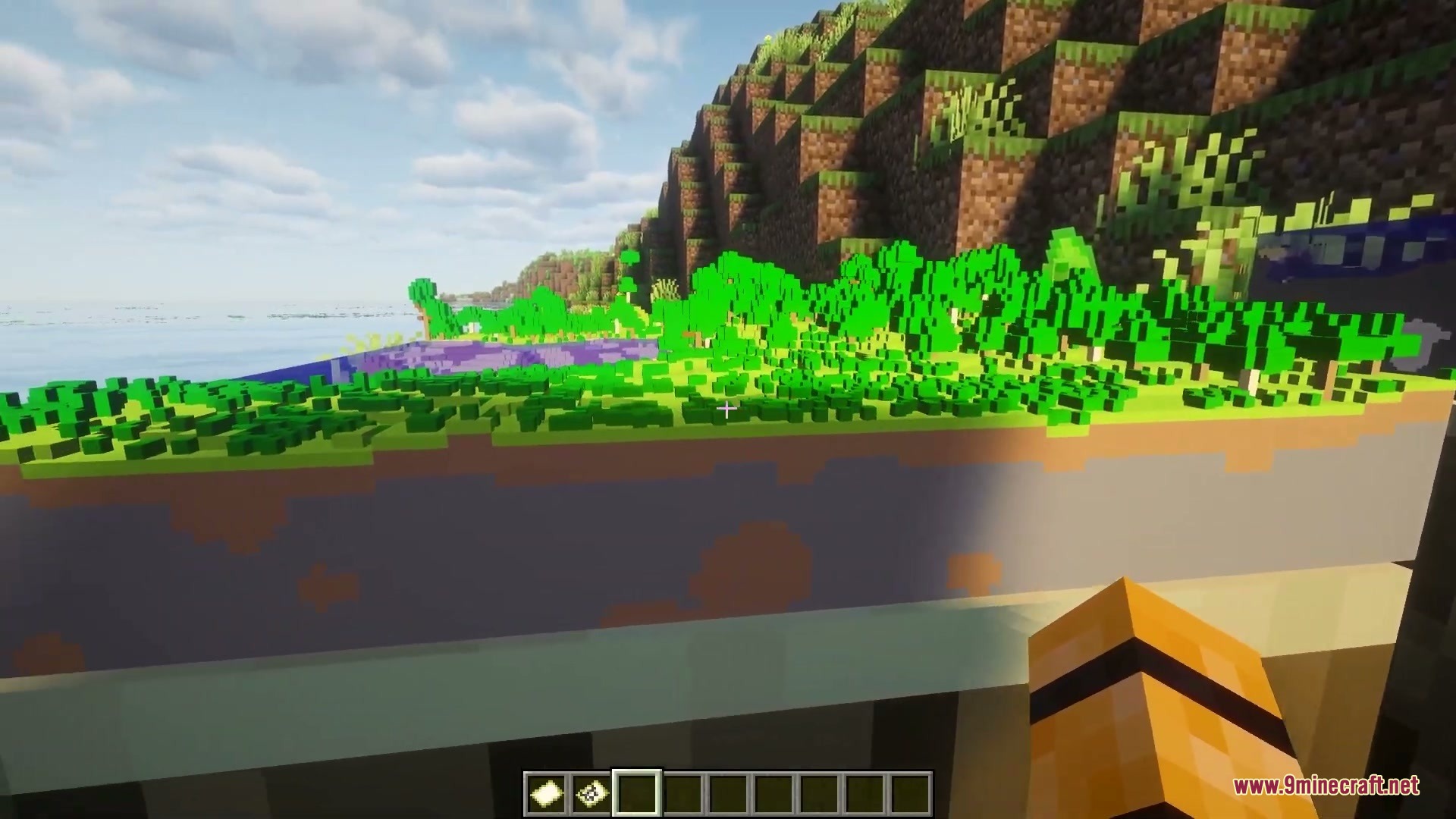
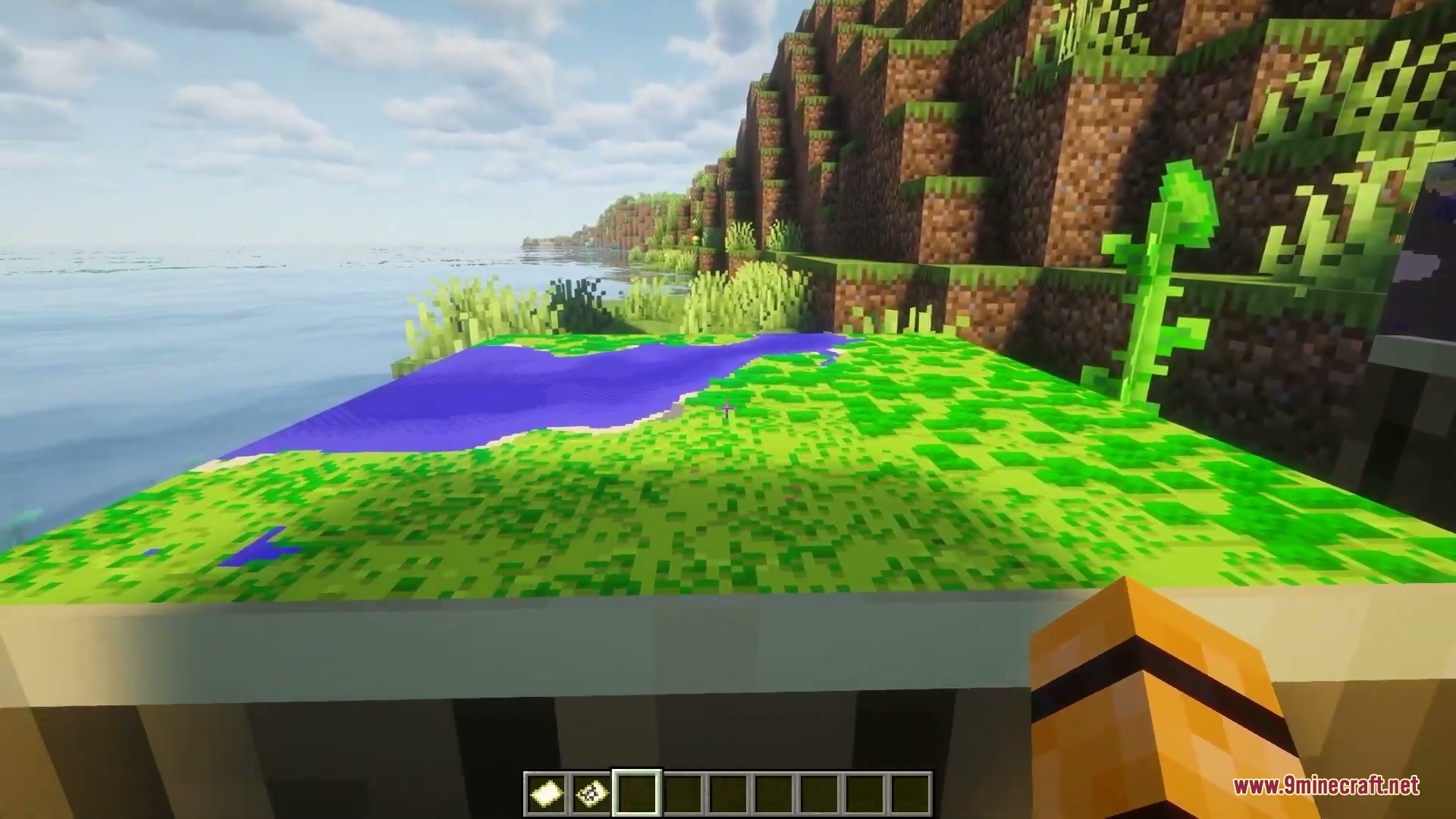
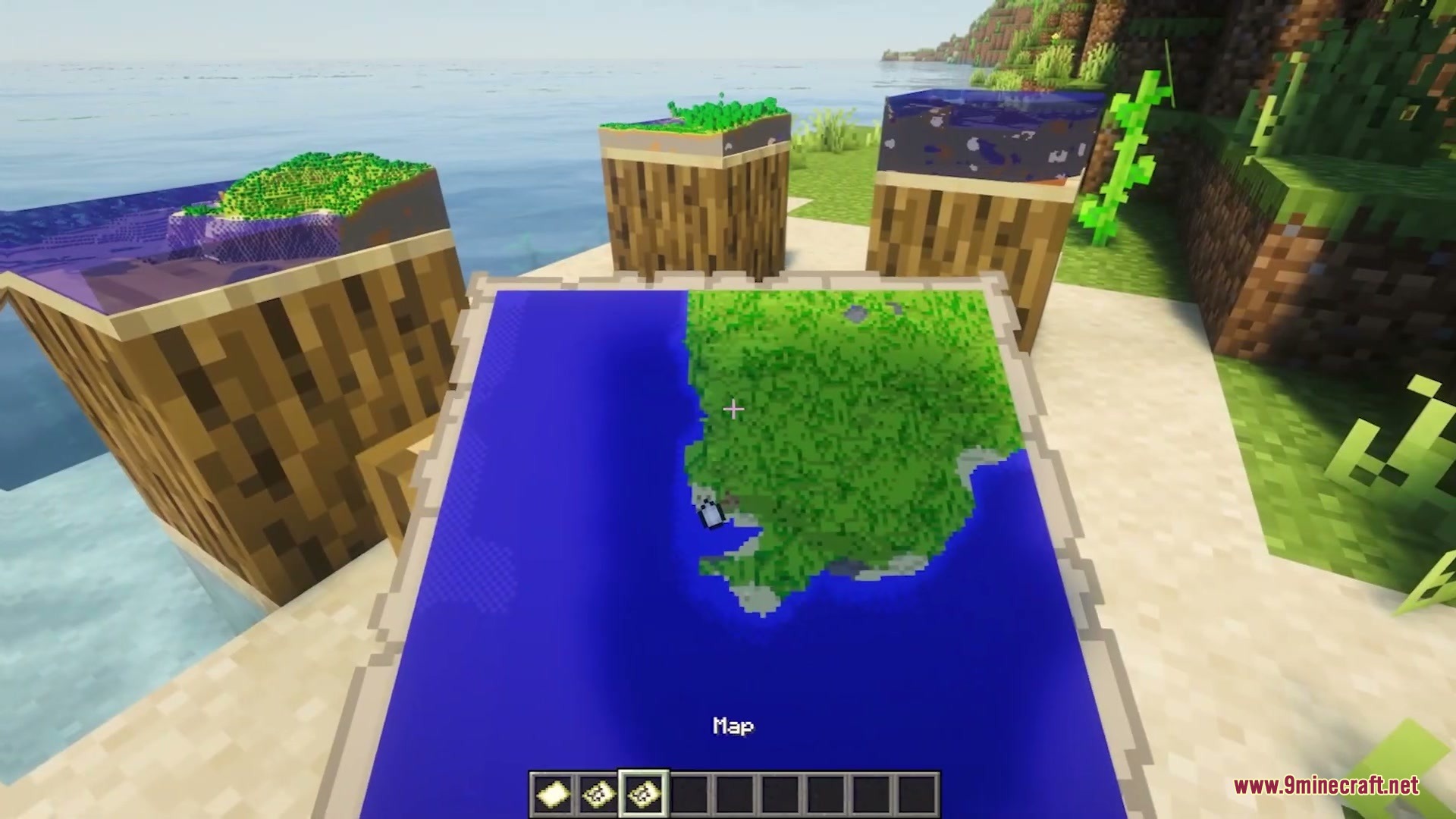
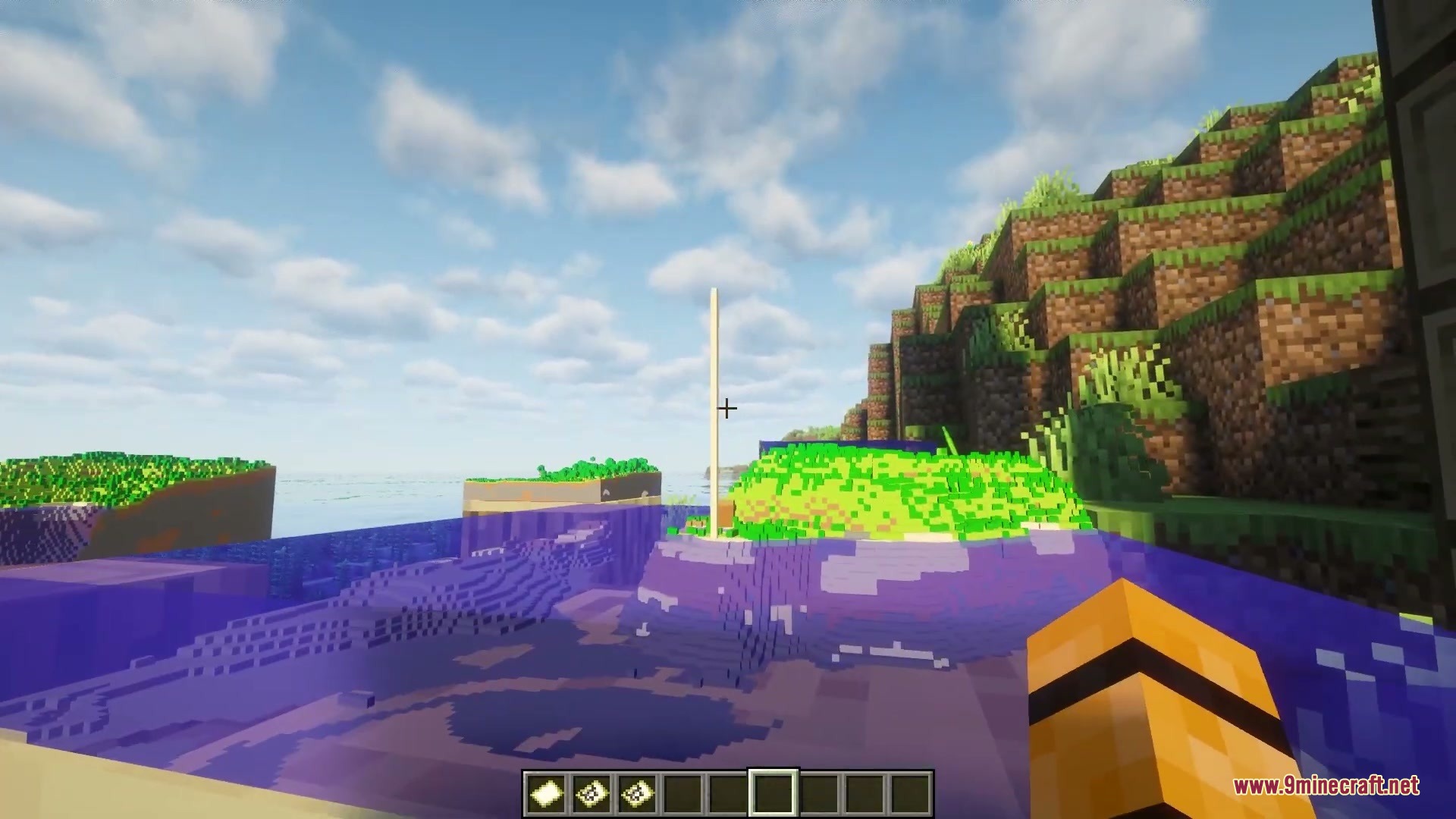
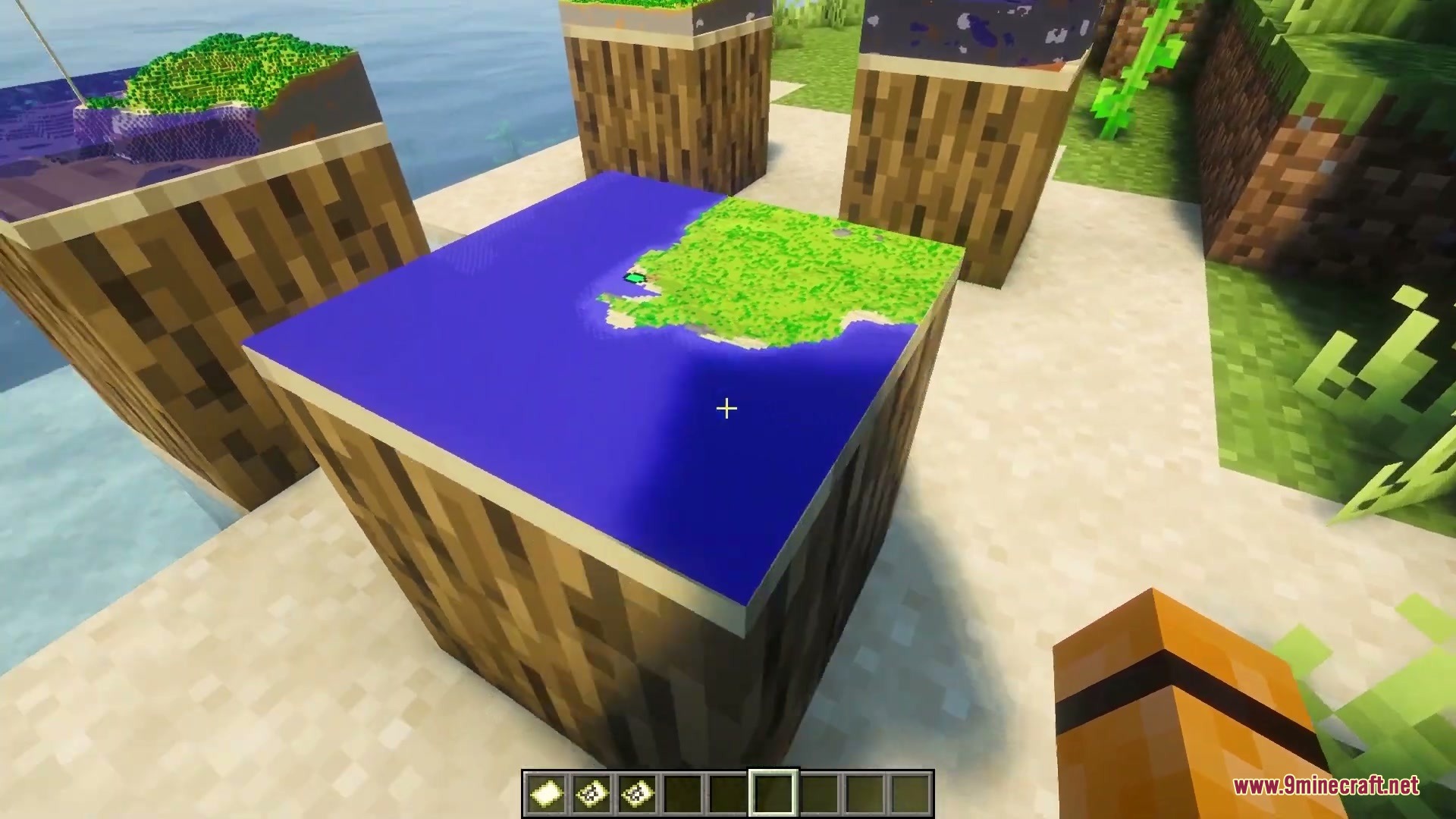
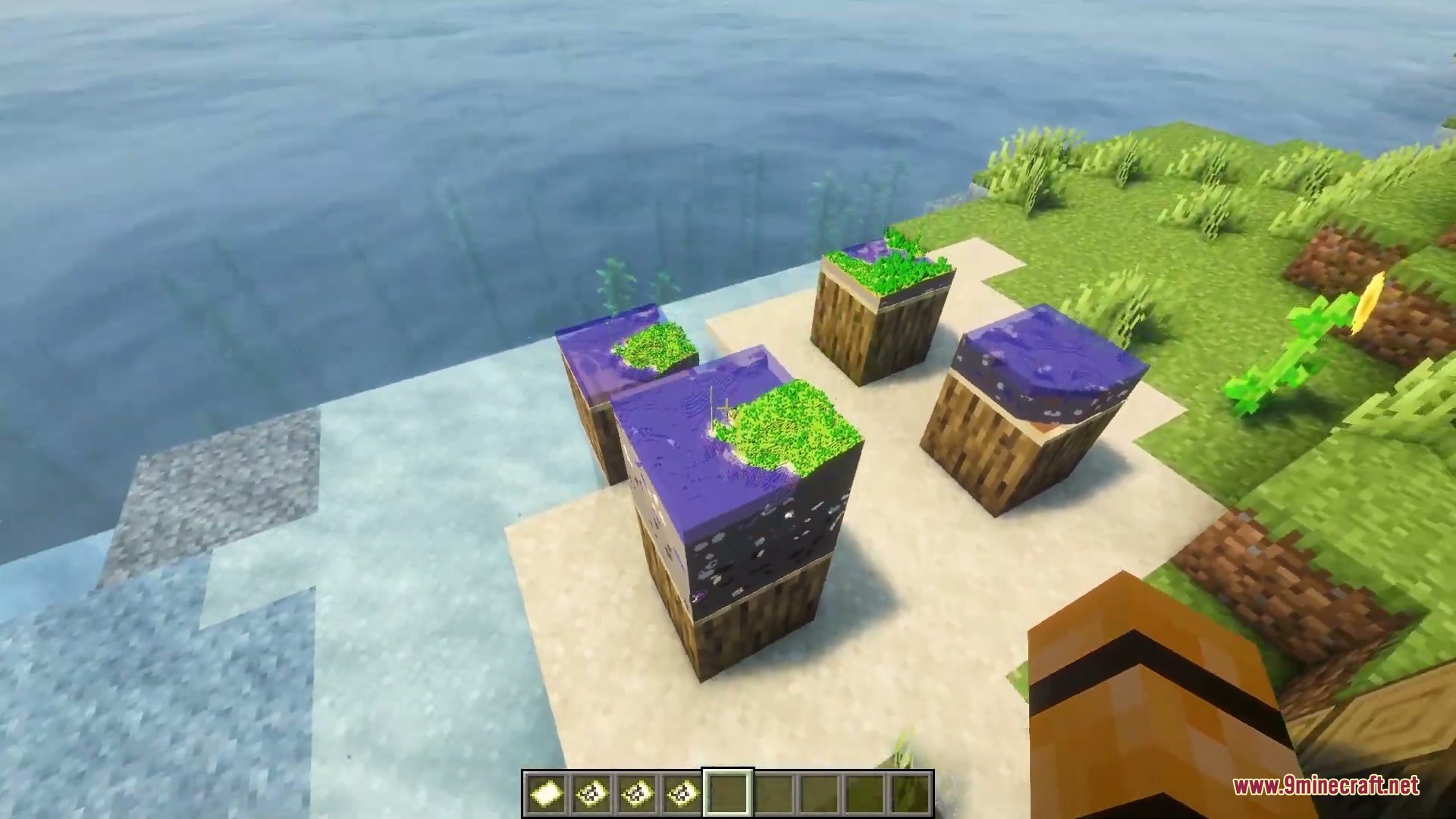
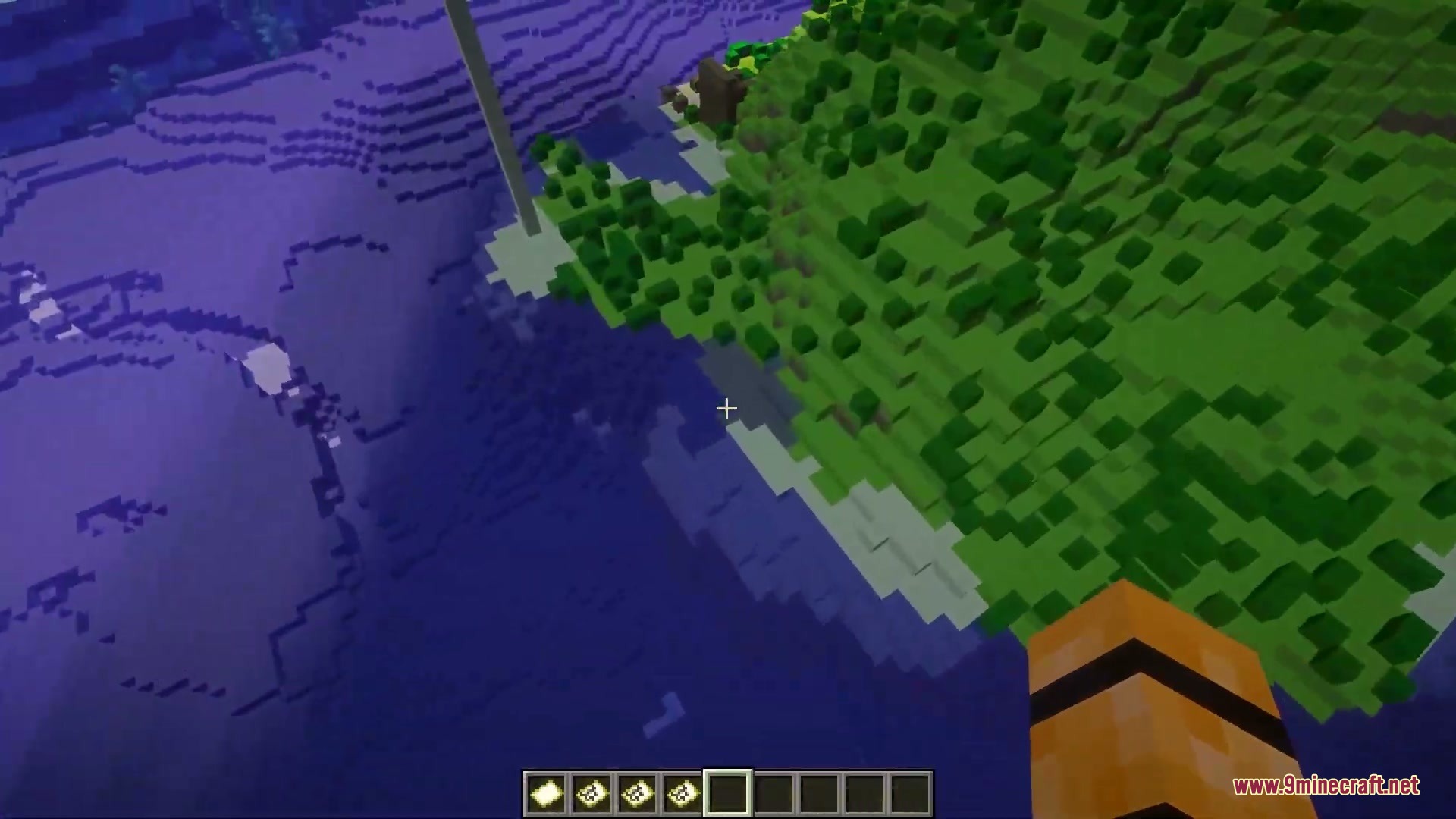
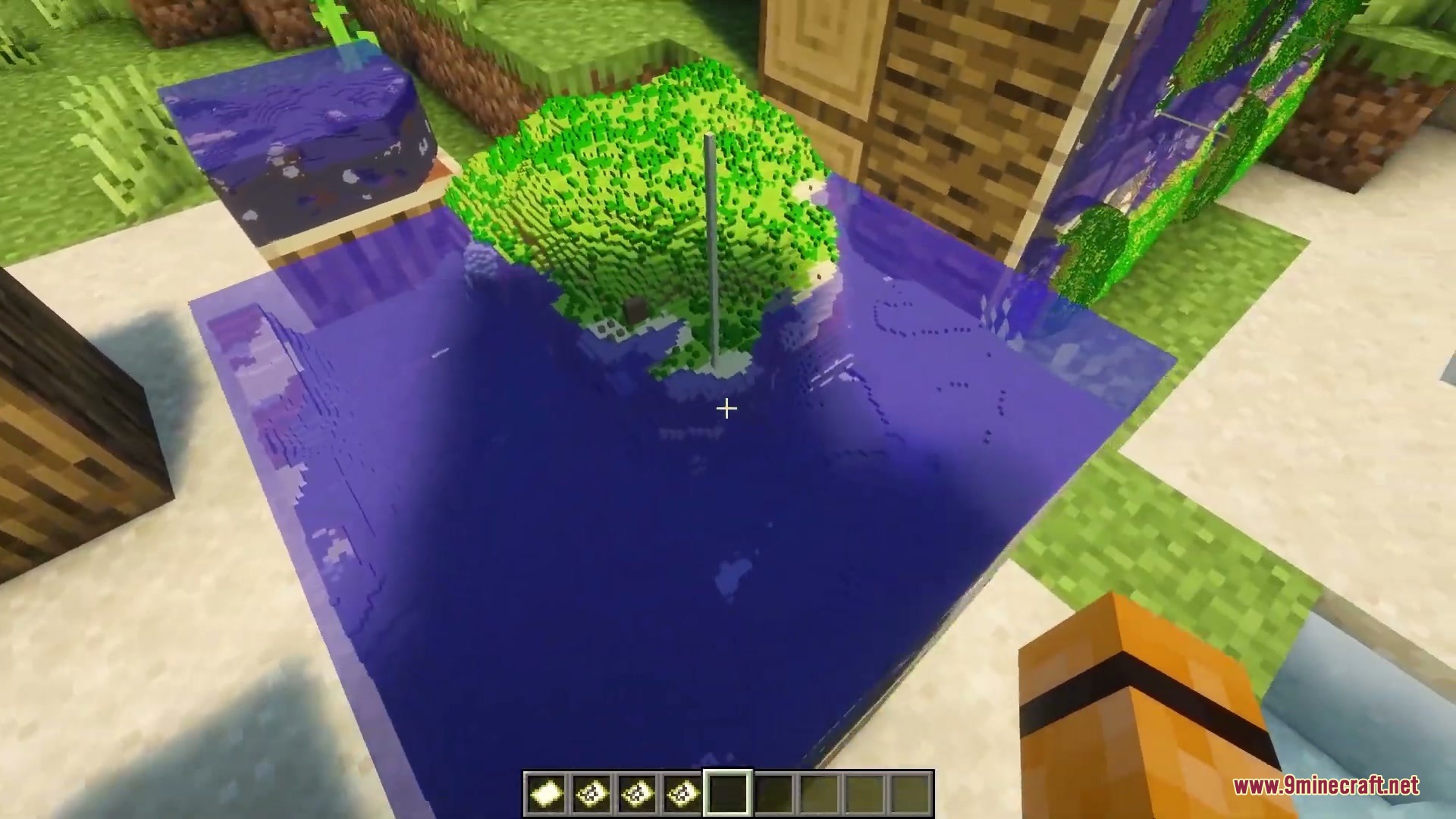
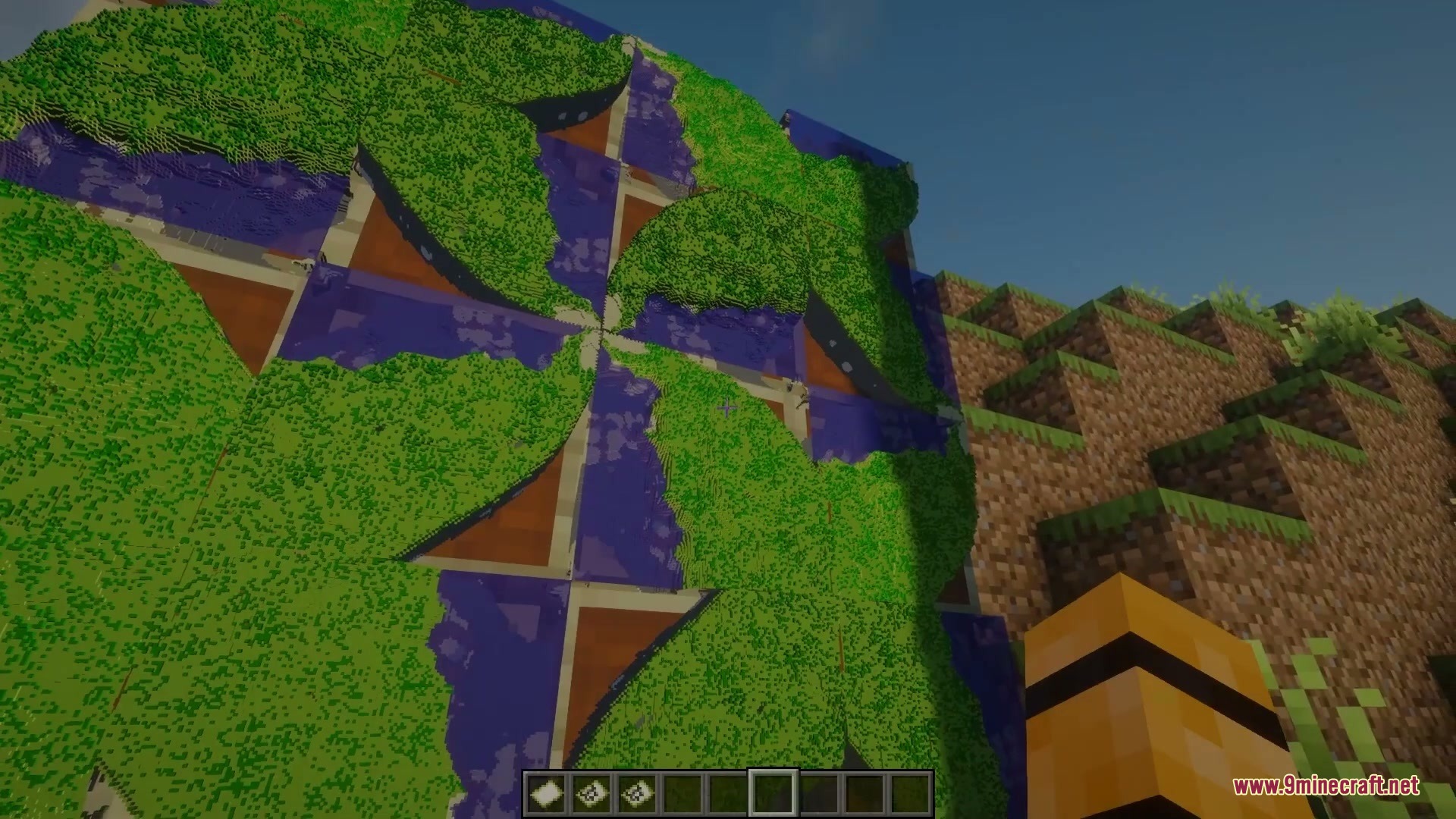
Maps3D Mod transforms flat maps inside item frames into three-dimensional terrain displays. Mountains, forests, and oceans rise out from the frame to show your world with real depth. You can customize the look of every individual map display right inside your base. It works without adding new items or blocks, keeping your worlds safe.
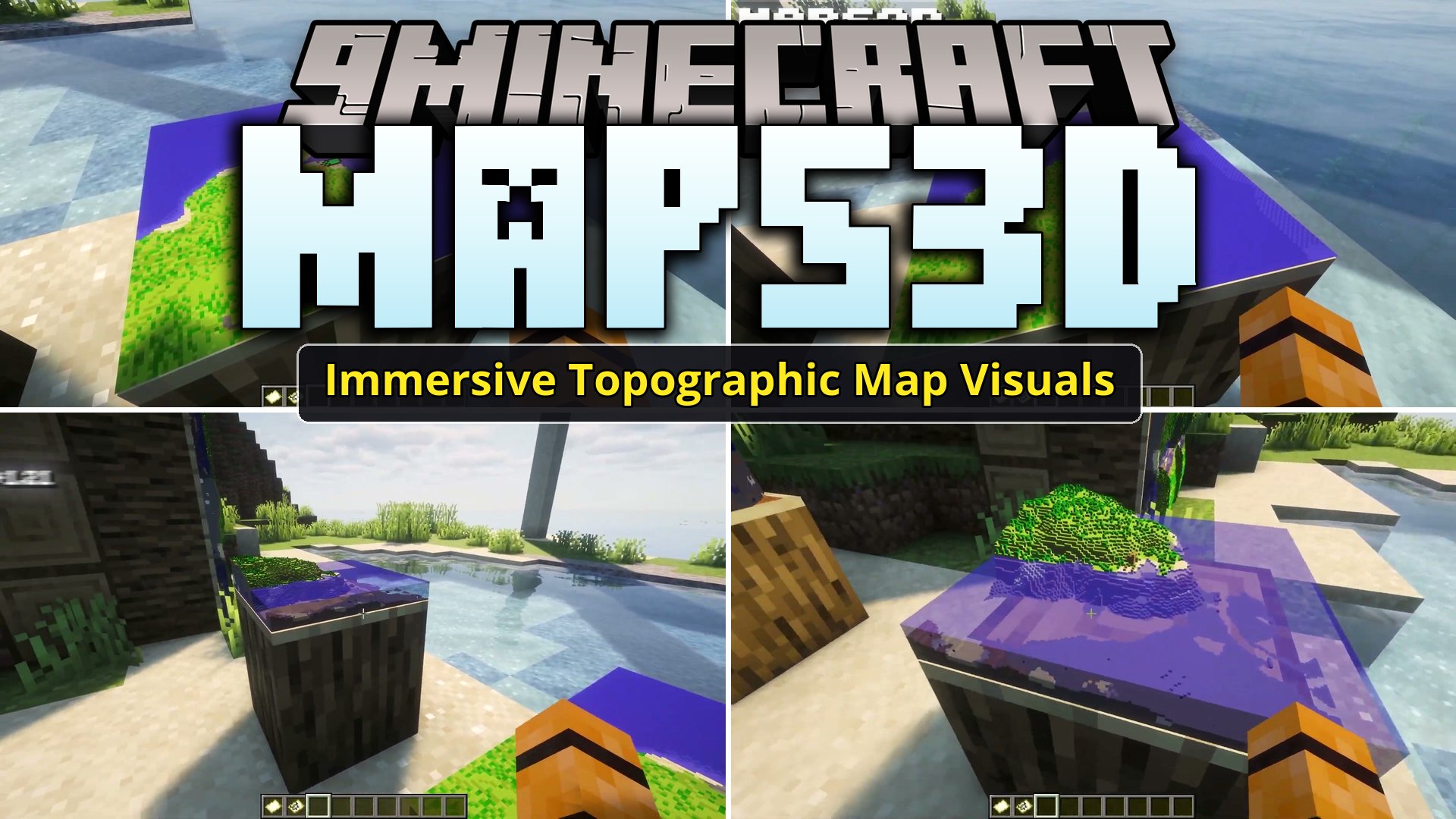
Features:
- Turns vanilla framed maps into 3D volumetric slices with visible terrain height.
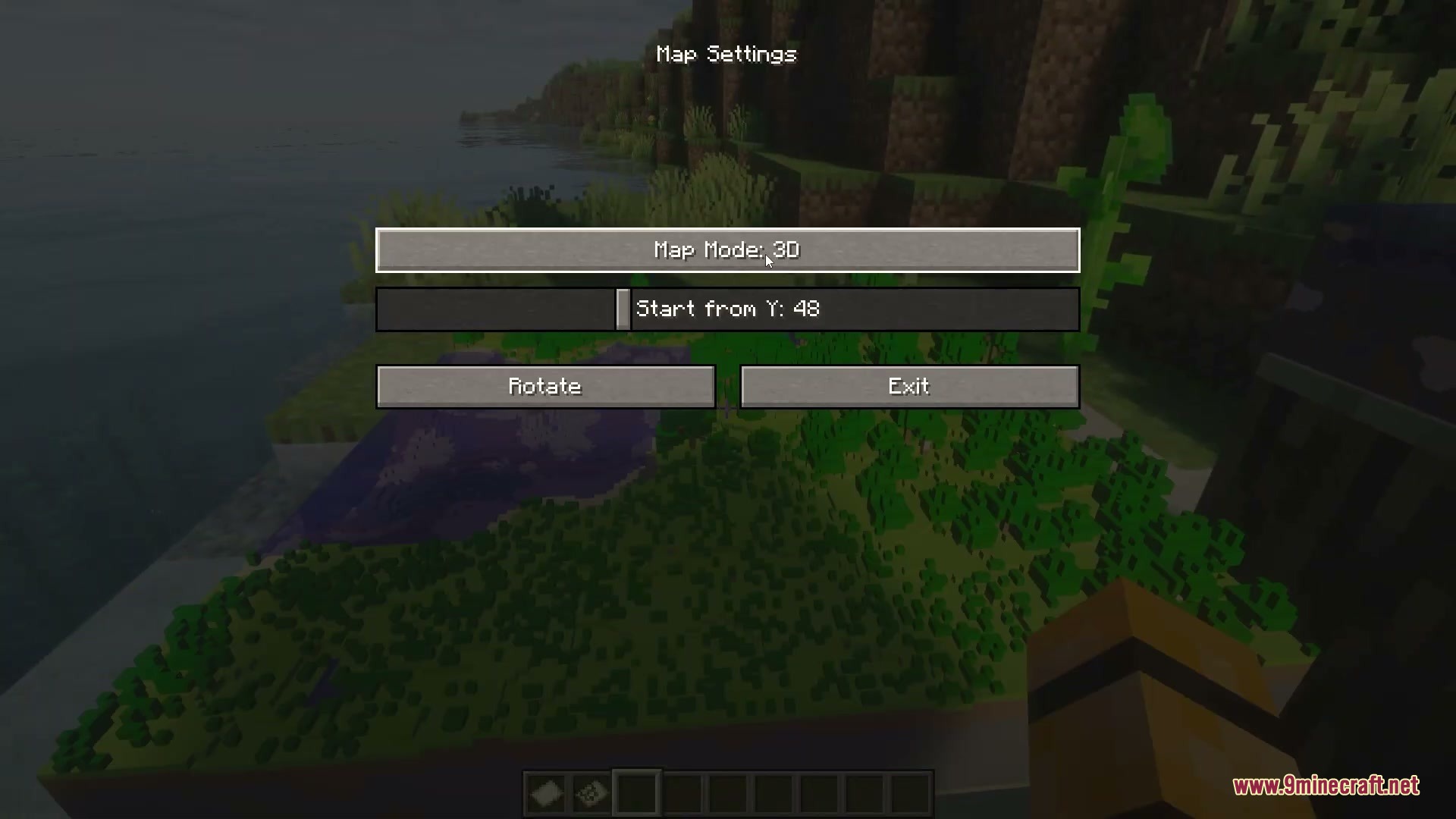
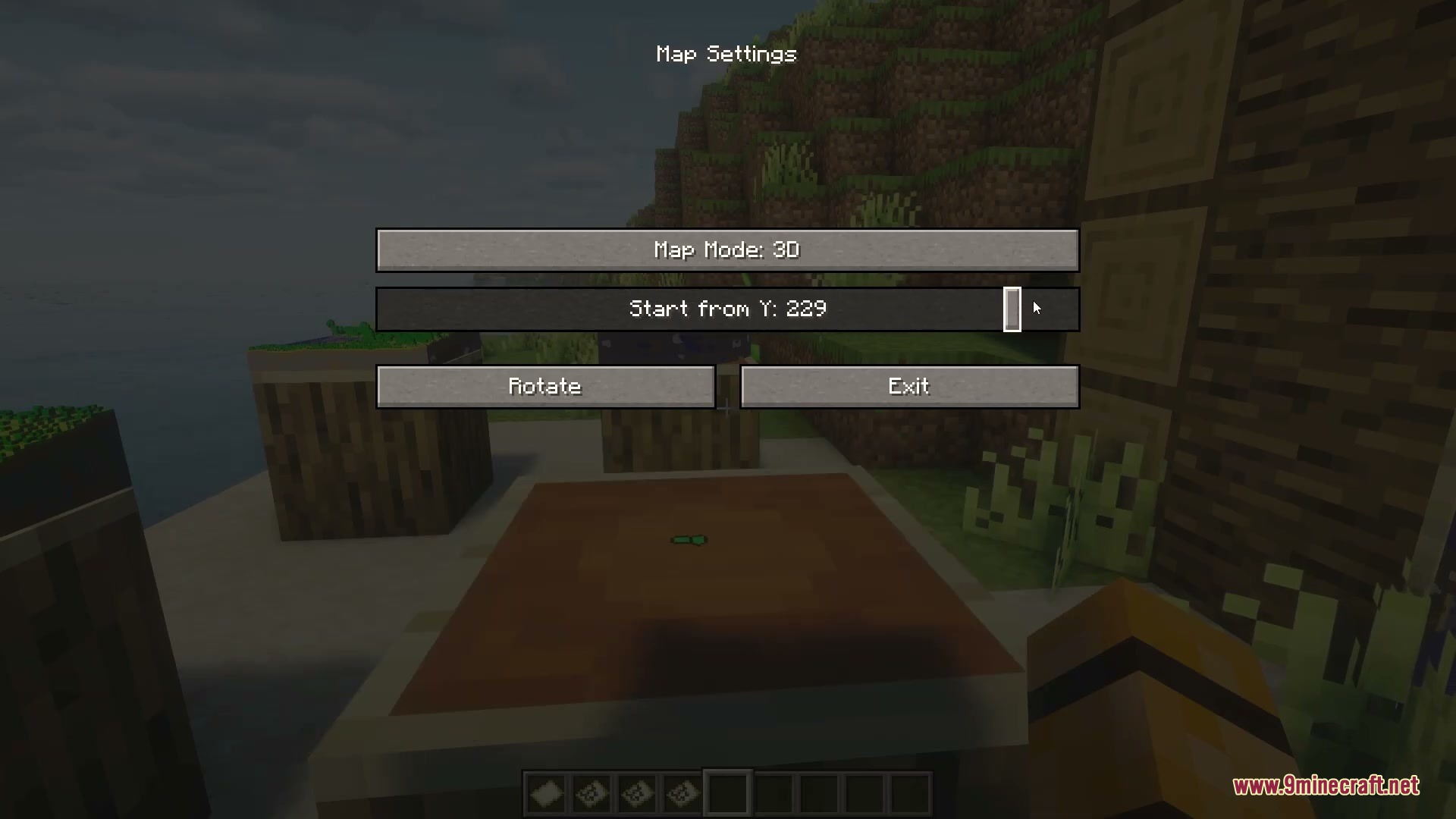
- Lets you switch between 2D and 3D modes for each individual frame.
- Lets you adjust the starting vertical Y-level of the map display.
- Saves custom display settings on each item frame independently.
- Includes quality and performance presets to keep framerates smooth.
- Provides a global setting to turn off 3D rendering whenever needed.
- Works with most Iris shaders for great lighting across your map models.
- Safe to install or remove at any point without breaking world saves.
How to Use:
- Place a filled map into an item frame on a wall or block.
- Sneak and right-click the frame to open the map settings menu.
- Select between 2D and 3D mode or change the starting Y-level.
- Close the menu to view the updated 3D terrain model.
Screenshots:
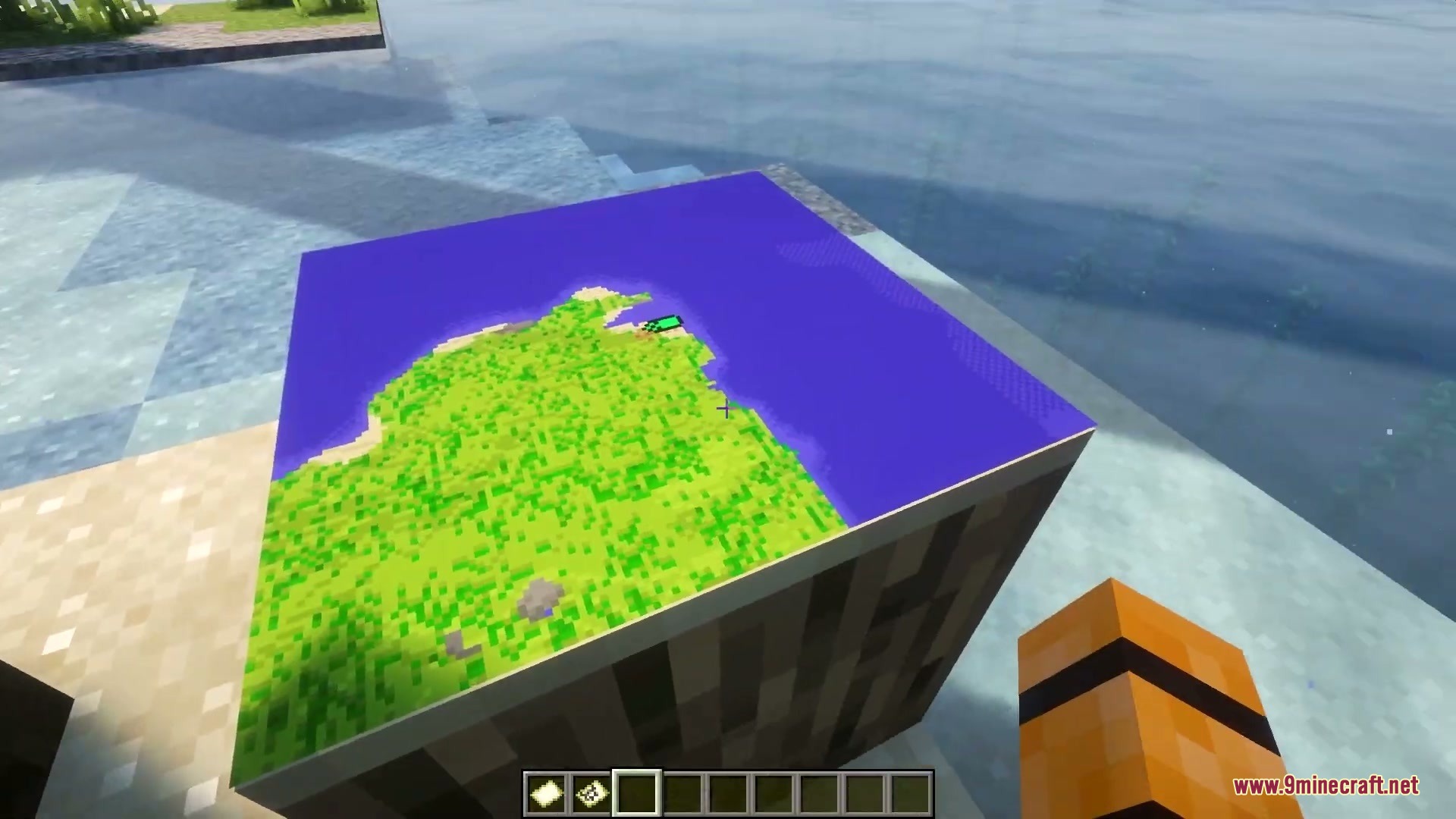
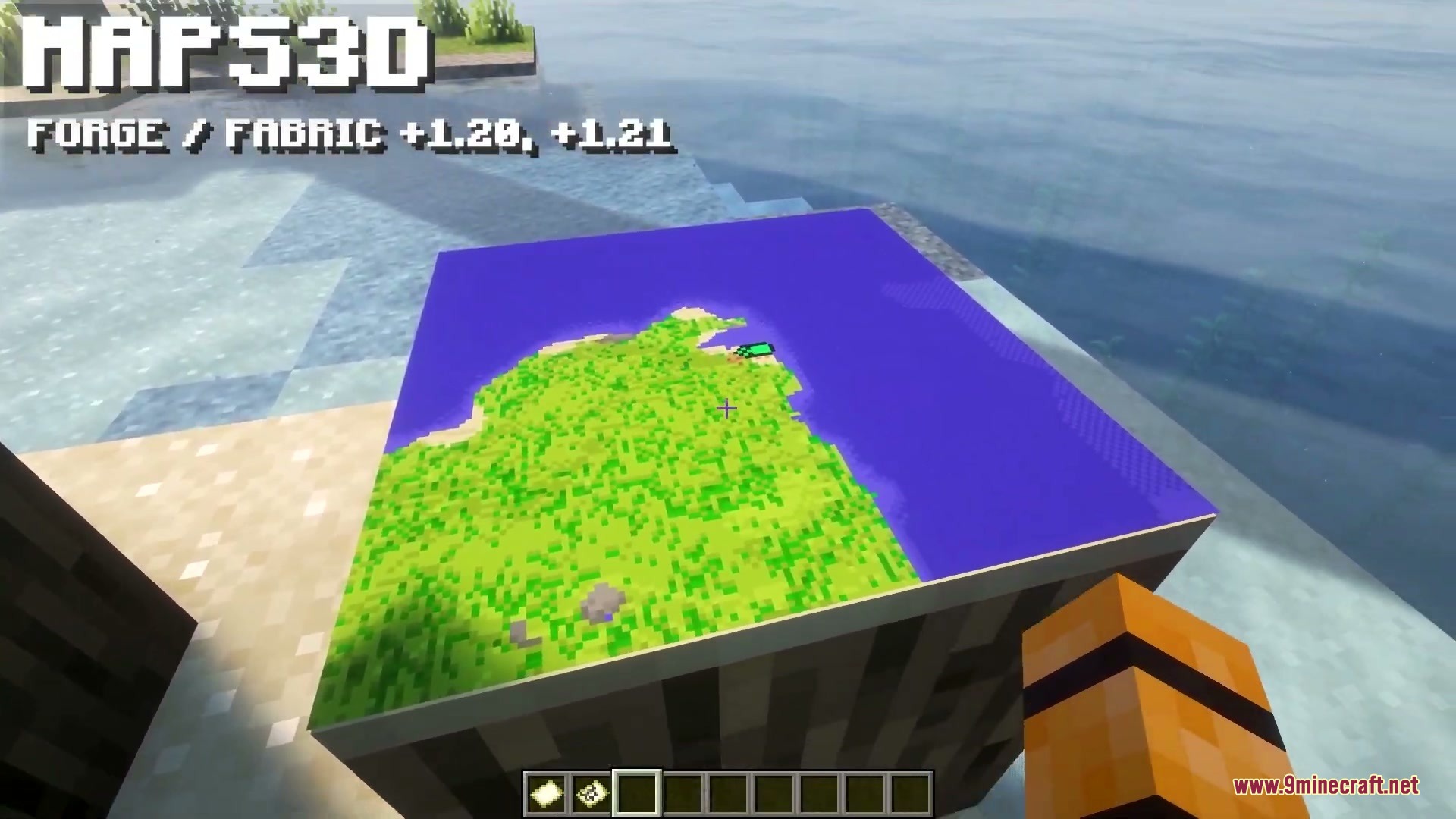
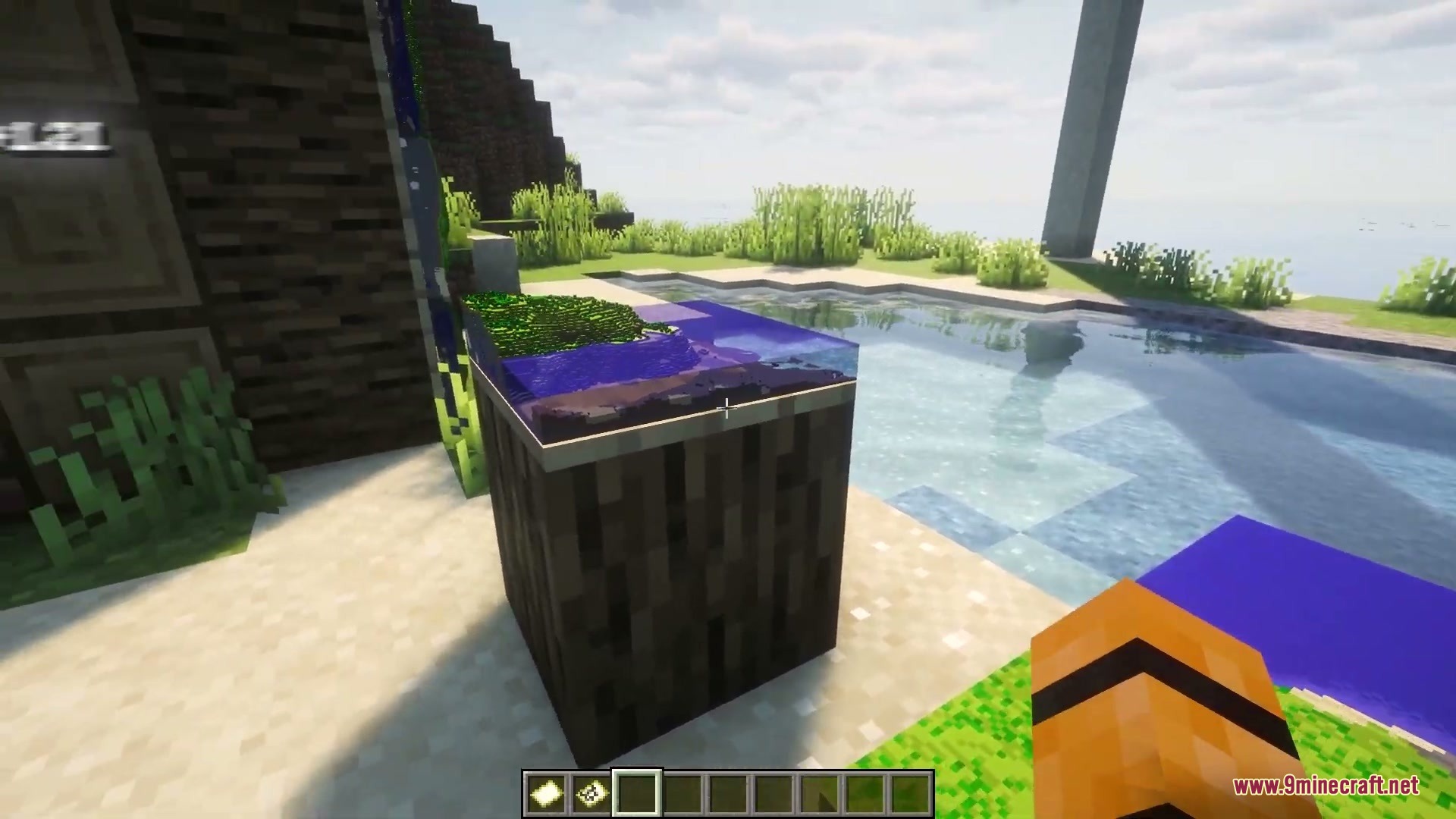
D map display showing raised mountain terrain inside an item frame
How to Install:
New to Minecraft? Follow our step-by-step guide to install Mods on your PC.View Guide




Maps3D Mod Download Links
For Minecraft 26.2
For Minecraft 26.1.2, 26.1.1, 26.1
For Minecraft 1.21.1, 1.21
For Minecraft 1.20.1, 1.20
For Minecraft 1.19.2
For Minecraft 1.18.2
Click to rate this post!
[Total: 0 Average: 0]
You May Also Like




This post has no comments yet. Be the first — your comment will appear here.