


Vocal Distance Sync Plugin (26.1.2, 1.20.1) – Talk to Nearby Friends
 0
0
 0
0

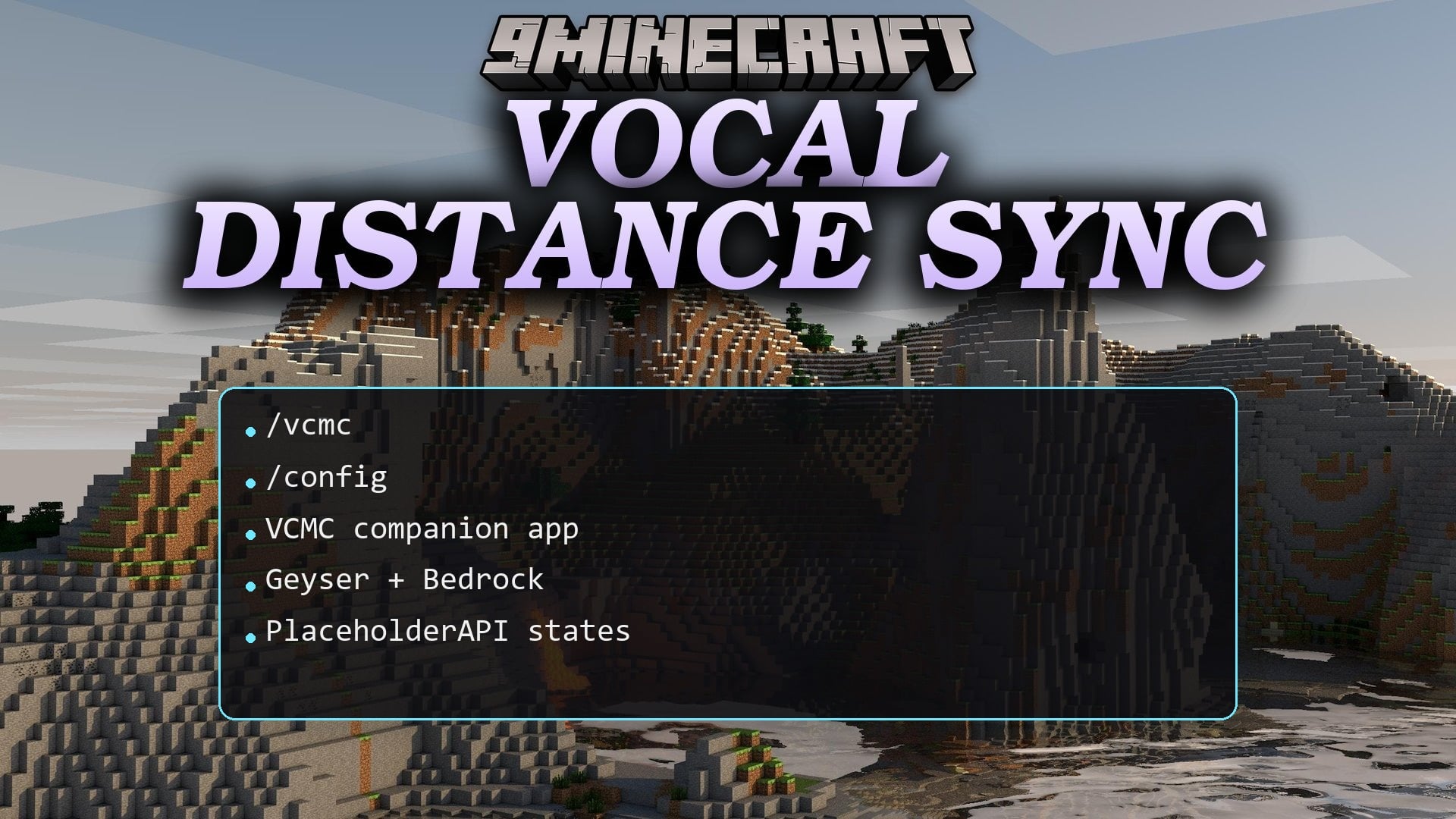
Vocal Distance Sync Plugin brings proximity voice chat to your server for both Java and Bedrock players. It lets players hear each other based on distance and spatial direction in the game world. Players connect through a companion app on their phone or computer and link their account with a simple chat code. This plugin keeps voice audio in sync with player movement without requiring client-side mods.
Features:
- Distance-based audio changes volume depending on how close players stand to each other.
- Crossplay support allows Java and Bedrock players to talk together in real time.
- Players can form private or global voice groups protected by passwords.
- Volume settings let you adjust the loudness of individual players in your game.
- Audio filters apply sound effects like cave echoes, underwater muffling, and radio static.
- Server staff can use a megaphone tool to broadcast voice across the entire world.
- Status indicators show talking states on player nametags and player lists.
Commands:
Player Commands:
/vcmc:verify "": links your Minecraft character to the companion app code./vcmc:menu: opens voice settings, groups, and individual volume controls./vcmc:m [true|false]: mutes or unmutes your microphone./vcmc:groups: opens the group interface./vcmc:groups create "<name>" ["<password>"]: creates a new voice group./vcmc:groups join ["<password>"]: joins an existing voice group./vcmc:groups leave: leaves your current group./vcmc:groups list: shows public groups available to join./vcmc:groups delete [#|name]: removes a voice group you own./vcmc:groups-settings <group>: updates voice rules for your group.
Admin Commands:
/vcmc:admin: opens the moderation control panel./vcmc:mute: mutes or unmutes a player on the server./vcmc:groups-admin create: creates a hidden administrative voice room./vcmc:groups-admin move <group>: moves target players into a specific group./vcmc:groups-admin leave: removes players from their active voice room./vcmc:groups-admin list: displays all administrative groups./vcmc:groups-admin delete <group>: removes an administrative group./vcmc:megaphone: turns global voice broadcasting on or off for a player./vcmc:sfx add <name> <json>: adds a custom sound effect./vcmc:sfx delete <name>: removes a custom sound effect./vcmc:sfx list: lists all loaded sound effects./vcmc:sfx-player set <target> [effect]: assigns a voice filter to a player./vcmc:sfx-player clear <target>: removes applied voice filters from a player.
How to Use:
- Open the companion app on your device, choose Server mode, and enter your server room.
- Copy the unique verification command shown on your app screen.
- Paste the command into Minecraft chat while using your matching username or Gamertag.
- Open the in-game menu with
/vcmc:menuto adjust volume levels or join group channels.
How to Install:
New to Minecraft? Follow our step-by-step guide to install Plugins on your PC.View Guide
Vocal Distance Sync Plugin Download Links
For Minecraft
26.1.2,
26.1.1,
26.1
All Versions Covered
26.1.2
26.1.1
26.1
1.21.11
1.21.10
1.21.9
1.21.8
1.21.7
1.21.6
1.21.5
1.21.4
1.21.3
1.21.2
1.21.1
1.21
1.20.4
1.20.1
1.20
All Versions Covered
26.1.2
26.1.1
26.1
1.21.11
1.21.10
1.21.9
1.21.8
1.21.7
1.21.6
1.21.5
1.21.4
1.21.3
1.21.2
1.21.1
1.21
1.20.4
1.20.1
1.20
Click to rate this post!
[Total: 0 Average: 0]
You May Also Like




This post has no comments yet. Be the first — your comment will appear here.