


Realm Tint AFK Plugin (26.2, 1.21.1) – See Where Friends Travel and Who Is Away
 3
3
 0
0

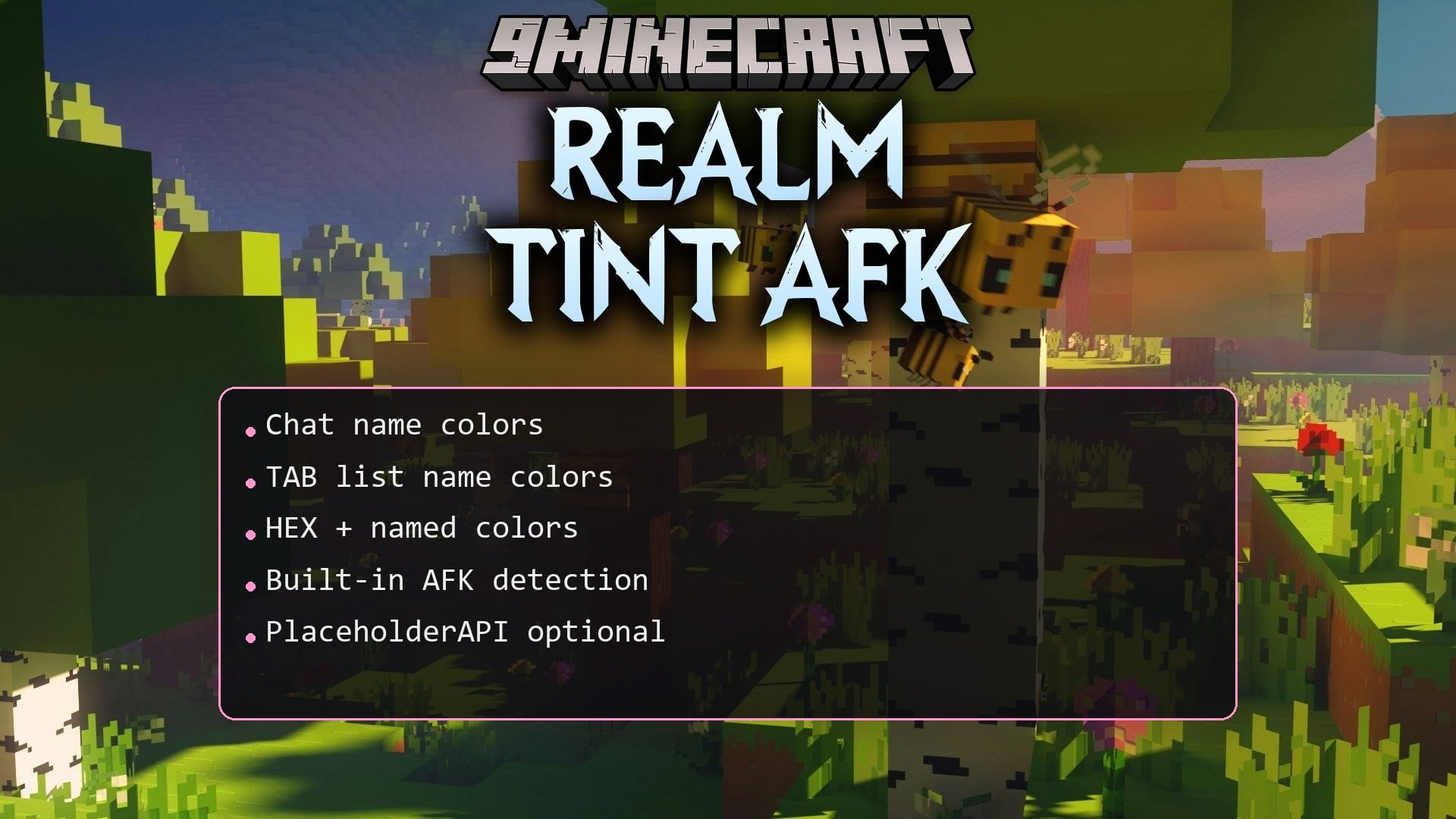
Realm Tint AFK Plugin colors player names in chat and the player list based on their current dimension. It helps everyone on the server see where other players are exploring without asking in chat. The plugin also tracks away status by changing name colors when players take a break. It works right away with standard settings and fits into any multiplayer world.
Features:
- Changes player name colors in chat according to the dimension they are in.
- Updates player list name colors whenever players travel to other dimensions.
- Detects inactive players automatically and marks their names with a distinct away color.
- Lets players toggle their away status manually.
- Works out of the box with preset colors for the Overworld, Nether, and The End.
- Supports custom worlds with custom color settings.
- Allows turning off chat coloring or player list coloring independently.
Default Colors:
| Dimension | Color |
|---|---|
| Overworld | Green |
| Nether | Red |
| The End | Purple |
| AFK | Gray |
How to Install:
New to Minecraft? Follow our step-by-step guide to install Plugins on your PC.View Guide
Realm Tint AFK Plugin Download Links
For Minecraft 26.2
For Minecraft 26.1.2, 26.1.1, 26.1
For Minecraft
1.21.11,
1.21.10,
1.21.9
All Versions Covered
1.21.11
1.21.10
1.21.9
1.21.8
1.21.7
1.21.6
1.21.5
1.21.4
1.21.3
1.21.2
1.21.1
1.21
All Versions Covered
1.21.11
1.21.10
1.21.9
1.21.8
1.21.7
1.21.6
1.21.5
1.21.4
1.21.3
1.21.2
1.21.1
1.21
Click to rate this post!
[Total: 0 Average: 0]
You May Also Like








This post has no comments yet. Be the first — your comment will appear here.