


Immersive Craft Mod (1.12.2, 1.11.2) – Handle Items in the World
 1,255
1,255
 0
0

🌐 Read this article in your language! Choose your preferred language below.
Or pick the one you like:
Immersive Craft Mod adds a more realistic way to handle, craft, and store your items in Minecraft. This mod lets you see your items inside containers and interact with them directly in the world, making everything feel more connected.

Features:
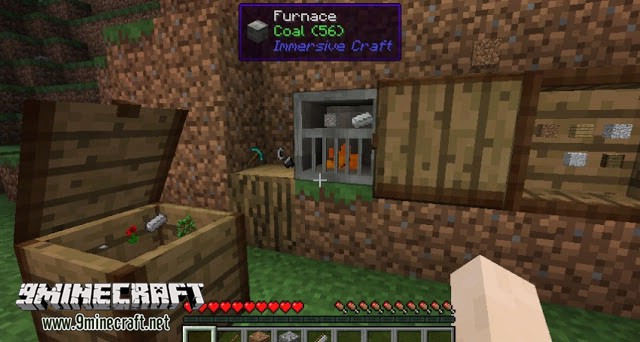
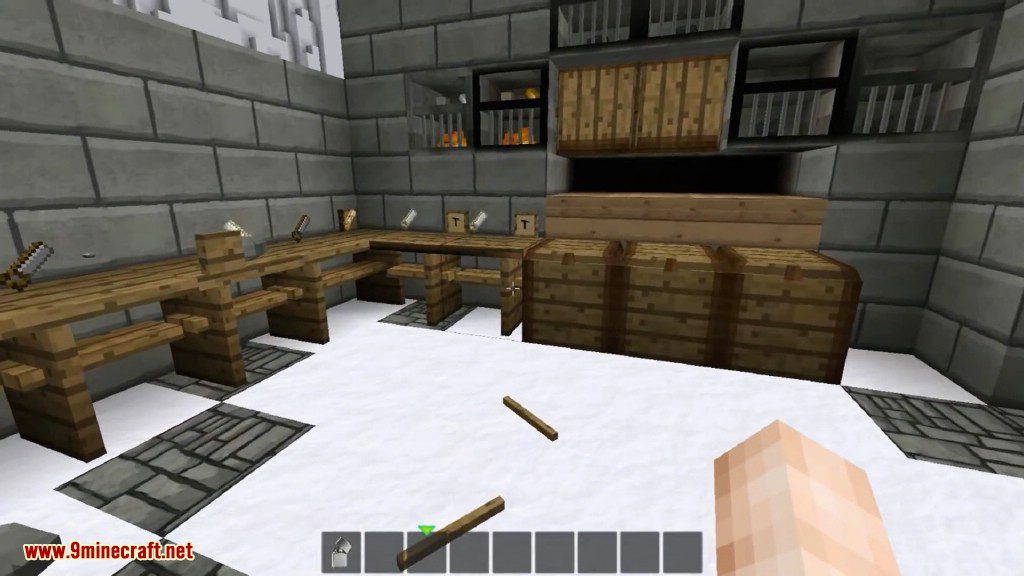
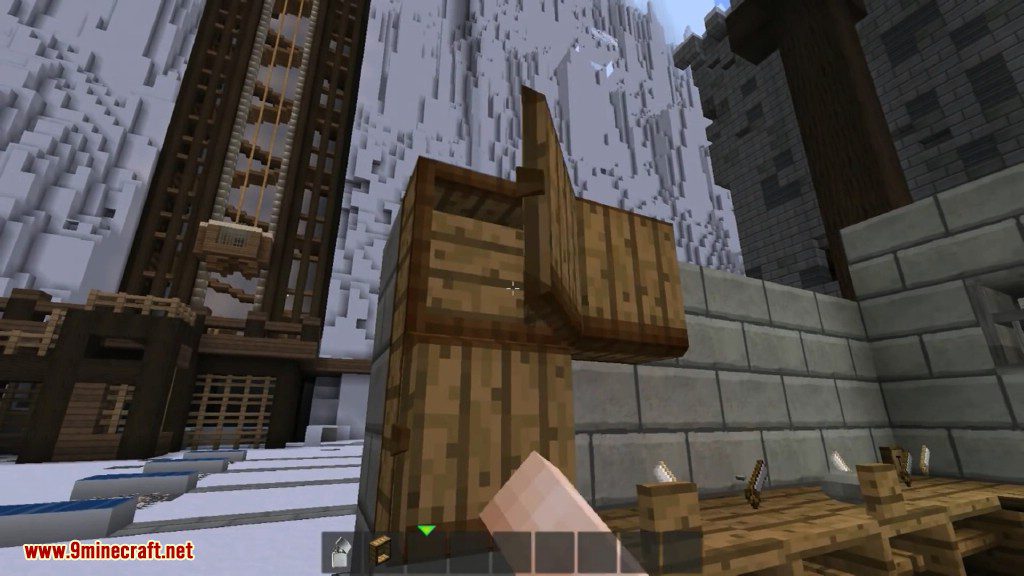
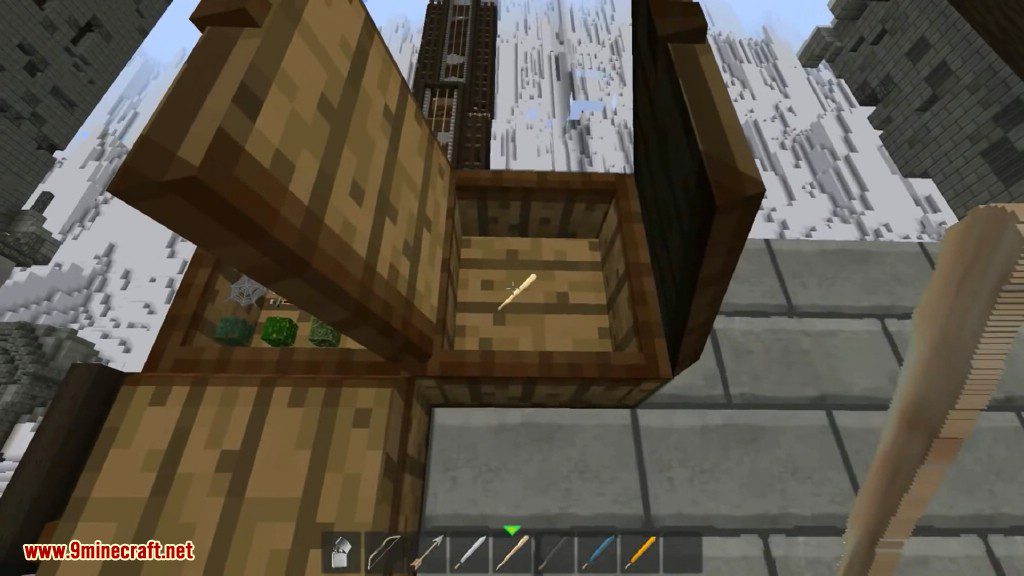
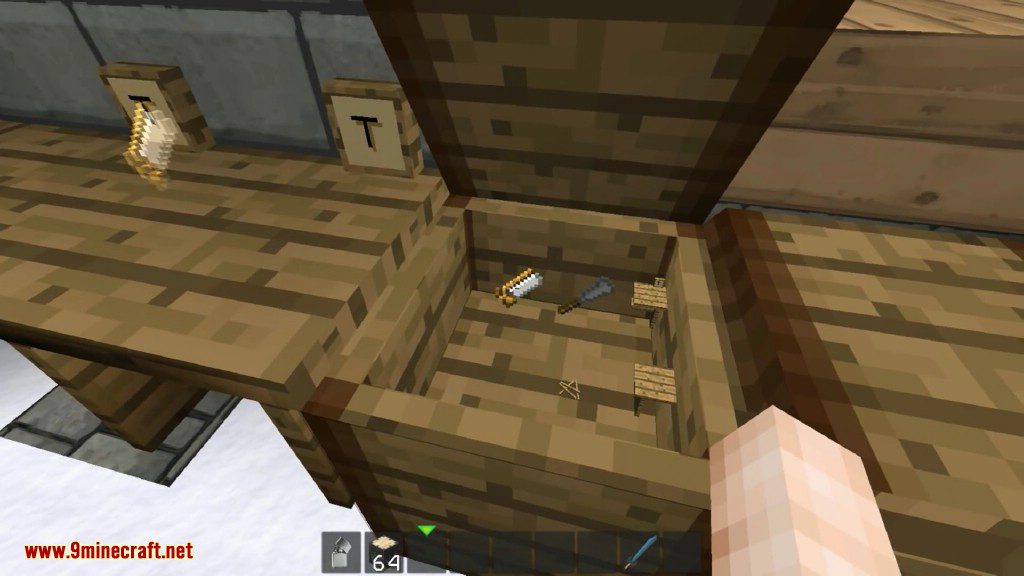
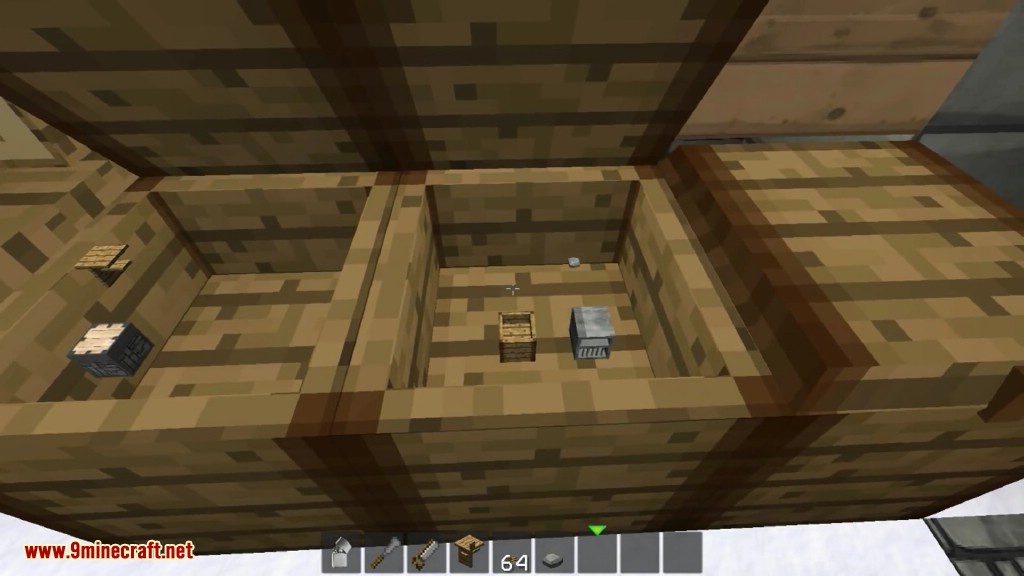
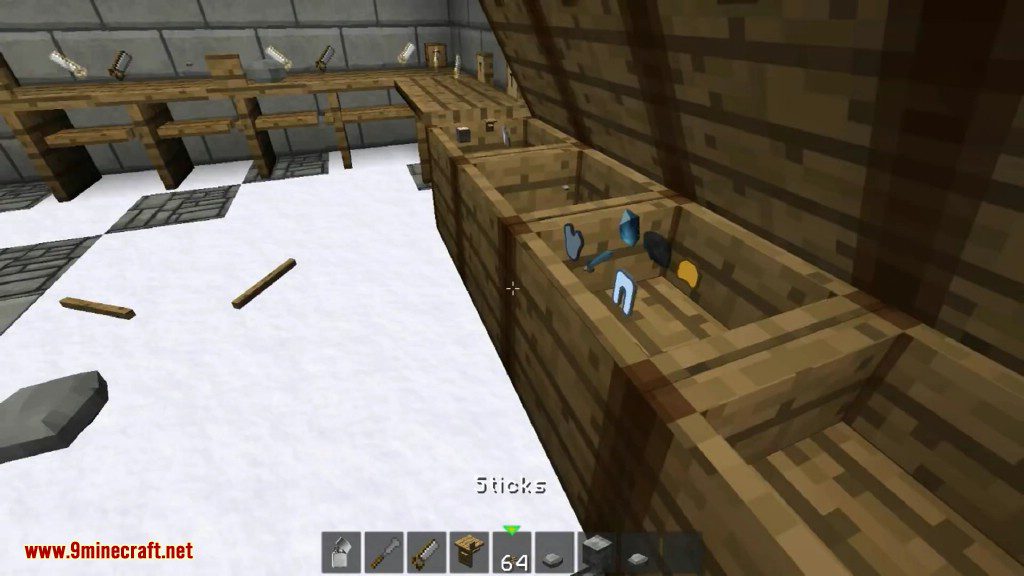
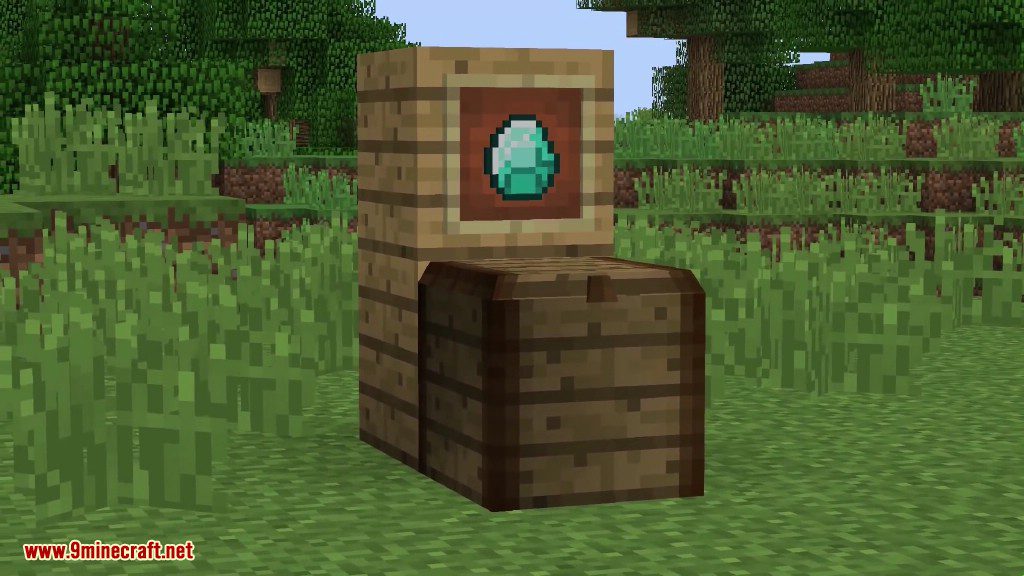
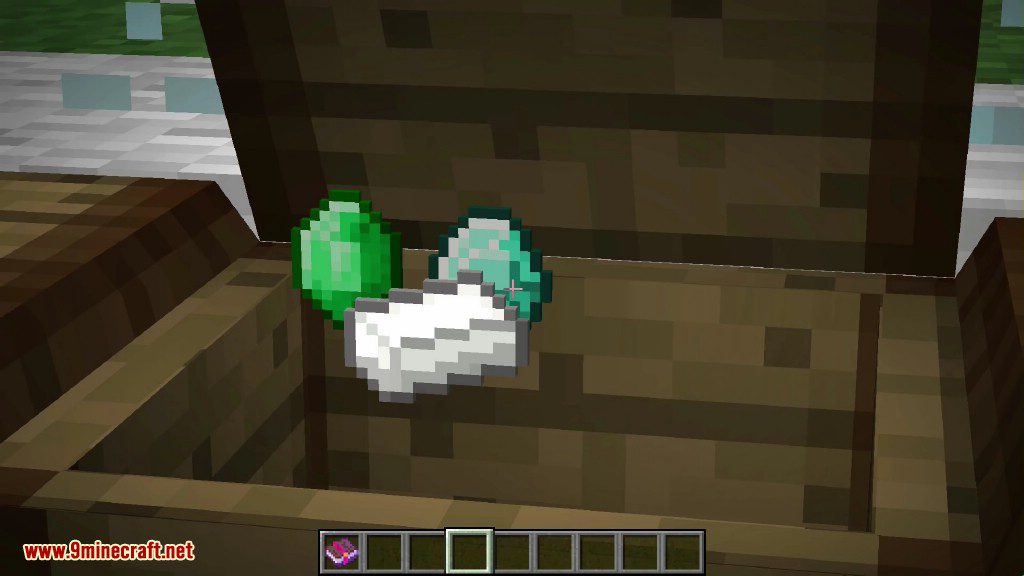
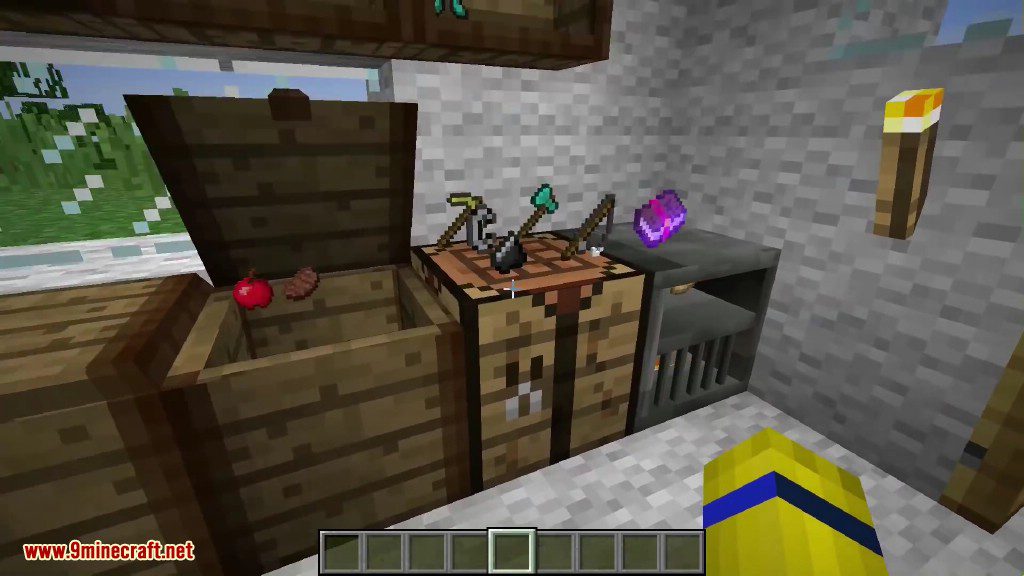
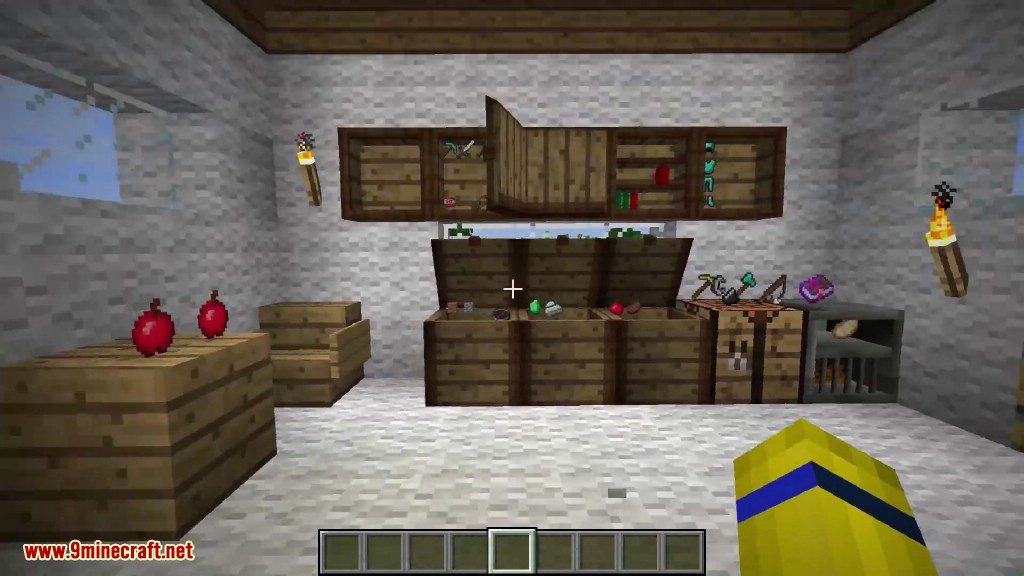
- Adds a chest where you can see and interact with the items stored inside.
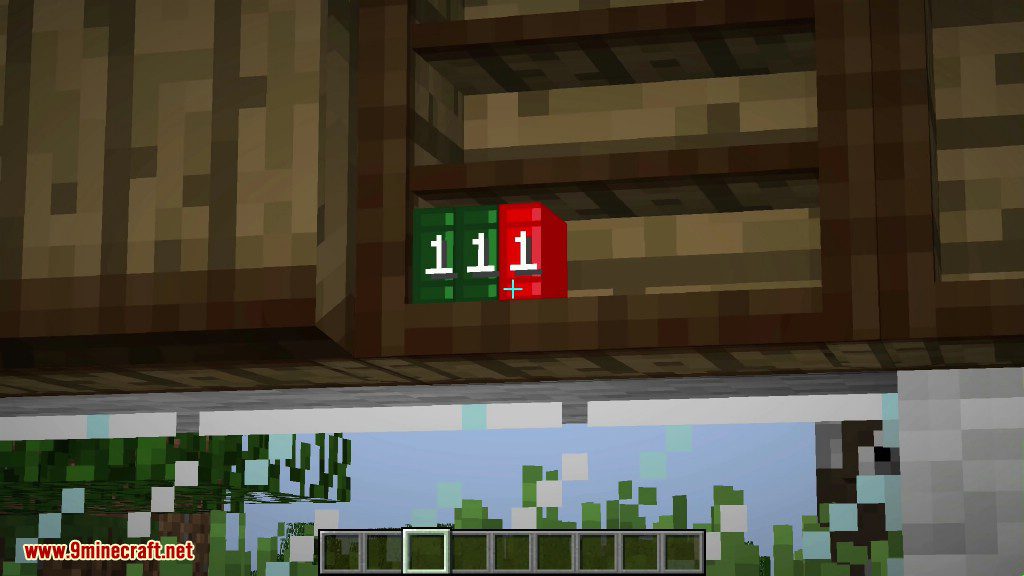
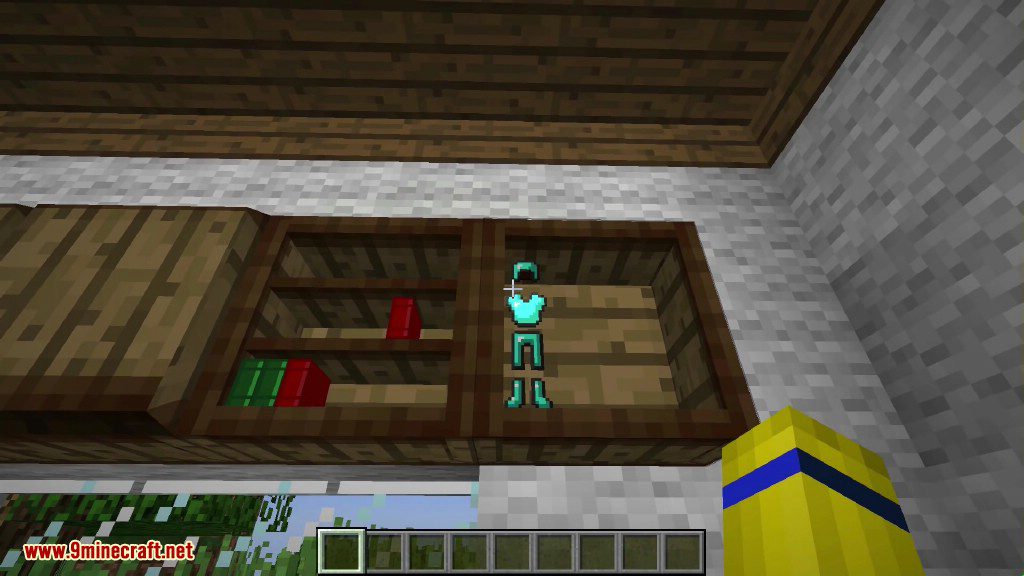
- Includes a wall-mounted cupboard that also visually displays its contents.
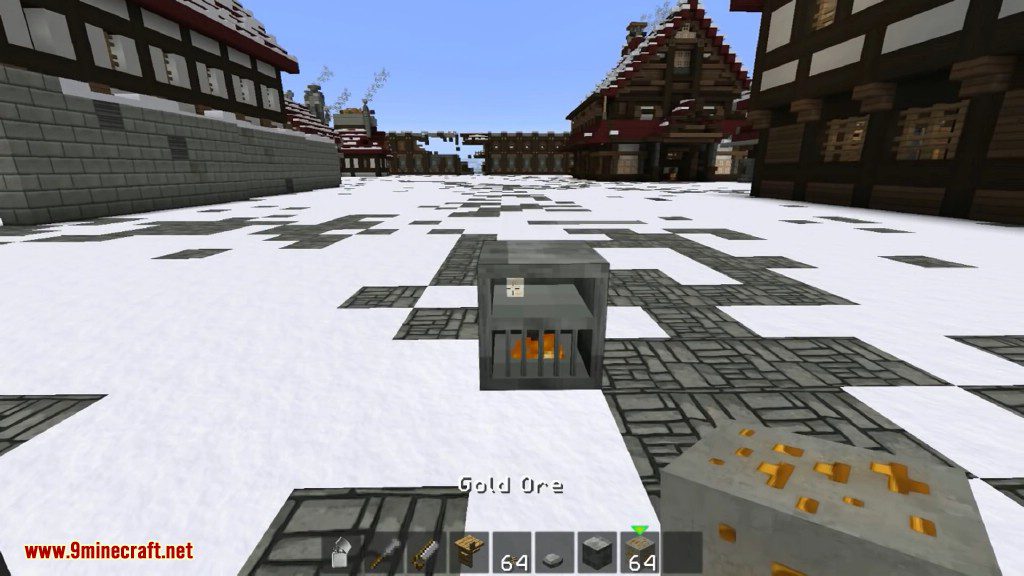
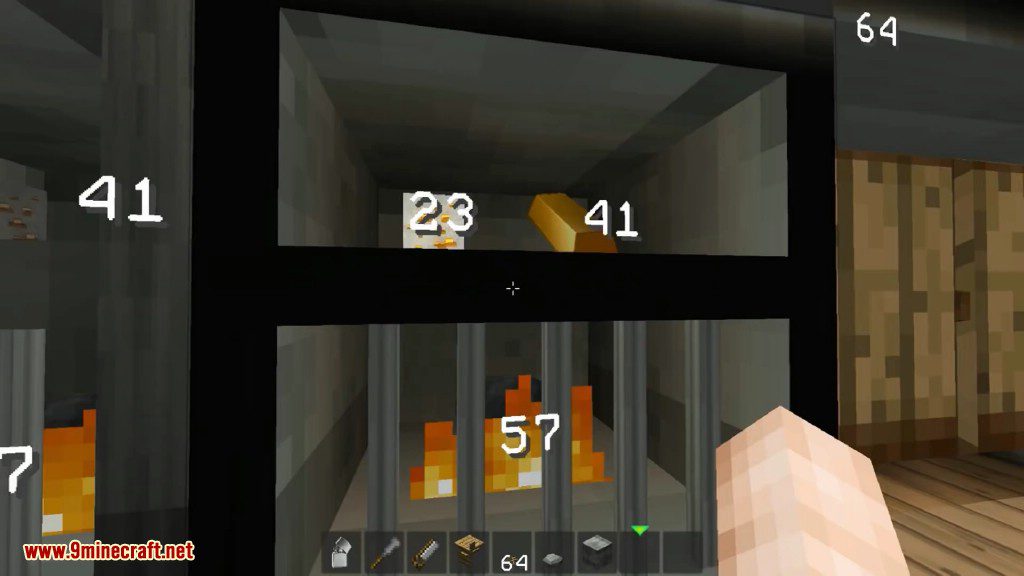
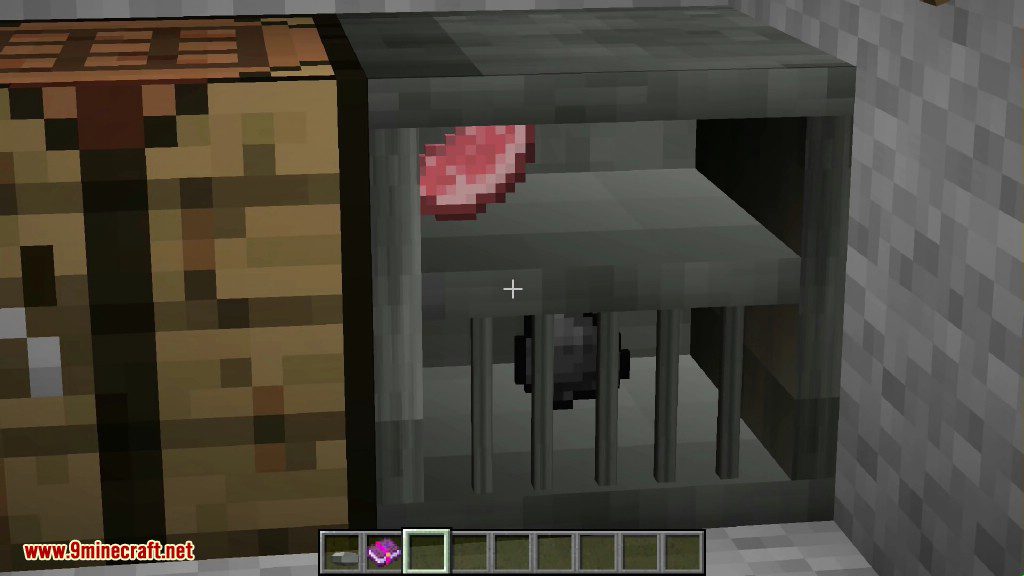
- Use a special furnace that requires you to light the fuel with flint and steel.
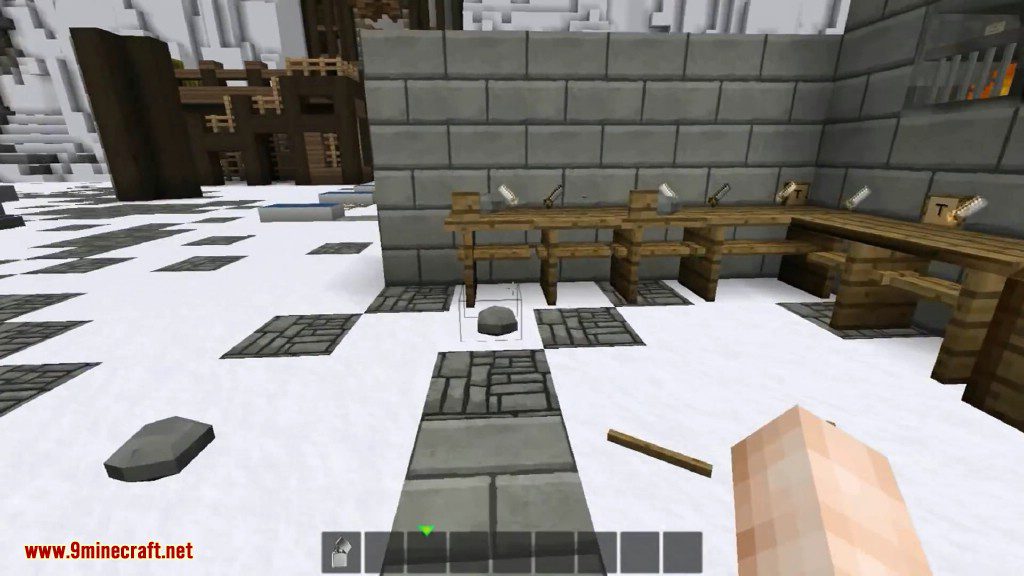
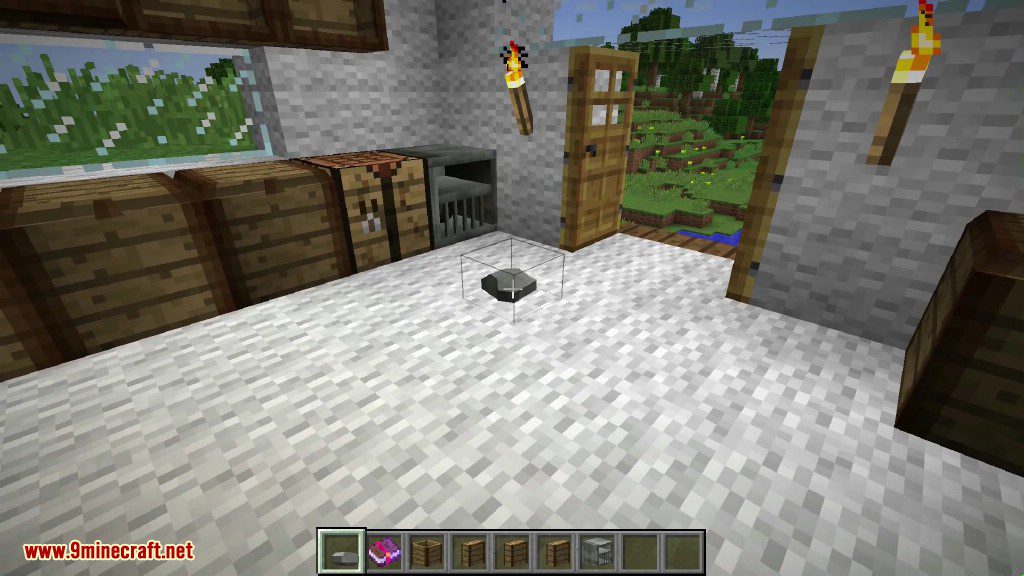
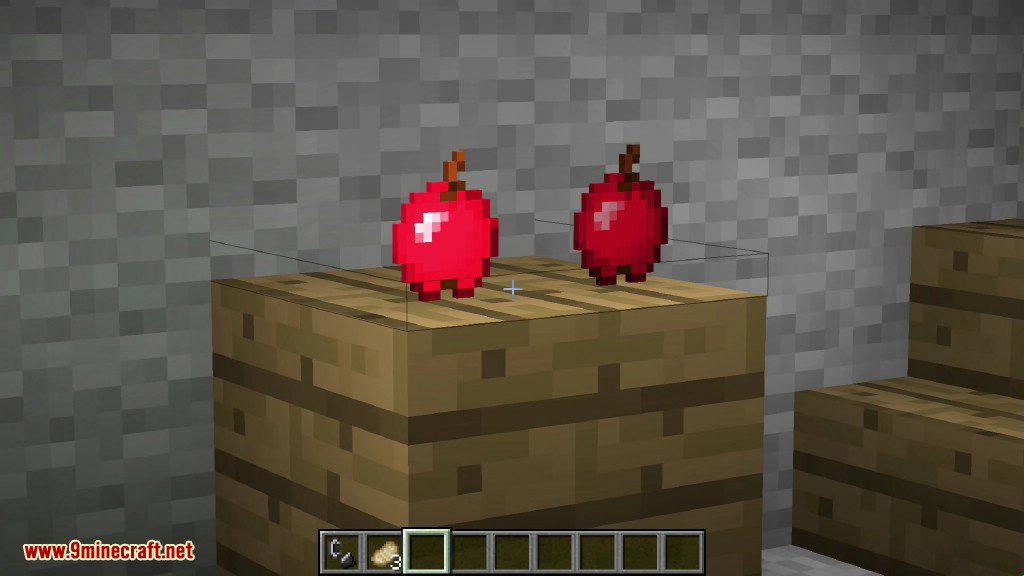
- Place tools like swords and axes directly onto any block by right-clicking or pressing ‘p’.
- Find sticks and rocks that now generate naturally in the world.
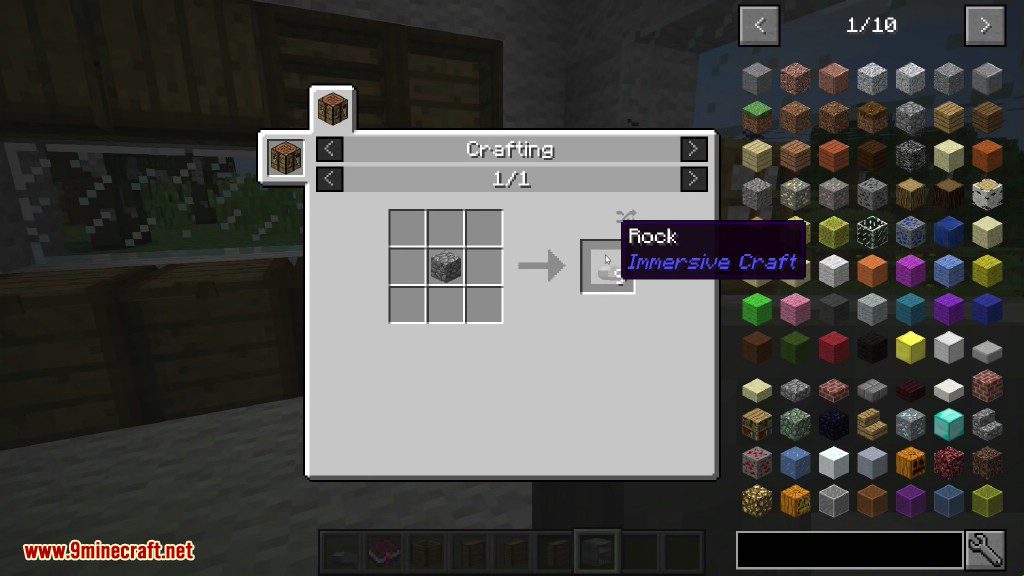
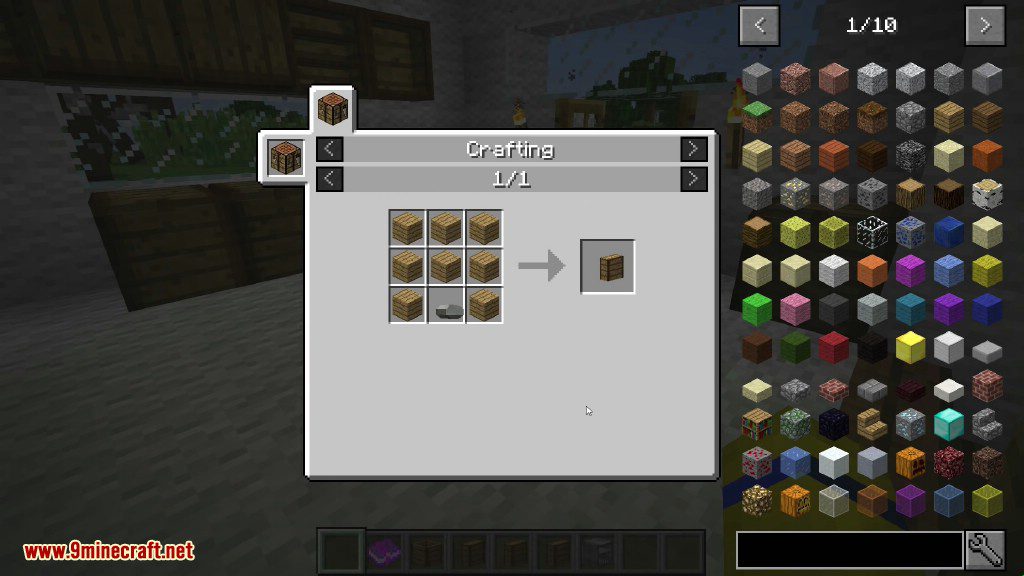
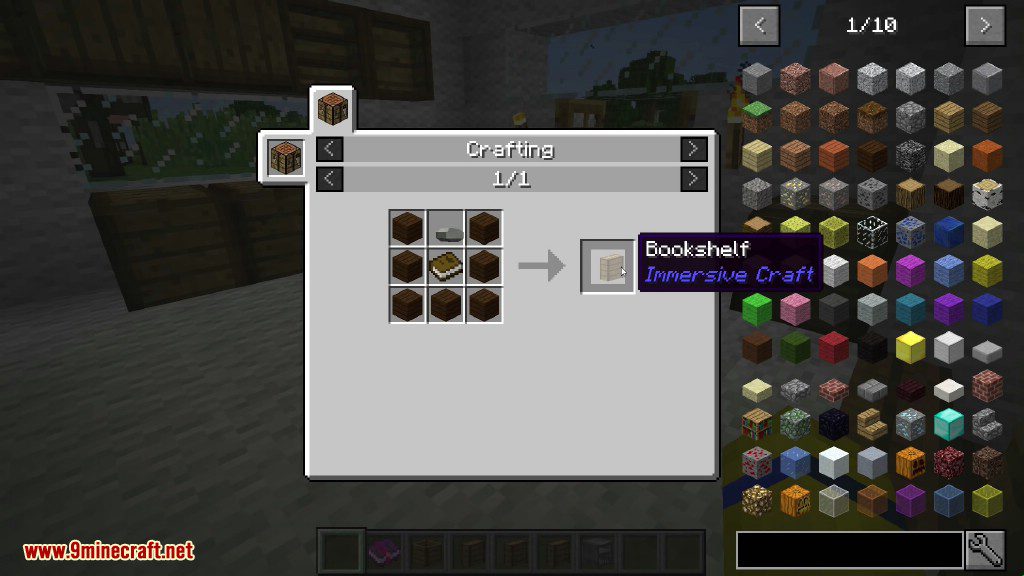
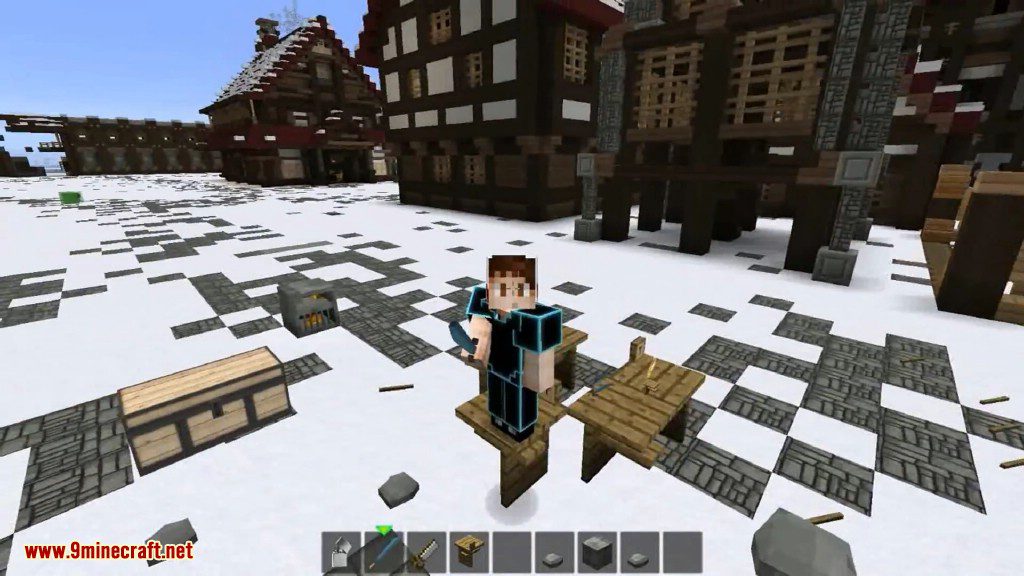
- Craft items with a new, more immersive workbench.
- Use a new chisel and saw, which are tools for the workbench.
- Place sticks on the ground in stacks of up to 64 and light them on fire.
How to Use:
- To make a workbench, place two logs in the world and right-click them with a stone axe.
- To light the furnace, use flint and steel on the coal inside.
- To place a tool on a block, right-click the surface or press the ‘p’ key.
- To burn a pile of sticks, use flint and steel on it.
Crafting Recipes:
Screenshots:
How to Install:
New to Minecraft? Follow our step-by-step guide to install Mods on your PC.View Guide
Requirements:
Immersive Craft Mod Download Links
For Minecraft 1.8.9
For Minecraft 1.9.4
For Minecraft 1.11.2, 1.10.2
For Minecraft 1.12.2
Click to rate this post!
[Total: 0 Average: 0]
You May Also Like






This post has no comments yet. Be the first — your comment will appear here.