


Quality Tools Mod (1.12.2, 1.11.2) – Find Legendary Tools & Armor
 2,710
2,710
 0
0

🌐 Read this article in your language! Choose your preferred language below.
Or pick the one you like:
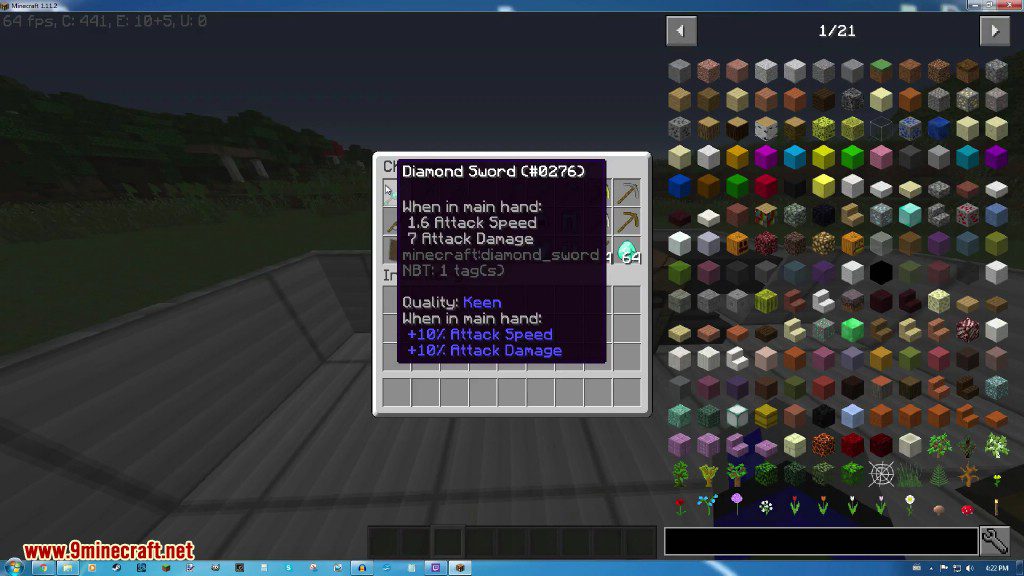
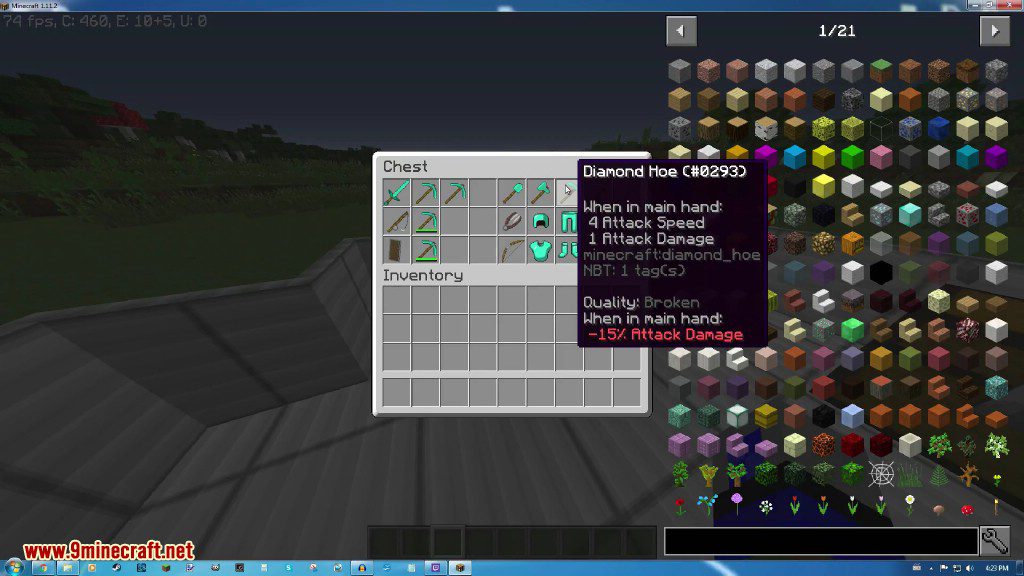
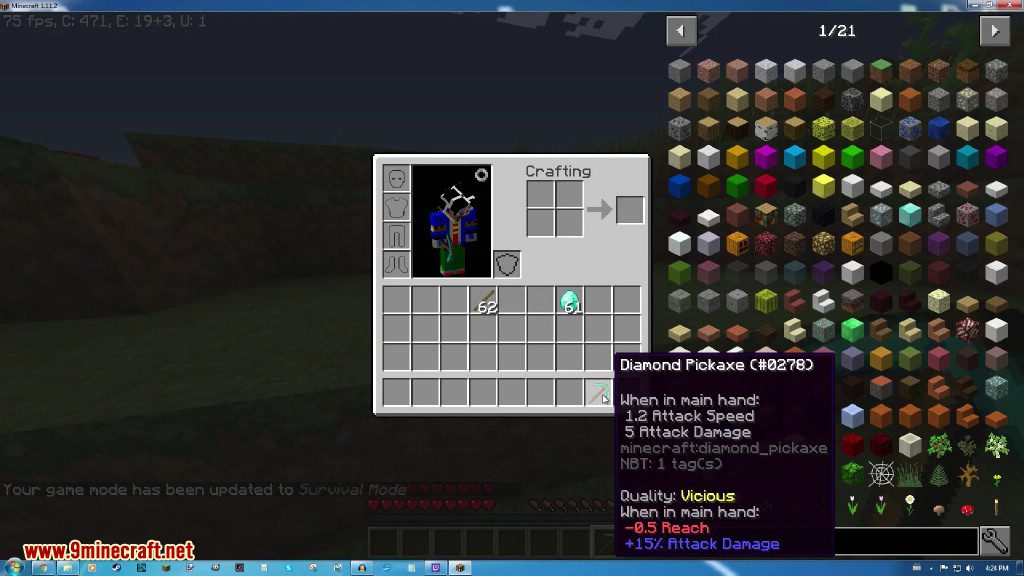
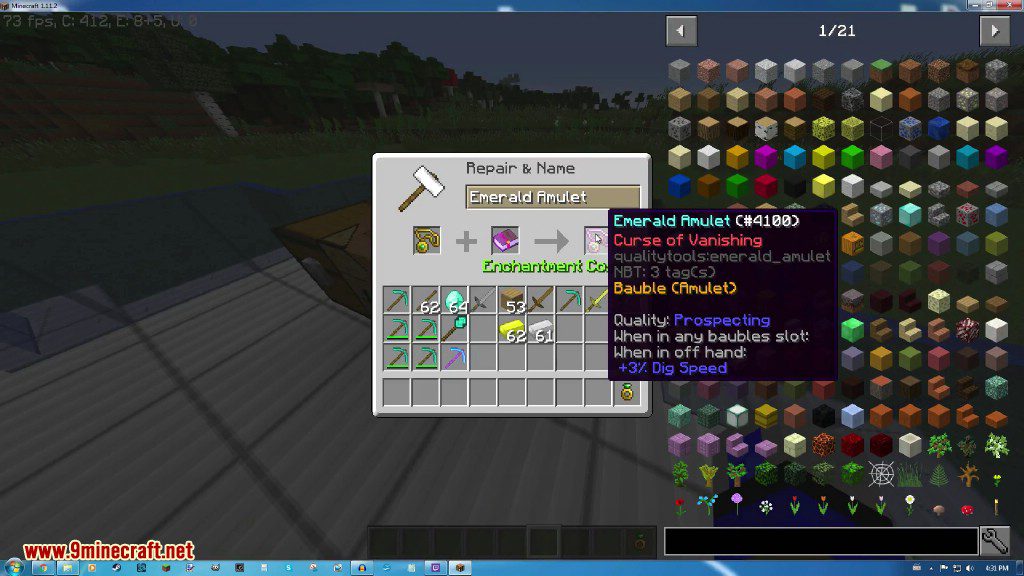
Quality Tools Mod gives your tools, weapons, and armor random qualities when you get them. These qualities can change an item’s stats, like attack damage, digging speed, or durability. Some qualities are helpful, giving you bonuses, while others can be negative, making the item weaker. You can see an item’s new abilities by hovering over it in your inventory.
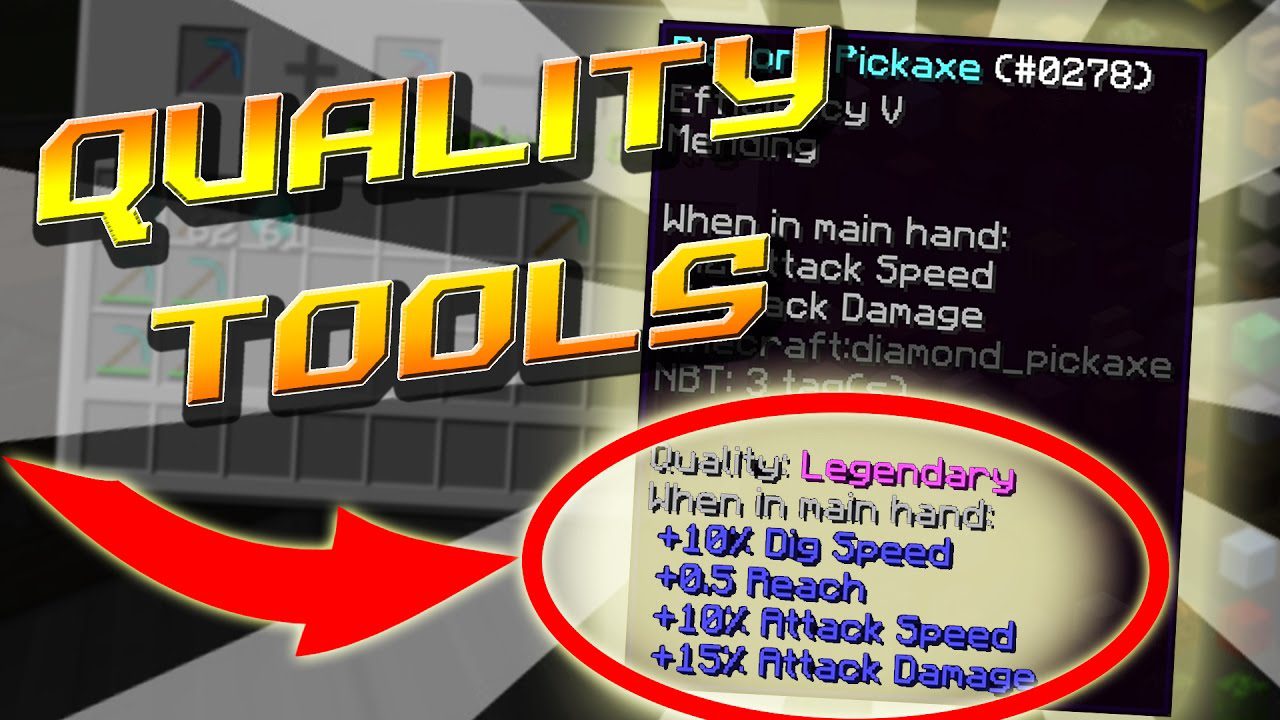
Features:
- Gives random qualities to tools, weapons, and armor when they enter your inventory.
- Qualities can be good or bad, affecting stats like attack speed, reach distance, and armor protection.
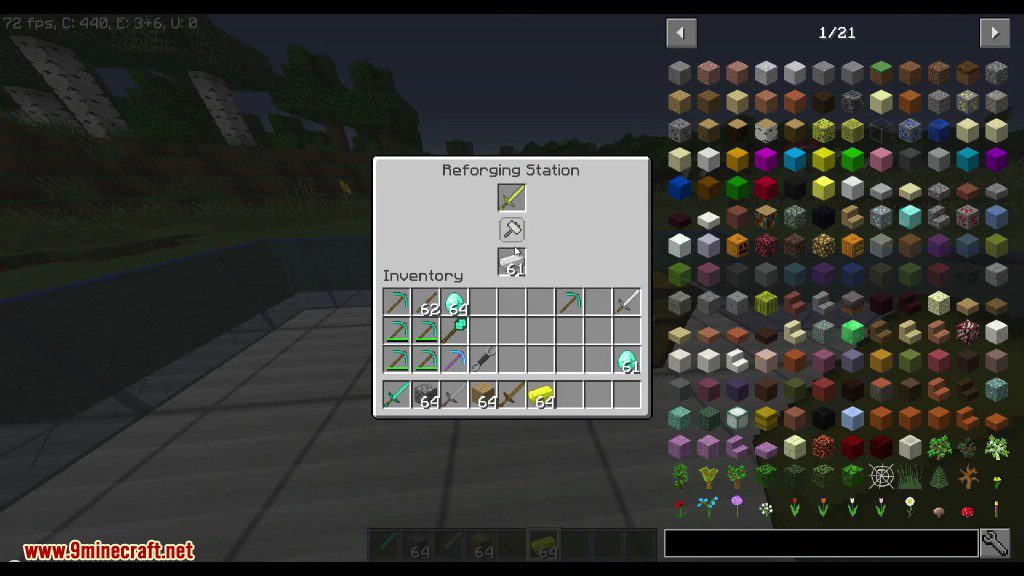
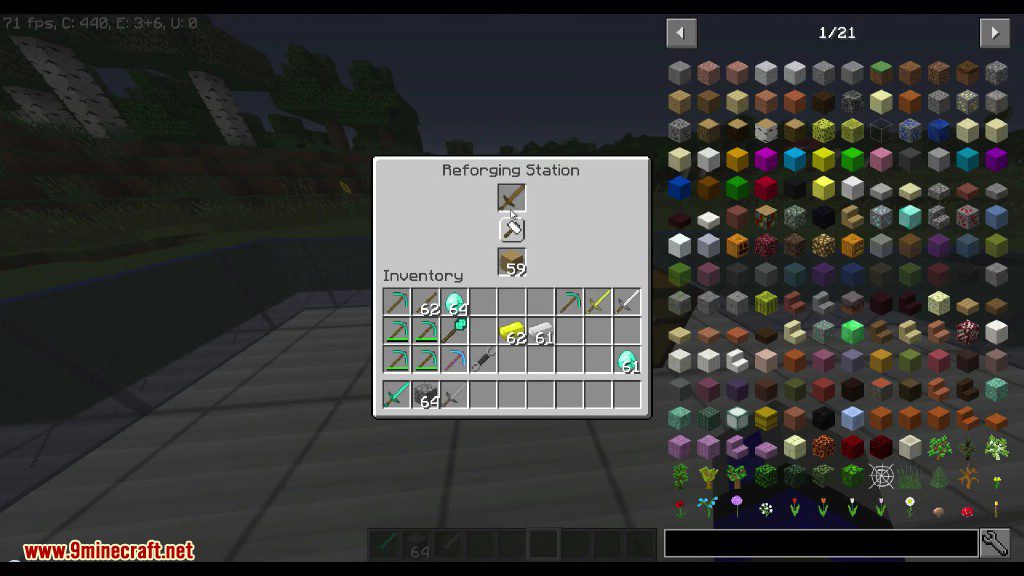
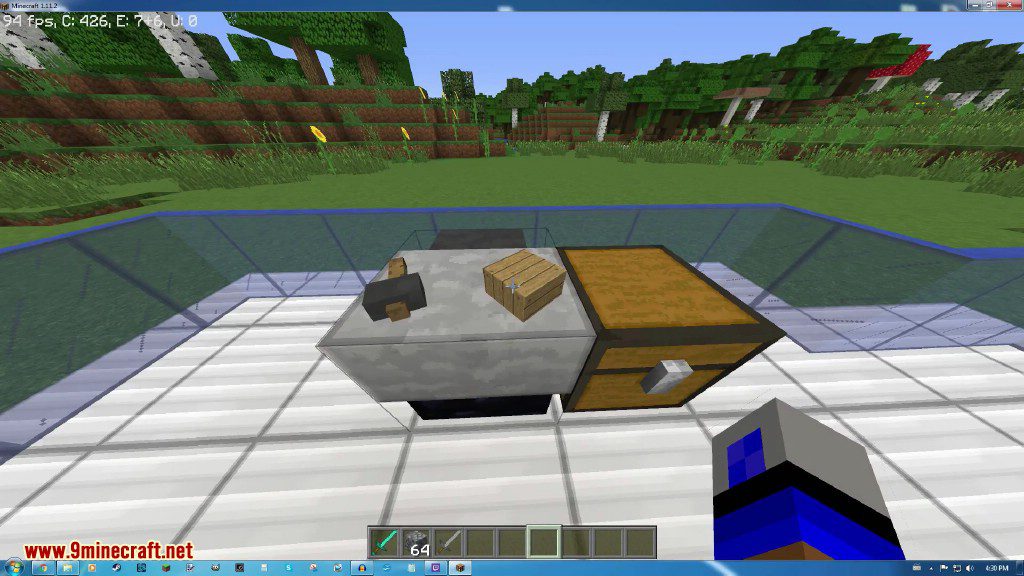
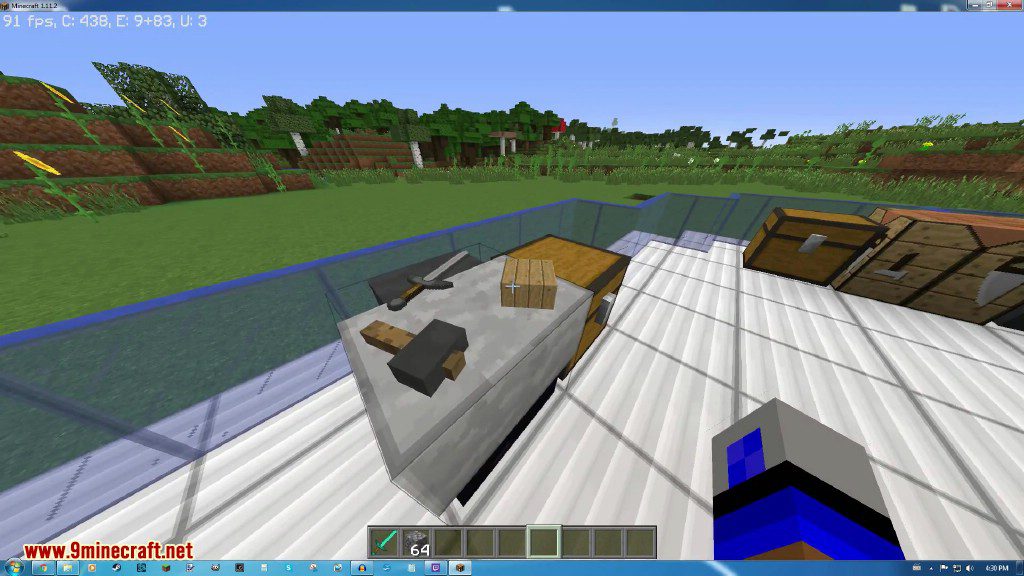
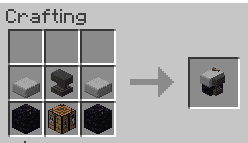
- Adds a Reforging Station block that lets you change an item’s quality.
- Reforge items using their normal repair material to get a new random quality.
- A config file allows you to set custom repair materials for items that don’t have one, like shears.
- Works automatically with tools and armor from many other mods.
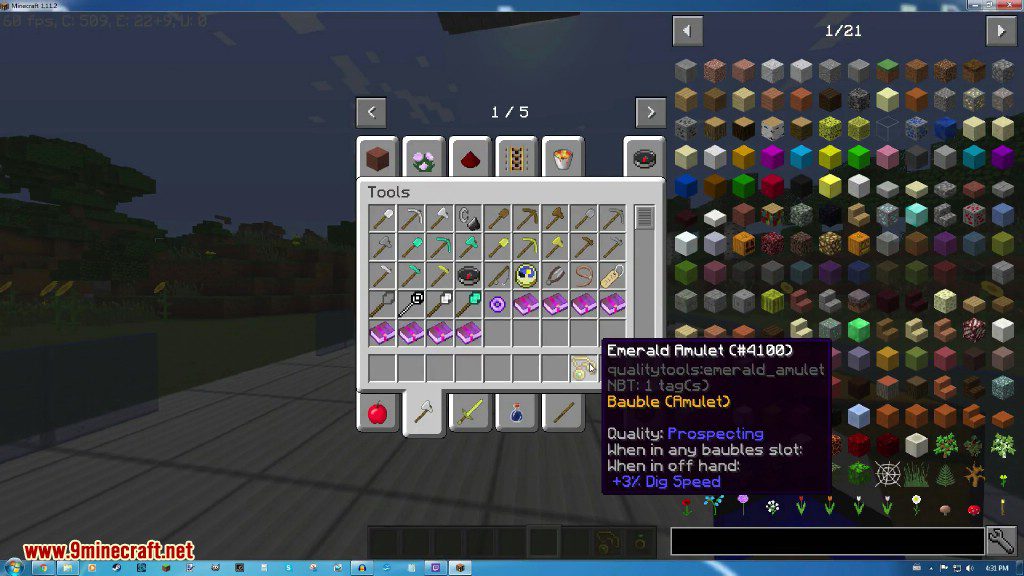
- Supports Baubles items, allowing them to get random qualities too.
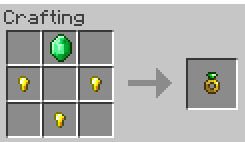
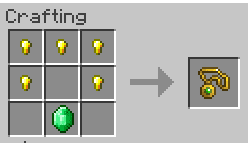
- Includes an emerald ring and amulet as examples for the Baubles feature.
How to Use:
- Place the item you want to change in the top slot of the Reforging Station.
- Put the item’s repair material in the bottom slot (e.g., a diamond for a diamond tool).
- Click the button to reforge the item, which will give it a new random quality.
Screenshots:
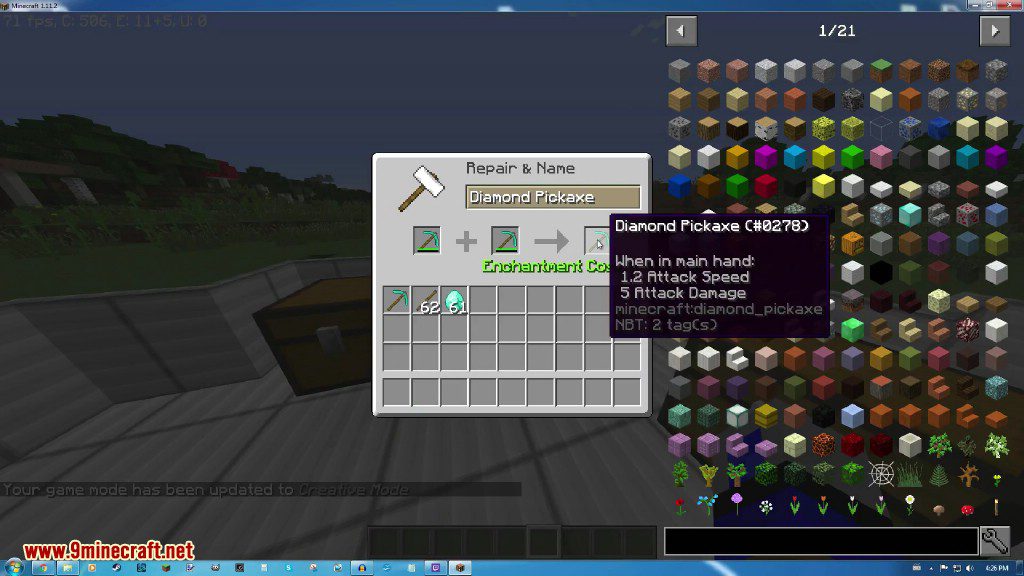
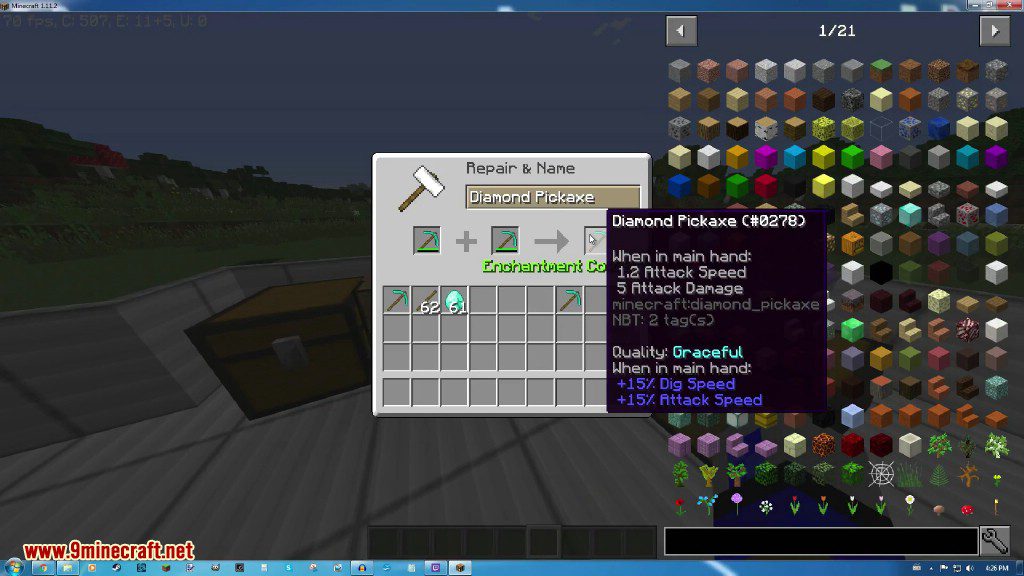

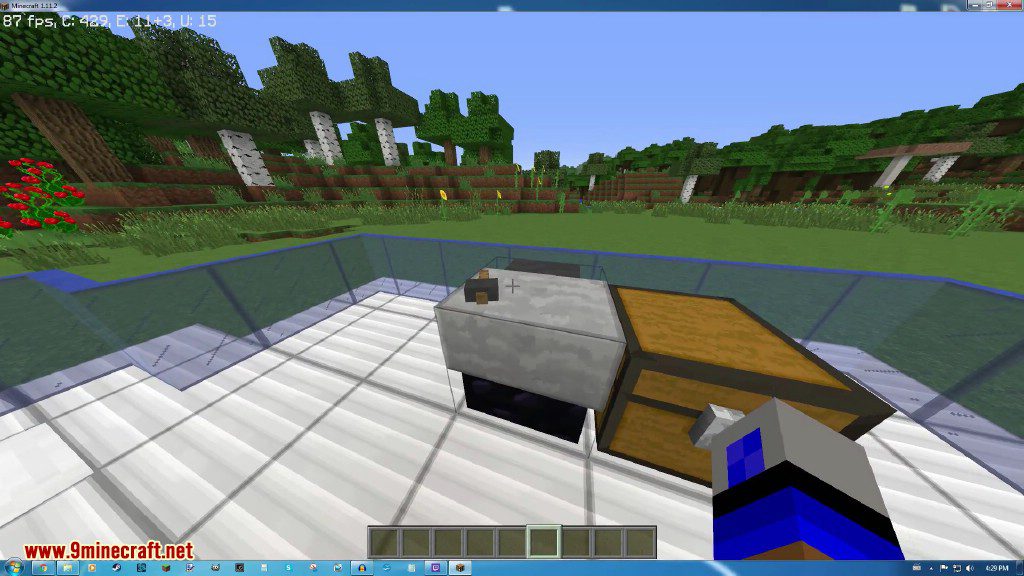

Crafting Recipes:
Reforging Station
Emerald Ring
Emerald Amulet
How to Install:
New to Minecraft? Follow our step-by-step guide to install Mods on your PC.View Guide
Requirements:

Quality Tools Mod Download Links
For Minecraft 1.10.2
For Minecraft 1.11.2
For Minecraft 1.12.2
Click to rate this post!
[Total: 1 Average: 3]
You May Also Like








This post has no comments yet. Be the first — your comment will appear here.