


Parachute Mod (1.15.2, 1.14.4) – Safely Jump From Any Height
 2,790
2,790
 1
1

Parachute Mod lets you safely jump from great heights and glide down to the ground. This mod adds two main items: a classic parachute for controlled descents and a powered paraglider that lets you fly upwards. You can now explore your world from the sky without worrying about fall damage.

Features:
- Adds two types of gliders: a standard parachute and a powered paraglider.
- The standard parachute lets you glide down and can use heat sources like lava or campfires to gain a bit of height.
- The powered paraglider uses fuel and the space bar to actively fly upwards.
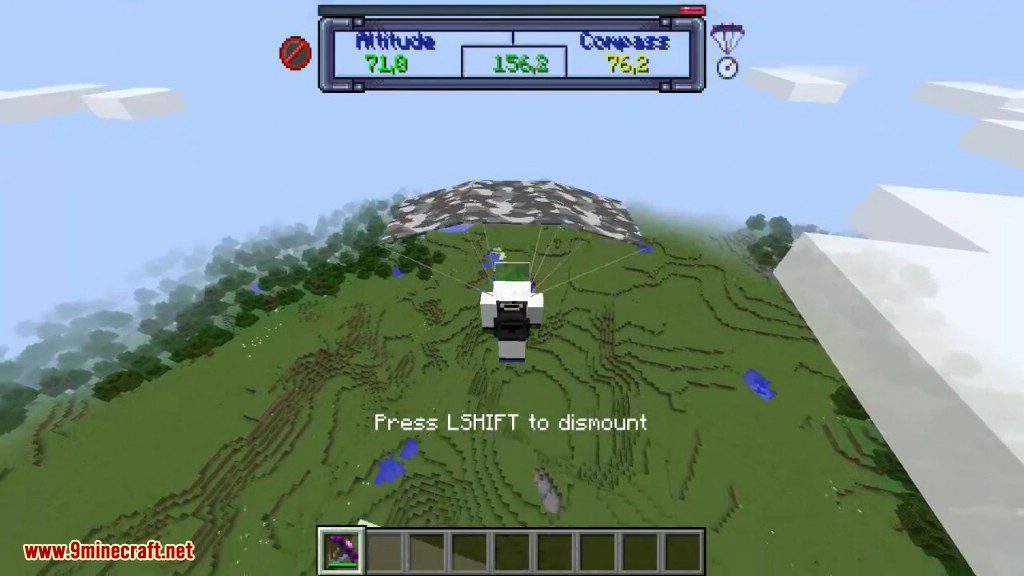
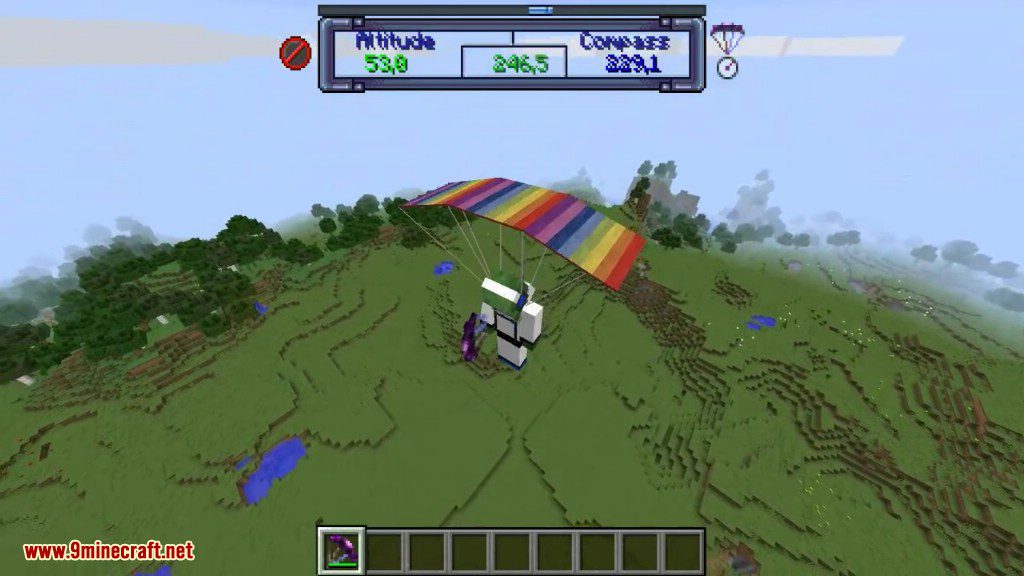
- Craft parachutes and paragliders in any wool color, or dye them. Special rainbow and camouflage patterns are also available.
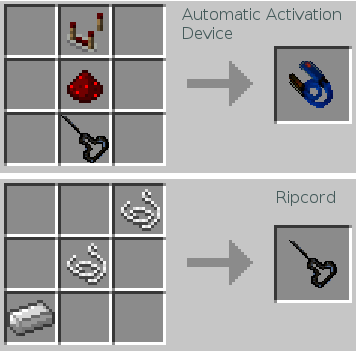
- An Automatic Activation Device (AAD) can be toggled on to automatically deploy your parachute if you fall a certain distance.
- Experience turbulence when flying in rainy or stormy weather, making your flight more challenging.
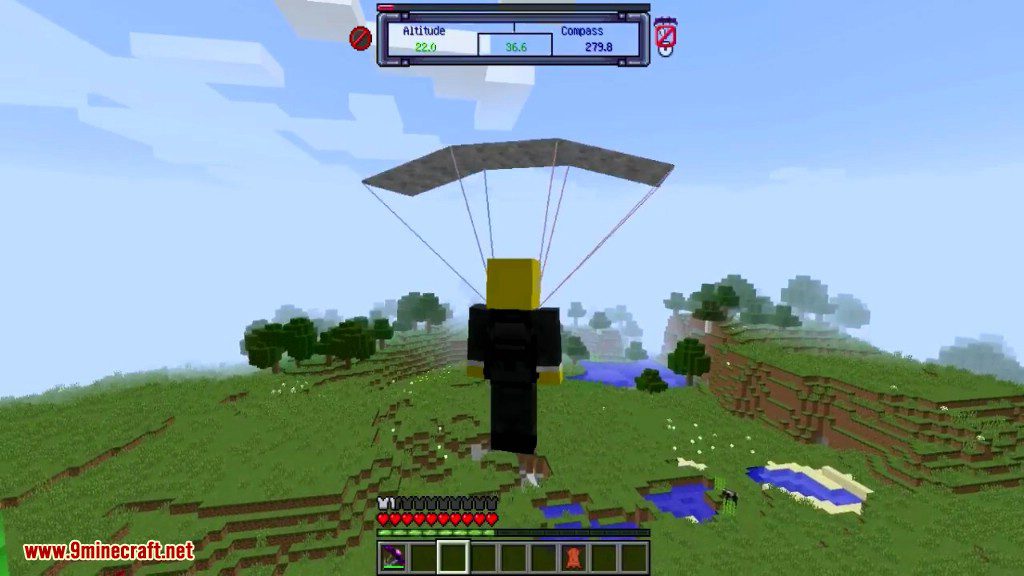
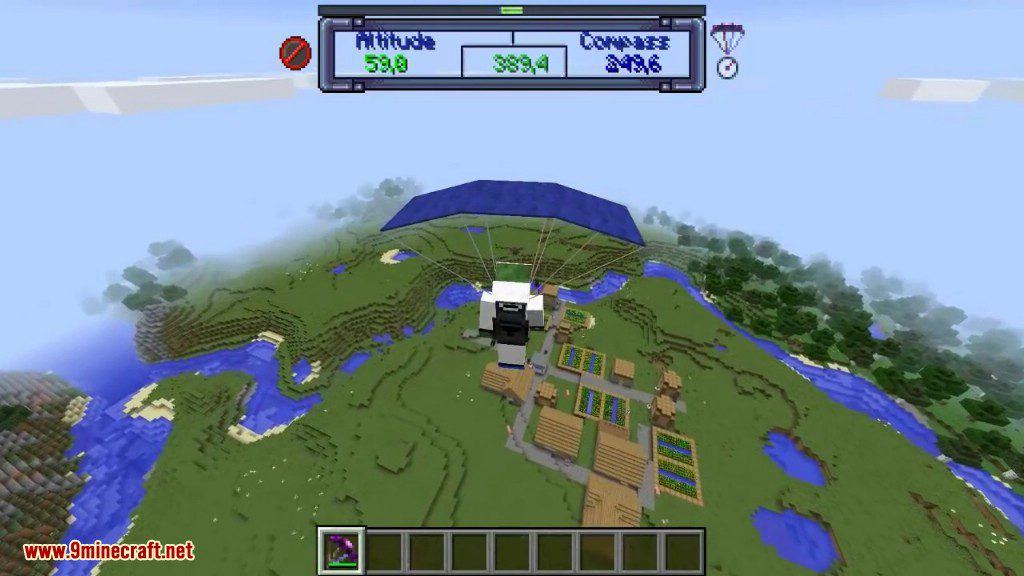
- A dedicated HUD shows flight information and can be hidden.
- Repair parachutes with string and refuel paragliders with redstone using an anvil.
How to Use:
- To deploy a parachute or paraglider, select it in your hotbar and right-click while you are in the air.
- Press the ‘W’ key while gliding to move forward.
- When using the powered paraglider, press the space bar to use power and fly higher.
- Right-click the parachute in your inventory to turn the Automatic Activation Device (AAD) on or off. The item’s name will change to show its status.
- Press the ‘H’ key to show or hide the flight information HUD.
Crafting Recipes:
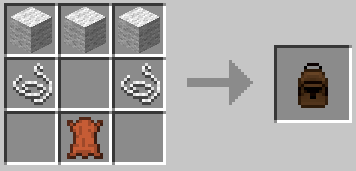
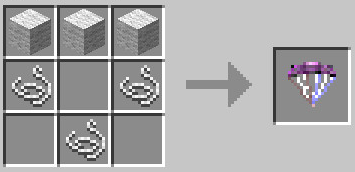
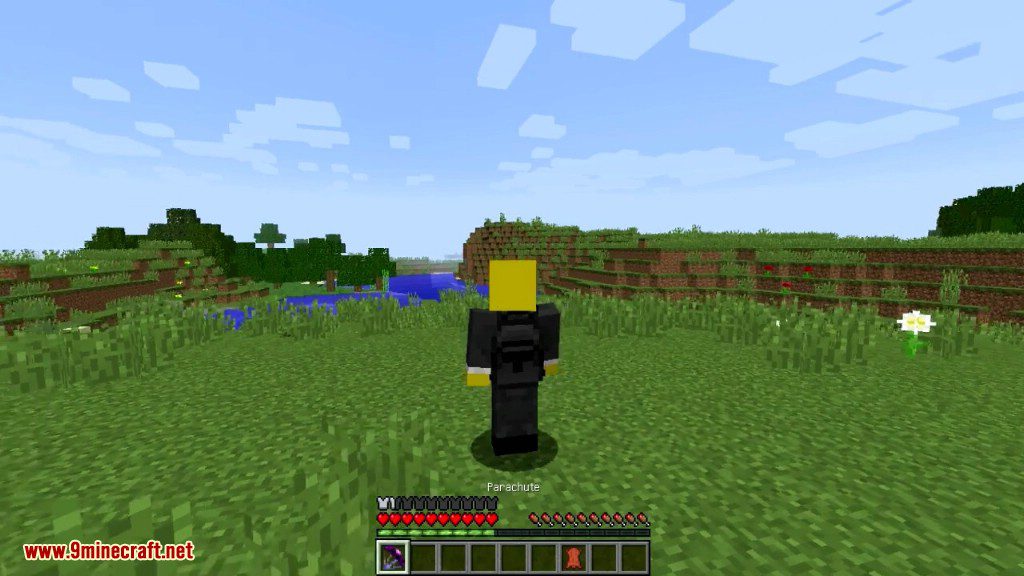
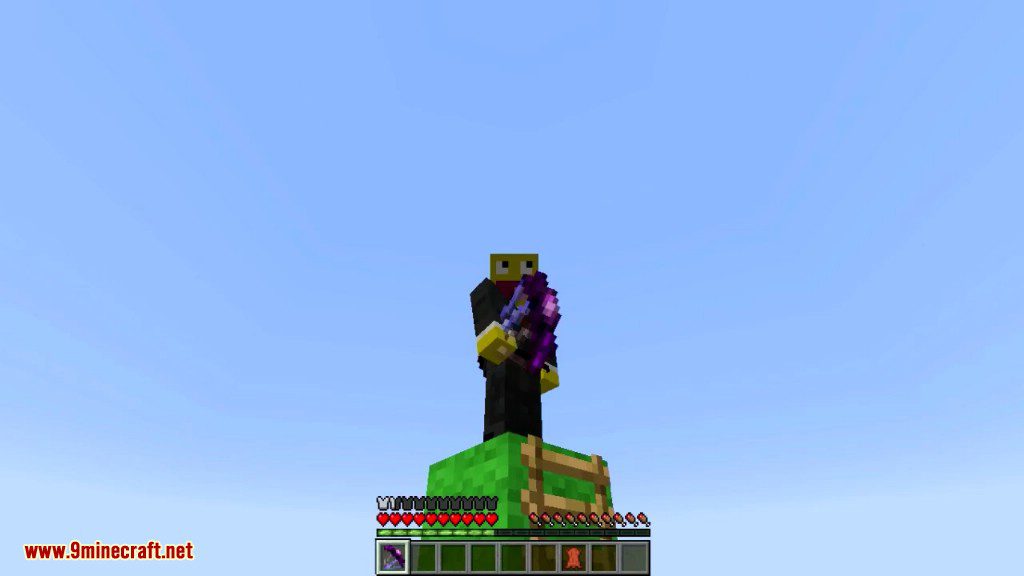
Crafting a parachute is easy, 3 wool blocks, 2 silk, and 1 leather. See the crafting recipe screenshot below. The leather pack texture is made by TQuin, thanks! There are more in the mod jar.
Hop-n-pop
There is a config file in the config directory in your minecraft folder. You can set the height limit of the parachute. You really can’t do much above 256 meters anyway. So the default altitude is 225 meters. That should be high enough to get you over anything. You can change this to suit your needs including disabling it altogether by using a limit of zero. You can set your parachute color as well. The parachute color has a ‘random’ setting causing the chute to change color with every opening. There is also an option to disable the ‘thermals’. Another option ‘autoDeploy’ when ‘true’ will automatically deploy the parachute when you fall. A ‘fallDistance’ option allows you to set how far you fall before the parachute auto deploys. All this is explained in the config file.
Use shears to cut the parachute away. This only works in the ‘world space’ below 256 meters.You’ll plummet to your death if you don’t redeploy the parachute, but if that’s what you want….
Screenshots:
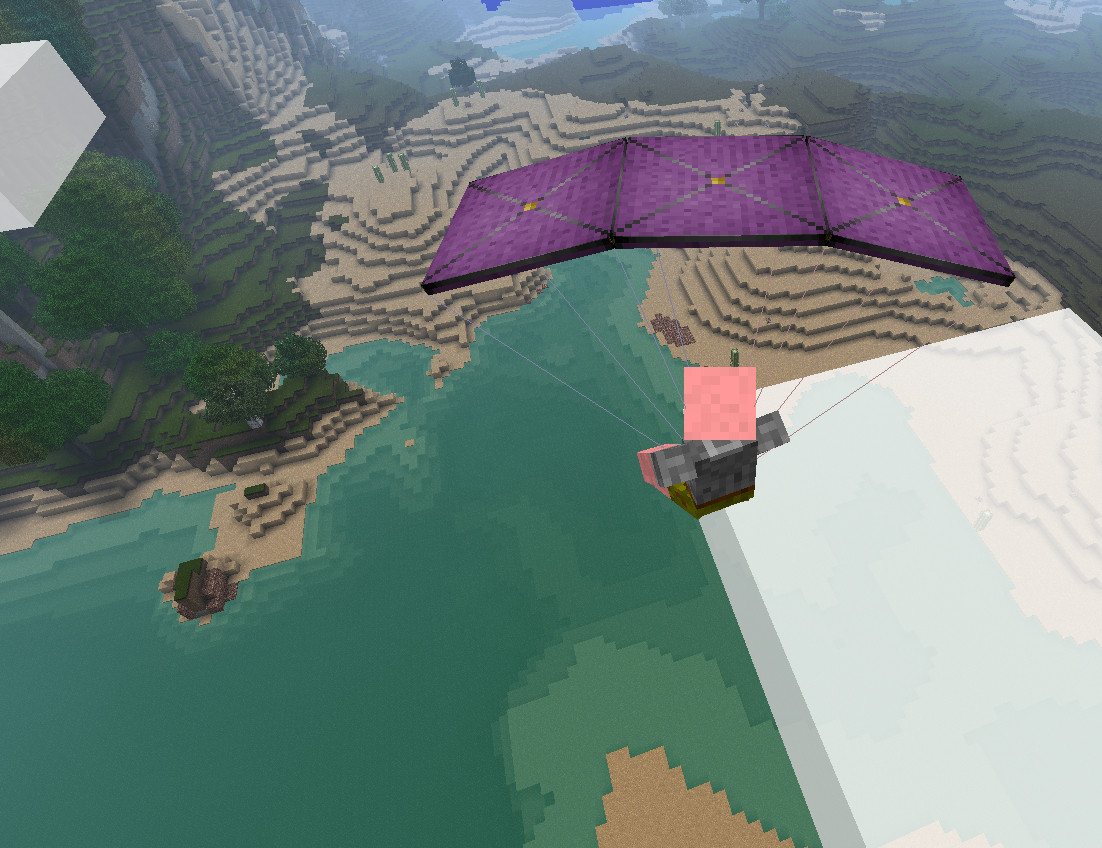
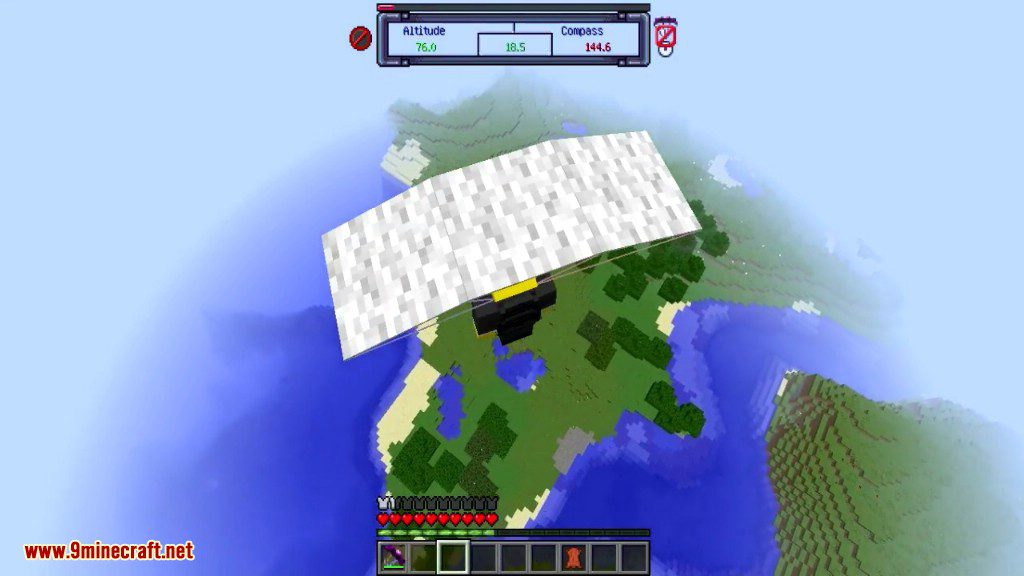
As you can see this is a high performance ‘square’ type of parachute. This is Eld’s ArtPack texture pack.
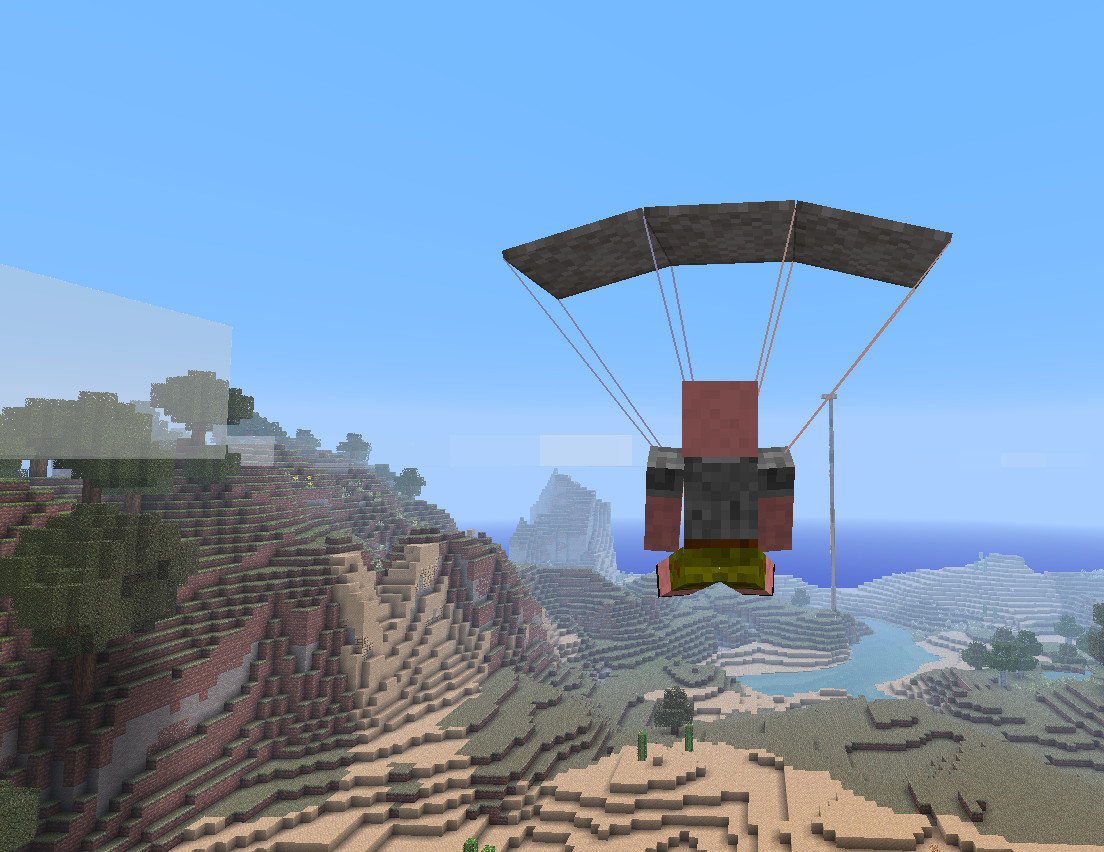
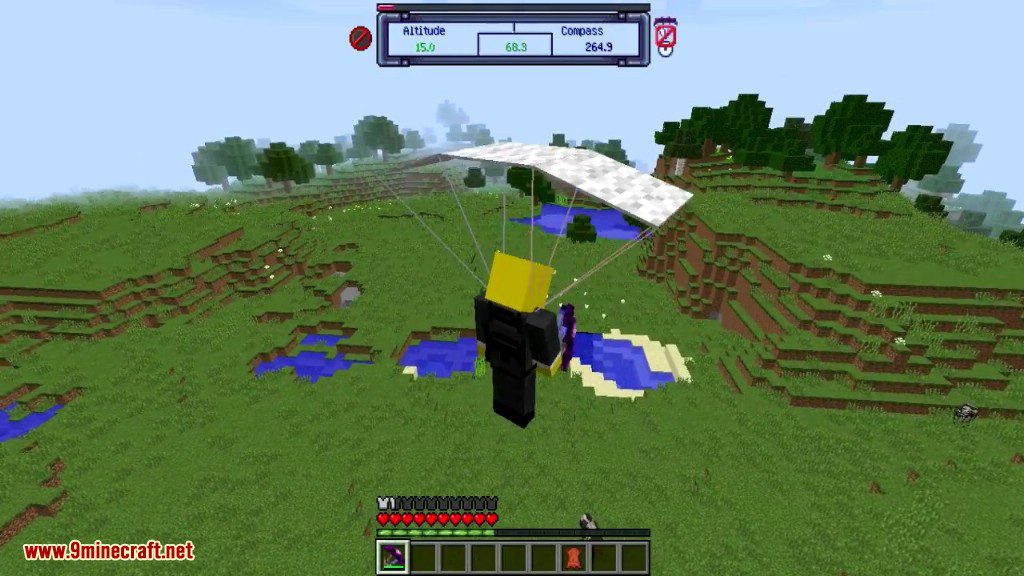
This one shows the parachute with a 32×32 Glimmar’s SteamPunk texture pack.
How to Install:
New to Minecraft? Follow our step-by-step guide to install Mods on your PC.View Guide
Parachute Mod Download Links
For Minecraft 1.5.2
For Minecraft 1.6.2
For Minecraft 1.6.4
For Minecraft 1.7.2
For Minecraft 1.7.10
For Minecraft 1.8.0
For Minecraft 1.8.9
For Minecraft 1.9.0
For Minecraft 1.9.4
For Minecraft 1.10.2
For Minecraft 1.11
For Minecraft 1.11.2
For Minecraft 1.12.1, 1.12
For Minecraft 1.12.2
For Minecraft 1.14.4
For Minecraft 1.15.1
For Minecraft 1.15.2
You May Also Like













This post has no comments yet. Be the first — your comment will appear here.