
Mob Catcher Mod (1.21.1, 1.20.1) – Move Wild Mobs to Your Farm



Mob Catcher Mod gives you simple tools to pick up and move mobs across your world. This mod adds a handheld capturing device, a ranged launcher, and diamond and netherite tiers for catching passive or hostile mobs. You can store animals, villagers, squid, fish, and monsters in your inventory and release them anywhere with all their saved data intact. It also works with Dispensers and lets you set custom mob rules through a config datapack mode.

Features:
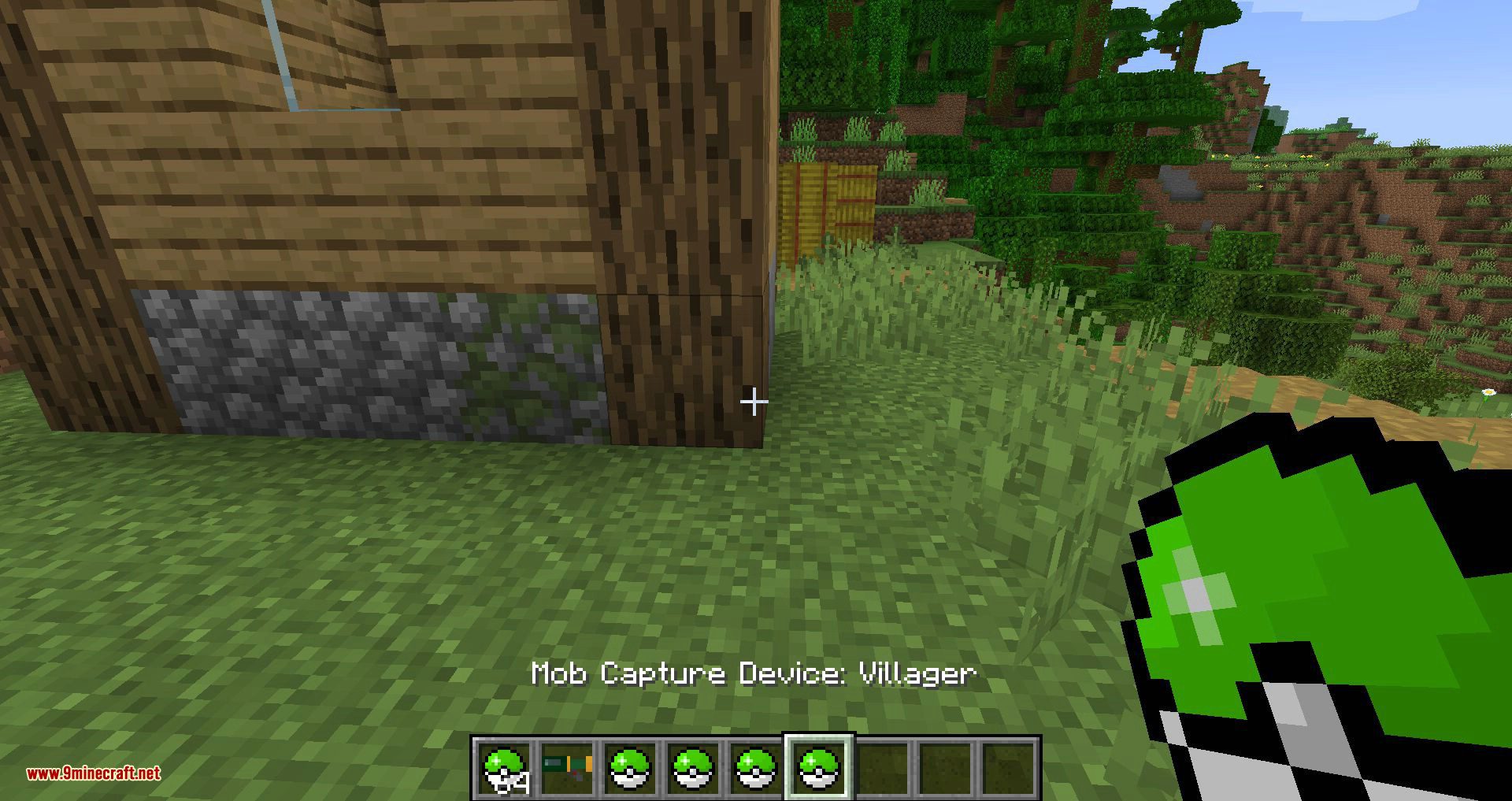
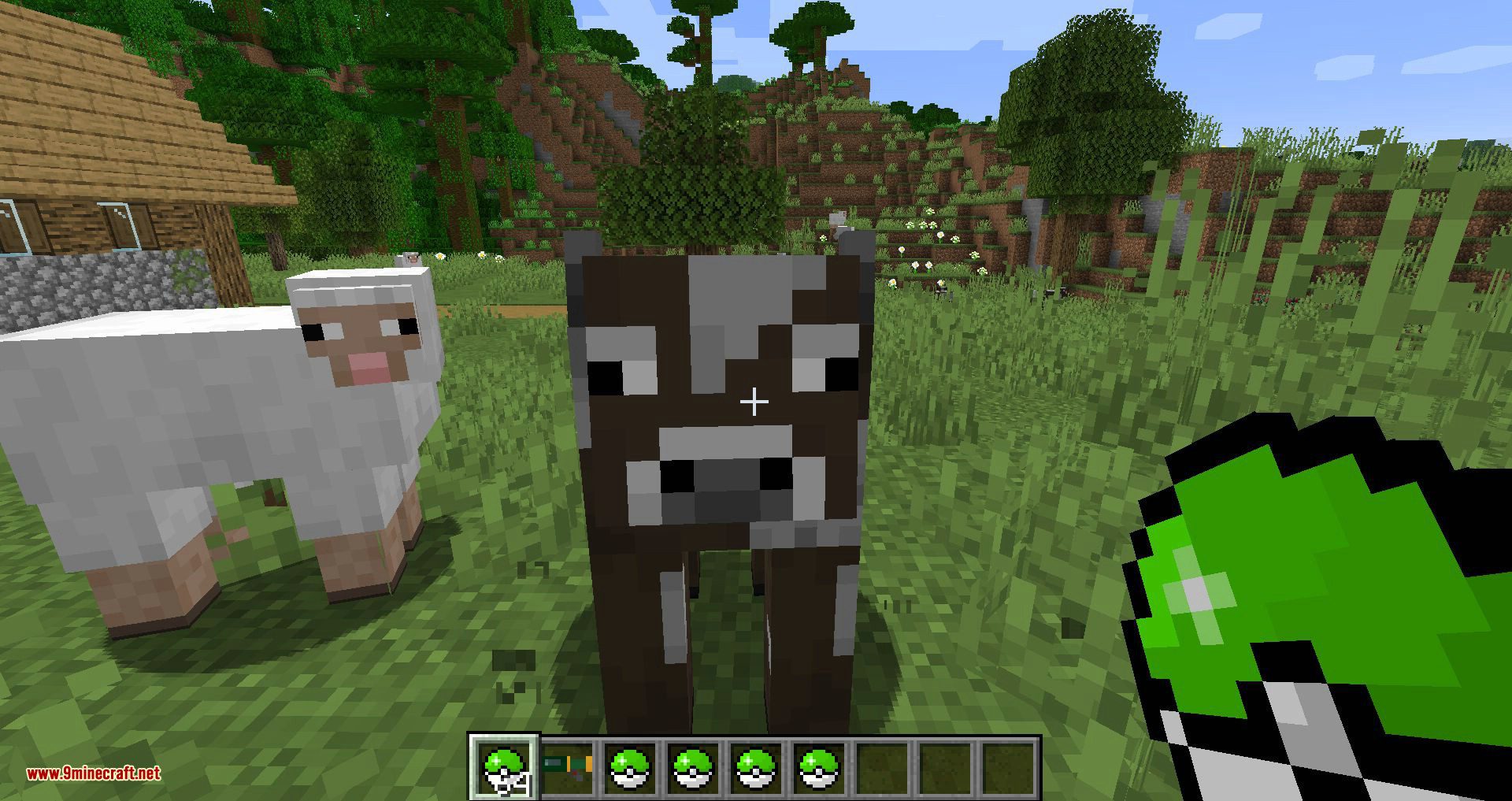
- Mob Capturing Device: Lets you catch most mobs by hand and release them wherever you want.
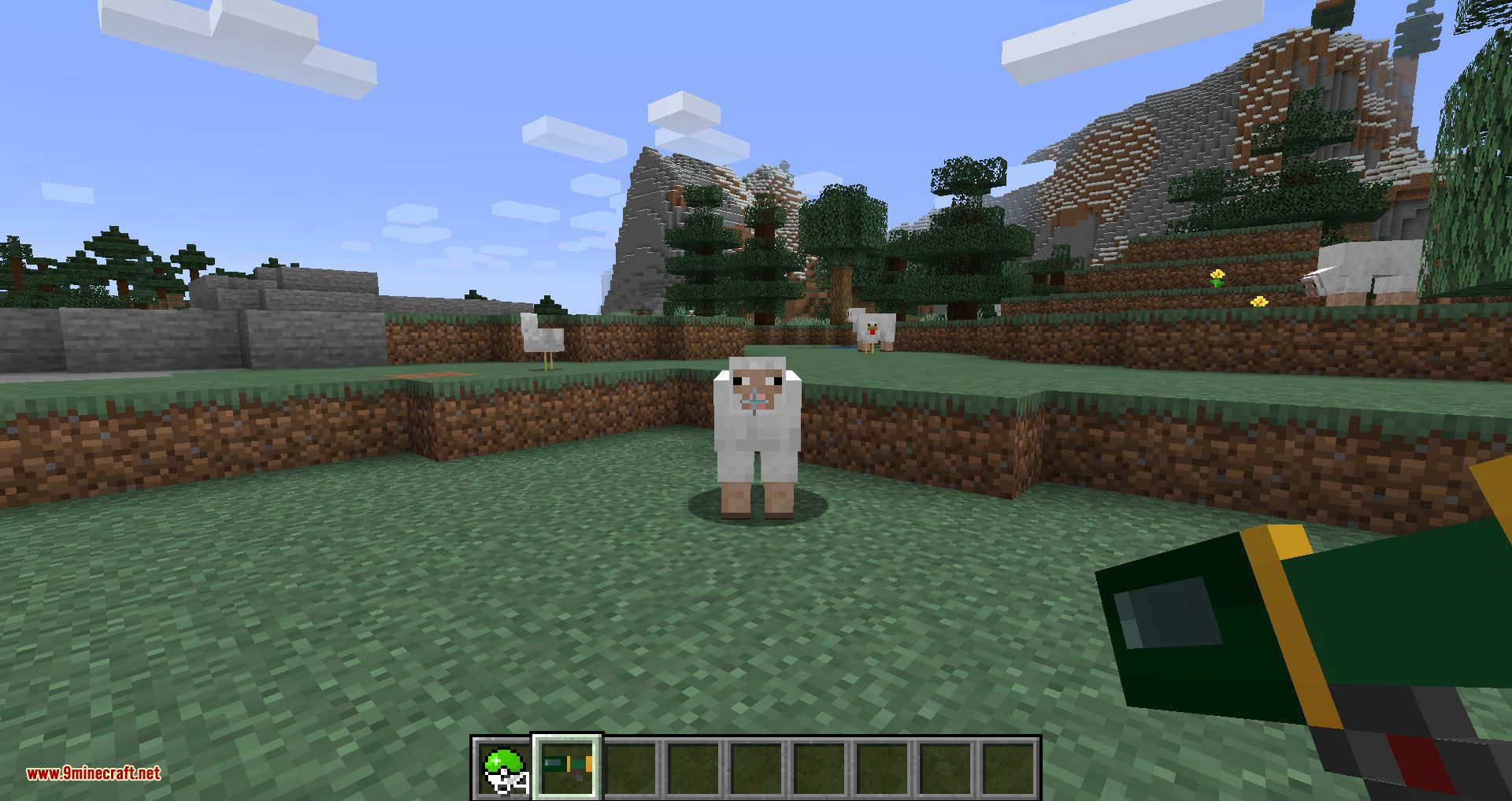
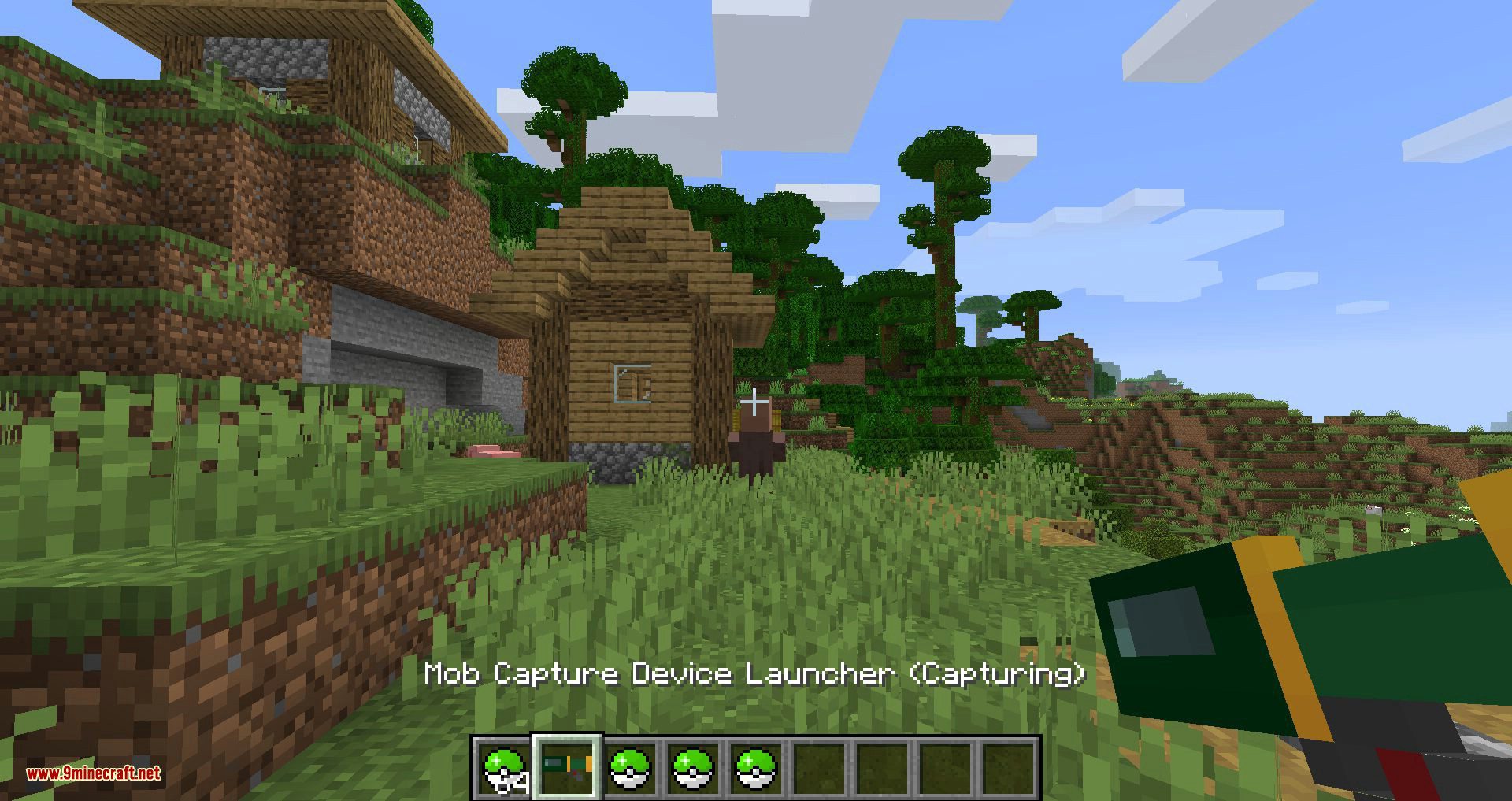
- Mob Capturing Device Launcher: Fires capturing devices from afar with separate modes for catching and releasing mobs.
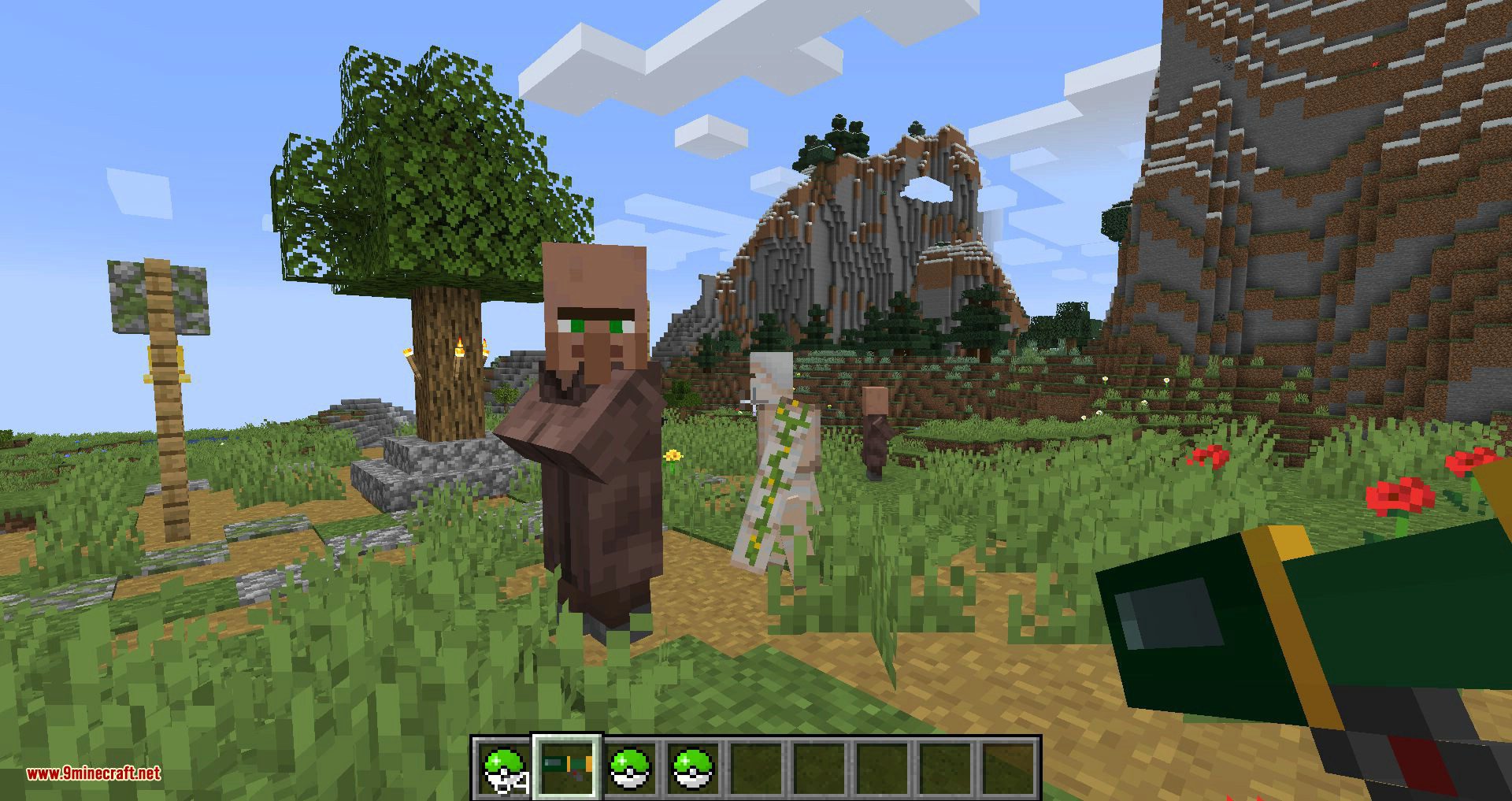
- Diamond and Netherite Tiers: Includes a diamond catcher for passive mobs like animals, villagers, squid, and fish, plus a netherite catcher for hostile mobs.
- Dispenser Support: Works inside Dispensers so you can catch and release mobs automatically.
- Saves all mob data when you pick up a mob and brings everything back when it spawns again.
- Works on Endermen so you can catch and move them as well.
- Prevents you from catching boss mobs such as the Ender Dragon and the Wither.
- Includes an optional datapack mode in the config so you can customize which mobs the catchers work on.
How to Use:
- Hold an empty capturing device and Right-click on a valid mob to store it inside the item.
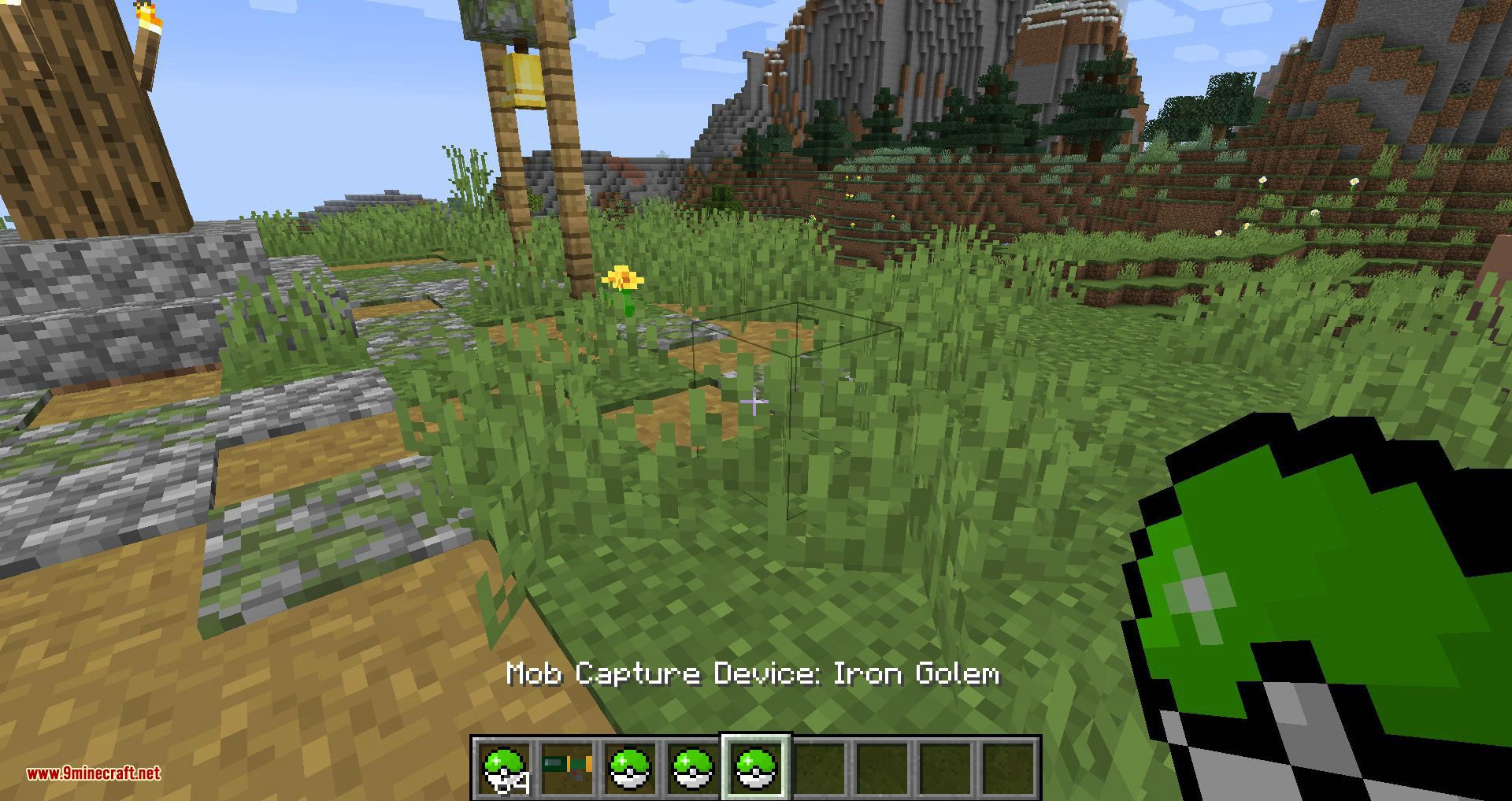
- Right-click again while holding the filled device to release the mob back into the world with its saved data.
- Equip the Mob Capturing Device Launcher and check its tooltip to see whether it is in capturing mode or releasing mode.
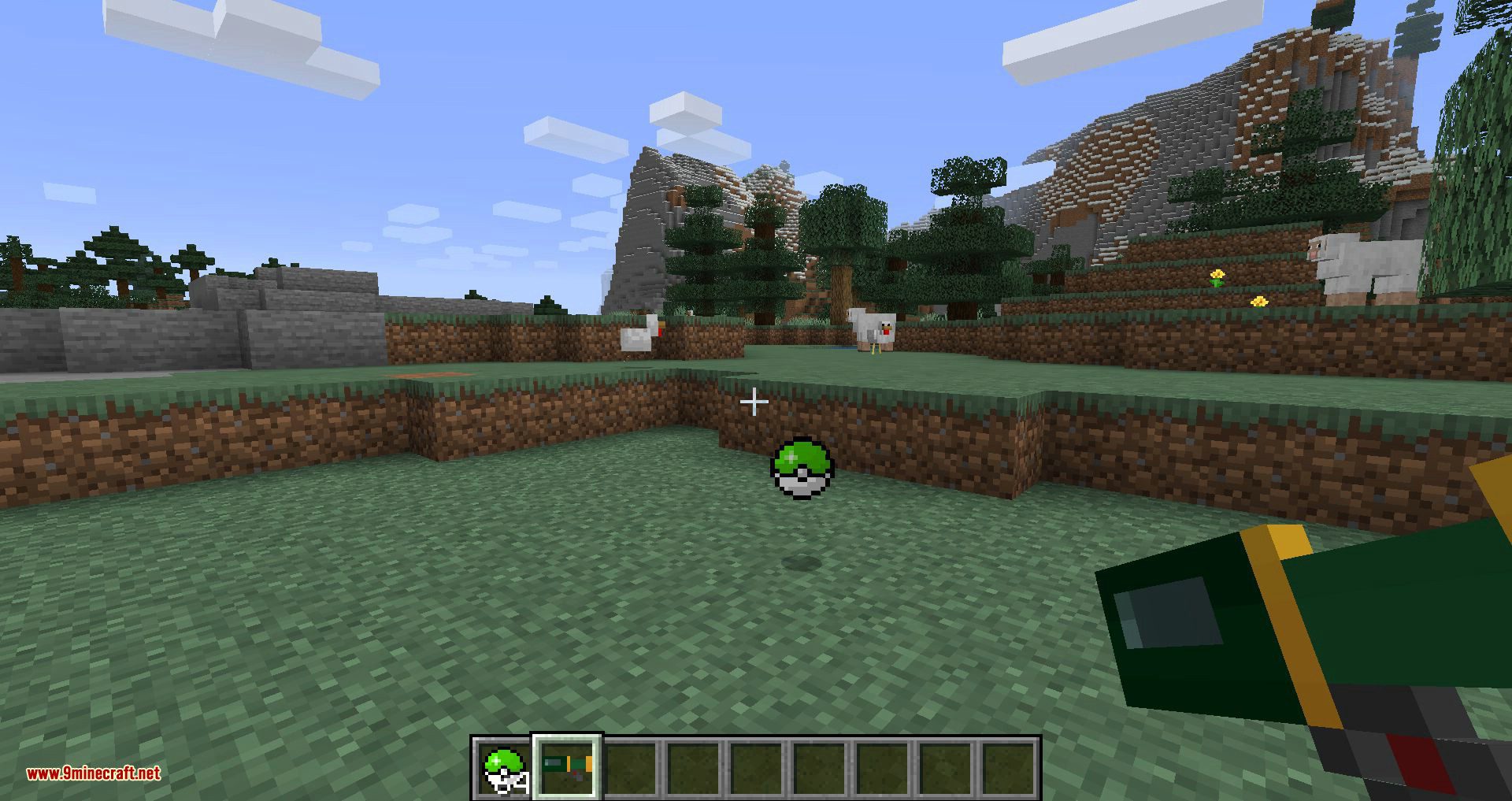
- Fire the launcher in capturing mode to shoot an empty device from your inventory; hitting a valid mob pulls it into the device, while missing drops the device as an item.
- Fire the launcher in releasing mode to shoot a filled device from your inventory; when it hits a block or a mob, the stored mob spawns there with all its saved data.
- Place capturing devices inside a Dispenser to automatically catch or release mobs in front of it.
- Enable the datapack mode in the config if you want to use a datapack to pick which mobs the catchers can work on.


Crafting Recipes:
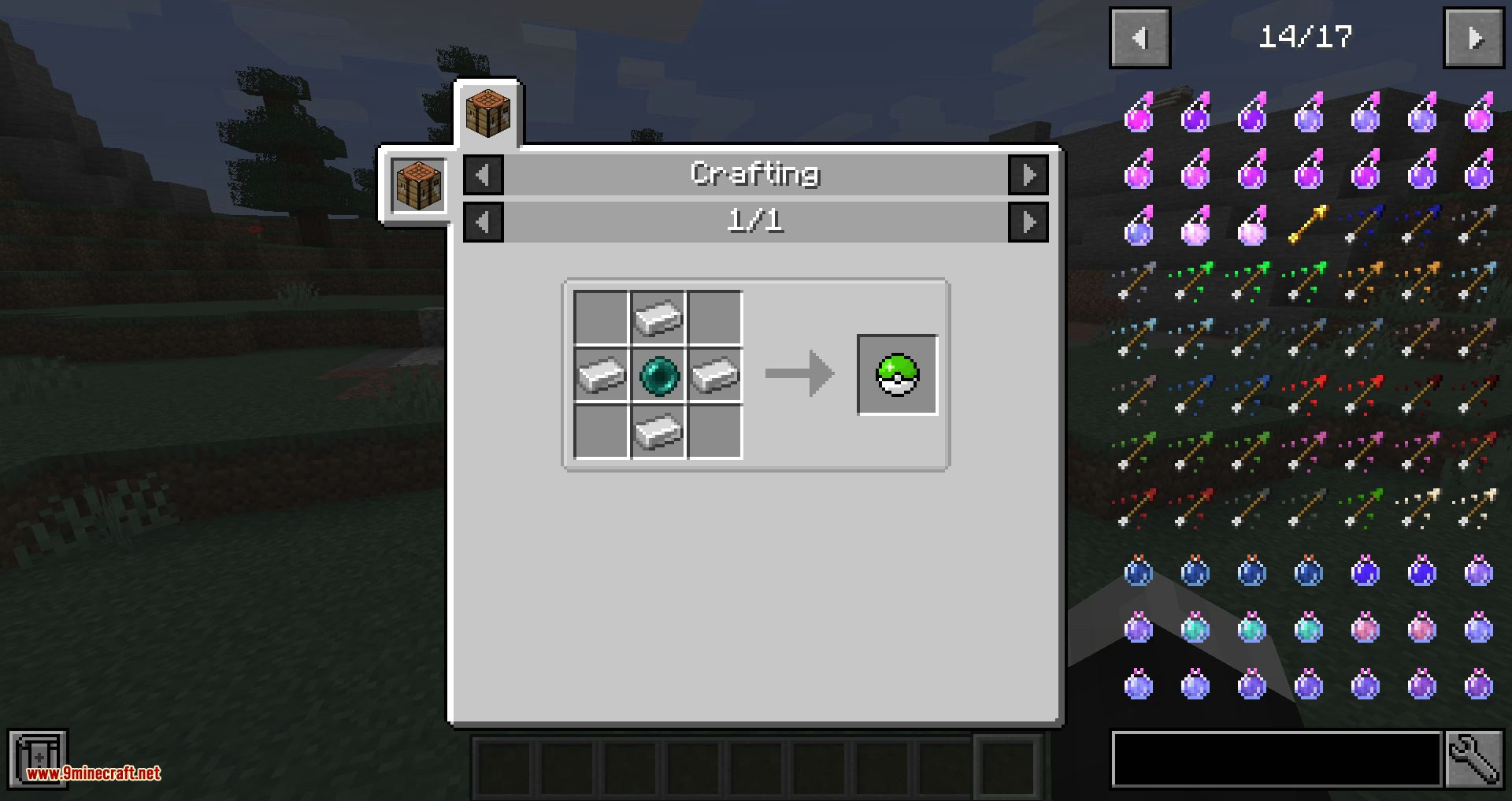
Mob Capturing Device
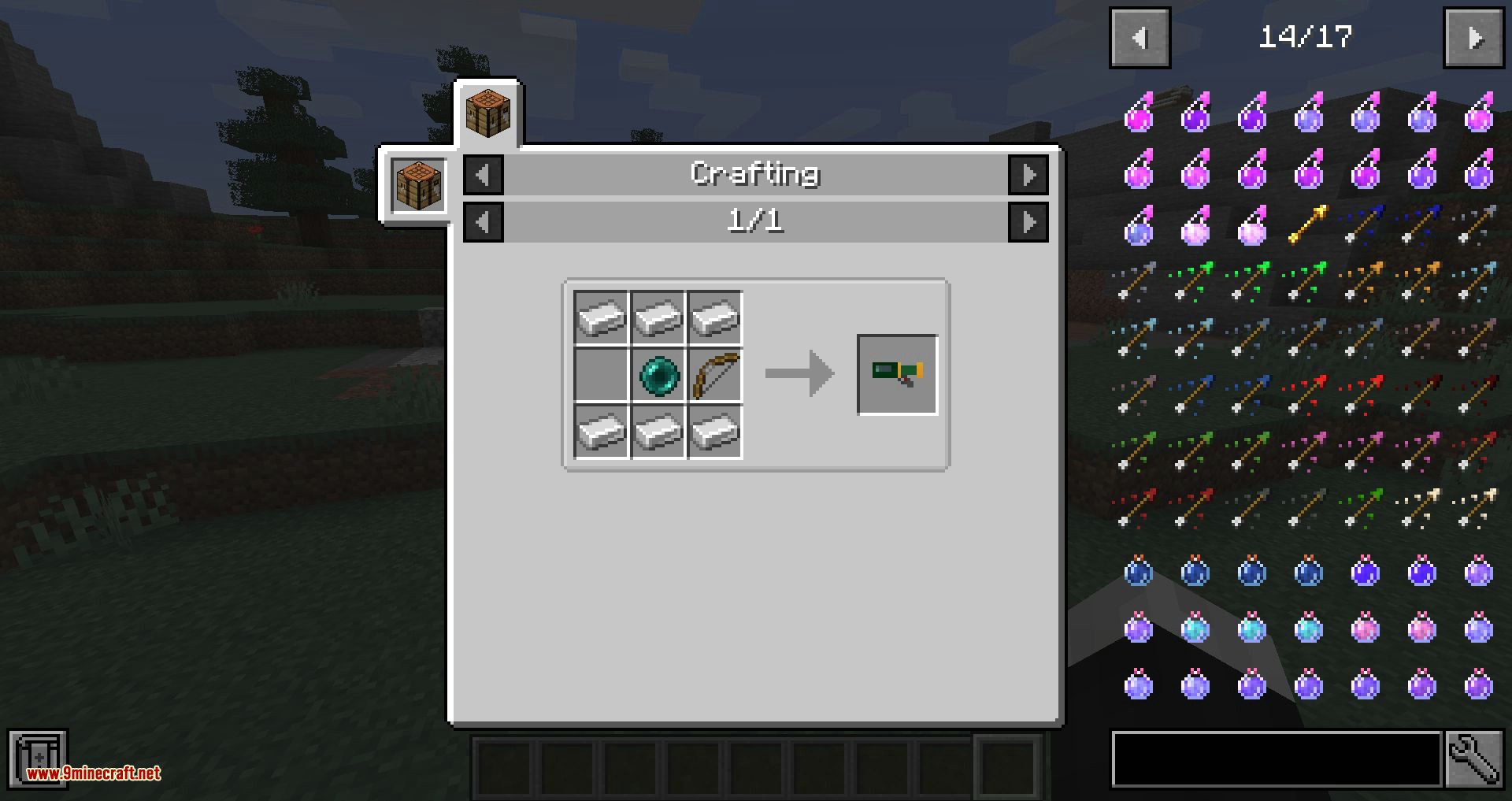
Mob Capturing Device Launcher
Screenshots:
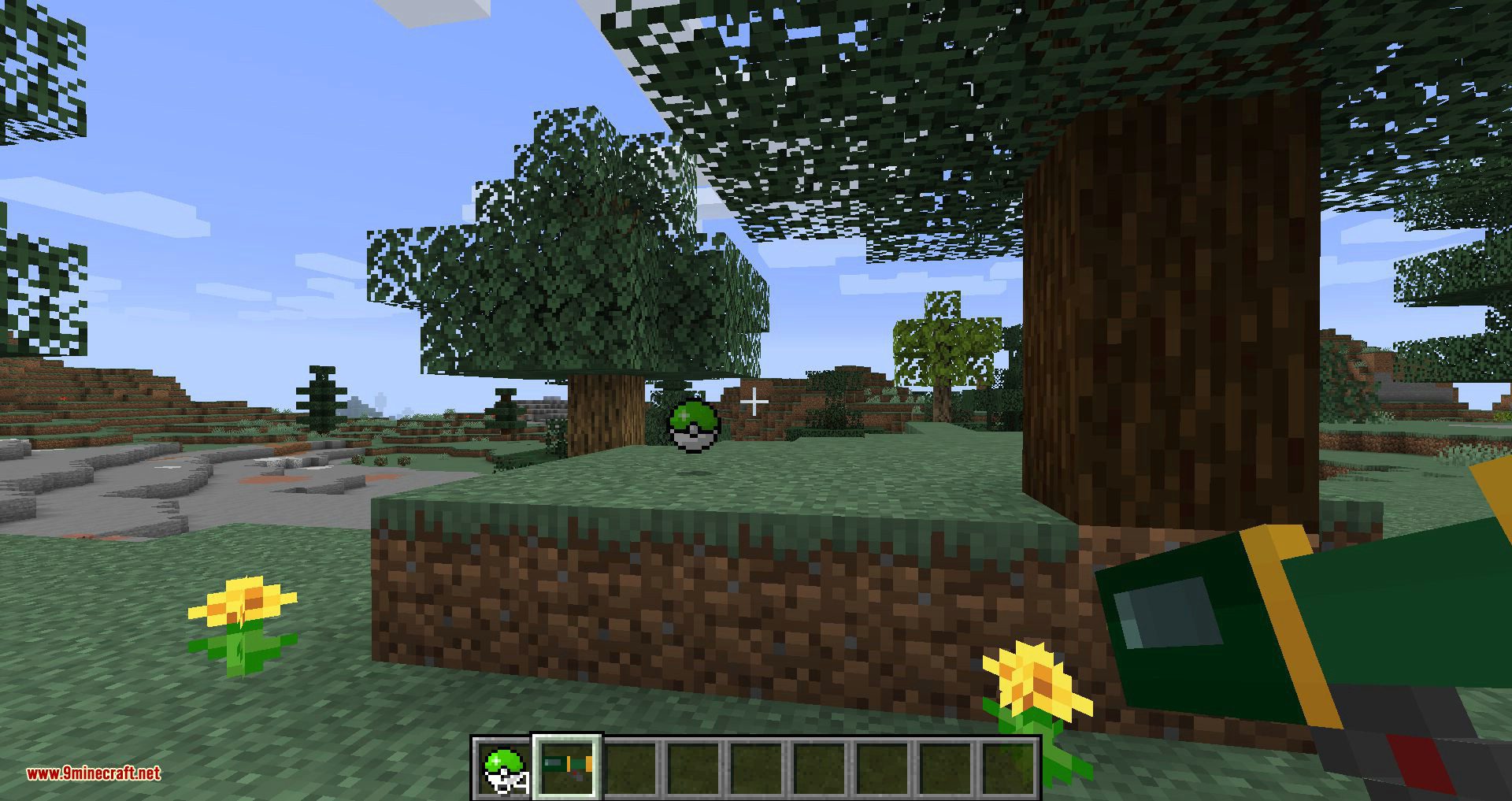


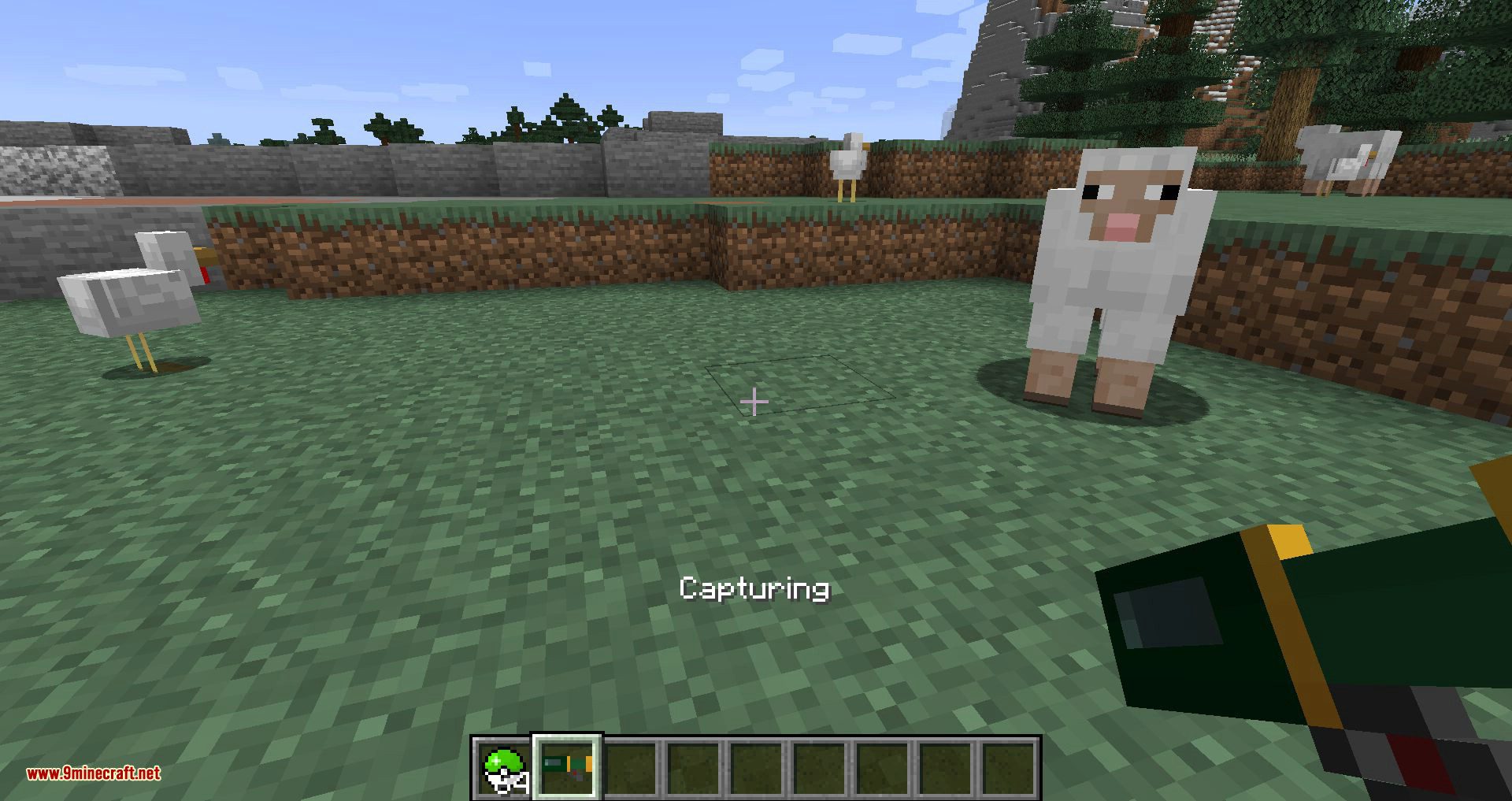

How to Install:
New to Minecraft? Follow our step-by-step guide to install Mods on your PC.View Guide
Mob Catcher Mod Download Links
For Minecraft 1.15.2
For Minecraft 1.16.5
For Minecraft 1.17.1
Fabric version: Download from Server 2
For Minecraft 1.18.2
Forge version: Download from Server 1
Fabric version: Download from Server 1
For Minecraft 1.19
Forge version: Download from Server 1
Fabric version: Download from Server 1
For Minecraft 1.19.1
Forge version: Download from Server 2
Fabric version: Download from Server 2
For Minecraft 1.19.2
Forge version: Download from Server 2
Fabric version: Download from Server 2
For Minecraft 1.19.3
Fabric version: Download from Server 1 – Download from Server 2
For Minecraft 1.20.1
Forge version: Download from Server 1 – Download from Server 2
Fabric version: Download from Server 1 – Download from Server 2
For Minecraft 1.20.4
NeoForge version: Download from Server 1 – Download from Server 2
Fabric version: Download from Server 1 – Download from Server 2
For Minecraft 1.20.6
NeoForge version: Download from Server 1 – Download from Server 2
Fabric version: Download from Server 1 – Download from Server 2
For Minecraft 1.21.1, 1.21
NeoForge version: Download from Server 1 – Download from Server 2
Fabric version: Download from Server 1 – Download from Server 2
What is your biggest frustration when playing with mods?
22 responses · See the full results →

1 Comment
 What do you think?
Your opinion means a lot - we'd love to hear from you.
You May Also Like
Picked for this page
 Biomes O’ Plenty Mod (26.3, 1.20.1) – Ton of New Biomes
 Indicatia Mod (26.3, 1.20.1) – Simple In-game Info and Utility
 Hole Filler Mod (26.3, 1.20.1) – Filling Holes and Automatic Terrain Building
 ArmoreableMobs Mod (1.21.1, 1.20.1) – Give Armor and Items to Mobs
 Mindful Darkness Mod (26.3, 1.20.1) – Turning Minecraft into Dark Mode
 Random Mob Effects Mod (26.3, 1.20.1) – Random Potion Effect to All Hostile Mobs
 Map In Slot Mod (26.3, 1.20.1) – Render Maps In Inventory Slots
 Neko UI Mod (1.21.11, 1.20.1) – Say Goodbye to Boring Game Menus
 Configurable Mob Potion Effects Mod (26.3, 1.20.1) – Set Potion Effects for All Living Entities
 Burn In The Sun Mod (26.3, 1.20.1) – Custom Sun Burn Entities
 End Ores Mod (1.21.5, 1.20.1) – Expanded Dimension Mining
 Horror Messages Mod (1.21.8, 1.20.1) – Random Horror Messages
Most viewed in Mods over the last 7 days
 Ala Industrial Mod (26.3) – Run Electric Power Grids and Automated Factories
 PleasureCraft Mod (26.3, 1.21.1) – Jenny Mod Remake for Fabric
 Jennycraft Mod (26.3, 1.20.1) – Virtual Girlfriend in Minecraft
 Fapcraft Mod (26.3, 1.12.2) – Comprehensive and Detailed Content
 Jenny Mod (Fapcraft) Official Complete Guide – How to use, Tutorial
 BangCraft Mod (1.20.1) – Jenny, Ellie and Elliot
 Fabric Loader (26.3, 1.20.1) – Fabric Installer for All Minecraft Versions
 The Shooting Star Demo Mod (26.3, 1.20.1) – Vaporize Terrain From Orbit
 Meteor Client Mod (26.3, 1.20.1) – Xray, HUD, Fly
 OptiFine HD (26.3, 1.20.1) – Run Faster, FPS Boost, Shaders Support
 Aristois Client Mod (1.21.4, 1.20.1) – World Class Minecraft Utility
 Prestige Client Mod (1.21.11, 1.21.4) – Powerful Ghost Features for Crystal & Sword PvP
More from Mods
 Soulscraft Tarnished Legacy Mod (1.21.1) – Hunt Relics to Forge Dark Fantasy
 Fetzi’s Displays Mod (26.1.2, 1.20.1) – Turn Rare Gear and Weapons
 Primal Plushies Paleo Pals Mod (1.21.1, 1.20.1) – Decorate Your Base
 Ipla Mod (26.3, 1.20.1) – Showcase Your Favorite Items
 MesdagPortLib Mod (1.20.1) – Run Modern Minecraft Mechanics on Older Versions
 Hellion’s API Mod (1.21.11, 1.21.1) – Play Hellion Series Addons Without Crashes
 Terrestria Mod (26.3, 1.20.1) – Highly Detailed Biomes
 Tre’s Tack Library Mod (1.20.1) – Outfit Your Horses with Fully Detailed Tack
 YDM’s coreX Library Mod (1.20.1) – Loot RPG Gear with Random Names
 Gunpowder Recipe Mod (26.3, 1.20.1) – Gunpowder is Craftable
 Villager Timetable Mod (26.3, 1.20.1) – Master Villager Schedules
 Artemis Laboratory Blocks Mod (26.3, 1.20.1) – Lab Blocks And Dynamic Decorations

Please, update to 1.21.5 in neoforge version!!!!!!