
Borderless Mining Mod (1.20.1, 1.19.2) – Multitask Freely on Multiple Monitors

 0


Borderless Mining Mod turns fullscreen mode into a borderless window that fills your whole screen. You can keep Minecraft open on one monitor and use other apps on a second screen, because the game does not minimize when you click away. This mod adds a Borderless Windowed option in Video Settings and a settings menu through Mod Menu so you can turn it on or off anytime. It works on both vanilla and modded servers even when the server does not have the mod installed.
Features:
- Runs Minecraft in a borderless window that fills the whole screen with no window edges showing.
- Keeps the game open on one monitor while you use other apps on a second screen, stopping it from minimizing when you click away.
- Lets your mouse move freely to other monitors without getting stuck inside the game.
- Minimizes and reopens faster than normal fullscreen mode.
- Adds a Borderless Windowed option inside the Video Settings screen so you can turn the mod on or off in-game.
- Includes a settings screen that you can open through Mod Menu.
- Works on both vanilla and modded servers even if the mod is not installed on the server.
- Starts turned off by default on macOS because windows cannot sit above the menu bar and macOS already has better fullscreen support.
Screenshots:
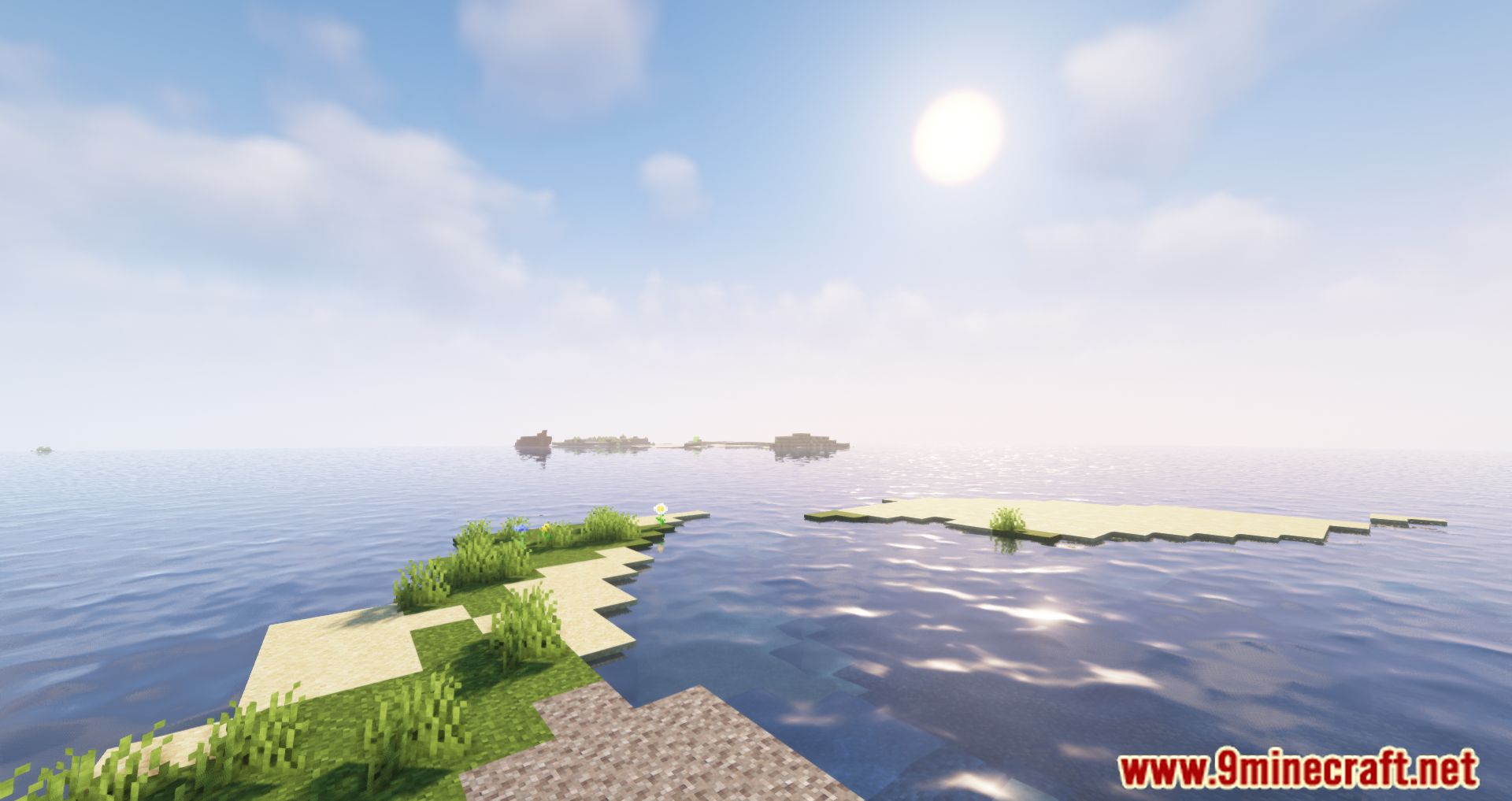
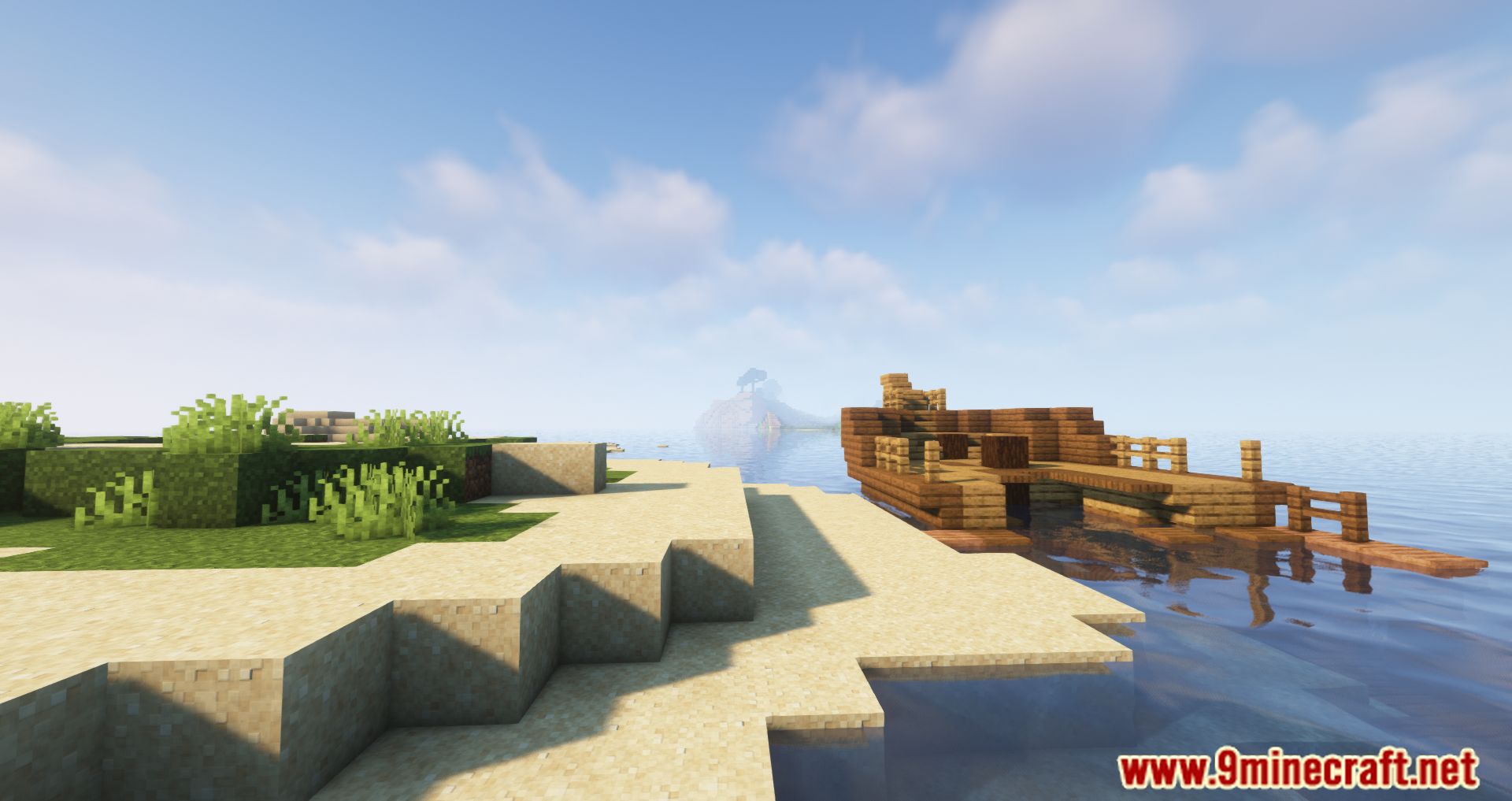
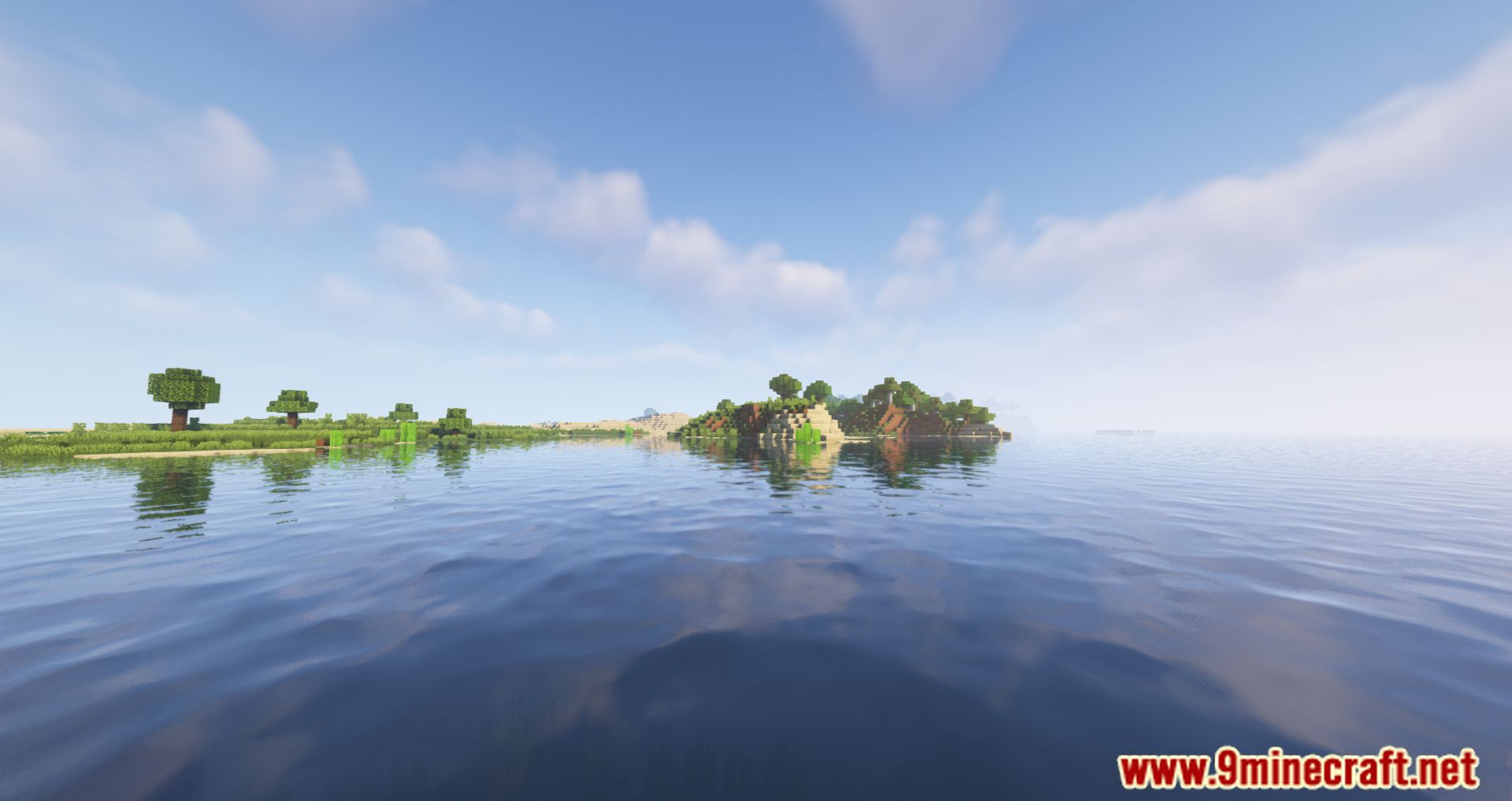
How to Install:
New to Minecraft? Follow our step-by-step guide to install Mods on your PC.View Guide
Borderless Mining Mod Download Links
For Minecraft 1.20.2
Fabric/Quilt version: Download from Server 1 – Download from Server 2
For Minecraft 1.20.1, 1.20
Fabric/Quilt version: Download from Server 1 – Download from Server 2
For Minecraft 1.19.4
Fabric/Quilt version: Download from Server 1 – Download from Server 2
For Minecraft 1.19.3
Fabric/Quilt version: – Download from Server 2
For Minecraft 1.19.2, 1.19.1, 1.19
Fabric/Quilt version: Download from Server 1
For Minecraft 1.18.2
Fabric/Quilt version: Download from Server 1
For Minecraft 1.17.1
Fabric version: Download from Server 1
For Minecraft 1.16.5
Fabric version: Download from Server 1
For Minecraft 1.15.2
Fabric version: Download from Server 1
For Minecraft 1.12.2
Fabric version: Download from Server 1
What do you usually do when your modded game crashes on startup?
7 responses · See the full results →
You May Also Like
Picked for this page
 Tree Harvester Mod (26.3, 1.20.1) – Auto-Planting Tree Chopper
 Stray Spawn Mod (26.3, 1.20.1) – Spawn Strays Naturally
 Mystical Agriculture Mod (26.1.2, 1.20.1) – Grow Diamonds From a Seed
 WorldEdit CUI Mod (26.3, 1.20.1) – A Graphical User Interface for WorldEdit
 Padoru Mod (26.1.2, 1.20.1) – Adding Nero Claudius to Minecraft
 Via Backwards Mod (1.21.11, 1.20.1) – Join Newer Servers on Older Versions
 Respawn Delay Mod (26.3, 1.20.1) – Spectate Your Death Scene
 Crash Exploit Fixer Mod (26.3, 1.20.1) – Keep Your Server Running Smoothly
 CC:C Bridge Mod (1.21.1, 1.20.1) – Enhance Minecraft Automation
 Disable Insecure Chat Toast Mod (26.3, 1.20.1) – Removes The Annoying “Insecure Chat”
 EssentialAddons Mod (26.3, 1.20.1) – Extension Carpet
 Sdm Shop Mod (1.21.11, 1.20.1) – Adds an In-Game Virtual Store
Most viewed in Mods over the last 7 days
 Ala Industrial Mod (26.3) – Run Electric Power Grids and Automated Factories
 PleasureCraft Mod (26.3, 1.21.1) – Jenny Mod Remake for Fabric
 Jennycraft Mod (26.3, 1.20.1) – Virtual Girlfriend in Minecraft
 Fapcraft Mod (26.3, 1.12.2) – Comprehensive and Detailed Content
 Jenny Mod (Fapcraft) Official Complete Guide – How to use, Tutorial
 BangCraft Mod (1.20.1) – Jenny, Ellie and Elliot
 Fabric Loader (26.3, 1.20.1) – Fabric Installer for All Minecraft Versions
 The Shooting Star Demo Mod (26.3, 1.20.1) – Vaporize Terrain From Orbit
 Meteor Client Mod (26.3, 1.20.1) – Xray, HUD, Fly
 OptiFine HD (26.3, 1.20.1) – Run Faster, FPS Boost, Shaders Support
 Aristois Client Mod (1.21.4, 1.20.1) – World Class Minecraft Utility
 Prestige Client Mod (1.21.11, 1.21.4) – Powerful Ghost Features for Crystal & Sword PvP
More from Mods
 Cataclysm X Yung’s Better Nether Fortresses Compat Mod (1.21.1, 1.20.1)
 Patchouli 9minecraft Mod (26.3) – Read Mod Guides Without Leaving Minecraft
 Paintings ++ 9minecraft Mod (26.3) – Pick the Exact Painting You Want
 owo-lib 9minecraft Mod (26.3) – Run Your Favorite Mods Without Errors
 Moonlight 9minecraft Lib (26.3, 26.2) – Run Complex Mods Without Errors
 Load My Tags 9minecraft Mod (26.3) – Mix Mods Without Breaking Recipes
 Kambrik 9minecraft Mod (26.3) – Run Kotlin Mods Without Game Lag
 Fast Paintings 9minecraft Mod (26.3, 26.2) – Place Wall Art Exactly Where You Want It
 Bonsai Trees 9minecraft Mod (26.3, 26.2) – Automate Wood Farming in Tiny Pots
 Enhanced Block Entities 9minecraft Mod (26.3) – Build Lag-Free Storage Rooms
 Better Nether 9minecraft Mod (26.3, 26.2) – Survive Forever in the Nether
 BCLib 9minecraft Mod (26.3, 26.2) – Power Custom Nether and End Overhauls

This post has no comments yet. Be the first — your comment will appear here.