


Areas Mod (26.2, 1.20.1) – Specify Zones in The Game

 0
0 

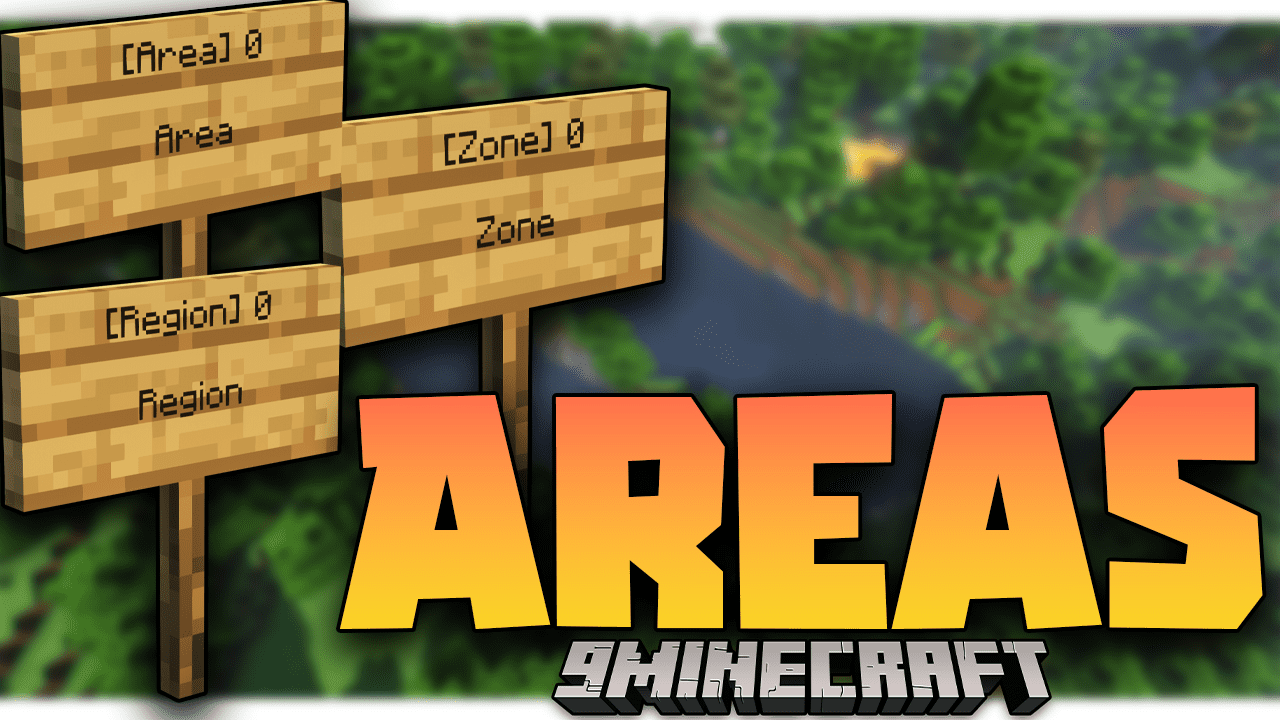
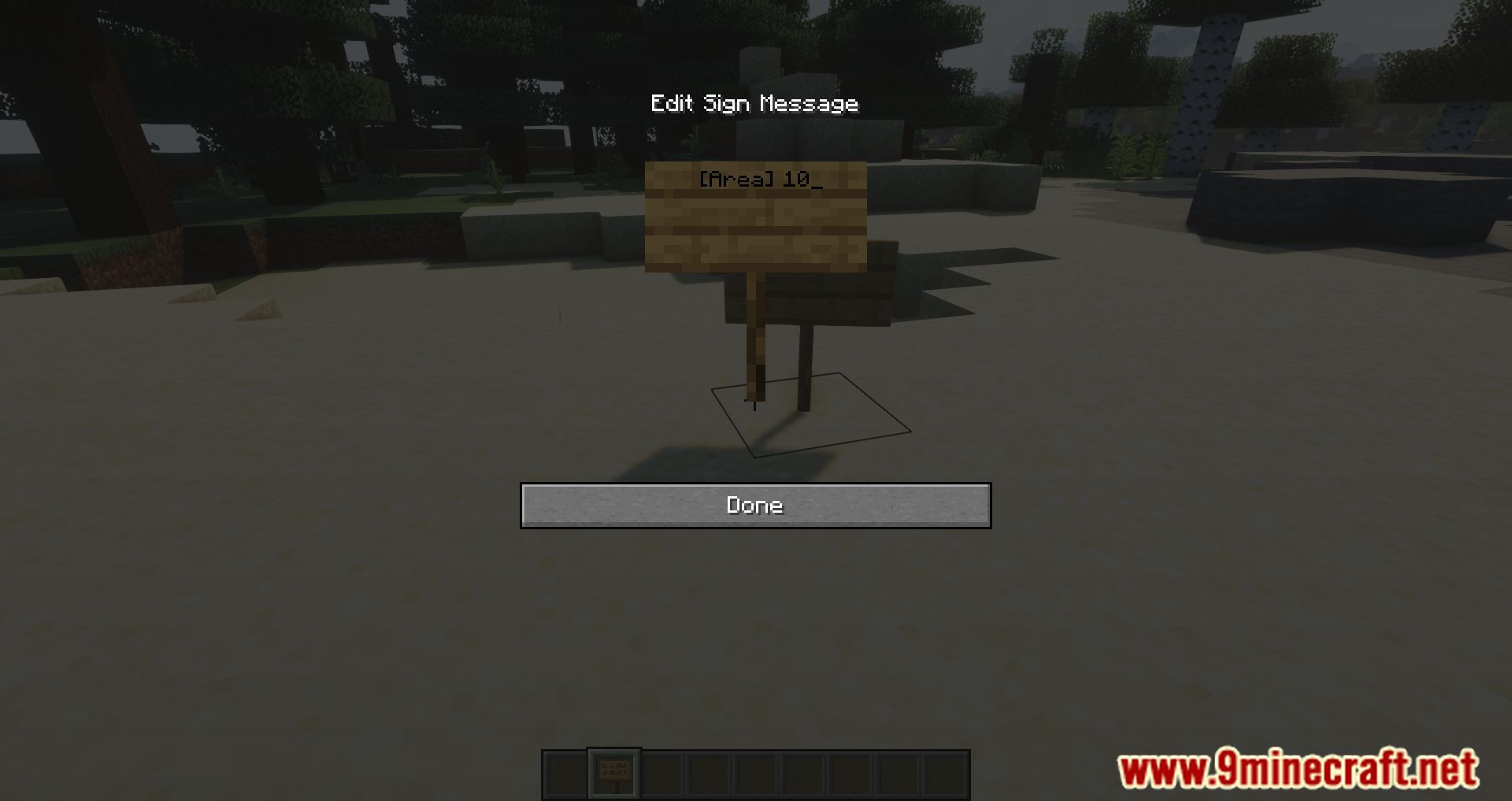
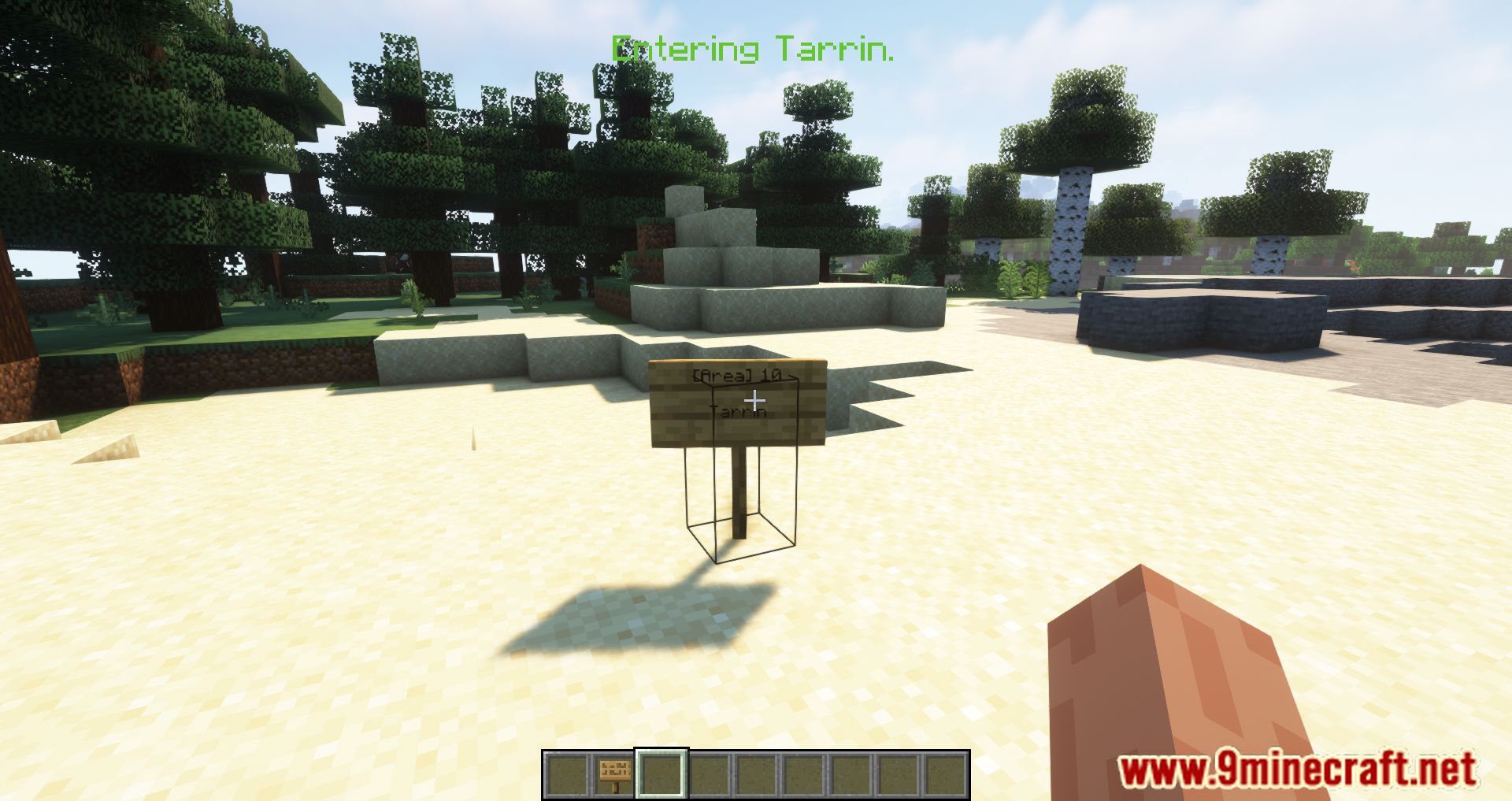
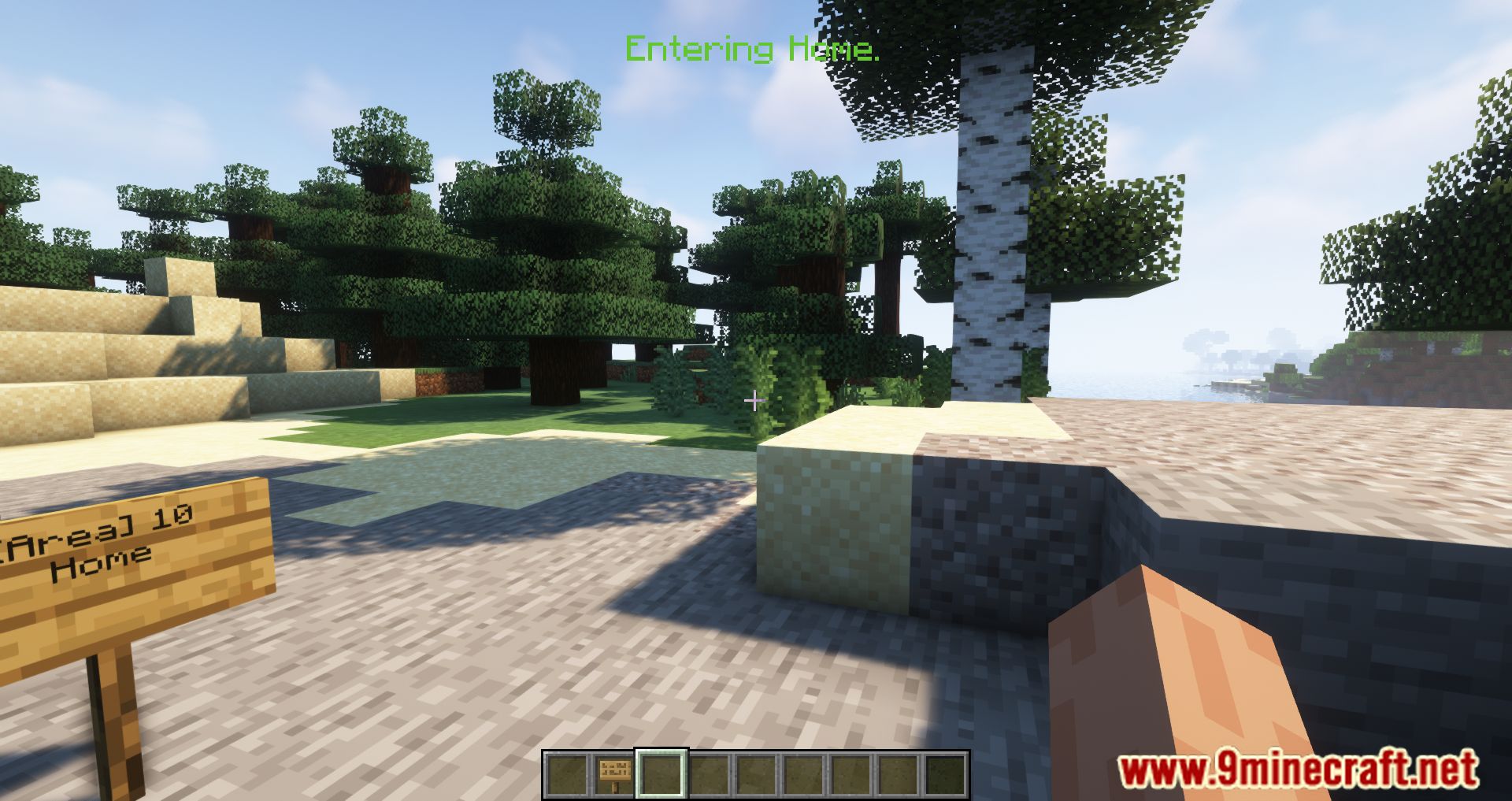
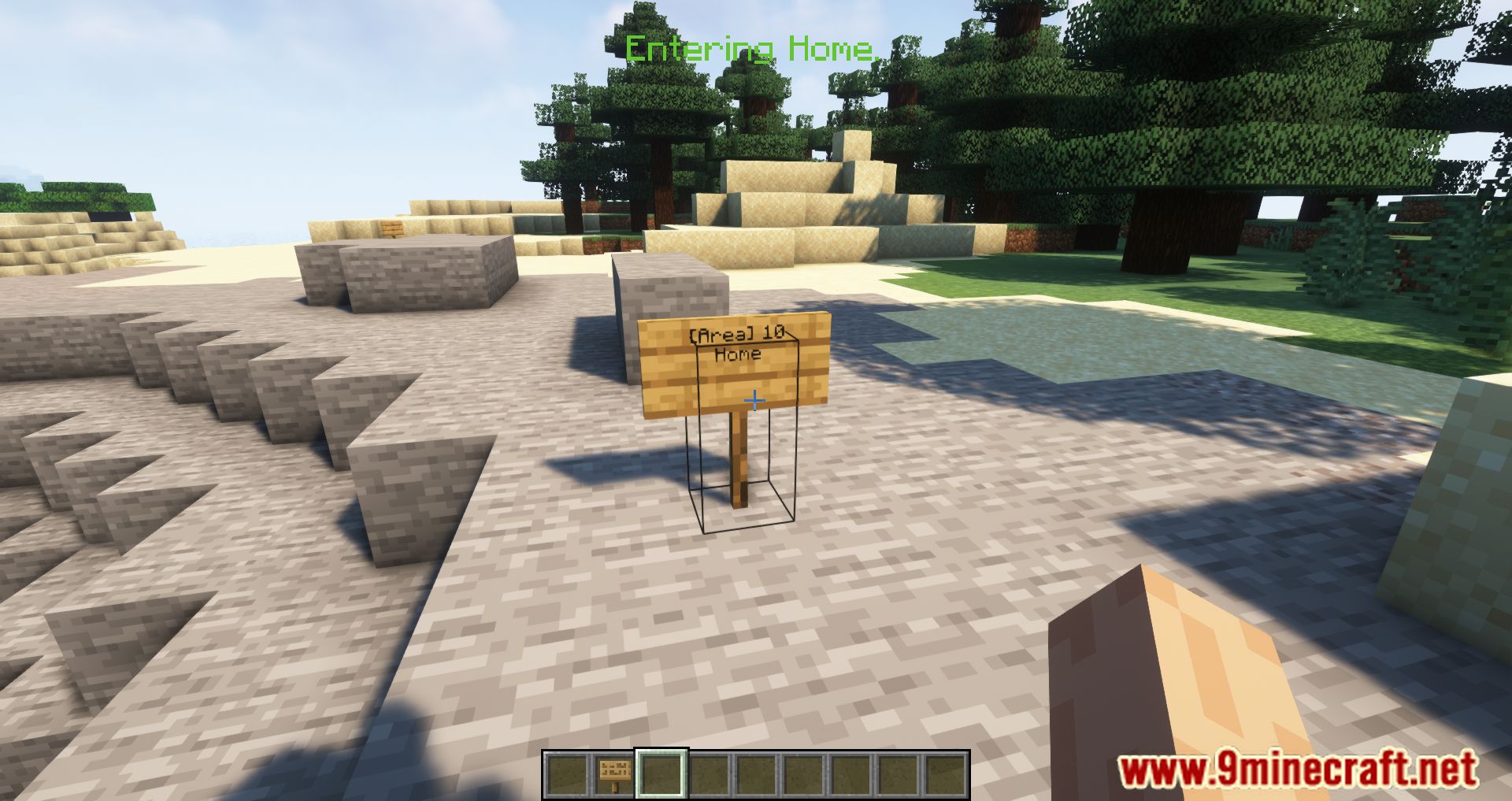
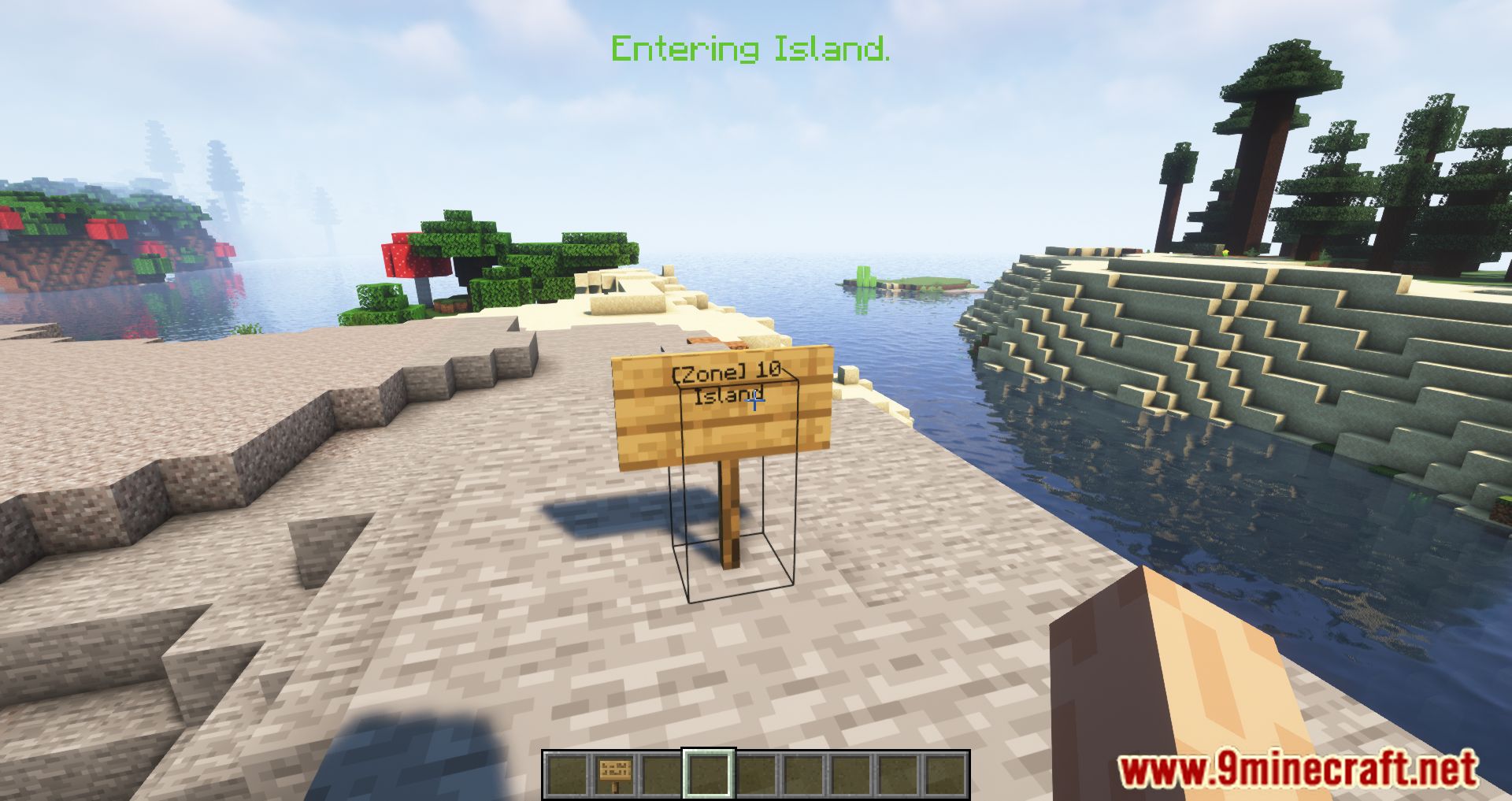
Areas Mod is a very simple mod that allows you to designate zones in the game. When entering such a zone, a notification will appear at the top of the screen, indicating that the player has entered it. You can assign any name to the zone, as well as customize its color to your liking. The radius of the zone is unlimited-you can set it to 5, 5000, or any value you wish. You can assign a zone using a sign.
Features:
- Define zones, towns, kingdoms, or any other regions by placing a sign with a specified radius.
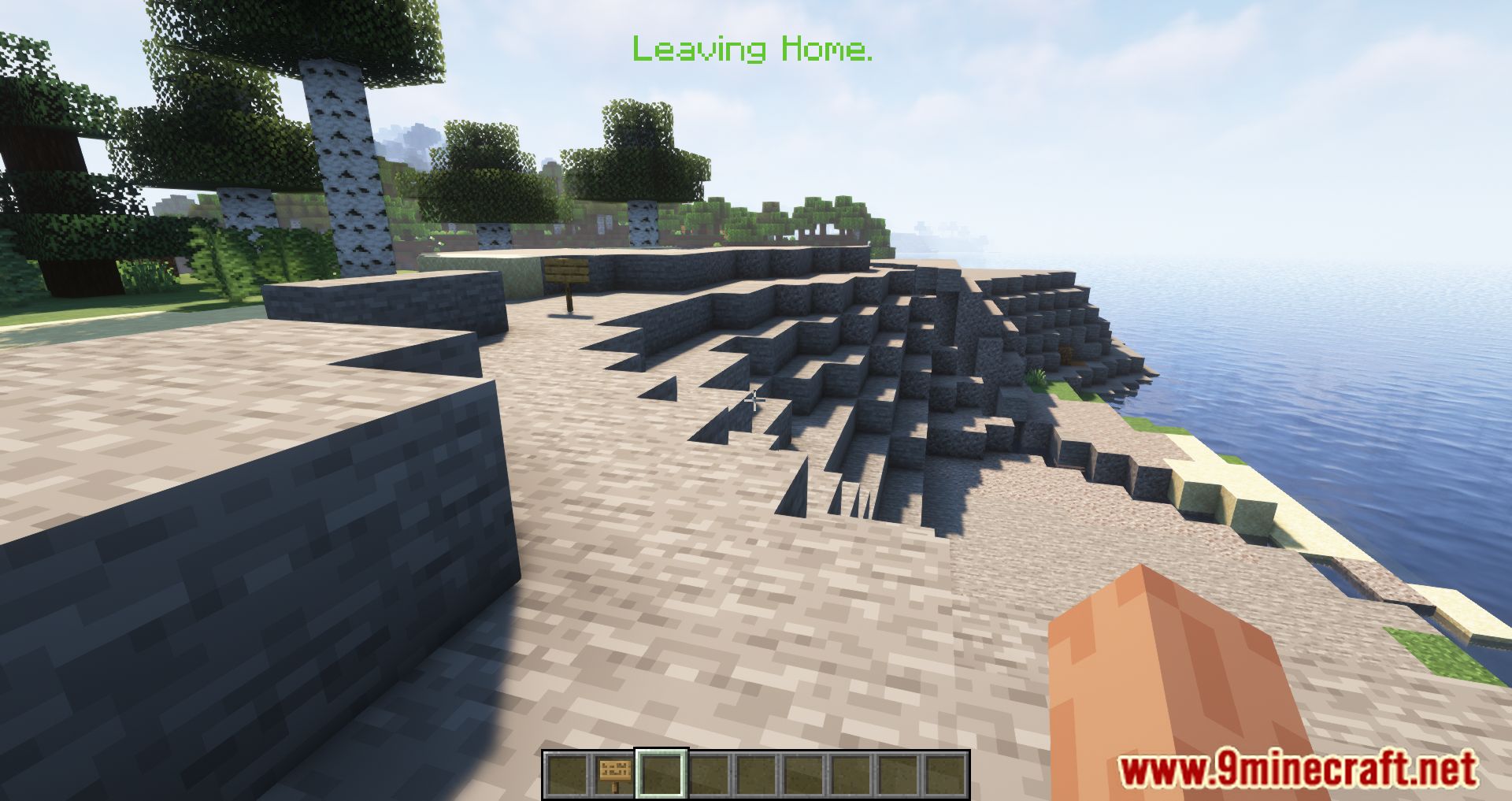
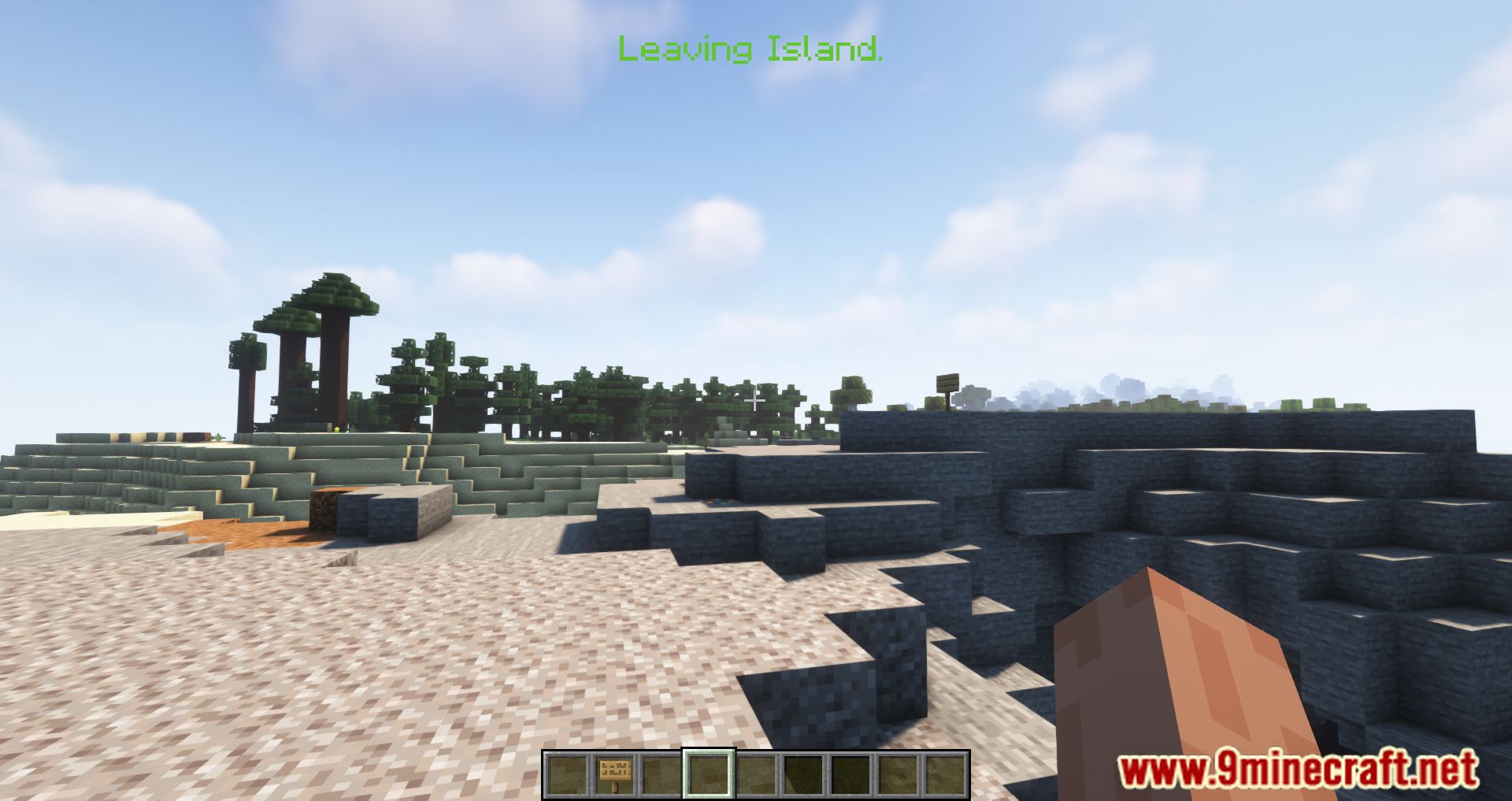
- Players receive messages when entering or leaving an area.
- Customize entry and exit messages, including prefixes and suffixes.
- Set unique colors for area notifications.
- Create complex shapes by overlapping multiple areas.
- Works on servers, but all players must have the mod installed.
- Choose whether notifications appear in the HUD or chat.
- Set default or custom area sizes via configuration.
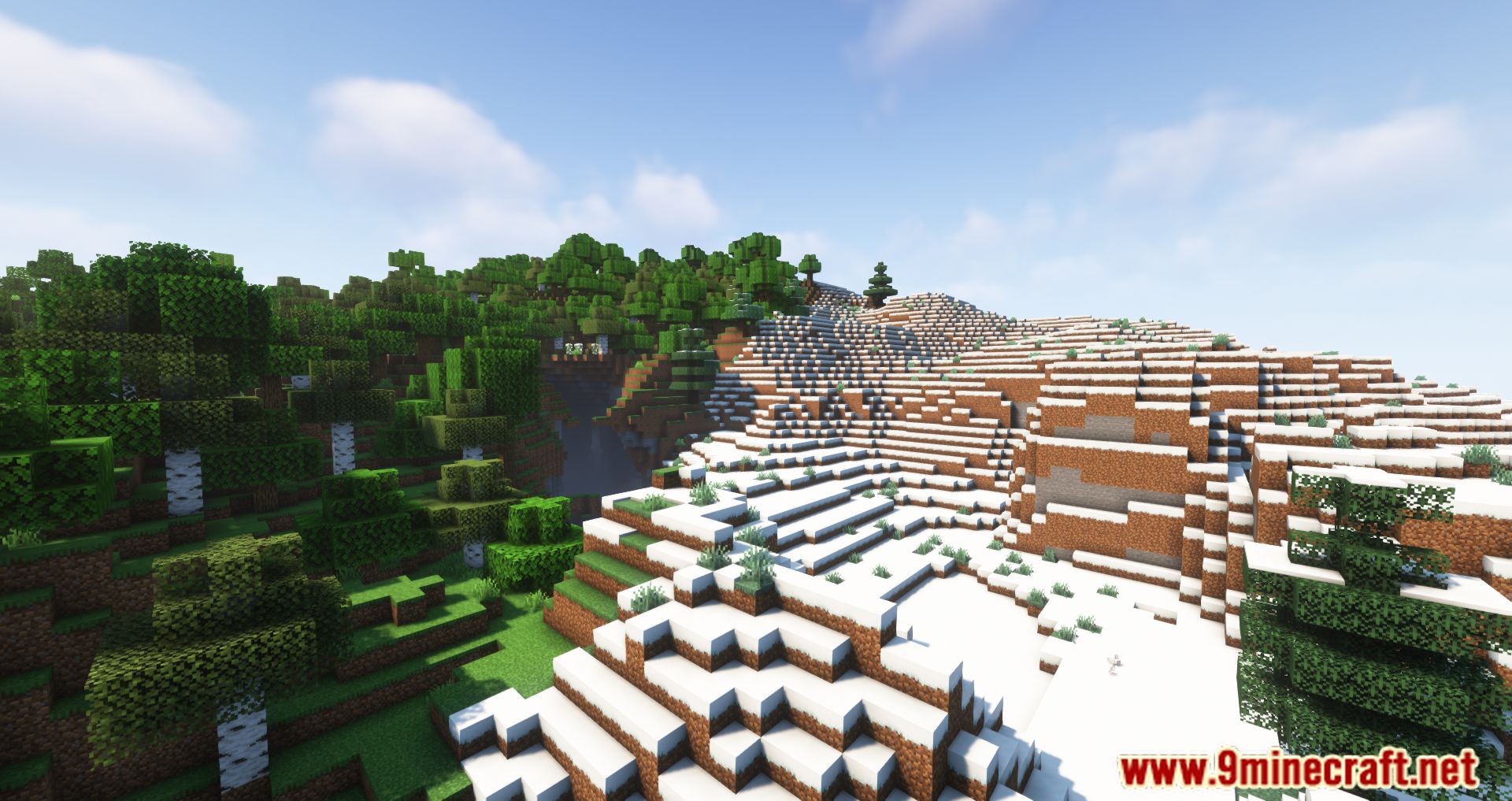
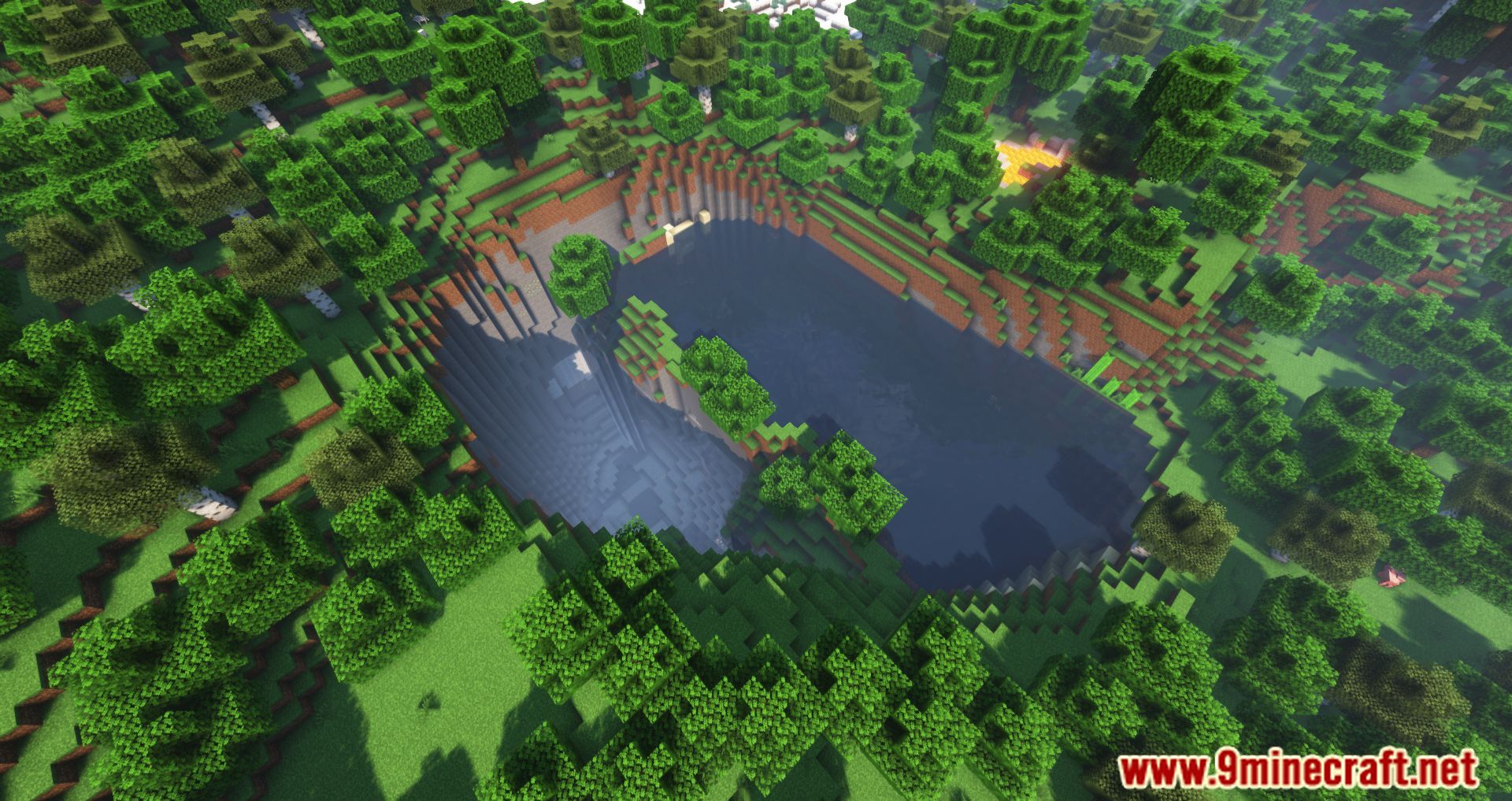
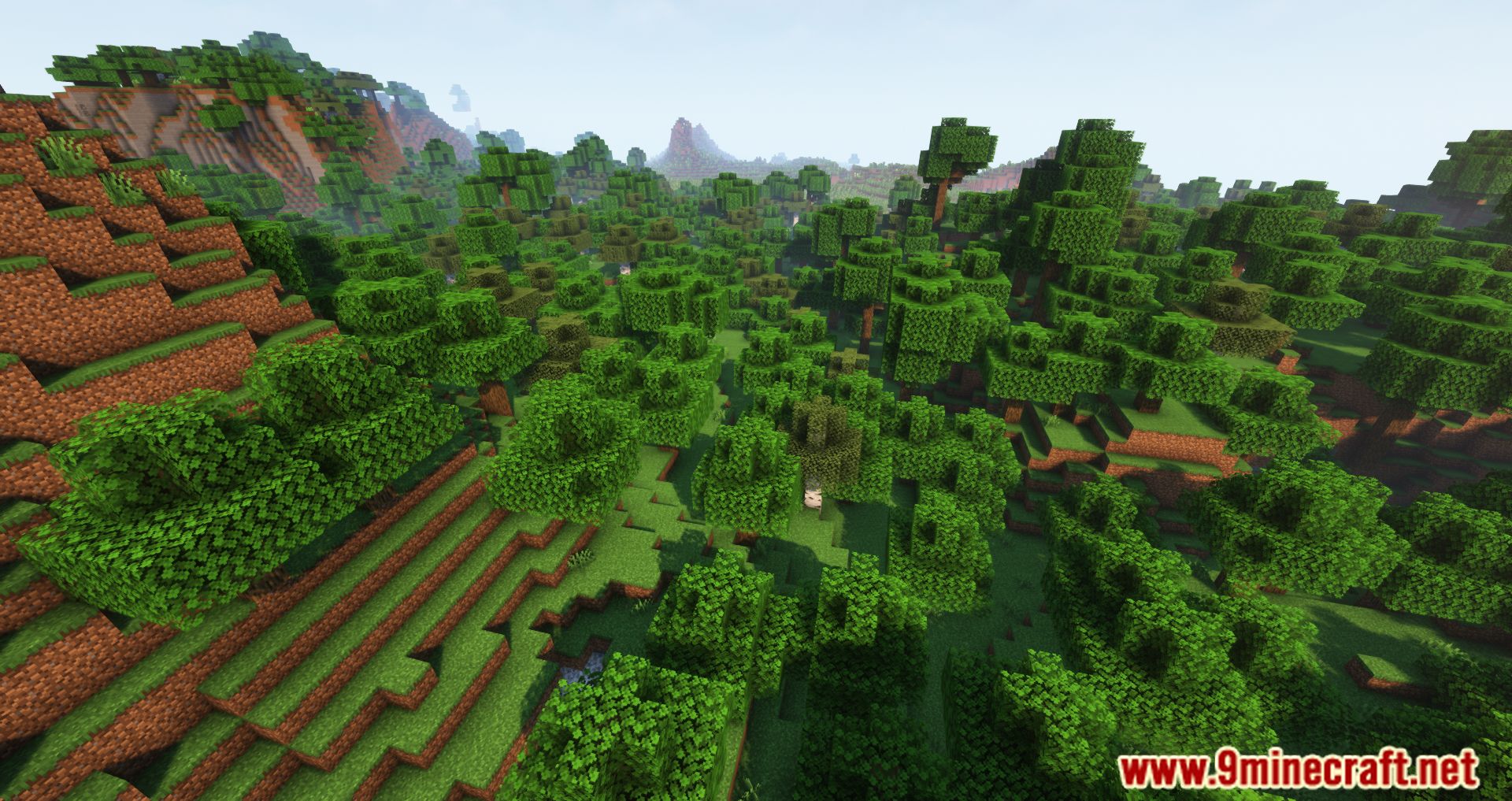
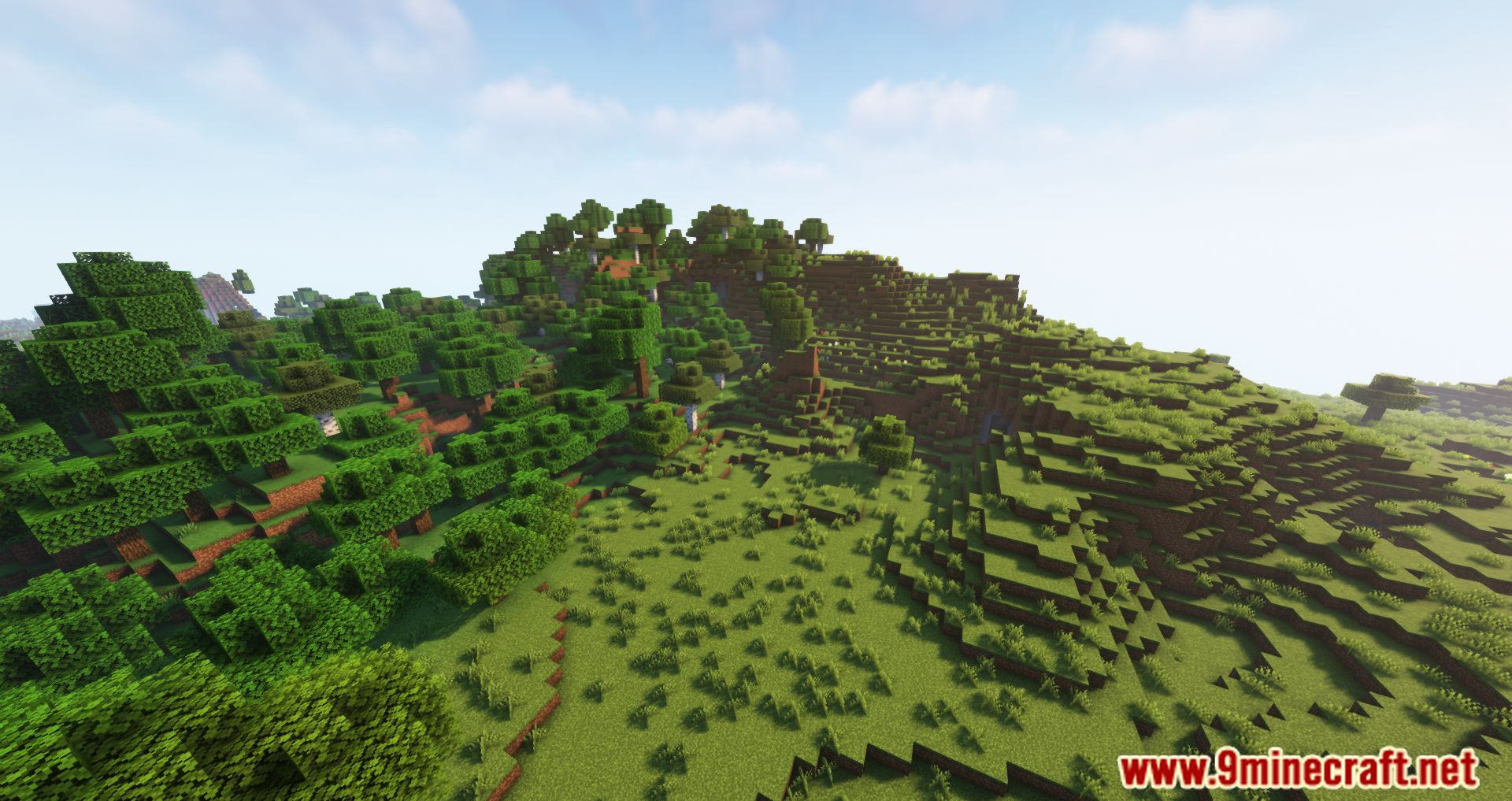
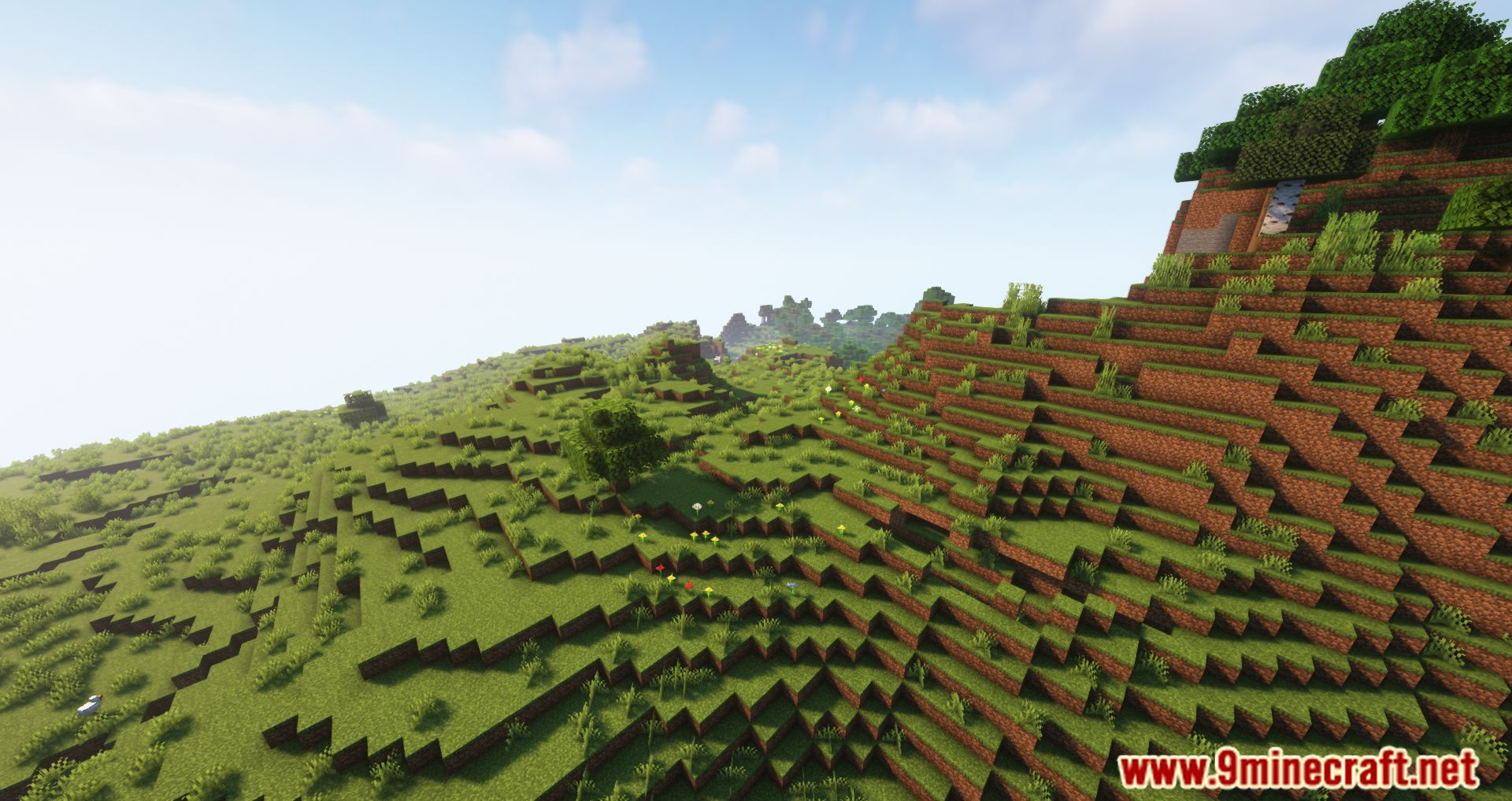
Screenshots:
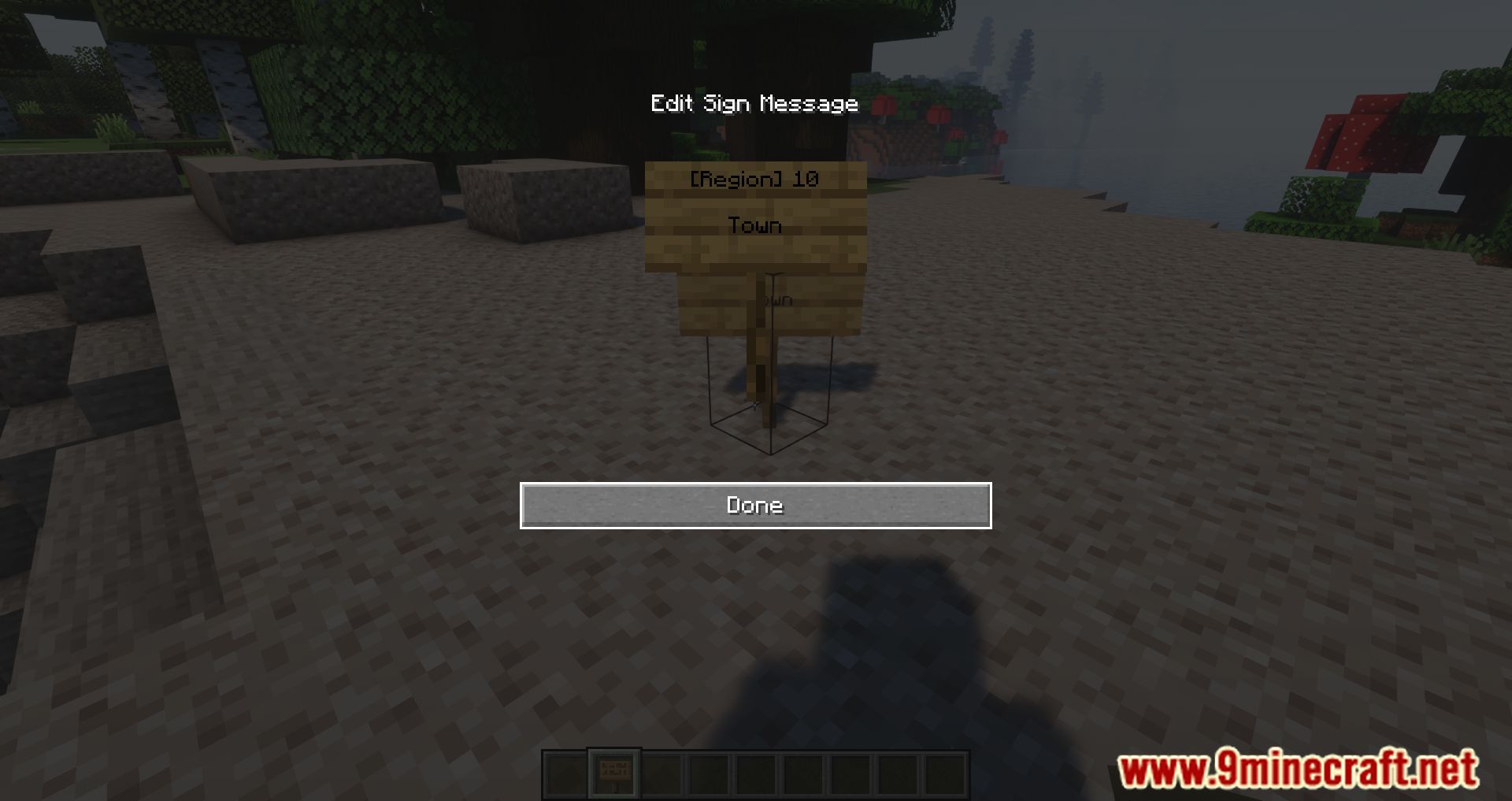
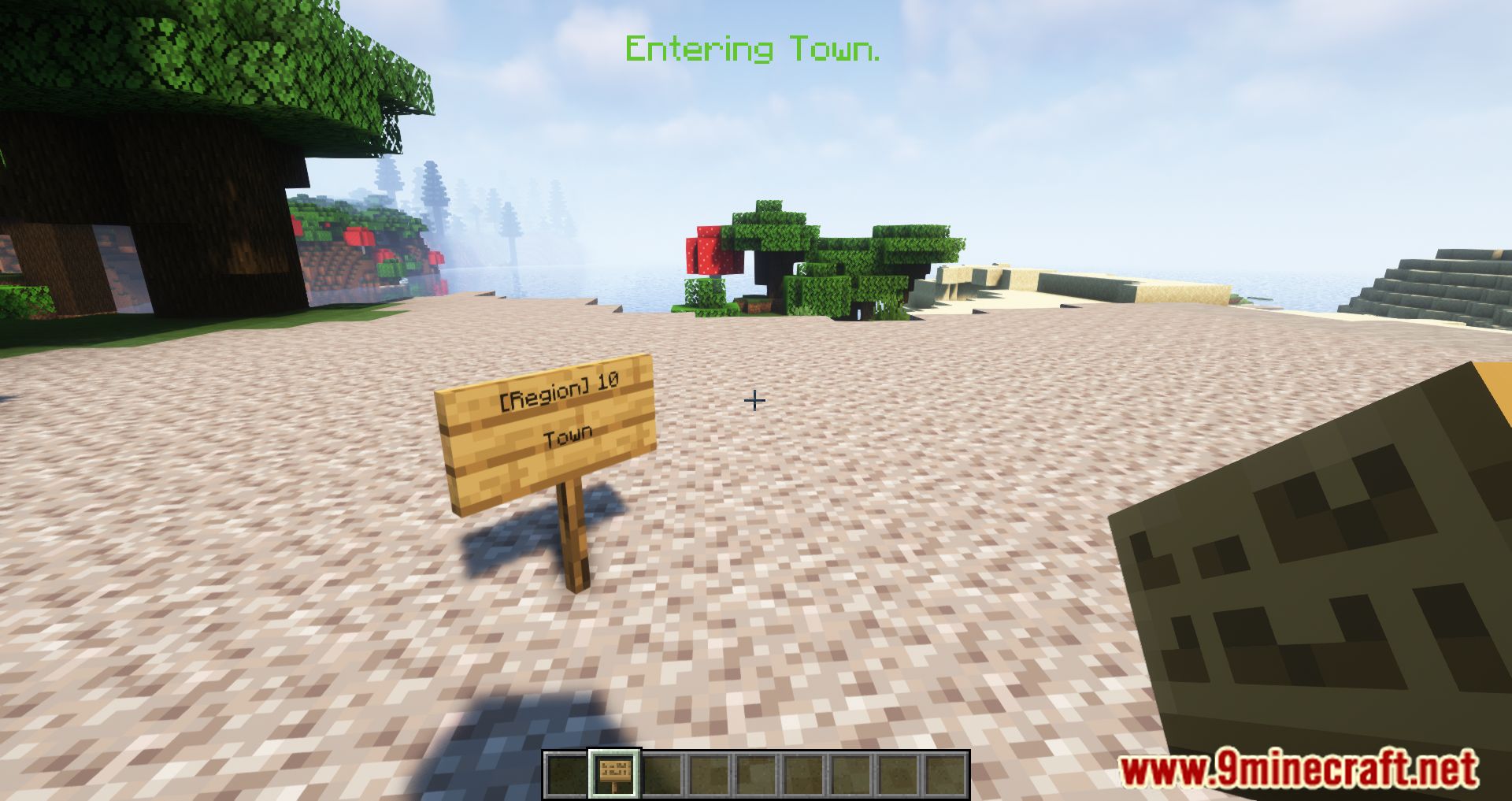
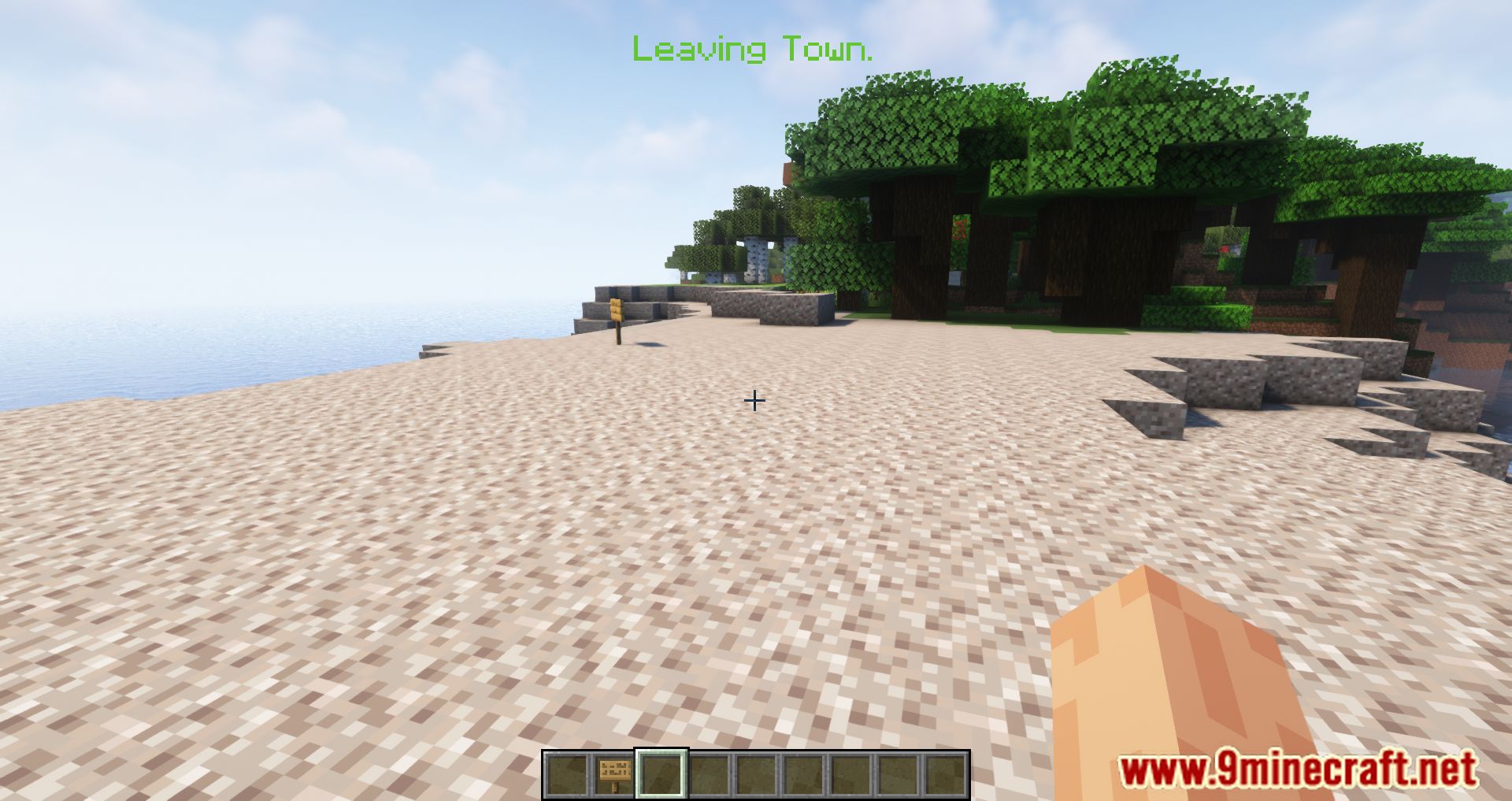
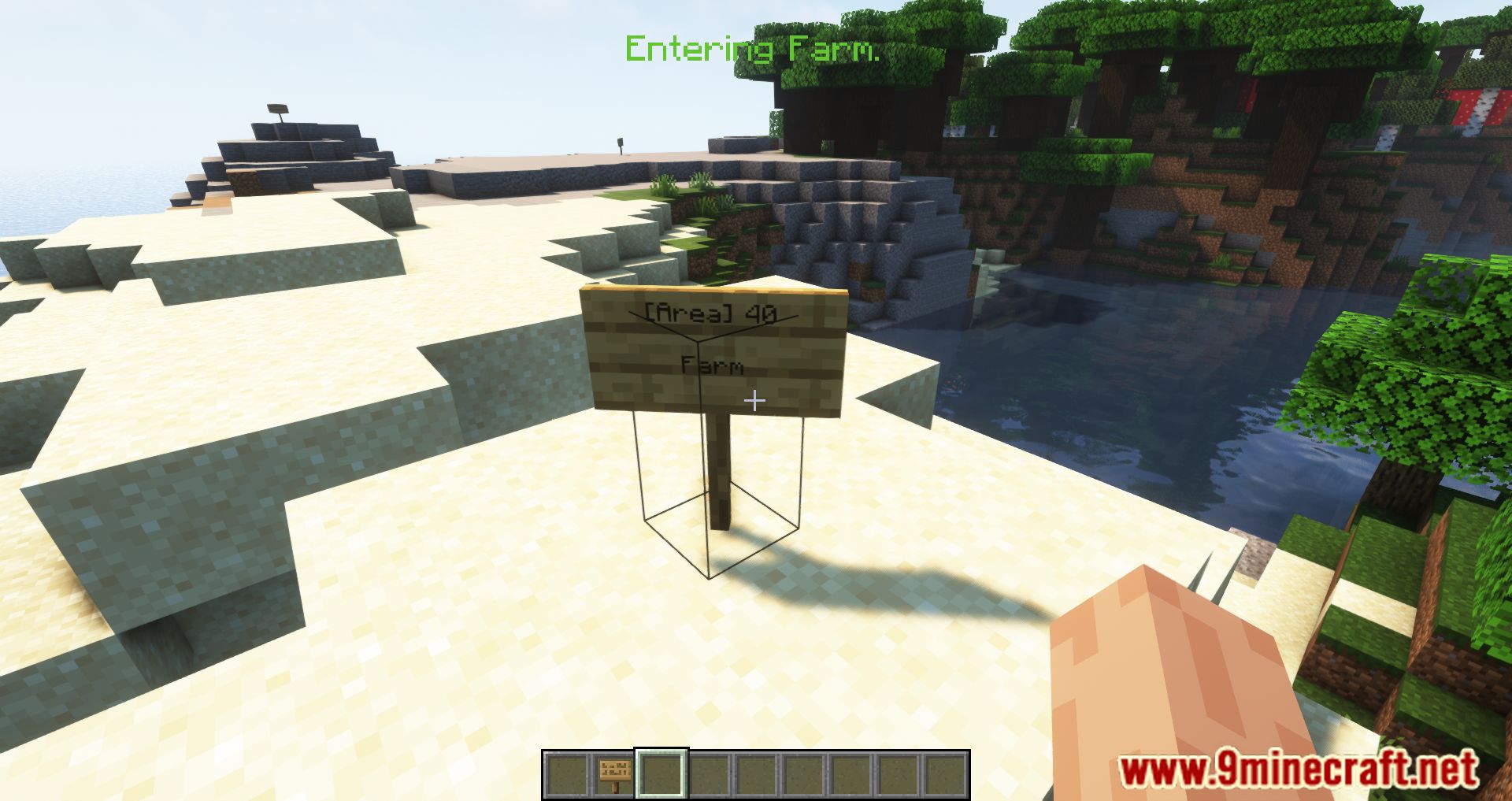
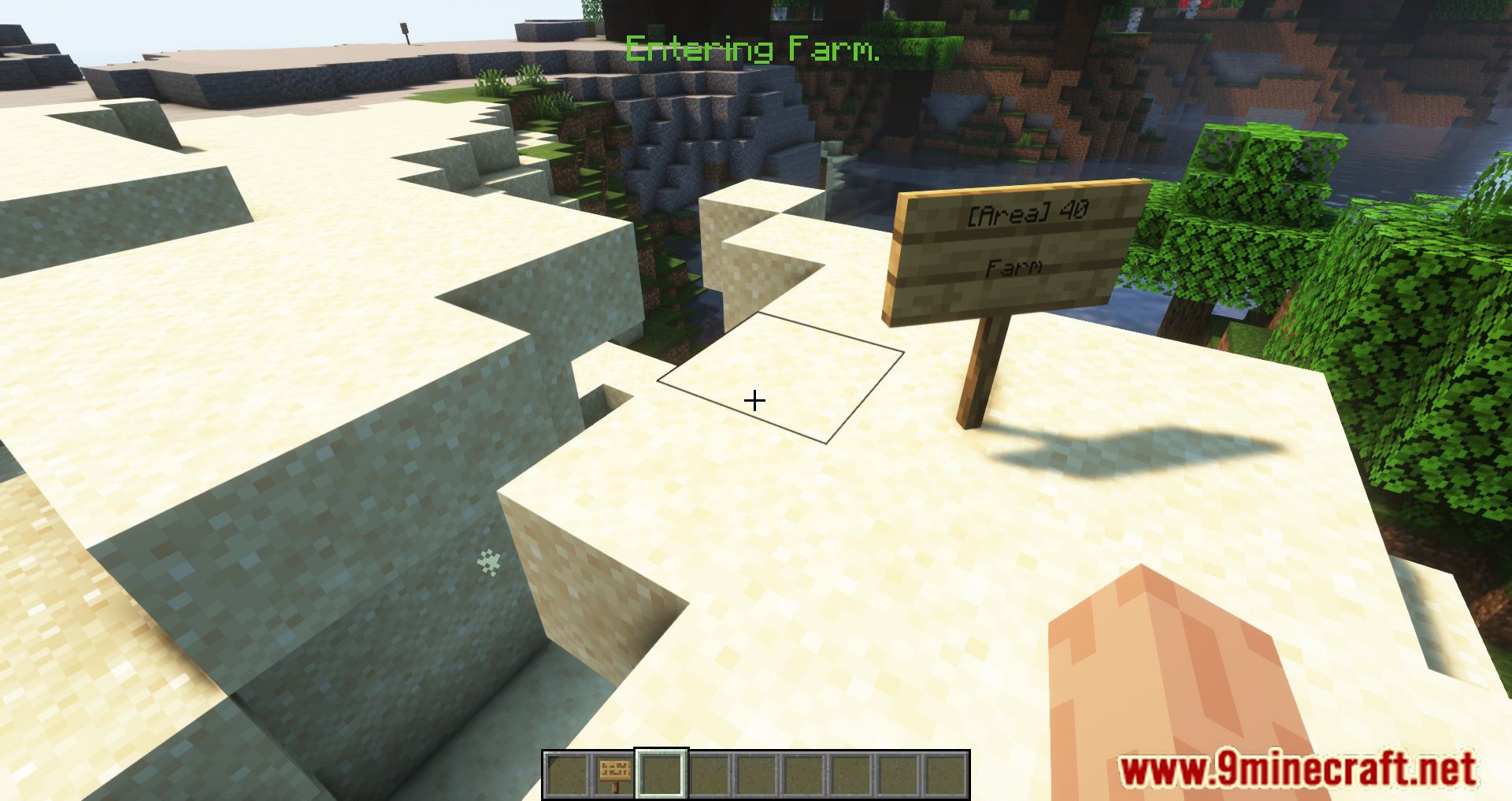
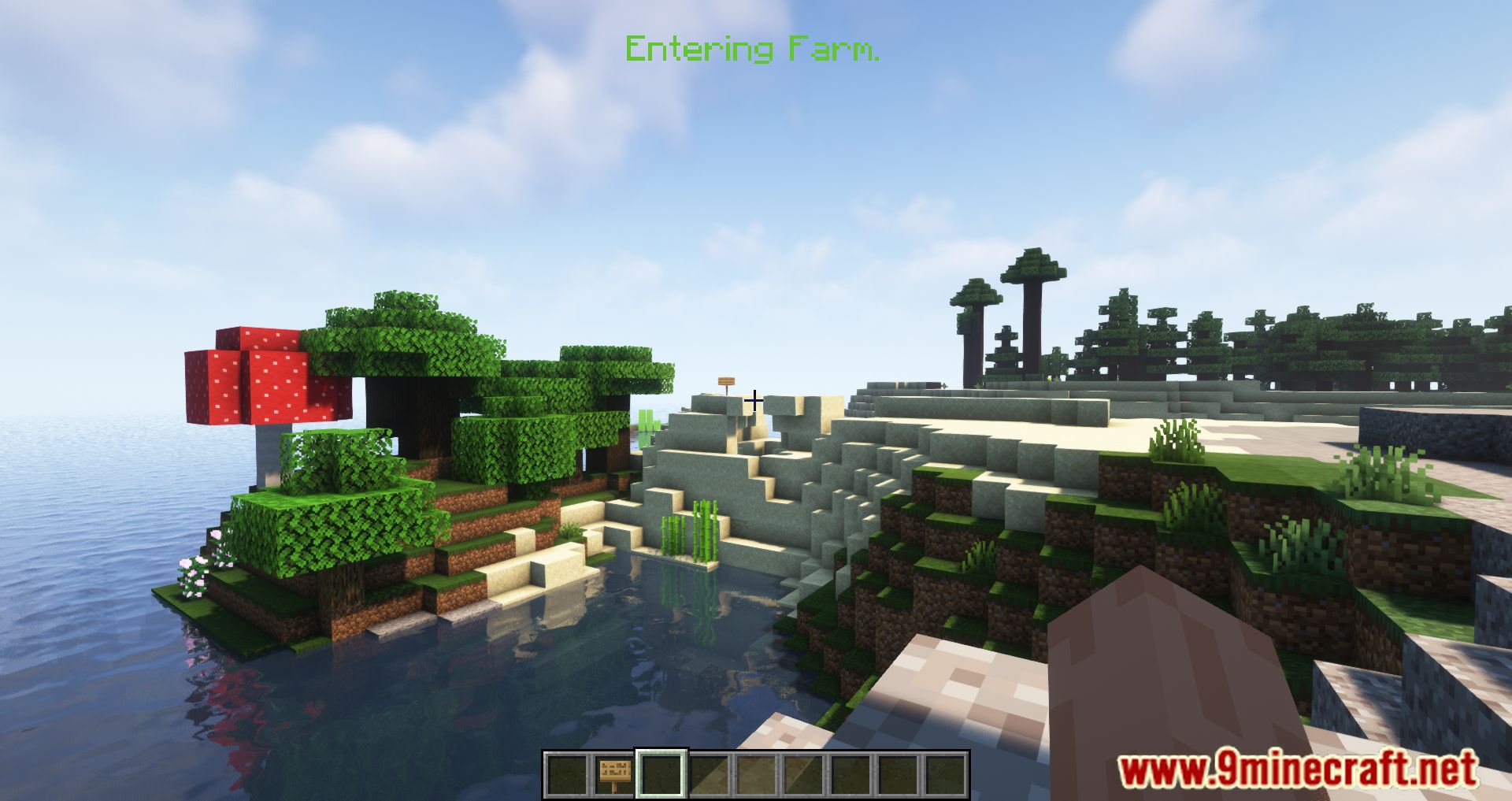
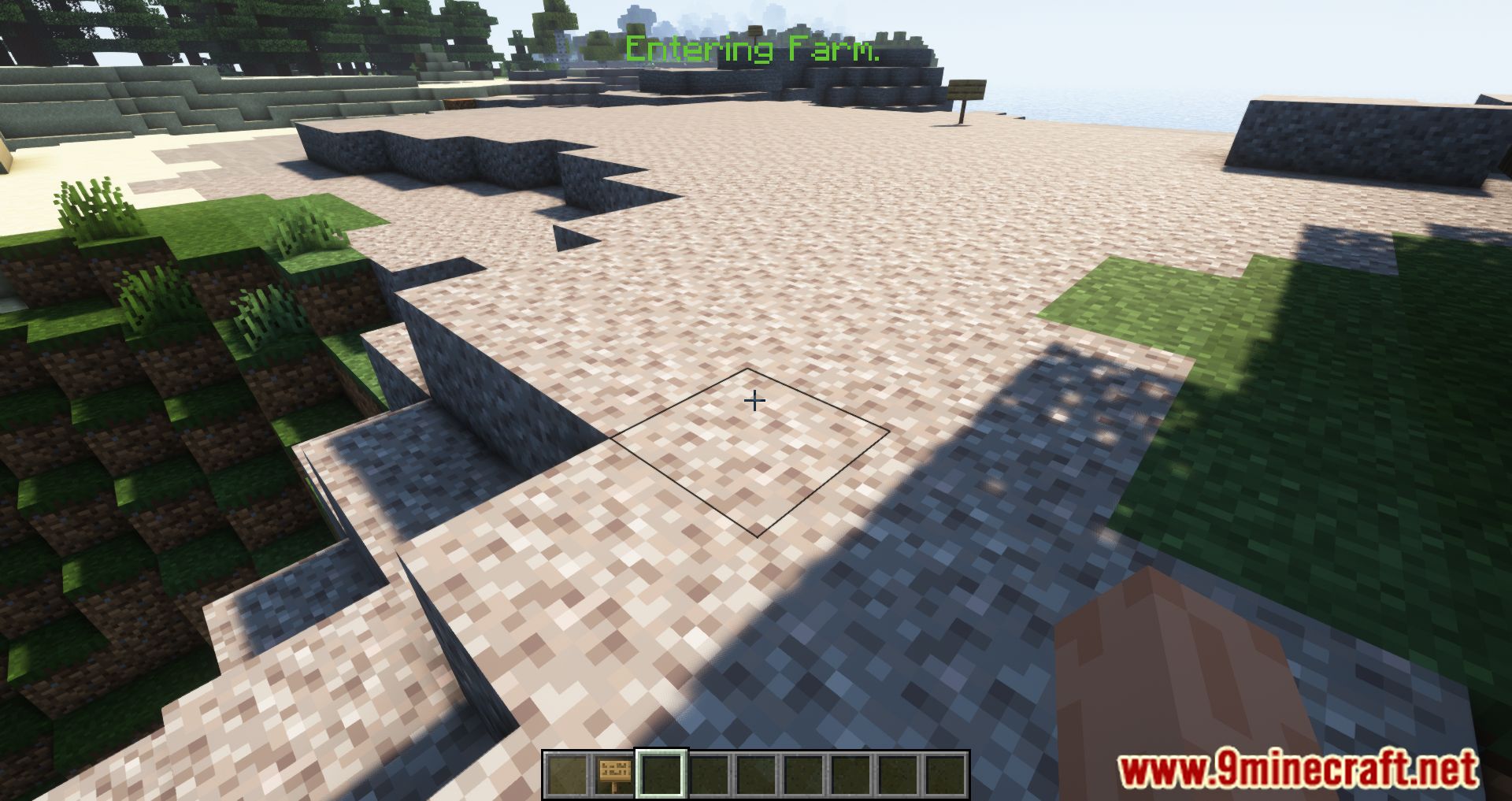
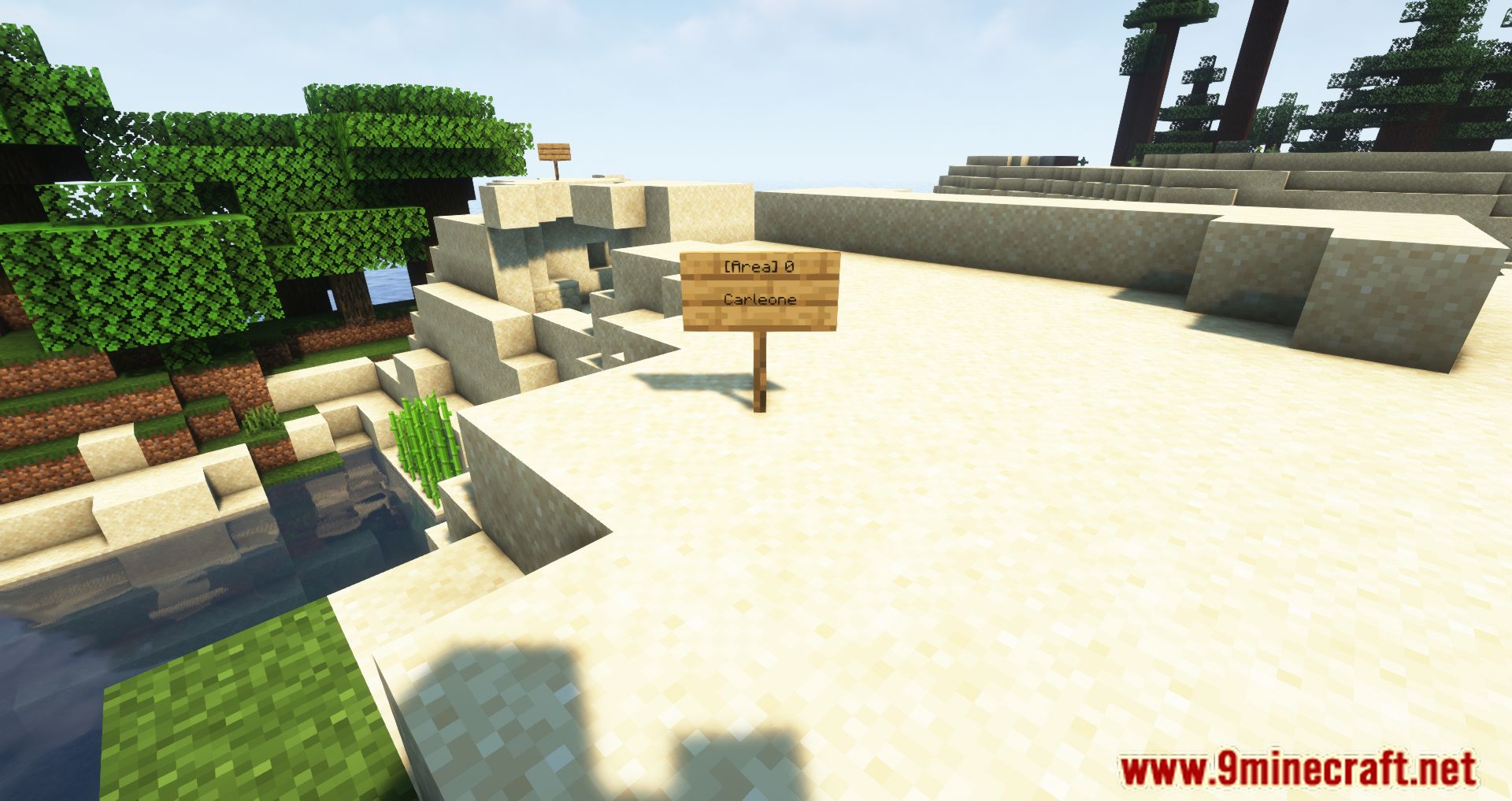
How to Install:
New to Minecraft? Follow our step-by-step guide to install Mods on your PC.View Guide
Requirements:





Areas Mod Download Links
For Minecraft 26.2
For Minecraft 26.1.2, 26.1.1, 26.1
For Minecraft
1.21.11,
1.21.5,
1.21.4
All Versions Covered
1.21.11
1.21.5
1.21.4
1.21.1
1.21
All Versions Covered
1.21.11
1.21.5
1.21.4
1.21.1
1.21
For Minecraft 1.21.10, 1.21.9
For Minecraft 1.21.8, 1.21.7, 1.21.6
For Minecraft 1.21.5
For Minecraft 1.21.4
For Minecraft 1.21.3, 1.21.2
For Minecraft 1.20.6
For Minecraft 1.20.4
For Minecraft 1.20.2
For Minecraft 1.20.1, 1.20
For Minecraft 1.20
For Minecraft 1.19.4
For Minecraft 1.19.3
For Minecraft 1.19.2
For Minecraft 1.19.1
For Minecraft 1.19
For Minecraft 1.18.2
For Minecraft 1.18.1
For Minecraft 1.17.1
For Minecraft 1.16.5
For Minecraft 1.15.2
For Minecraft 1.14.4
Click to rate this post!
[Total: 1 Average: 4]
You May Also Like


This post has no comments yet. Be the first — your comment will appear here.