
Calibrated Access Mod (1.20.1, 1.19.2) – Access Your Chests and Furnaces

 0


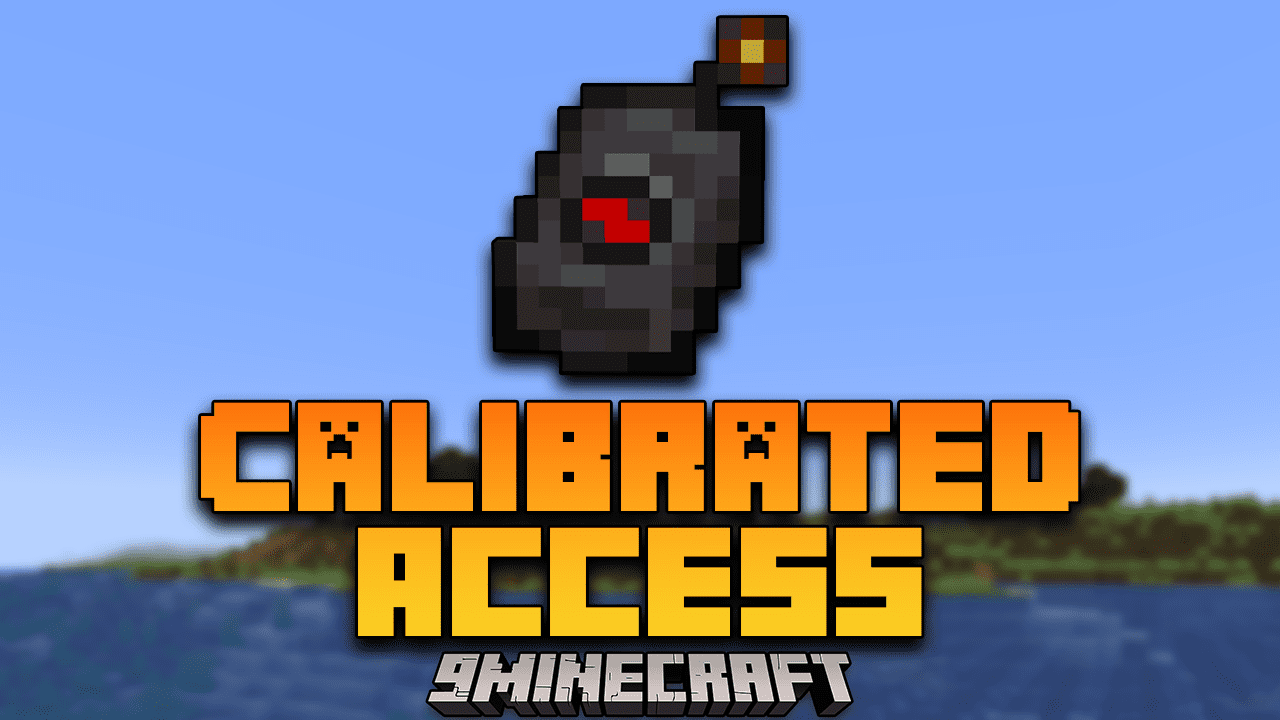
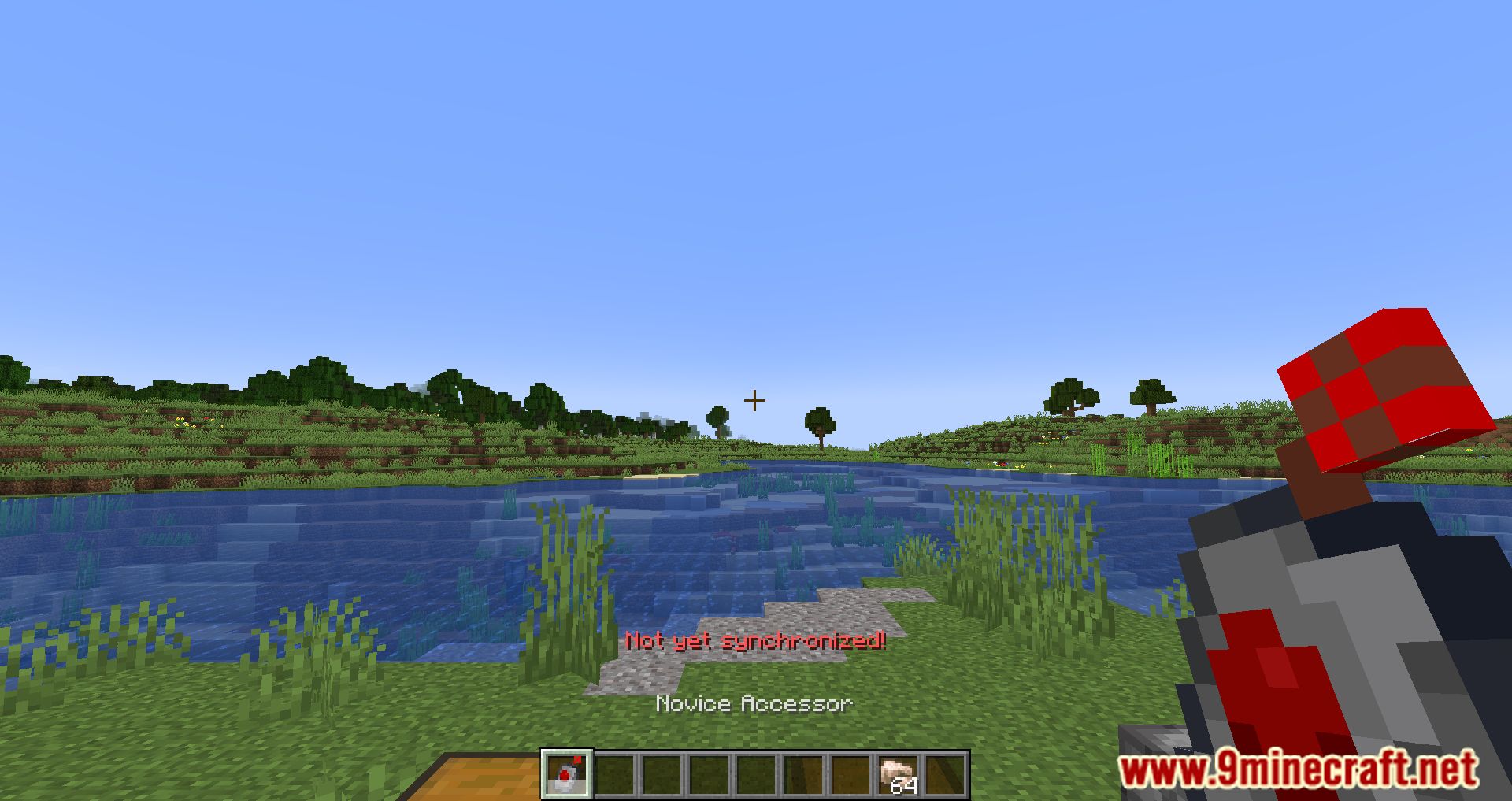
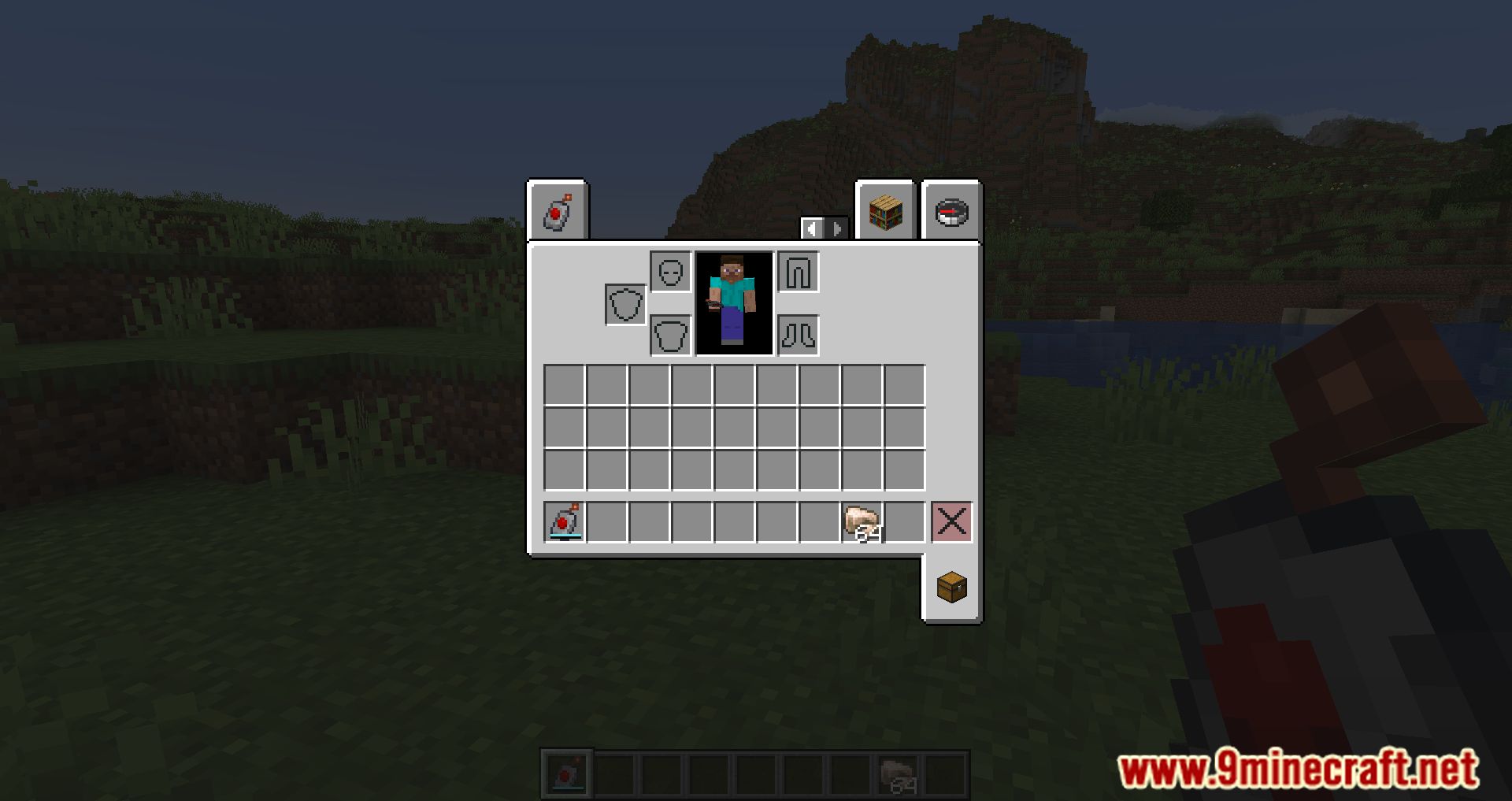
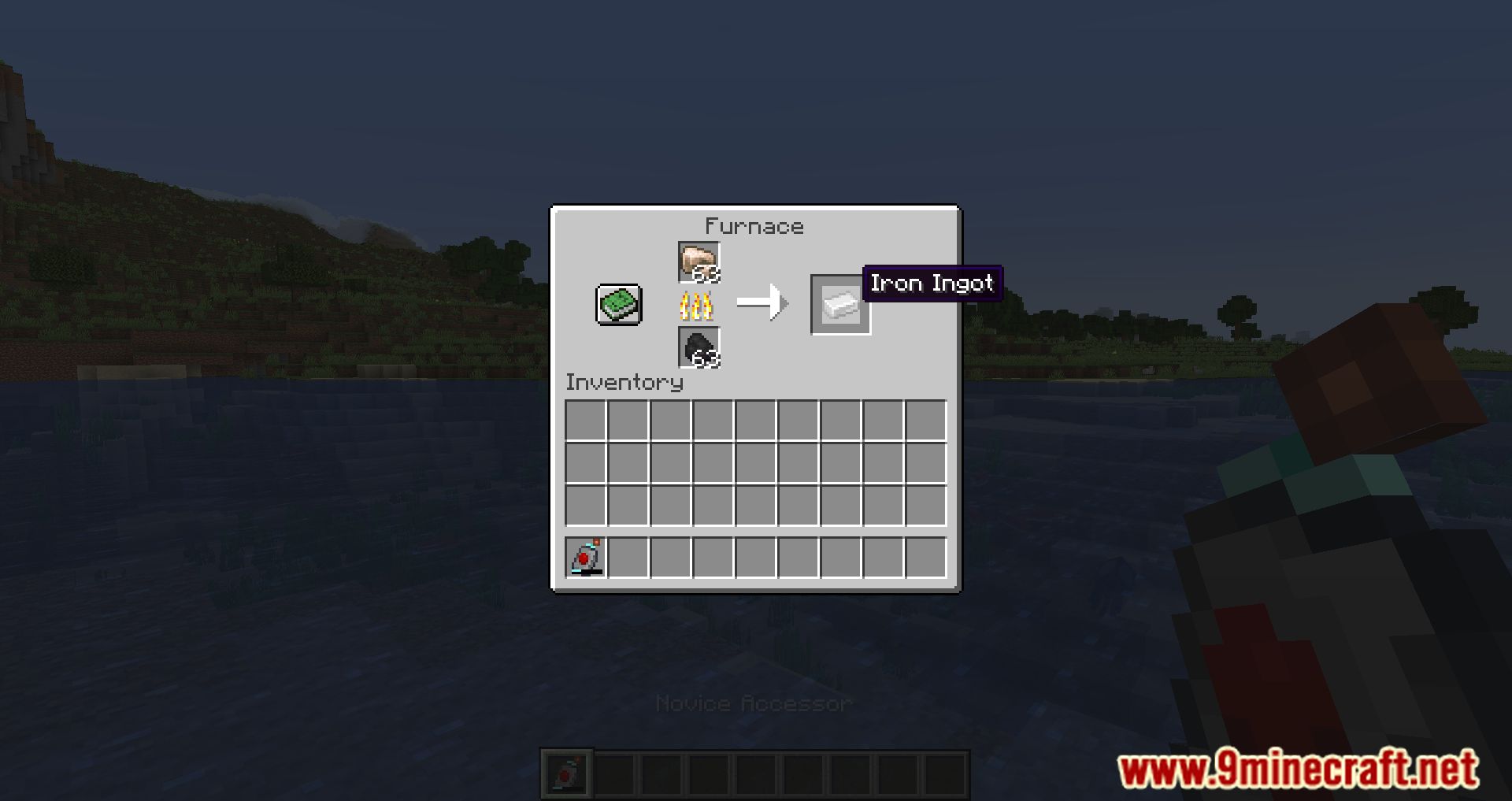
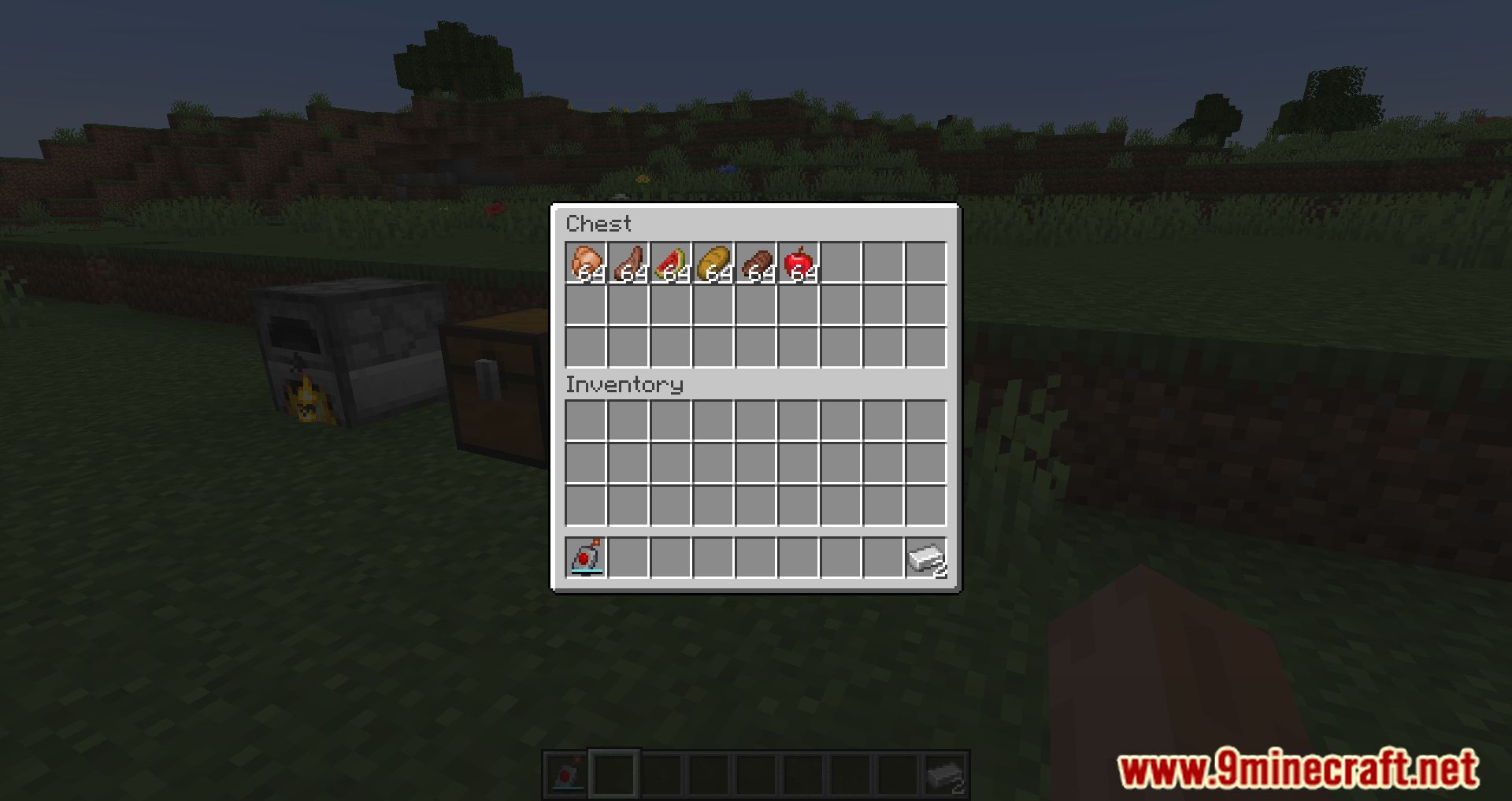
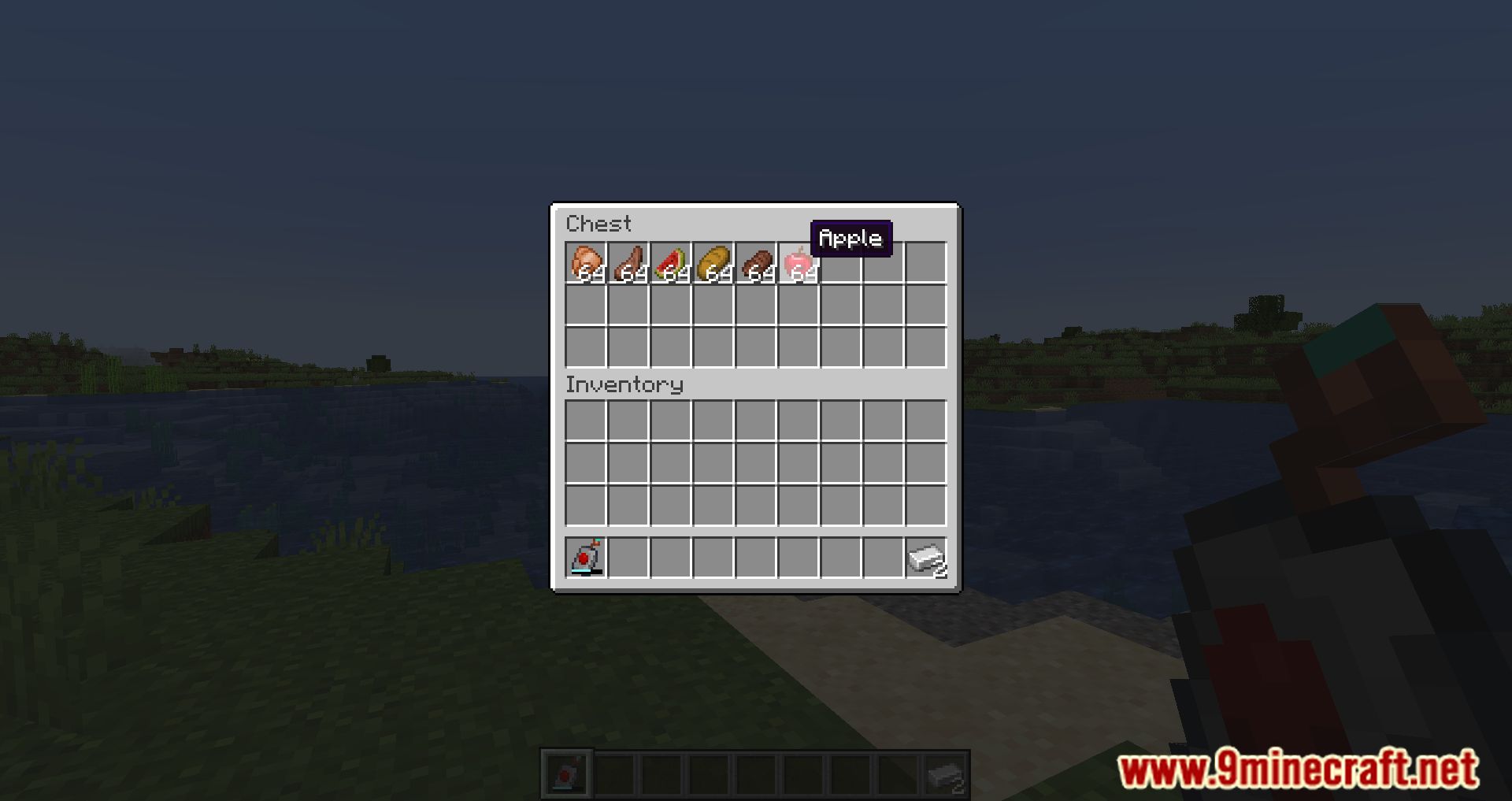
Calibrated Access Mod adds remote items to Minecraft, allowing players to connect with blocks from any distance. This mod offers a balanced solution to bank items on-the-fly and prevent item loss during tough situations in caves or away from your base. Players link a remote to a functional block like a chest or furnace, then open its screen from anywhere. There are multiple tiers of remotes with different access limits and capabilities.
Features:
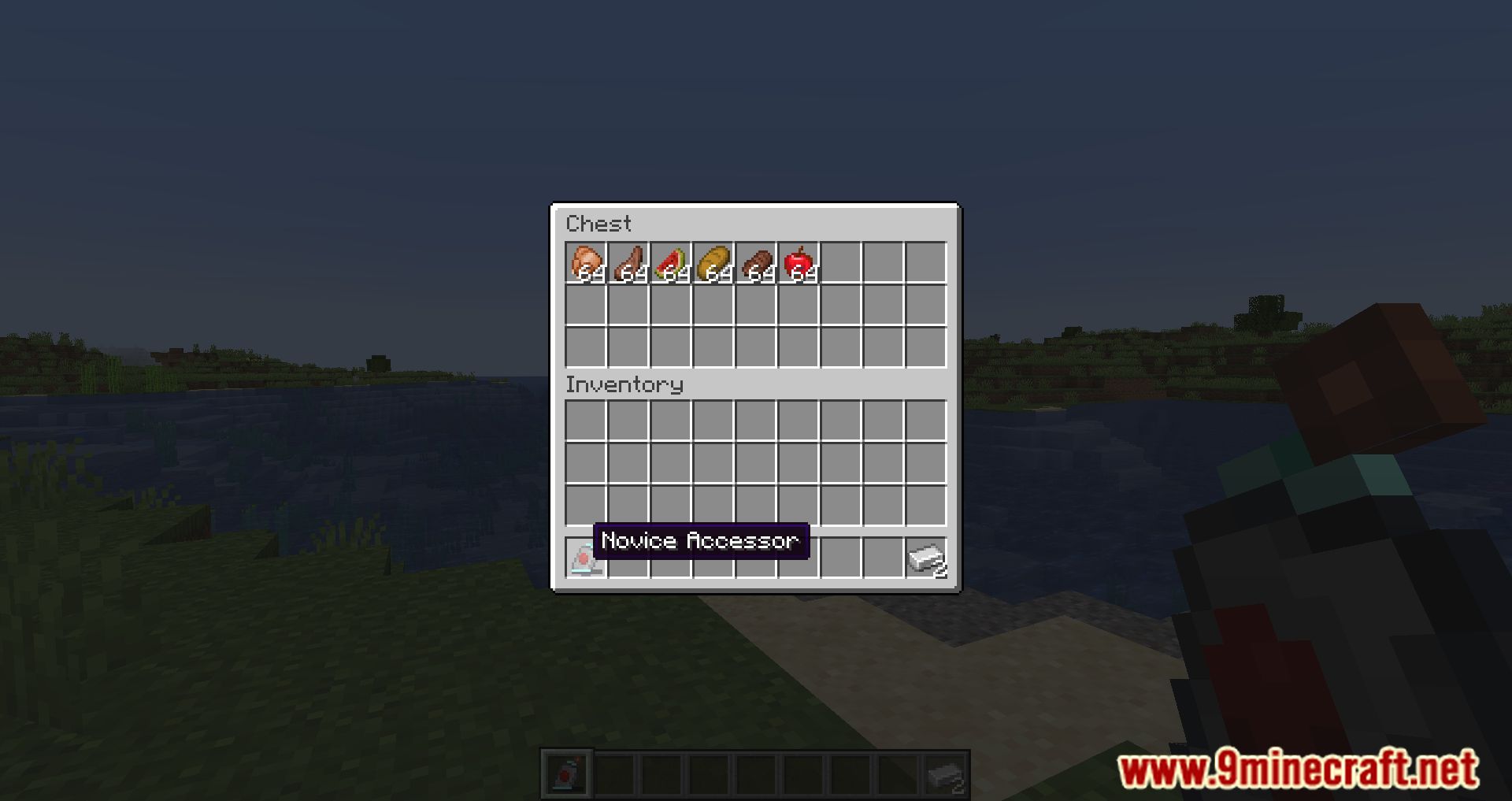
- Remote Accessors: Four new remote items that allow players to calibrate with a block and open its screen from anywhere, even across different dimensions with higher tiers.
- Calibrator: Crafted using an Ender Pearl and Redstone Dust in a Smithing Table, serving as the central component for all Accessors.
- Access Tiers: Different tiers ranging from Novice to Unlimited, each with varying numbers of access points before needing a recalibration.
- Interdimensional Capability: Higher-tier Accessors let players interact with blocks placed in other dimensions.
- Balance Mechanisms: Features a 15-second grace period after using a remote to open and close inventories without consuming extra access points.
- Adds four new advancements in the Adventure tab.
- Includes game rules to control the maximum number of active remote sessions per player.
How to Use:
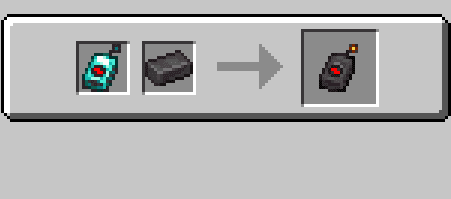
- Craft a Calibrator using an Ender Pearl and Redstone Dust in a Smithing Table.
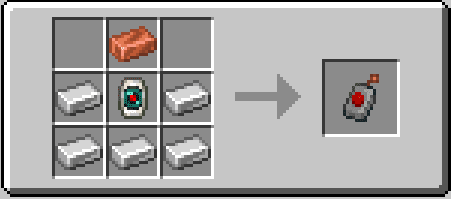
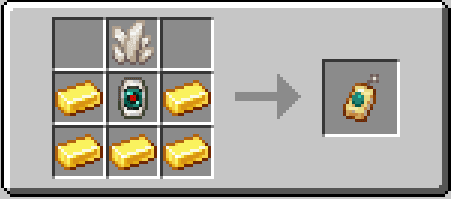
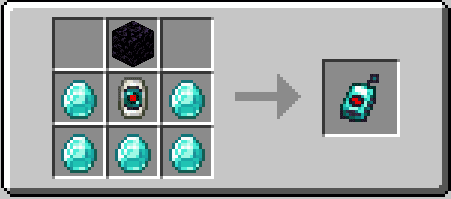
- Combine the Calibrator with casing and antenna materials to create an Accessor remote.
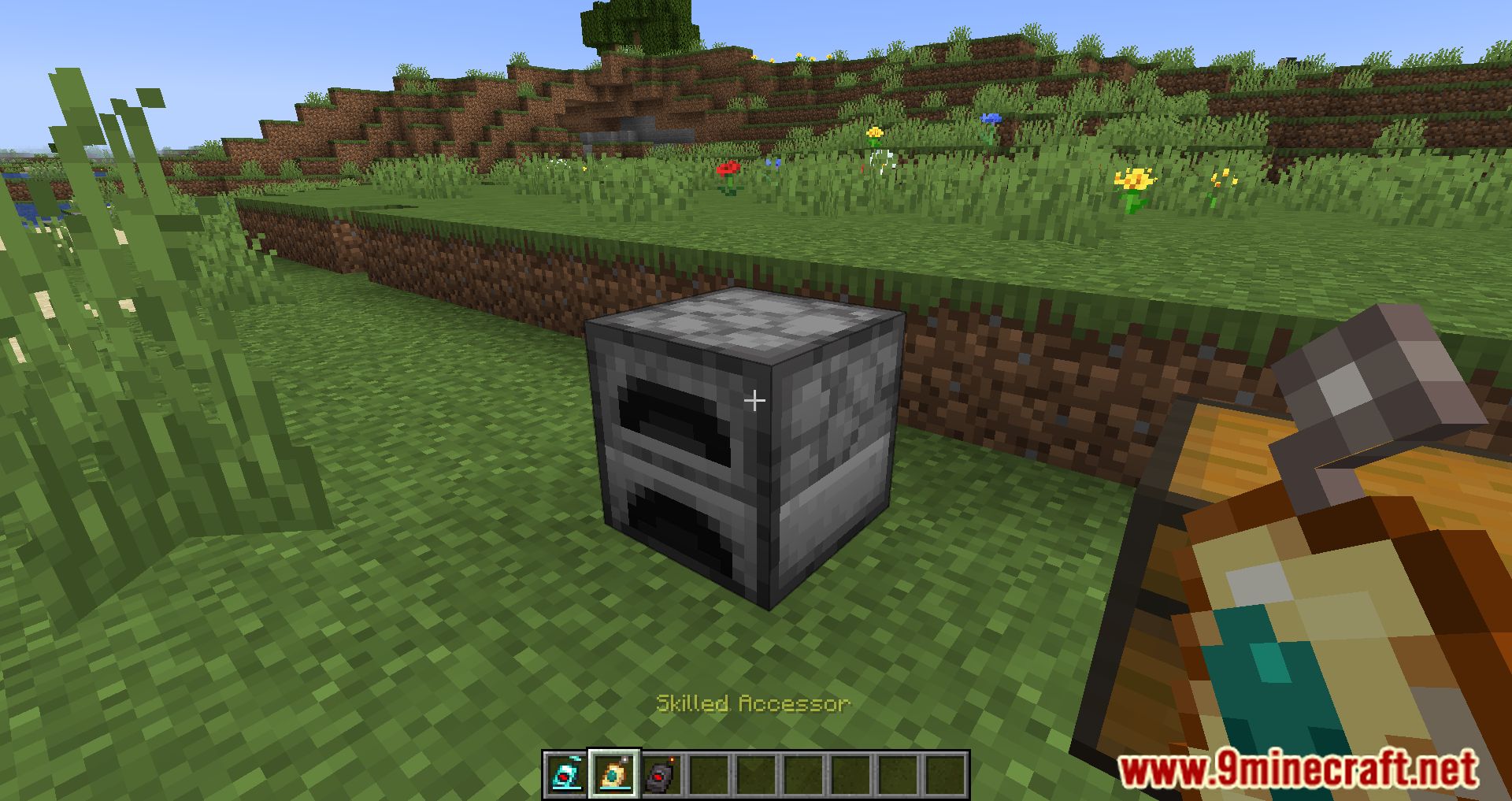
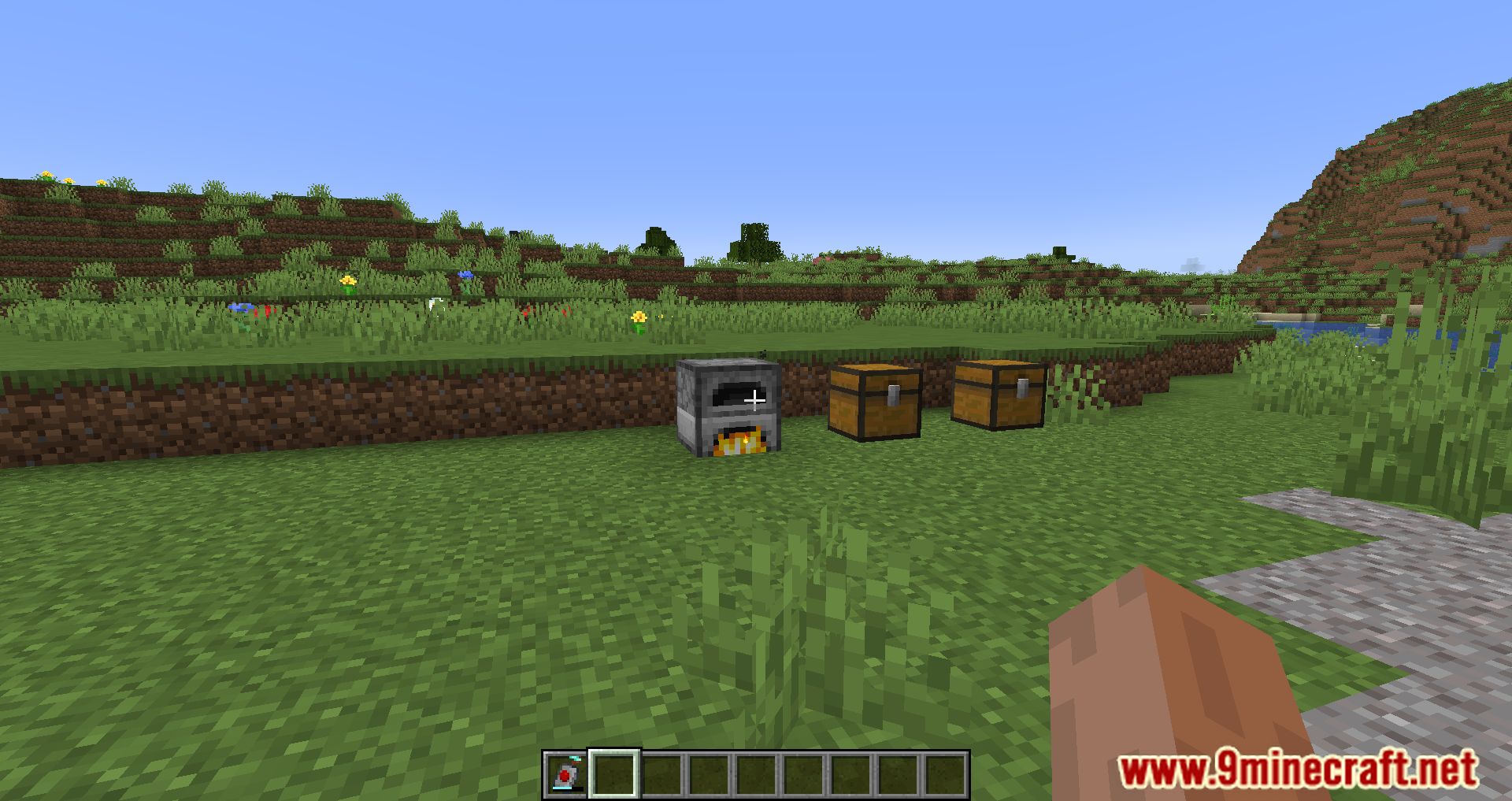
- Sneak-interact with a functional block like a chest, barrel, or furnace to link the remote to it.
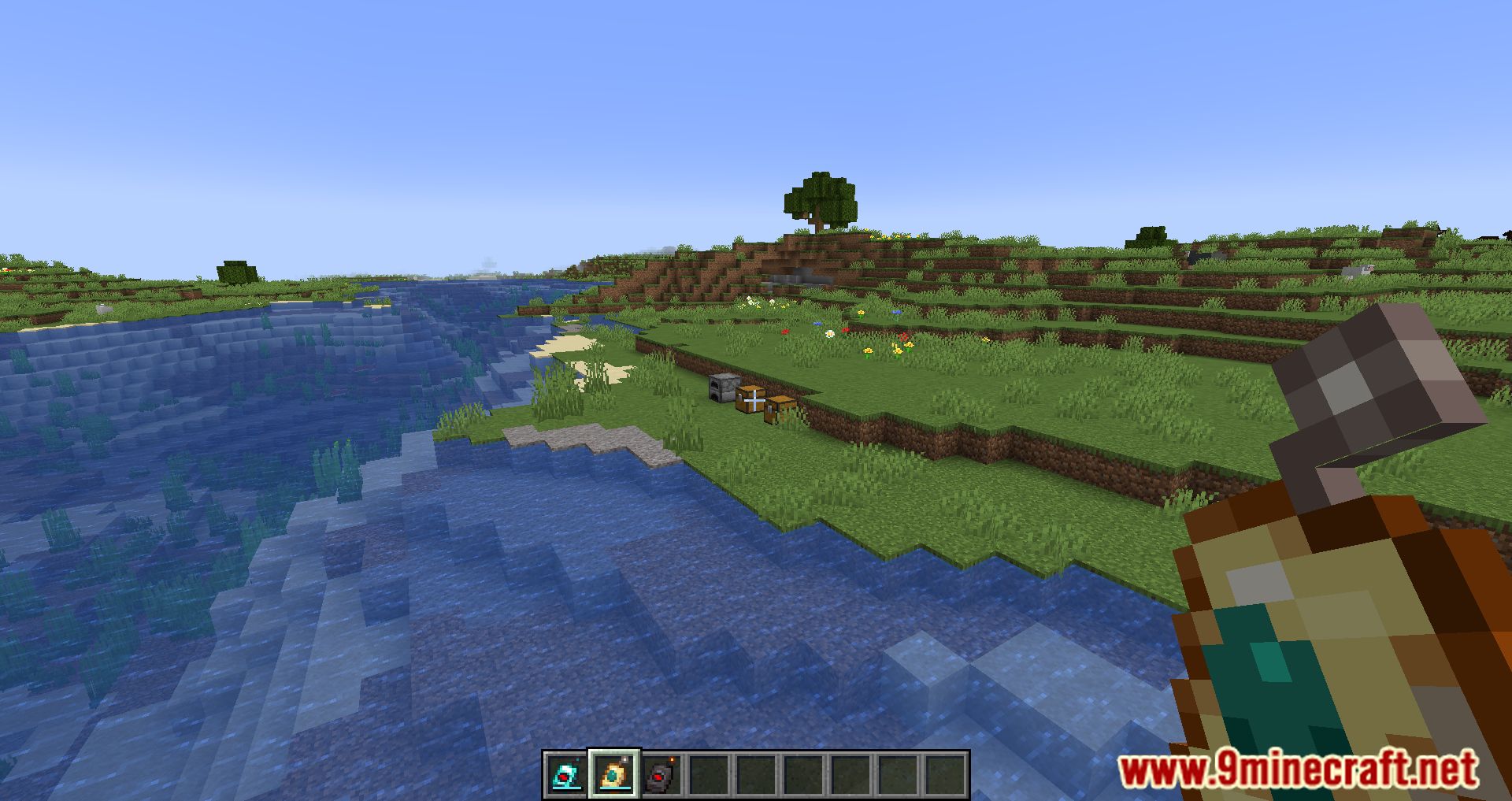
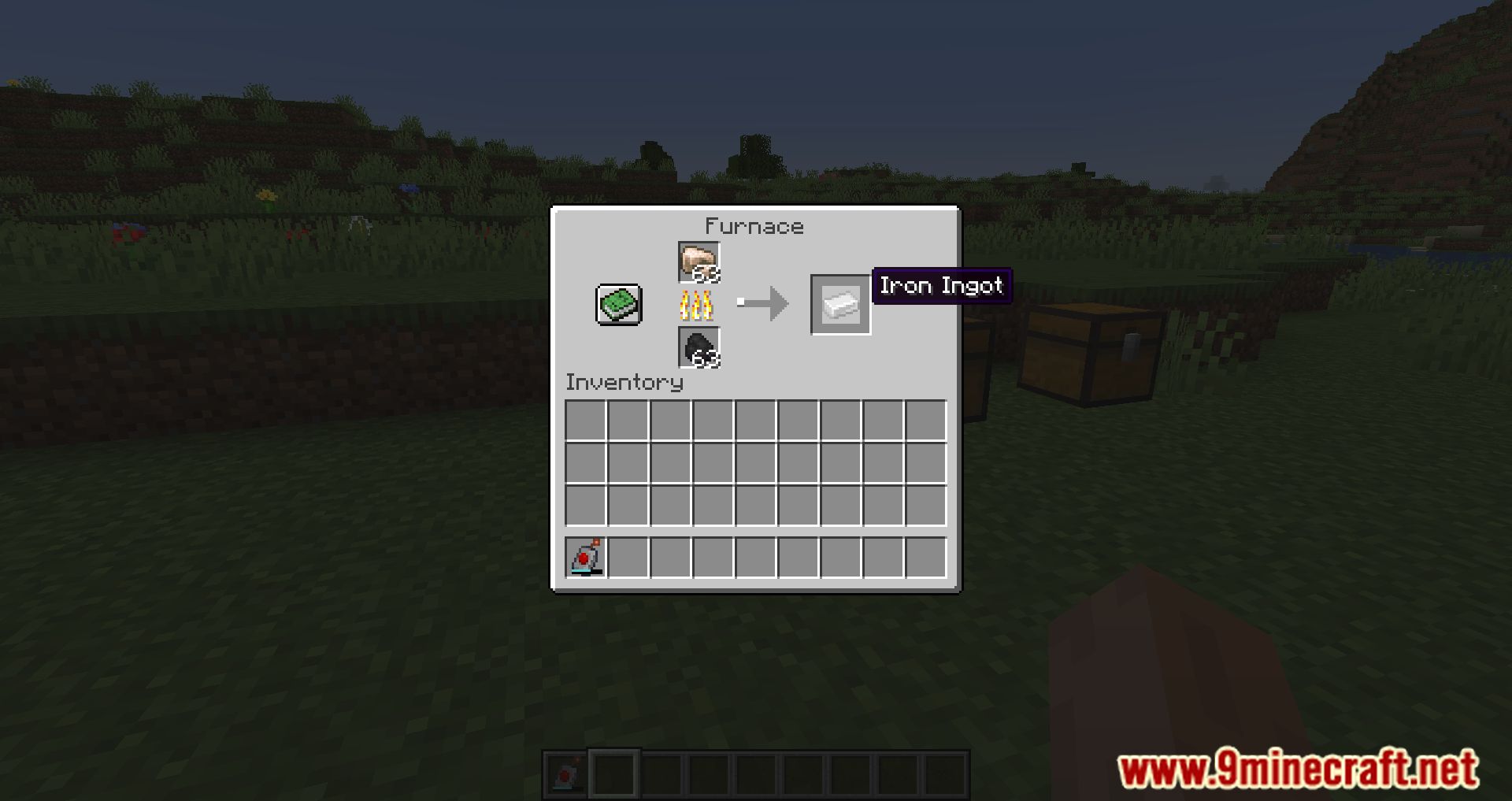
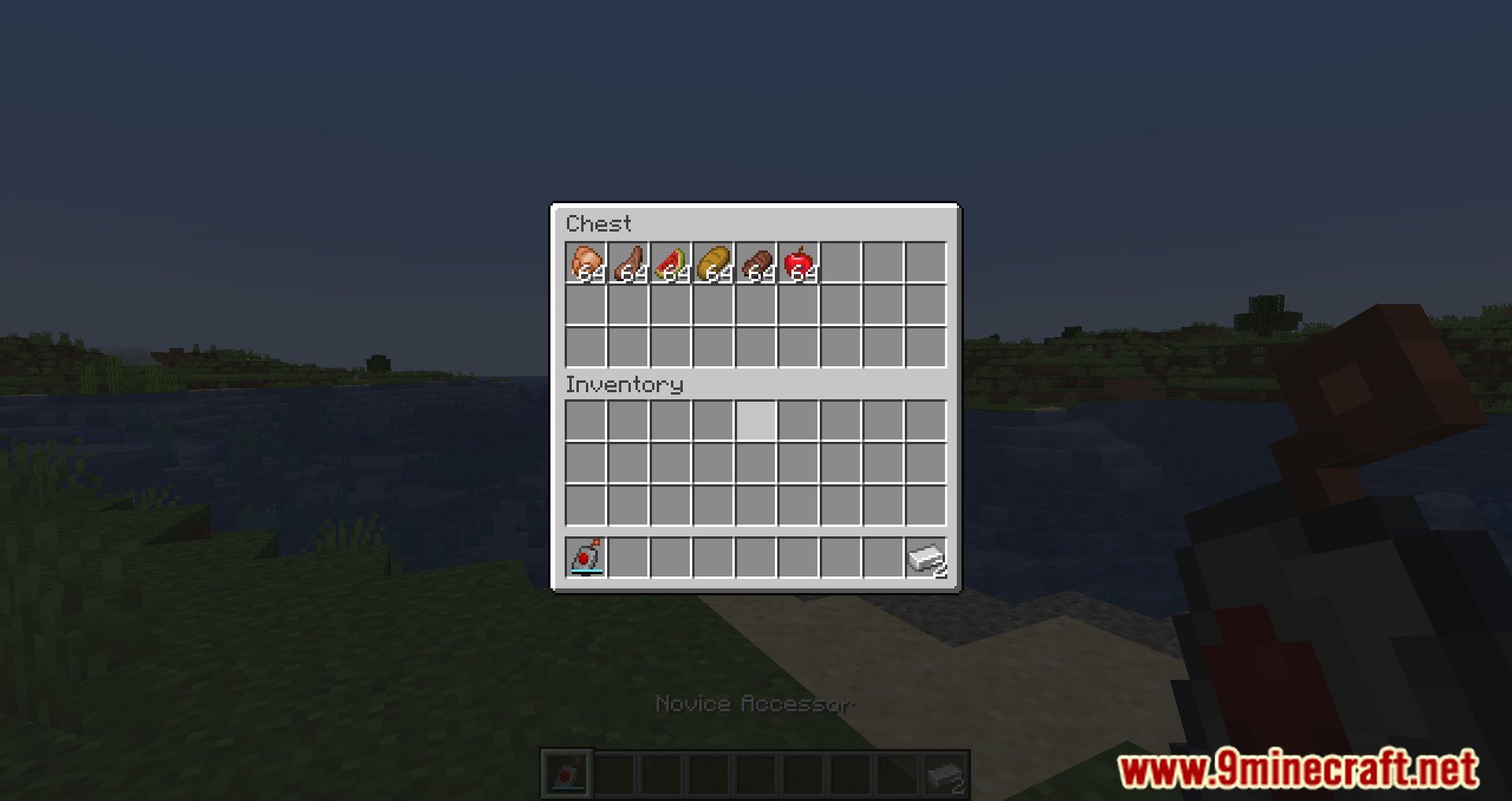
- Use the remote from any distance to open the block’s screen and interact with items as if you stand next to it.
Crafting Recipes:
Screenshots:
How to Install:
New to Minecraft? Follow our step-by-step guide to install Mods on your PC.View Guide
Calibrated Access Mod Download Links
For Minecraft 1.20.1, 1.20
Fabric/Quilt version: Download from Server 1 – Download from Server 2
For Minecraft 1.19.4
Fabric version: Download from Server 1 – Download from Server 2
For Minecraft 1.19.3
Fabric version: Download from Server 1 – Download from Server 2
For Minecraft 1.19.2, 1.19.1, 1.19
Fabric version: Download from Server 1 – Download from Server 2
For Minecraft 1.18.2
Fabric version: Download from Server 1 – Download from Server 2
What do you prefer for world generation in a modded playthrough?
19 responses · See the full results →
You May Also Like
Picked for this page
 Inventory HUD+ Mod (26.3, 1.20.1) – Always-On-Screen Information
 Forge Config API Port Mod (26.3, 1.20.1) – Bring Forge Mods to Fabric
 Botany Pots Mod (1.21.1, 1.20.1) – Automate The Cultivation of Any Crop
 Building Wands Mod (26.2, 1.20.1) – Wands for Construction
 Cosmetic Armor Reworked Mod (1.21.11, 1.20.1) – Your Style with Max Armor
 Durability Plus Mod (26.1, 1.20.1) – Item Durability Tooltips
 Actually Additions Mod (1.21.1, 1.12.2) – Build a Wireless Tech Base
 OneBar Mod (26.3, 1.20.1) – New Detailed Health Bar
 April Fools Mod (26.3, 1.20.1) – A Collection of Humorous and Unexpected Features
 RFTools Control Mod (1.21.1, 1.20.1) – Code Your Own Automation
 Item Indicator Mod (1.21.11, 1.20.1) – Manage Inventory More Easily
 Pv Addon Lavaplayer Lib Mod (26.3, 1.20.1) – Audio Backend Utility
Most viewed in Mods over the last 7 days
 Ala Industrial Mod (26.3) – Run Electric Power Grids and Automated Factories
 PleasureCraft Mod (26.3, 1.21.1) – Jenny Mod Remake for Fabric
 Jennycraft Mod (26.3, 1.20.1) – Virtual Girlfriend in Minecraft
 Fapcraft Mod (26.3, 1.12.2) – Comprehensive and Detailed Content
 Jenny Mod (Fapcraft) Official Complete Guide – How to use, Tutorial
 BangCraft Mod (1.20.1) – Jenny, Ellie and Elliot
 Fabric Loader (26.3, 1.20.1) – Fabric Installer for All Minecraft Versions
 The Shooting Star Demo Mod (26.3, 1.20.1) – Vaporize Terrain From Orbit
 Meteor Client Mod (26.3, 1.20.1) – Xray, HUD, Fly
 OptiFine HD (26.3, 1.20.1) – Run Faster, FPS Boost, Shaders Support
 Aristois Client Mod (1.21.4, 1.20.1) – World Class Minecraft Utility
 Prestige Client Mod (1.21.11, 1.21.4) – Powerful Ghost Features for Crystal & Sword PvP
More from Mods
 Tre’s Tack Library Mod (1.20.1) – Outfit Your Horses with Fully Detailed Tack
 YDM’s coreX Library Mod (1.20.1) – Loot RPG Gear with Random Names
 Gunpowder Recipe Mod (26.3, 1.20.1) – Gunpowder is Craftable
 Villager Timetable Mod (26.3, 1.20.1) – Master Villager Schedules
 Artemis Laboratory Blocks Mod (26.3, 1.20.1) – Lab Blocks And Dynamic Decorations
 Fabric ORM Jimmer Mod (26.3, 1.20.1) – Prevent Sudden Server Crashes
 Cafe Core Mod (26.2, 1.21.1) – Bypass Anvil Limits and Tame Pets in Seconds
 GTNH’s Forgelin Mod (1.7.10) – Play Kotlin-Powered Mods on Minecraft 1.7.10
 Nodeflow Mod (26.1.2, 1.21.1) – Wire Custom Redstone Logic on Visual Graph
 Winter Client Mod (1.21.11) – Survive Ruthless PvP on Anarchy Servers
 LARP Client Mod (1.21.11) – Dominate Crystal PvP on Anarchy Servers
 Berlin Client Mod (1.21.11) – Hunt Stashes and Win Crystal Fights

This post has no comments yet. Be the first — your comment will appear here.