
Tom’s Peripherals Mod (1.21.1, 1.20.1) – Draw 3D Visuals on In-Game Monitors

 0

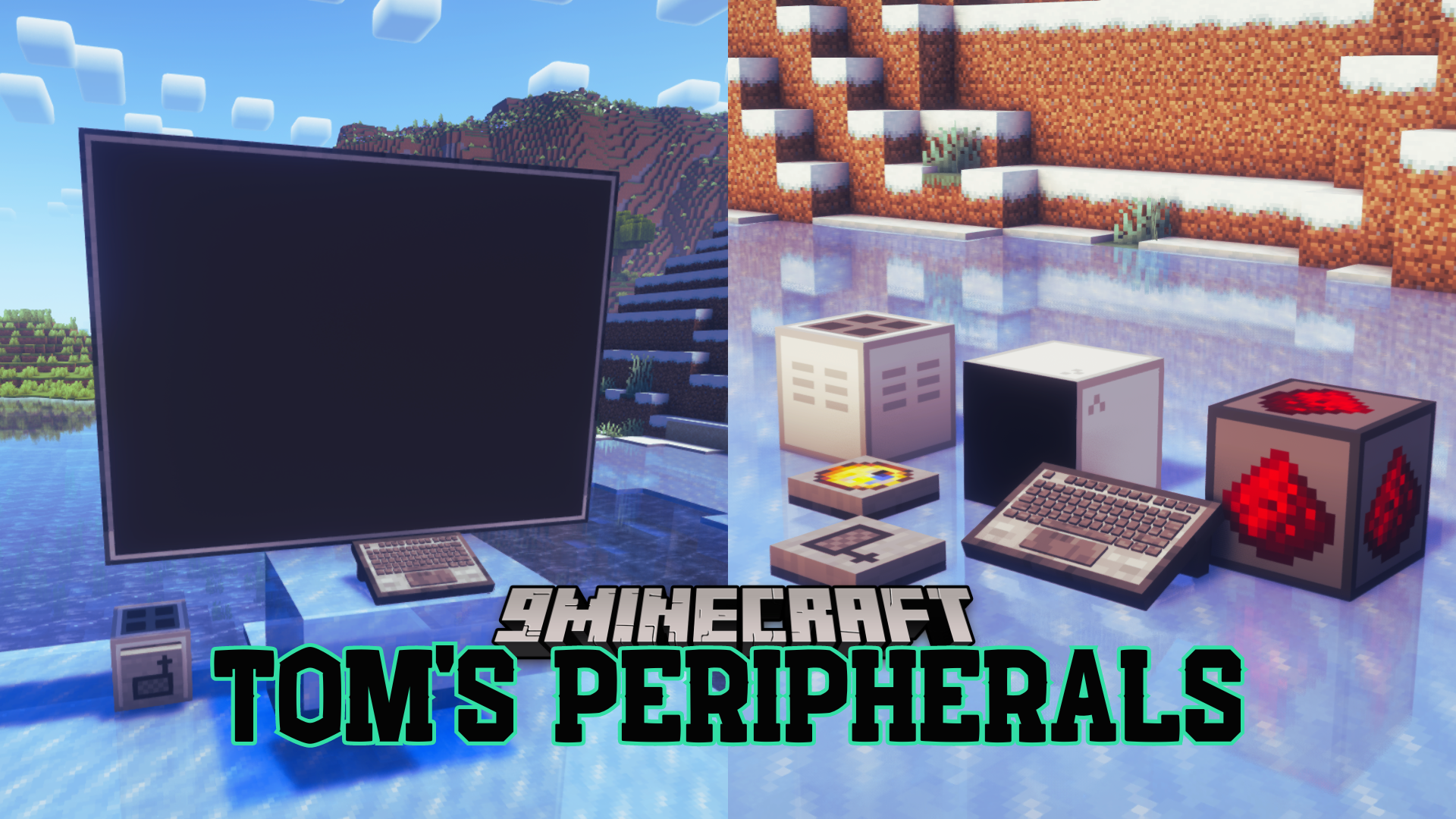
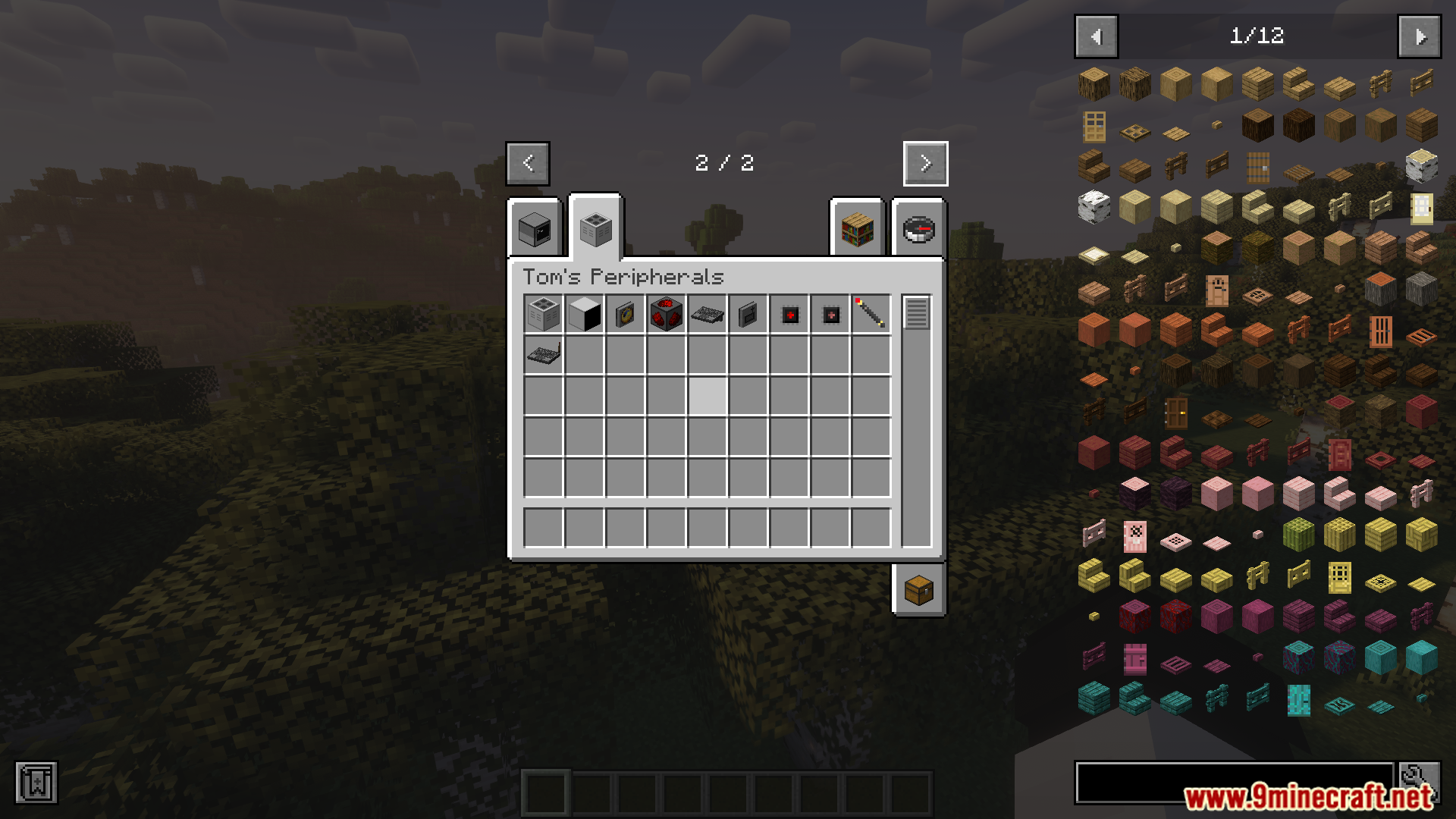
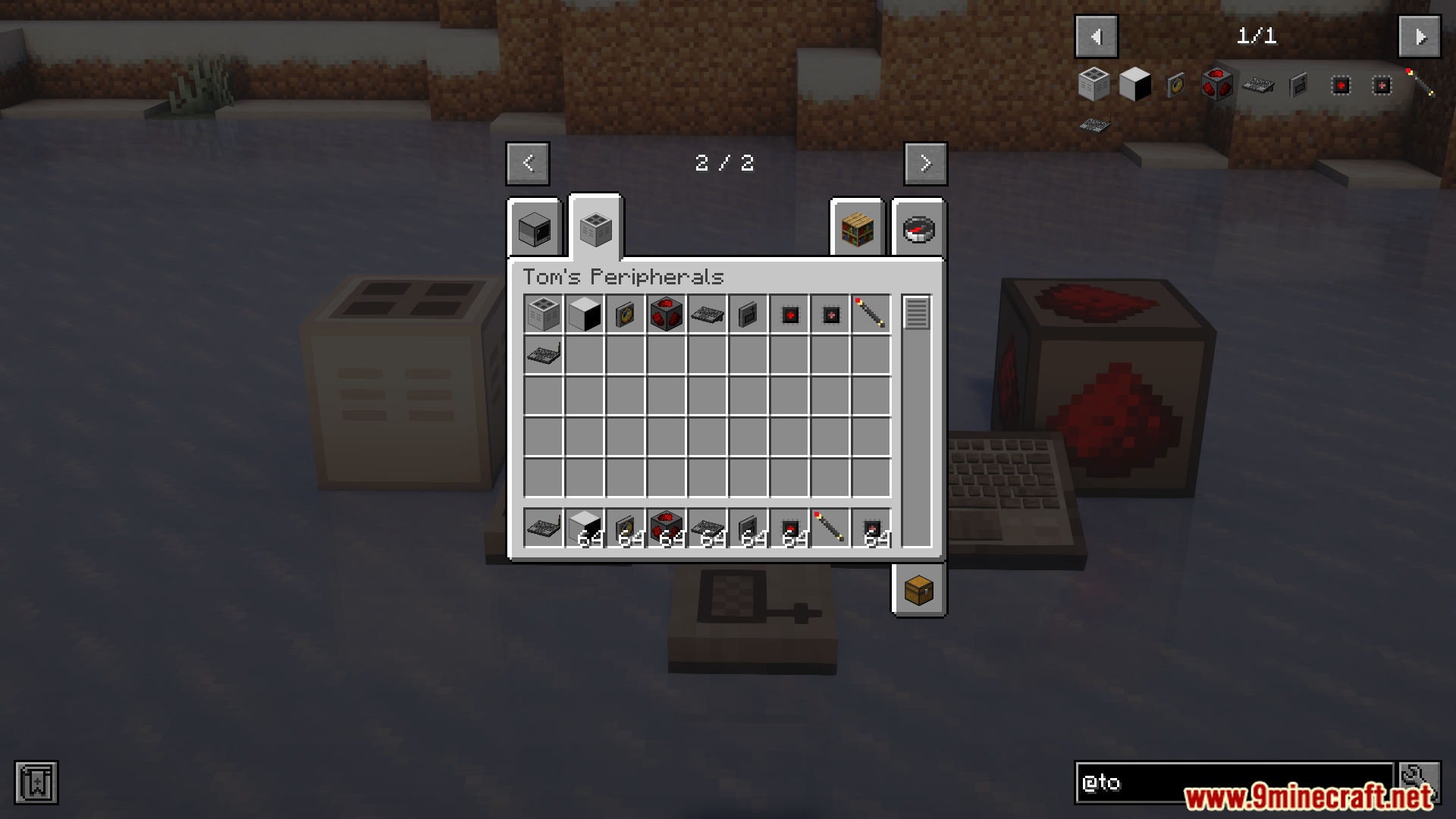
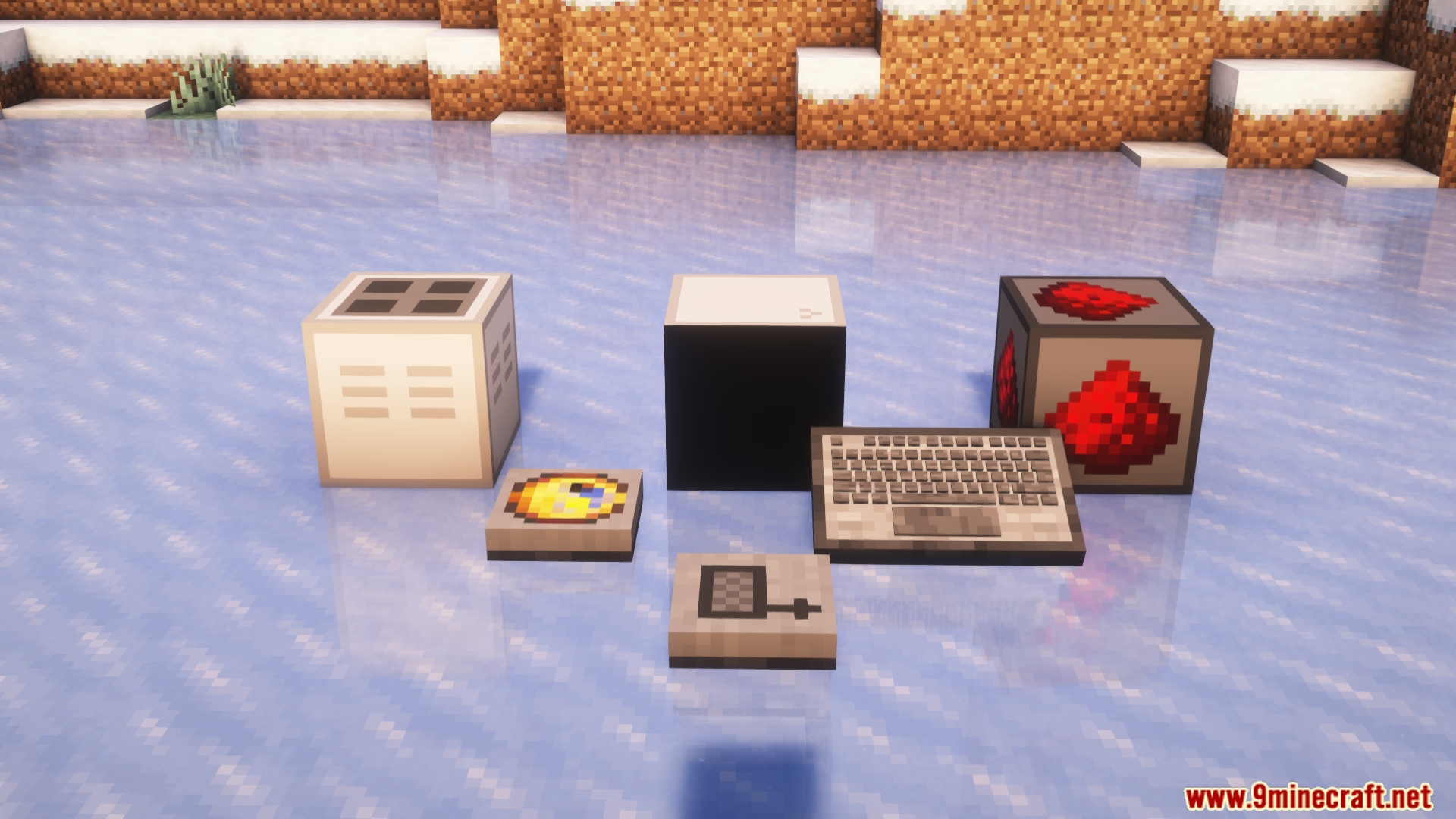
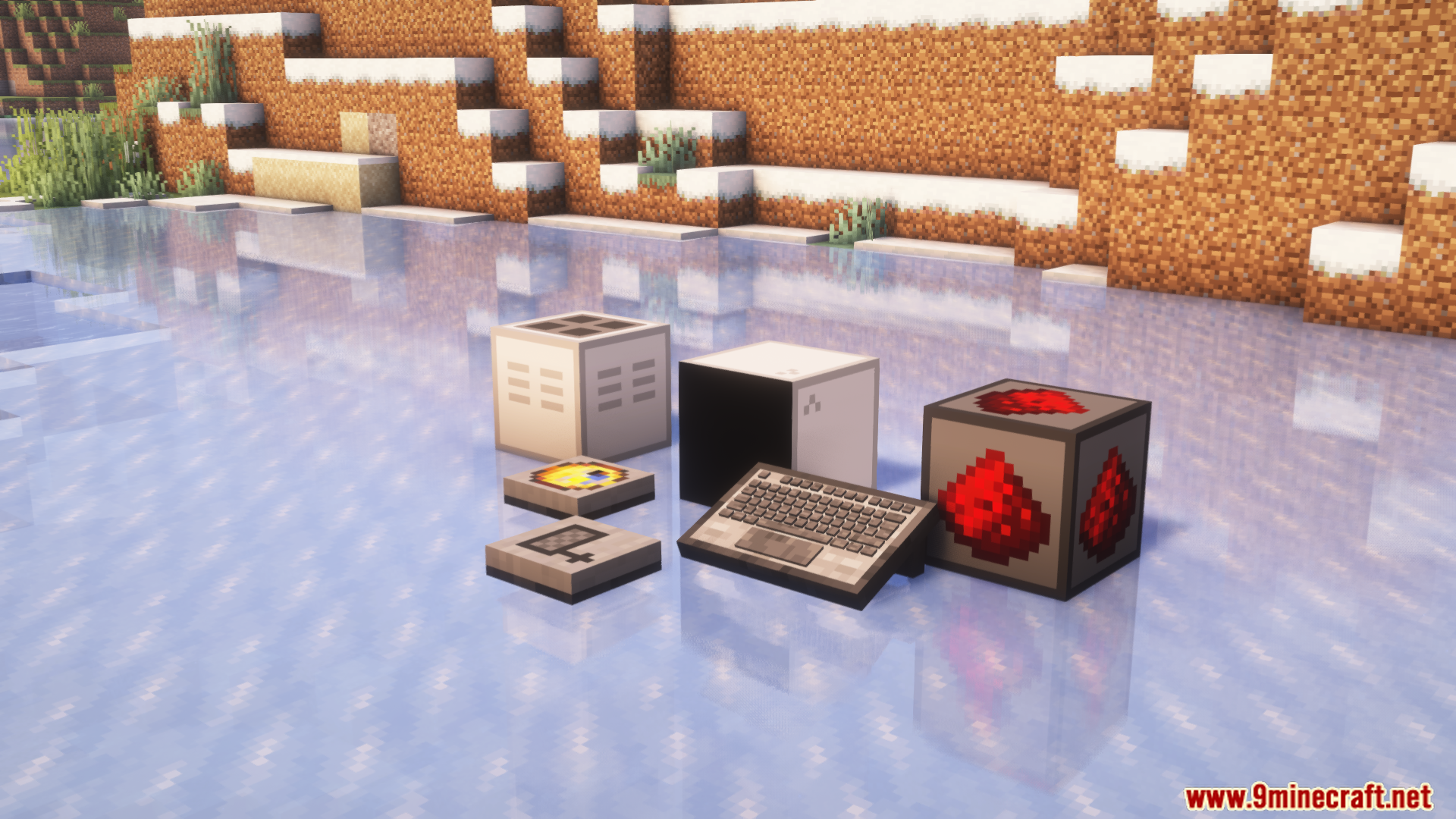
Tom’s Peripherals Mod adds useful new peripherals for CC: Tweaked computers. This addon includes Bitmap Monitors, a GPU, a Keyboard, a Redstone Port, and a Watch Dog timer. It lets you draw high-resolution graphics with Lua, including 3D visuals, at up to 64×64 resolution per monitor block, and load or save PNG files through the GPU. You can also use a computer with bigger monitors, get mouse input on screens, add extra redstone sides, and restart a computer when its internal timer finishes.
Features:
- Adds Bitmap Monitors and a GPU so you can draw high-resolution graphics with Lua, including 3D images.
- Lets the GPU load and save PNG image files.
- Supports up to 64×64 resolution on each Bitmap Monitor block.
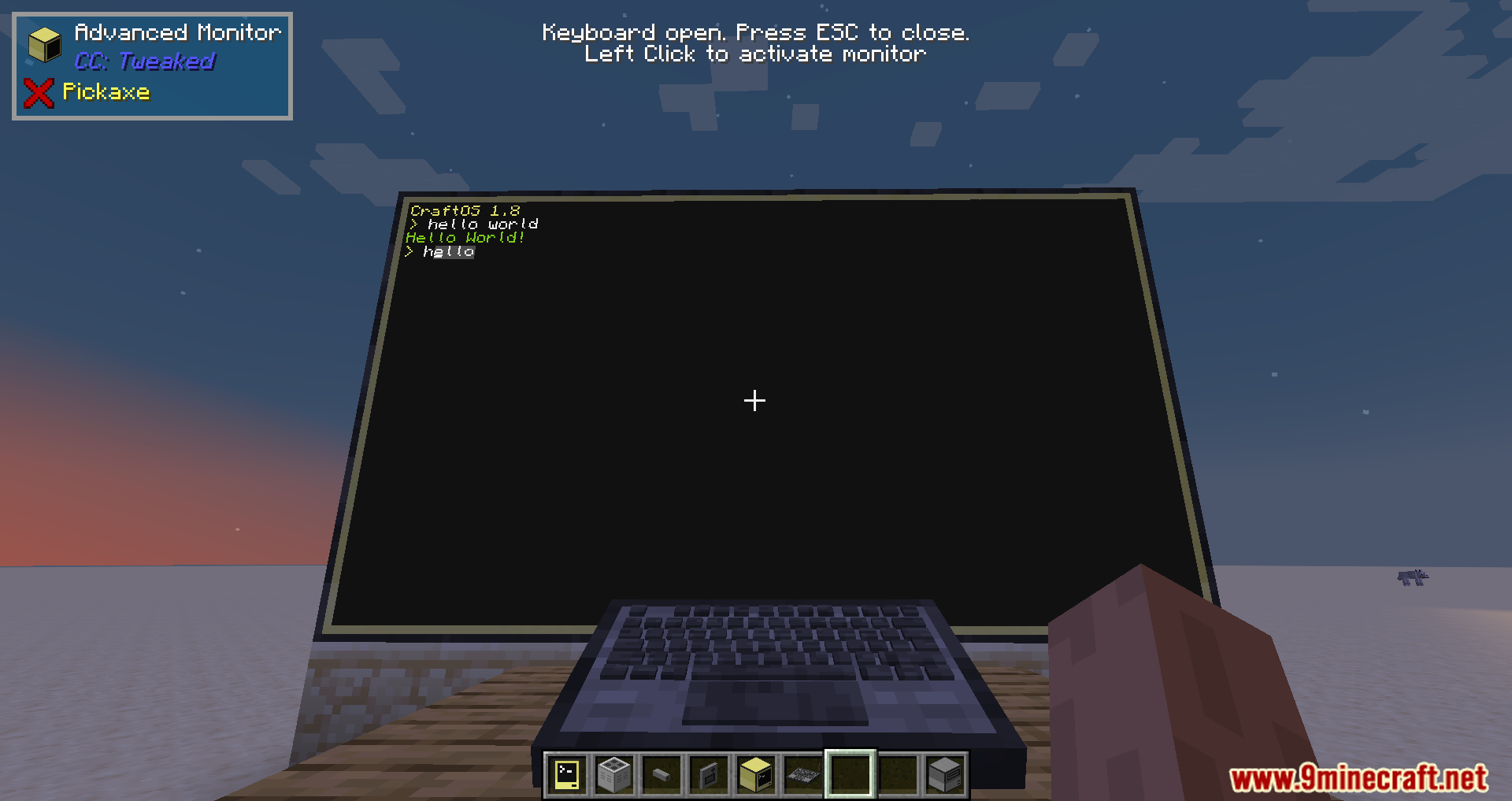
- Adds a Keyboard block so you can use your computer with a bigger monitor.
- Supports mouse input on both Advanced Monitors and the Bitmap Monitor blocks from this addon.
- Adds a Redstone Port to give your computer extra redstone sides.
- Includes a Watch Dog timer that restarts the computer when its internal timer reaches the end.
How to Use:
- Connect a CC: Tweaked computer to Bitmap Monitor blocks and a GPU to set up a high-resolution display.
- Use Lua code to draw high-resolution or 3D graphics on the screen, and load or save PNG files through the GPU.
- Place a Keyboard in front of an Advanced Monitor or Bitmap Monitor to type and use mouse input on a larger display.
- Attach a Redstone Port to your computer to add more redstone sides.
- Connect a Watch Dog timer so your computer restarts automatically if its internal timer reaches the end.
Screenshots:
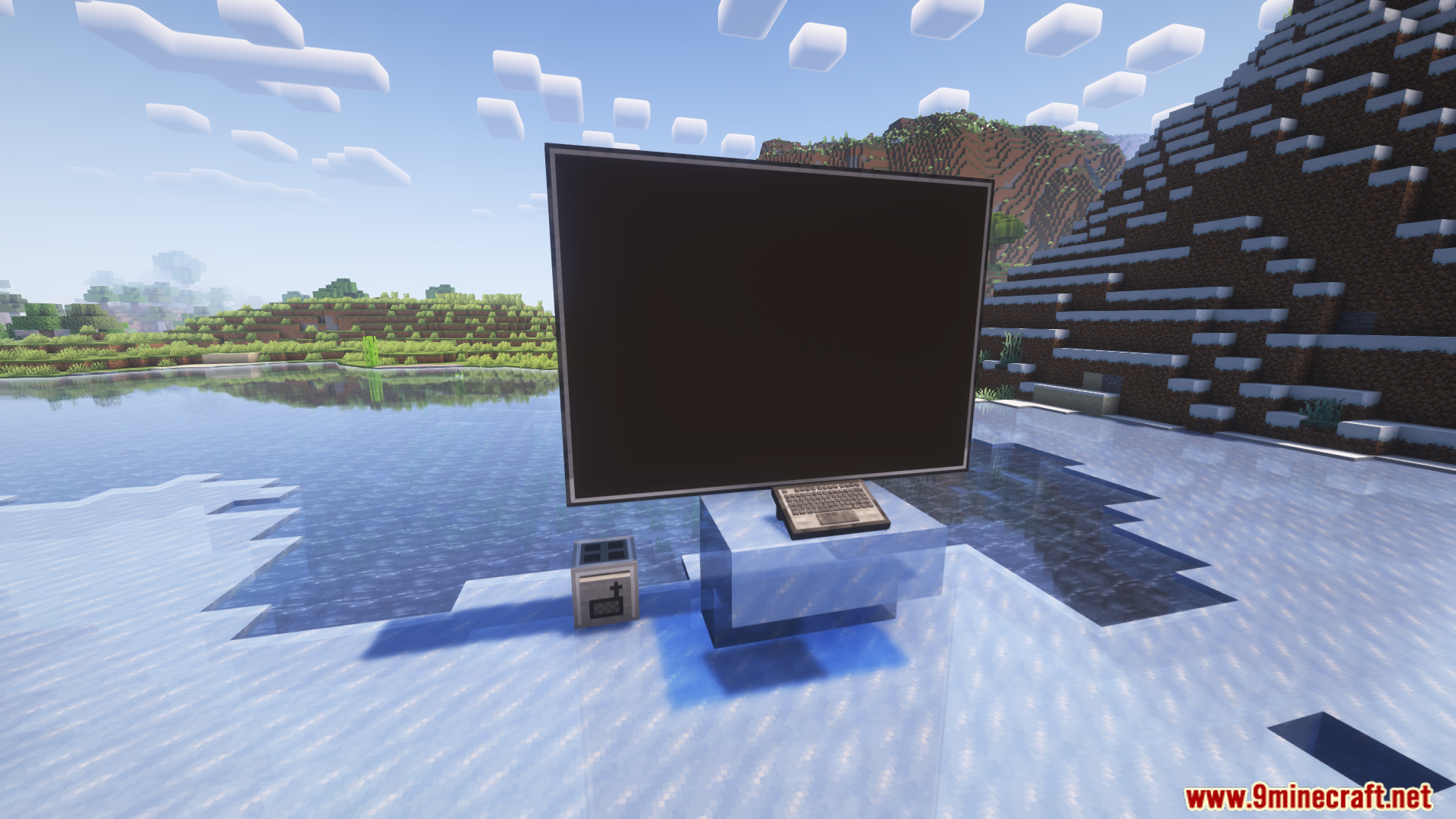
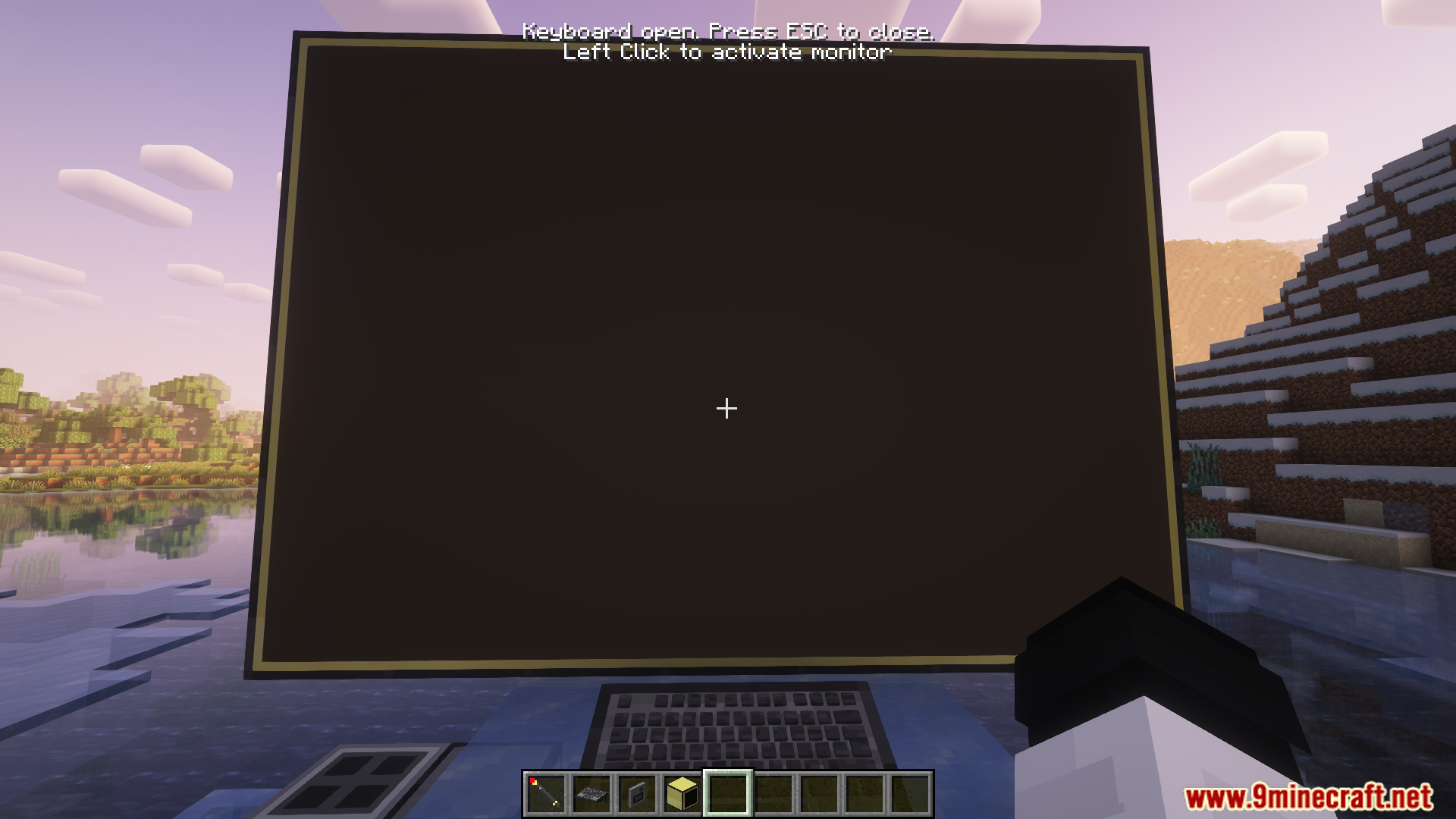
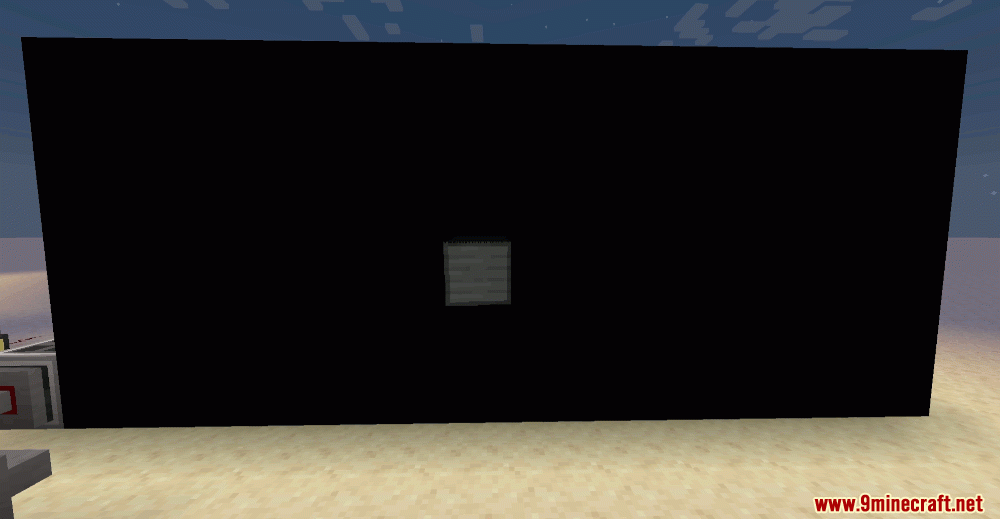
How to Install:
New to Minecraft? Follow our step-by-step guide to install Mods on your PC.View Guide
Requirements:
Tom's Peripherals Mod Download Links
For Minecraft 1.21.1, 1.21
Fabric Version: Download from Server 1 – Download from Server 2
NeoForge Version: Download from Server 1 – Download from Server 2
For Minecraft 1.20.4
Fabric Version: Download from Server 1 – Download from Server 2
NeoForge Version: Download from Server 1 – Download from Server 2
For Minecraft 1.20.1
Forge Version: Download from Server 1 – Download from Server 2
Fabric Version: Download from Server 1 – Download from Server 2
For Minecraft 1.19.2
Forge Version: Download from Server 1 – Download from Server 2
Fabric Version: Download from Server 1 – Download from Server 2
For Minecraft 1.18.2
Forge Version: Download from Server 1 – Download from Server 2
Fabric Version: Download from Server 1 – Download from Server 2
How do you usually learn how a complex mod works?
5 responses · See the full results →
You May Also Like
Picked for this page
 Chef’s Delight Mod (1.21.11, 1.20.1) – Cook and Chef
 Mundane Redstone Ore Mod (26.1.2, 1.20.1) – Non-Effect Redstone
 Danse Mod (1.21.11, 1.20.1) – Server Side Gestures & Emotes
 Server Country Flags Mod (26.1.2, 1.20.1) -Server Location Viewer & Map Display
 GenMode’s Recipes Plus Mod (1.21.11, 1.20.1) – Over 100 New Stonecutting Options
 Mim1q’s Derelict Mod (1.21.1, 1.20.1) – Transform Blocks into Waxed Versions
 Toms Server Additions: Planks! Mod (26.3, 1.20.1) – Vertical & Chiseled Planks
 Toms Server Additions: Concrete! Mod (26.3, 1.20.1) – Concrete Bricks
 Tab Ping Mod (26.1.2, 1.21.1) – Shows Player Ping In Tab Player List
 Let Me Click And Send Mod (26.3, 1.20.1) – Click To Send Messages
 Safari Cobblemon Mod (1.21.1) – Catch Cobblemon in a Battle-Free Safari
 Nuit Interop Mod (26.3, 1.20.1) – OptiFine Sky Compatibility
Most viewed in Mods over the last 7 days
 Ala Industrial Mod (26.3) – Run Electric Power Grids and Automated Factories
 PleasureCraft Mod (26.3, 1.21.1) – Jenny Mod Remake for Fabric
 Jennycraft Mod (26.3, 1.20.1) – Virtual Girlfriend in Minecraft
 Fapcraft Mod (26.3, 1.12.2) – Comprehensive and Detailed Content
 Jenny Mod (Fapcraft) Official Complete Guide – How to use, Tutorial
 BangCraft Mod (1.20.1) – Jenny, Ellie and Elliot
 Fabric Loader (26.3, 1.20.1) – Fabric Installer for All Minecraft Versions
 Meteor Client Mod (26.3, 1.20.1) – Xray, HUD, Fly
 The Shooting Star Demo Mod (26.3, 1.20.1) – Vaporize Terrain From Orbit
 OptiFine HD (26.3, 1.20.1) – Run Faster, FPS Boost, Shaders Support
 Aristois Client Mod (1.21.4, 1.20.1) – World Class Minecraft Utility
 Prestige Client Mod (1.21.11, 1.21.4) – Powerful Ghost Features for Crystal & Sword PvP
More from Mods
 Load My Tags 9minecraft Mod (26.3) – Mix Mods Without Breaking Recipes
 Kambrik 9minecraft Mod (26.3) – Run Kotlin Mods Without Game Lag
 Fast Paintings 9minecraft Mod (26.3, 26.2) – Place Wall Art Exactly Where You Want It
 Bonsai Trees 9minecraft Mod (26.3, 26.2) – Automate Wood Farming in Tiny Pots
 Enhanced Block Entities 9minecraft Mod (26.3) – Build Lag-Free Storage Rooms
 Better Nether 9minecraft Mod (26.3, 26.2) – Survive Forever in the Nether
 BCLib 9minecraft Mod (26.3, 26.2) – Power Custom Nether and End Overhauls
 ForgedLoaderAPI Mod (1.19.2, 1.18.2) – Bring Ported Fabric Creations
 Shield System Mod (1.21.1) – Tank Heavy Monster Hits Without Losing Hearts
 Shin’s Tensura Race Models Mod (1.19.2) – Play As Unique 3D Anime Race
 Offgrid Mod (26.3, 1.20.1) – Furnish Compact Interiors Without Strict Grid
 Tempest Almanac Iron’s Spells ‘n Spellbooks Mod (1.21.1, 1.20.1)

This post has no comments yet. Be the first — your comment will appear here.