
Passive Search Bar Mod (1.21.1, 1.20.1) – Exit Creative Menus Without Typing E

 0


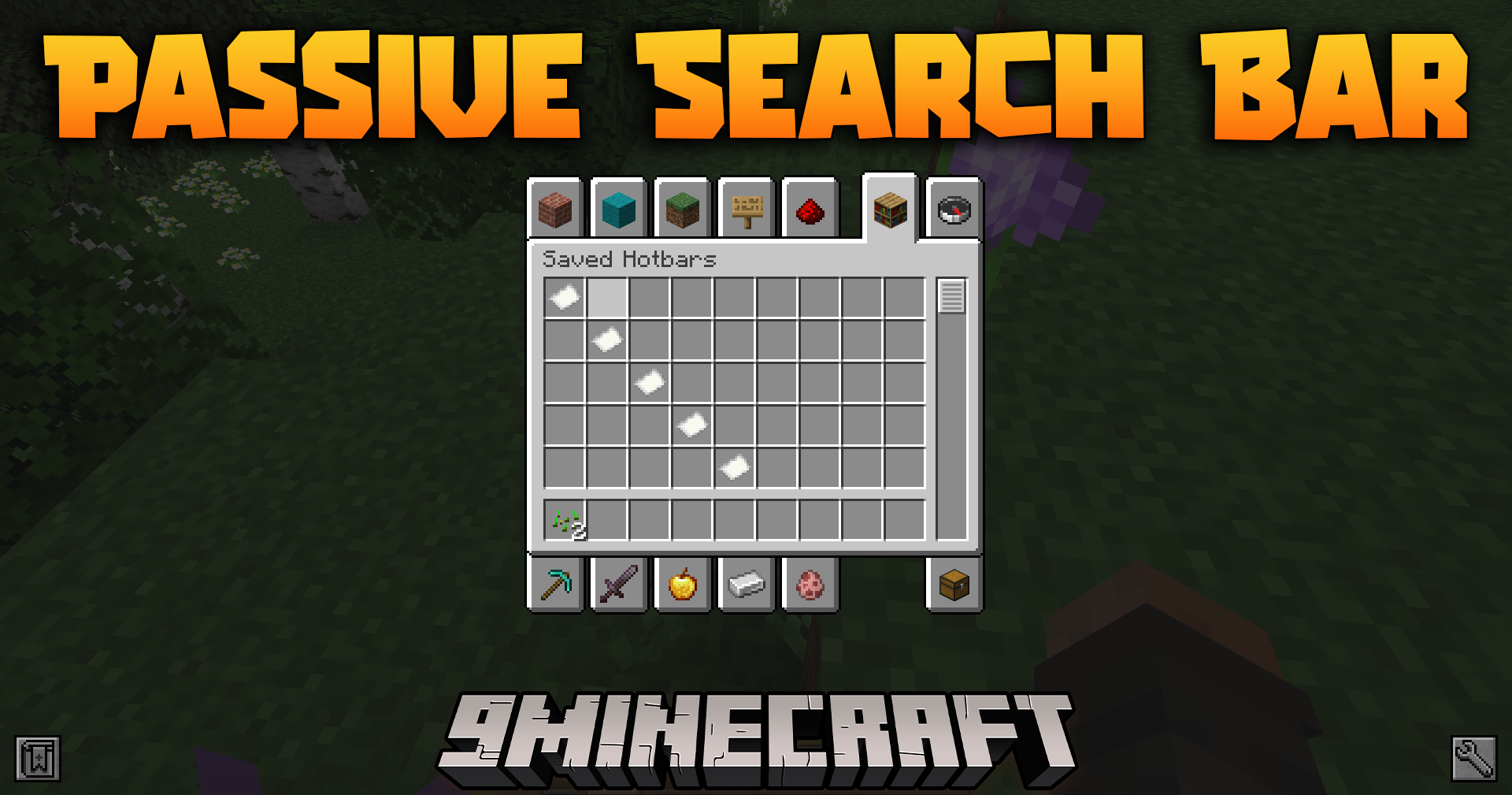
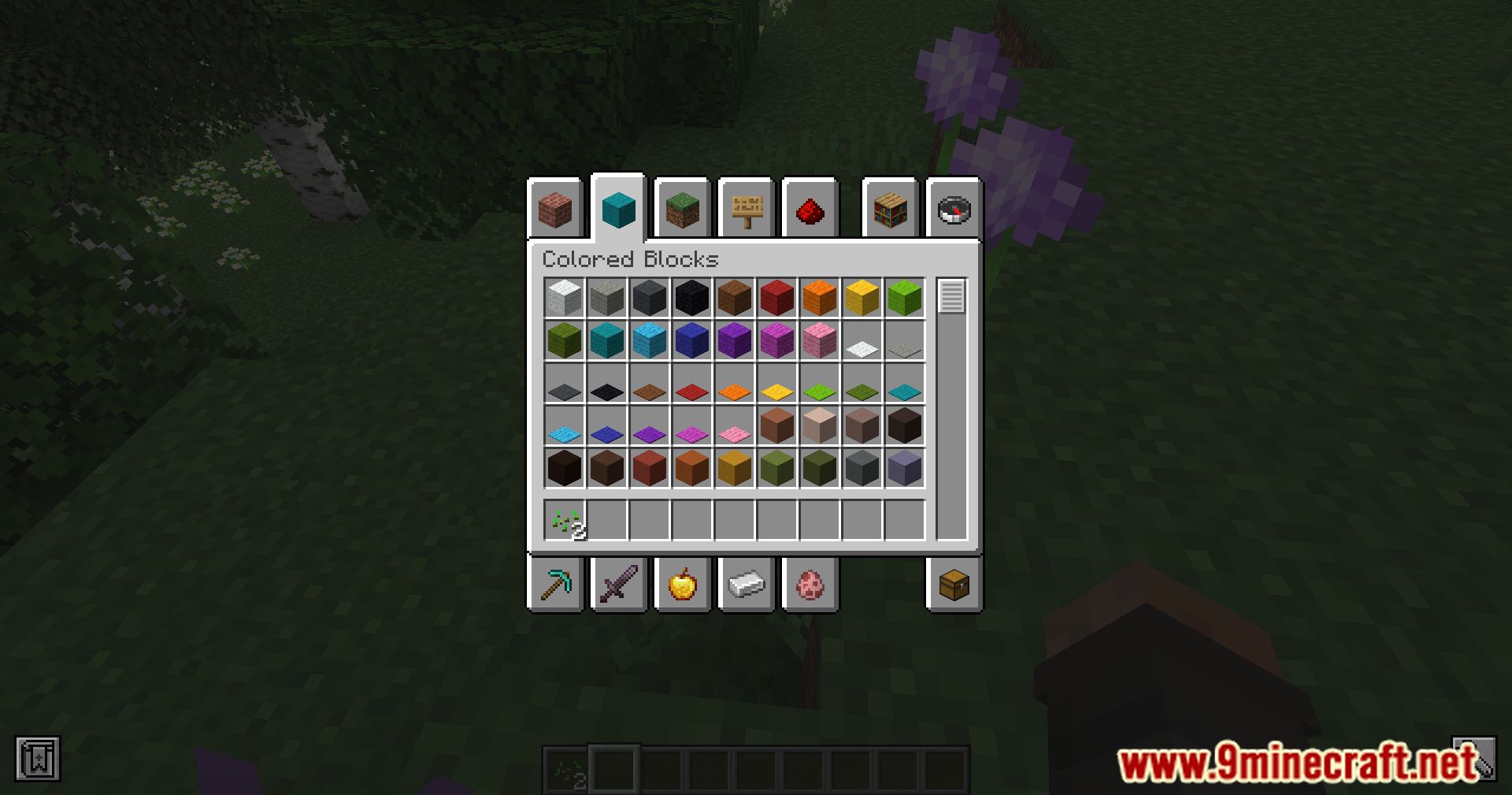
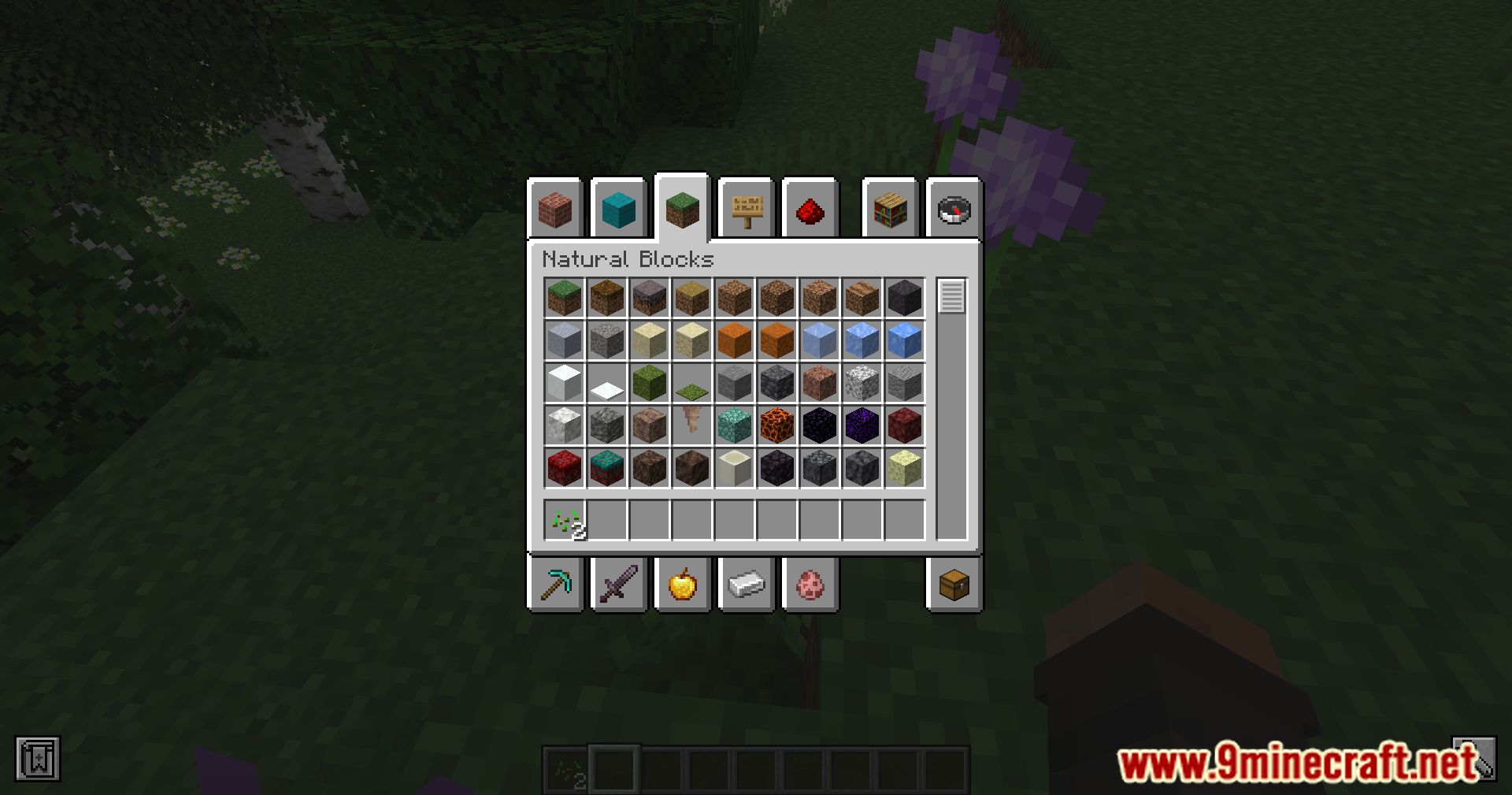
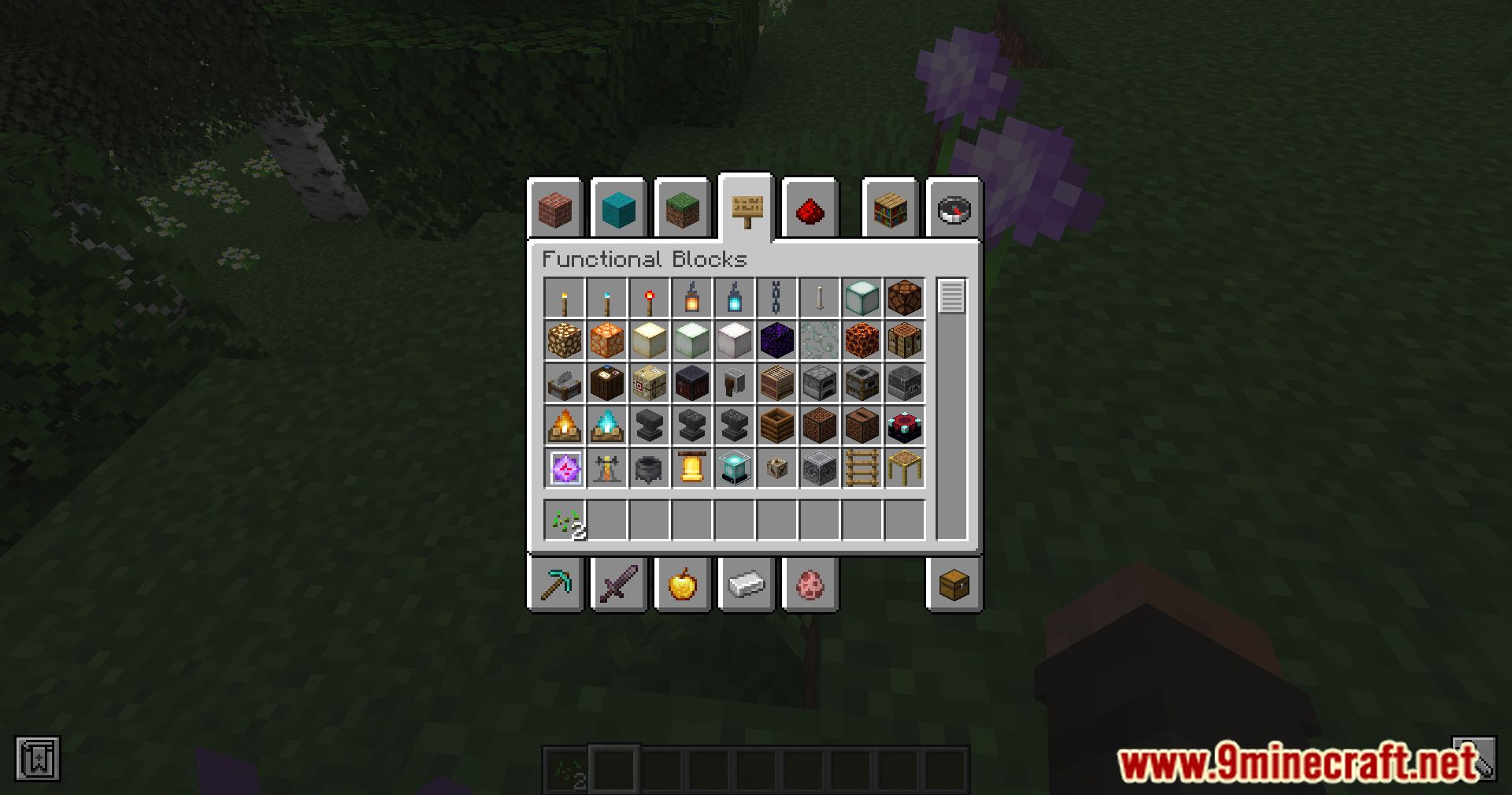
Passive Search Bar Mod stops search bars in creative mode tabs from focusing on their own when you open them. Normally, tabs like the “Search Items” tab take your keyboard input right away and type letters when you try to use normal keys. This mod lets you press E to close your inventory without typing by mistake, and it unfocuses the search bar whenever you click outside of it.
Features:
- Stops search bars in creative mode tabs, like the vanilla “Search Items” tab, from automatically focusing when you open them.
- Lets you press the E key to close tabs right away instead of typing unwanted letters into the search box.
- Removes focus from the search bar as soon as you click anywhere outside of it.
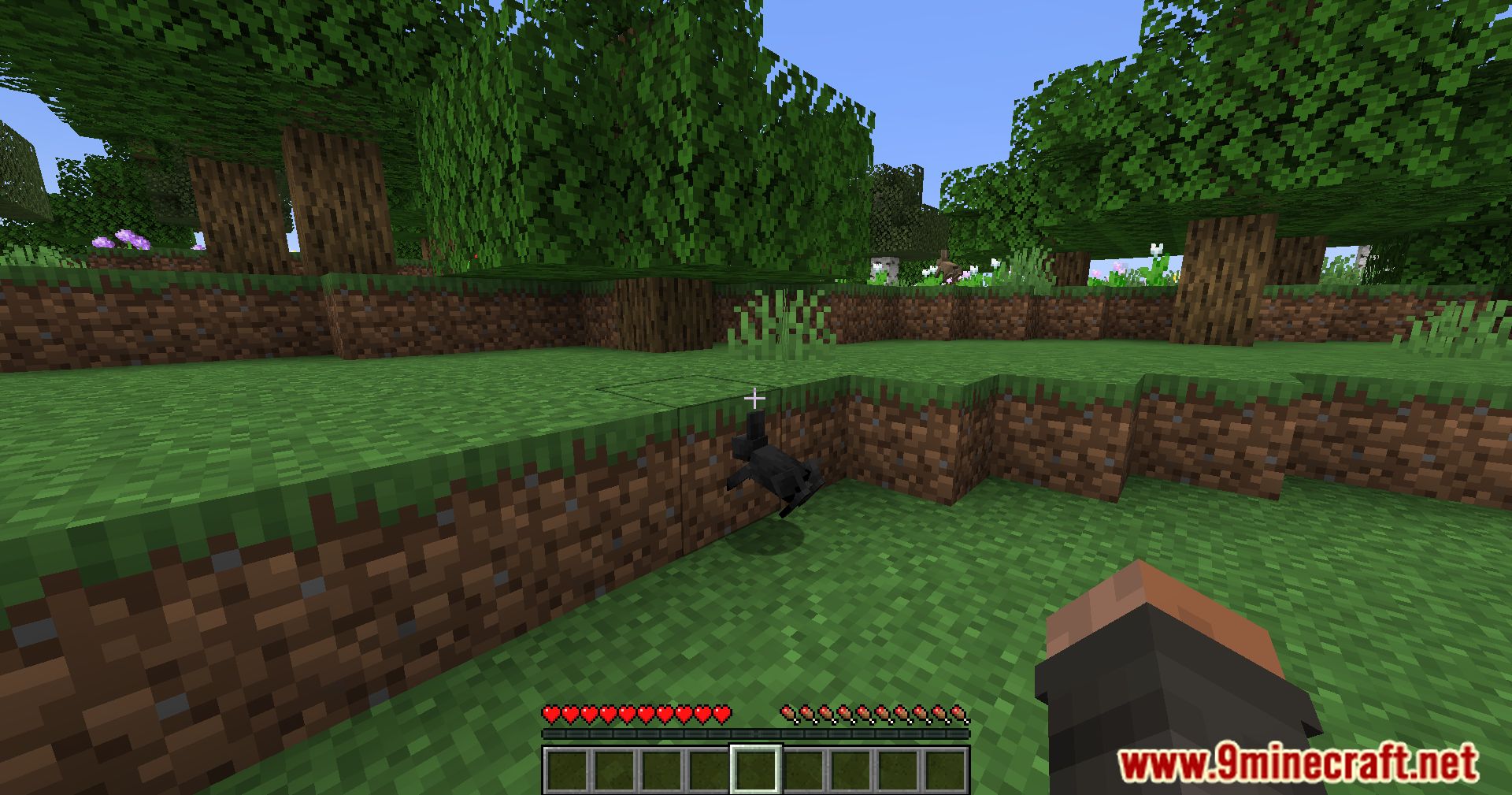
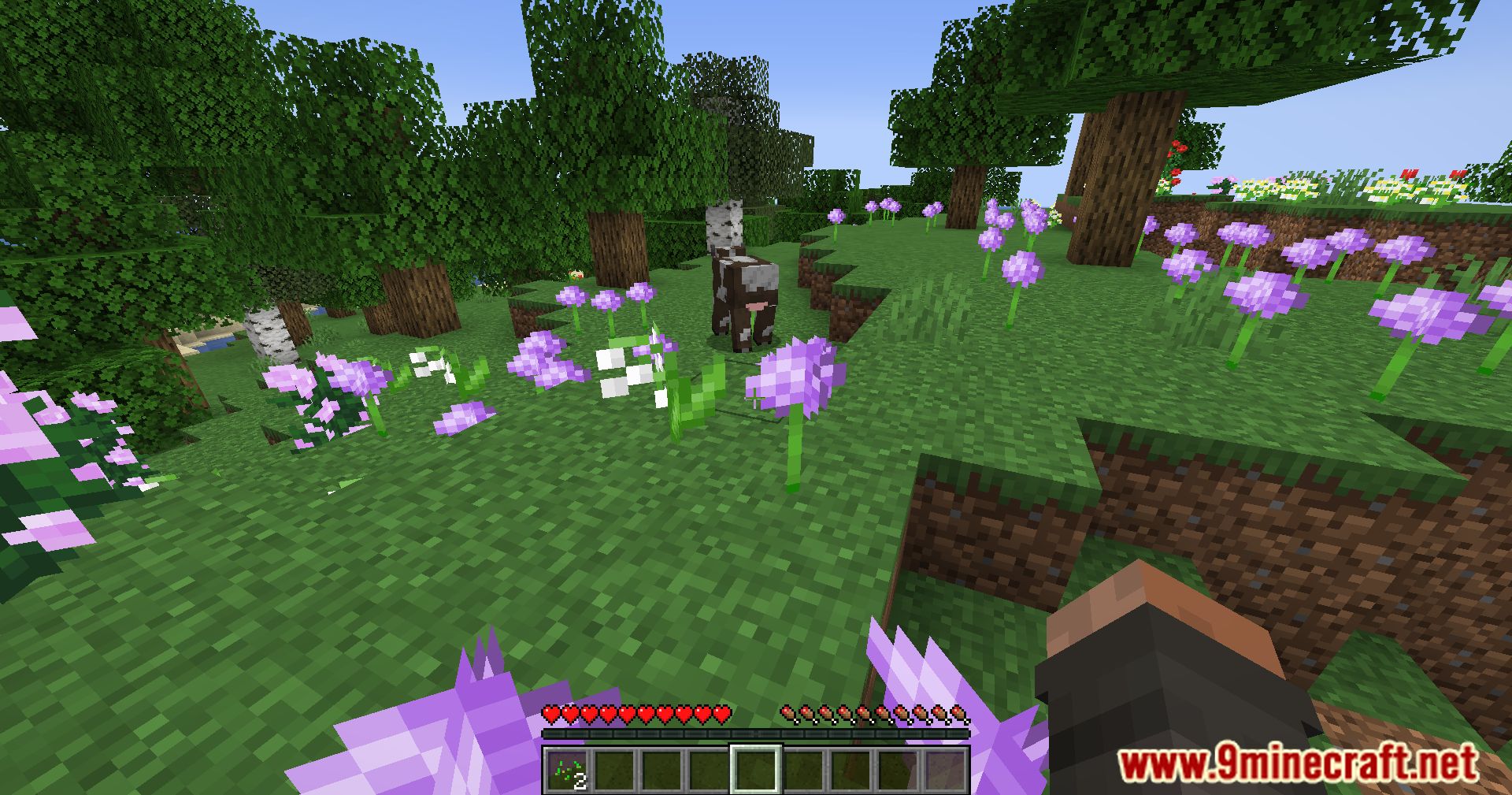
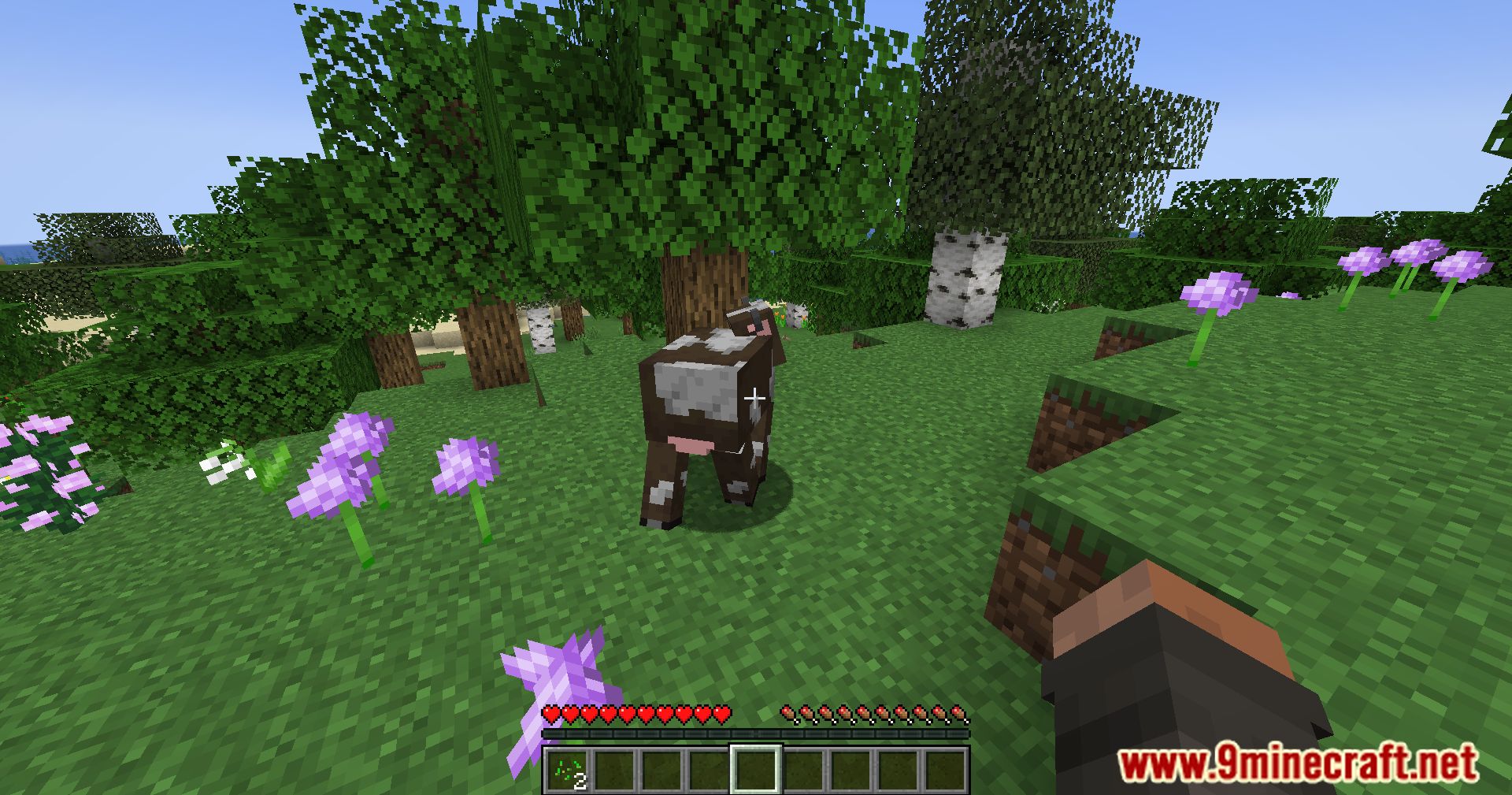
Screenshots:
How to Install:
New to Minecraft? Follow our step-by-step guide to install Mods on your PC.View Guide
Passive Search Bar Mod Download Links
For Minecraft 1.21.1, 1.21
Fabric Version: Download from Server 1 – Download from Server 2
NeoForge Version: Download from Server 1 – Download from Server 2
For Minecraft 1.20.4, 1.20.2, 1.20.1, 1.20
Forge Version: Download from Server 1 – Download from Server 2
Fabric Version: Download from Server 1 – Download from Server 2
For Minecraft 1.20.4
NeoForge Version: Download from Server 1 – Download from Server 2
For All Versions from Minecraft 1.18.2 to Minecraft 1.19.2
Forge Version: Download from Server 1 – Download from Server 2
Fabric Version: Download from Server 1 – Download from Server 2
For Minecraft 1.16.5
Forge Version: Download from Server 1 – Download from Server 2
For Minecraft 1.12.2
Forge Version: Download from Server 1 – Download from Server 2
Have you ever created your own Minecraft mod or modpack, even a simple one?
40 responses · See the full results →
You May Also Like
Picked for this page
 Custom Skin Loader Mod (26.3, 1.20.1) – Wear Any Skin You Can Find
 Simple Voice Chat Mod (26.3, 1.20.1) – Hear Players Around You
 Nameless Trinkets Mod (26.1.2, 1.20.1) – More Powerful Trinkets
 Auto Aim Mod (26.3, 1.20.1) – Automatically Adjusts Arrows to Target Entities
 Better Spawner Control Mod (26.3, 1.20.1) – Completely Disables Mob Spawners
 Better Ping Display Mod (1.21.11, 1.20.1) – Ping in the Player List
 Better Tridents Mod (26.3, 1.20.1) – Destroy Everything
 Very Many Players Mod (26.3, 1.20.1) – Improve Server Performance
 Countered’s Settlement Roads Mod (1.21.10, 1.20.1) – Generates Roads Between Villages
 Nemo’s Creatures Mod (26.3, 1.20.1) – Mobs-Specific to Different Biomes
 Alternative World Save Location Mod (26.3, 1.20.1) – Organizing Multiple Modpacks
 Omega Mute Mod (26.3, 1.20.1) – Full Control Over in-game Sounds
Most viewed in Mods over the last 7 days
 Ala Industrial Mod (26.3) – Run Electric Power Grids and Automated Factories
 PleasureCraft Mod (26.3, 1.21.1) – Jenny Mod Remake for Fabric
 Jennycraft Mod (26.3, 1.20.1) – Virtual Girlfriend in Minecraft
 Fapcraft Mod (26.3, 1.12.2) – Comprehensive and Detailed Content
 Jenny Mod (Fapcraft) Official Complete Guide – How to use, Tutorial
 BangCraft Mod (1.20.1) – Jenny, Ellie and Elliot
 Fabric Loader (26.3, 1.20.1) – Fabric Installer for All Minecraft Versions
 Meteor Client Mod (26.3, 1.20.1) – Xray, HUD, Fly
 The Shooting Star Demo Mod (26.3, 1.20.1) – Vaporize Terrain From Orbit
 OptiFine HD (26.3, 1.20.1) – Run Faster, FPS Boost, Shaders Support
 Aristois Client Mod (1.21.4, 1.20.1) – World Class Minecraft Utility
 SchnurriTV Mod (1.12.2) – Characters and Features
More from Mods
 Shin’s Tensura Race Models Mod (1.19.2) – Play As Unique 3D Anime Race
 Offgrid Mod (26.3, 1.20.1) – Furnish Compact Interiors Without Strict Grid
 Tempest Almanac Iron’s Spells ‘n Spellbooks Mod (1.21.1, 1.20.1)
 Chat Guides Mod (26.3, 1.21.11) – Never Memorize Complex Server Commands Again
 TRMT Reimagined the Roads More Travelled Mod (26.3, 1.20.1)
 Morrowless Mod (1.21.1) – Defend Your Shelter From Nightmare Creatures
 THE SLOPSTROSITY Mod (1.21.1) – Battle a Ridiculous Slime Boss
 Decoween Mod (1.21.1, 1.20.1) – Transform Ordinary Survival Bases
 Simply Light 9minecraft Mod (26.3) – Decorate Builds Without Torches
 Alex’s Caves Continued Mod (26.3, 1.20.1) – Conquer Six Massive Underground
 Anvil Uses Mod (26.3, 1.20.1) – Track Item Anvil Usage
 Animal Info Mod (26.3, 1.21.11) – Quick Stats For Your Animals

This post has no comments yet. Be the first — your comment will appear here.