
Custom Archeology Mod (1.21.1, 1.21) – Bury Loot to Uncover with Brushes

 0


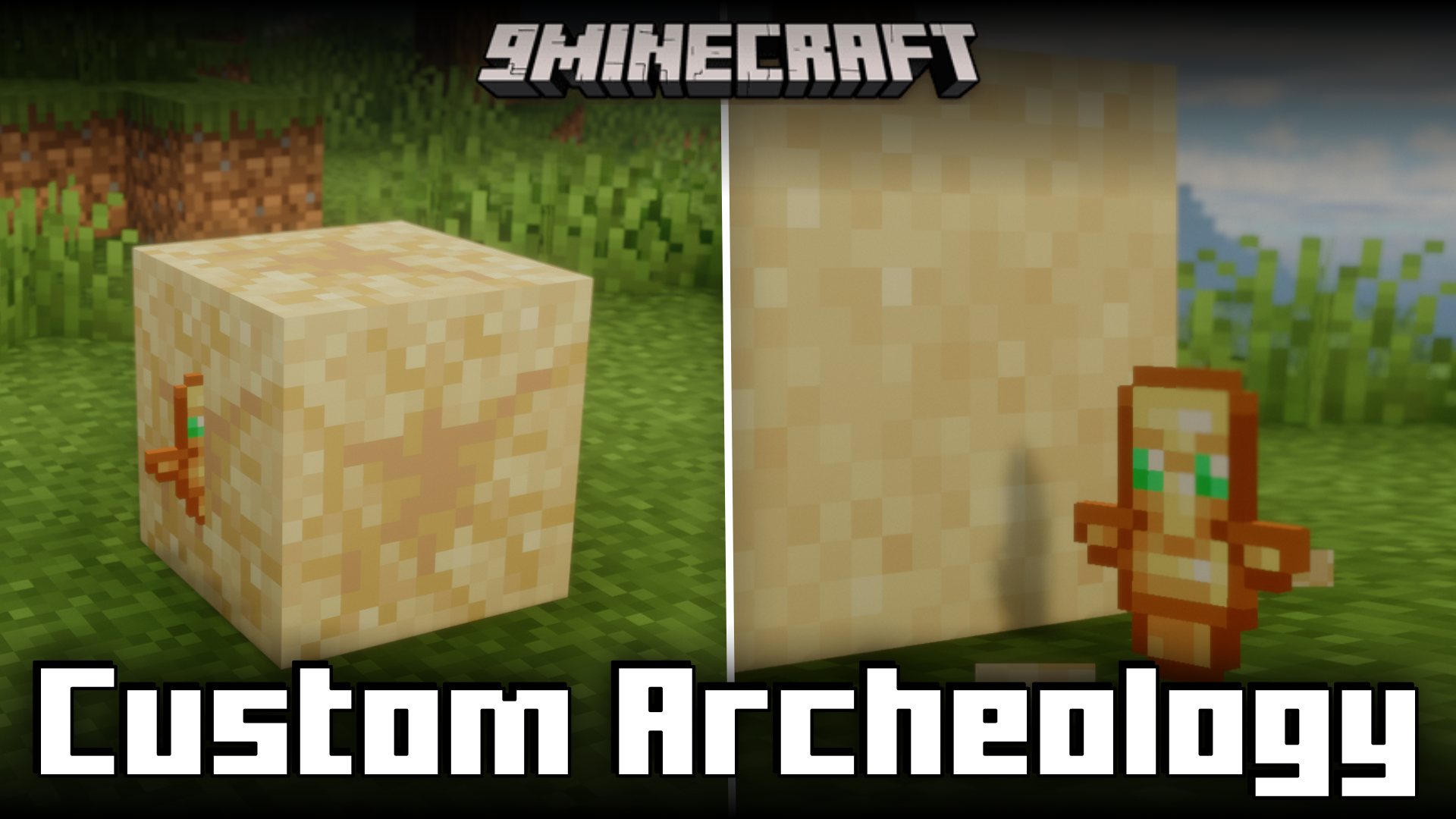
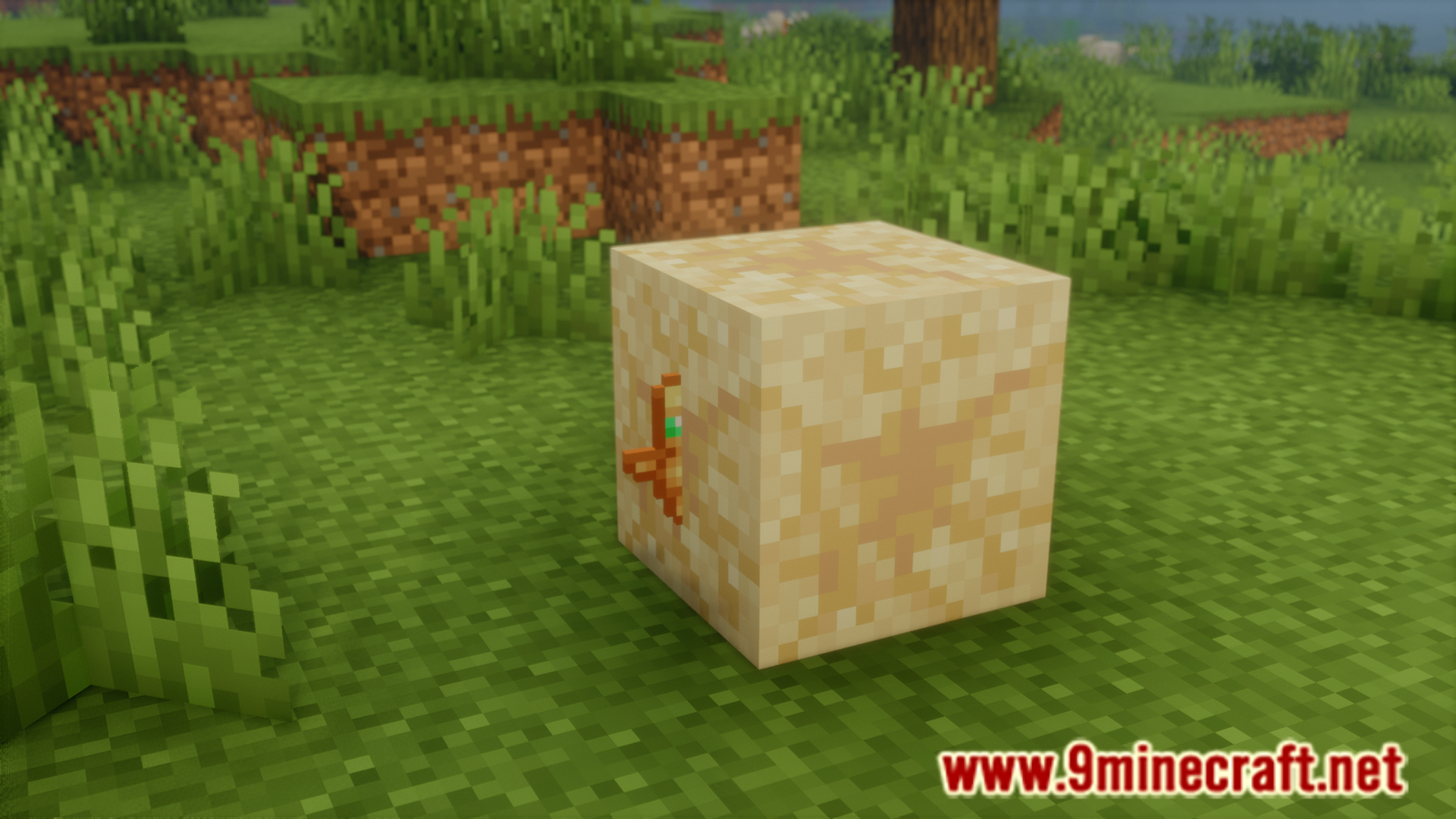
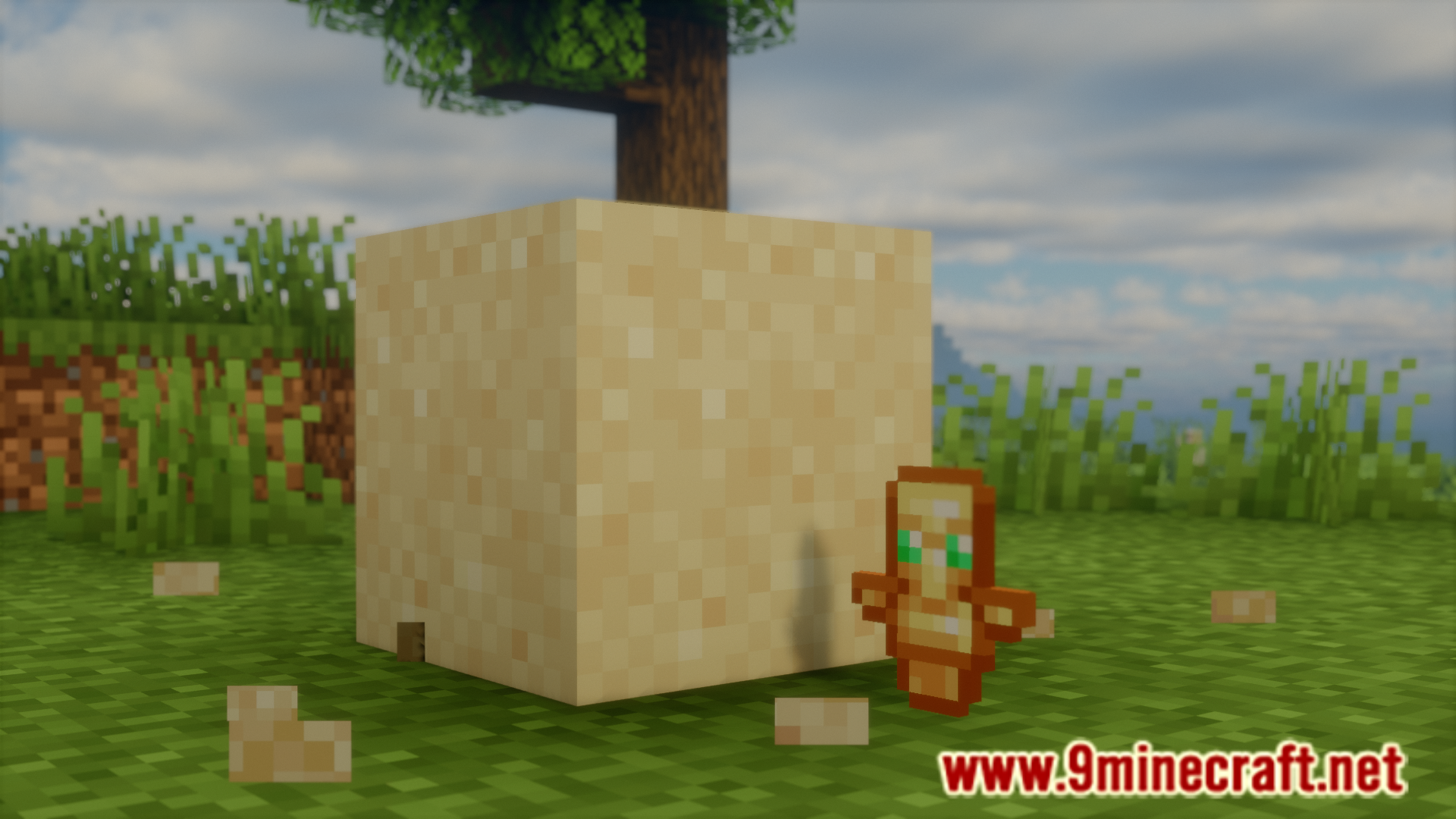
Custom Archeology Mod lets you build your own custom dig sites by hiding items inside sand and gravel blocks. It gives you an easy way to bury loot on the ground and uncover it later using a brush tool.
Features:
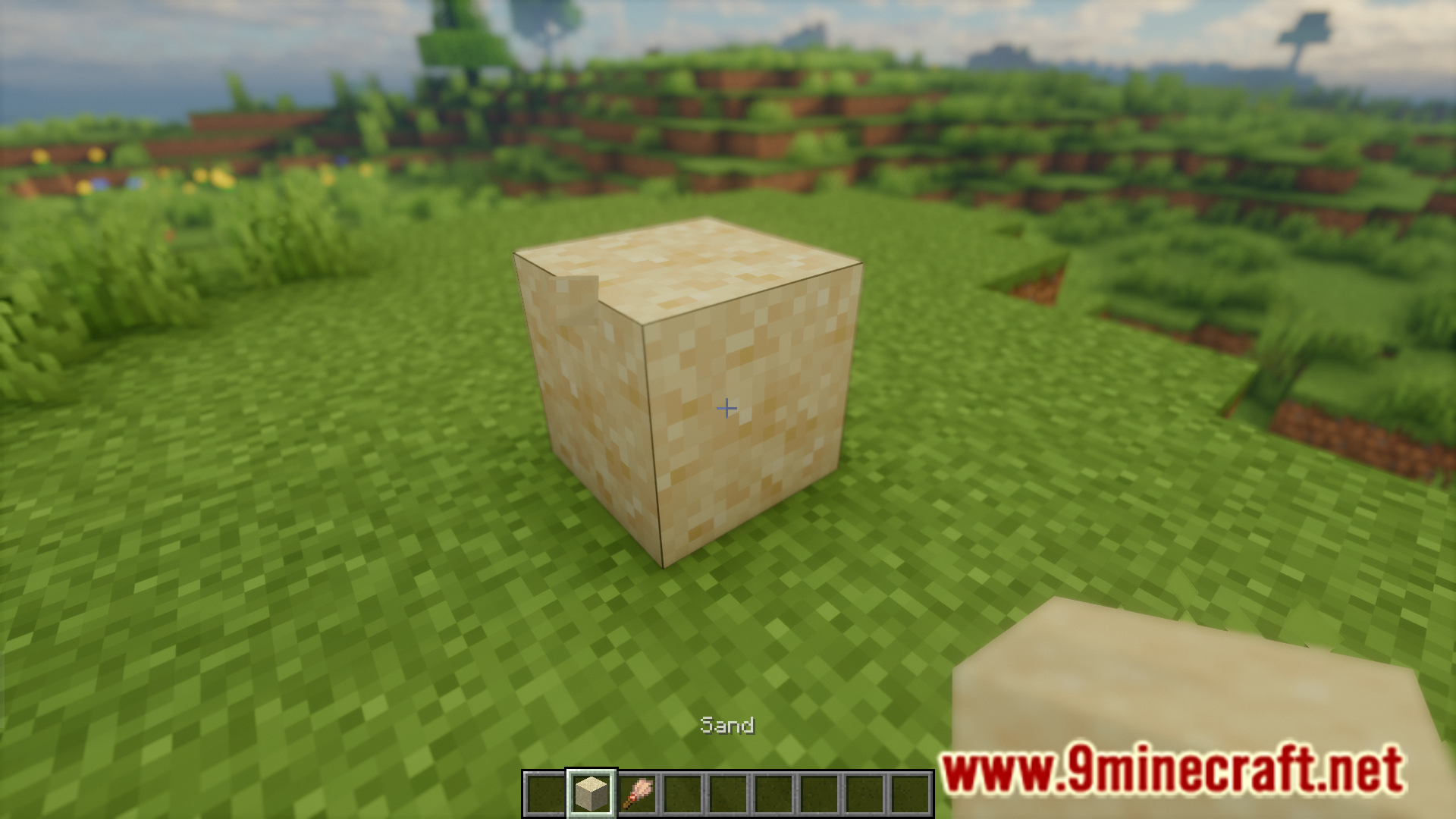
- Bury any item by dropping it on the ground and placing a sand or gravel block directly on top of it.
- Uncover hidden items easily by using a brush tool on the suspicious block.
- Combine multiple of the same item into a single stack on the ground before placing sand or gravel to bury them together.
- Lose the hidden item permanently if you break the suspicious sand or gravel block instead of brushing it.
- Affects only items dropped directly by players, leaving items from other sources alone.
How to Use:
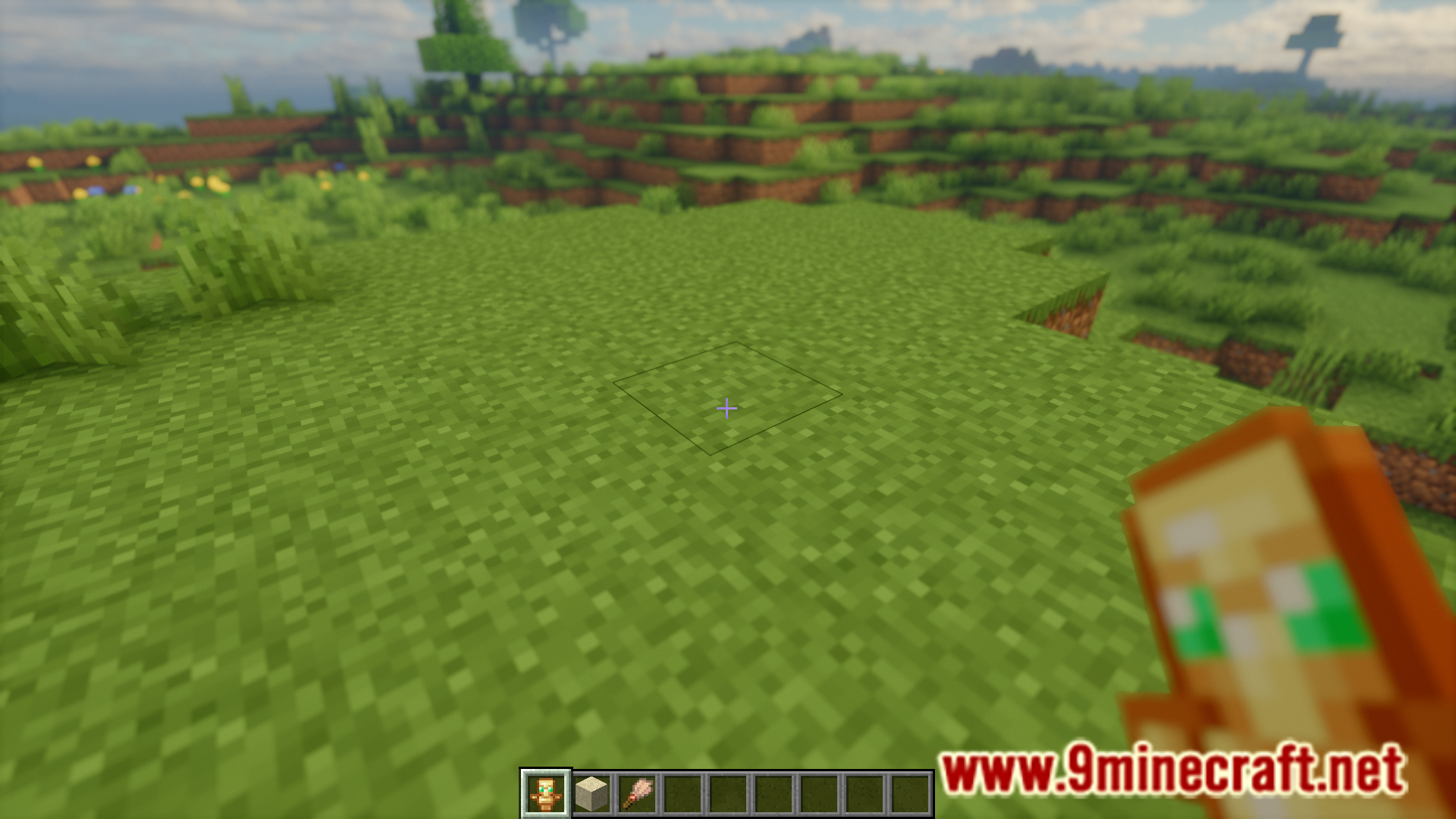
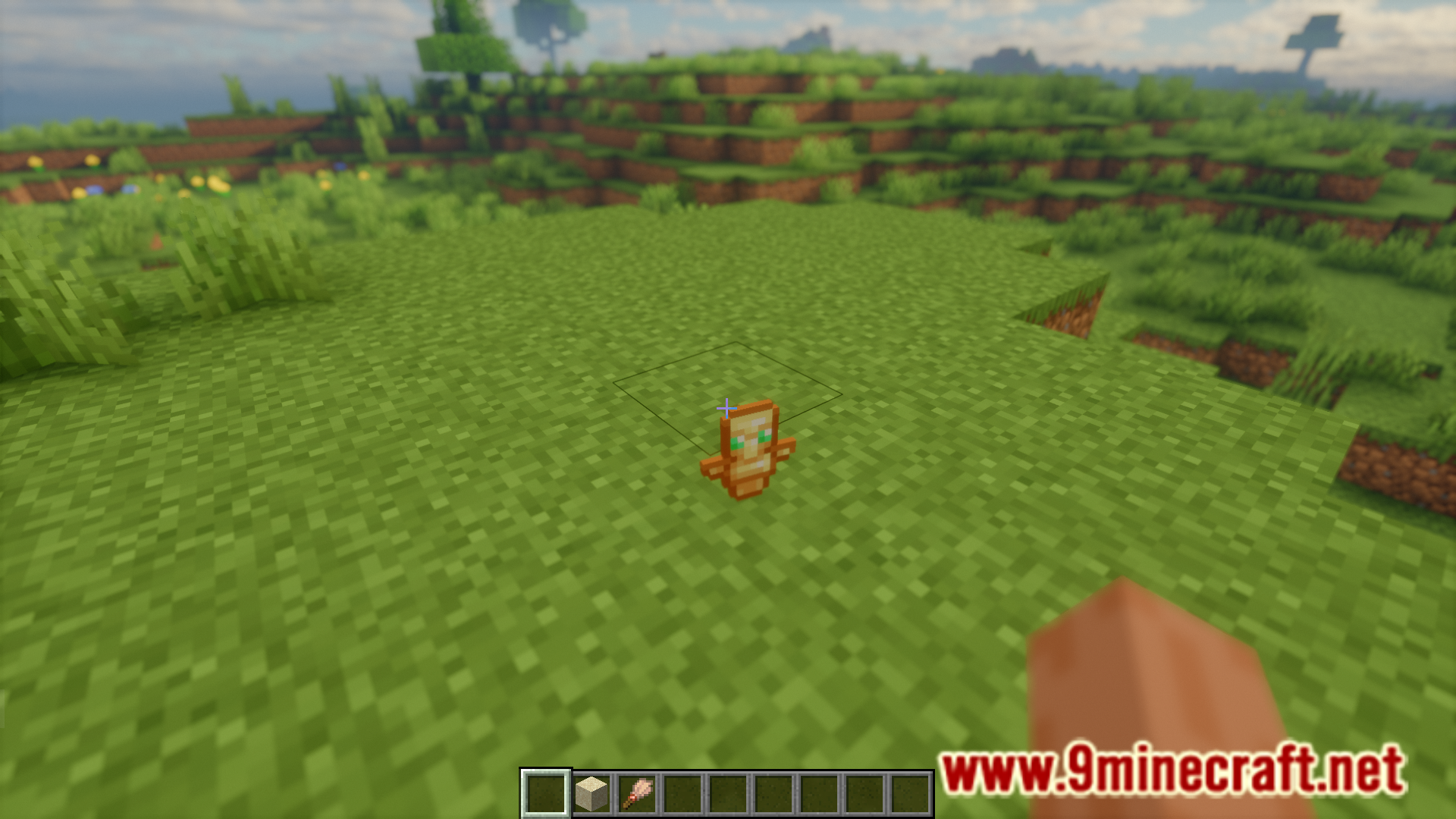
- Drop the item you want to hide onto the ground.
- Place a sand or gravel block onto the exact spot where the item falls.
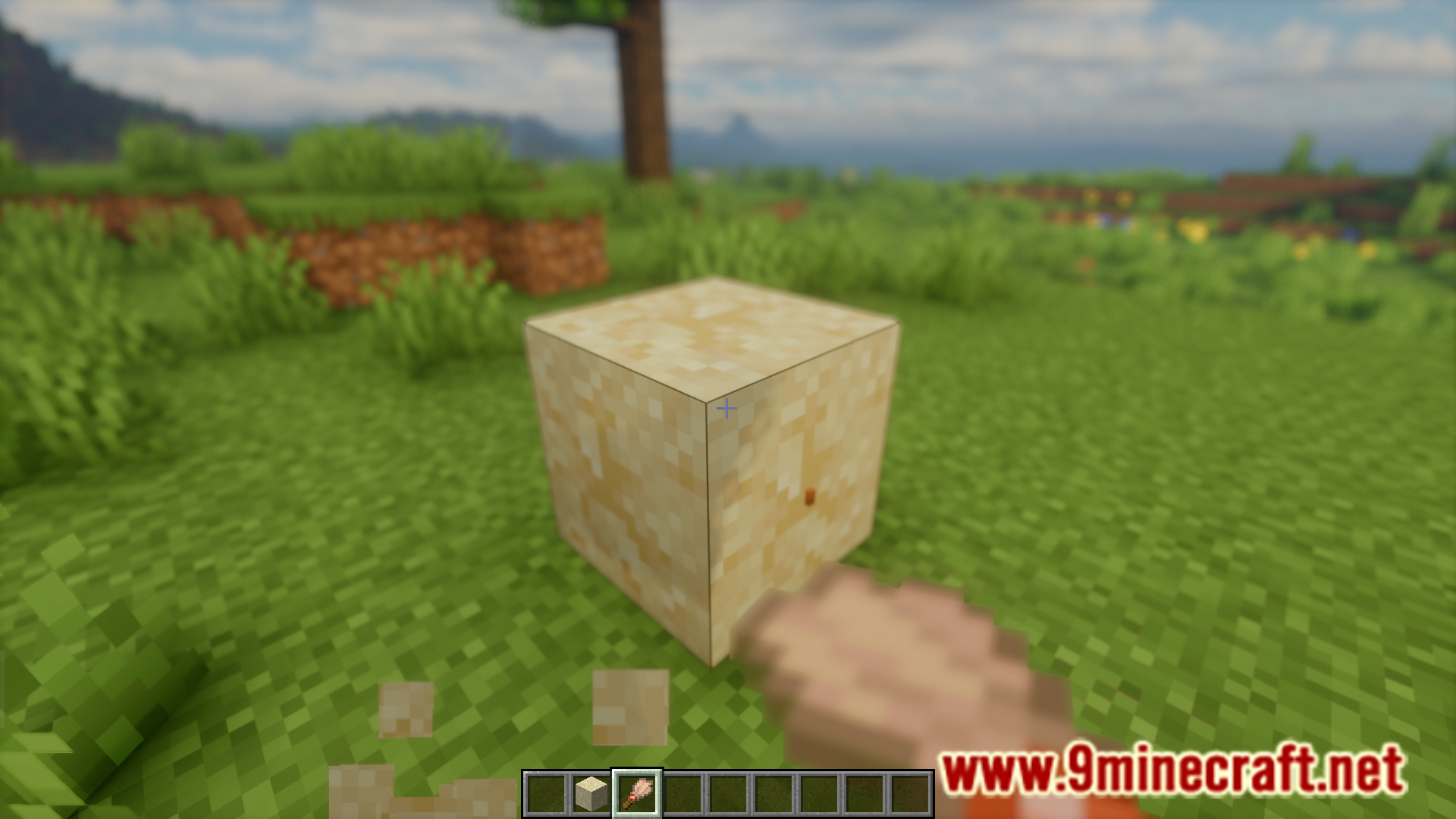
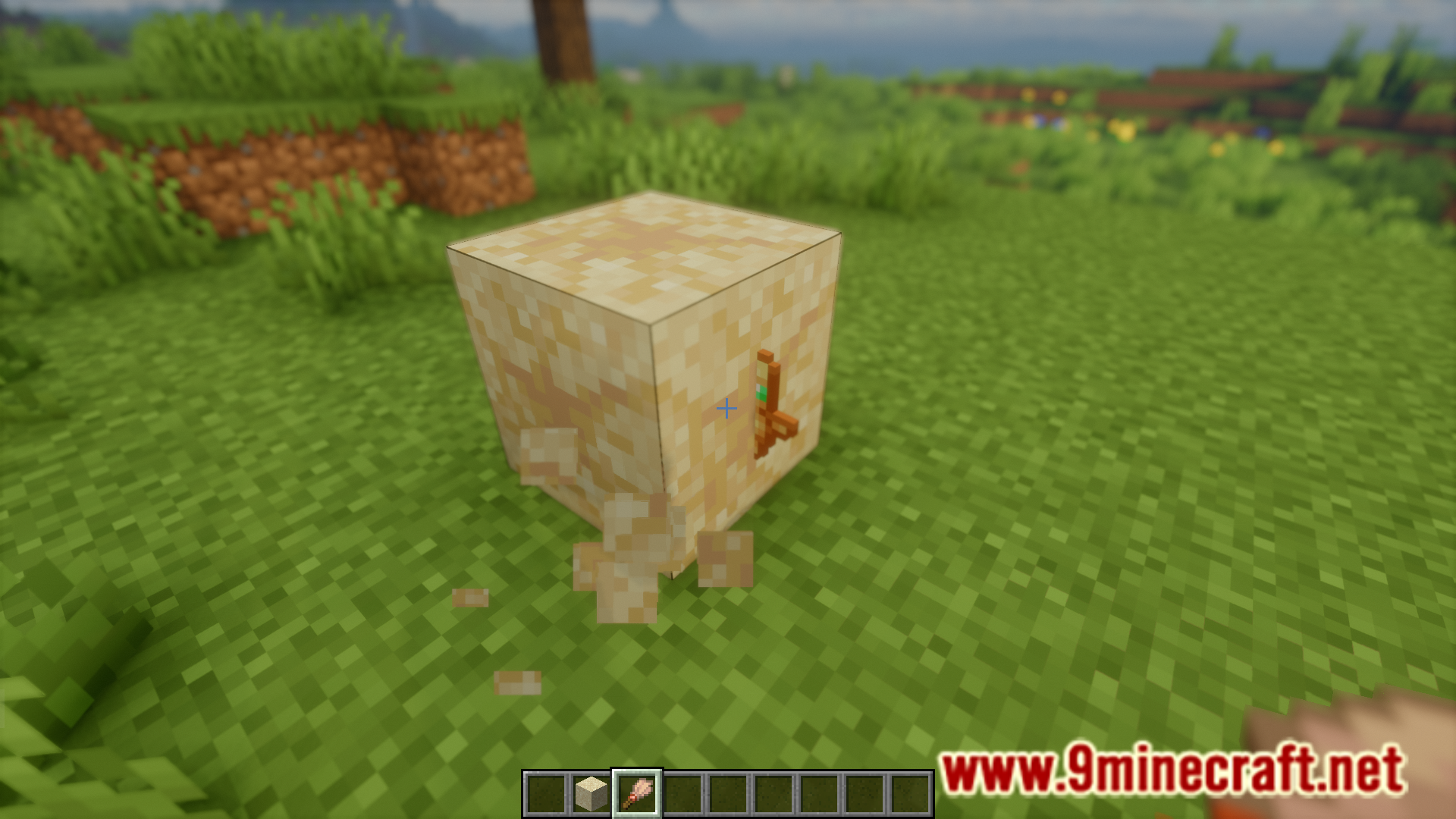
- Hold a brush tool and use it on the suspicious sand or gravel block to retrieve your hidden item.
Screenshots:
How to Install:
New to Minecraft? Follow our step-by-step guide to install Mods on your PC.View Guide
Custom Archeology Mod Download Links
For Minecraft 1.21.1, 1.21
Forge/NeoForge/Fabric/Quilt version: Download from Server 1 – Download from Server 2
Click to rate this post!
[Total: 0 Average: 0]
QUICK MINECRAFT SURVEY · ONE TAP
Mods & Modpacks
If you rent a paid server to play modded Minecraft with friends, how do you usually set it up?
22 responses · See the full results →
You May Also Like
Picked for this page
 Create Crafts and Additions Mod (1.21.1, 1.20.1) – Electrifying the Create Mod
 Enhanced Visuals Mod (26.3, 1.20.1) – More Realistic Minecraft
 No Resource Pack Warnings Mod (26.3, 1.20.1) – Disable Pop-up Warning
 Loginar Storage Mod (26.1.2, 1.20.1) – Improve Inventory Management
 FSit Mod (26.3, 1.20.1) – Sit Back And Relax
 1 Hit Mod (26.3, 1.20.1) – One Hit Kill Mobs In Creative Mode
 FastDoll Mod (26.2, 1.20.1) – Smooth Player Model Movement
 Simple Login Mod (1.21.11) – Client-Stored Passwords
 Additional Attributes Mod (1.21.1, 1.20.1) – Create Your Ultimate RPG Build
 Let’s Do Addon Compat Mod (1.21.1, 1.20.1) – Mix Recipes From Every Food Mod
 Better Crafting Recipies Mod (1.20.1, 1.20) – Unlock More Craftable Items
 World Start Commands and Global Gamerules Mod (26.1.2, 1.20.1) – Run Commands On World Creation
Most viewed in Mods over the last 7 days
 Ala Industrial Mod (26.3) – Run Electric Power Grids and Automated Factories
 PleasureCraft Mod (26.3, 1.21.1) – Jenny Mod Remake for Fabric
 Jennycraft Mod (26.3, 1.20.1) – Virtual Girlfriend in Minecraft
 Fapcraft Mod (26.3, 1.12.2) – Comprehensive and Detailed Content
 Jenny Mod (Fapcraft) Official Complete Guide – How to use, Tutorial
 BangCraft Mod (1.20.1) – Jenny, Ellie and Elliot
 Fabric Loader (26.3, 1.20.1) – Fabric Installer for All Minecraft Versions
 Meteor Client Mod (26.3, 1.20.1) – Xray, HUD, Fly
 The Shooting Star Demo Mod (26.3, 1.20.1) – Vaporize Terrain From Orbit
 OptiFine HD (26.3, 1.20.1) – Run Faster, FPS Boost, Shaders Support
 Aristois Client Mod (1.21.4, 1.20.1) – World Class Minecraft Utility
 Prestige Client Mod (1.21.11, 1.21.4) – Powerful Ghost Features for Crystal & Sword PvP
More from Mods
 Berlin Client Mod (1.21.11) – Hunt Stashes and Win Crystal Fights
 Kaleidoscope Cookery Refabricated Mod (26.3, 1.20.1) – Cook Hearty Meals
 Minecraft MusicBox Mod (1.21.12) – Play Your Favorite Songs While Mining and Building
 Legacy Wavey Capes Mod (1.8.9) – Watch Your Cape Flow Naturally While Sprinting
 Warrior Cats Events Mod (1.21.1, 1.20.1) – Live As a Wild Clan Cat
 Apex Enchantment Freedom Mod (26.3) – Stack Conflicting Enchantments
 Tensura GUI Mod (1.21.1) – Track Your Fantasy Skills and Race Evolutions
 Remnants Roguelite Dungeons Mod (26.3, 1.20.1) – Risk It All in Procedural
 Lib Lib Lib Mod (26.3, 1.20.1) – Keep Your Favorite Modpacks Running Smooth
 Cinematic Interactions Mod (26.3, 1.20.1) – Watch Your Hands Work
 Macro Keybinds Mod (26.3, 1.20.1) – Macro Creation, Keybind Execution
 Better Enchantment Bookshelf Placement Mod (26.3, 1.20.1)

This post has no comments yet. Be the first — your comment will appear here.