
Gravity Changer Mod (1.20.1, 1.19.4) – Defy Normal Physics in Any Dimension

 0


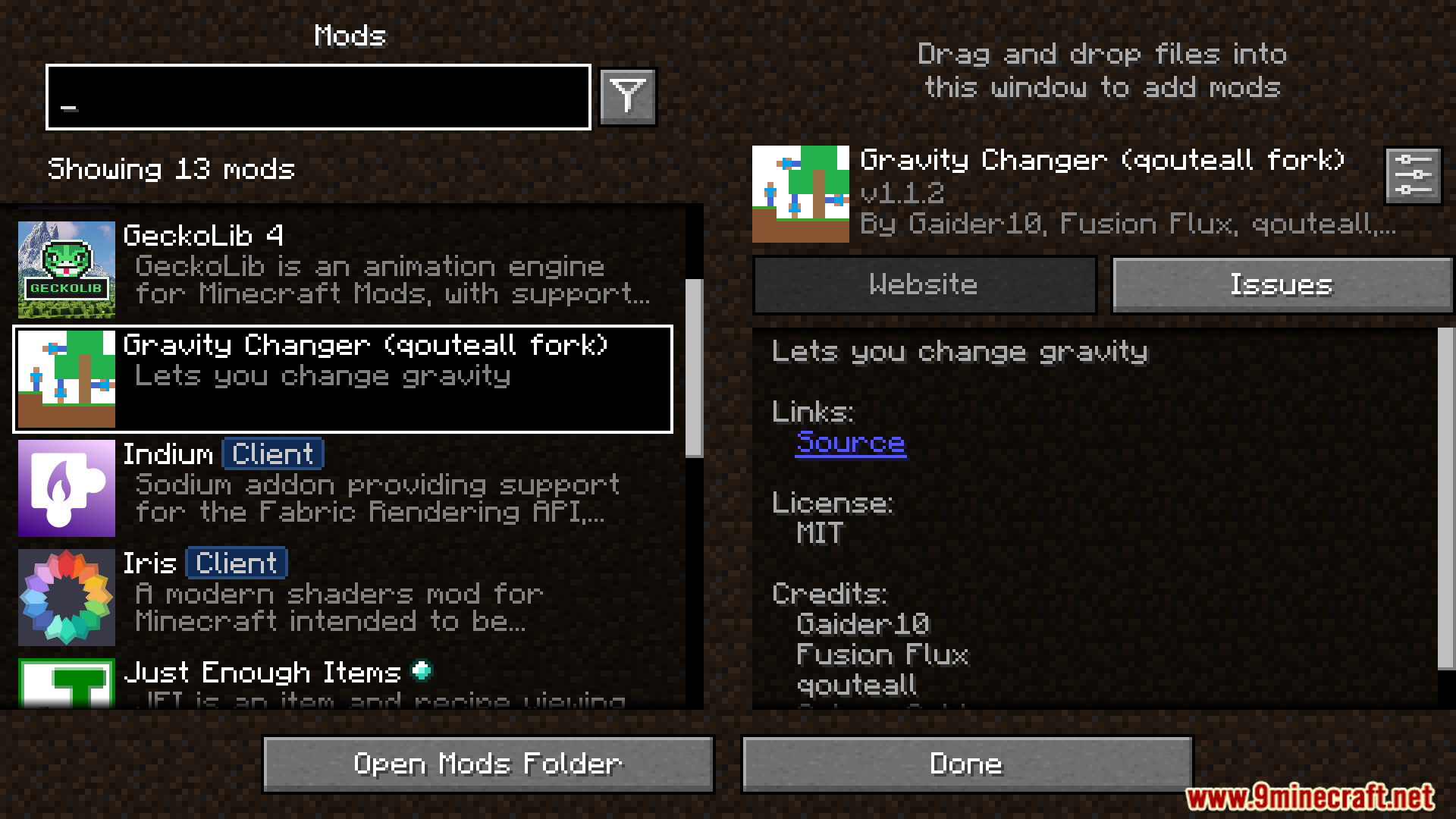
Gravity Changer Mod changes gravity direction and strength in your Minecraft world. This mod adds gravity effects, potions, a gravity anchor, gravity plates, and chat commands to control how gravity pulls players and mobs. You can shift gravity in different directions, adjust its pull strength, or change gravity across an entire dimension. It also works as a Fabric API for mods like Immersive Portals, and its special items are not obtainable in normal survival mode.
Features:
- Adds gravity effects and potions that shift your gravity and directly affect how you move.
- Includes a gravity anchor item that changes gravity behavior and overrides your base gravity direction.
- Adds a gravity plate that creates a custom gravity field with an adjustable effect range.
- Lets you change both base gravity direction and base gravity strength, with strength effects multiplying your base strength instead of replacing it.
- Supports custom gravity strength settings for the dimension you are currently in.
- Provides a Fabric gravity API based on Gravity API so other Fabric mods like Immersive Portals can use it.
- Keeps its special gravity items unavailable in normal survival mode.
Commands:
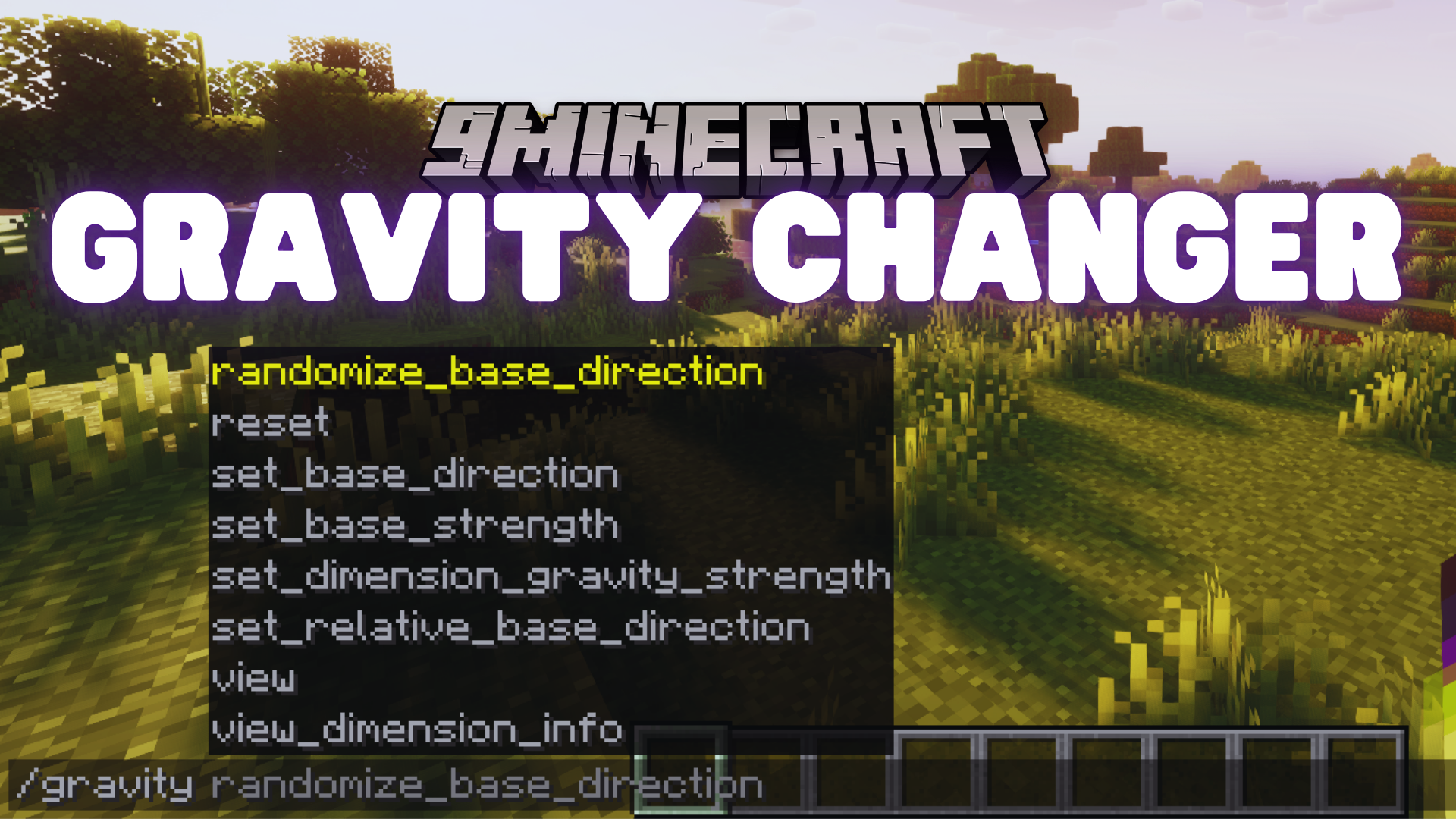
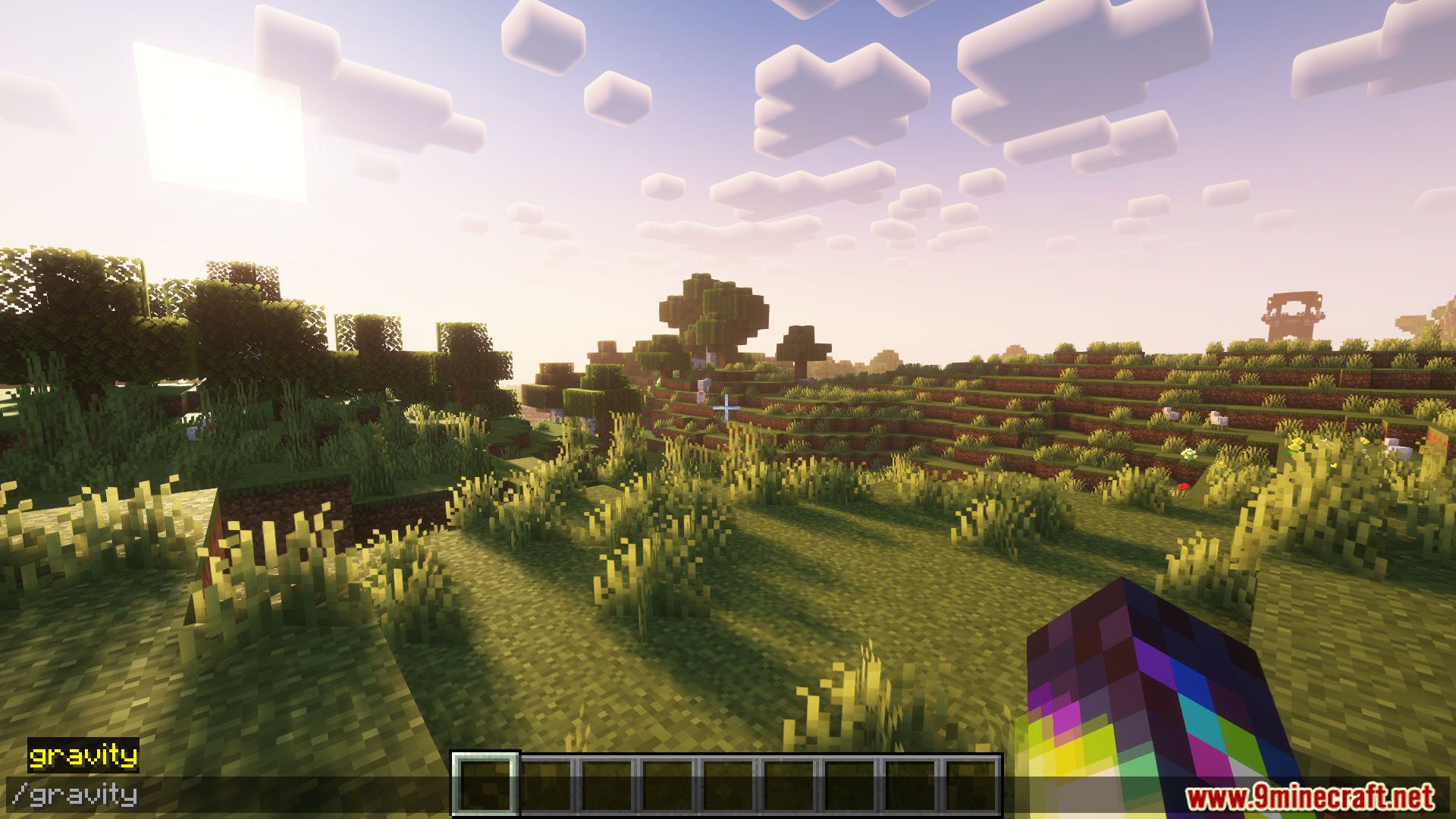
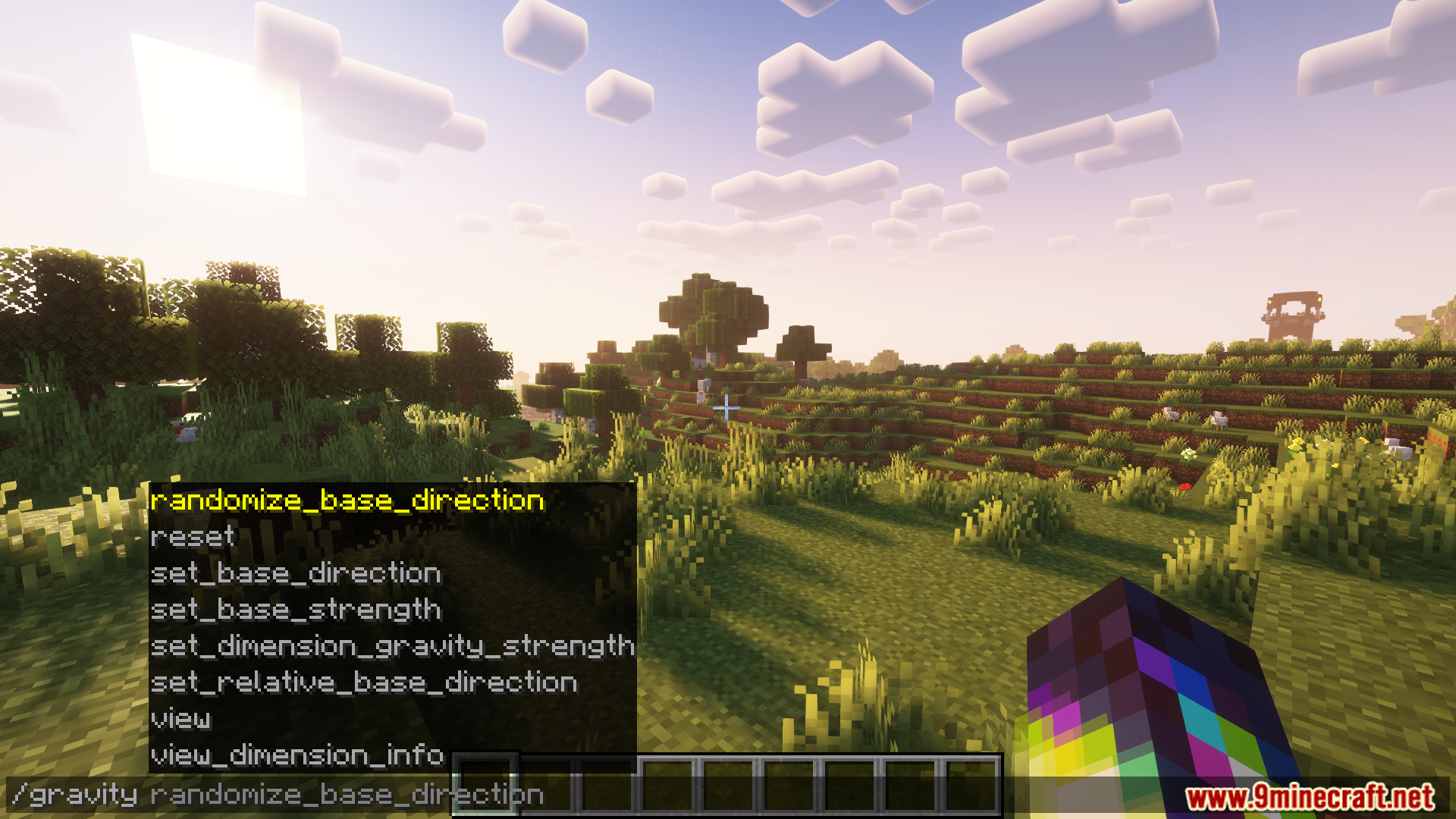
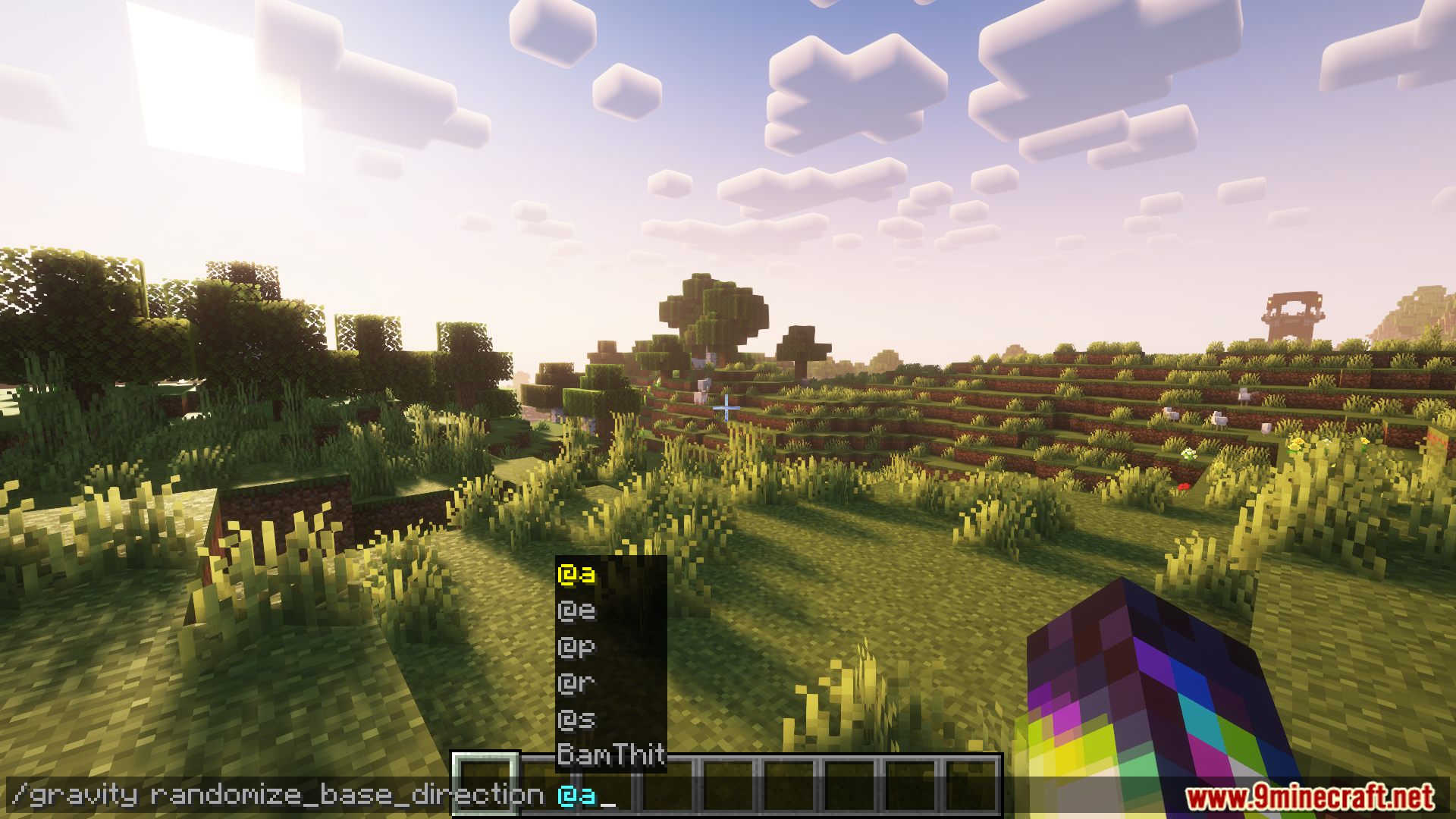
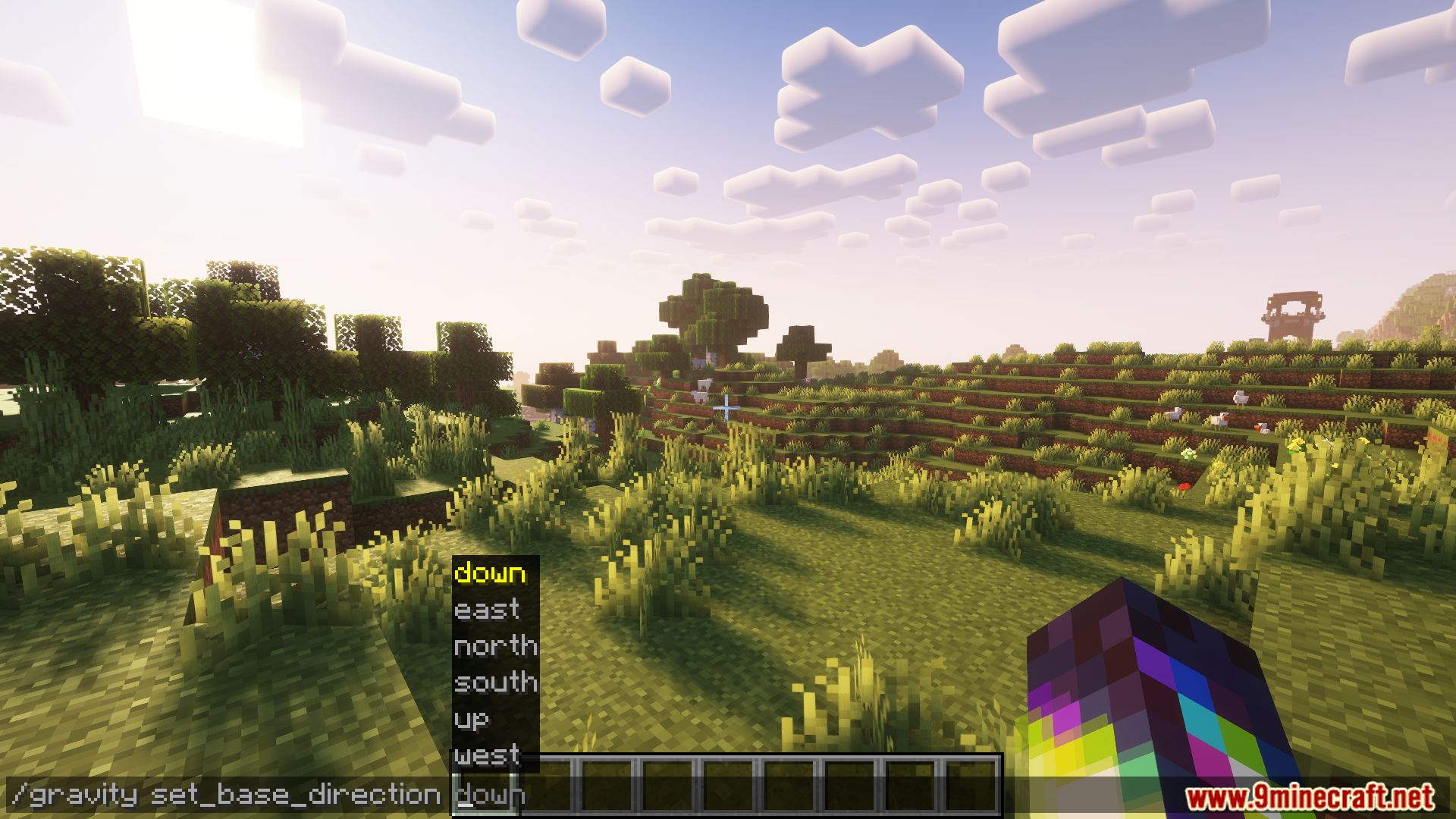
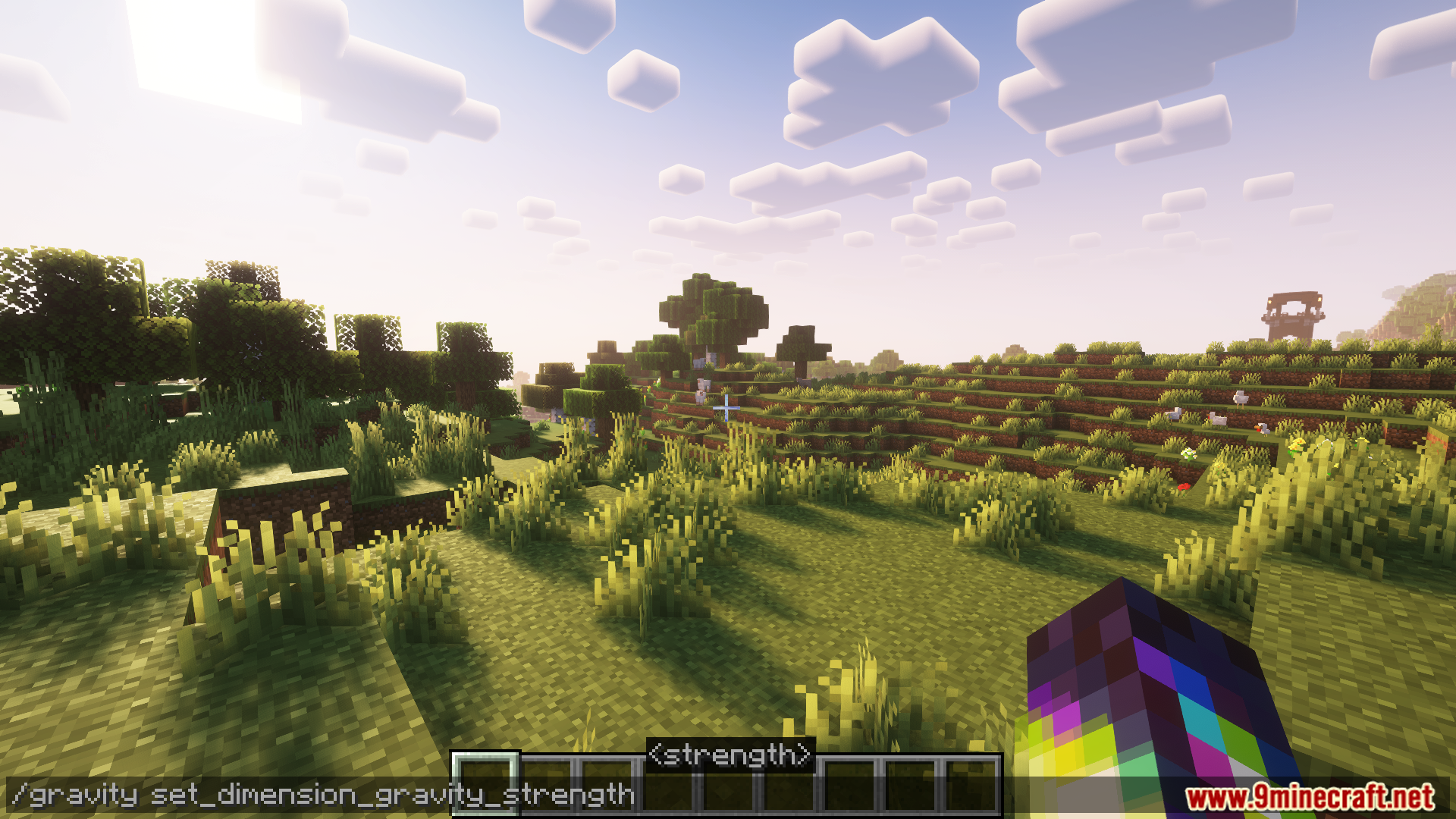
/gravity set_base_direction <direction> [entities]: sets the base gravity direction, which can still be overridden by effects, gravity anchors, or gravity plates. Leave out[entities]to target yourself, and this works the same for all commands below. Examples:/gravity set_base_direction upand/gravity set_base_direction up @e[type=!minecraft:player]./gravity set_base_strength <strength> [entities]: sets the base gravity strength, and strength effects multiply this value instead of replacing it. Examples:/gravity set_base_strength 0.5and/gravity set_base_strength 0.5 @e./gravity view: shows your current base gravity direction and strength./gravity reset [entities]: resets the base gravity direction and strength back to normal./gravity randomize_base_direction [entities]: sets the base gravity direction to a random direction./gravity set_relative_base_direction <relativeDirection> [entities]: sets the gravity direction relative to where the target is looking. Useforward,backward,left,right,up, ordownfor<relativeDirection>./gravity set_dimension_gravity_strength <strength>: sets the gravity strength for the dimension you are currently in./gravity view_dimension_info: shows the gravity strength of the current dimension.
How to Use:
- Open the in-game chat window to enter gravity commands.
- Type a direction or strength command such as
/gravity set_base_direction upor/gravity set_base_strength 0.5, leaving out[entities]if you only want to change your own gravity. - Add a target selector like
@eor@e[type=!minecraft:player]at the end of a command to affect other targets, then press Enter to apply the change. - Run
/gravity set_dimension_gravity_strength <strength>to change gravity for the current dimension, or use/gravity viewand/gravity view_dimension_infoto check your current gravity values. - Enter
/gravity reset [entities]whenever you want to restore base gravity direction and strength back to normal.
Screenshots:
How to Install:
New to Minecraft? Follow our step-by-step guide to install Mods on your PC.View Guide
Gravity Changer Mod Download Links
For Minecraft 1.20.4
Fabric Version: Download from Server 1 – Download from Server 2
For Minecraft 1.20.2
Fabric Version: Download from Server 1 – Download from Server 2
For Minecraft 1.20.1
Fabric Version: Download from Server 1 – Download from Server 2
For Minecraft 1.19.4
Fabric Version: Download from Server 1 – Download from Server 2
How often do you play pre-made modpacks instead of making your own?
6 responses · See the full results →
You May Also Like
Picked for this page
 Pufferfish’s Skills Mod (26.3, 1.20.1) – Level Up Your Abilities
 Dark Paintings Mod (26.3, 1.20.1) – Art Gallery in Minecraft
 ExpandAbility Mod (26.3, 1.20.1) – Library for Control Over Vanilla Abilities
 Stray Spawn Mod (26.3, 1.20.1) – Spawn Strays Naturally
 Infinite Night Vision Mod (26.1.2, 1.20.1) – Always-On Night Vision
 Raided Mod (26.3, 1.20.1) – More Advanced Raid Mechanics
 Heart Balance Mod (1.21.1, 1.20.1) – Health Pickups
 Toggle Item Frames Mod (1.21.11, 1.20.1) – The Art of Visibility
 Difficulty Lock Mod (26.3, 1.20.1) – Set Default Difficulty
 Mod Settings Mod (26.3, 1.21.1) – Enhancing Minecraft Mod Configuration
 Multiple Server Lists Mod (1.20.1) – Server Organization
 Cataclysmic Crab Spawn Mod (1.20.1, 1.20) – Summon The Amethyst Crab
Most viewed in Mods over the last 7 days
 Ala Industrial Mod (26.3) – Run Electric Power Grids and Automated Factories
 PleasureCraft Mod (26.3, 1.21.1) – Jenny Mod Remake for Fabric
 Jennycraft Mod (26.3, 1.20.1) – Virtual Girlfriend in Minecraft
 Fapcraft Mod (26.3, 1.12.2) – Comprehensive and Detailed Content
 Jenny Mod (Fapcraft) Official Complete Guide – How to use, Tutorial
 BangCraft Mod (1.20.1) – Jenny, Ellie and Elliot
 Fabric Loader (26.3, 1.20.1) – Fabric Installer for All Minecraft Versions
 Meteor Client Mod (26.3, 1.20.1) – Xray, HUD, Fly
 The Shooting Star Demo Mod (26.3, 1.20.1) – Vaporize Terrain From Orbit
 OptiFine HD (26.3, 1.20.1) – Run Faster, FPS Boost, Shaders Support
 Aristois Client Mod (1.21.4, 1.20.1) – World Class Minecraft Utility
 Prestige Client Mod (1.21.11, 1.21.4) – Powerful Ghost Features for Crystal & Sword PvP
More from Mods
 SimpleRPGCore Mod (1.21.4, 1.21.1) – Fight with Classic RPG Stats
 Bard RPG Series Plus by Fichte Mod (1.21.1, 1.20.1) – Buff Allies in Combat
 Fabric Gui ImGui Mod (26.3, 1.21.11) – Clean Custom Menus and In-Game Control
 Multi Item Lib Mod (1.20.1) – Wield Custom Gear with Flawless Hand Animations
 Universe3090 Mod (1.20.1) – Survive Corrupted Dimensions Filled
 Wireless Automate Mod (1.21.1) – Automate Base Logistics Without Messy Pipes
 Vaskars Opus Faction War Quests & Bosses Mod (1.21.11, 1.20.1)
 Multitools and More Mod (26.3, 1.20.1) – Clear Your Hotbar and Travel
 Luxium Let There Be Light Mod (1.20.1) – Stunning Lighting on Low-End Computers
 Soulscraft Tarnished Legacy Mod (1.21.1) – Hunt Relics to Forge Dark Fantasy
 Fetzi’s Displays Mod (26.1.2, 1.20.1) – Turn Rare Gear and Weapons
 Primal Plushies Paleo Pals Mod (1.21.1, 1.20.1) – Decorate Your Base

This post has no comments yet. Be the first — your comment will appear here.