


Litematica Tool Mod (1.20.1, 1.19.4) – Upgrade Schematics Controls
 162
162
 0
0


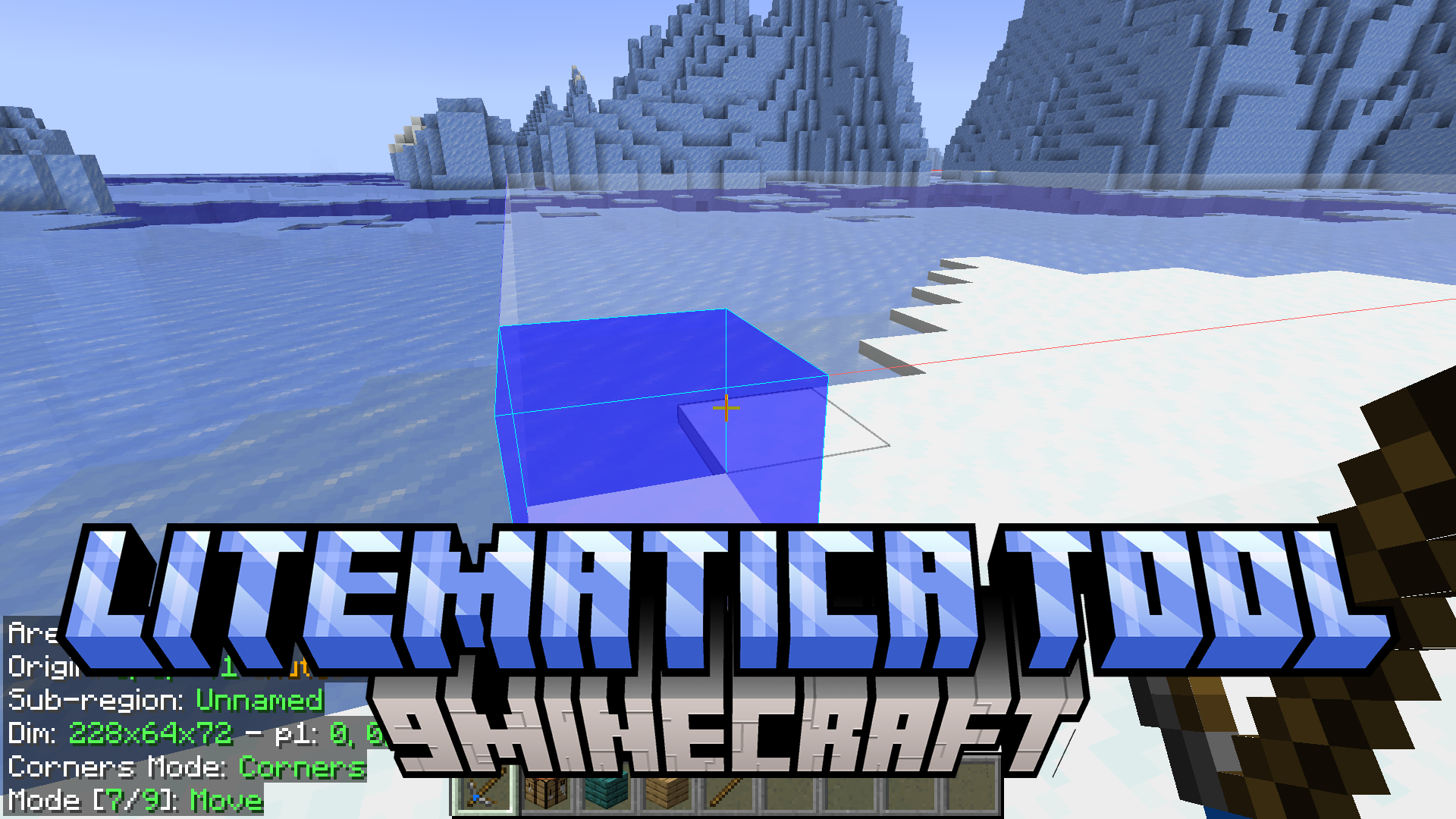
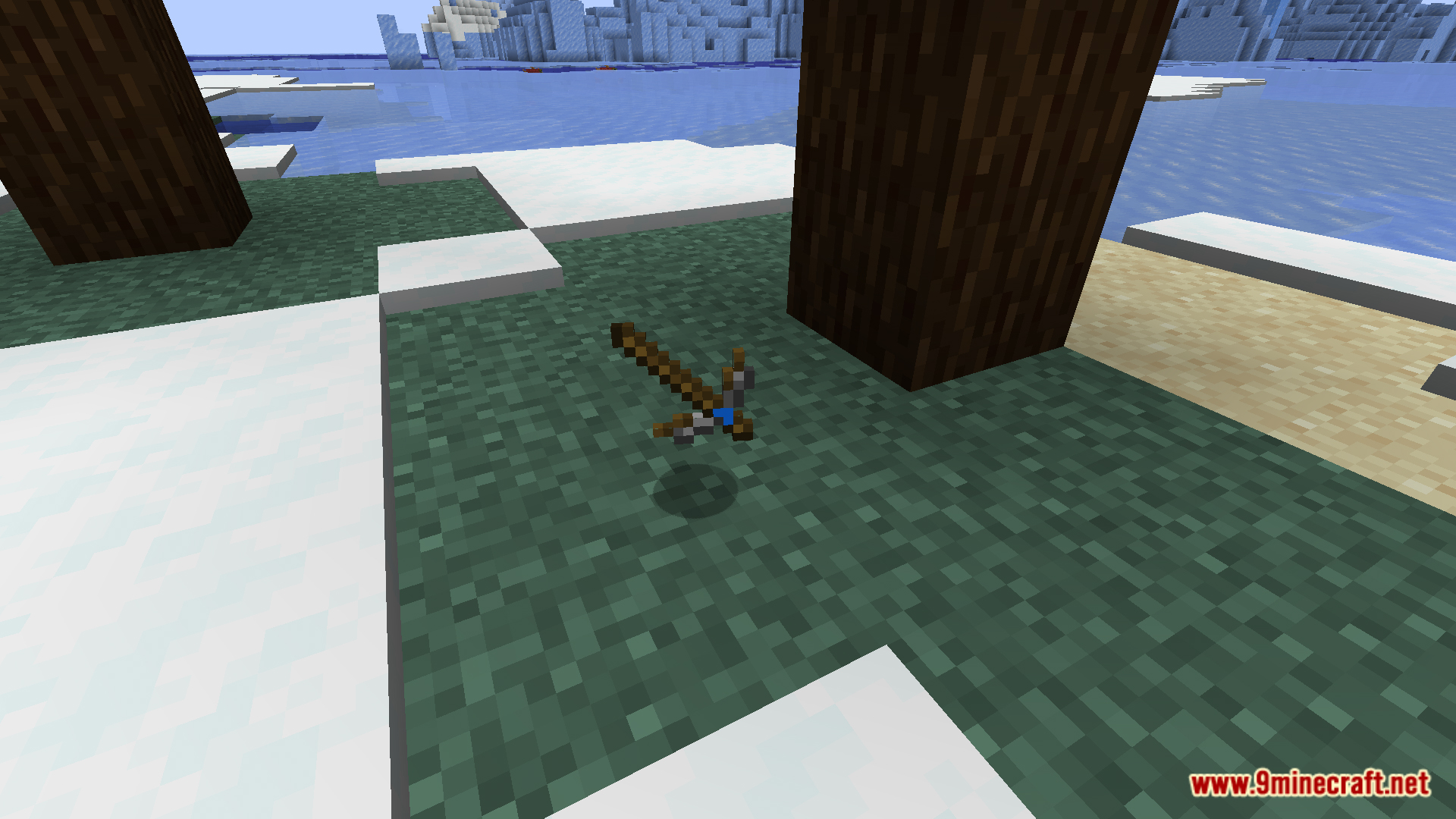
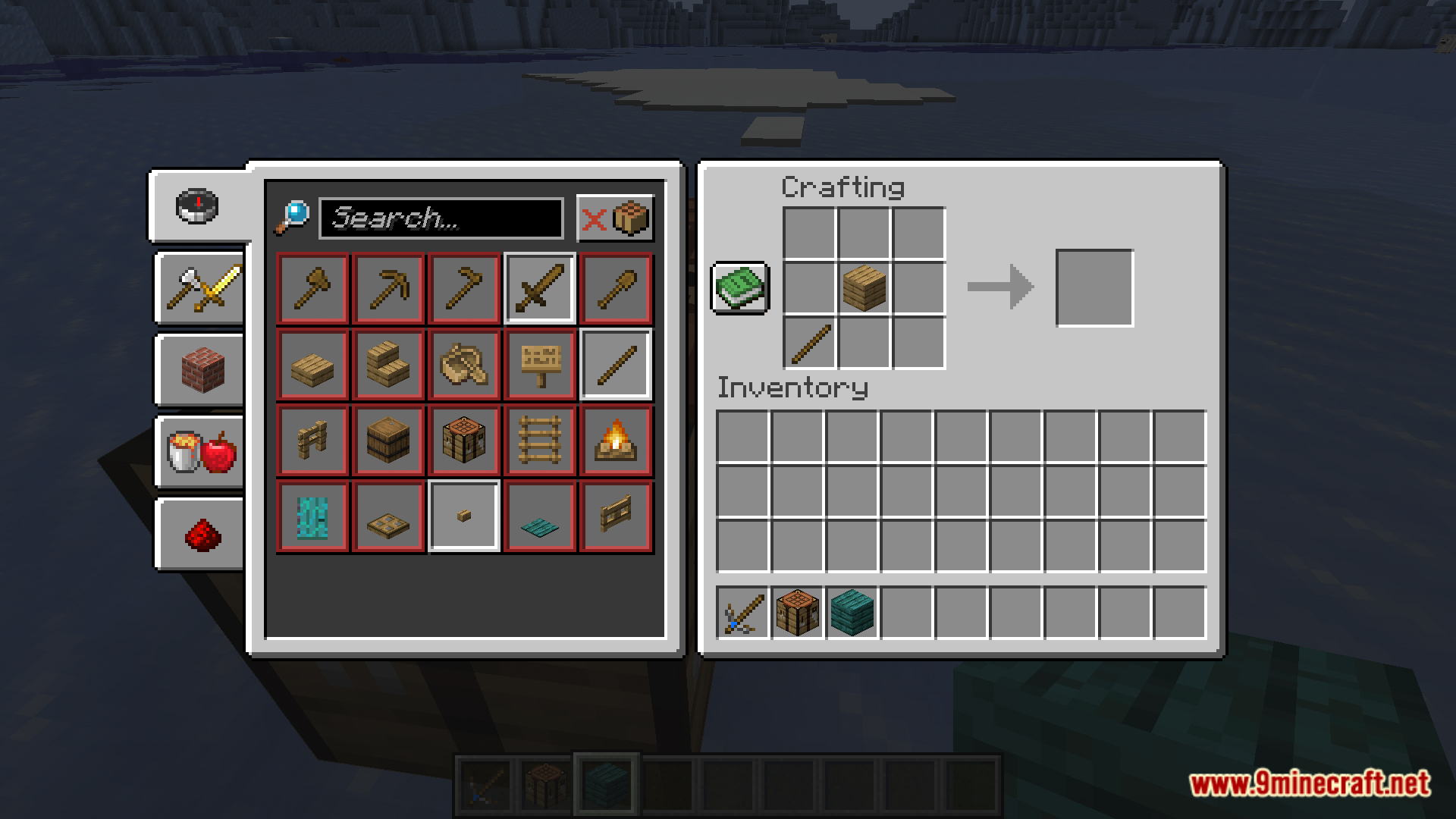
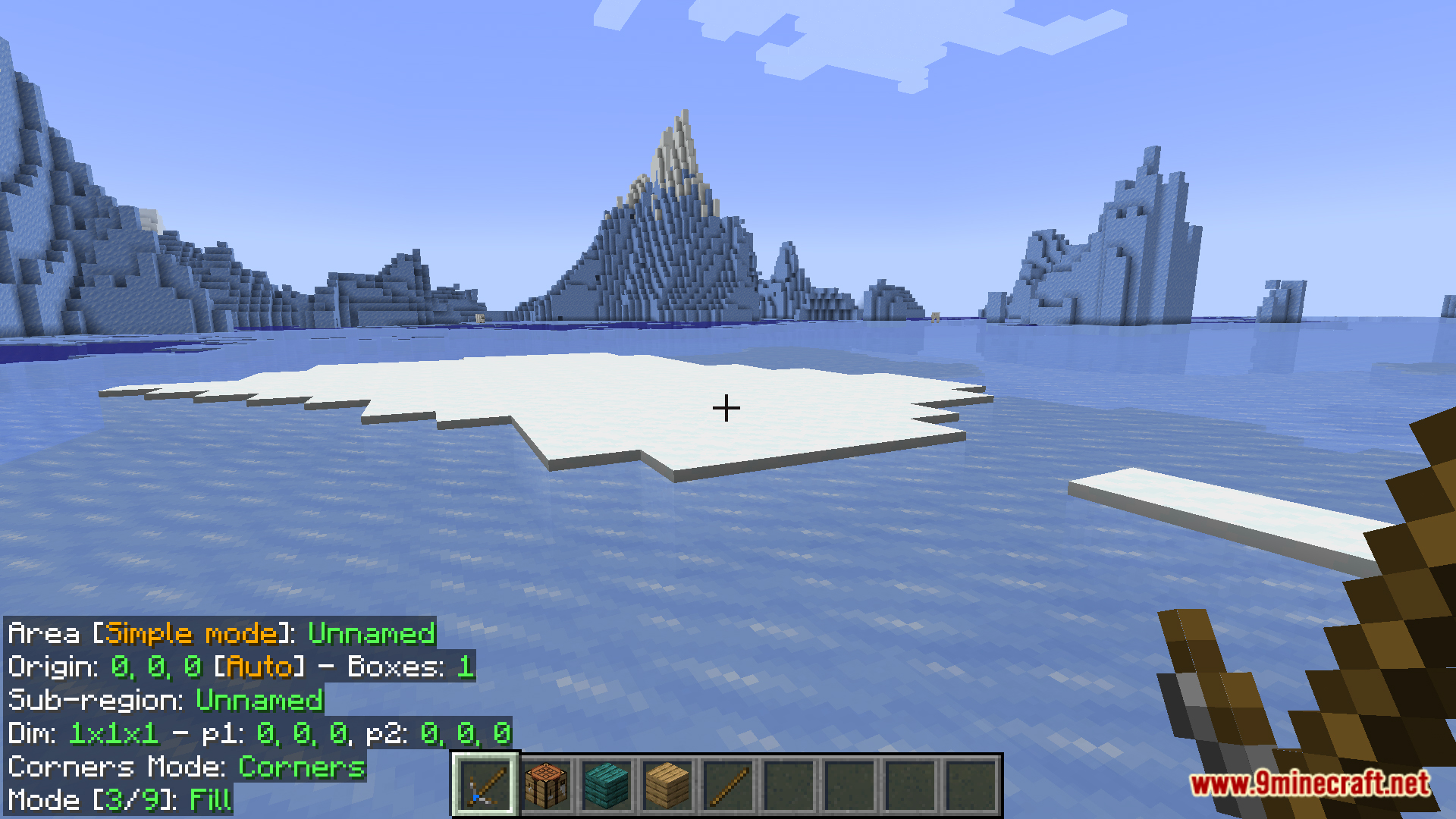
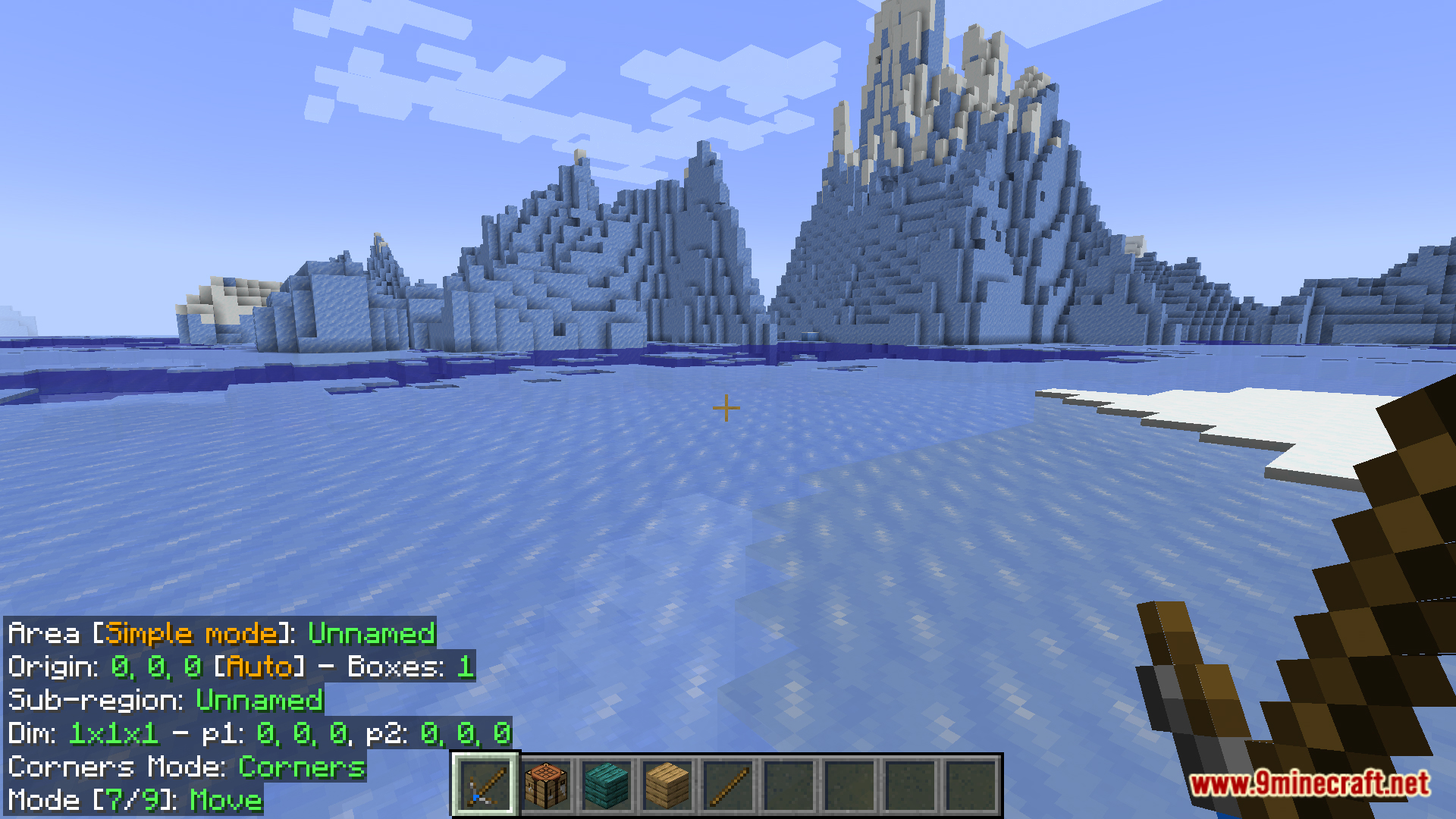
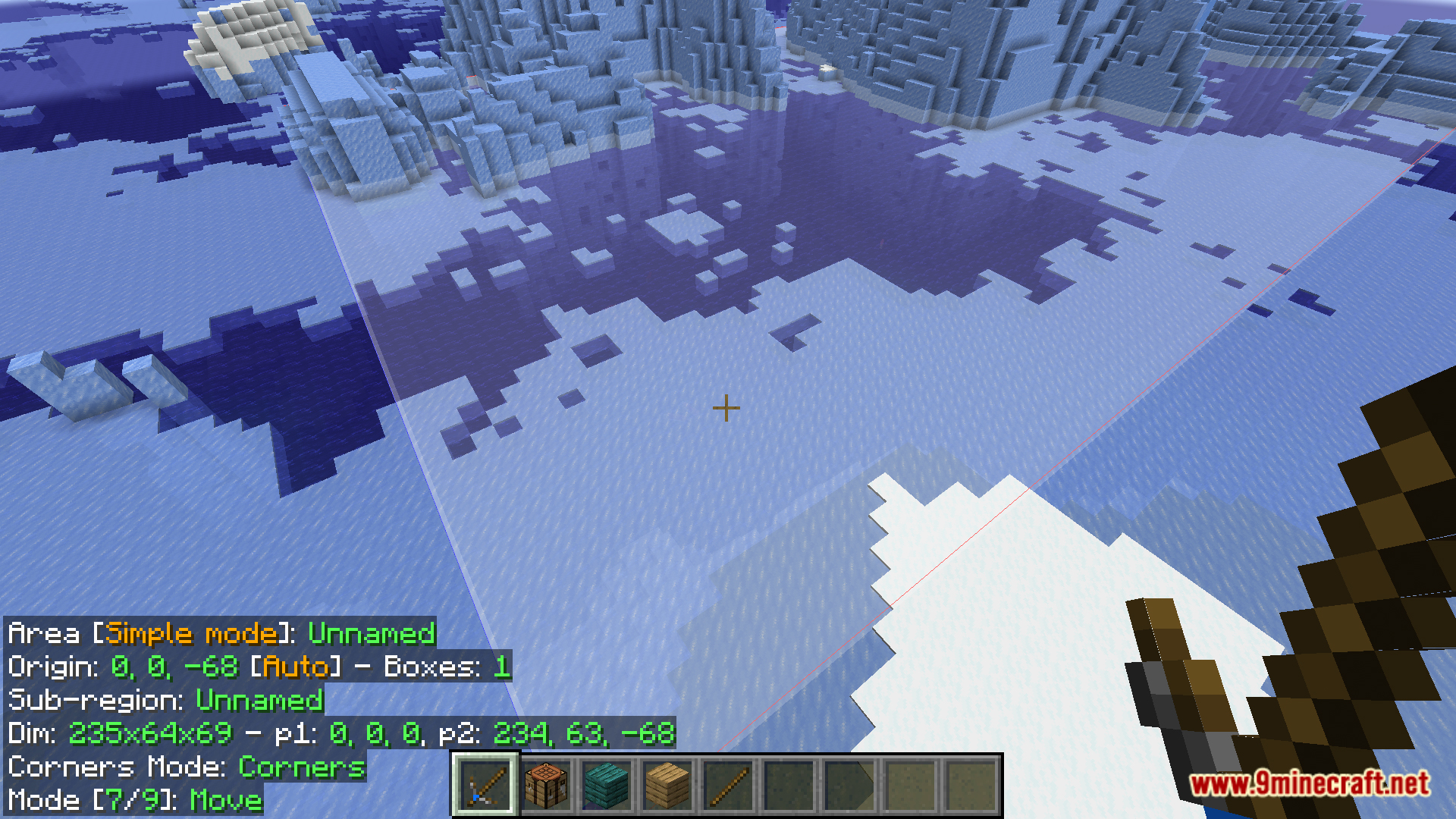
Litematica Tool Mod replaces the default stick tool used by Litematica with a dedicated in-game item, eliminating the annoyance of having to hold a stick in hand while building schematic.
Features:
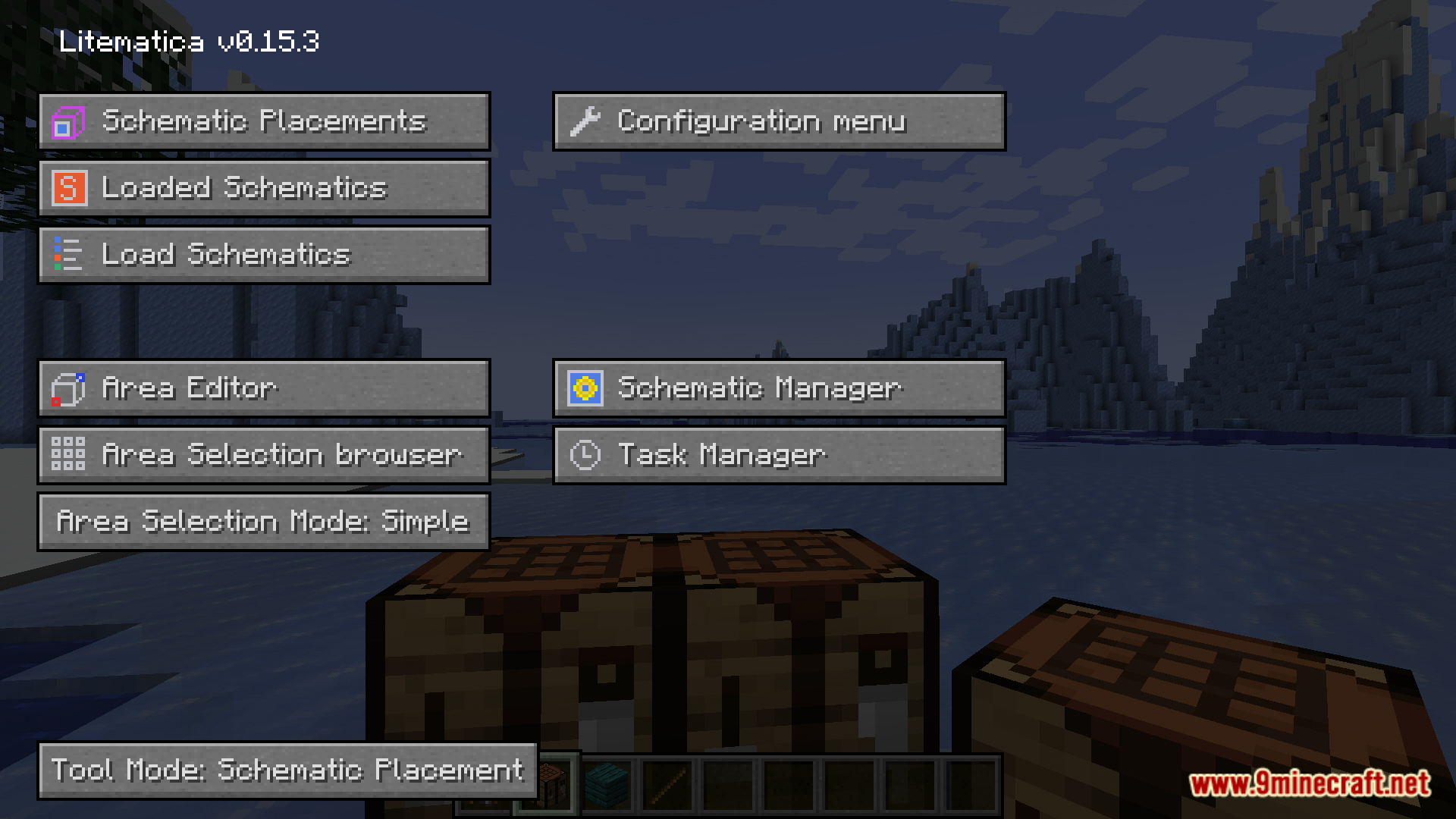
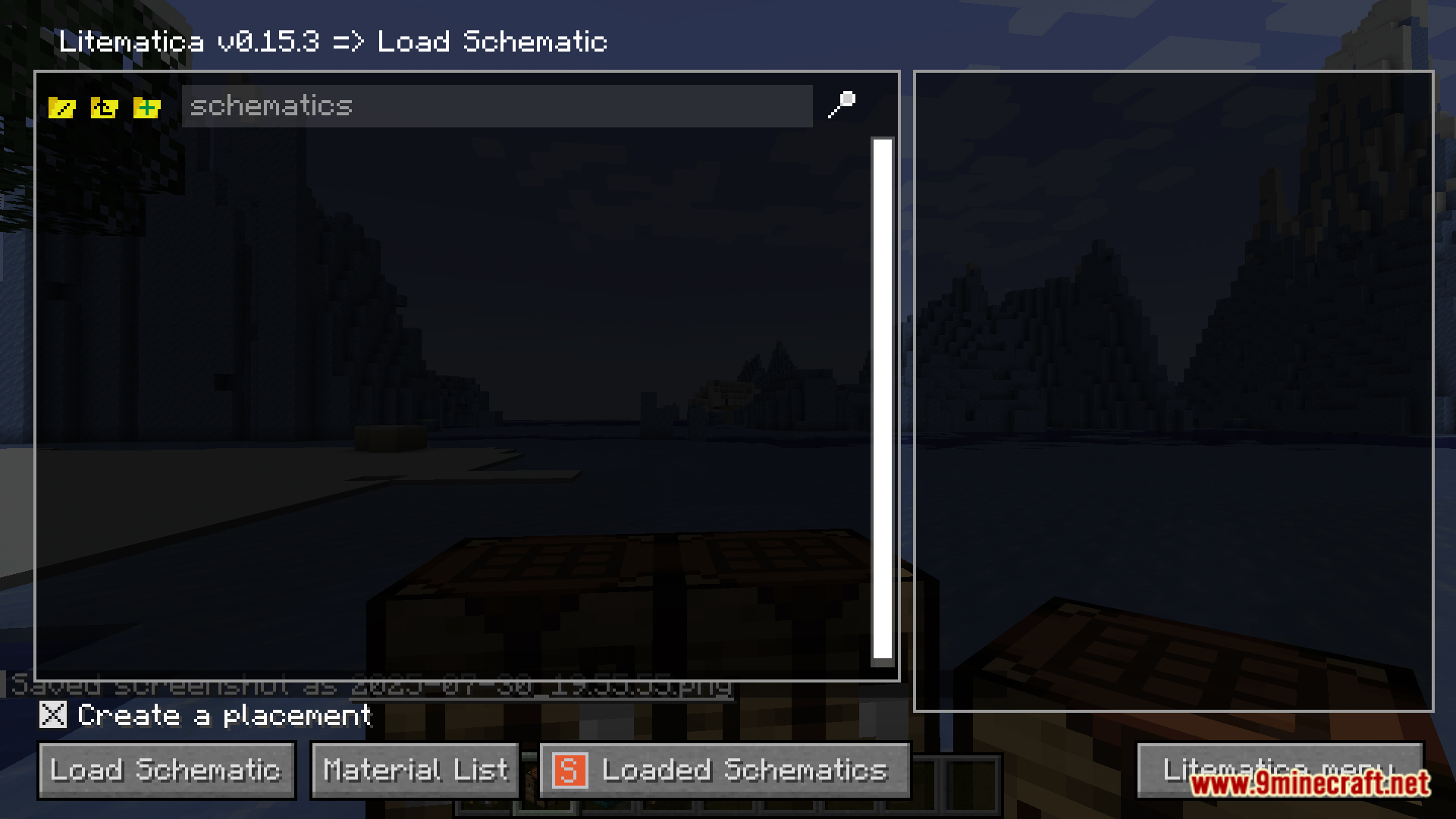
- First, you will need to open the litematica menu by pressing “M”
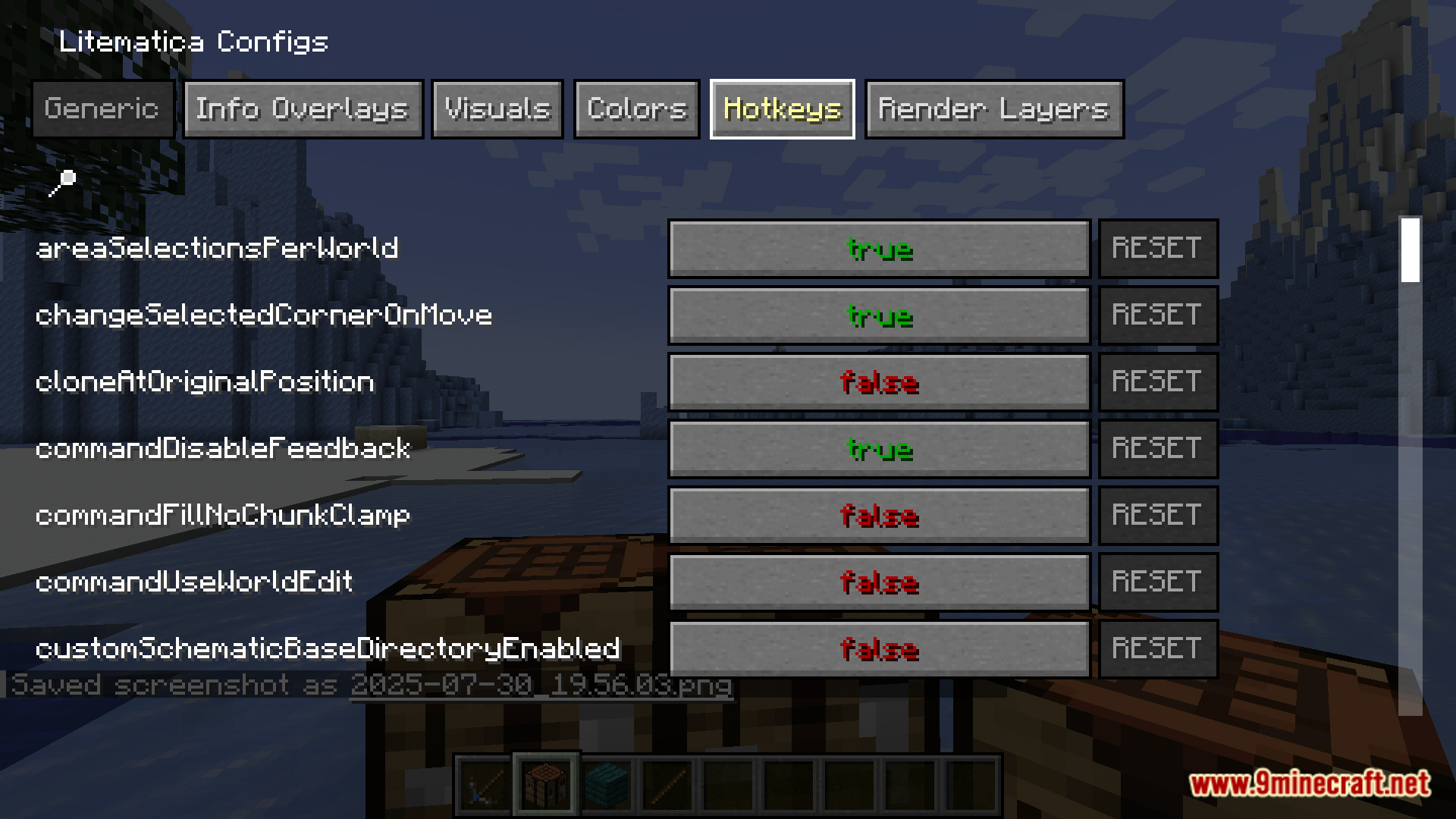
- Then click on the “configuration menu” button on the “generic” tab,
- Search “tool” then replace “minecraft:stick” with”litematicatool:the_stick”
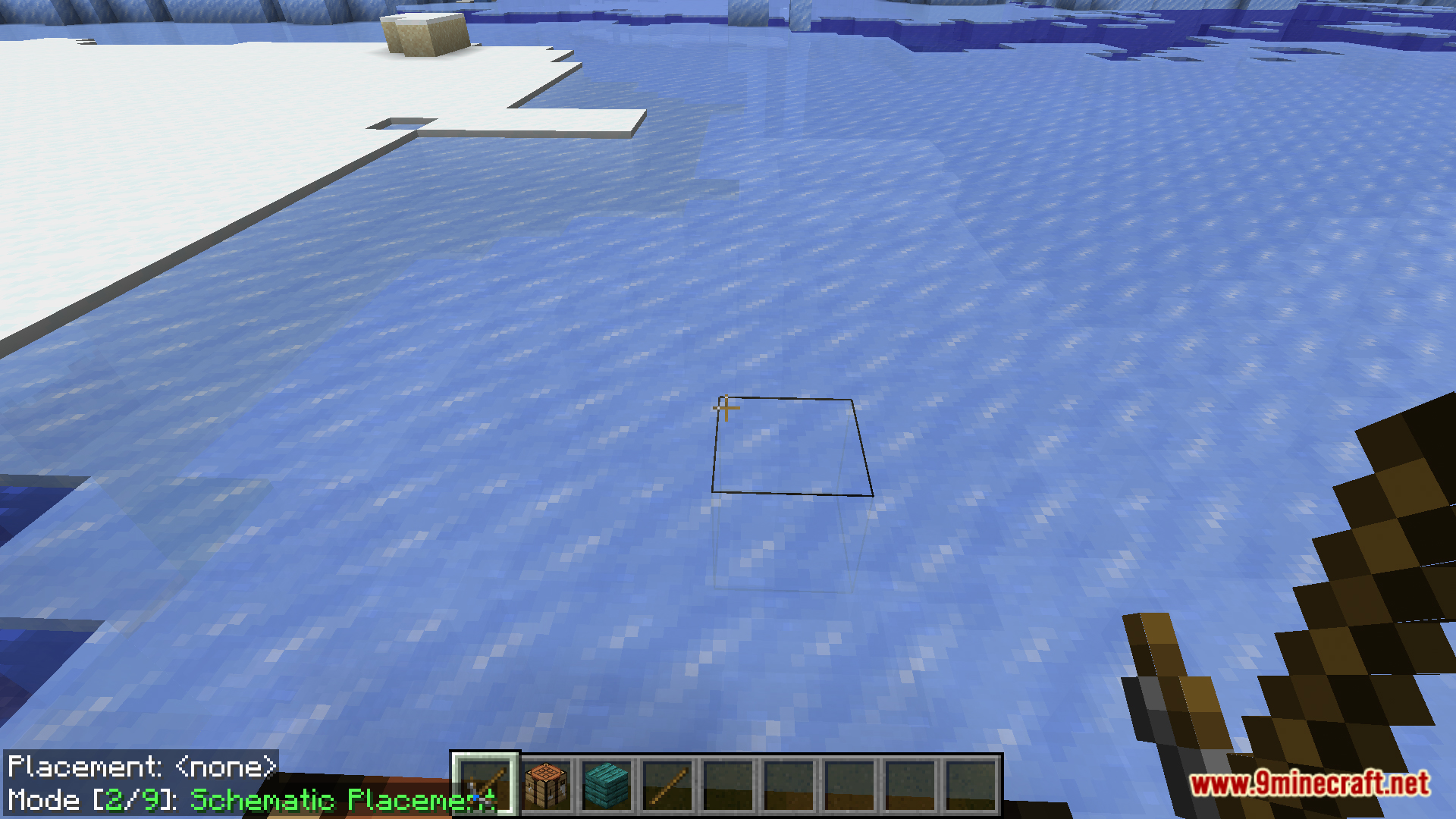
- Now you can just exit out and your chosen tool for litematica will be the litematica tool.
Screenshots:
How to Install:
New to Minecraft? Follow our step-by-step guide to install Mods on your PC.View Guide
Requirements:

Litematica Tool Mod Download Links
For Minecraft 1.20.1, 1.20
Forge version: Download from Server 1 – Download from Server 2
Fabric/Quilt version: Download from Server 1 – Download from Server 2
For Minecraft 1.19.4
Fabric/Quilt version: Download from Server 1 – Download from Server 2
For Minecraft 1.19.2
Fabric/Quilt version: Download from Server 1 – Download from Server 2
For Minecraft 1.18.2
Fabric version: Download from Server 1 – Download from Server 2
For Minecraft 1.17.1
Forge version: Download from Server 1 – Download from Server 2
For Minecraft 1.16.5
Forge version: Download from Server 1 – Download from Server 2
Click to rate this post!
[Total: 0 Average: 0]
You May Also Like









This post has no comments yet. Be the first — your comment will appear here.