


Vivid Movement HUD Mod (26.2, 1.20.1) – Track Live Keystrokes and Mouse
 0
0
 0
0

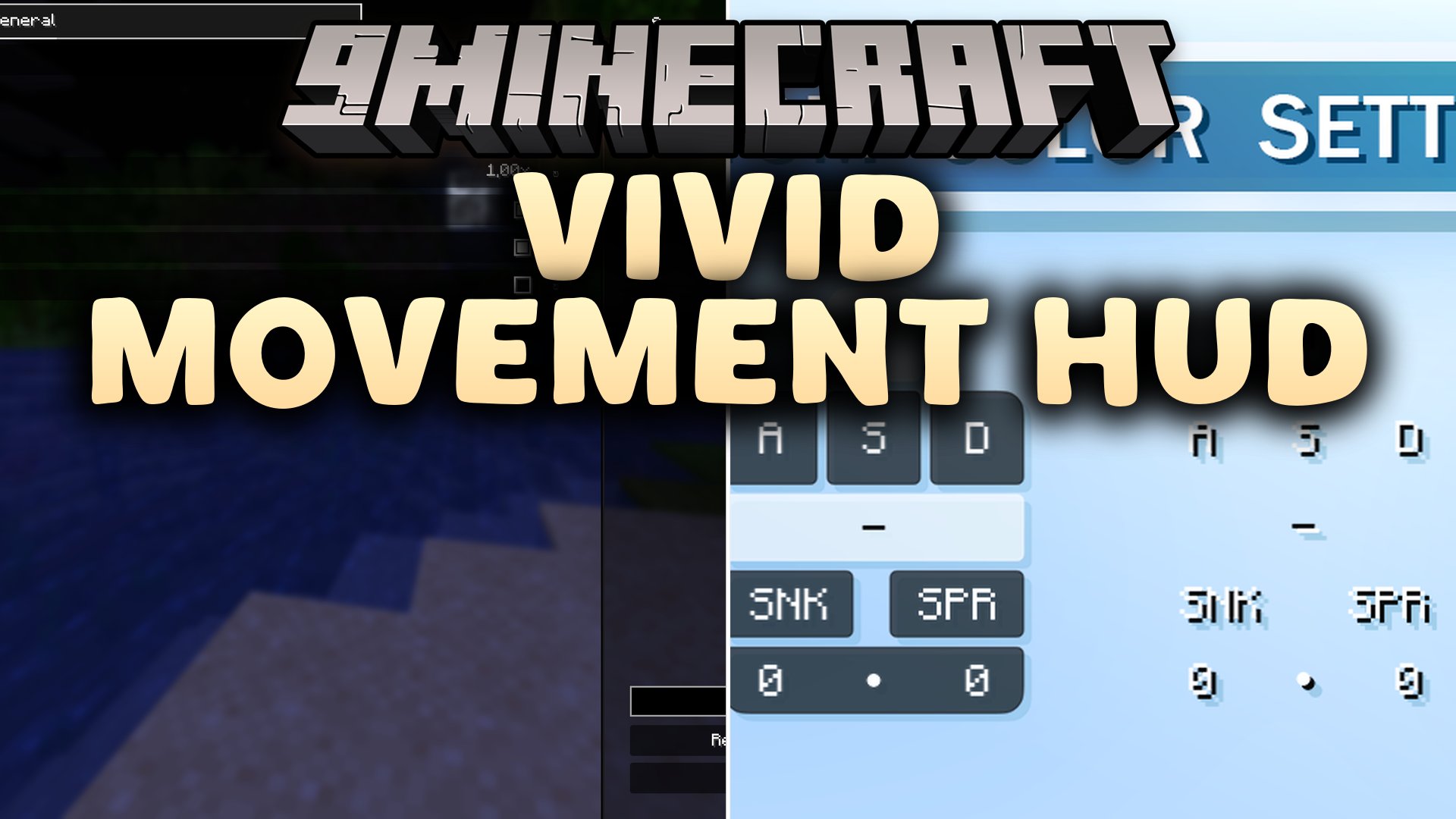
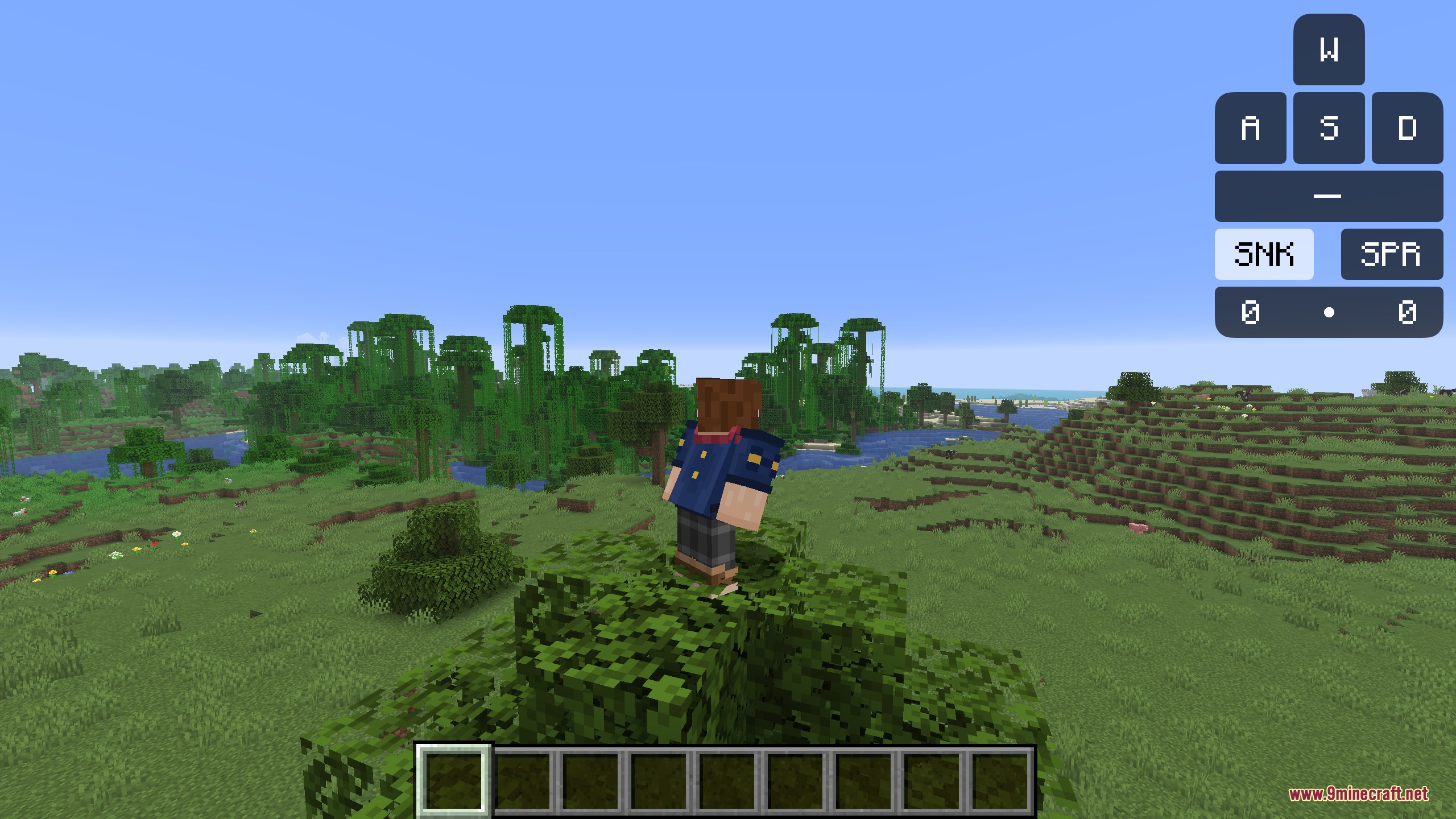
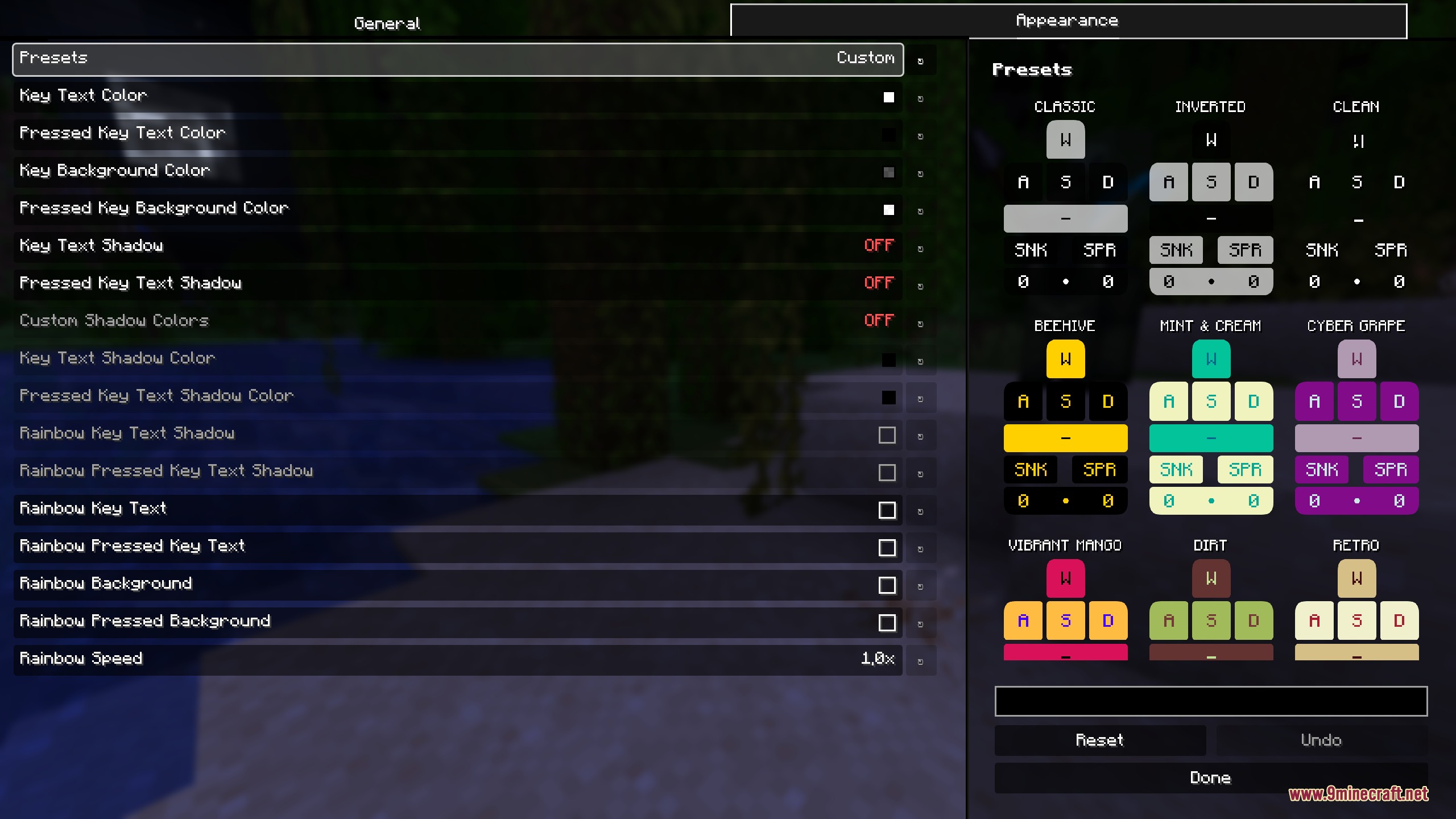
Vivid Movement HUD Mod adds a clean keystroke display to your screen. This mod shows your movement keys, jump, sneak, sprint, and mouse clicks in real time. It also features a built-in mouse tracker to show how you look around in the game. Players can adjust colors and HUD layouts to match their personal style.
Features:
- Shows real-time inputs for W, A, S, D, Space, Sneak, Sprint, left click, and right click.
- Includes a live tracker that visualizes your mouse movements on screen.
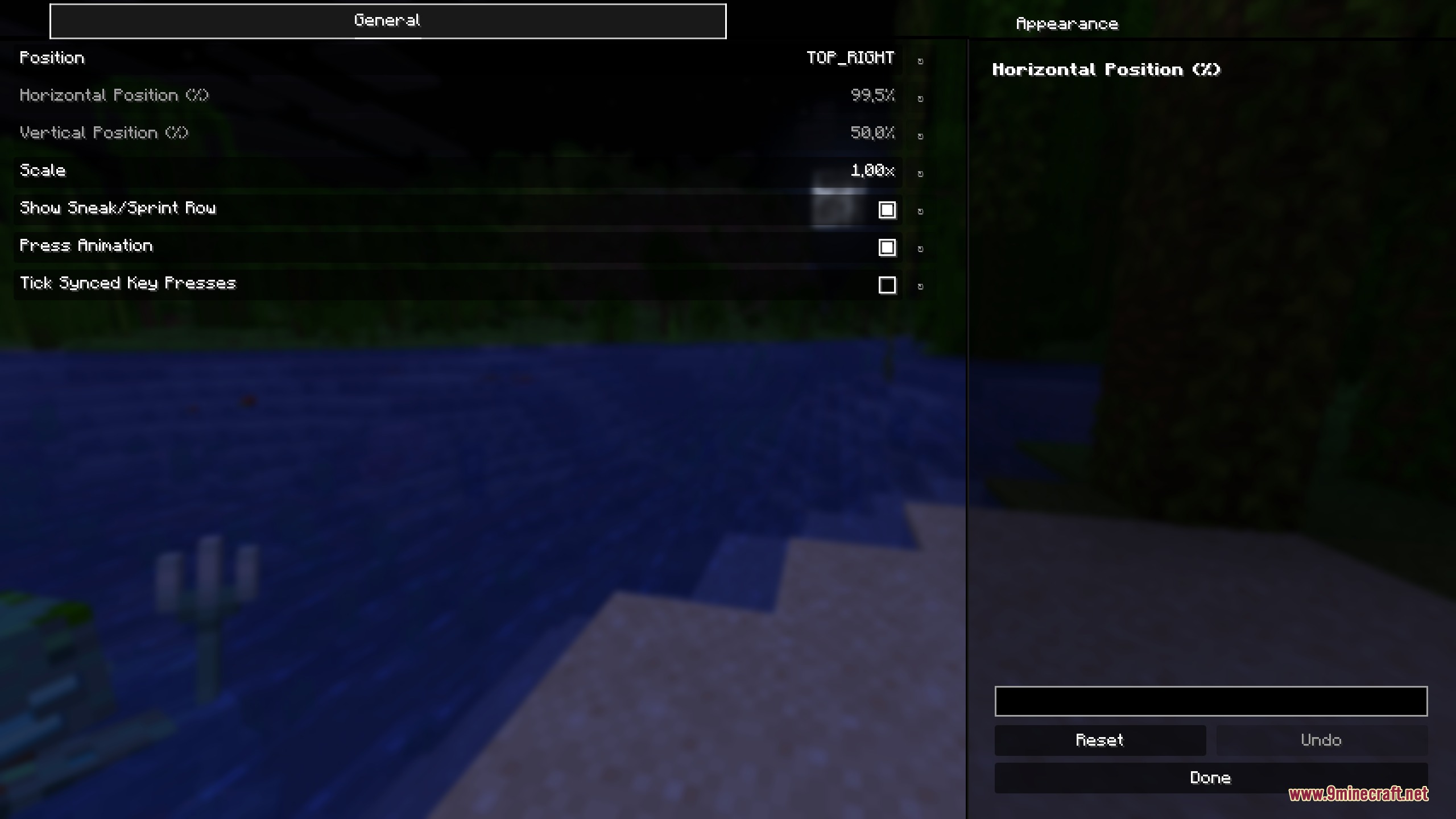
- Lets you hide the sneak and sprint row to keep the layout compact.
- Offers smooth button press animations that you can turn on or off.
- Features tick synced key presses for accurate movement feedback.
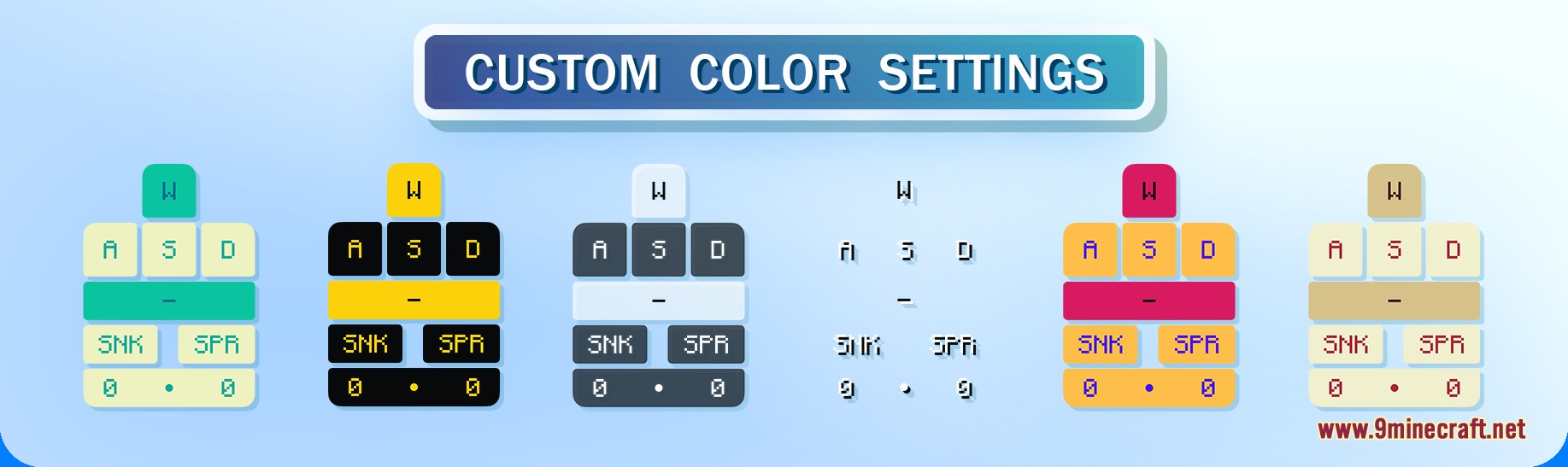
- Includes custom color options, built-in color presets, and a rainbow text mode.
- Works directly with Mod Menu for simple in-game adjustments.
How to Use:
- Open the game menu and click on Mod Menu.
- Select the mod entry to open the settings screen.
- Adjust individual buttons, change colors, or turn on the mouse tracker.
- Return to the game to see your updated keystroke HUD.
Screenshots:
How to Install:
New to Minecraft? Follow our step-by-step guide to install Mods on your PC.View Guide
Requirements:
 Fabric Loader Required
 Fabric API Required
YetAnotherConfigLib (YACL) Required
YetAnotherConfigLib Required
Vivid Movement HUD Mod Download Links
For Minecraft 26.2
For Minecraft 26.1.2, 26.1.1, 26.1
For Minecraft
1.21.11,
1.21.10,
1.21.9
All Versions Covered
1.21.11
1.21.10
1.21.9
1.21.8
1.21.7
1.21.6
All Versions Covered
1.21.11
1.21.10
1.21.9
1.21.8
1.21.7
1.21.6
For Minecraft 1.21.5, 1.21.4
For Minecraft 1.21.1, 1.21
For Minecraft
1.20.4,
1.20.3,
1.20.2
All Versions Covered
1.20.4
1.20.3
1.20.2
1.20.1
1.20
All Versions Covered
1.20.4
1.20.3
1.20.2
1.20.1
1.20
Click to rate this post!
[Total: 0 Average: 0]
You May Also Like






This post has no comments yet. Be the first — your comment will appear here.