


FTB Quest Localizer Mod (1.20.4, 1.19.2) – Play Quest Modpacks in Your Language
 260
260
 0
0


🌐 Read this article in your language! Choose your preferred language below.
Or pick the one you like:
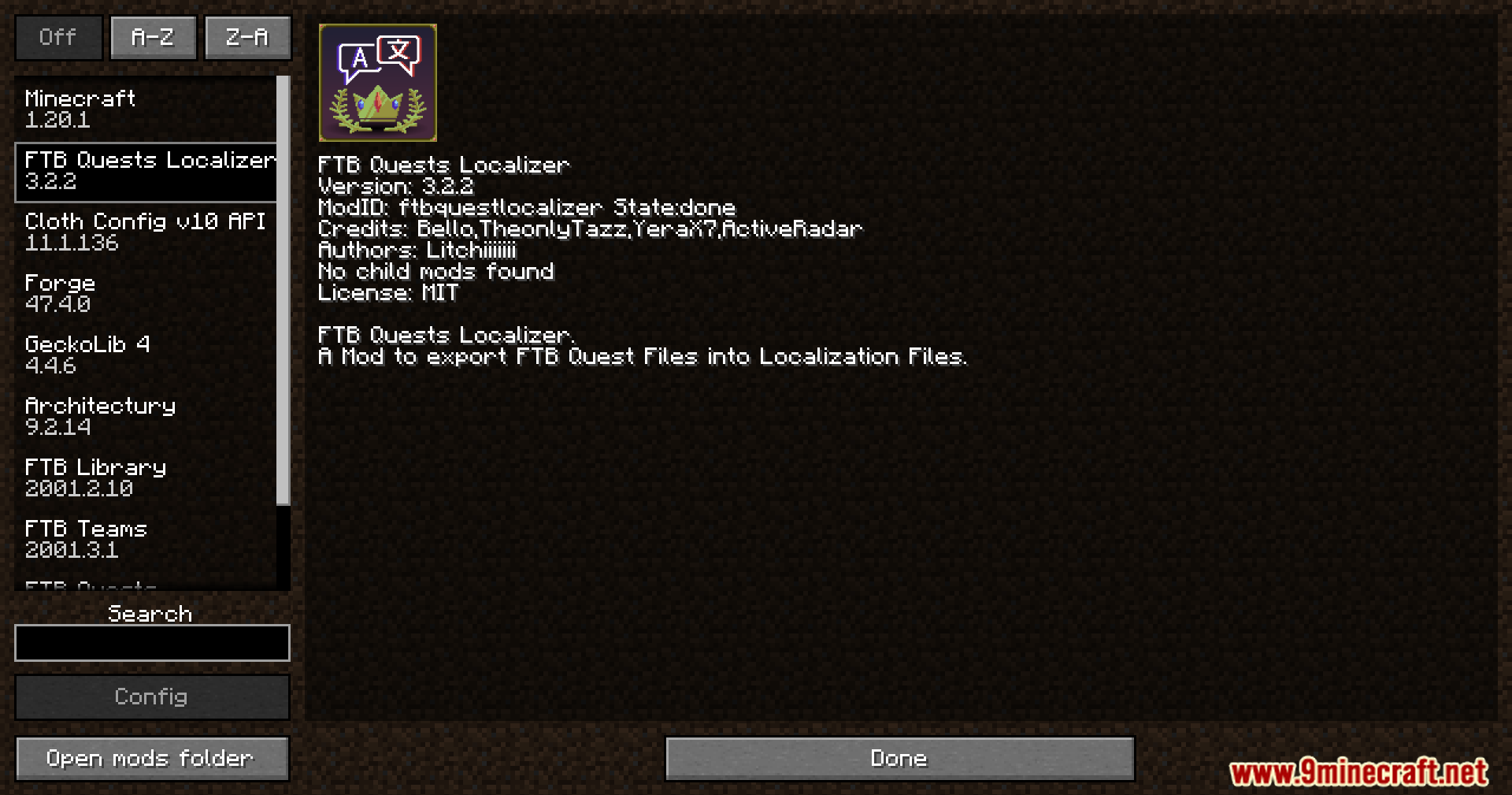
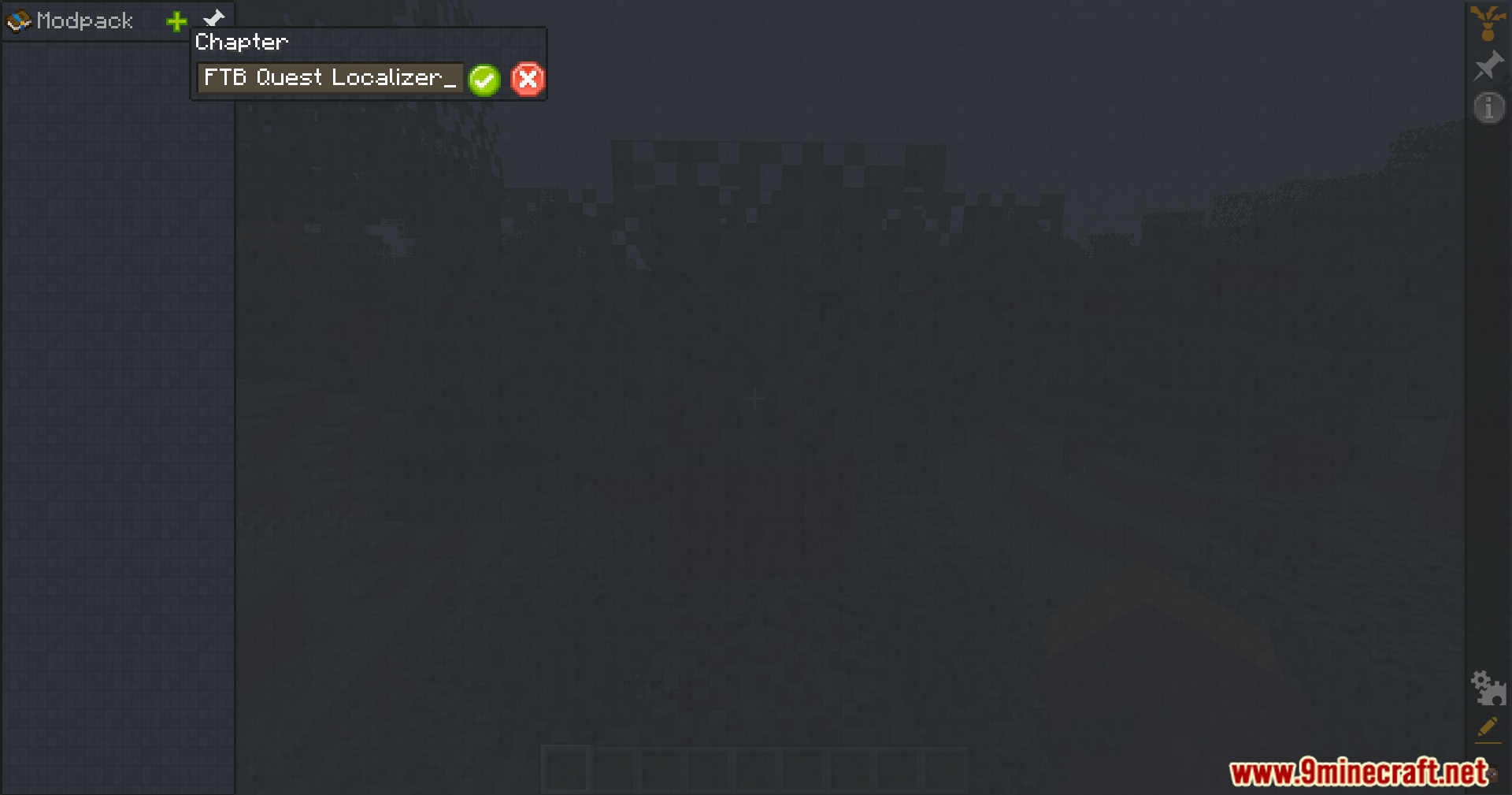
FTB Quest Localizer Mod simplifies translating quest packs made with the FTB Quests mod. It pulls all the text from a quest book and saves it into language files. You can then edit these files to change the quest text into any language you want.
Features:
- Pulls all the text from the FTB Quests mod and puts it into a single JSON file.
- Lets you start the process with a simple chat command:
/ftblang export. - Creates a new
FTBLangfolder to keep your new language files safe and organized. - Generates a ready-to-edit
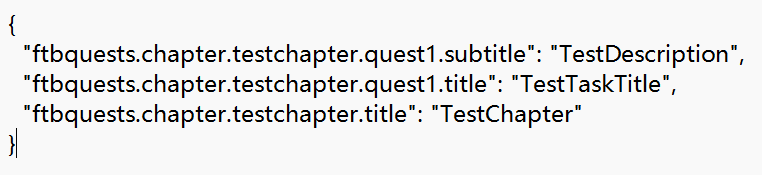
en_us.jsonfile with all the original quest text. - You just need to rename the file and replace the English text with your translation.
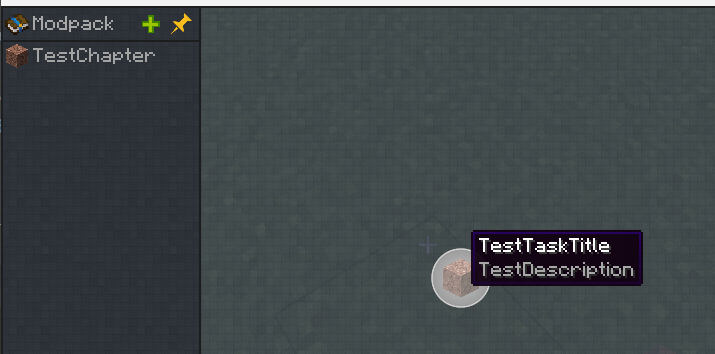
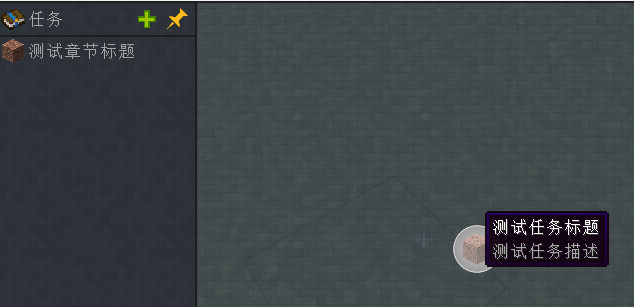
- After translating, the new language will appear directly in the in-game quest book.
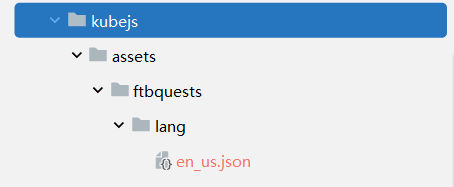
- Automatically manages other folders like
ftbquestsandkubejsduring the export.
Commands:
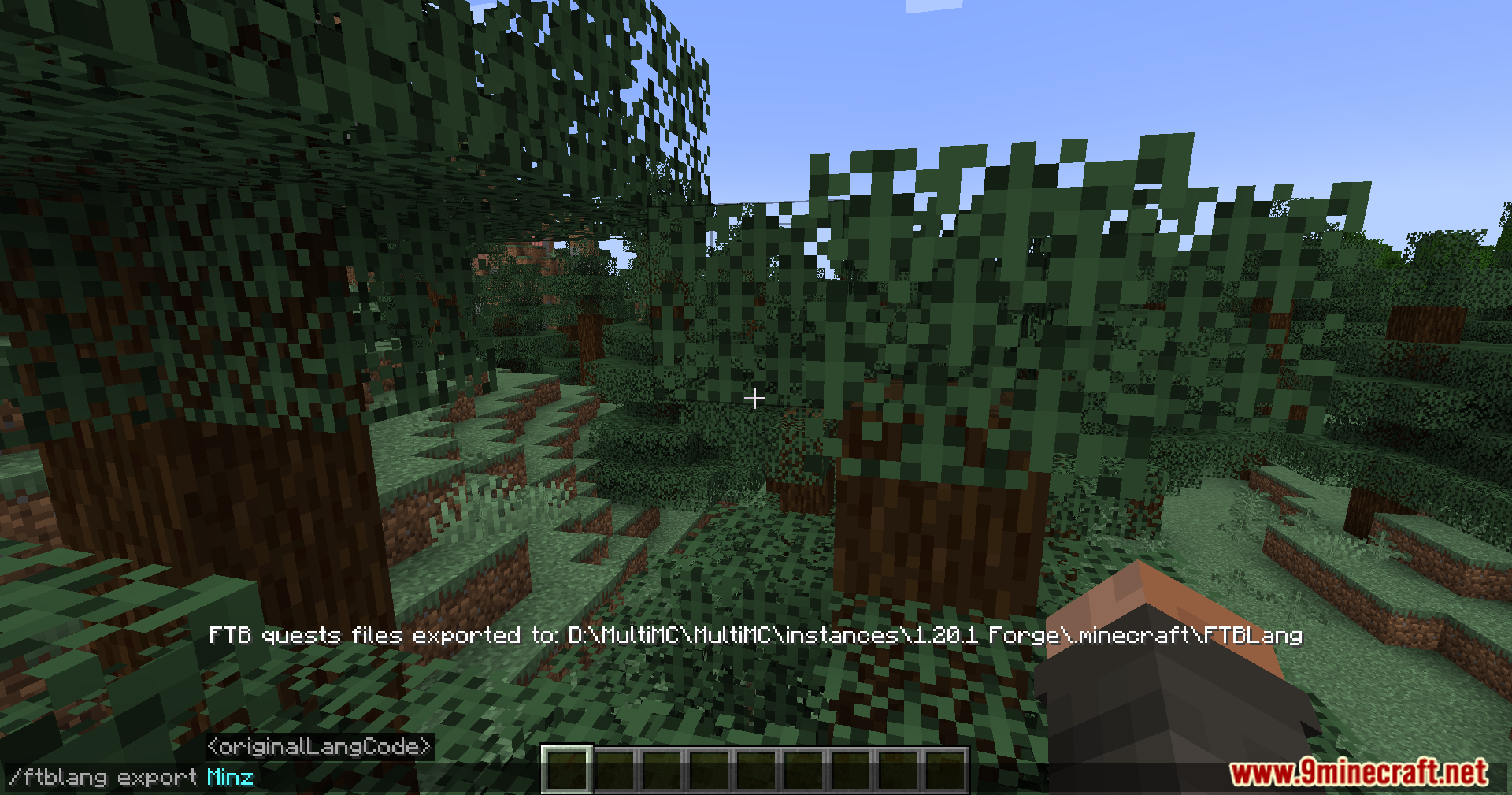
/ftblang export [language_code]– This command pulls all text from FTB Quests. You must include the code for the quest’s original language.- For example:
/ftblang export zh_cnwill export quests written in Chinese. The command also automatically creates the necessary folders for your translation files.
How to Use:
- To export the quest text, type the command
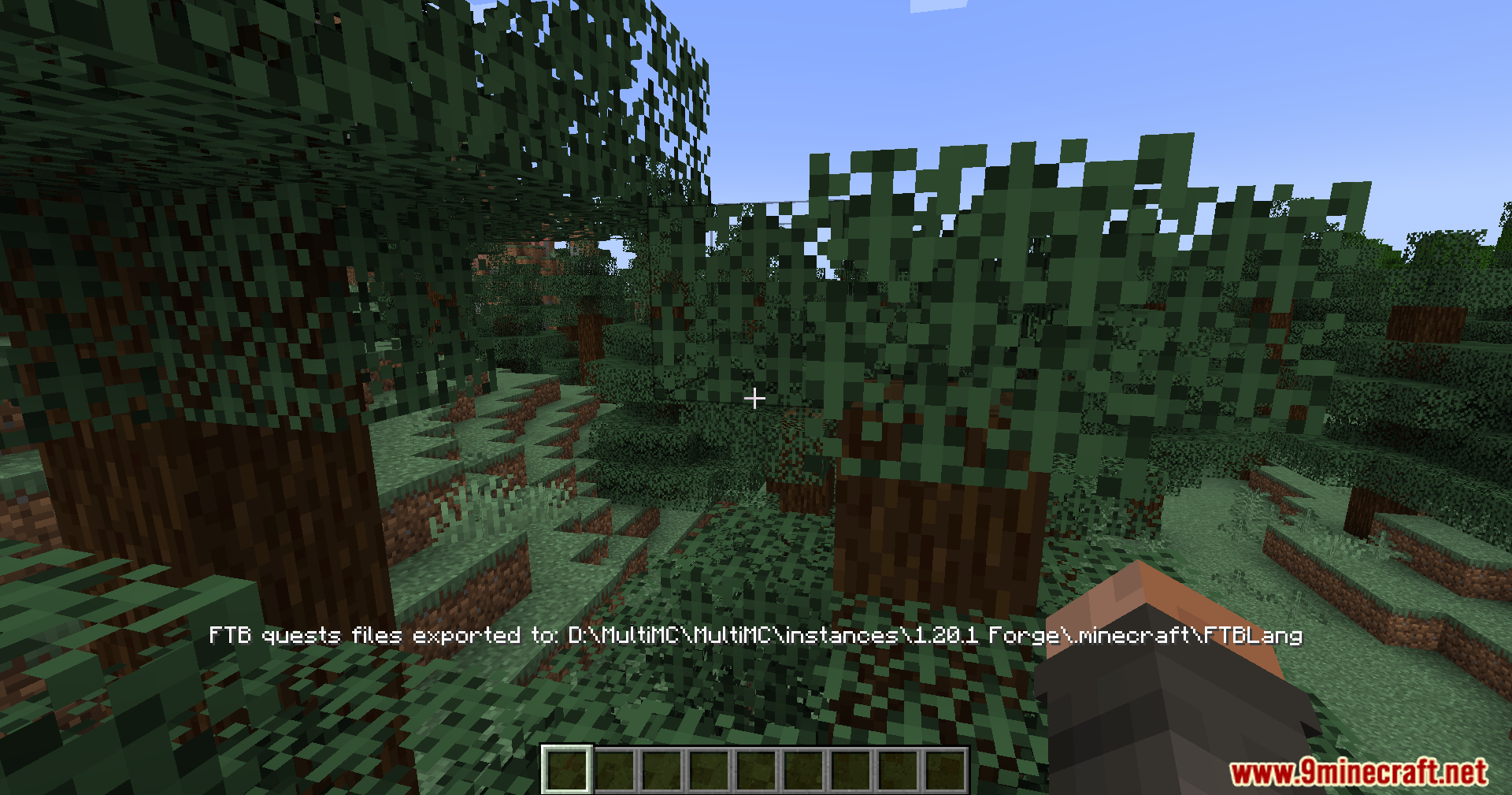
/ftblang export [language_code]into the chat. Replace[language_code]with the original language of the quests. For example, use/ftblang export zh_cnfor Chinese. - After running the command, a message will appear in the chat telling you where the files have been exported.
- The mod creates a new folder called
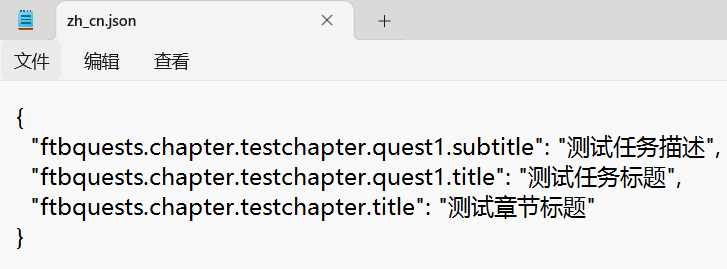
FTBLang. Inside, you will find a file nameden_us.json. - Rename this file to the language you want to translate into. For example, you could rename it to
es_es.jsonfor Spanish. - Open the renamed file with a text editor and change the English text to your new language.
Screenshots:
How to Install:
New to Minecraft? Follow our step-by-step guide to install Mods on your PC.View Guide
FTB Quest Localizer Mod Download Links
For Minecraft 1.20.4
NeoForge Version: Download from Server 1 – Download from Server 2
For Minecraft 1.20.1, 1.20
Forge Version: Download from Server 1 – Download from Server 2
For Minecraft 1.19.2
Forge Version: Download from Server 1 – Download from Server 2
For Minecraft 1.18.2
Forge Version: Download from Server 1 – Download from Server 2
Click to rate this post!
[Total: 2 Average: 5]
You May Also Like







This post has no comments yet. Be the first — your comment will appear here.