


Panorama Screenshot Mod (26.1.2, 1.20.1) – Make Your World the Main Menu
 214
214
 0
0


🌐 Read this article in your language! Choose your preferred language below.
Or pick the one you like:
Panorama Screenshot Mod unlocks a hidden feature in Minecraft to take wide, panoramic pictures. You can capture beautiful landscapes just like the ones on the game’s main menu screen. The whole process is automatic. You just press a single key, and the mod handles everything to create the perfect shot.
Features:
- Automatic Panoramas: Just press one key (F4 is the default) to take a wide, panoramic screenshot of your world.
- The whole process is automatic. You don’t need to change your game’s FOV or resize the window.
- Lets you set a custom key in the controls menu if you don’t want to use F4.
- Saves the final images in your regular screenshot folder.
- It can also create a new, timestamped folder for each panorama to keep your pictures organized.
- A message will pop up in your chat to confirm that the screenshot has been saved.
How to Use:
- Simply press the F4 key to start taking a panorama screenshot. This key can be changed in the controls menu.
- The entire process is automatic. You do not need to adjust your window size or change your Field of View (FOV).
- Once complete, a message will appear in your chat, and the images will be saved in your regular screenshots folder.
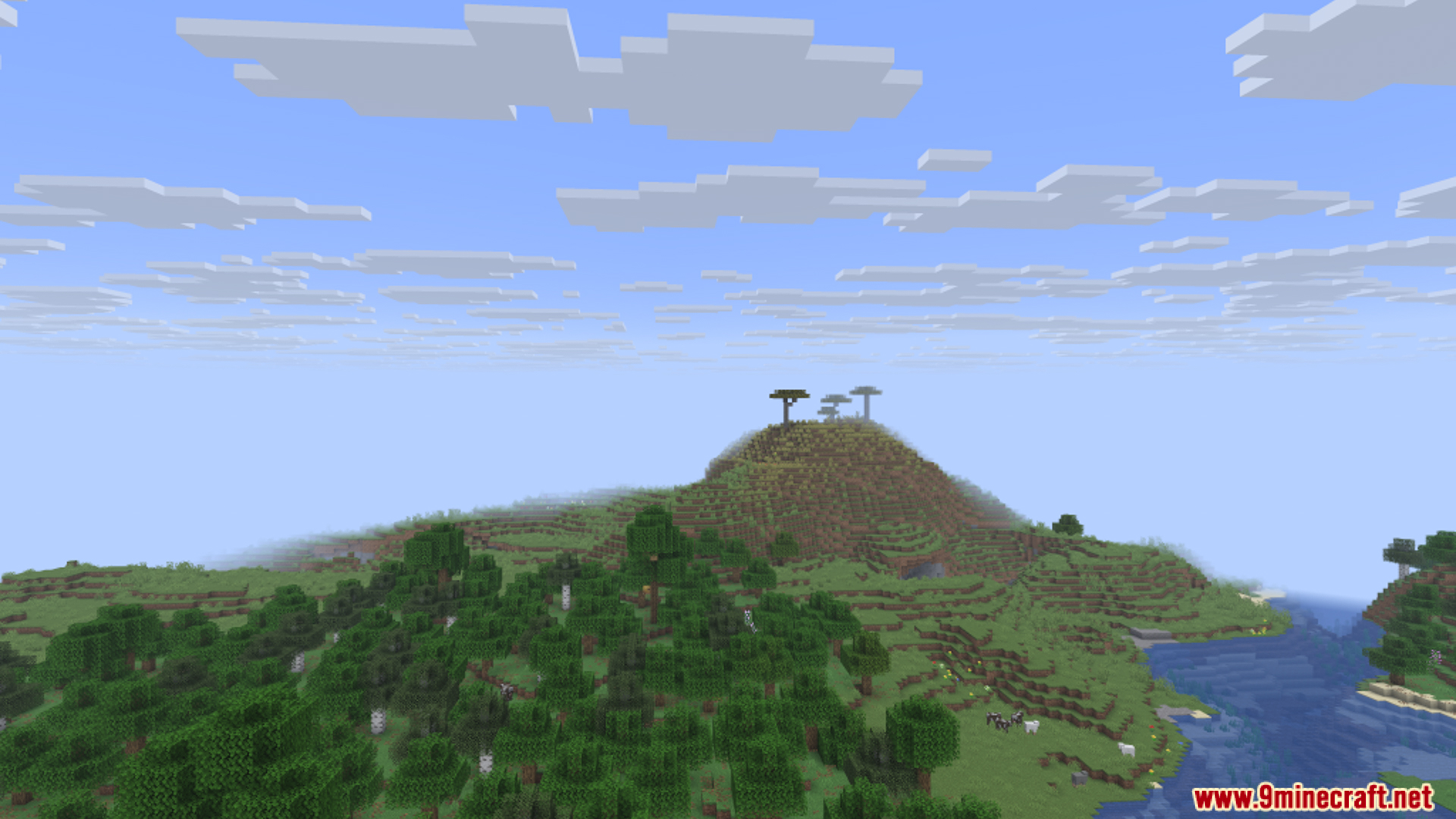
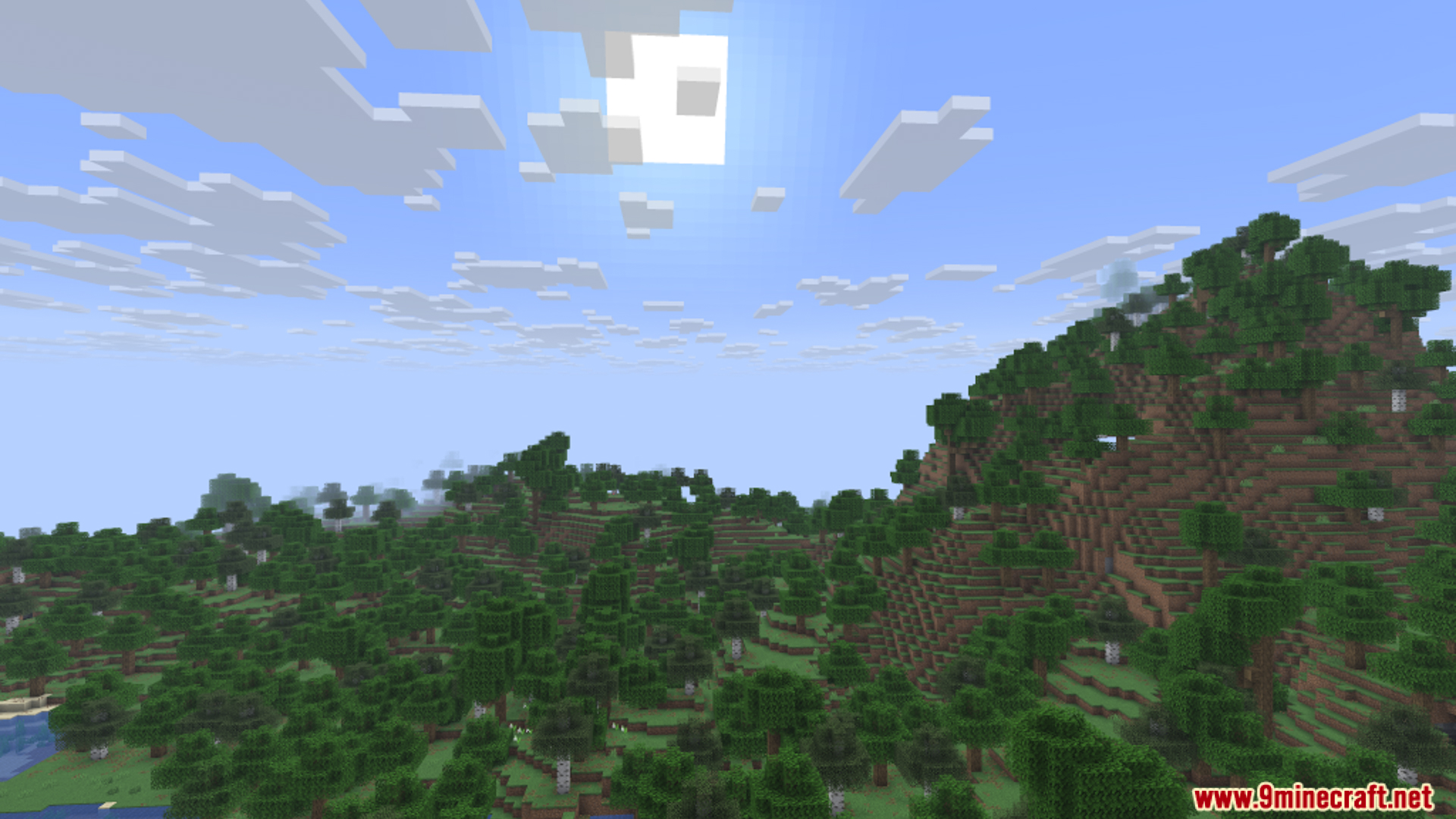
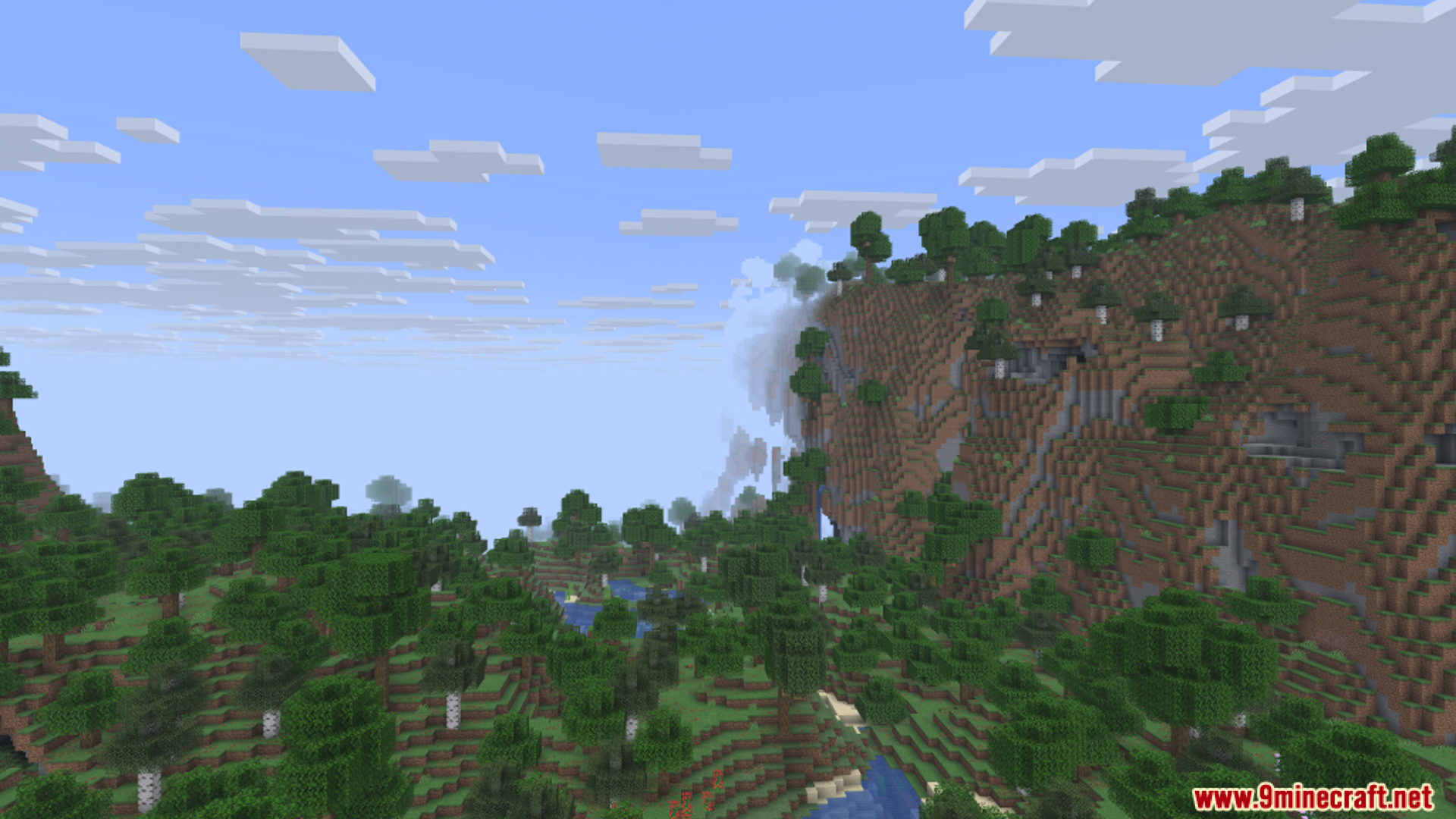
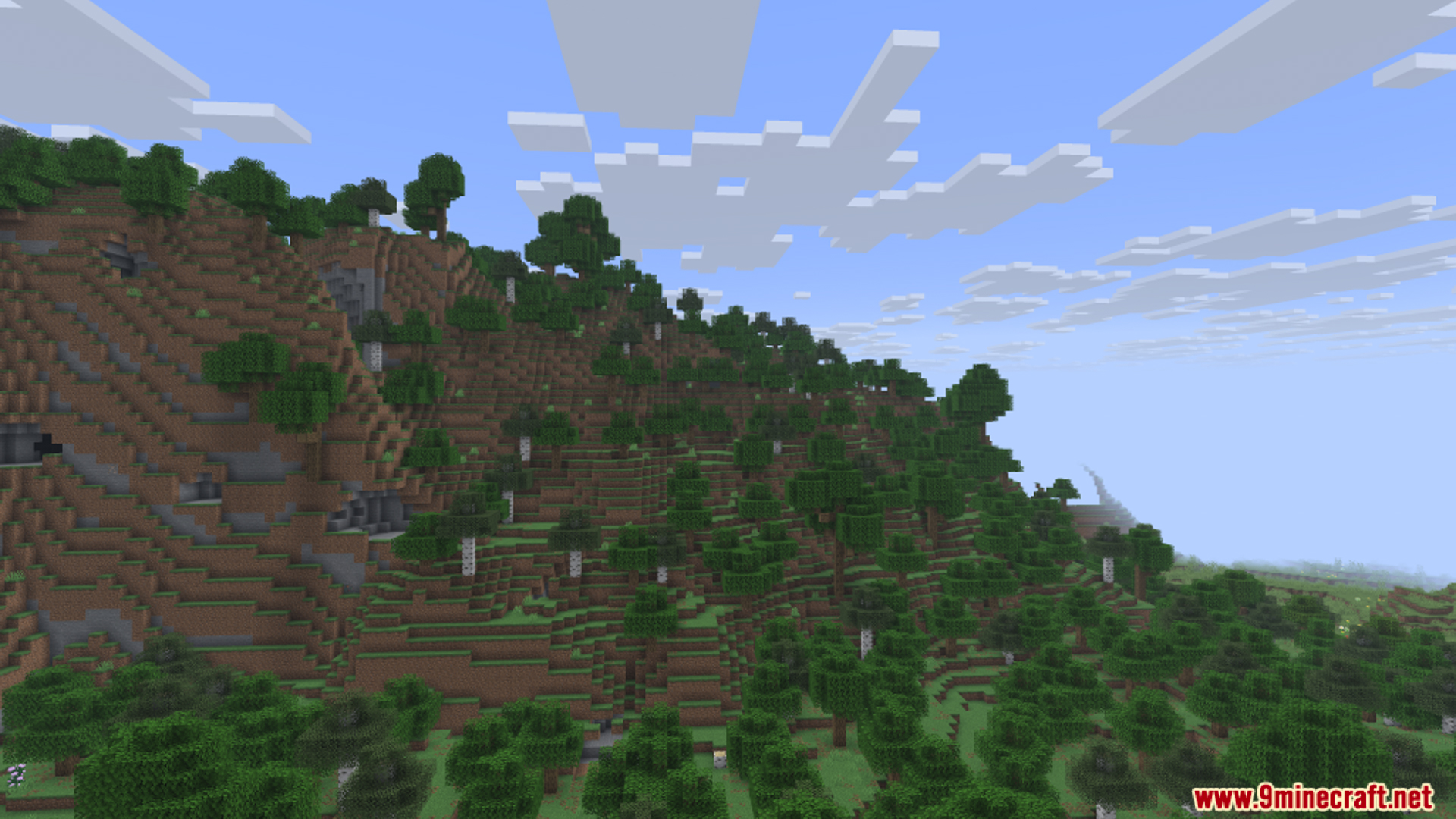
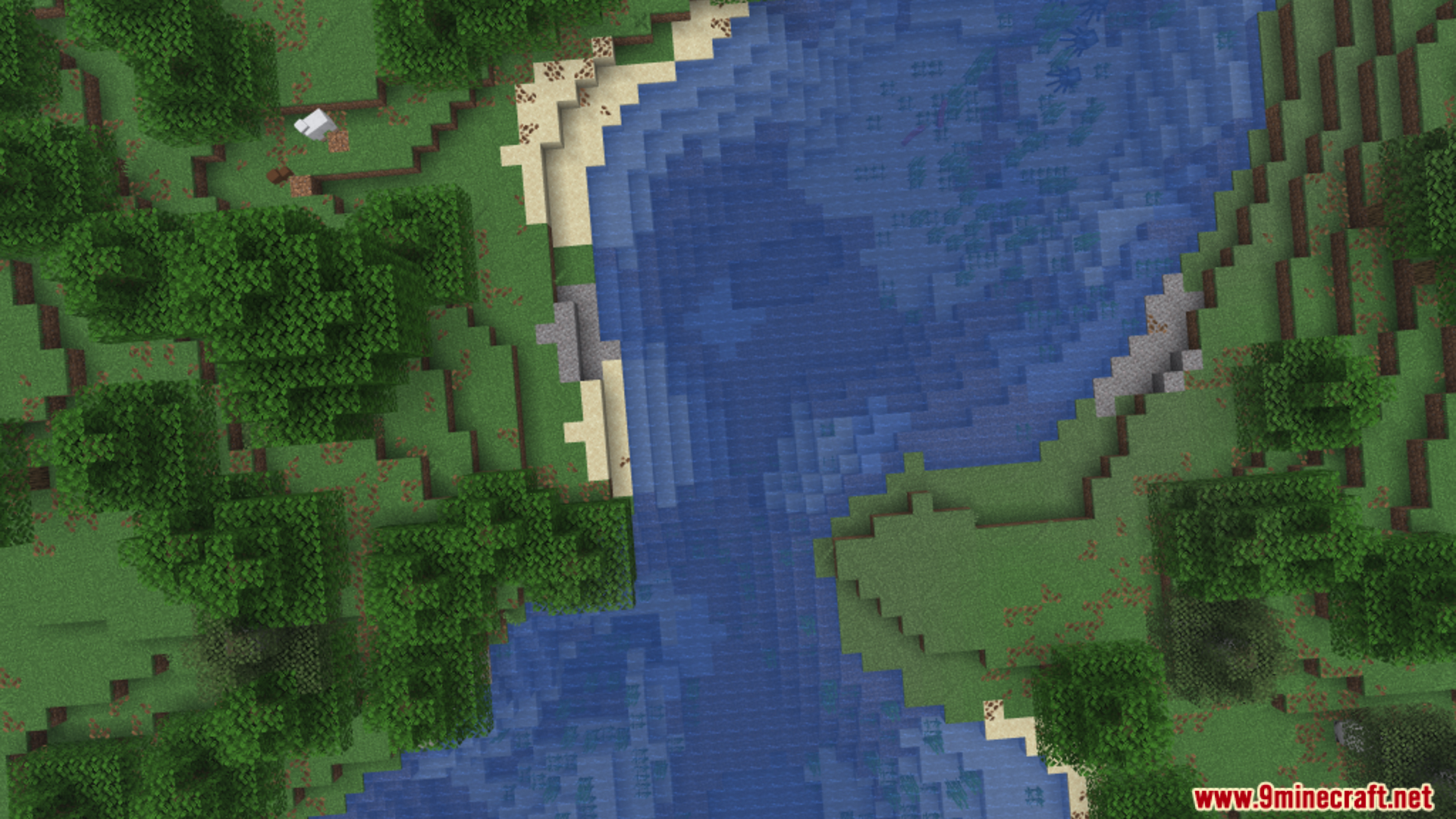
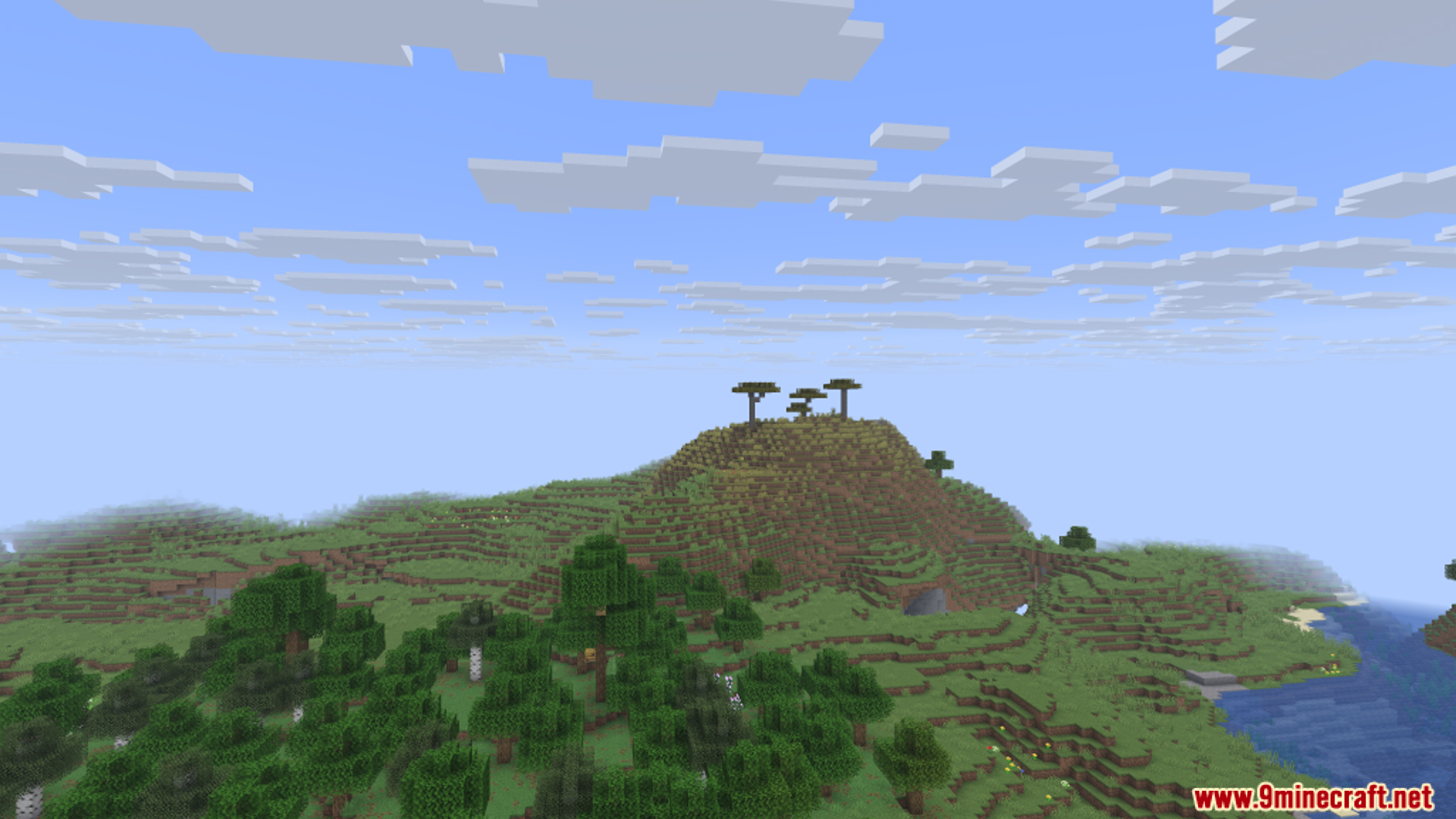
Screenshots:
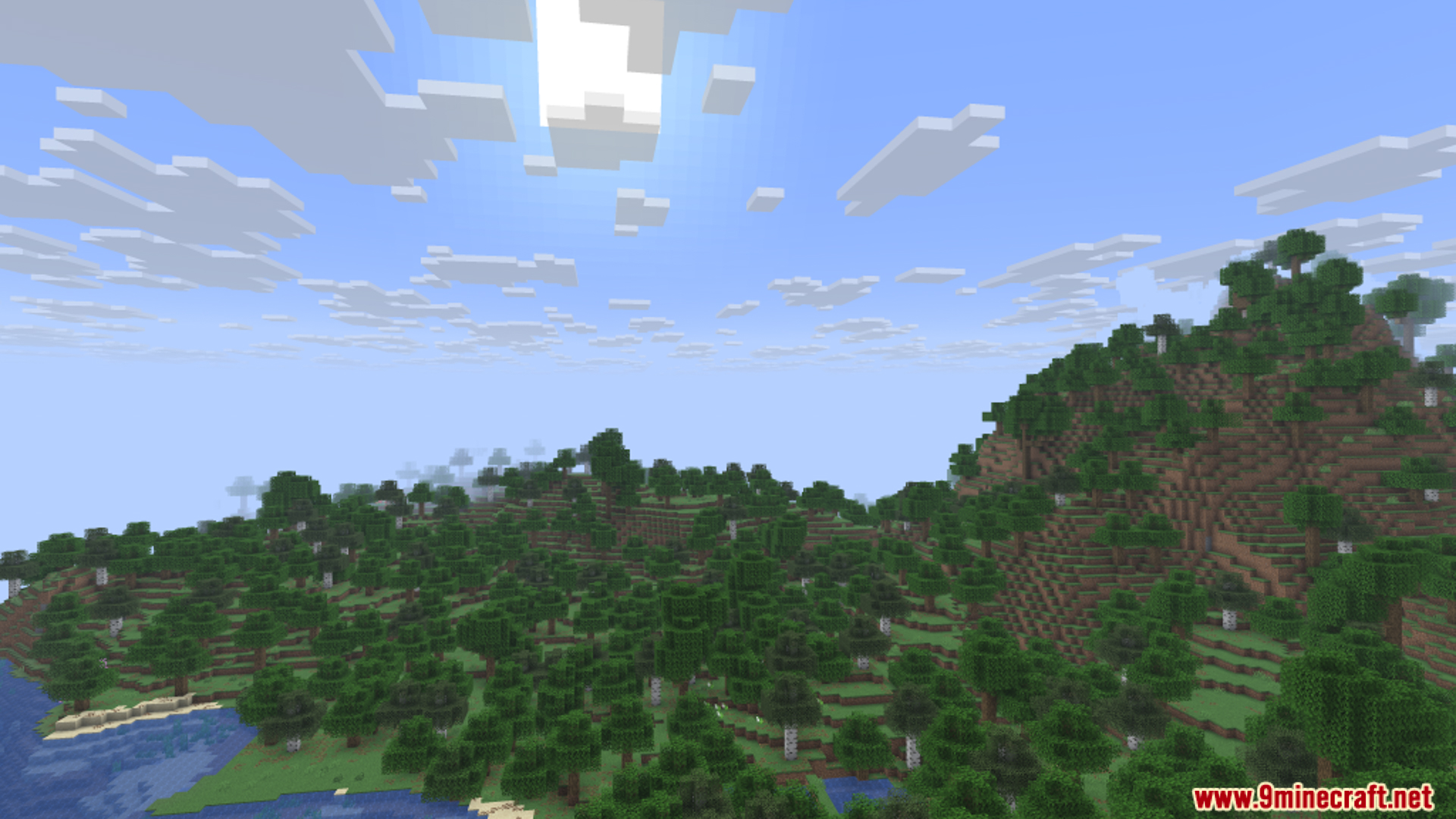
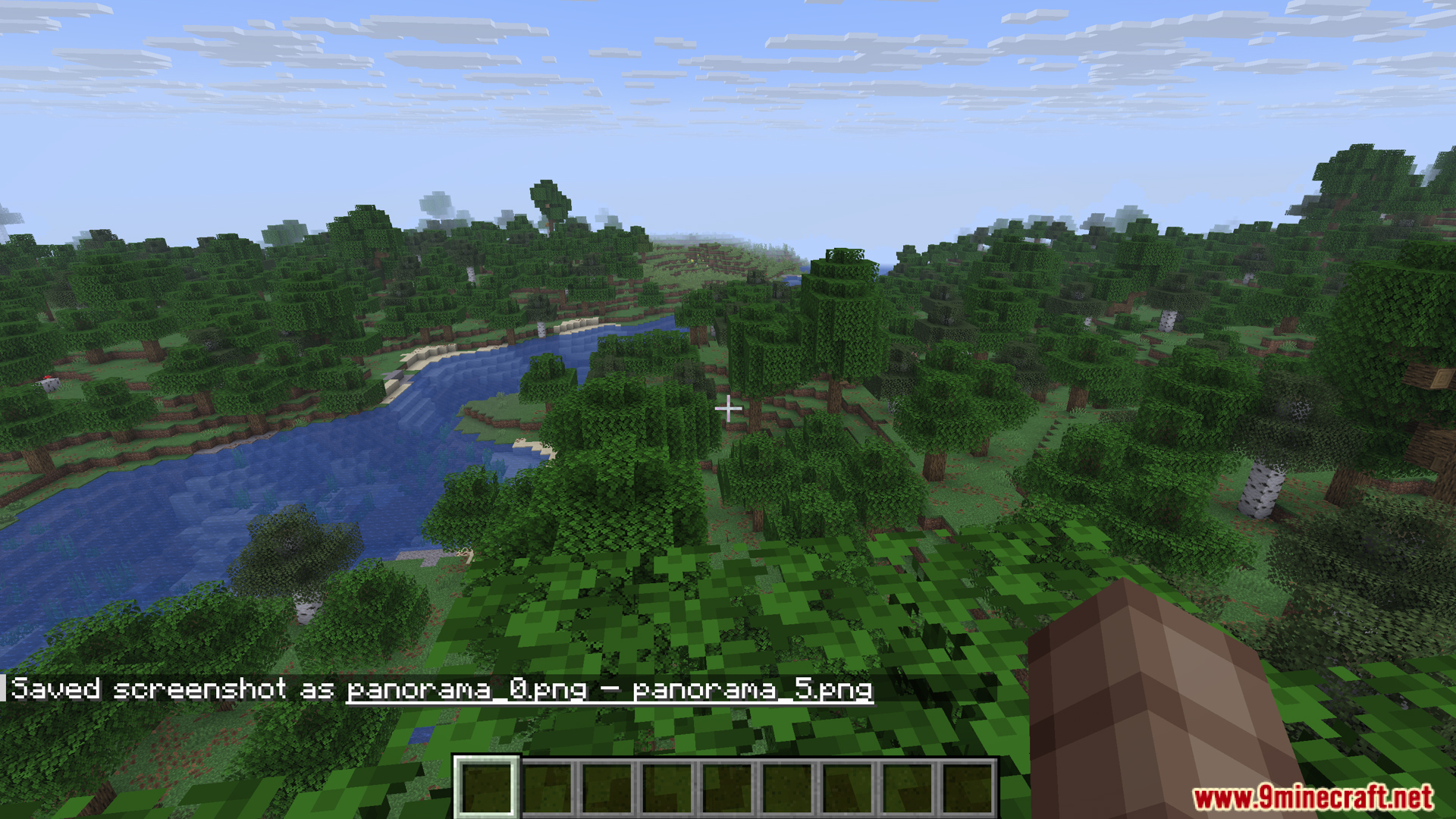
How to Install:
New to Minecraft? Follow our step-by-step guide to install Mods on your PC.View Guide
Requirements:


Panorama Screenshot Mod Download Links
For Minecraft 26.1.2, 26.1.1, 26.1
For Minecraft 1.21.11
For Minecraft 1.21.10, 1.21.9
For Minecraft 1.21.8, 1.21.7, 1.21.6
For Minecraft 1.21.4
For Minecraft 1.21.1, 1.21
For Minecraft 1.20.6
For Minecraft 1.20.4
For Minecraft 1.20.1, 1.20
Click to rate this post!
[Total: 1 Average: 1]
You May Also Like






This post has no comments yet. Be the first — your comment will appear here.