


Teleport Master Mod (1.20.1, 1.19.4) – Instantly Return to Base or Death Spot
 237
237
 0
0


🌐 Read this article in your language! Choose your preferred language below.
Or pick the one you like:
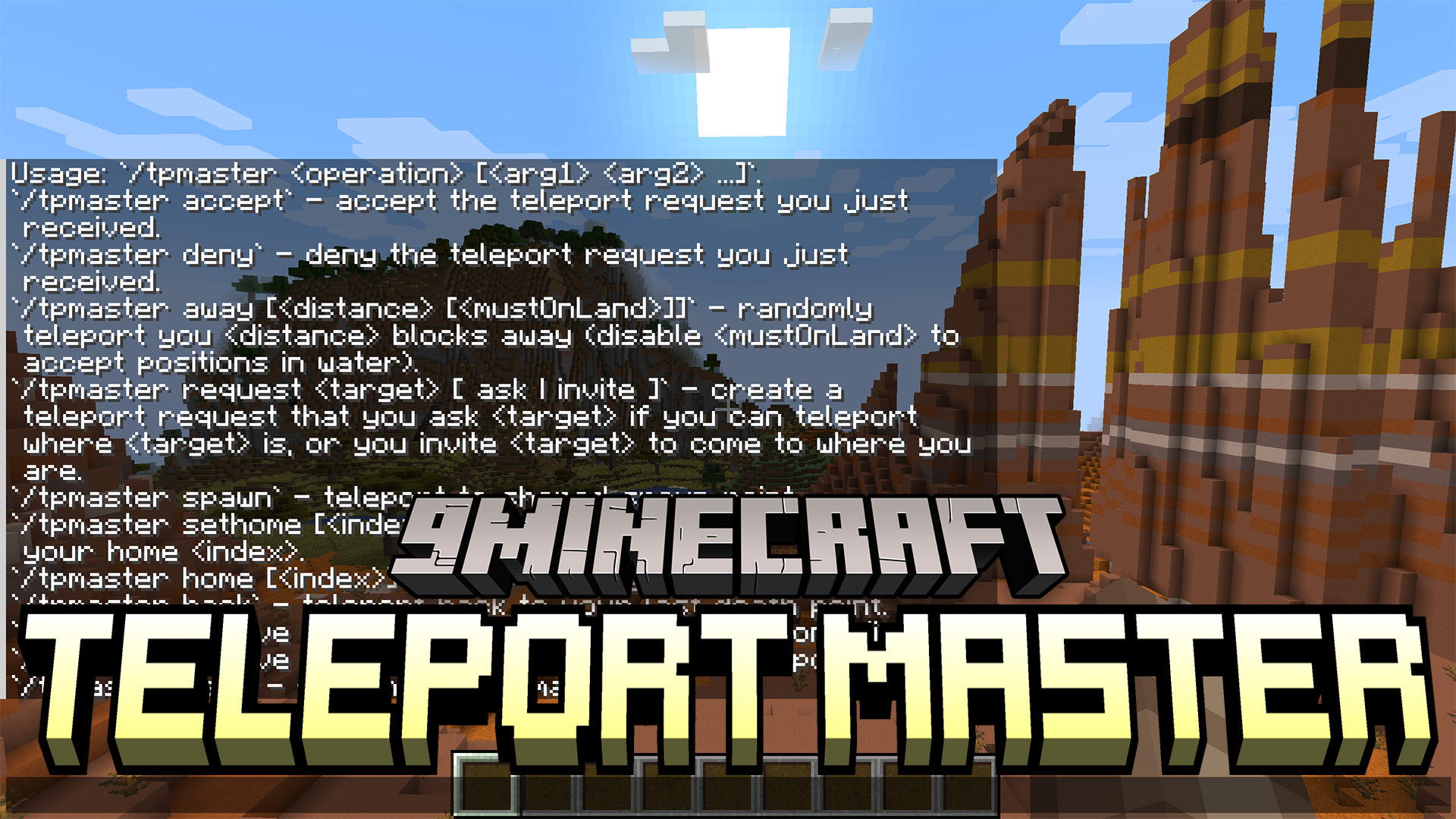
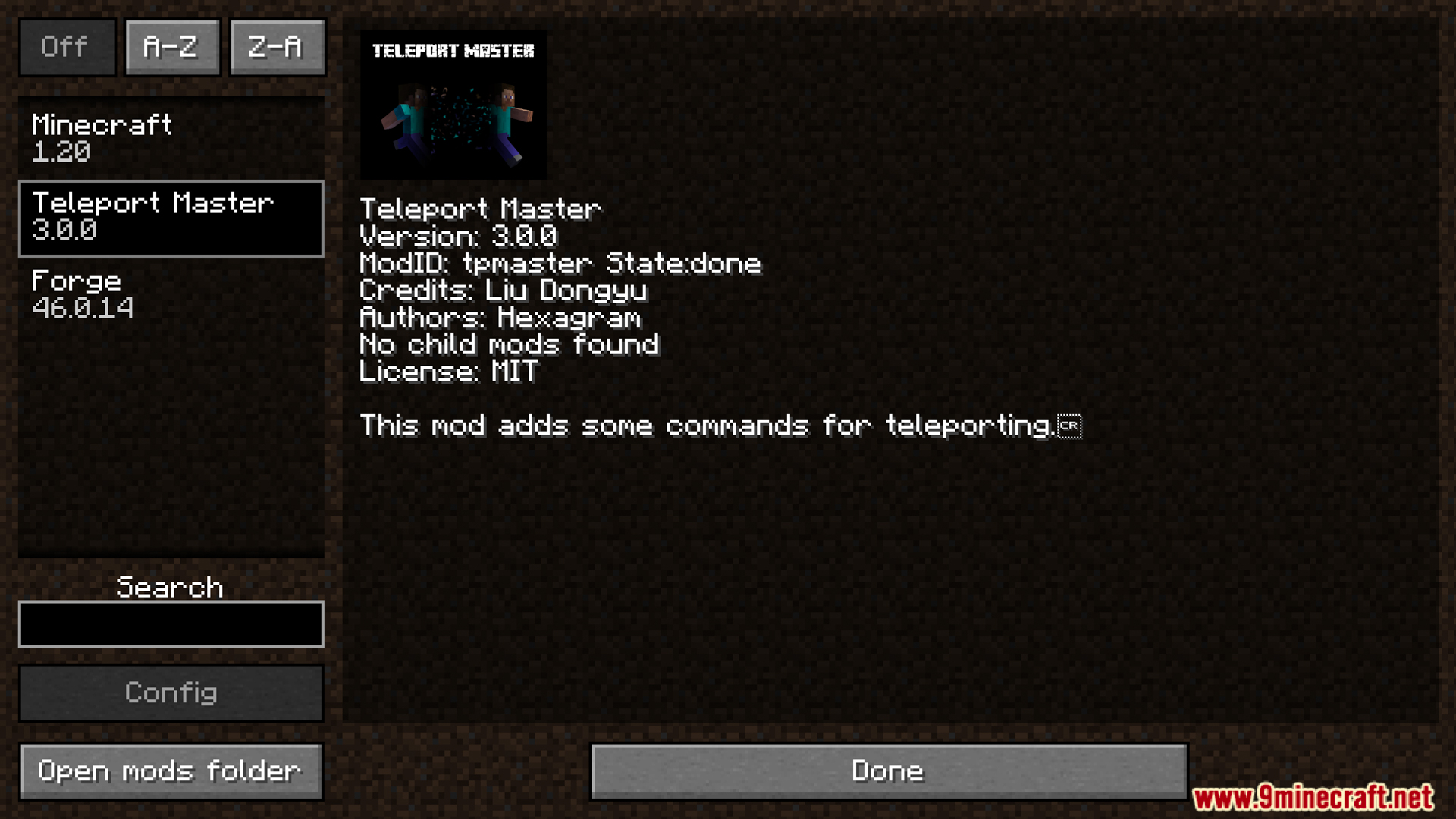
Teleport Master Mod adds a bunch of helpful teleport commands to the game. You can easily set multiple home locations and warp back to them whenever you want. If you happen to die, a simple command lets you return to your last death spot instantly. It also makes multiplayer easier by letting you send teleport requests to other players.
Features:
- Ask to teleport to another player, or invite them to come to you. They can accept or deny the request with a simple command.
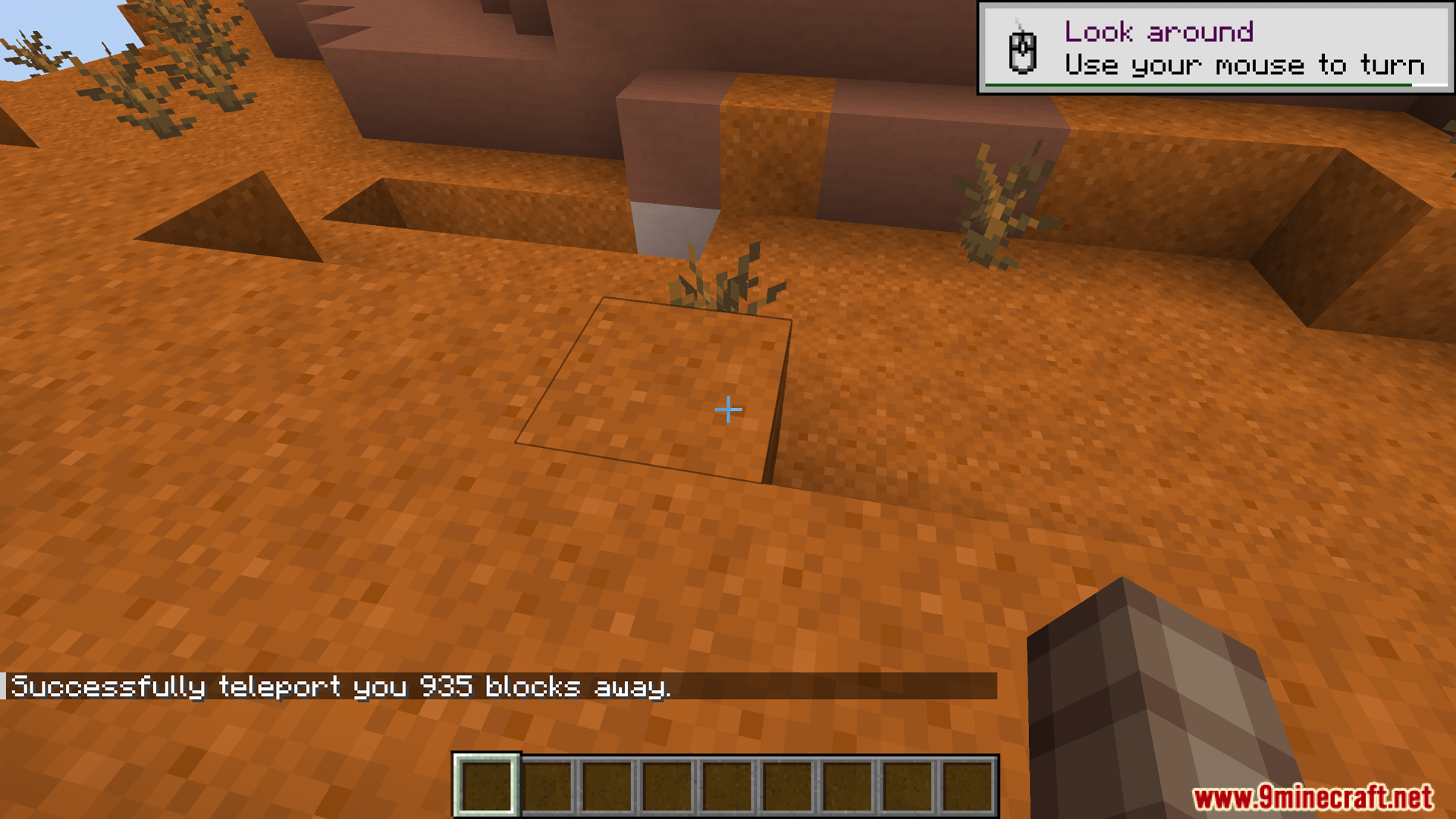
- Travel to a completely random spot in the world. You can set the distance and choose to avoid landing in water.
- Set multiple home locations anywhere you want. A quick command brings you back to any saved spot.
- Instantly return to where you last died. This is great for getting your items back quickly.
- Go to the world’s main spawn point with a single command.
- Manage your saved points by removing old homes or clearing your last death location.
Commands:
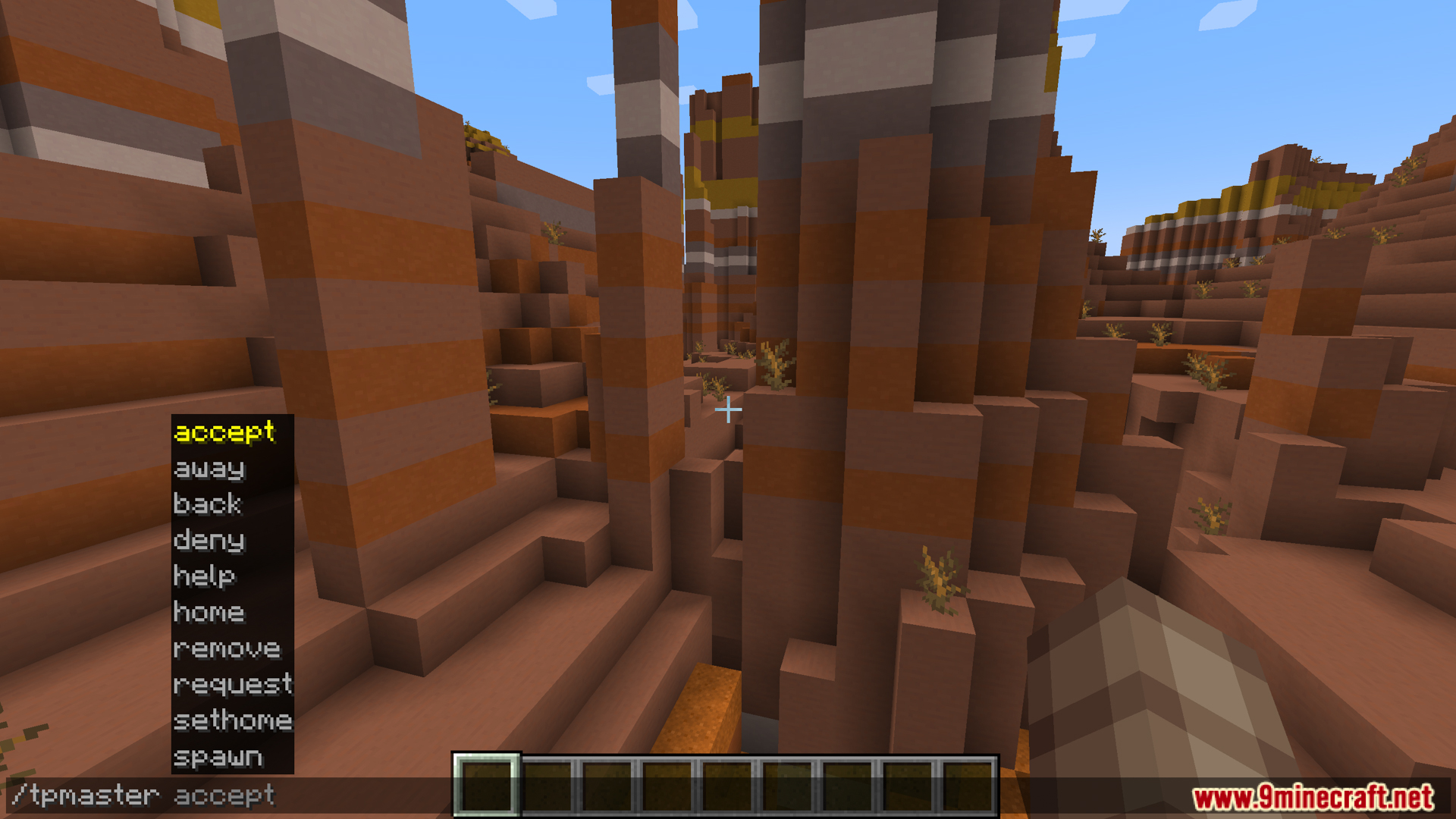
All commands start with /tpmaster. Here’s what you can do:
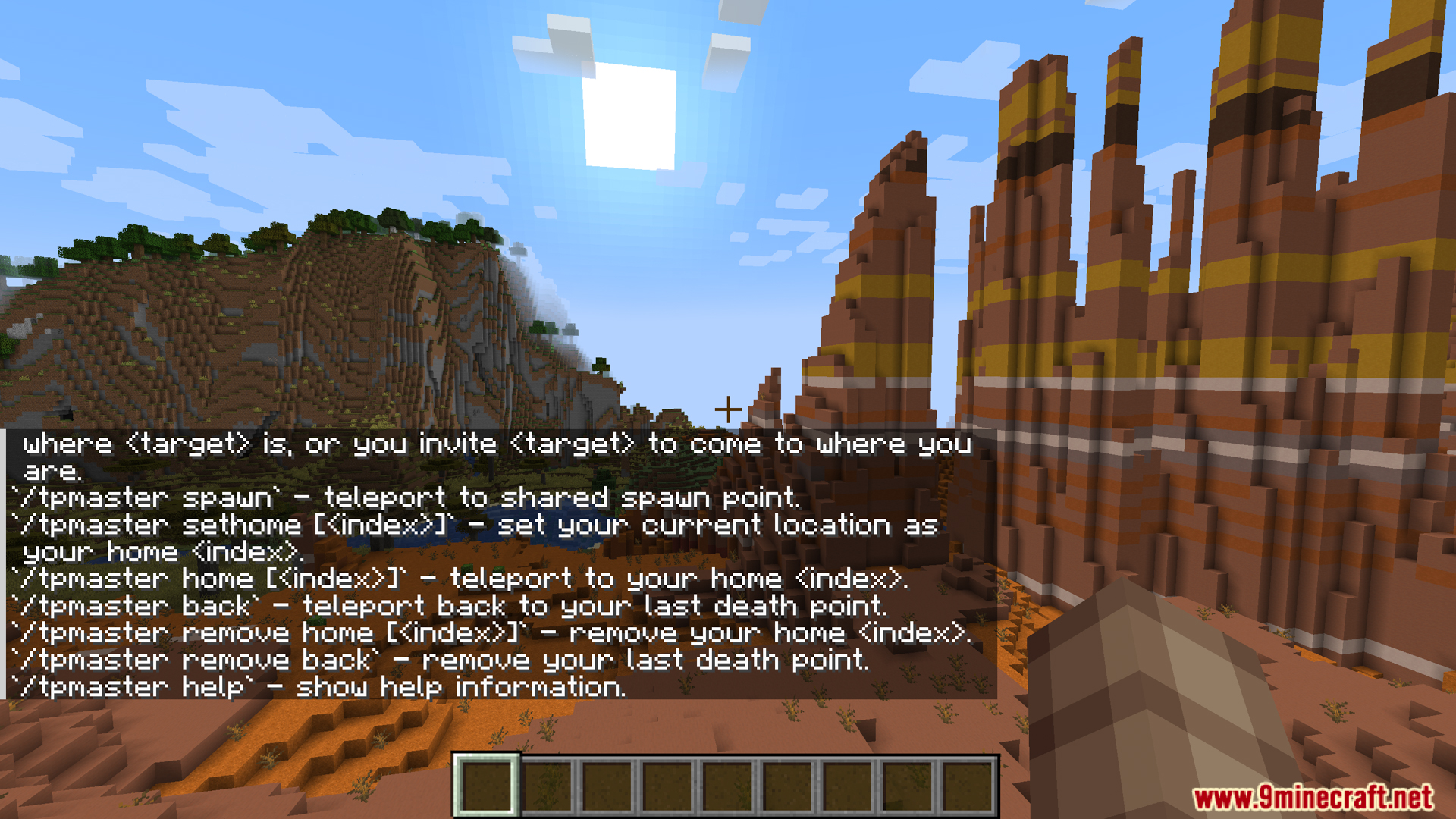
accept– Accepts a teleport request from another player.deny– Denies a teleport request.away [distance] [mustOnLand]– Teleports you to a random spot. You can set how far you go and decide if you want to land on solid ground or in water.request [target] [ask | invite]– Lets you ask to teleport to another player or invite them to your location.spawn– Teleports you to the world’s spawn point.sethome [index]– Sets your current location as a home point. You can have more than one.home [index]– Teleports you to one of your saved home points.back– Teleports you to where you last died.remove home [index]– Deletes a home point you saved.remove back– Deletes your last death point location.help– Shows a list of all available commands.
How to Use:
- Set a home: Type
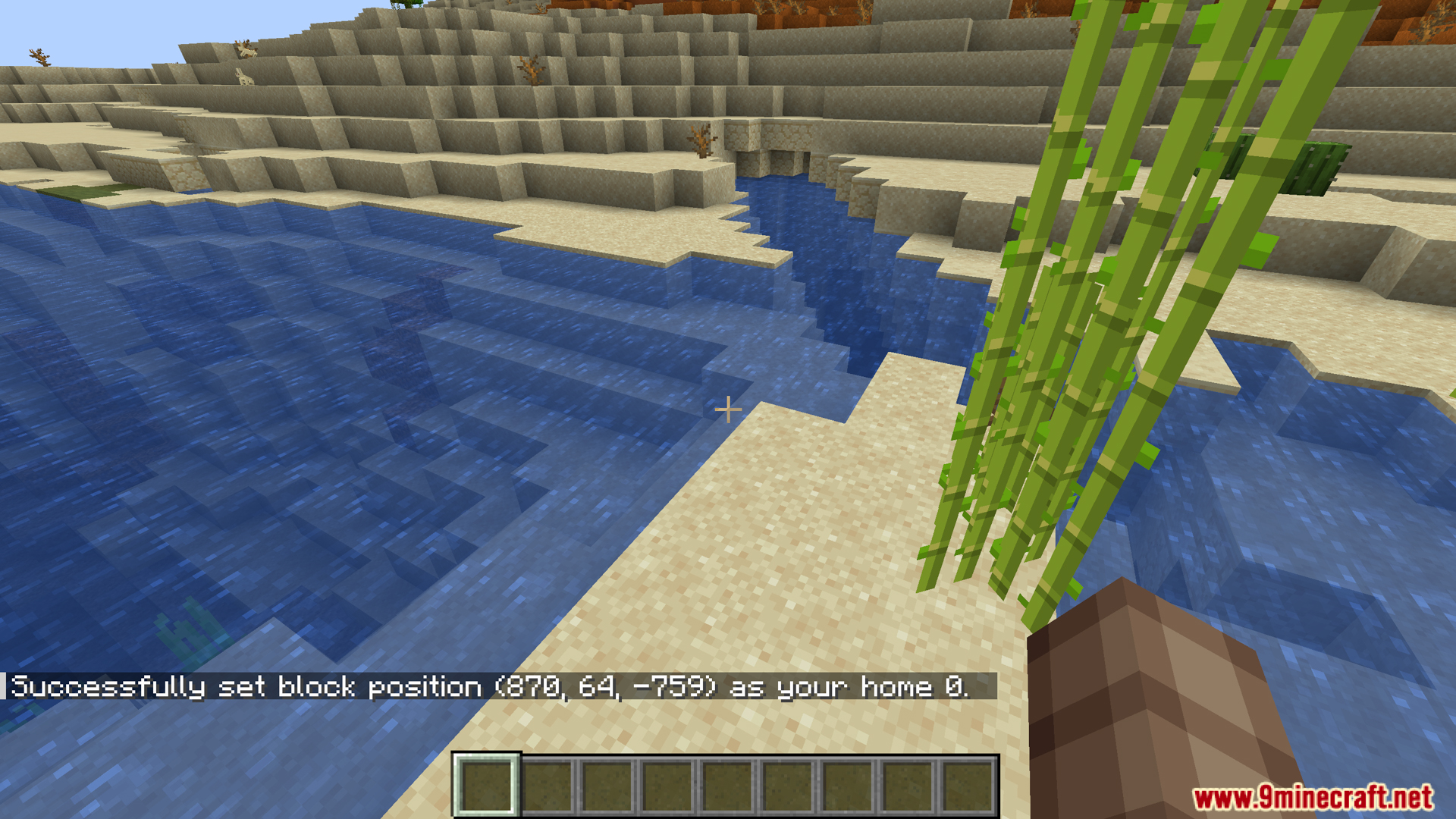
/tpmaster sethometo save your current spot. You can also add a number for multiple homes, like/tpmaster sethome 1. - Go to your home: Use
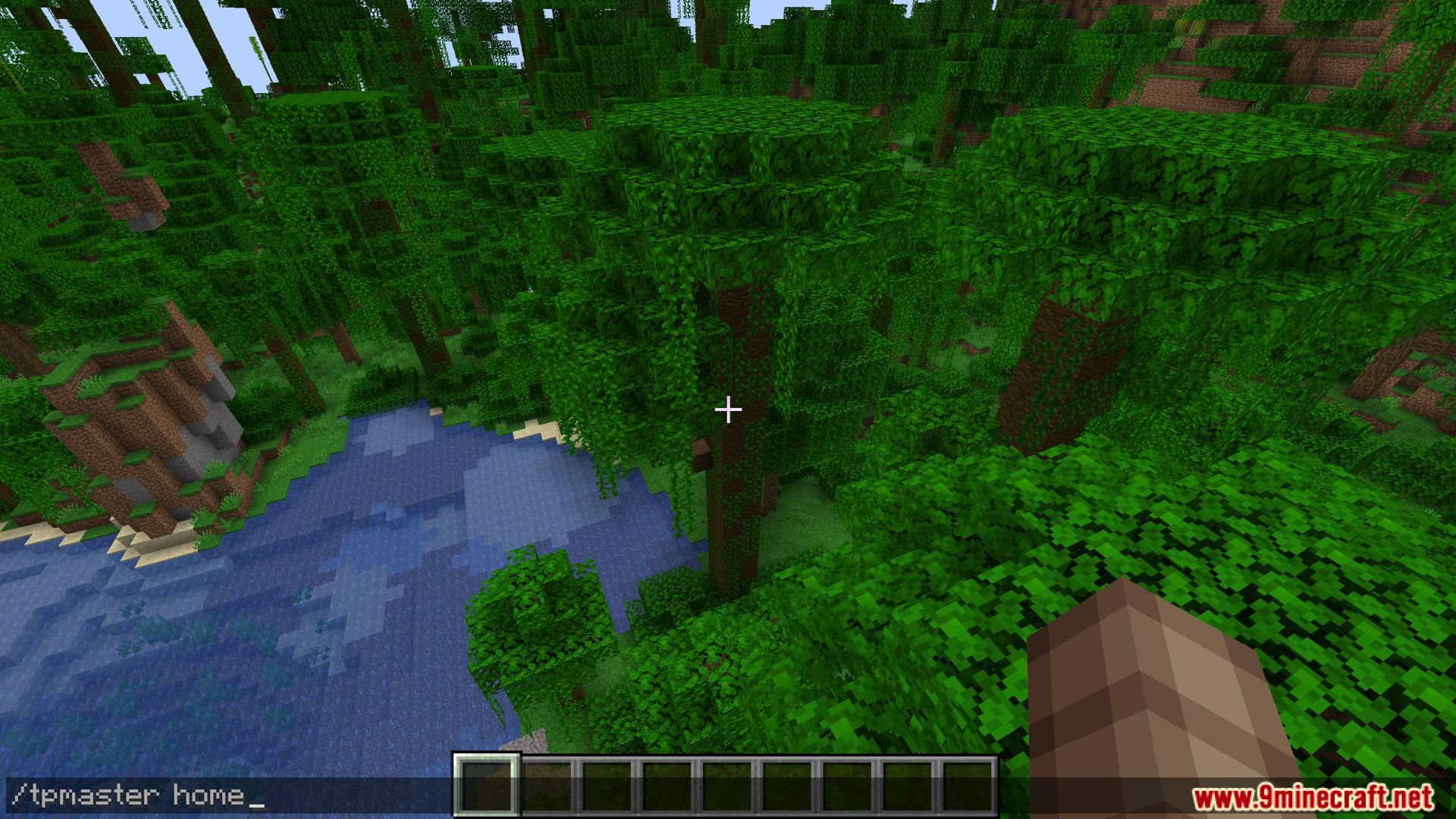
/tpmaster hometo teleport back. If you have multiple homes, use the number, like/tpmaster home 1. - Teleport to spawn: Type
/tpmaster spawnto go to the world’s spawn point. - Return to your last death point: Use
/tpmaster backto get back to where you last died. - Teleport randomly: Type
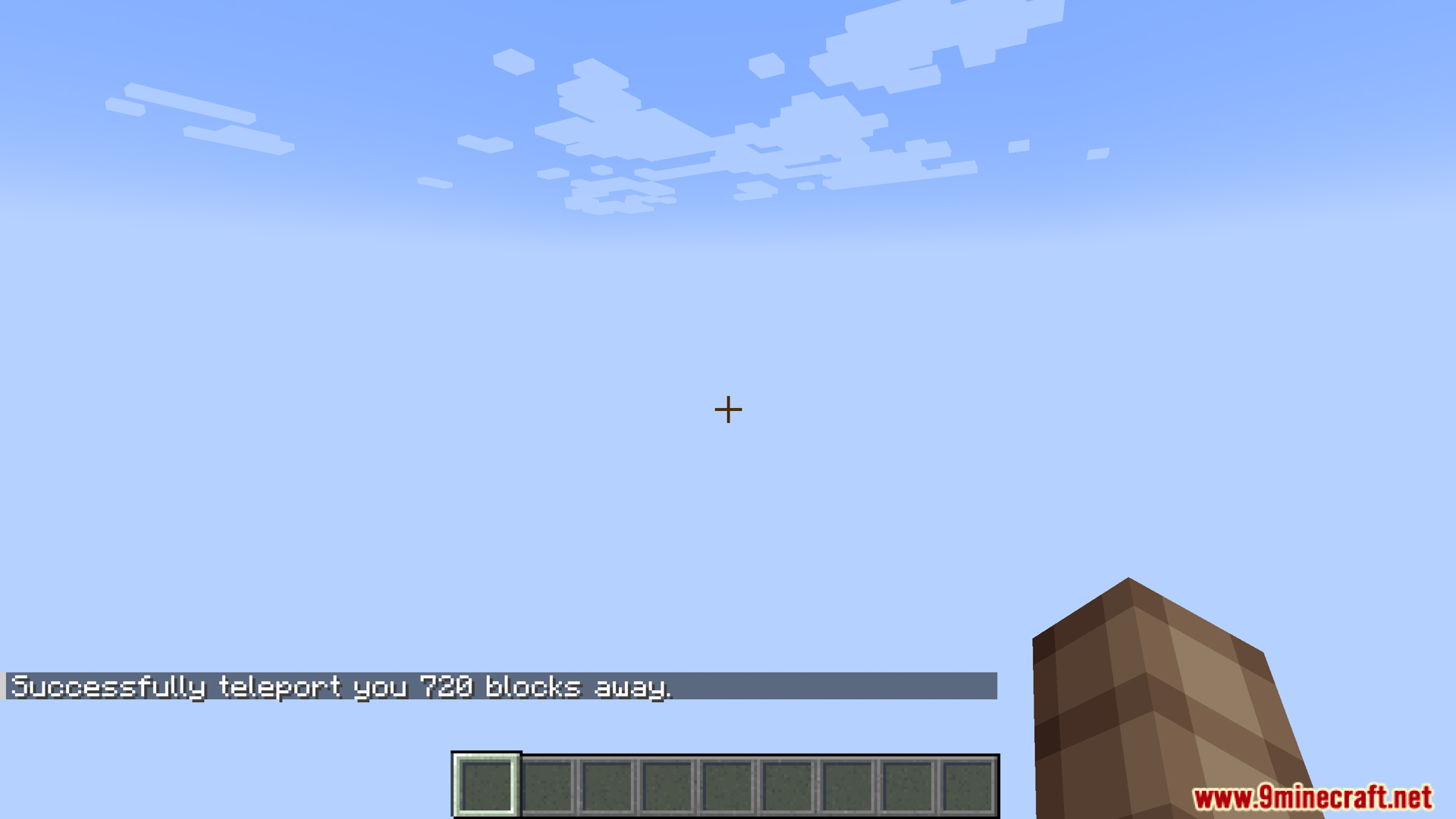
/tpmaster away <distance>to jump to a random location. For example,/tpmaster away 1000sends you 1000 blocks away. - Ask to teleport to another player: Use
/tpmaster request <playername> askto send a request to another player. - Invite a player to your location: Use
/tpmaster request <playername> inviteto ask another player to teleport to you. - Respond to requests: When you get a request, you can type
/tpmaster acceptto say yes or/tpmaster denyto say no.
Screenshots:
How to Install:
New to Minecraft? Follow our step-by-step guide to install Mods on your PC.View Guide
Teleport Master Mod Download Links
For Minecraft 1.20.1, 1.20
Forge version: Download from Server 1 – Download from Server 2
For Minecraft 1.19.4
Forge version: Download from Server 1 – Download from Server 2
For Minecraft 1.19.2
Forge version: Download from Server 1 – Download from Server 2
For Minecraft 1.18.2
Forge version: Download from Server 1 – Download from Server 2
Click to rate this post!
[Total: 0 Average: 0]
You May Also Like










This post has no comments yet. Be the first — your comment will appear here.