


LaserIO Unofficial Extended Life Mod (1.20.1, 1.20) – Automate with Laser Beams
 164
164
 0
0


🌐 Read this article in your language! Choose your preferred language below.
Or pick the one you like:
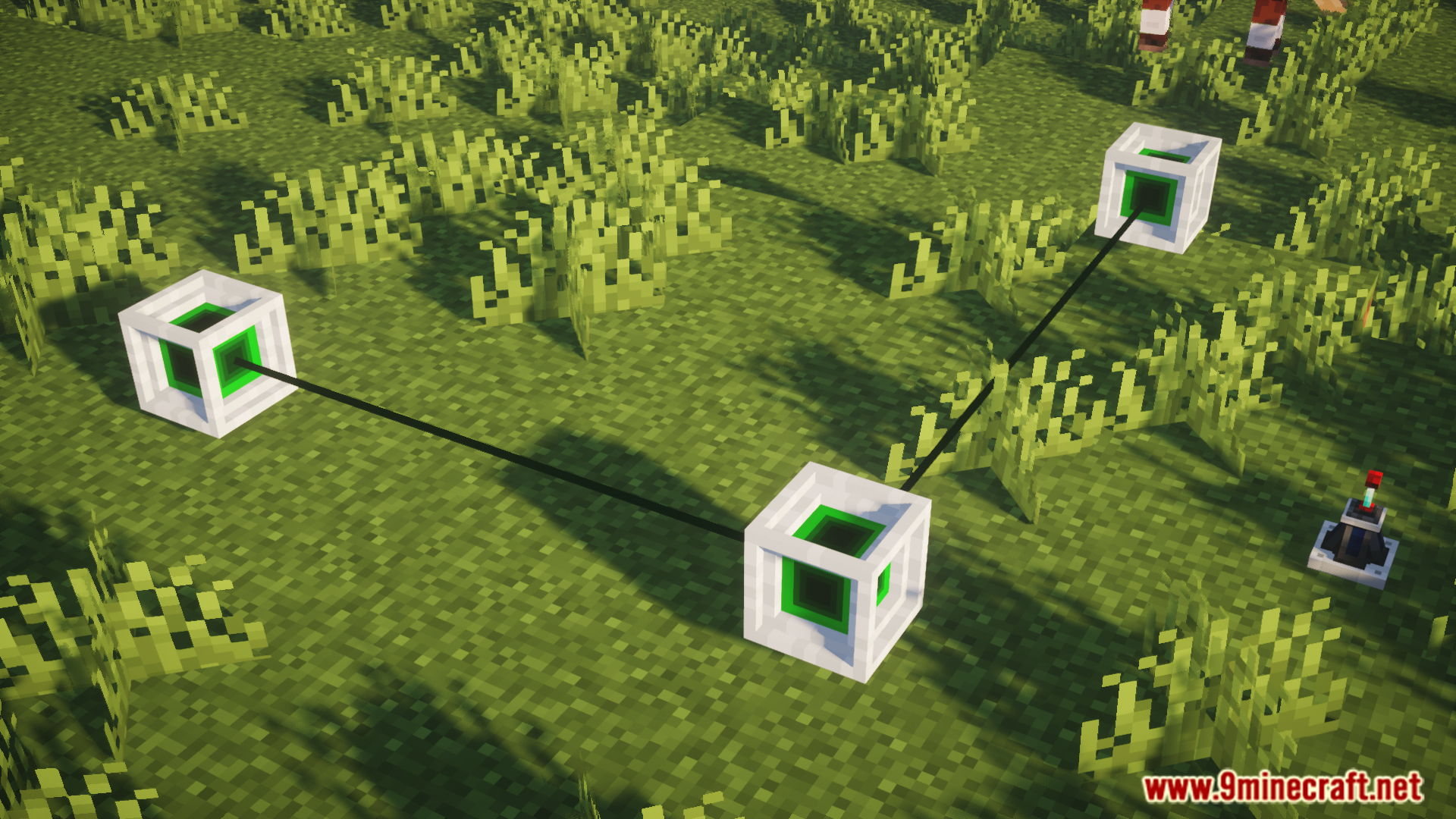
LaserIO Unofficial Extended Life extends the original LaserIO mod with new features and improvements for newer Minecraft versions. It lets you build networks of laser nodes that move items, energy, and fluids between different places. This mod also adds more ways to customize your laser system and includes several quality-of-life fixes.
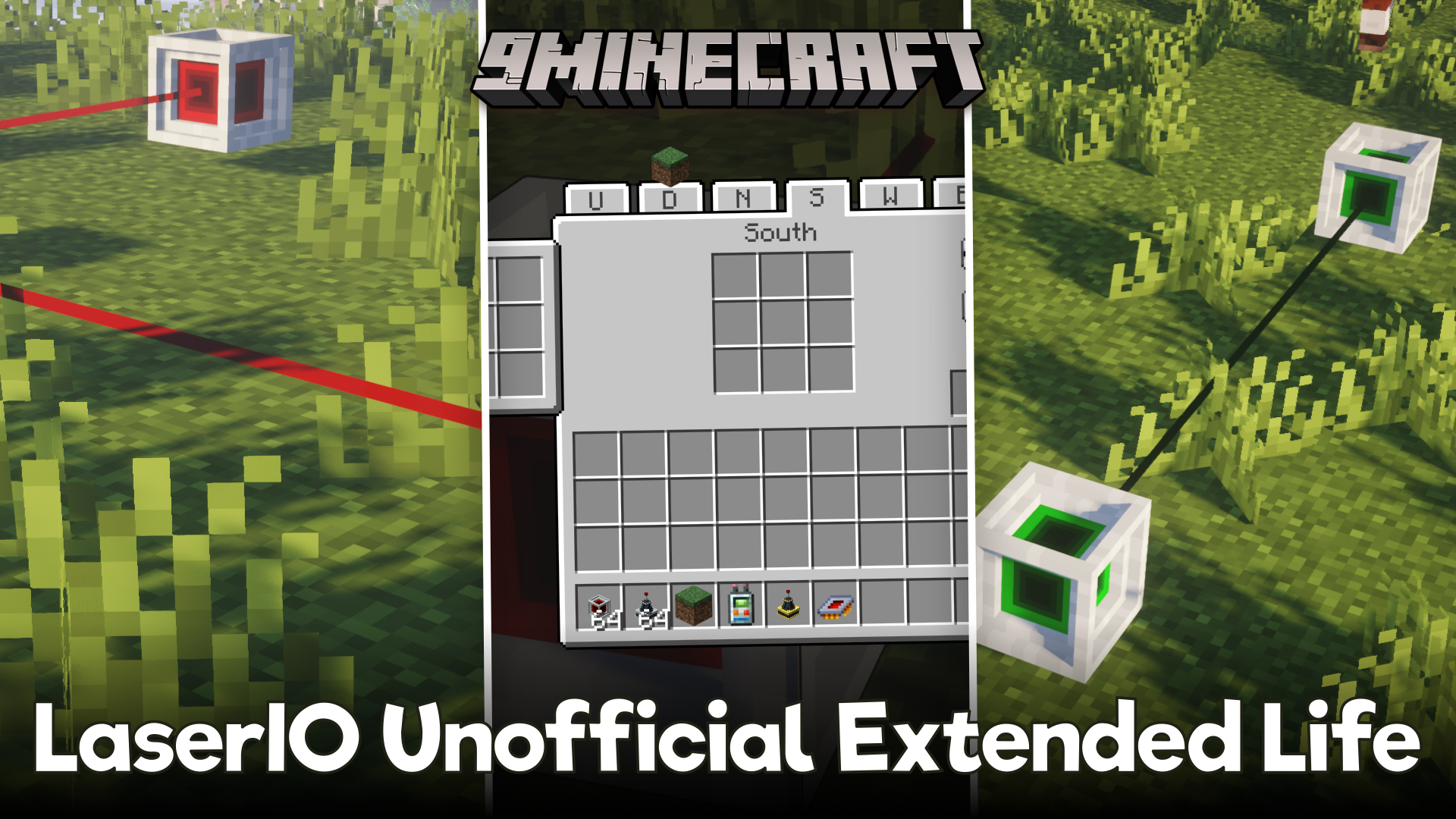
Features:
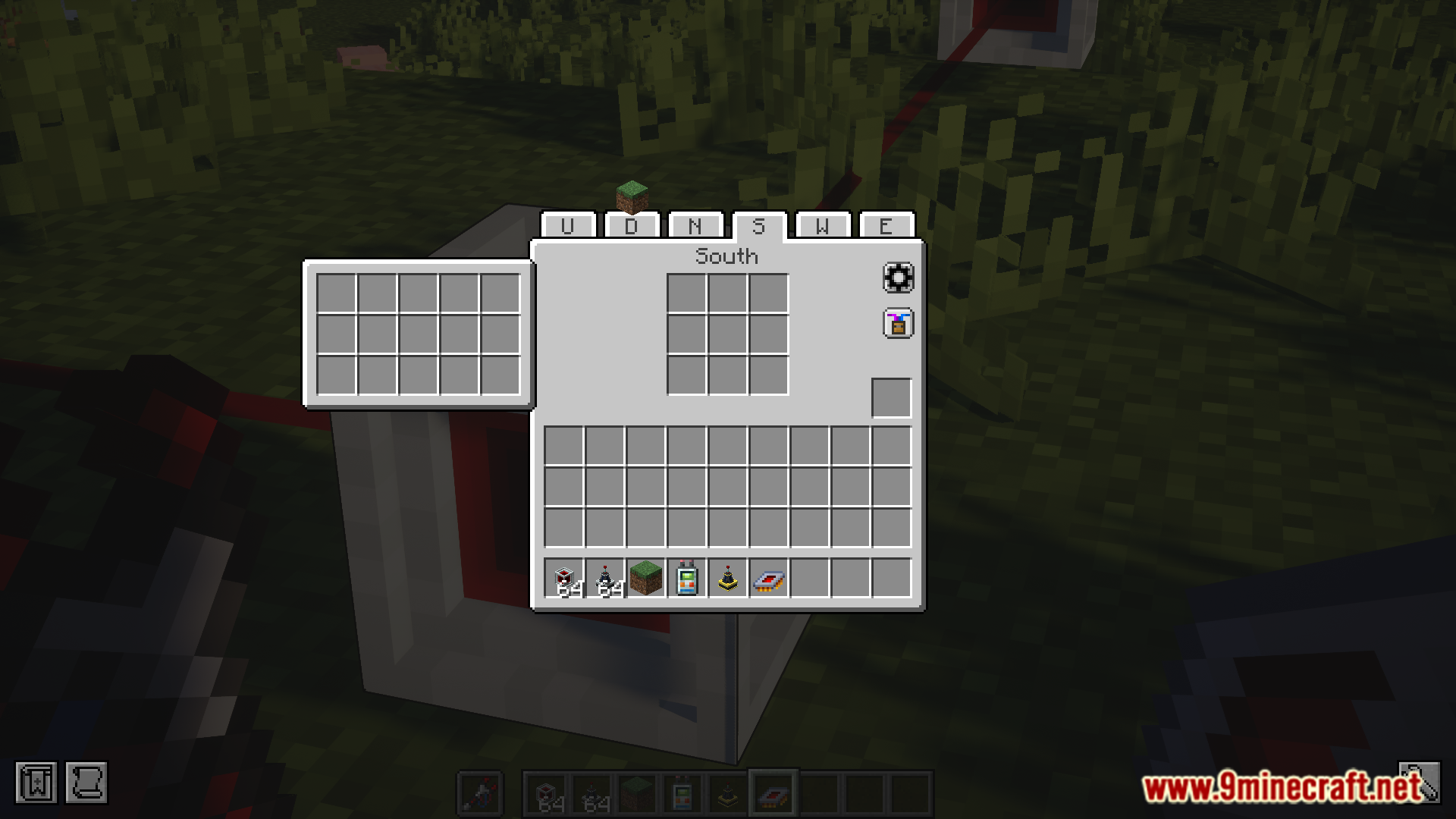
- Copy & Paste Settings: Set up one Laser Node exactly how you want, then easily copy its settings to other nodes. This makes building big systems simple.
- Auto-Connect Network: New nodes and connectors automatically link up to your existing laser network, saving you a lot of time.
- Works with the Mekanism mod by adding special Chemical Cards to move chemicals through your lasers.
- The Card Holder item can be worn in a Curios slot for quick access and has its own keybinds.
- Energy Cards are strong by default, transferring 1,000,000 FE per operation without needing a standard overclocker.
- Redstone Cards get new features to give you more control over your network.
- A simple button inside the node’s menu lets you turn the laser beam particles on or off.
- Quickly change which side of a block a Laser Node is facing just by using your mouse’s scroll wheel.
- Fixes many visual problems when playing with shaders like Oculus, making the lasers look correct.
- If you have Patchouli installed, you get a guide book the first time you pick up a Laser Node.
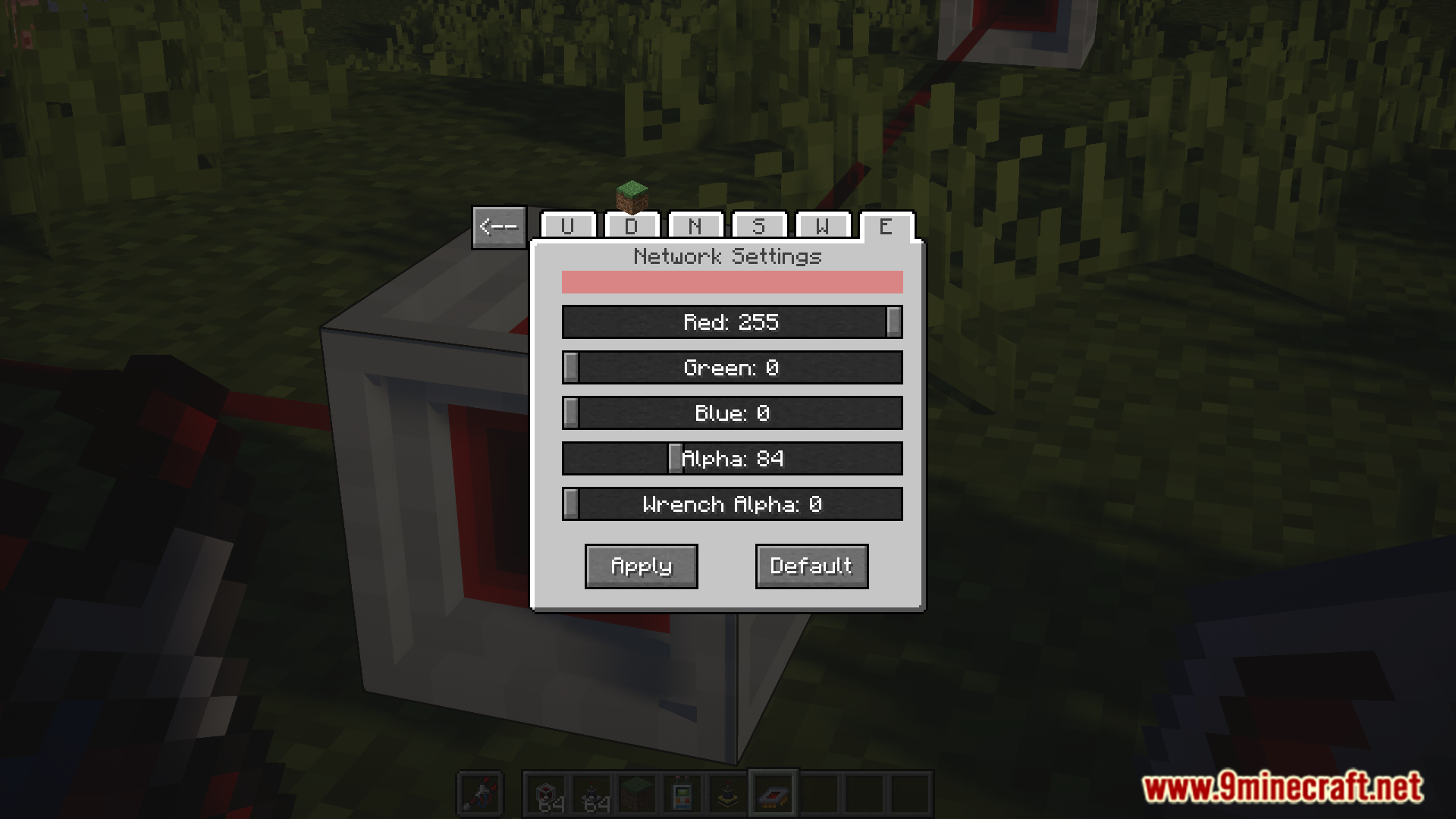
- Offers lots of customization. You can change the connection range of nodes, the maximum extraction rate of cards, and even create your own tiers of Energy Overclockers with custom names and colors.
Configuration:
This mod offers many options in its config file. You can change these settings to better suit your gameplay:
- Energy Overclockers: You can create custom tiers with their own names, maximum energy values, and colors.
- Card Values: The maximum extraction amount for each card can be changed.
- Card Speed: Adjust the minimum ticks per operation for each card based on the number of Overclockers.
- Node Range: The connection and interaction ranges for Laser Nodes can be configured.
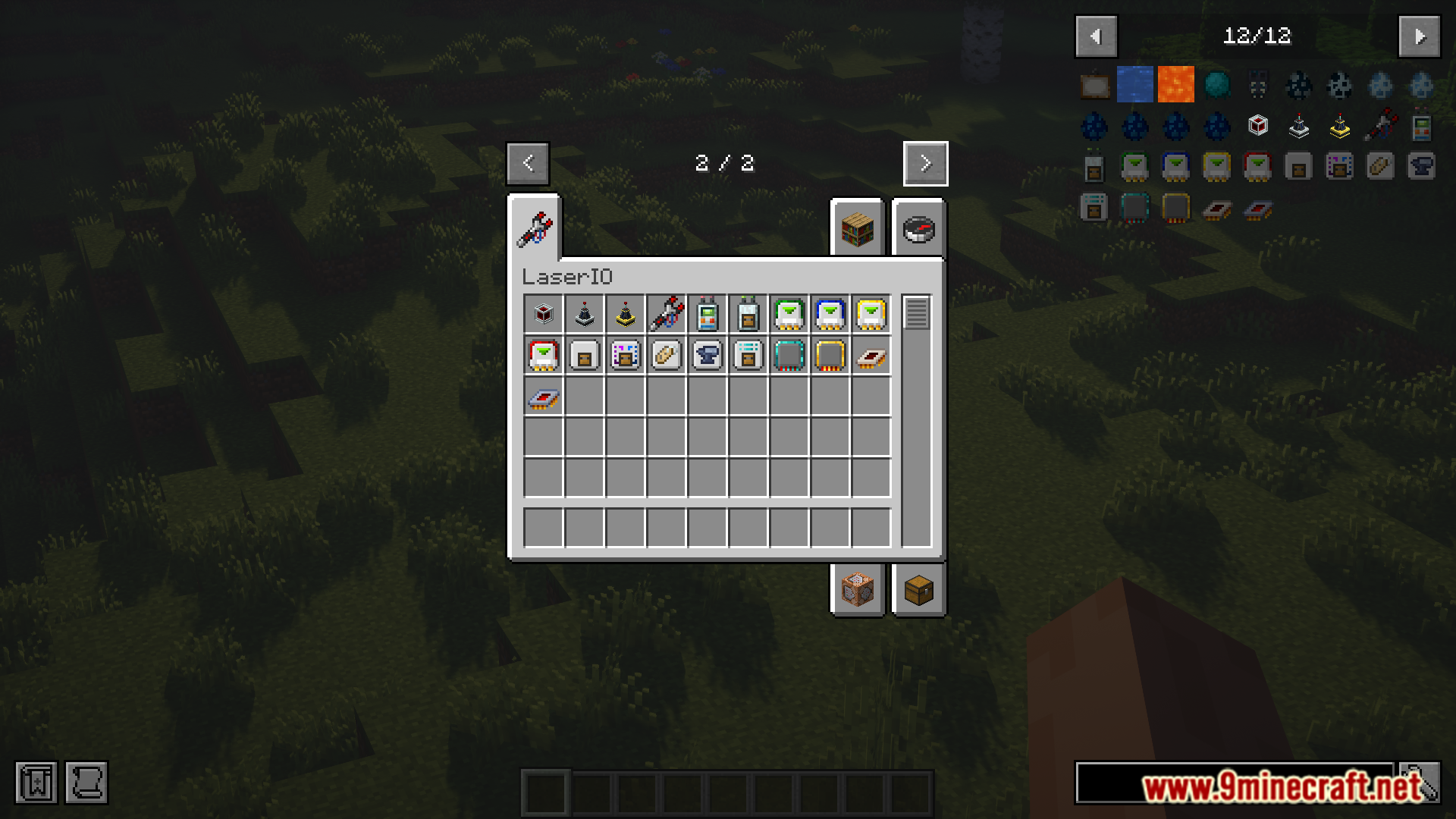
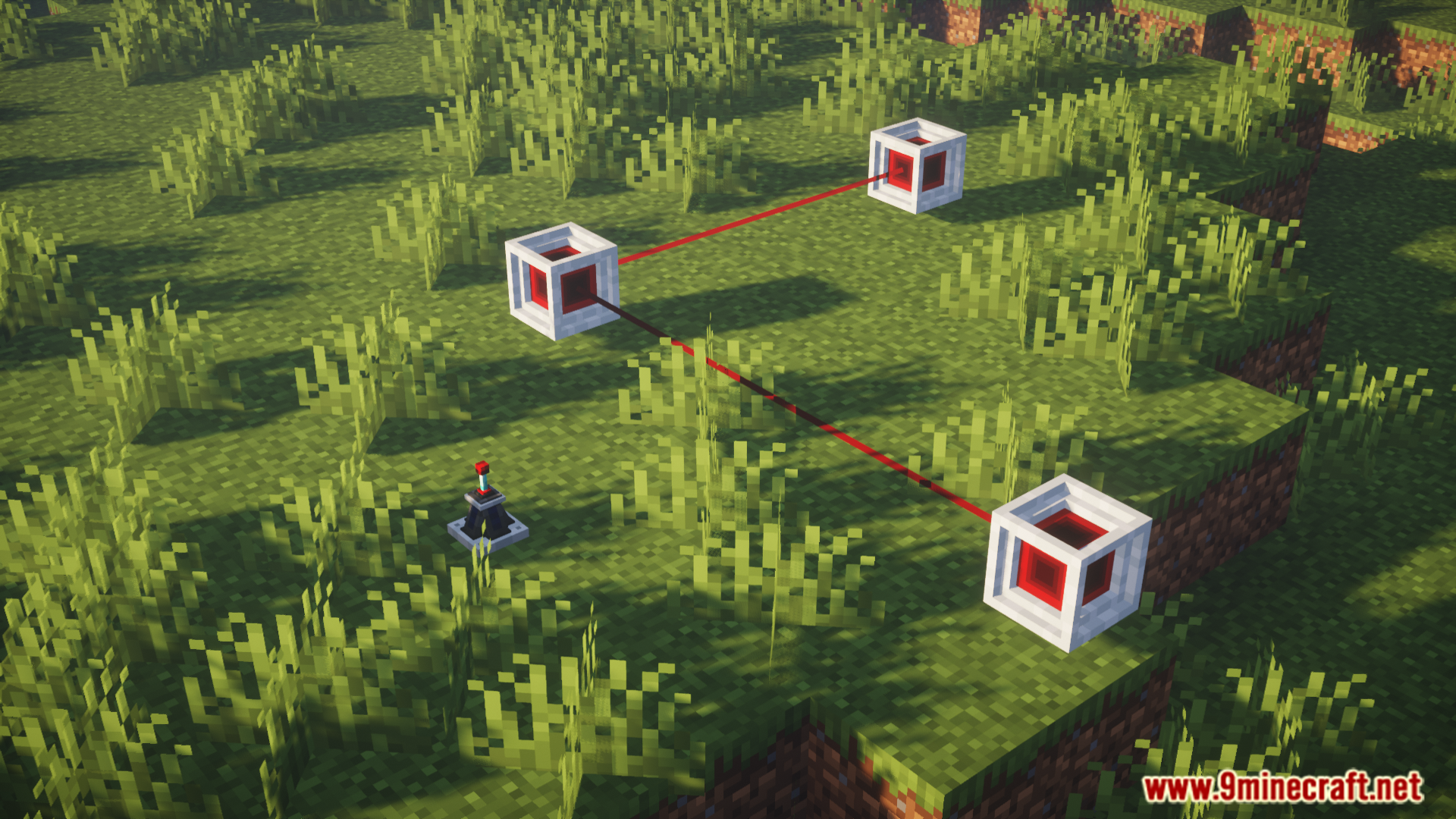
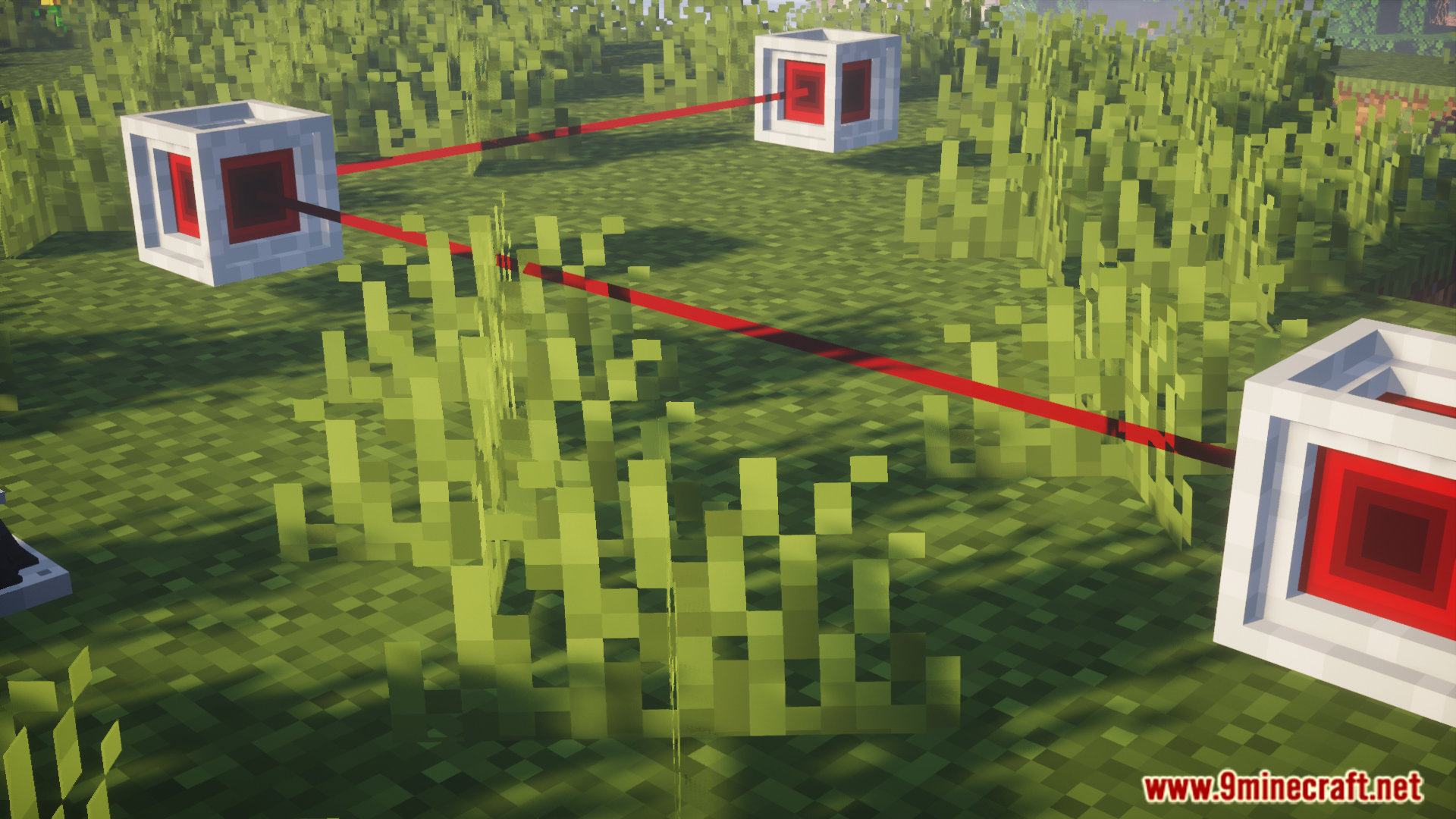
Screenshots:
How to Install:
New to Minecraft? Follow our step-by-step guide to install Mods on your PC.View Guide
LaserIO Unofficial Extended Life Mod Download Links
For Minecraft 1.20.1, 1.20
Forge version: Download from Server 1 – Download from Server 2
Click to rate this post!
[Total: 0 Average: 0]
You May Also Like



This post has no comments yet. Be the first — your comment will appear here.