
Logistics Network Mod (26.1.2, 1.20.1) – Automate Bases Without Any Cables

 0


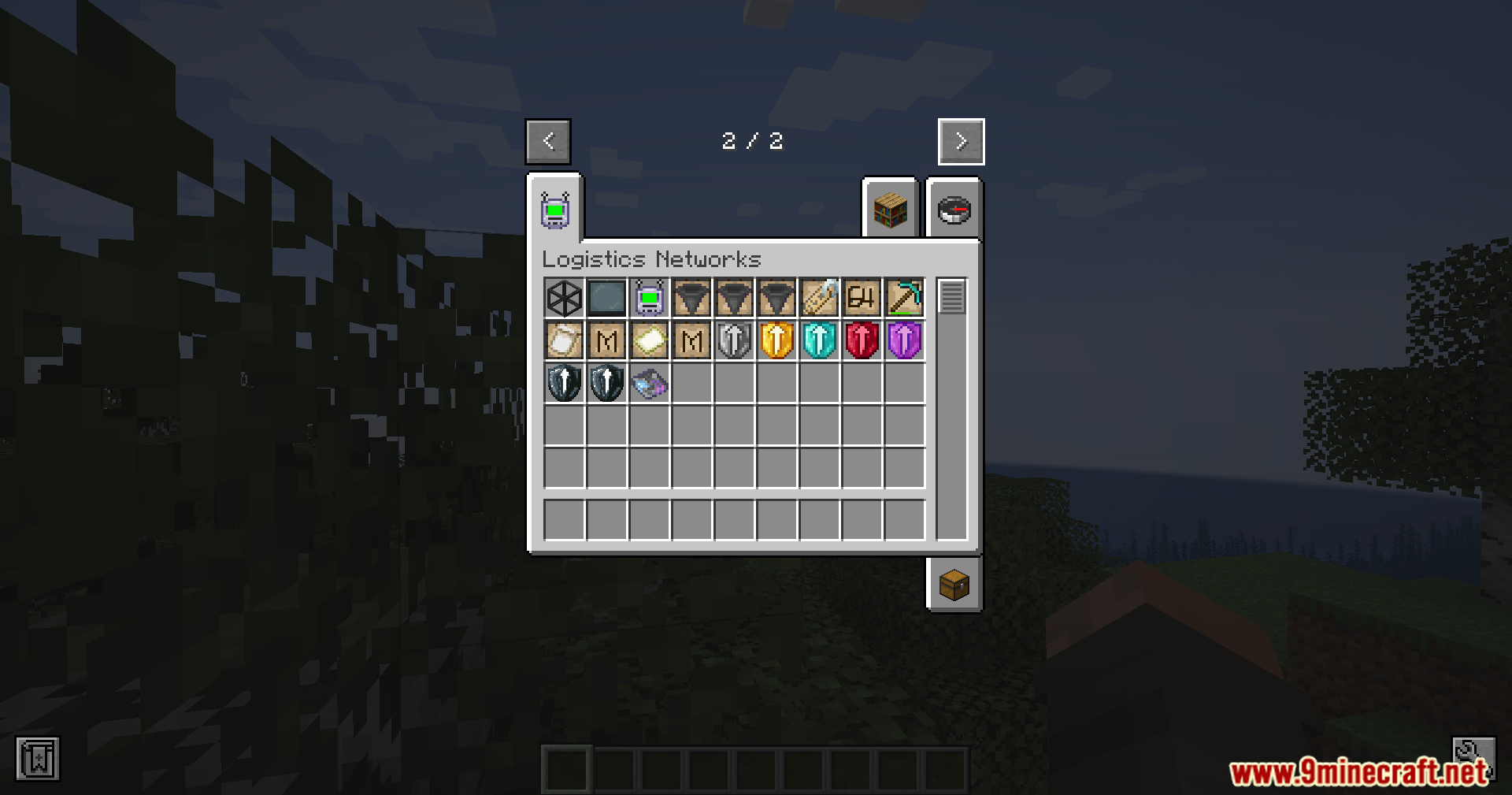
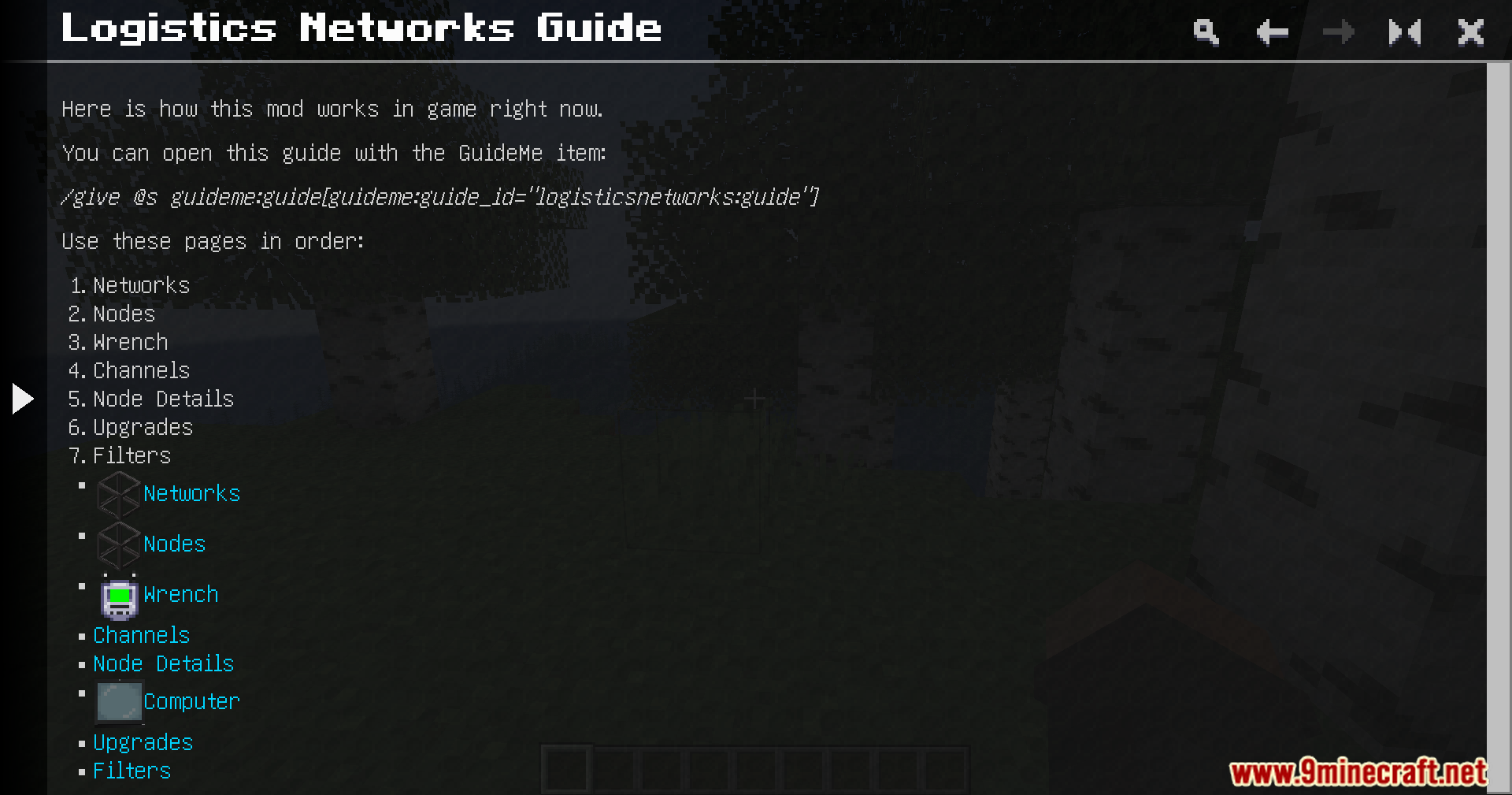
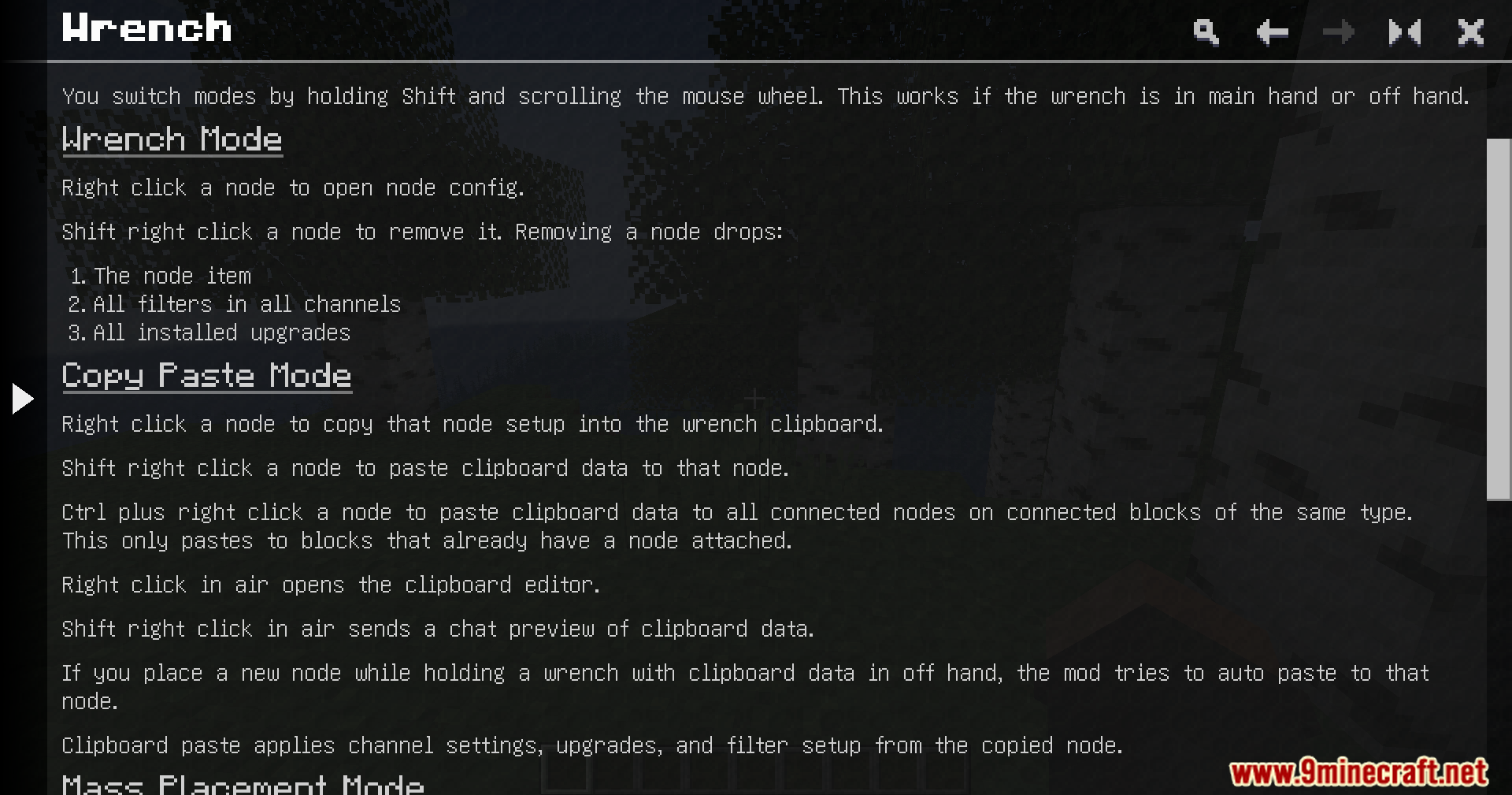
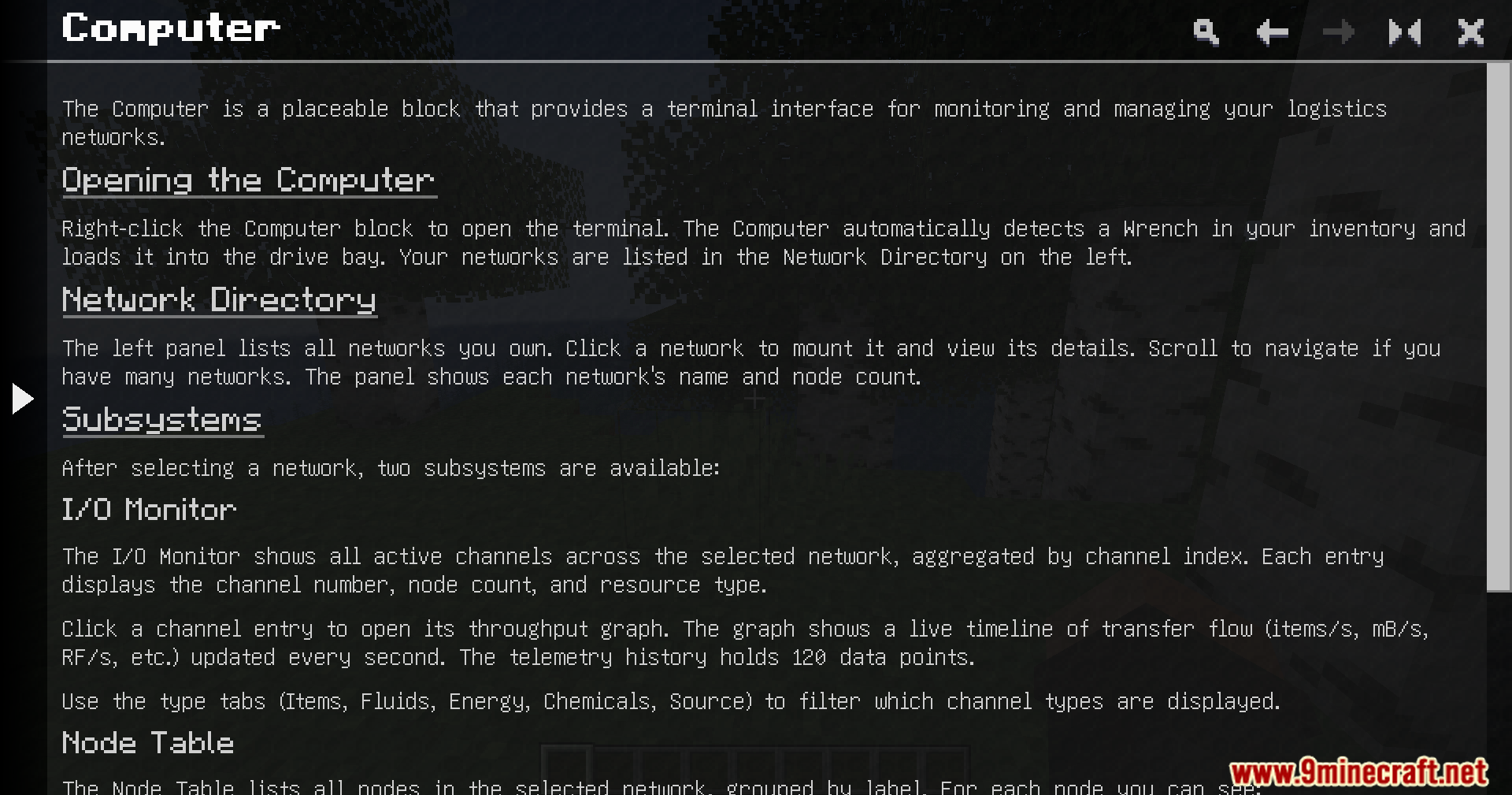
Logistics Network Mod brings a fast, wireless logistics system to Minecraft with no cables or full blocks. You simply stick nodes onto blocks to move items, fluids, Forge Energy (FE), Mekanism chemicals, and source with almost no lag. Each node gives you 9 channels, redstone control, and full side selection, and you can hide nodes completely to keep your setups clean or floating in the air. This mod also supports transfers between dimensions with a special upgrade and includes blacklist tags for custom modpacks.
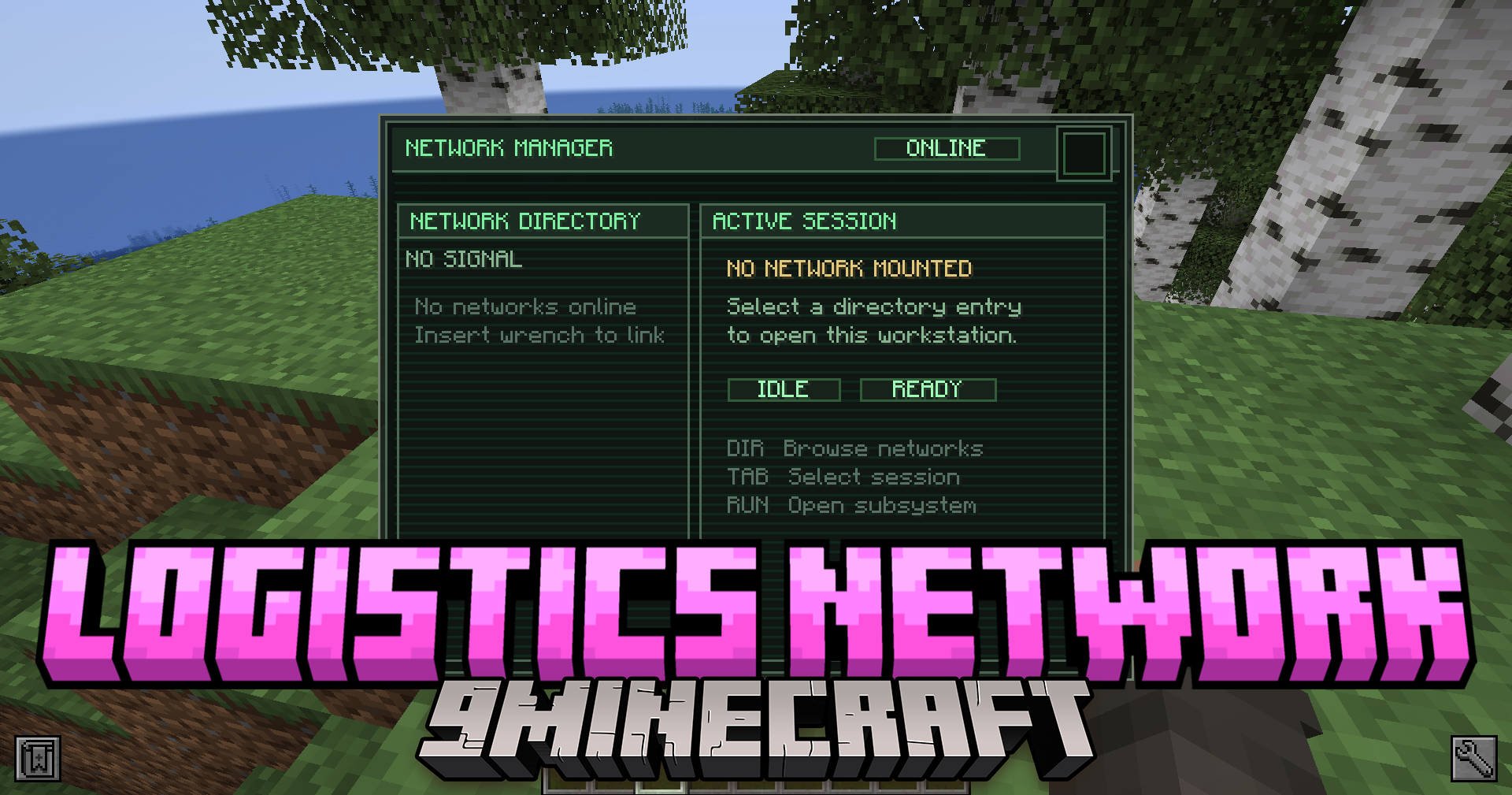
Features:
- Completely Wireless System: Connects your blocks with attachable nodes instead of physical cables or full blocks.
- Hidden and Mid-Air Setups: Lets you make nodes completely invisible so your automation stays clean and can float in the air.
- Multi-Resource Support: Transfers items, fluids, Forge Energy (FE), Mekanism chemicals, and source through the same node setup.
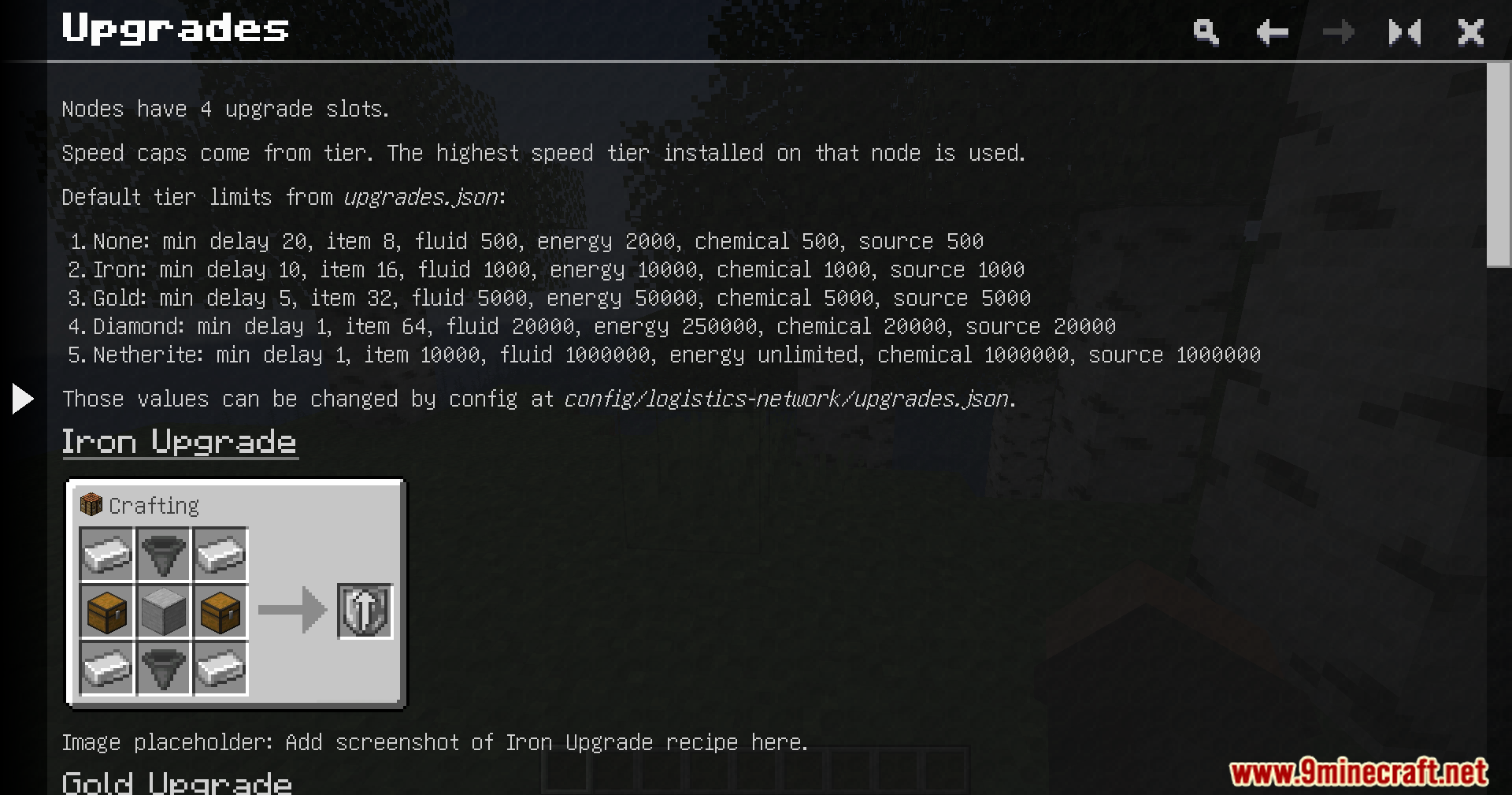
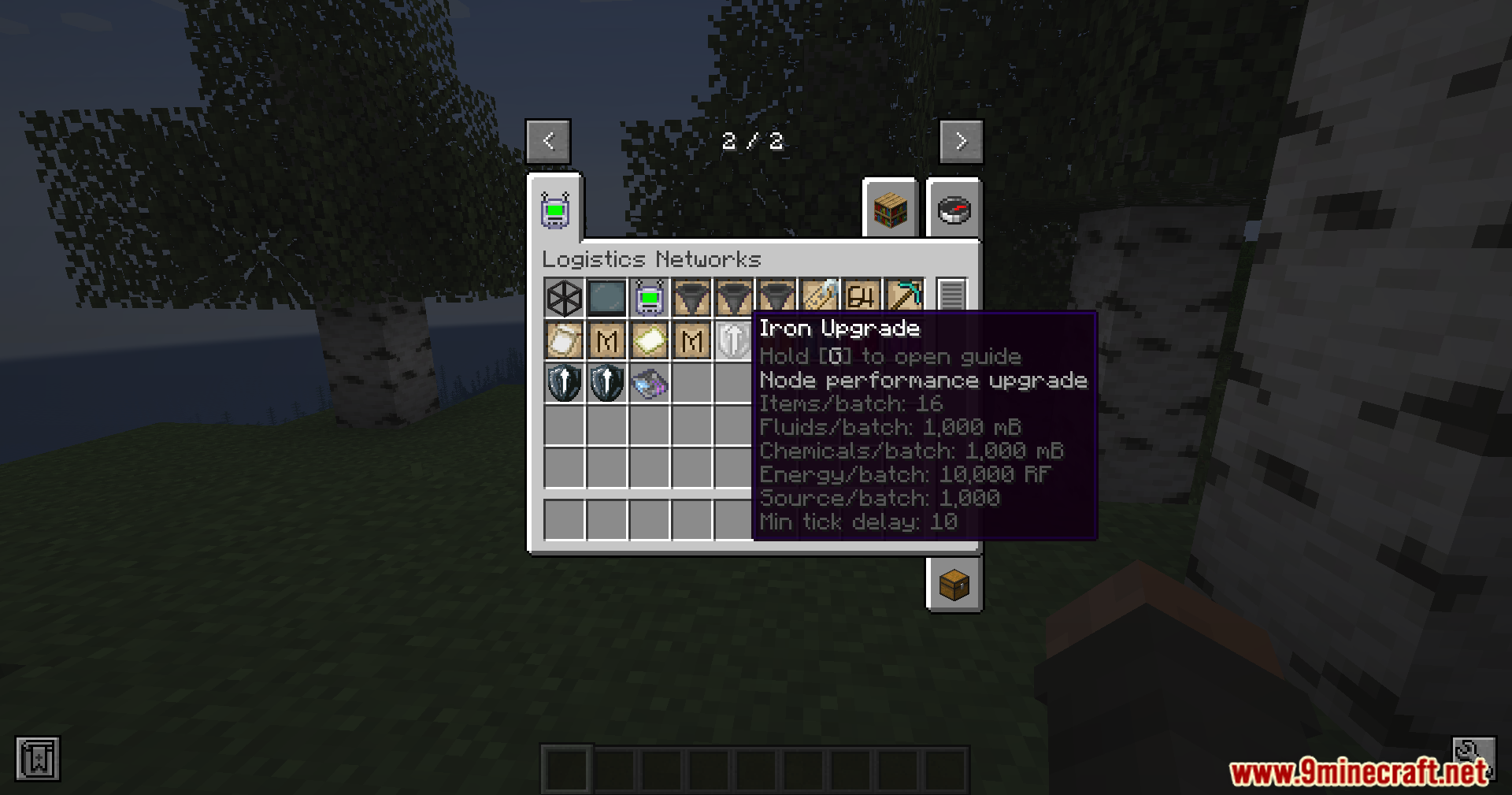
- Moves up to 10,000 items, 1,000b of fluid, 2.1b FE/t, 1,000b of chemicals, or 10,000 source per channel with almost no lag.
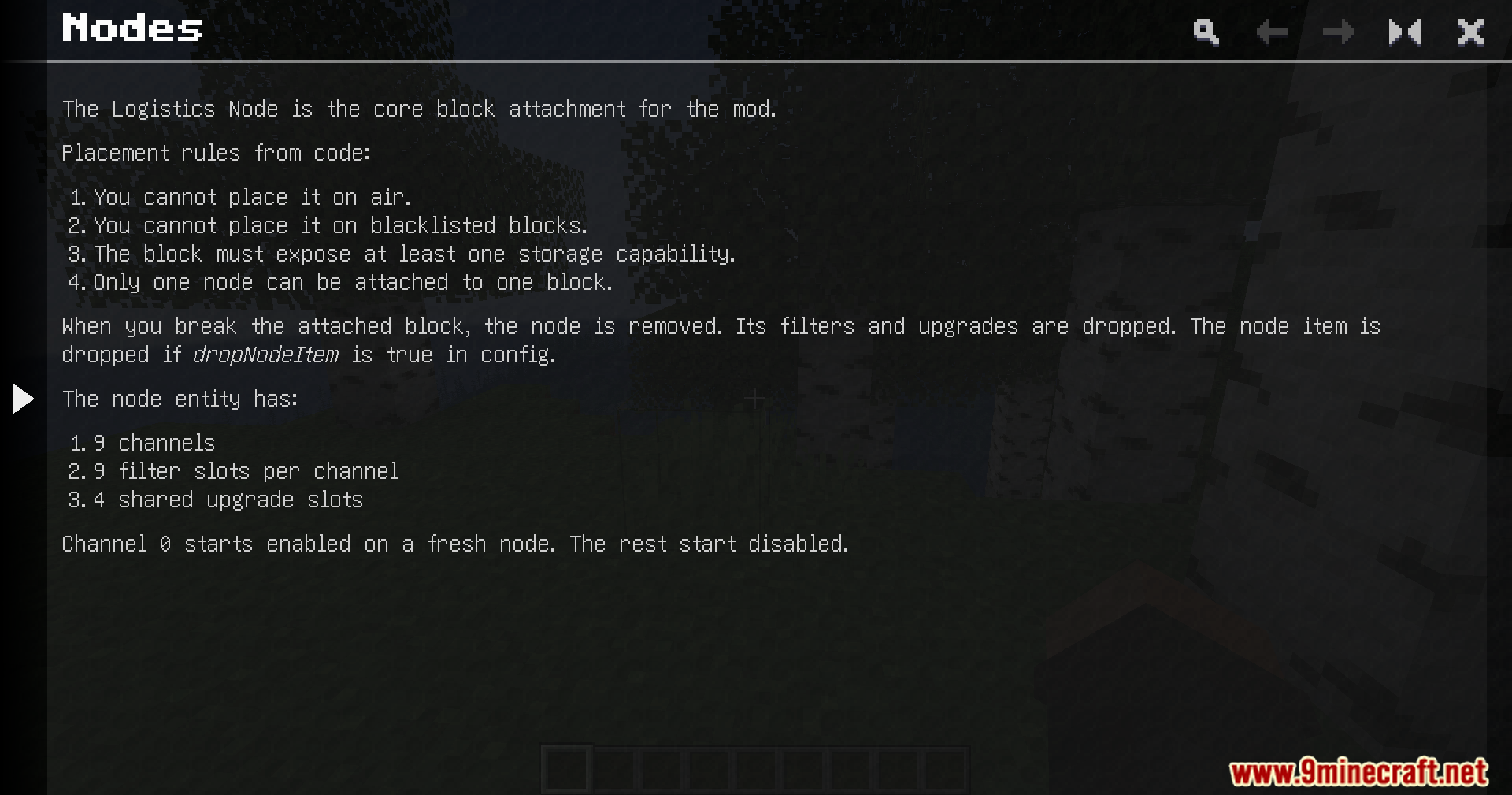
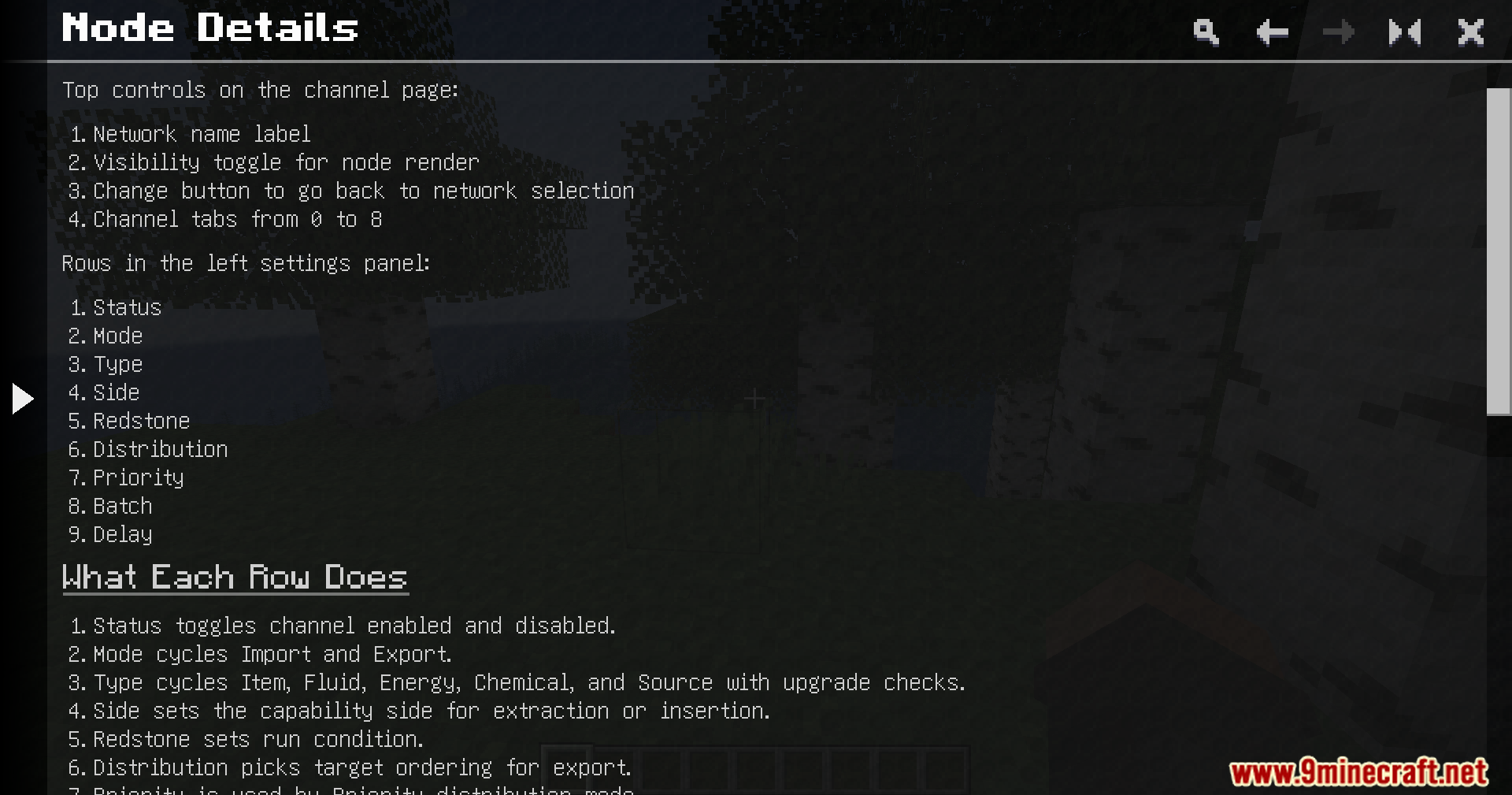
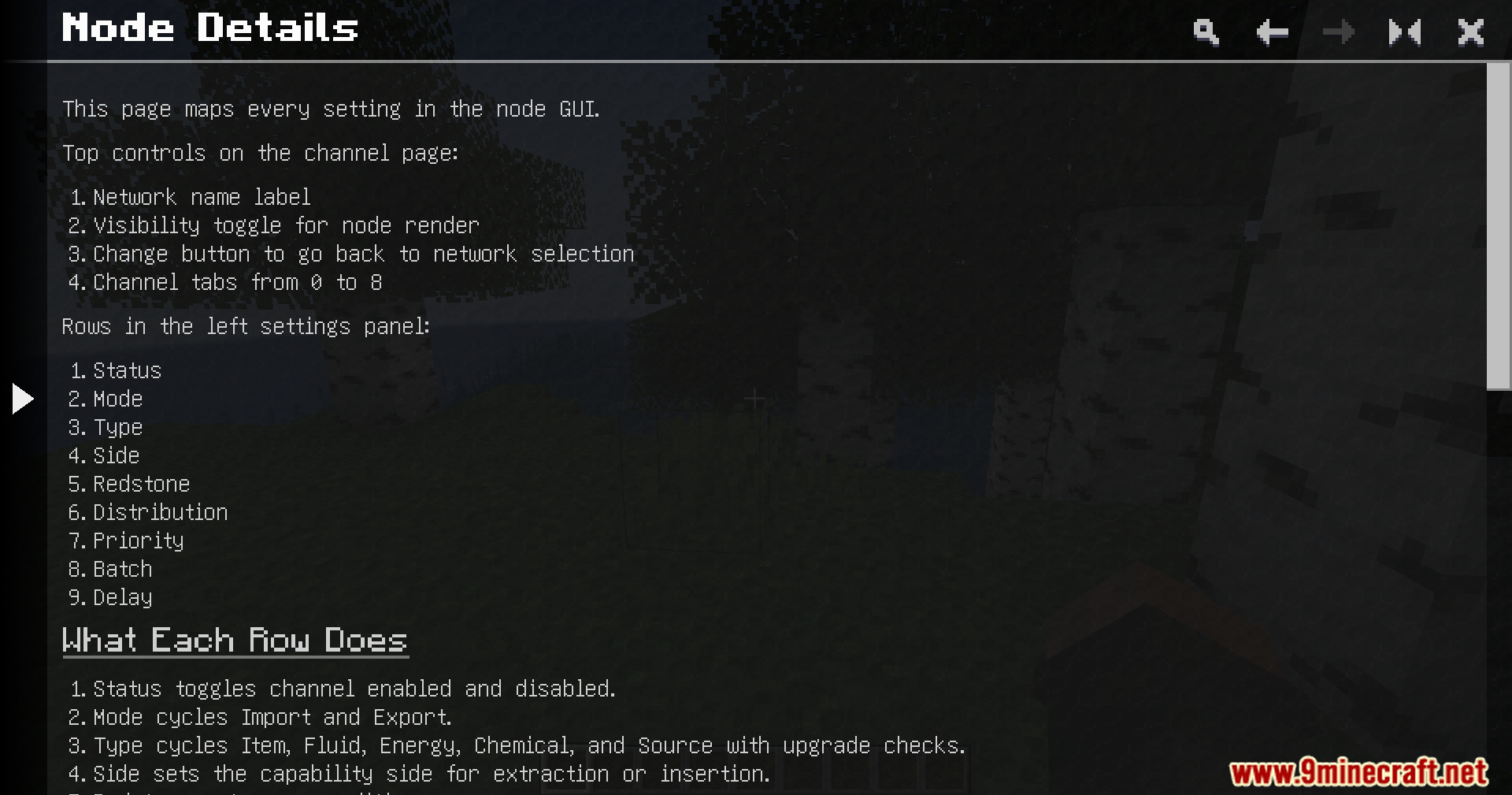
- Gives every node 9 separate channels so you can run 9 different processes at once.
- Includes redstone control on all nodes.
- Lets you select any side of a block for input or output.
- Supports transfers between dimensions when you use a special upgrade.
- Provides blacklist tags so modpacks can restrict specific blocks, items, fluids, and chemicals.
Configuration:
logisticsnetwork:blacklist/block: Blacklists specific blocks so nodes cannot be placed on them.logisticsnetwork:blacklist/item: Blacklists specific items so they cannot be transferred.logisticsnetwork:blacklist/fluid: Blacklists specific fluids so they cannot be transferred.logisticsnetwork:blacklist/chemical: Blacklists specific chemicals so they cannot be transferred.
Crafting Recipes:
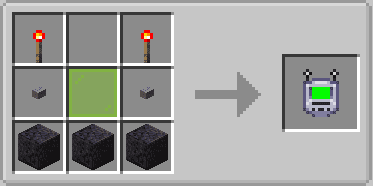
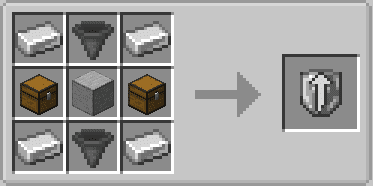
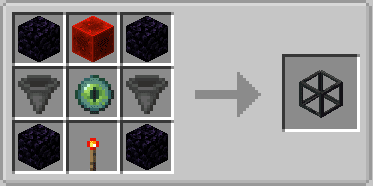
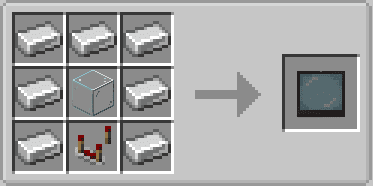
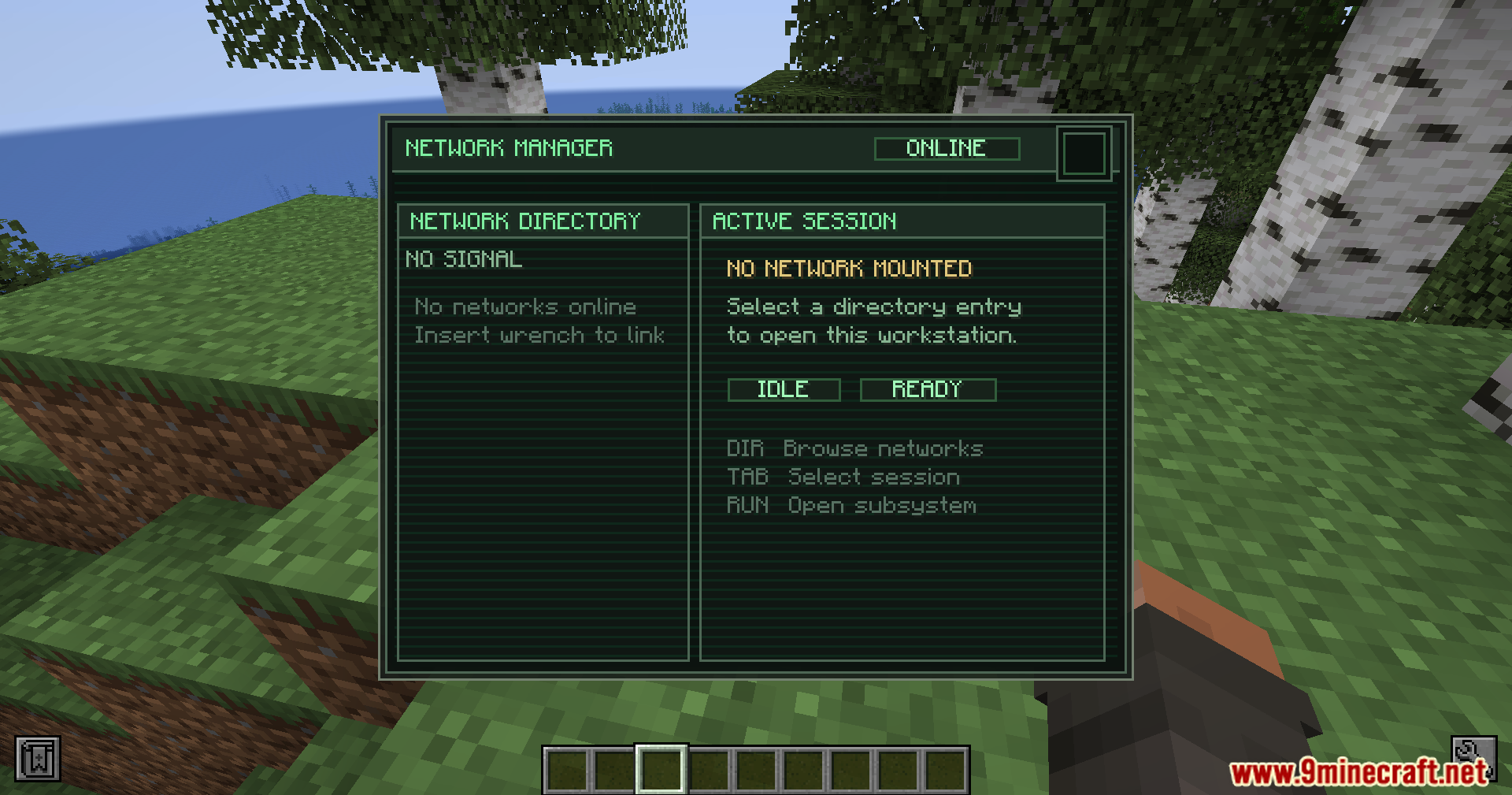
Screenshots:
How to Install:
New to Minecraft? Follow our step-by-step guide to install Mods on your PC.View Guide


Logistics Network Mod Download Links
For Minecraft 26.1.2, 26.1.1, 26.1
For Minecraft 1.21.1, 1.21
For Minecraft 1.20.1
Have you ever created your own Minecraft mod or modpack, even a simple one?
17 responses · See the full results →
You May Also Like
Picked for this page
 Baritone Client Mod (26.3, 1.20.1) – Autominer, Build with AI, Xray
 Pipez Mod (26.3, 1.20.1) – Transporting Things Is Easier
 Gnomed Mod (26.1.2, 1.20.1) – You’ve been Gnomed
 Voice Chat Interaction Mod (26.3, 1.20.1) – Warden Detection
 Caupona Mod (26.1.2, 1.20.1) – A Revision of The Cooking
 ARRP Library (26.1.2, 1.20.1) – Generation of Resource Packs
 Areas Mod (26.3, 1.20.1) – Specify Zones in The Game
 Traveler’s Compass Mod (26.3, 1.20.1) – Item & Mob Tracker
 Stacks Are Stacks Mod (26.3, 1.20.1) – Increases Stack Size For All Items To 64
 Spice Of Fabric Mod (26.1.2, 1.20.1) – Food Containers
 Preloading Tricks Mod (26.1.2, 1.20.1) – Mod Development Tools
 Raw Gold Beacon Base Mod (26.3, 1.20.1) – Use Raw Gold Blocks For Beacon Base
Most viewed in Mods over the last 7 days
 Ala Industrial Mod (26.3) – Run Electric Power Grids and Automated Factories
 PleasureCraft Mod (26.3, 1.21.1) – Jenny Mod Remake for Fabric
 Jennycraft Mod (26.3, 1.20.1) – Virtual Girlfriend in Minecraft
 Fapcraft Mod (26.3, 1.12.2) – Comprehensive and Detailed Content
 Jenny Mod (Fapcraft) Official Complete Guide – How to use, Tutorial
 BangCraft Mod (1.20.1) – Jenny, Ellie and Elliot
 Fabric Loader (26.3, 1.20.1) – Fabric Installer for All Minecraft Versions
 The Shooting Star Demo Mod (26.3, 1.20.1) – Vaporize Terrain From Orbit
 Meteor Client Mod (26.3, 1.20.1) – Xray, HUD, Fly
 OptiFine HD (26.3, 1.20.1) – Run Faster, FPS Boost, Shaders Support
 Aristois Client Mod (1.21.4, 1.20.1) – World Class Minecraft Utility
 Prestige Client Mod (1.21.11, 1.21.4) – Powerful Ghost Features for Crystal & Sword PvP
More from Mods
 Multitools and More Mod (26.3, 1.20.1) – Clear Your Hotbar and Travel
 Luxium Let There Be Light Mod (1.20.1) – Stunning Lighting on Low-End Computers
 Soulscraft Tarnished Legacy Mod (1.21.1) – Hunt Relics to Forge Dark Fantasy
 Fetzi’s Displays Mod (26.1.2, 1.20.1) – Turn Rare Gear and Weapons
 Primal Plushies Paleo Pals Mod (1.21.1, 1.20.1) – Decorate Your Base
 Ipla Mod (26.3, 1.20.1) – Showcase Your Favorite Items
 MesdagPortLib Mod (1.20.1) – Run Modern Minecraft Mechanics on Older Versions
 Hellion’s API Mod (1.21.11, 1.21.1) – Play Hellion Series Addons Without Crashes
 Terrestria Mod (26.3, 1.20.1) – Highly Detailed Biomes
 Tre’s Tack Library Mod (1.20.1) – Outfit Your Horses with Fully Detailed Tack
 YDM’s coreX Library Mod (1.20.1) – Loot RPG Gear with Random Names
 Gunpowder Recipe Mod (26.3, 1.20.1) – Gunpowder is Craftable

This post has no comments yet. Be the first — your comment will appear here.