


Class Enhancement Mod (1.20.1) – Start Your World As a Custom RPG Class
 60
60
 0
0


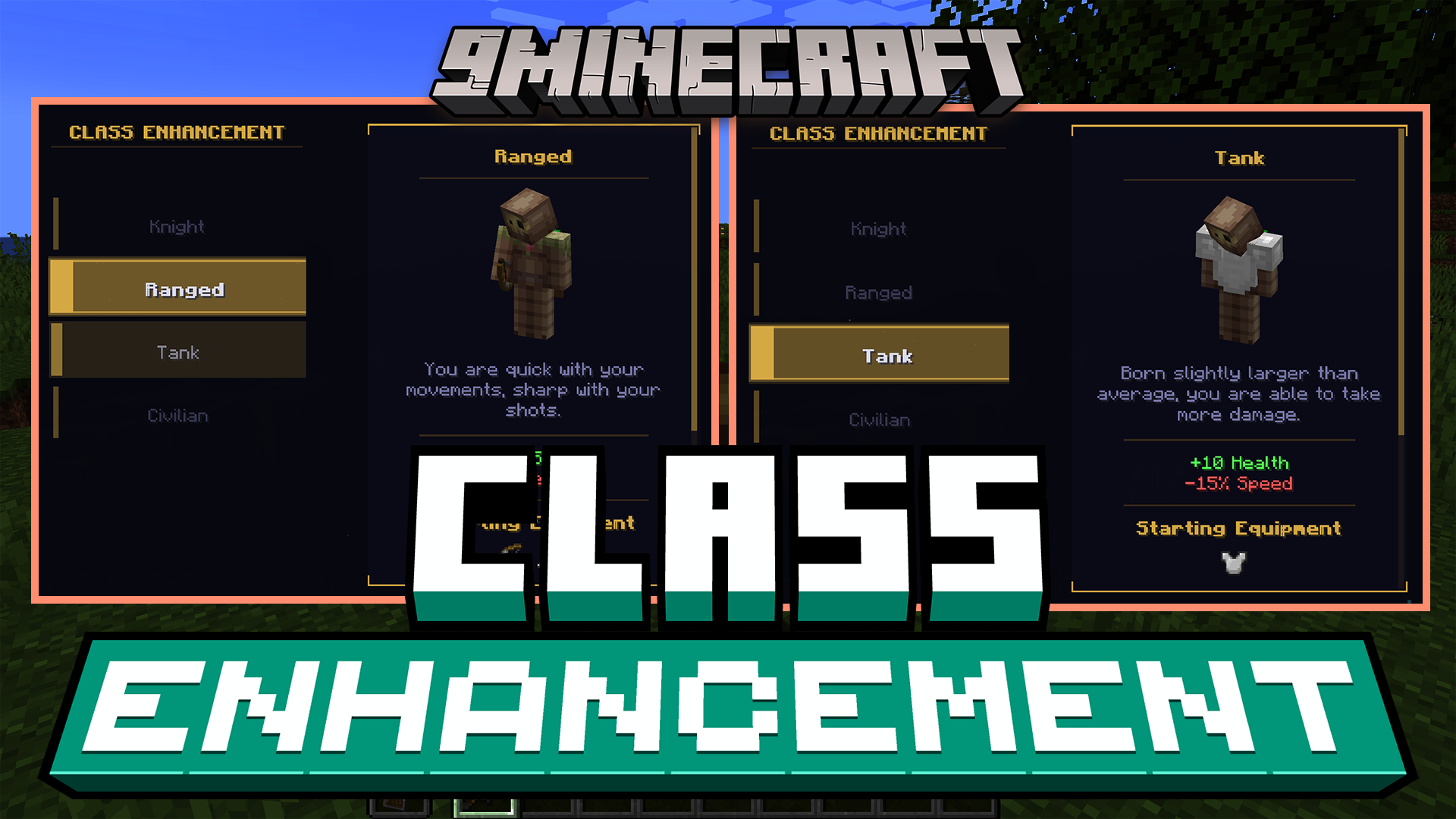
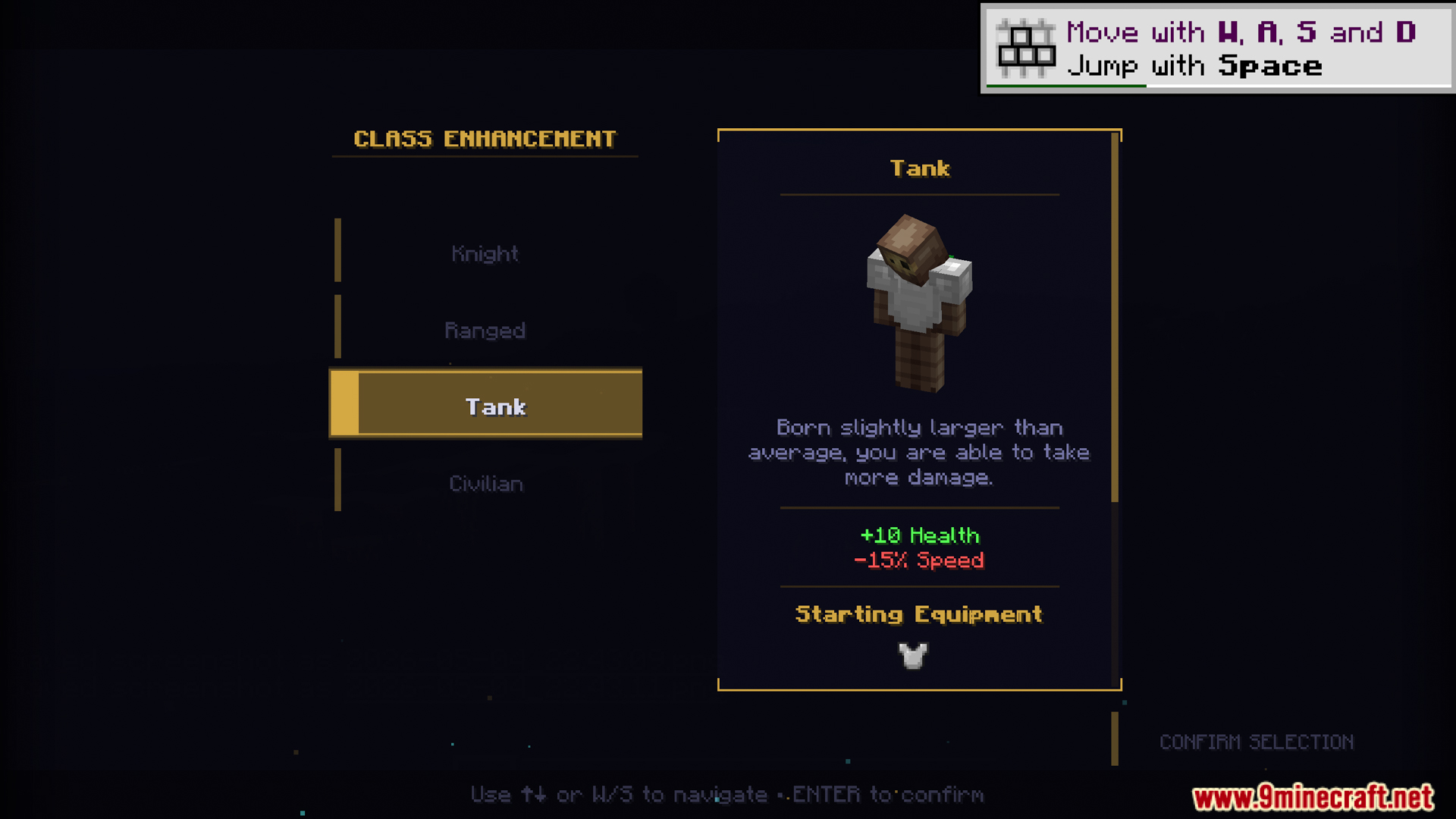
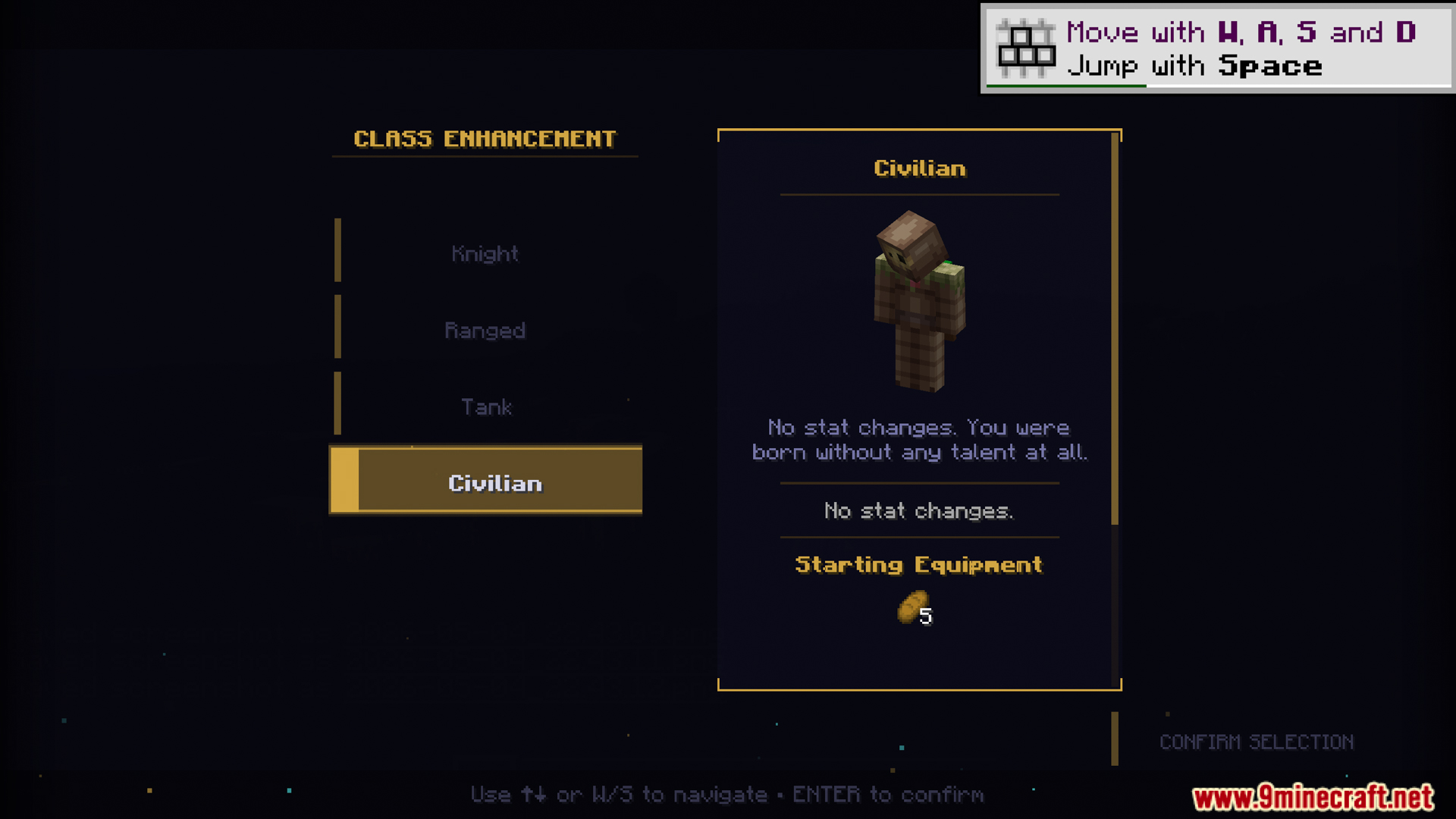
Class Enhancement Mod gives you a way to choose a special role or job before you start playing. This mod adds a menu where you pick a class, and each class changes how your character works. It lets you start the game with specific weapons, armor, or items. The mod also changes your stats, like giving you more health or making you run faster. It runs commands automatically when you pick a class, so you can even change your character size or join a team right away. This system works well with other mods to change the rules of the game.
Features:
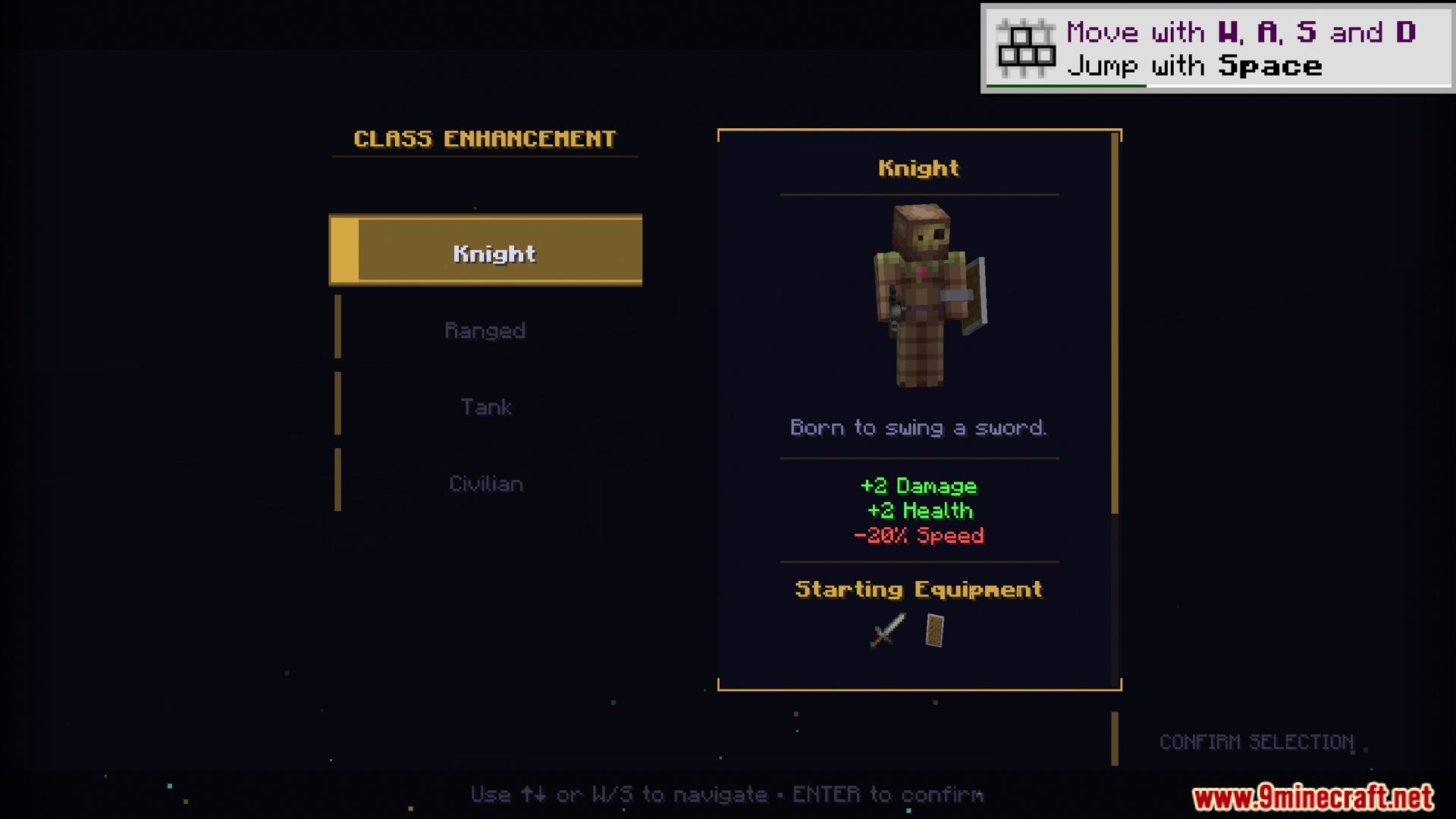
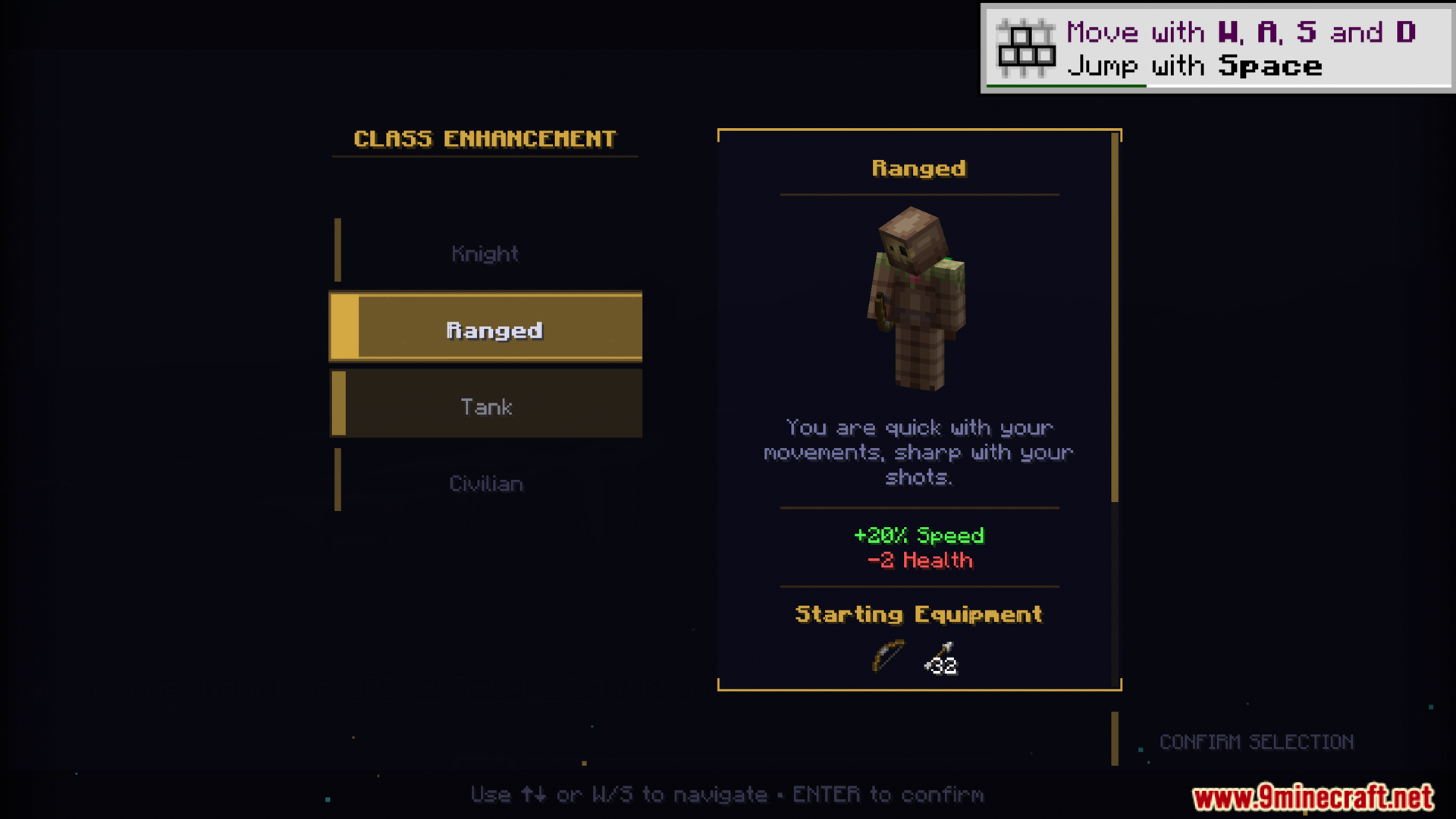
- Class Selection Menu: Adds a clean screen to pick your role when you join the game.
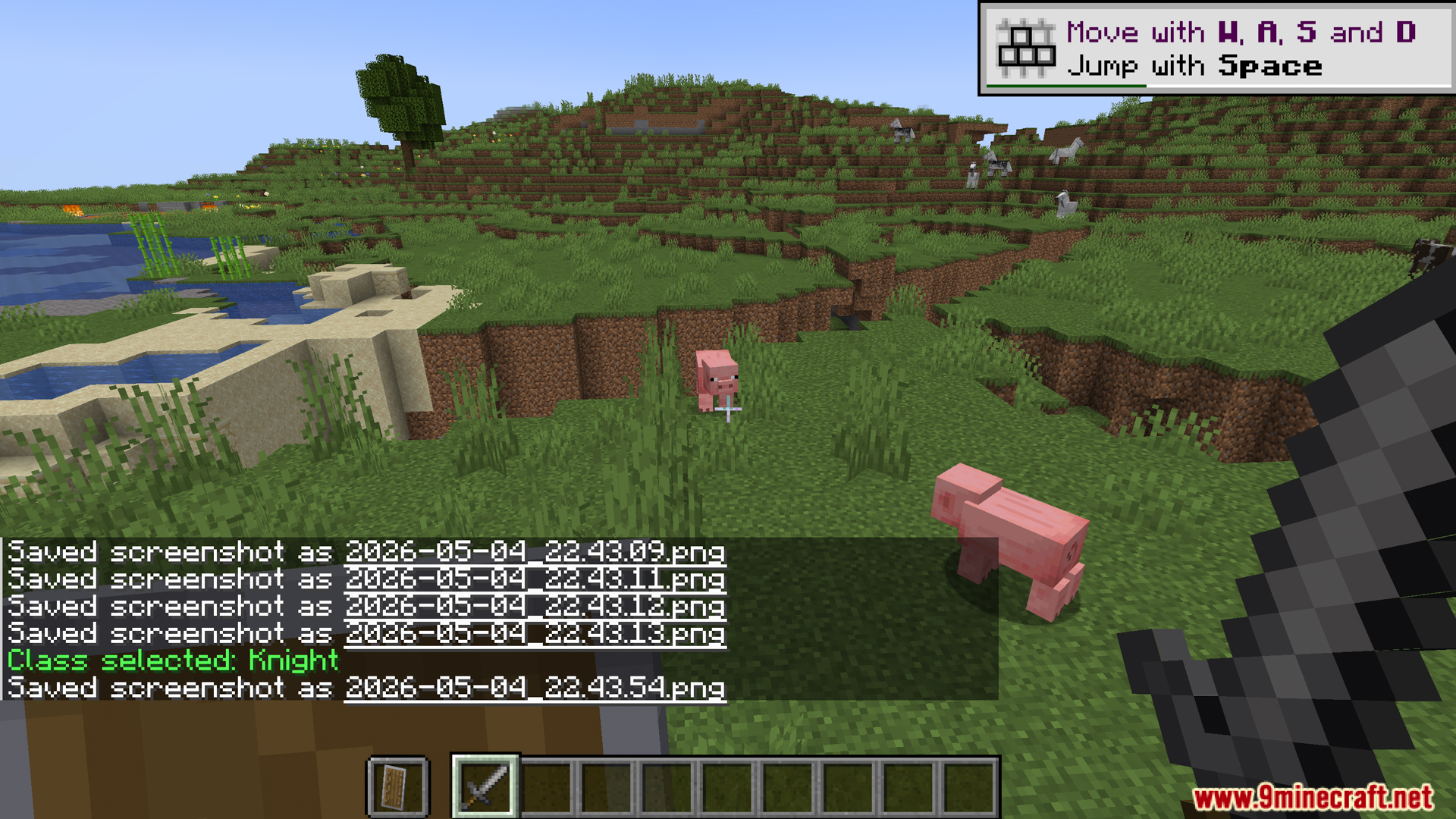
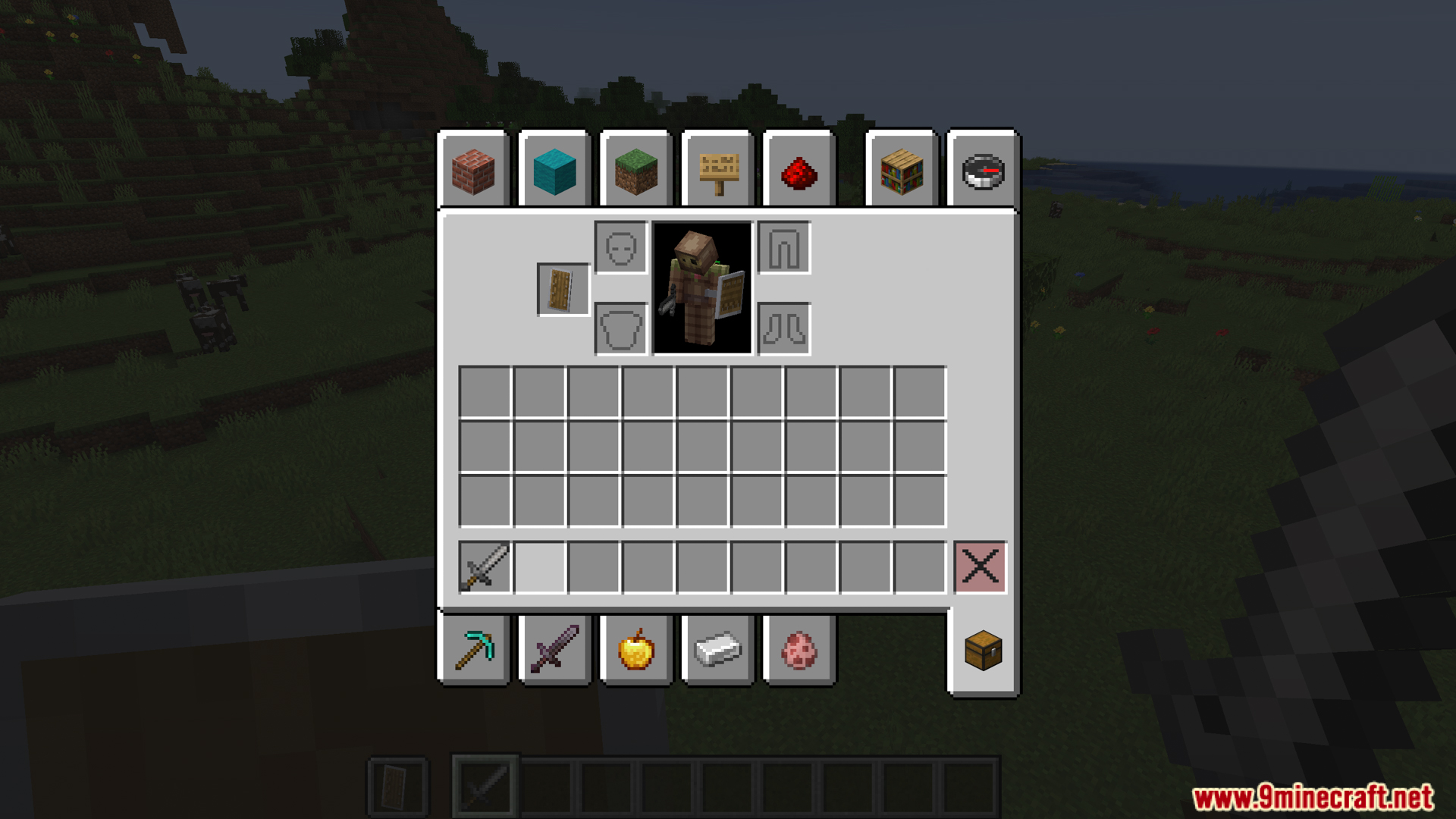
- Custom Starting Gear: Gives your character specific weapons, armor, and items based on the class you pick.
- Stat Changes: Changes your health, speed, damage, or jump height to match your role.
- Automatic Commands: Runs game commands instantly when you select a class.
- Text Colors: Adds colored text to class descriptions so they are easy to read.
- 100 Custom Slots: Gives you up to one hundred blank classes to set up exactly how you want.
- Mod Compatibility: Works perfectly with the Difficulty Enhancement mod for a harder game.
Configuration:
- Find the
class_enhancement.tomlfile to change how classes work. - Set custom names, descriptions, and cosmetic text for every class.
- Assign items for the main hand, off-hand, and armor slots.
- Add hidden commands that trigger when a player picks that class.
Commands:
- Use
%player%instead of a real player name in the config file. - Write commands without the
/symbol at the start. scale set %player% 1.5: Changes the player size if you have the Pehkui mod.effect give %player% minecraft:speed infinite 1 false: Gives the player a permanent potion effect.attribute %player% minecraft:generic.max_health base set 30.0: Changes the base stats of the player.tp %player% 100 64 200: Sends the player to a specific spot.give %player% minecraft:diamond_sword 1: Drops an item straight into the player inventory.
How to Use:
- Open your game folder and find the config file named
class_enhancement.toml. - Look for the
[custom_classes]section inside the file. - Pick one of the empty custom classes to edit.
- Type in your new class name, starting items, and stat changes.
- Save the file and set your custom class limit.
Screenshots:

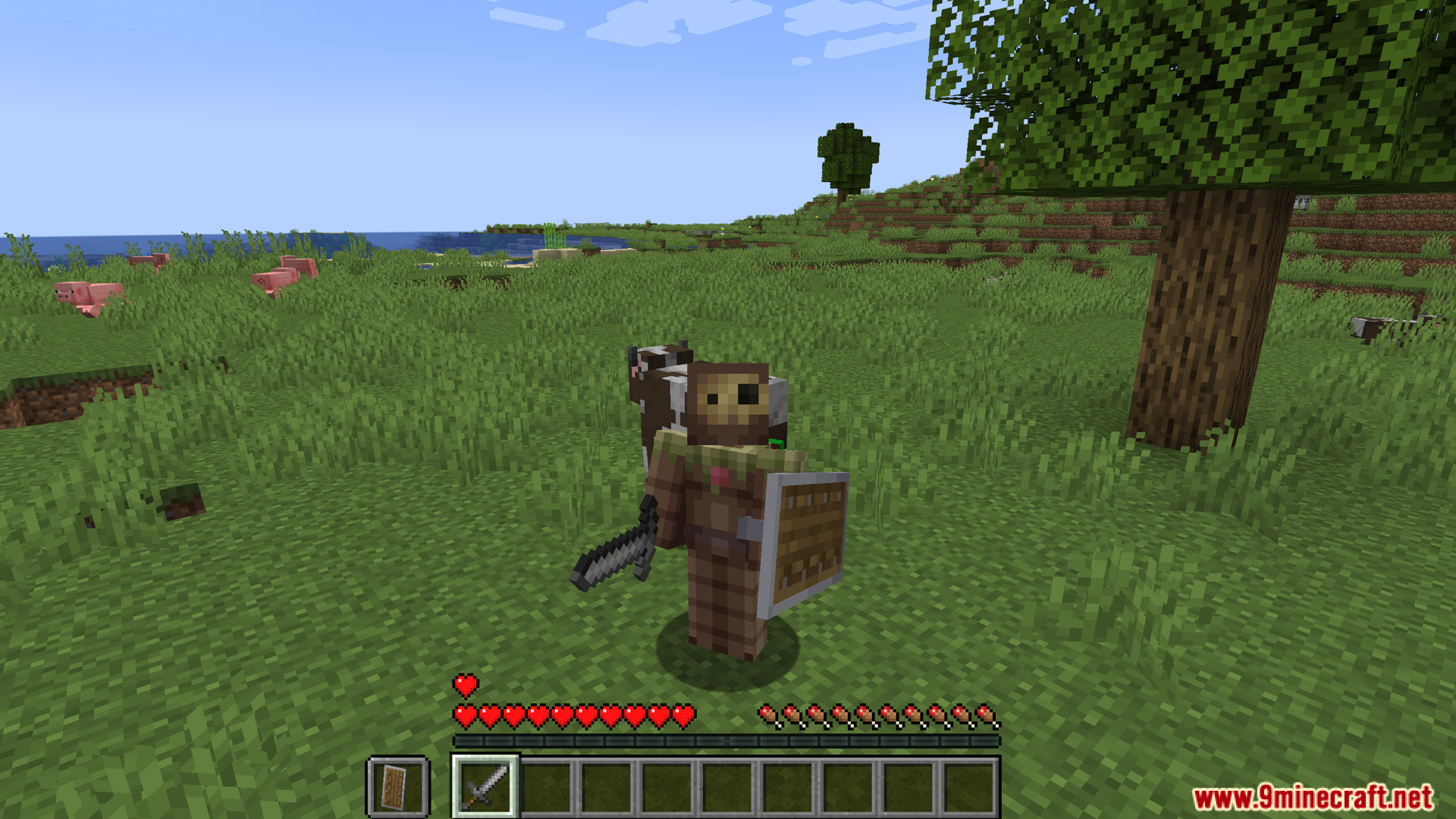
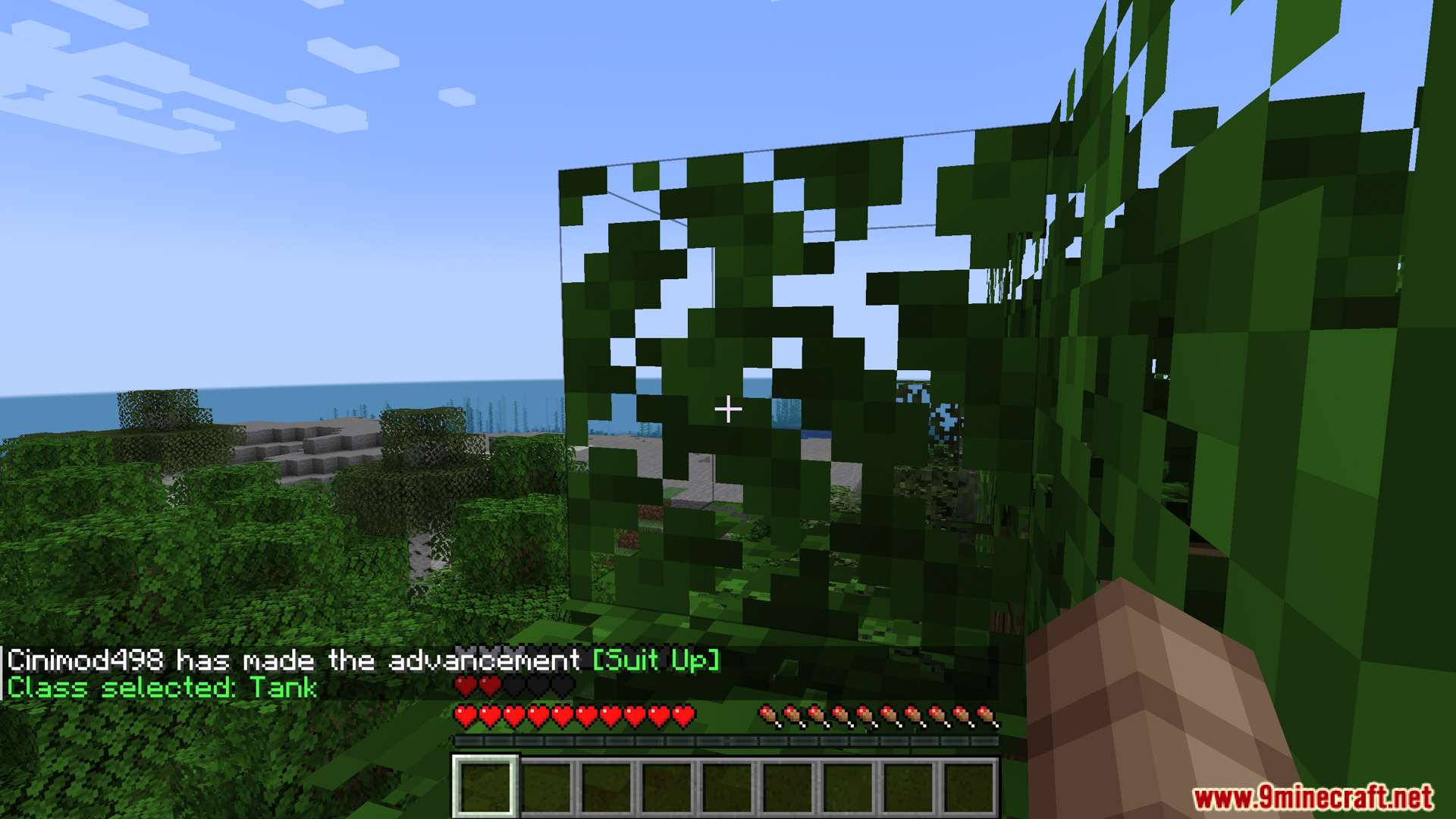
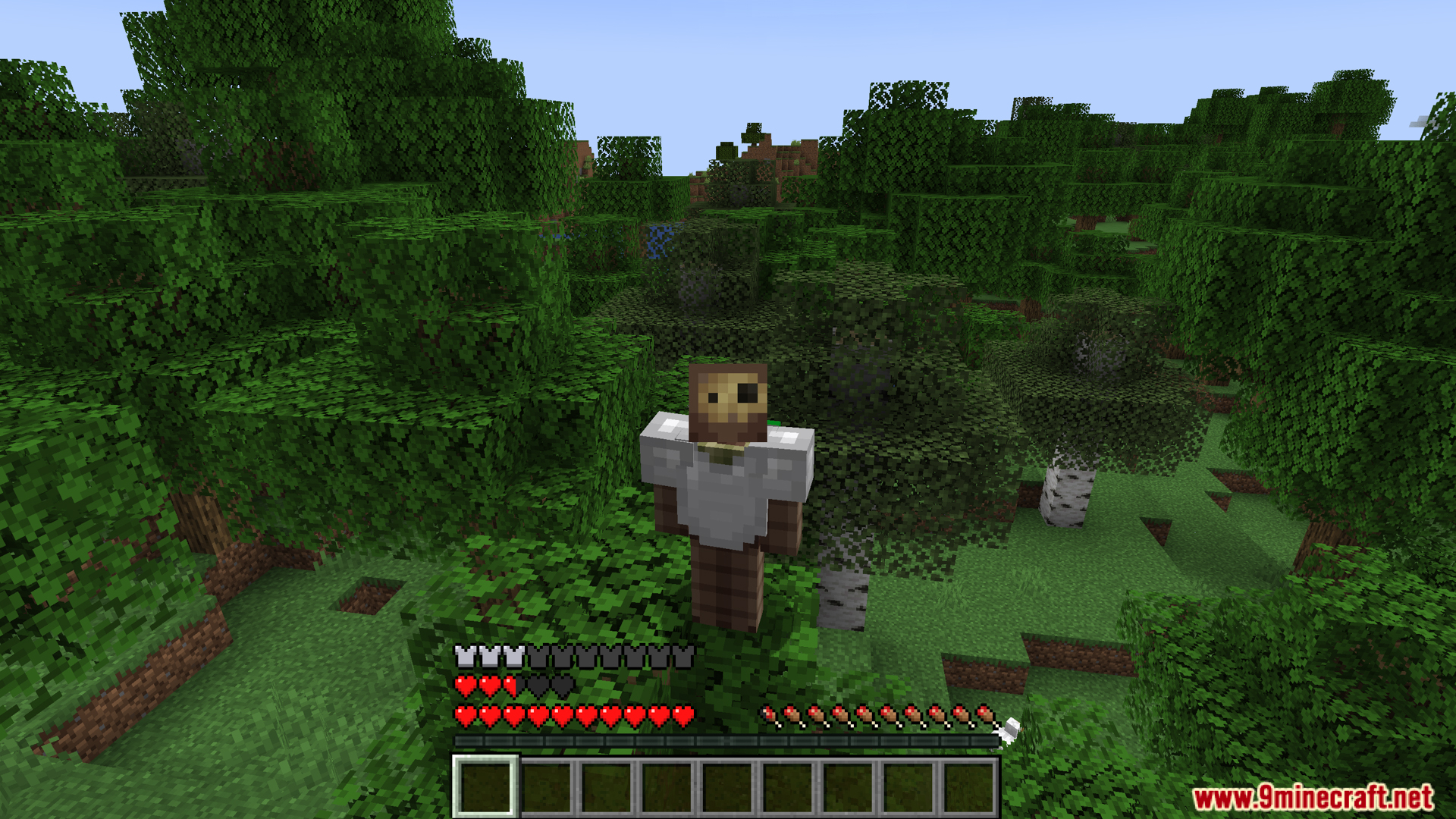
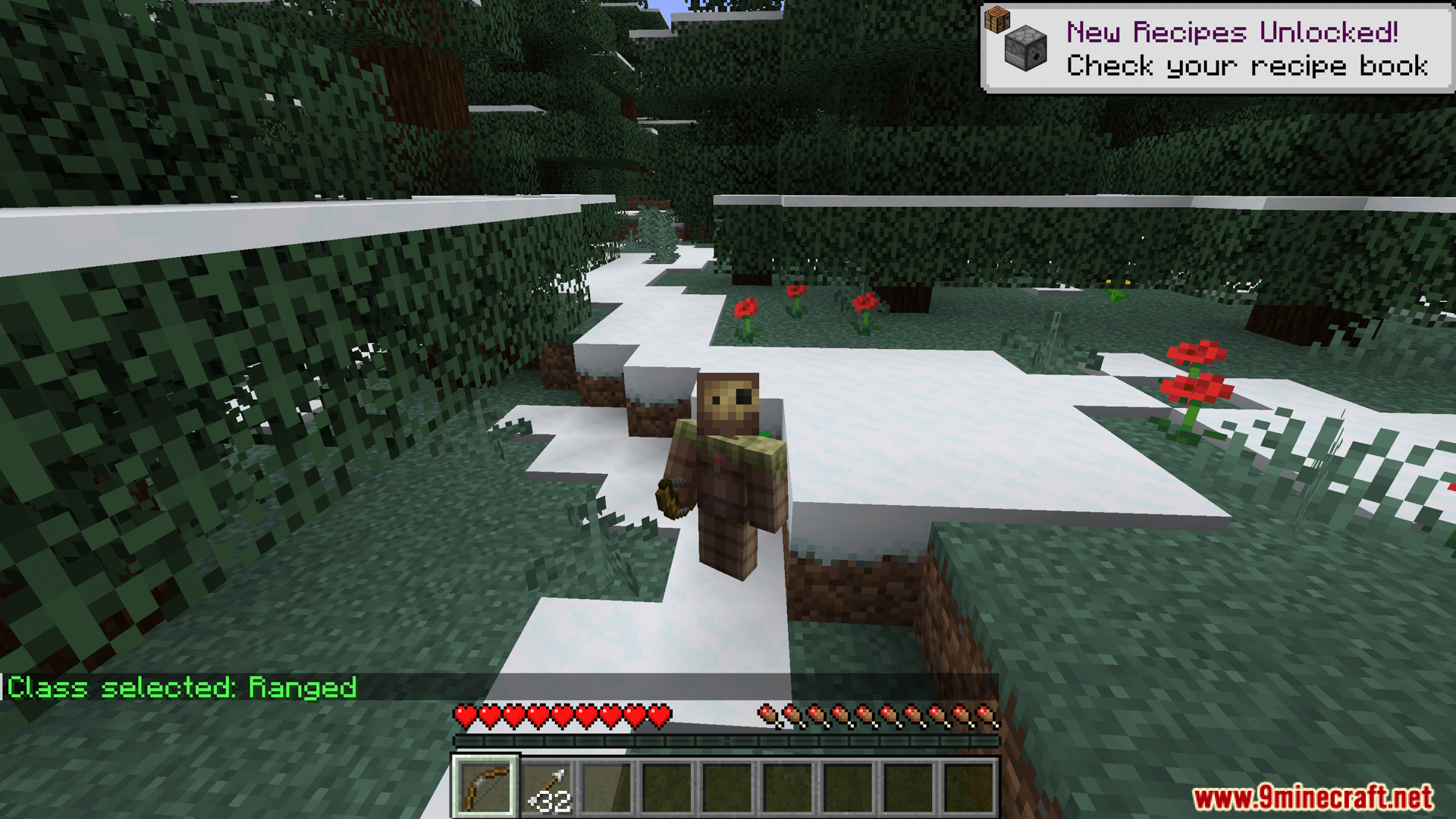
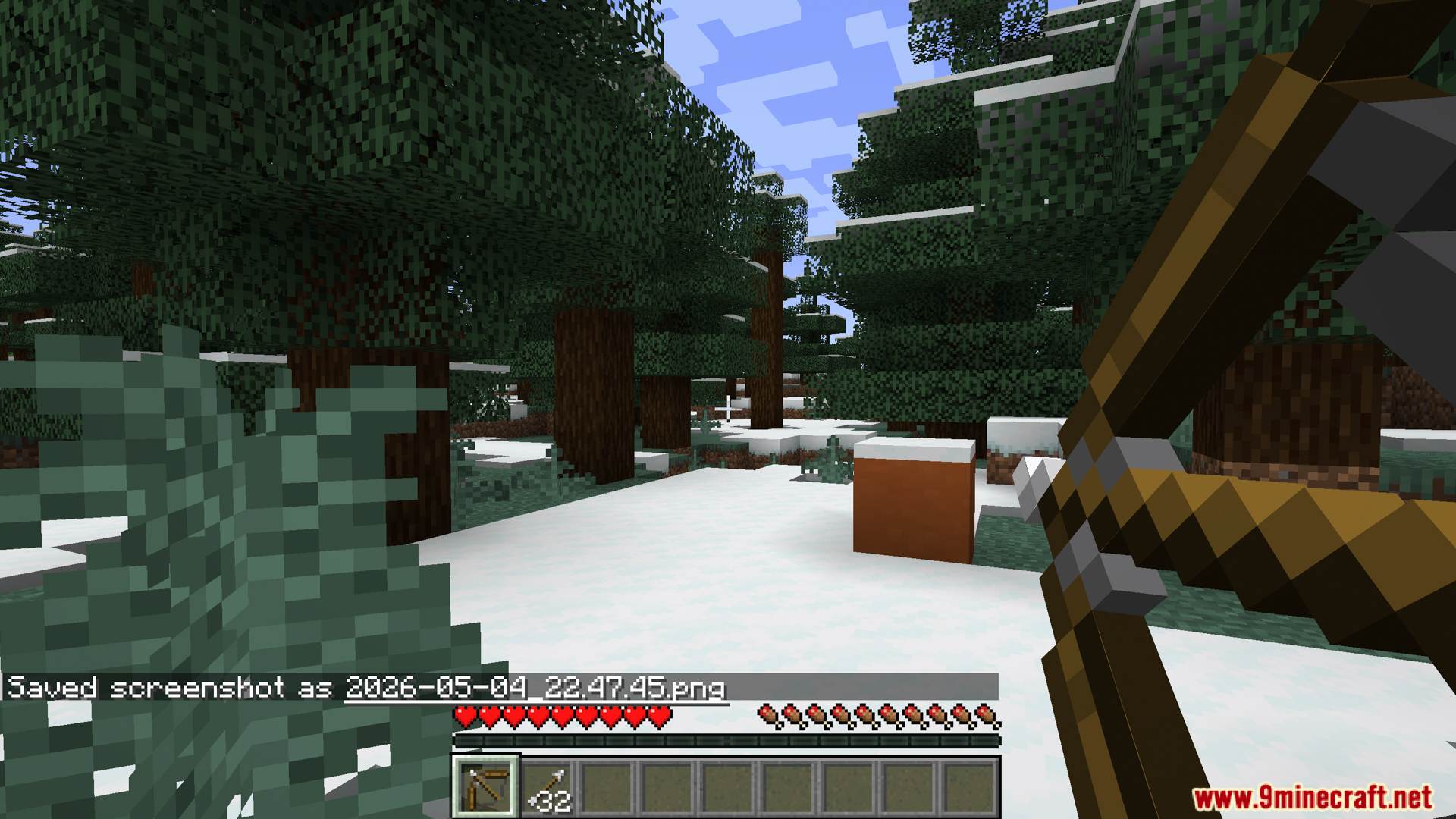
How to Install:
New to Minecraft? Follow our step-by-step guide to install Mods on your PC.View Guide
Requirements:

Class Enhancement Mod Download Links
For Minecraft 1.20.1, 1.20
Click to rate this post!
[Total: 0 Average: 0]
You May Also Like













This post has no comments yet. Be the first — your comment will appear here.