


Rrtt217’s HDR Mod (26.2, 1.20.1) – Unlock Brighter Lights And Deeper Shadows

 0
0 

🌐 Good news — we've translated this article into other languages!
Or pick the one you like:
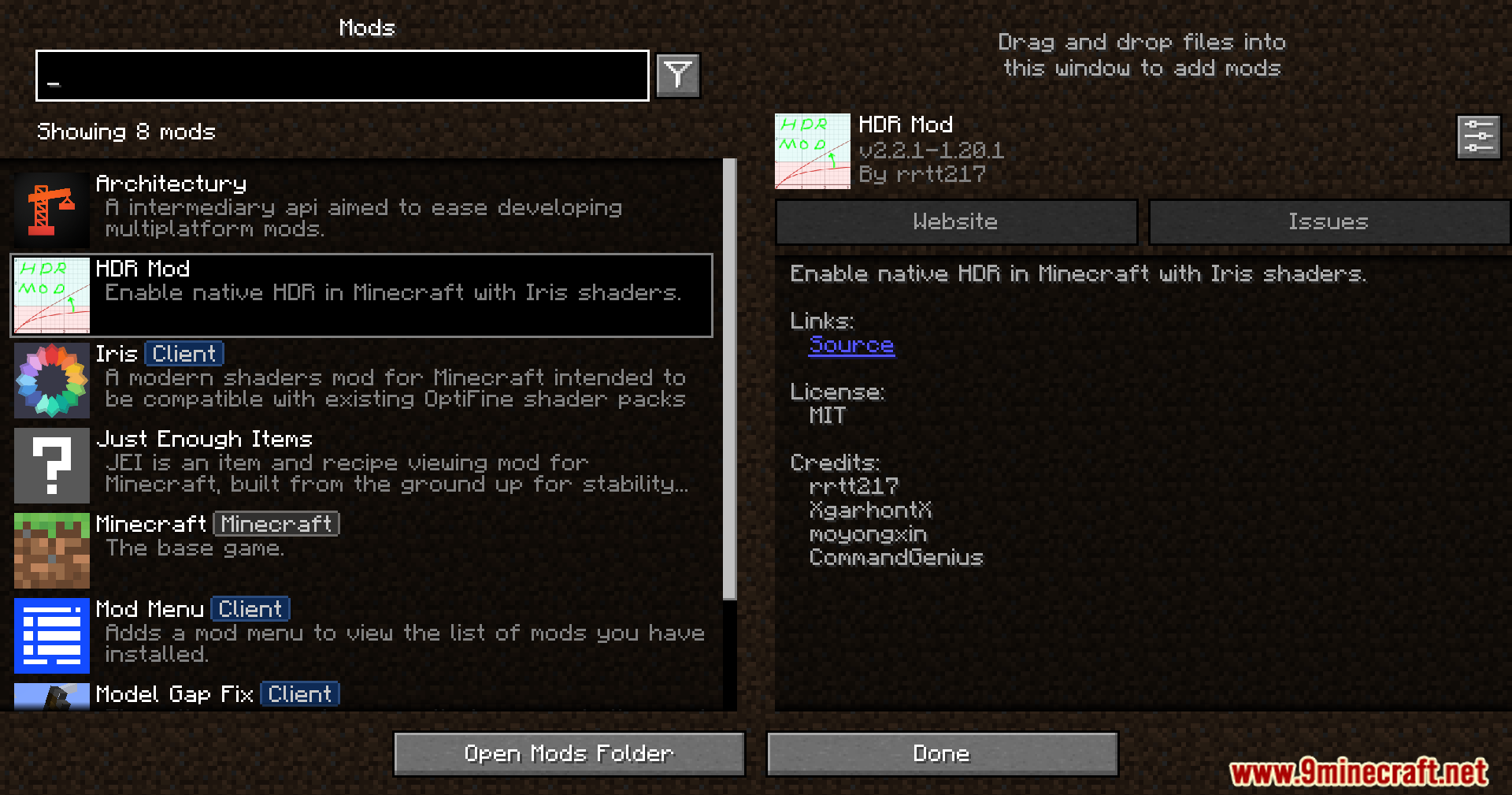
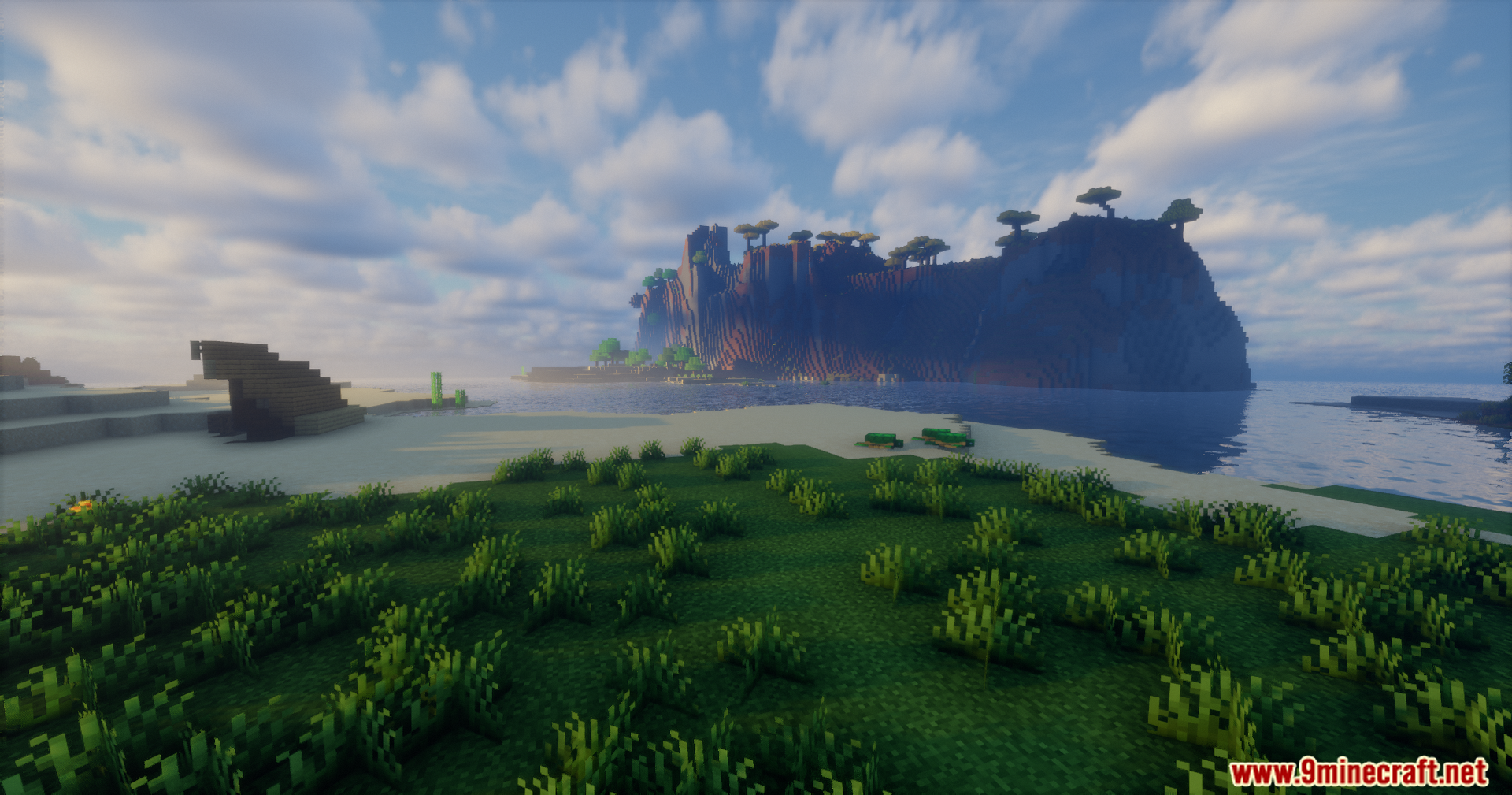
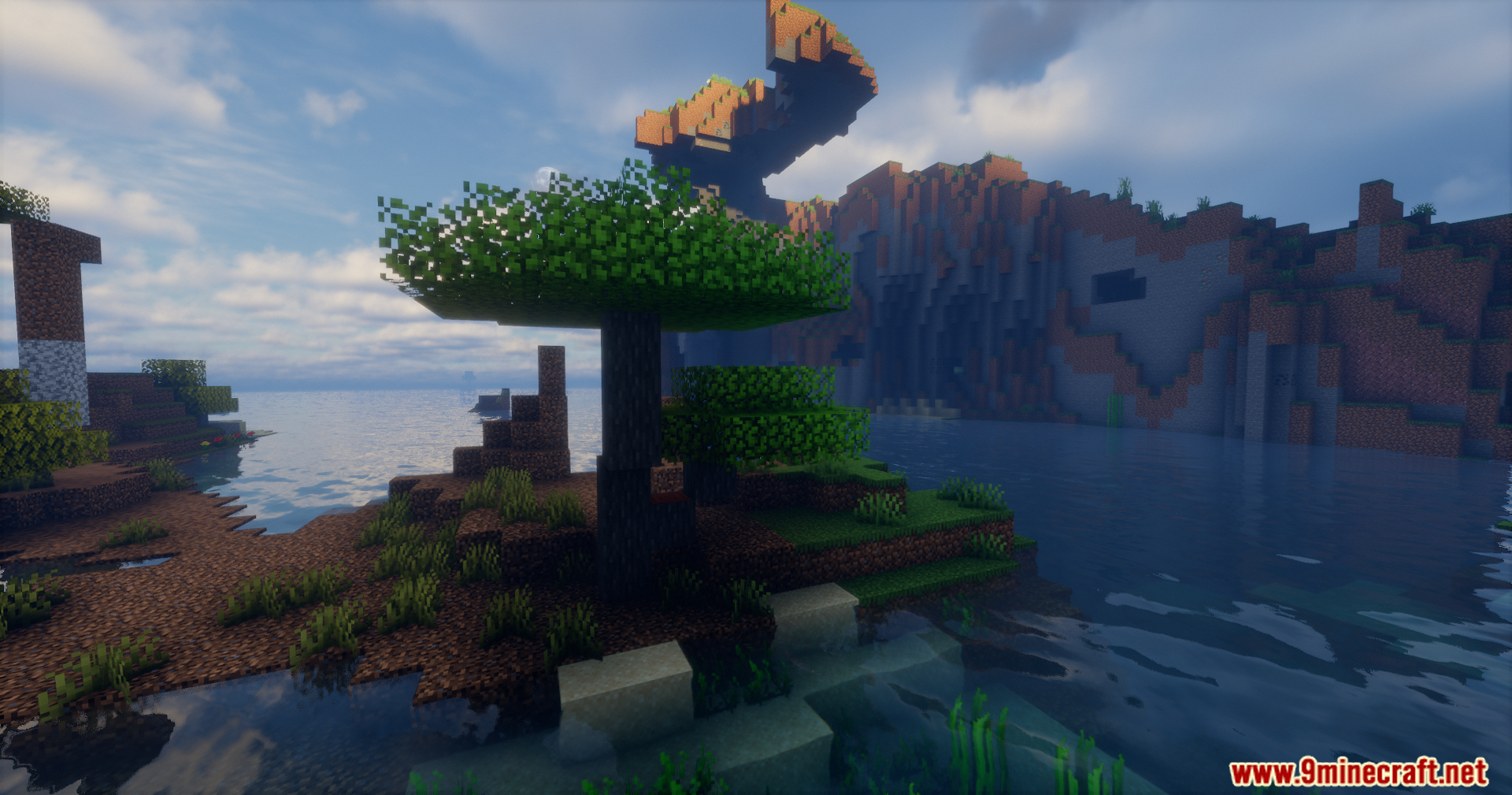
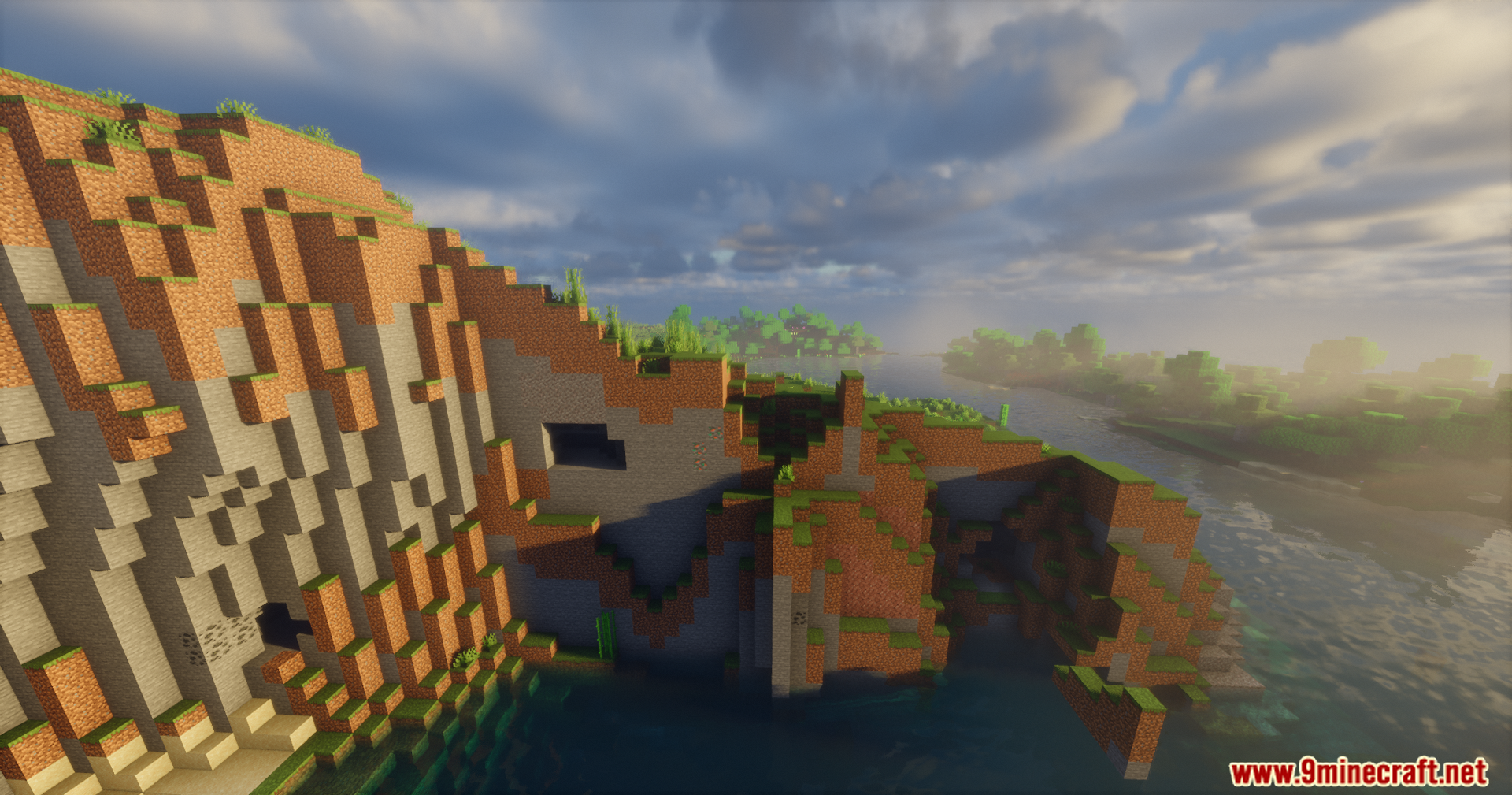
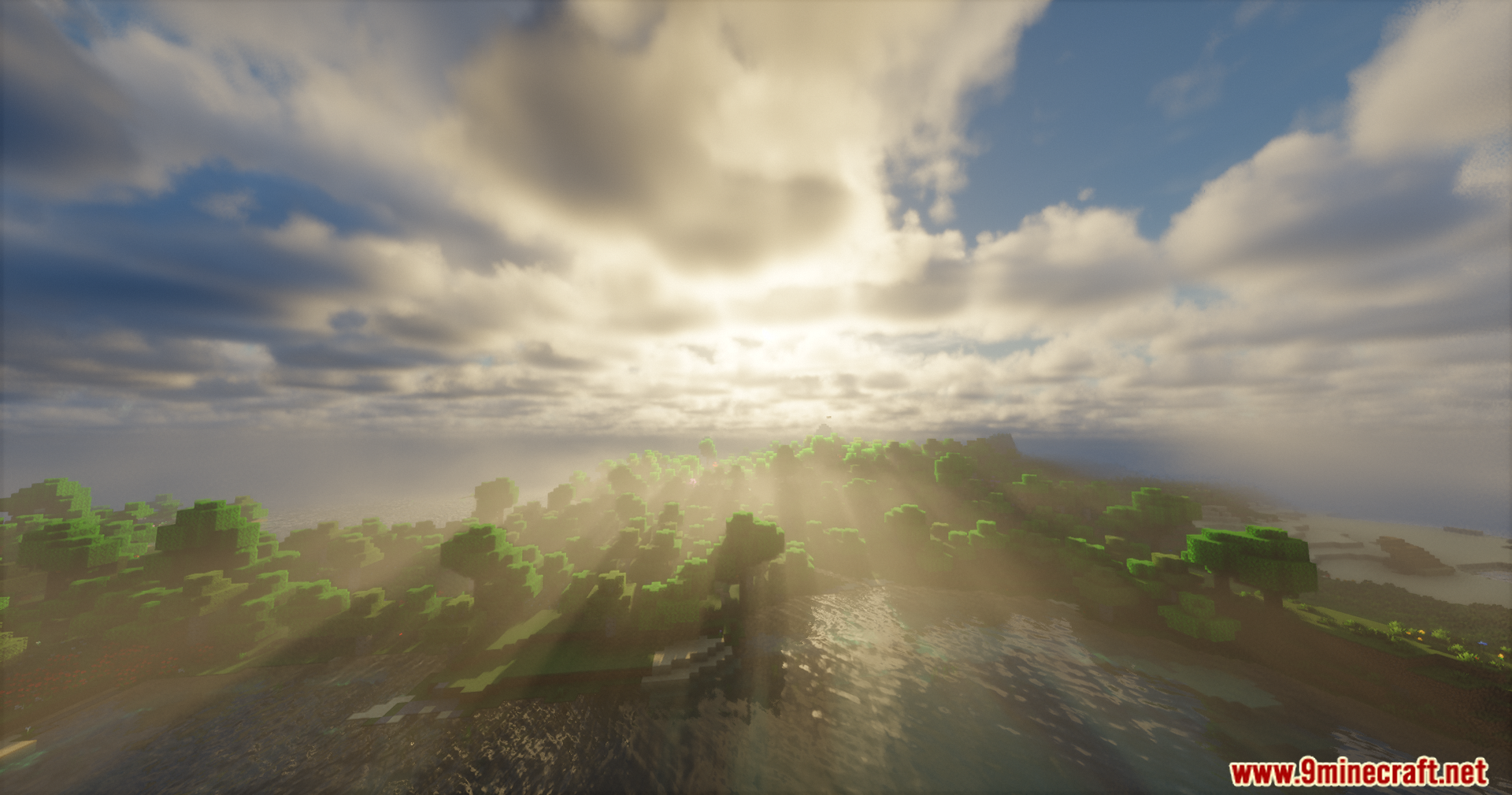
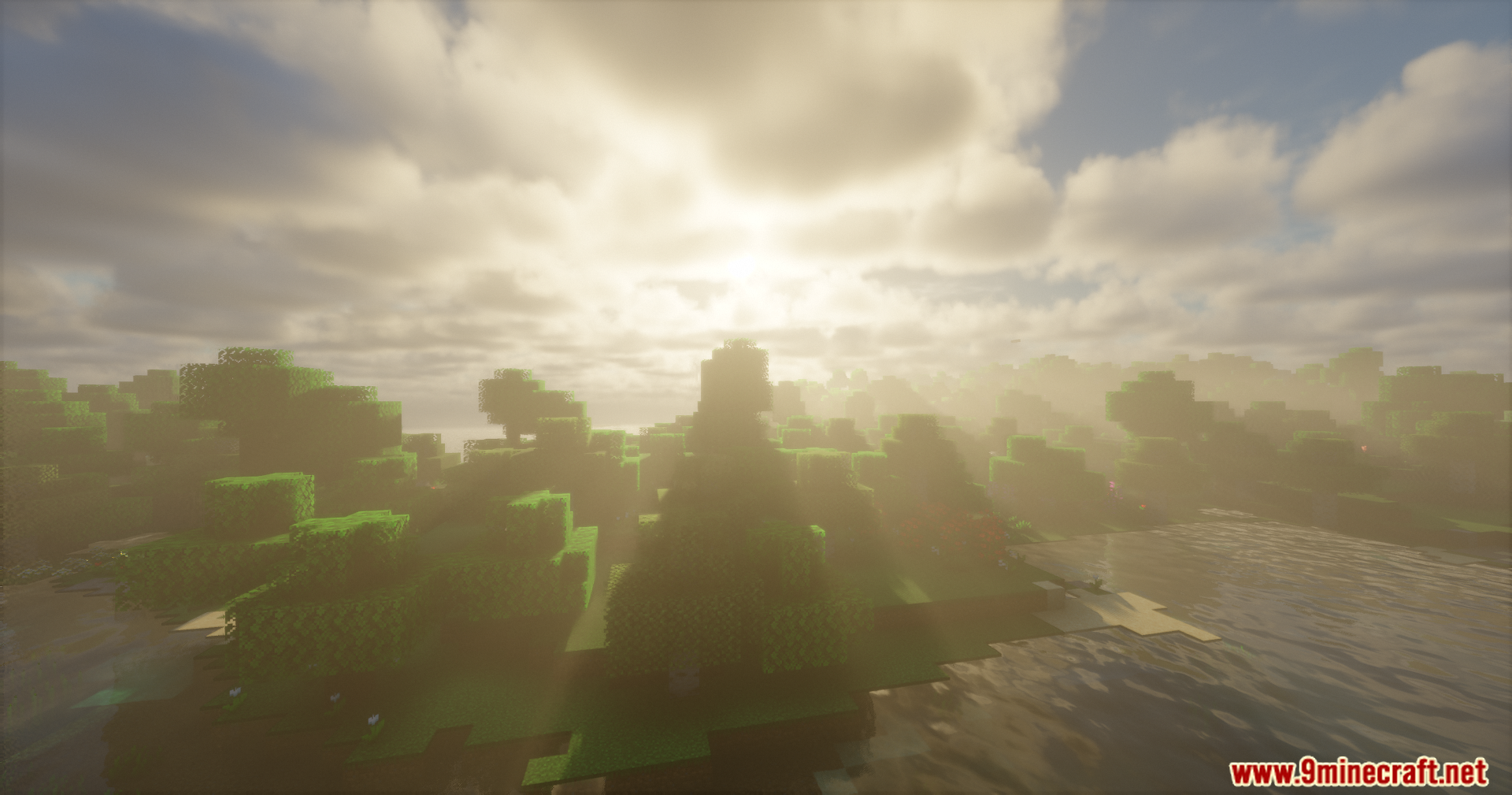
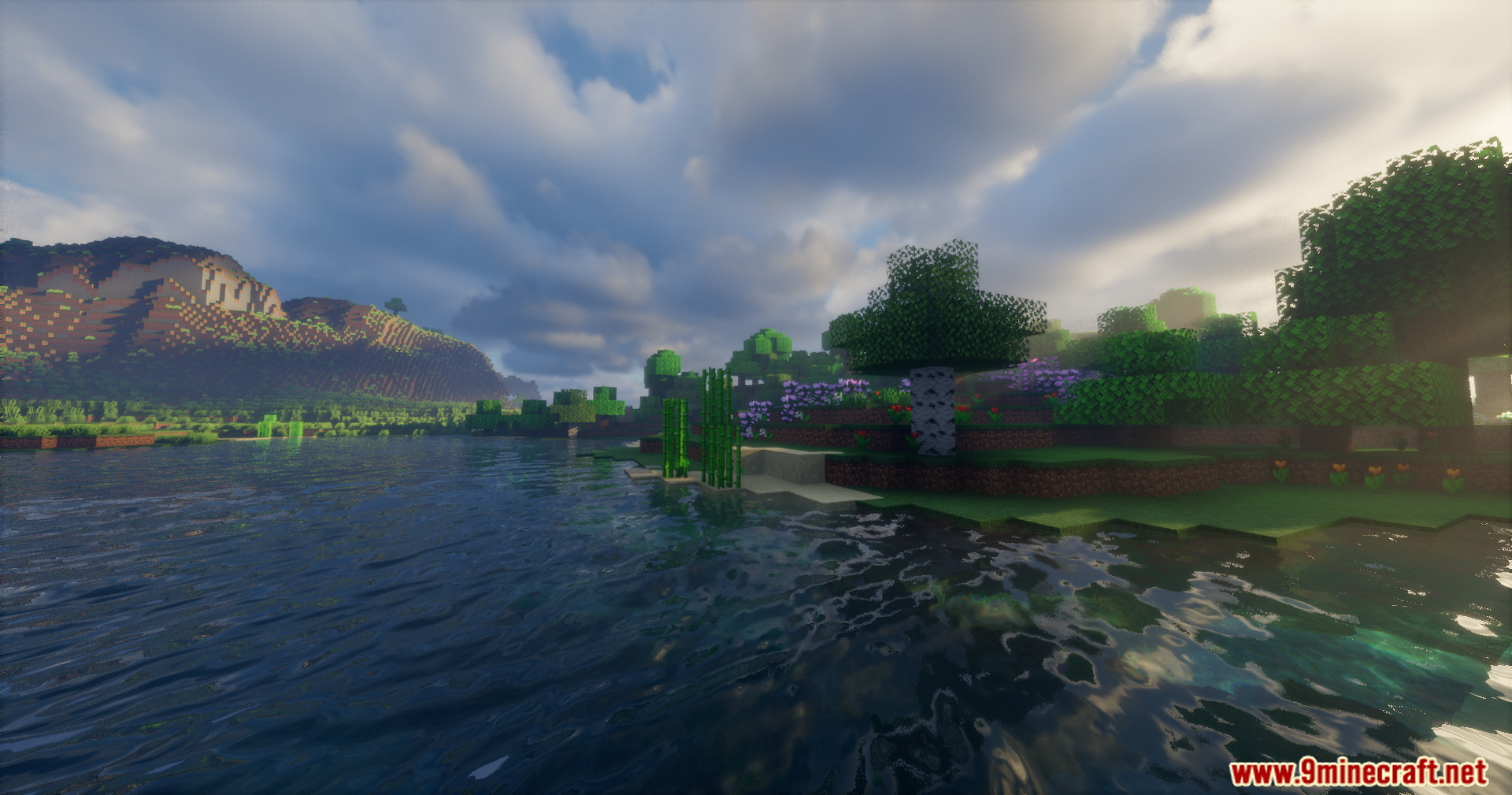
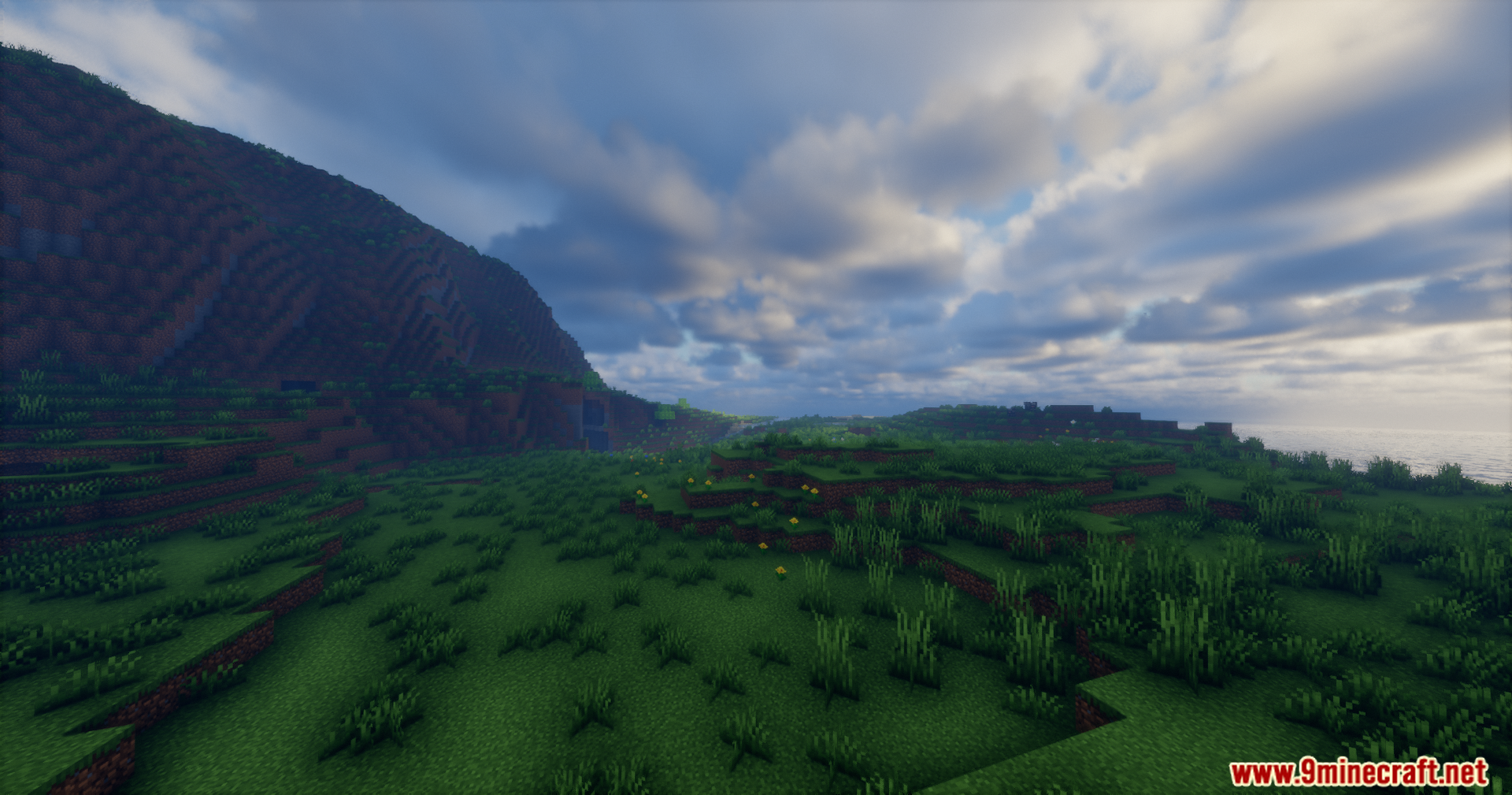
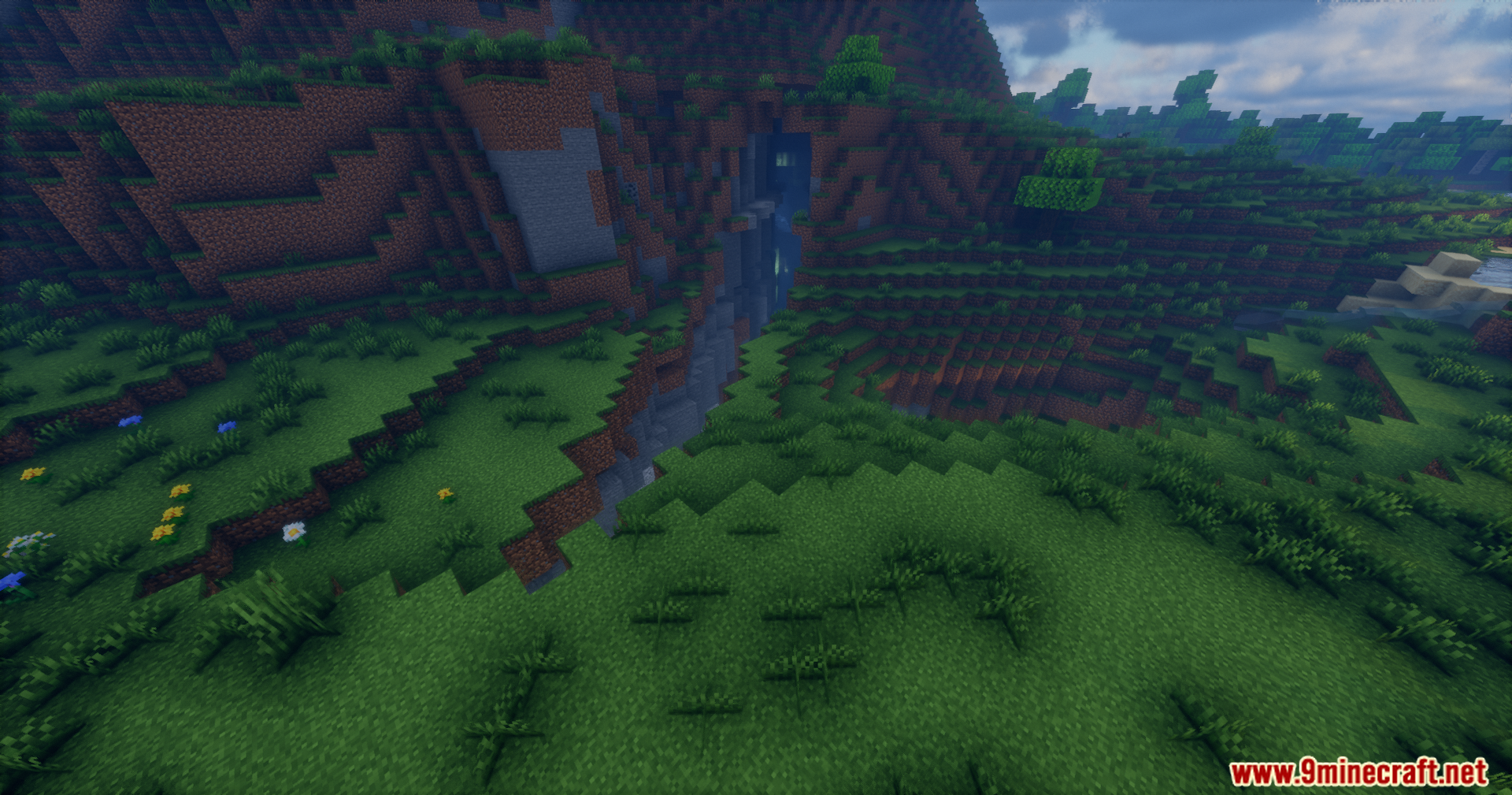
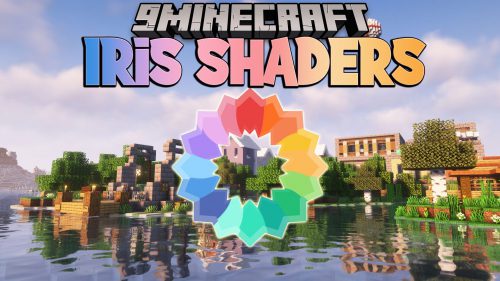
Rrtt217’s HDR Mod adds true high dynamic range lighting for Iris Shaders. It changes how the game handles colors and brightness, making lights look much brighter and dark areas look deeper. You get a much wider range of colors on monitors that support this feature. The mod also fixes the game menus so they look normal and do not get washed out by the new lighting. You can even take special screenshots that save all the extra color details.
Features:
- True HDR: Brings real high dynamic range support to the game.
- Menu Fix: Corrects the colors of your inventory and menus so they look right.
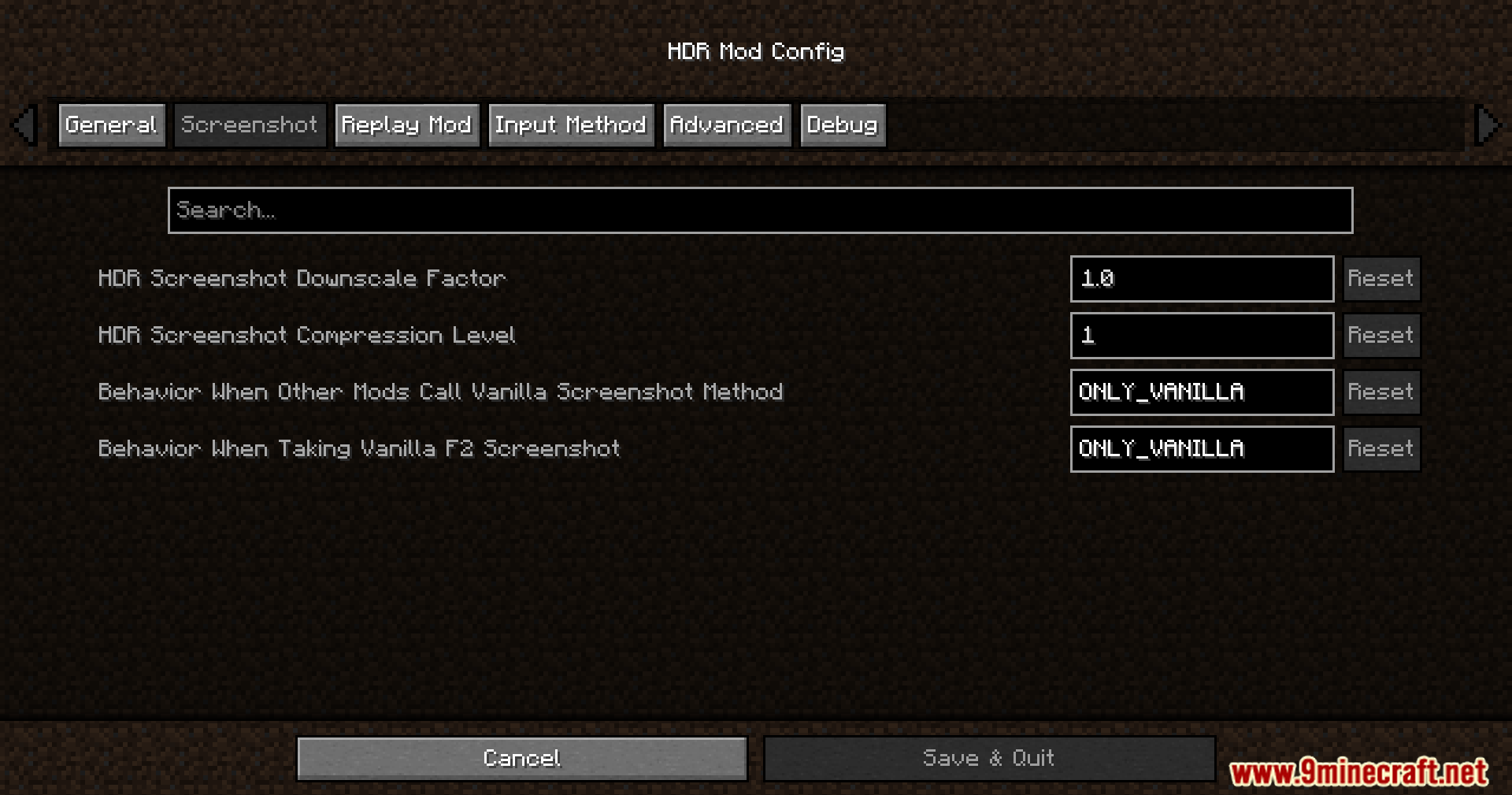
- Takes special screenshots that capture the full range of light.
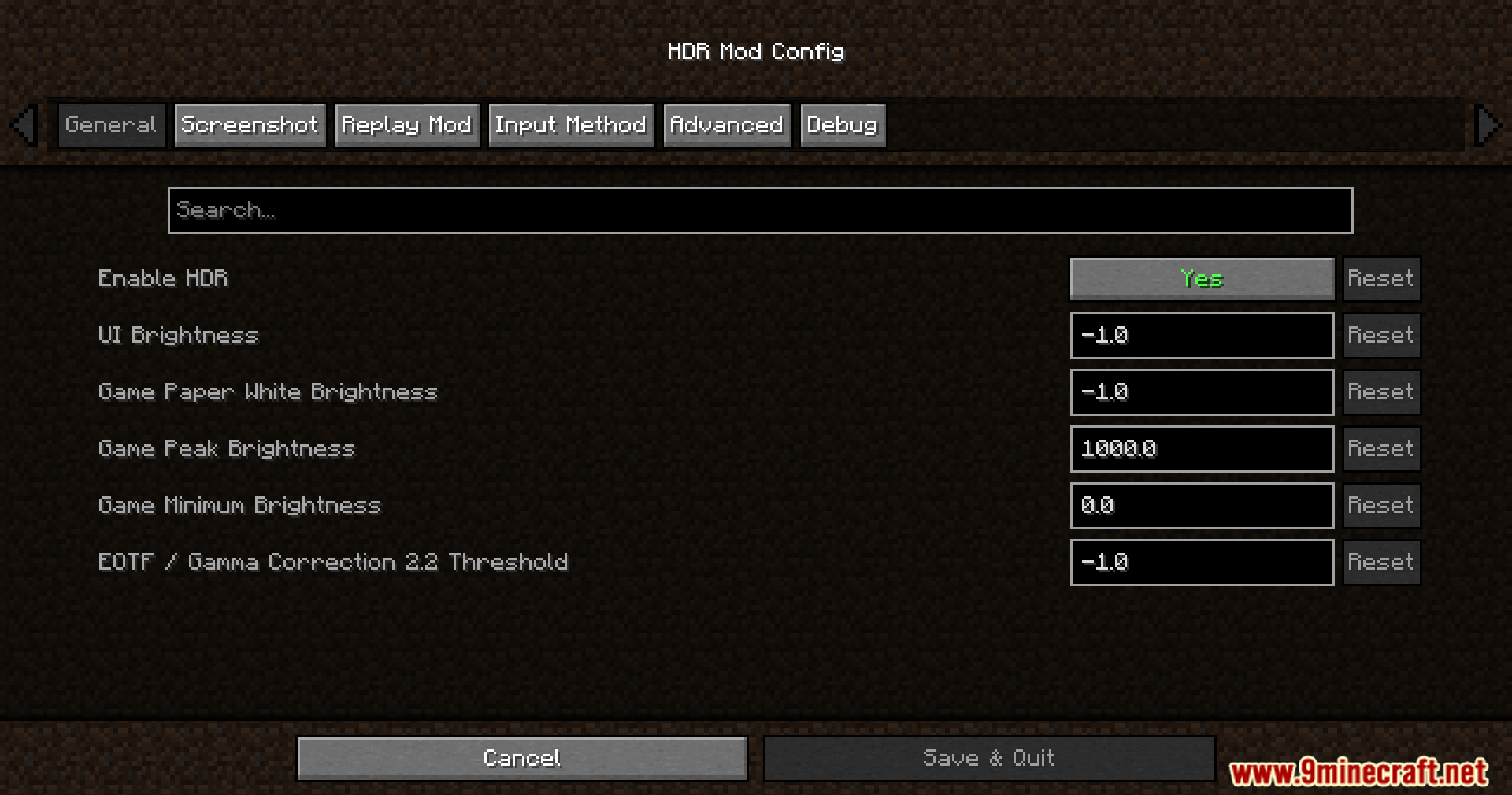
- Lets you change brightness settings right inside the game while you play.
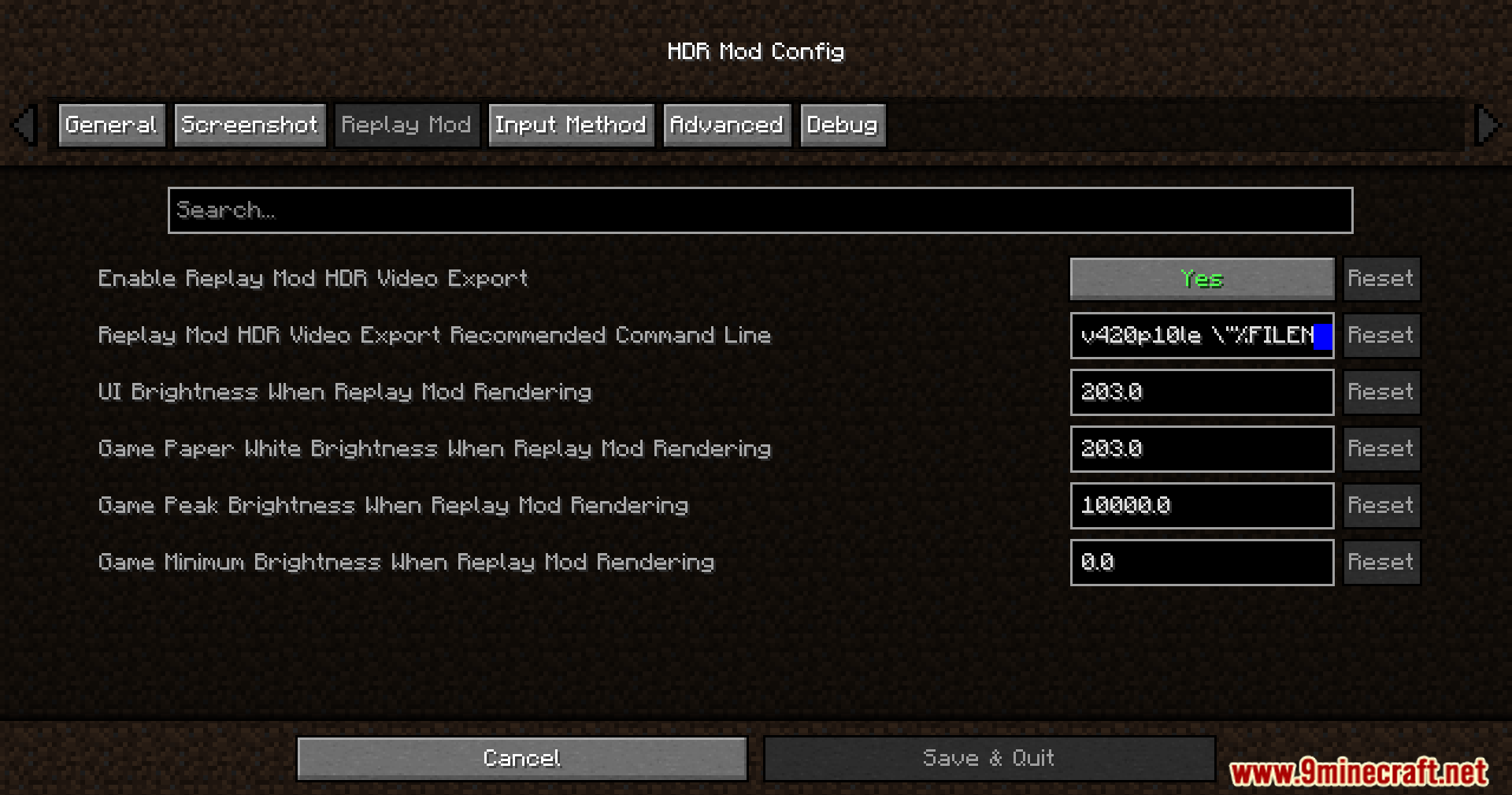
- Works with the Replay Mod to save high-quality videos.
- Runs on Windows and Linux computers with most modern graphics cards.
Configuration:
- Press F9 to open the brightness settings menu.
- Press F10 to take a special screenshot.
How to Use:
- Turn on your shader pack in the Iris menu.
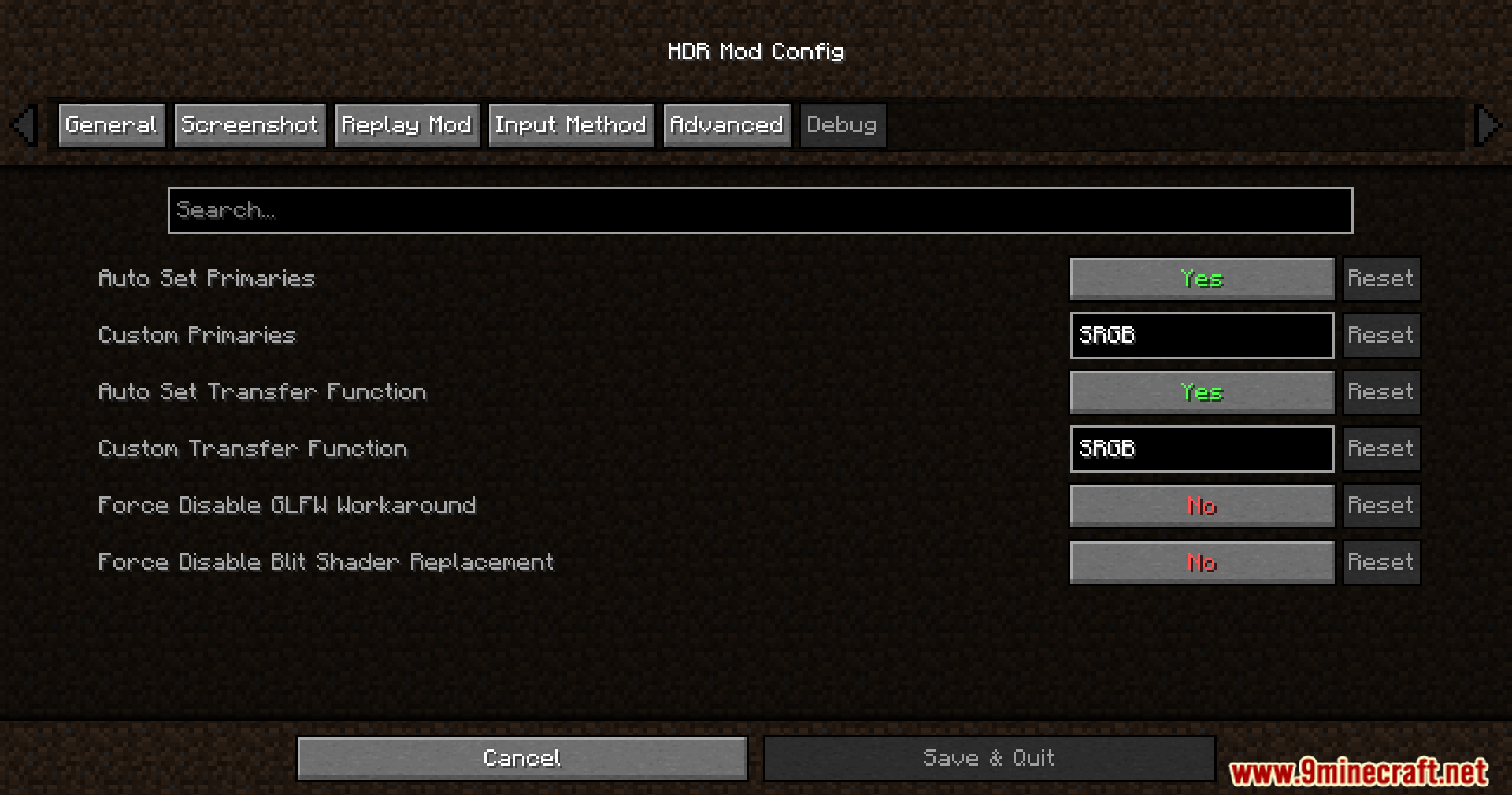
- Set the Colorspace setting in Iris to “sRGB” so the lighting works properly.
- Press F9 while playing to open the brightness menu.
- Adjust the Paper White, UI, and Peak brightness sliders until the game looks good on your screen.
Screenshots:
How to Install:
New to Minecraft? Follow our step-by-step guide to install Mods on your PC.View Guide
Requirements:






Rrtt217’s HDR Mod Download Links
For Minecraft 26.2
For Minecraft 26.1.2, 26.1.1, 26.1
For Minecraft 1.21.11
For Minecraft 1.21.10, 1.21.9
For Minecraft 1.21.1, 1.21
For Minecraft 1.20.1, 1.20
Click to rate this post!
[Total: 2 Average: 4.5]
You May Also Like





This post has no comments yet. Be the first — your comment will appear here.