Rrtt217 S Hdr Mod adds true high dynamic range lighting for Iris Shaders. It changes how the game handles colors and brightness, making lights look much brighter and dark areas look deeper. You get a much wider range of colors on monitors that support this feature. The mod also fixes the game menus so they look normal and do not get washed out by the new lighting. You can even take special screenshots that save all the extra color details.
Rrtt217 S Hdr Mod

Features:

  • True HDR: Brings real high dynamic range support to the game.
  • Menu Fix: Corrects the colors of your inventory and menus so they look right.
  • Takes special screenshots that capture the full range of light.
  • Lets you change brightness settings right inside the game while you play.
  • Works with the Replay Mod to save high-quality videos.
  • Runs on Windows and Linux computers with most modern graphics cards.

Configuration:

  • Press F9 to open the brightness settings menu.
  • Press F10 to take a special screenshot.

How to Use:

  1. Turn on your shader pack in the Iris menu.
  2. Set the Colorspace setting in Iris to “sRGB” so the lighting works properly.
  3. Press F9 while playing to open the brightness menu.
  4. Adjust the Paper White, UI, and Peak brightness sliders until the game looks good on your screen.

Screenshots:
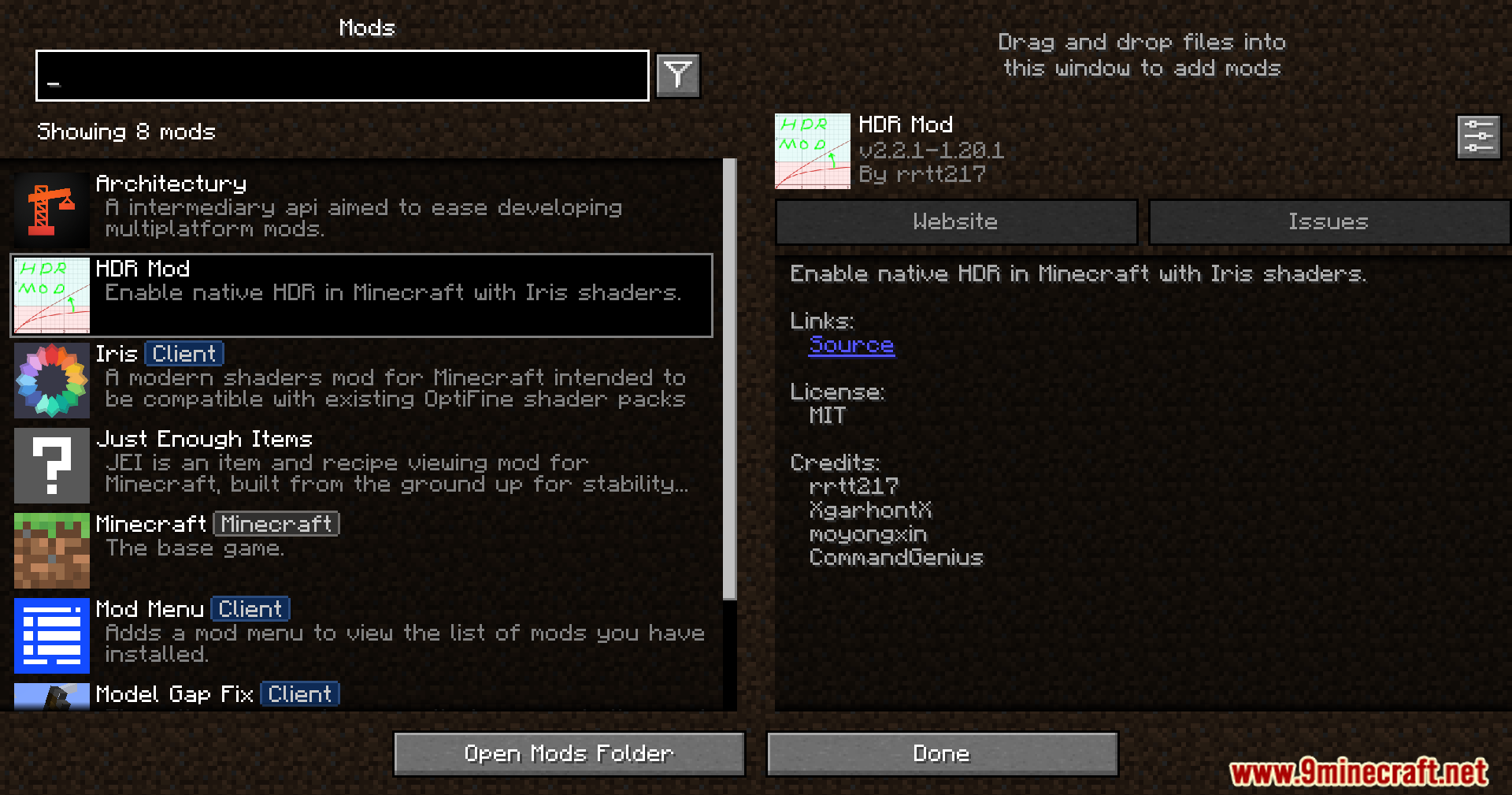
A list of installed modifications in the game menu
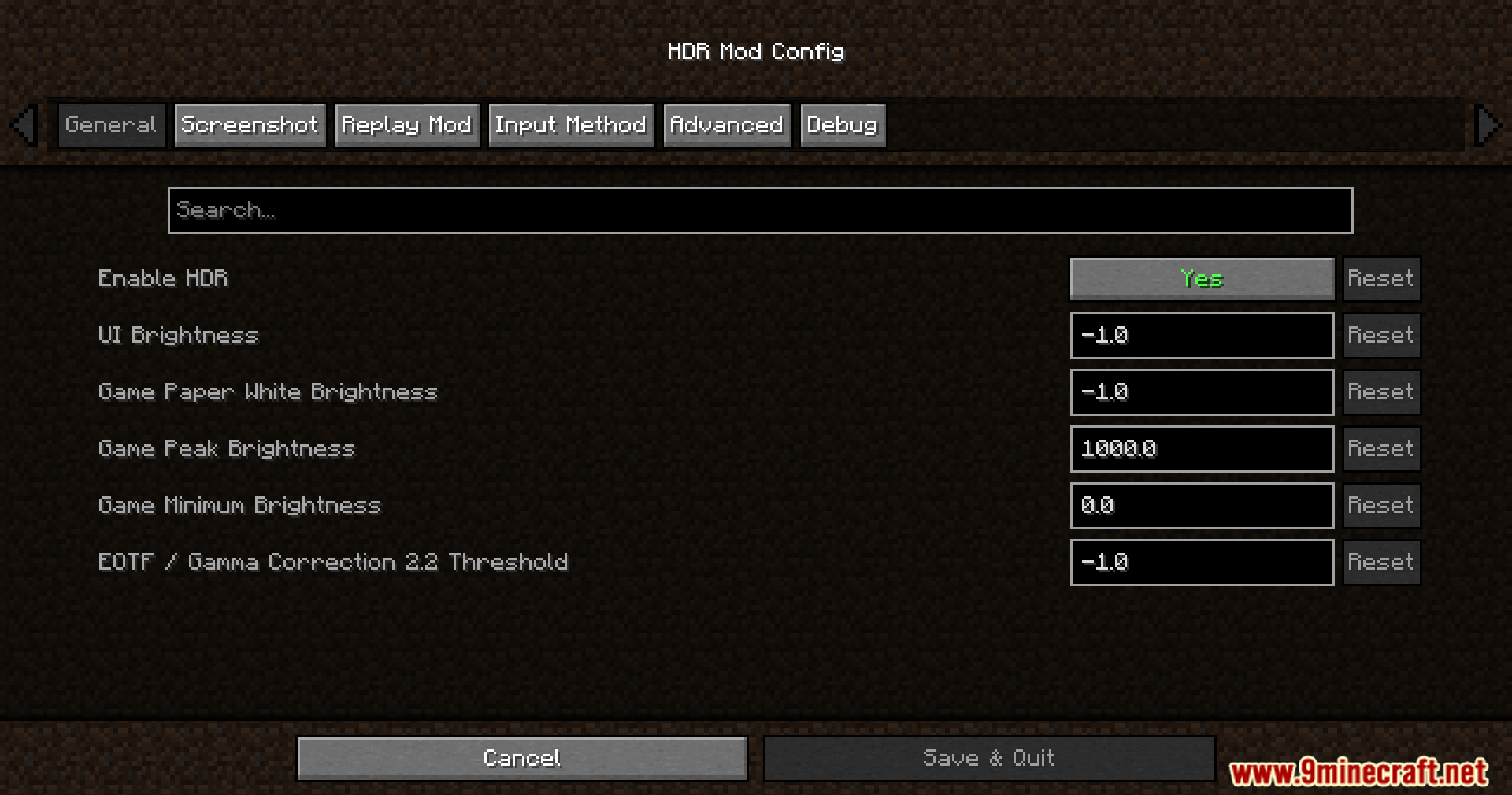
A configuration menu for adjusting brightness and color settings
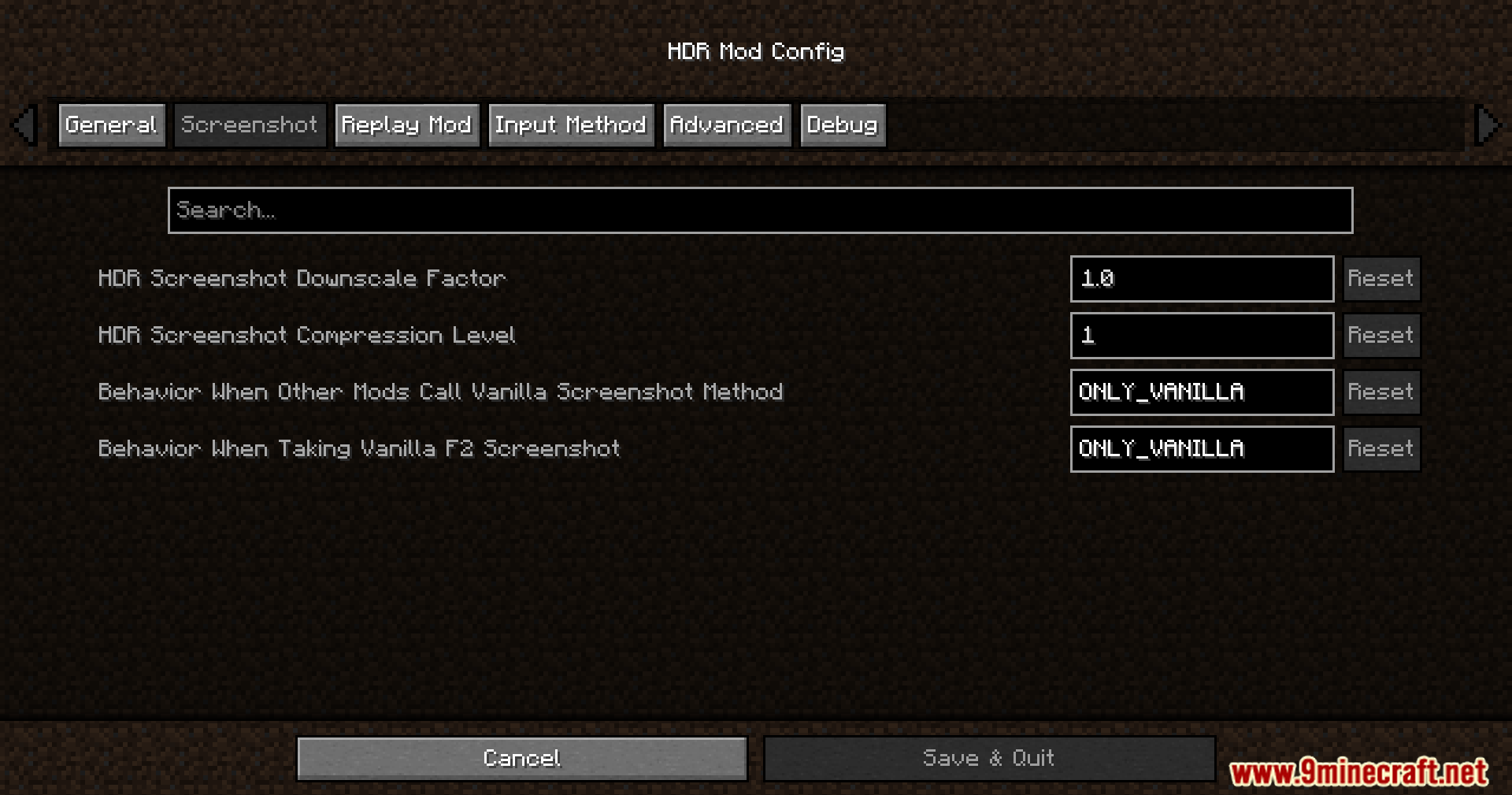
Minecraft configuration menu showing screenshot settings for high dynamic range lighting
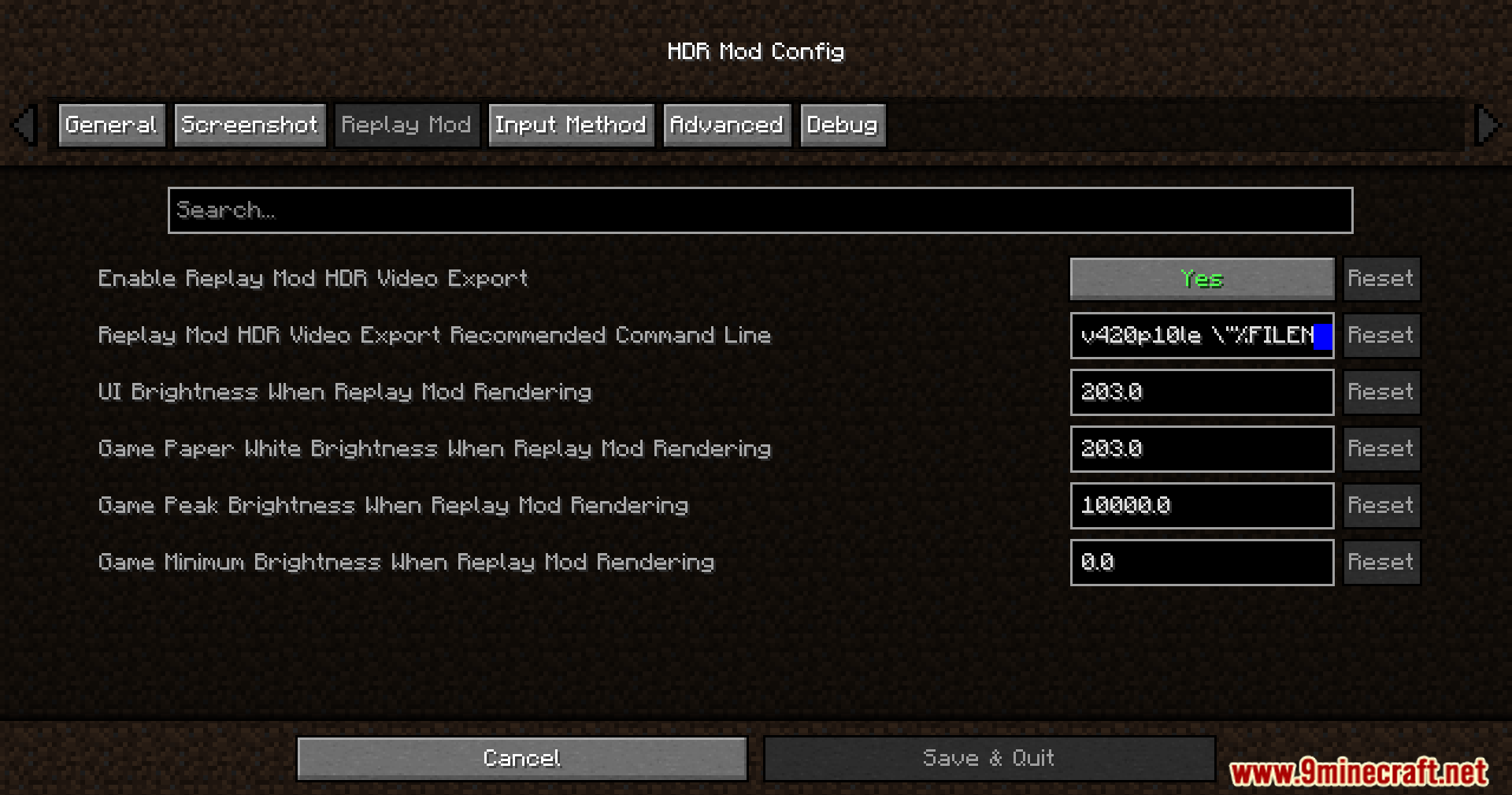
Configuration menu displaying replay mod settings for high dynamic range video export
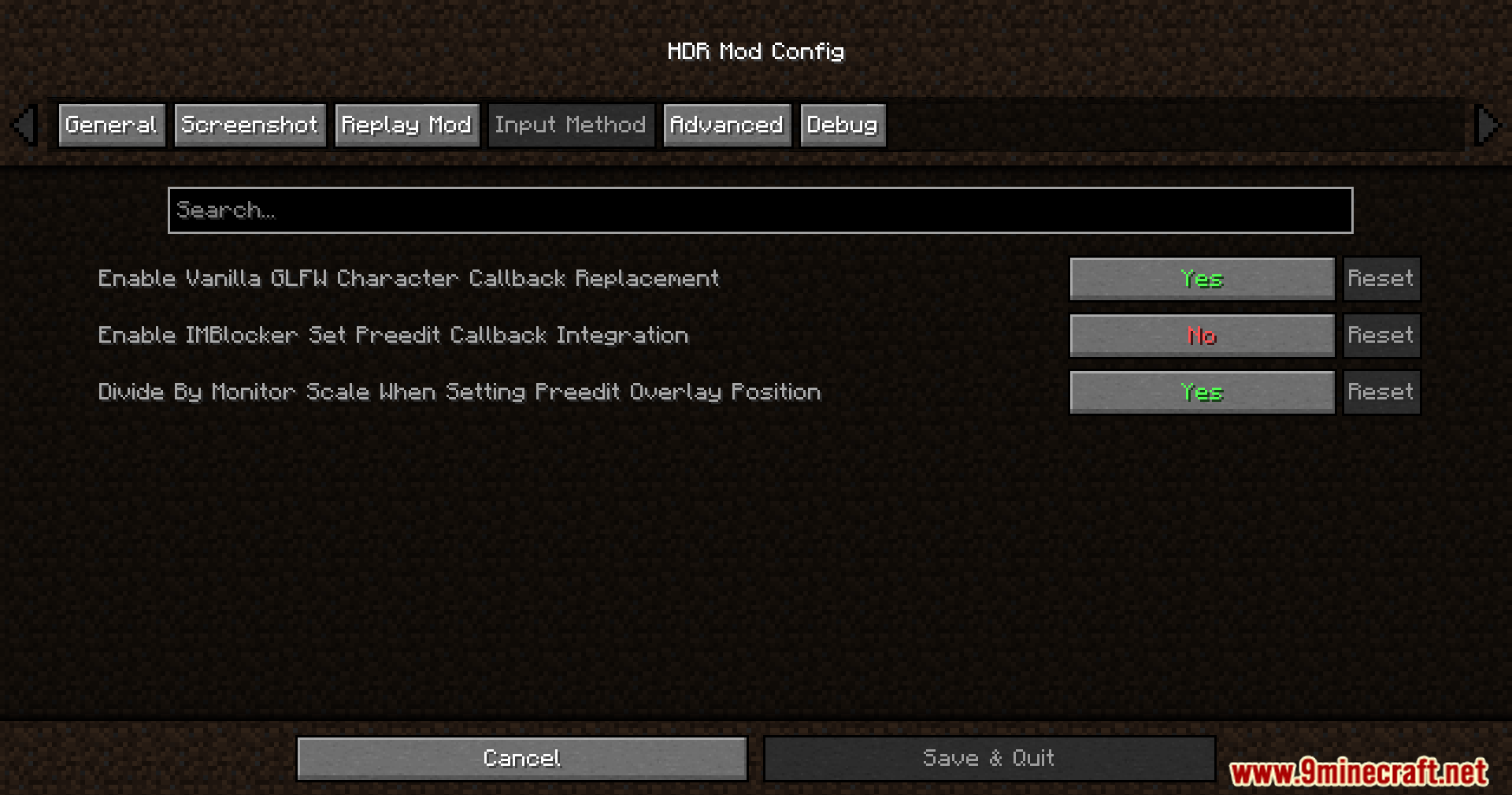
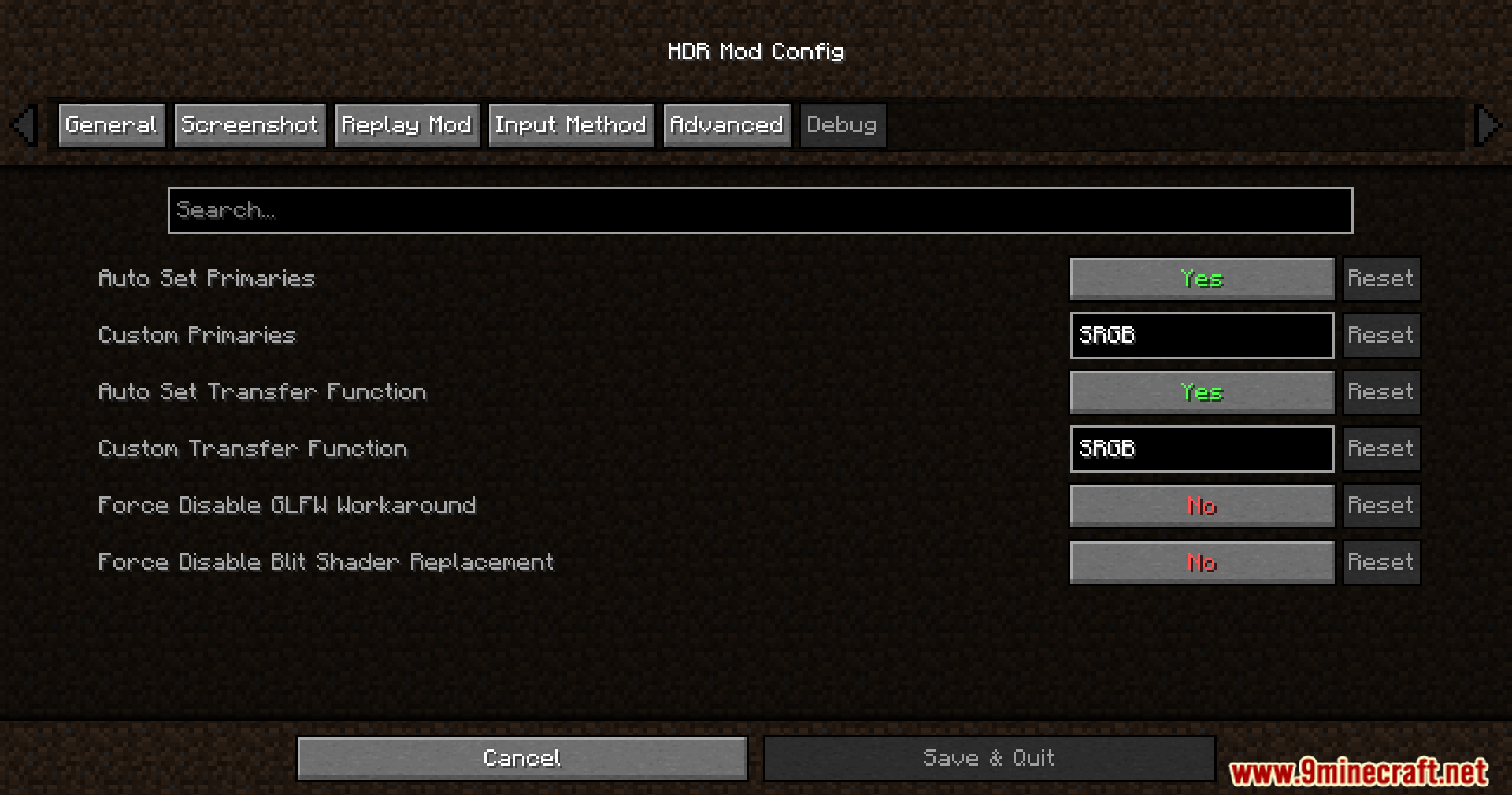
HDR Mod Config menu showing the Input Method tab settings in Minecraft
HDR Mod Config menu displaying the Advanced tab options in Minecraft
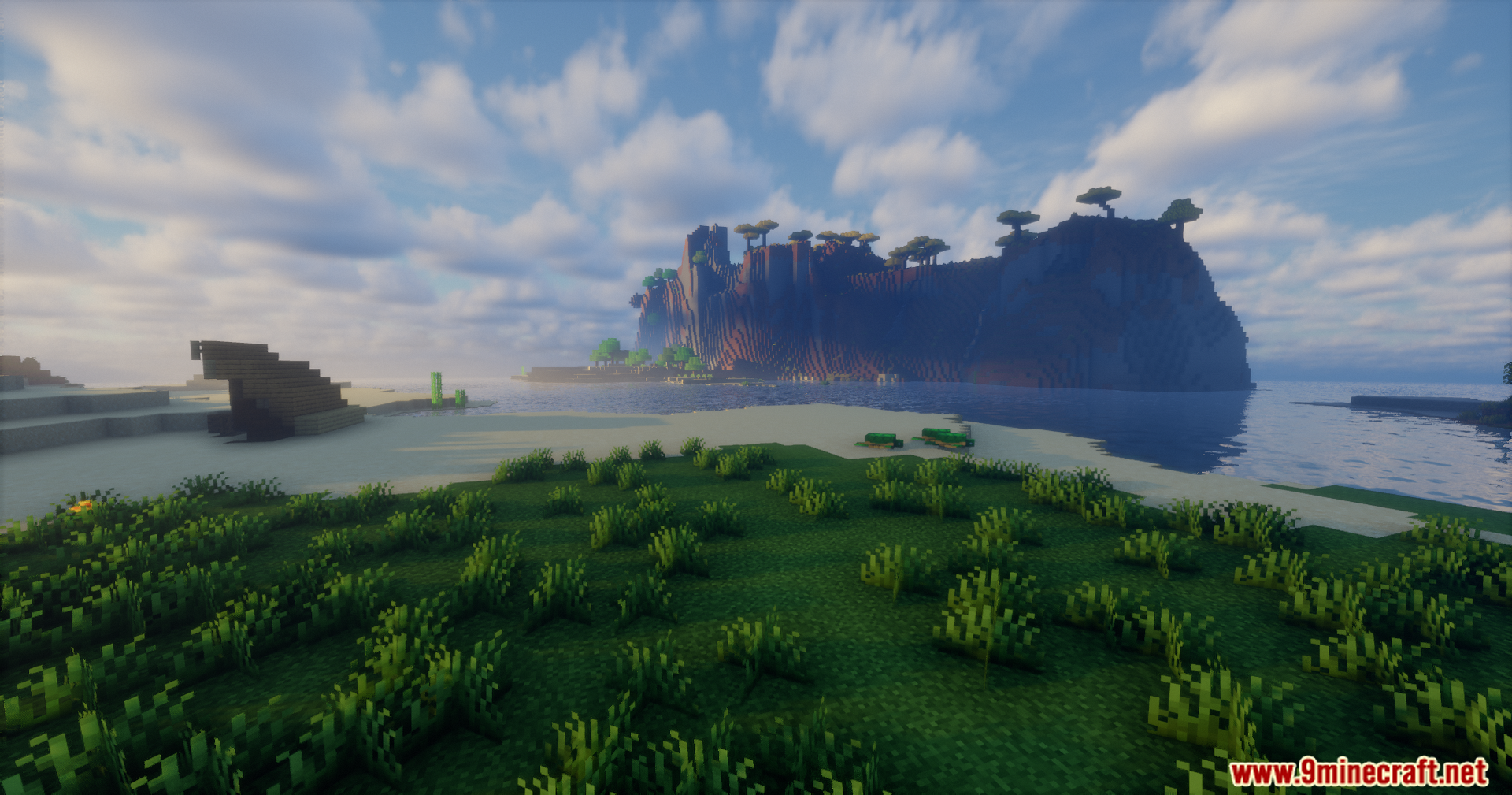
A grassy shoreline looking out towards a large rocky island with trees
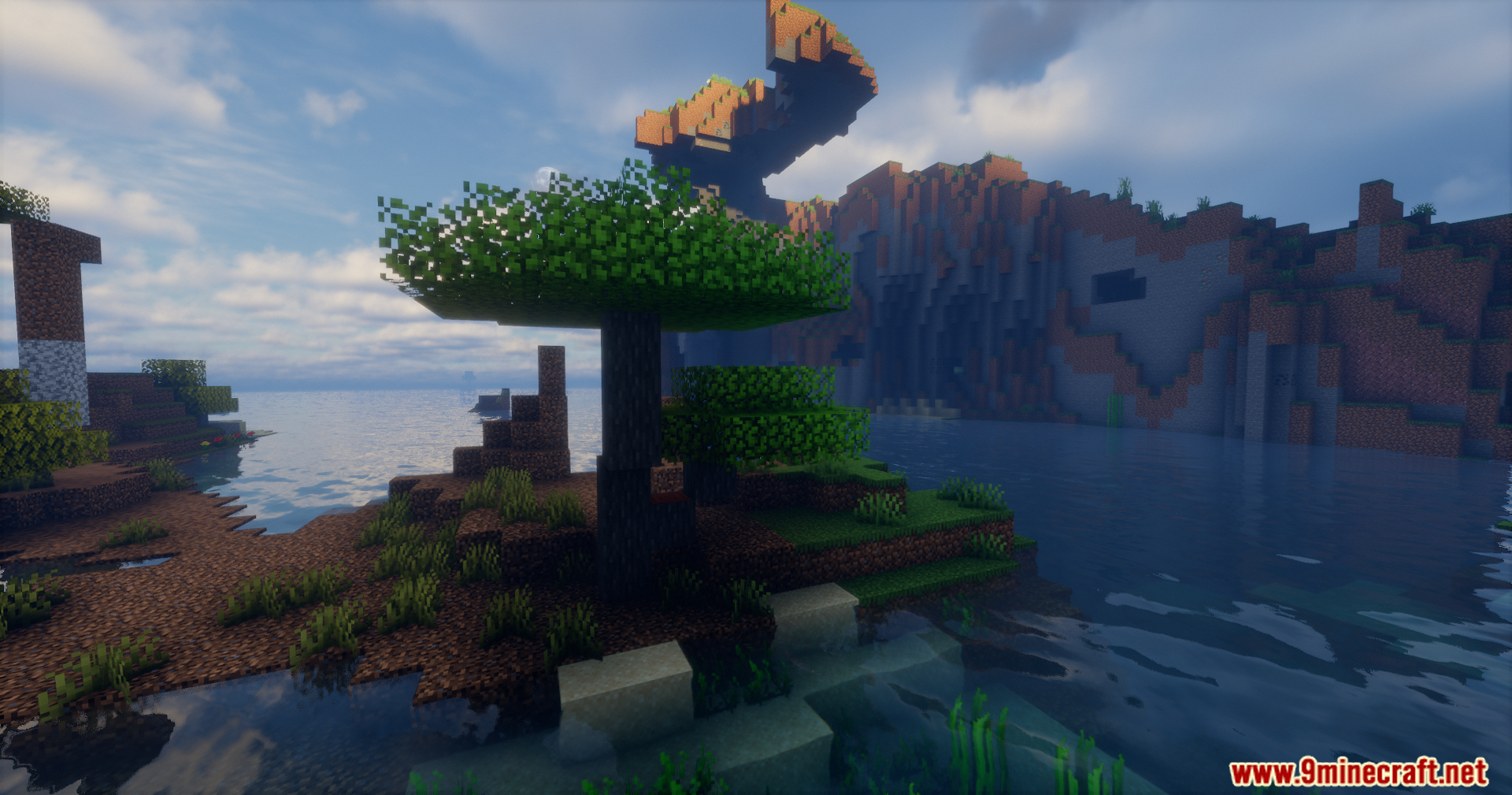
A single tree stands by the water near a uniquely shaped rocky cliff
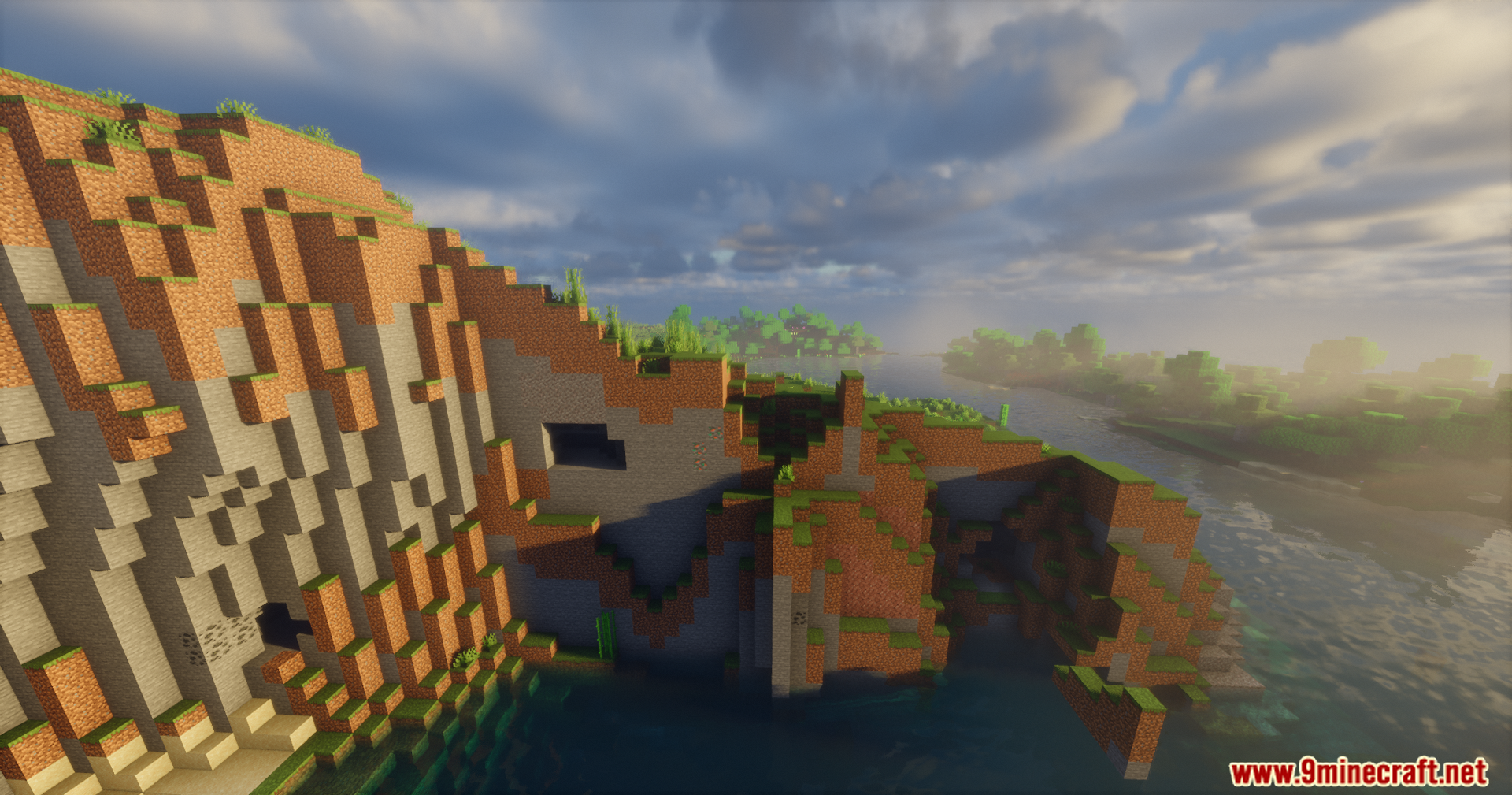
Steep dirt cliff next to water with realistic lighting and shadows
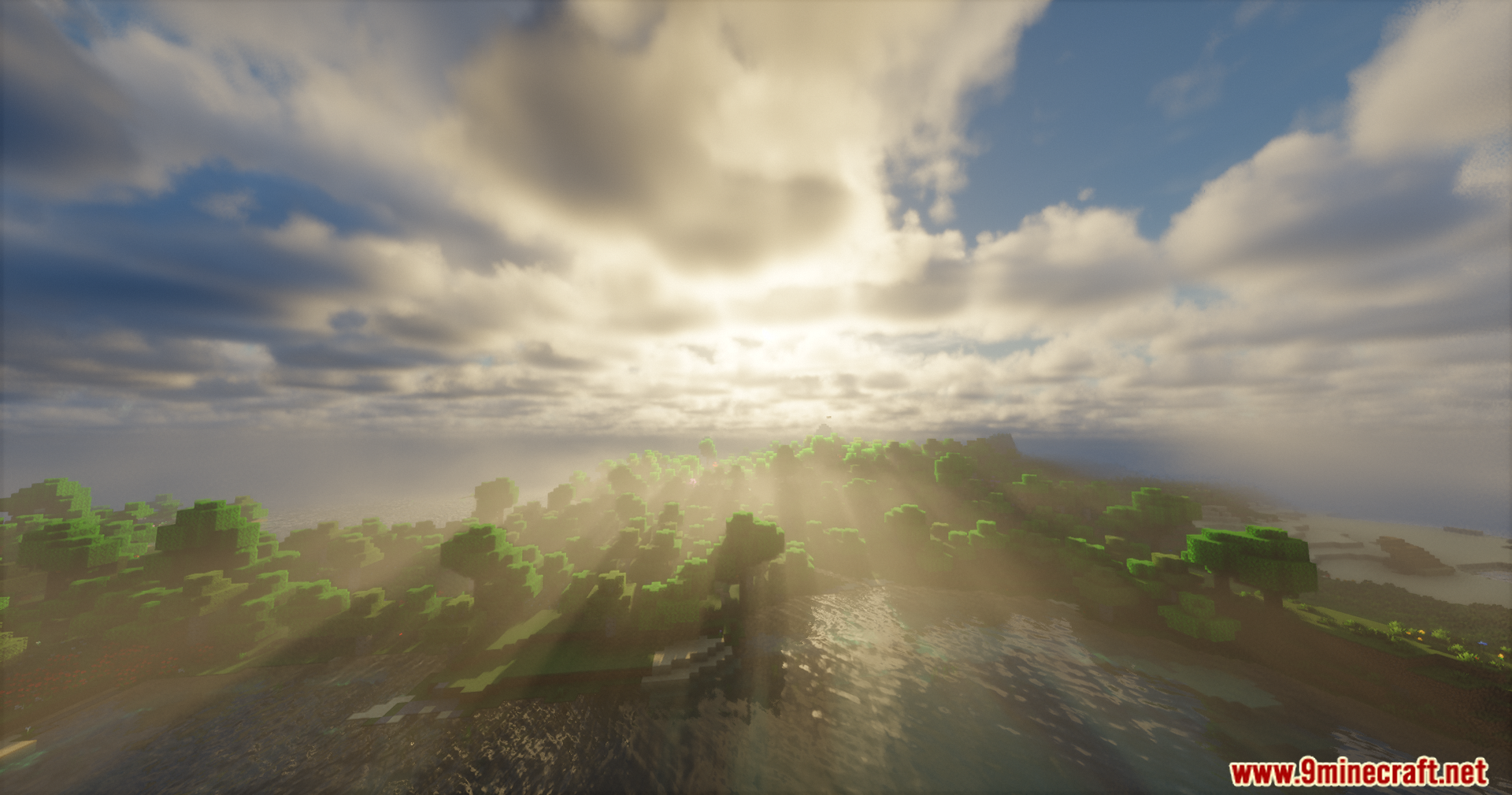
Bright sunbeams shining through clouds over a forest and water landscape
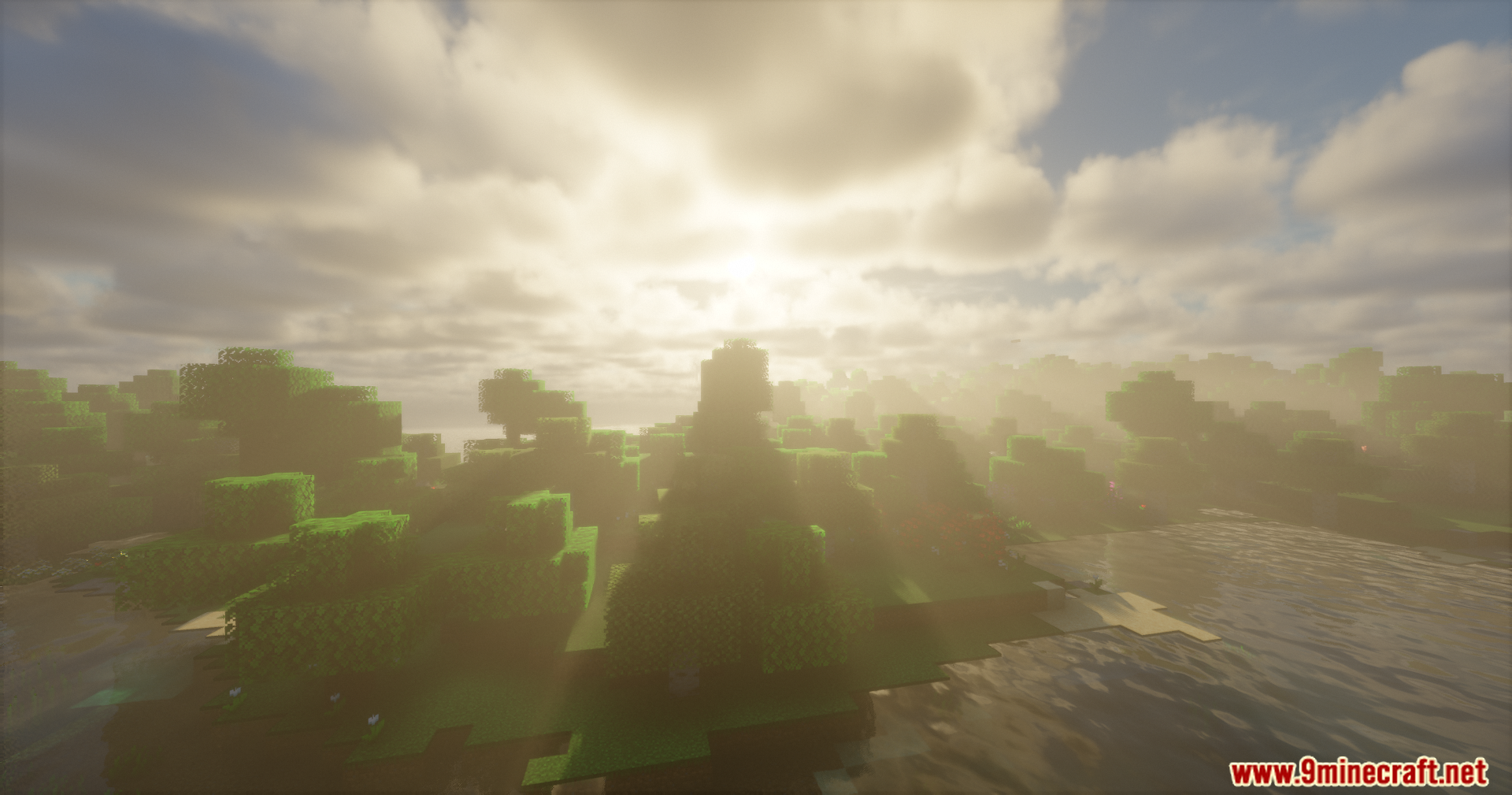
Bright sunlight shining through trees over water with HDR lighting effects
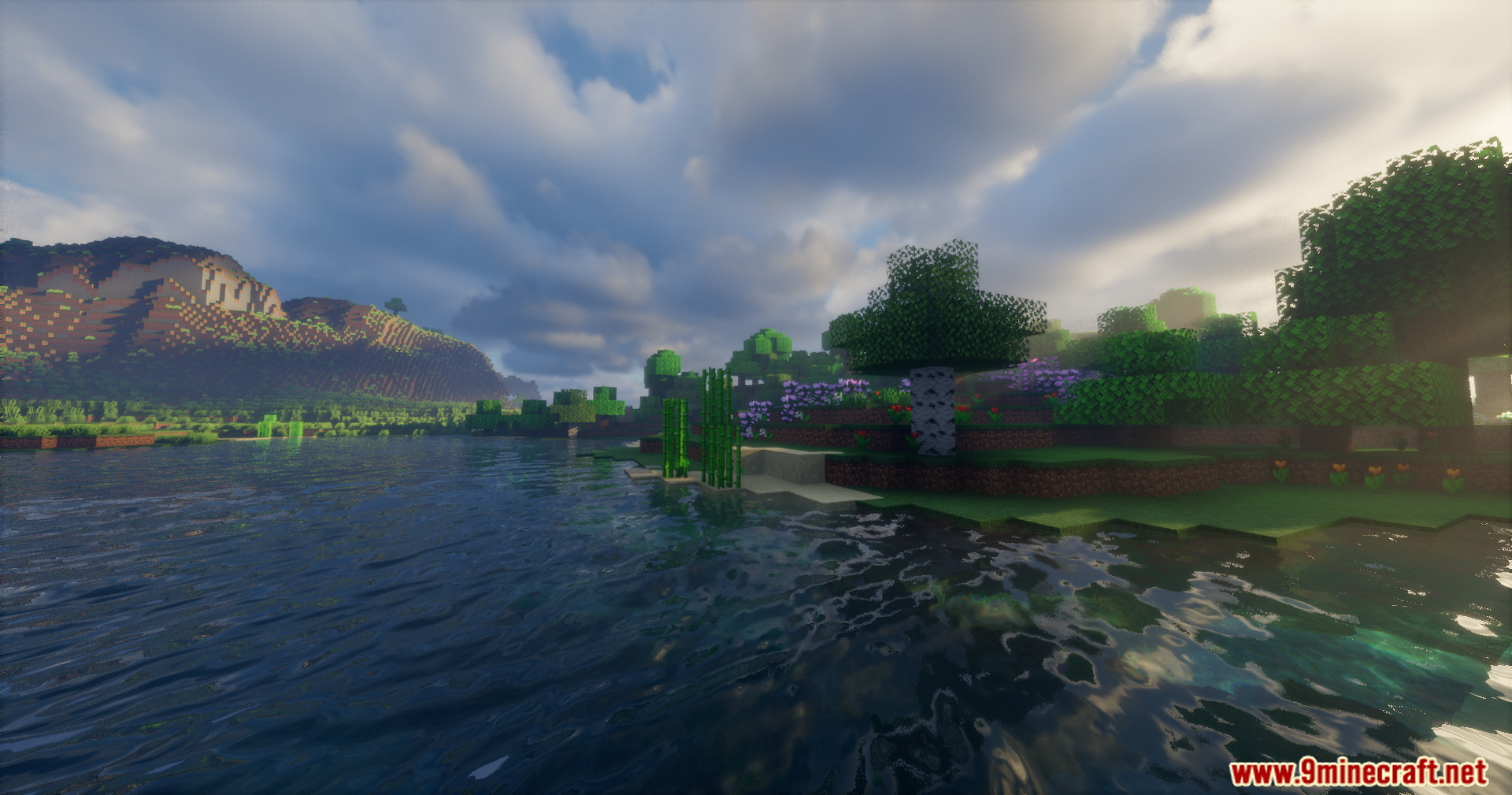
Scenic Minecraft landscape featuring detailed water reflections mountains and realistic sky
Wide Minecraft landscape featuring green hills and a realistic cloudy sky with enhanced lighting
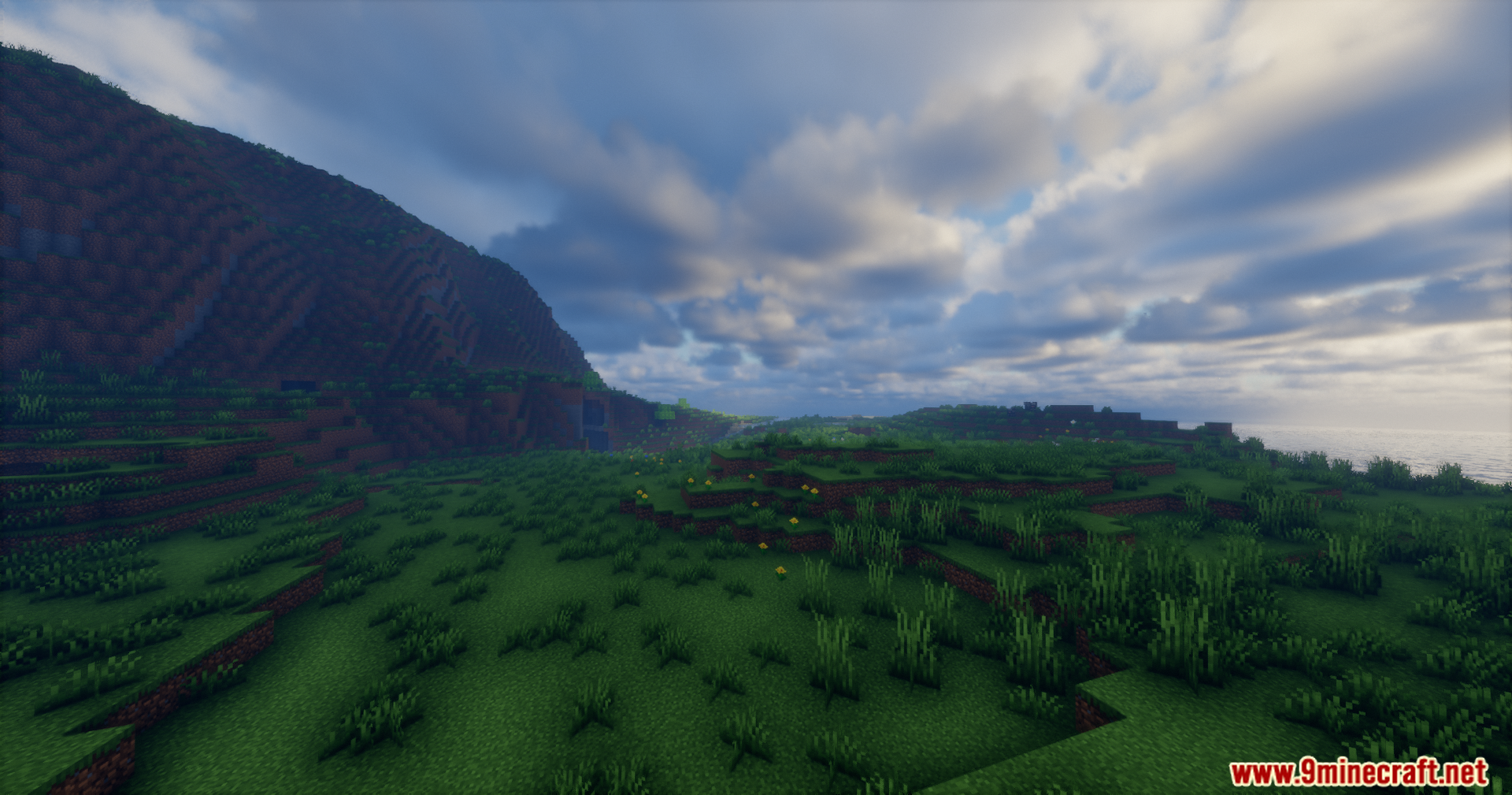
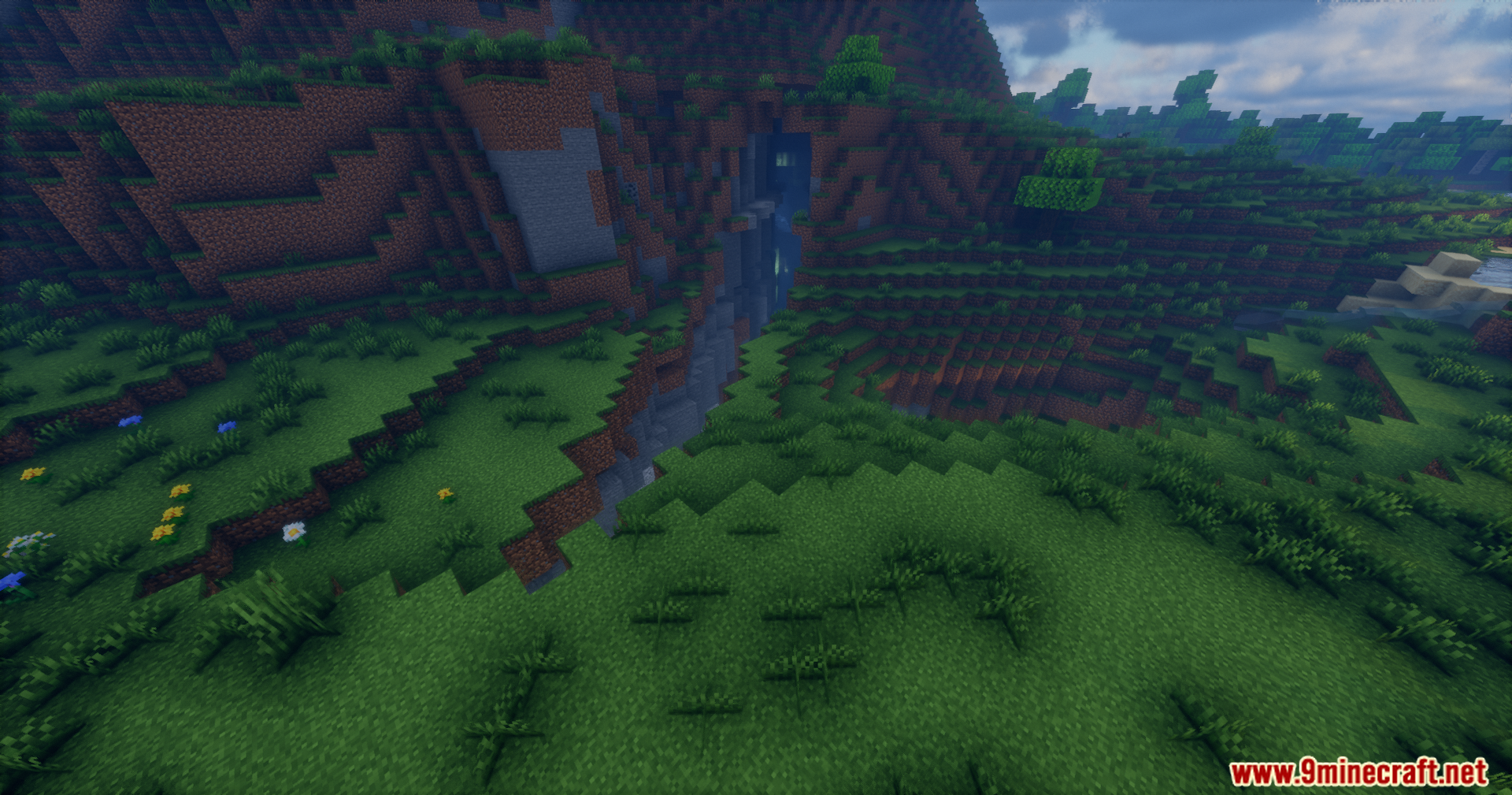
Grassy terrain in Minecraft showing a small ravine with water and enhanced shadows

Rrtt217 S Hdr Mod Download Links

Filter by

For Minecraft 26.1.2, 26.1.1, 26.1

Fabric 974 KB May 18, 2026
NeoForge 963 KB May 18, 2026

For Minecraft 1.21.11

NeoForge 993 KB May 18, 2026
Fabric 1,005 KB May 18, 2026

For Minecraft 1.21.10, 1.21.9

NeoForge 993 KB May 18, 2026
Fabric 1,005 KB May 18, 2026

For Minecraft 1.21.1, 1.21

Fabric 1,002 KB May 18, 2026
NeoForge 995 KB May 18, 2026

For Minecraft 1.20.1, 1.20

Forge 1 MB May 18, 2026
Fabric 998 KB May 18, 2026

Click to rate this post!
[Total: 2 Average: 4.5]