


4D Custom Skin Mod APK (26.x, 1.21) – 65+ Anime and Fantasy Characters for MCPE
 5,681
5,681
 0
0

🌐 Read this article in your language! Choose your preferred language below.
Or pick the one you like:
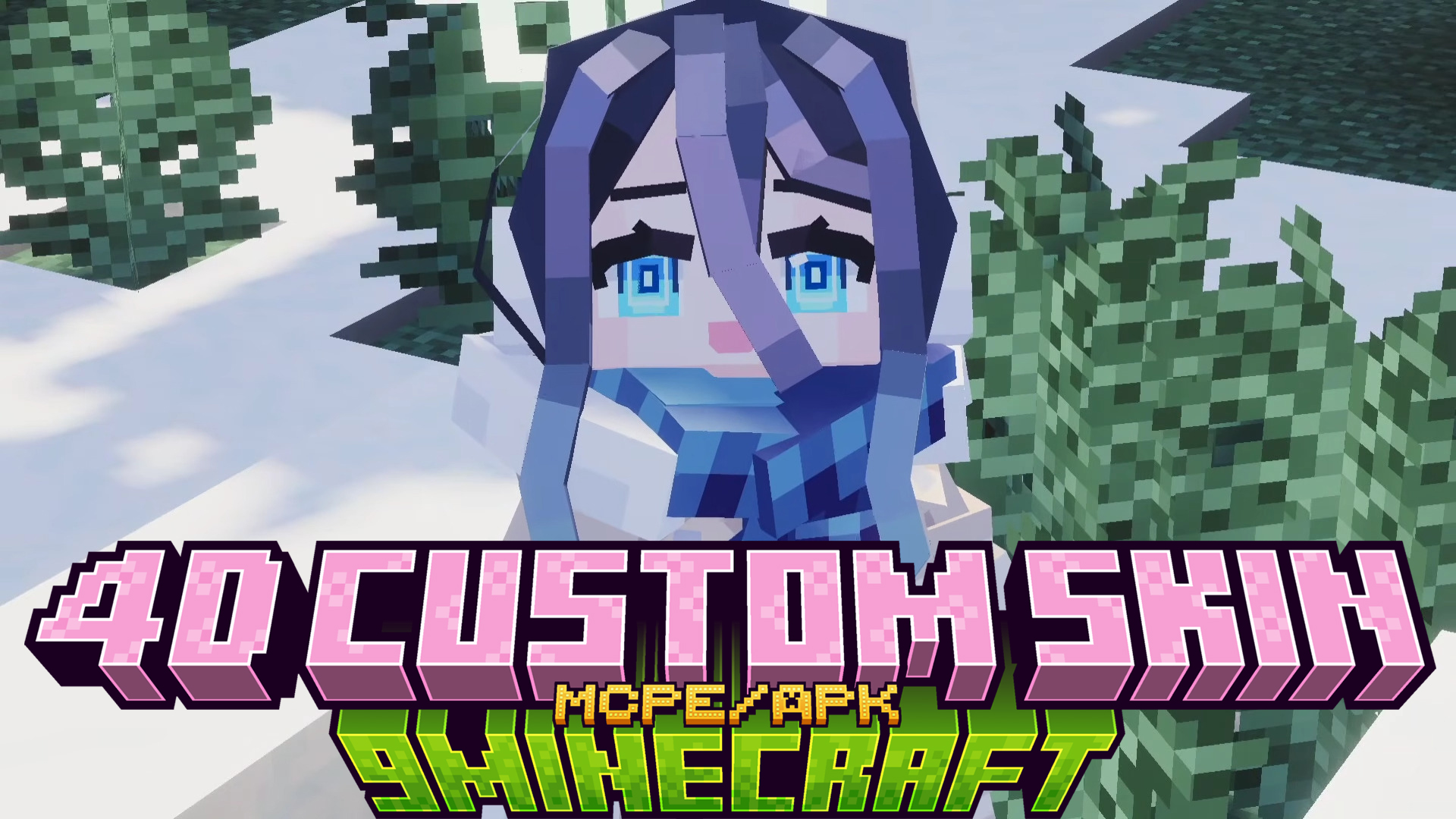
4D Custom Skin Mod APK is a patched Minecraft Pocket Edition client that comes pre-installed with a huge bundle of custom 4D and 5D character skins. Instead of going through the marketplace, file replacement, or external launcher setup, you simply install the APK and the skin pack is already loaded inside your Dressing Room. The mod ships in three versions so you can pick the Minecraft PE build that fits your server, device, or stability preference.
Features:
- Up to 65 custom 4D and 5D skins are bundled inside the APK – no marketplace purchase, no separate launcher, no manual file copy required.
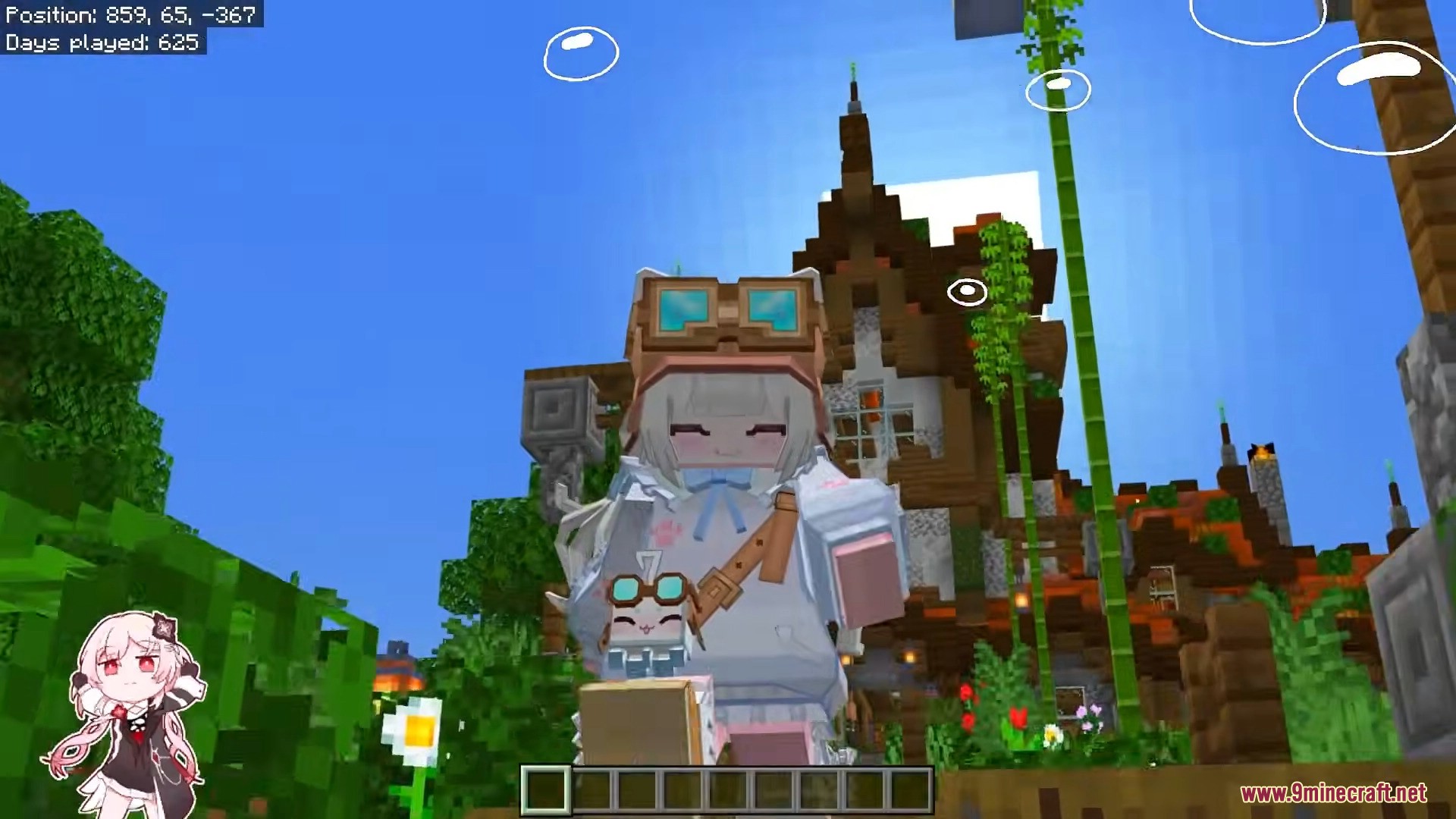
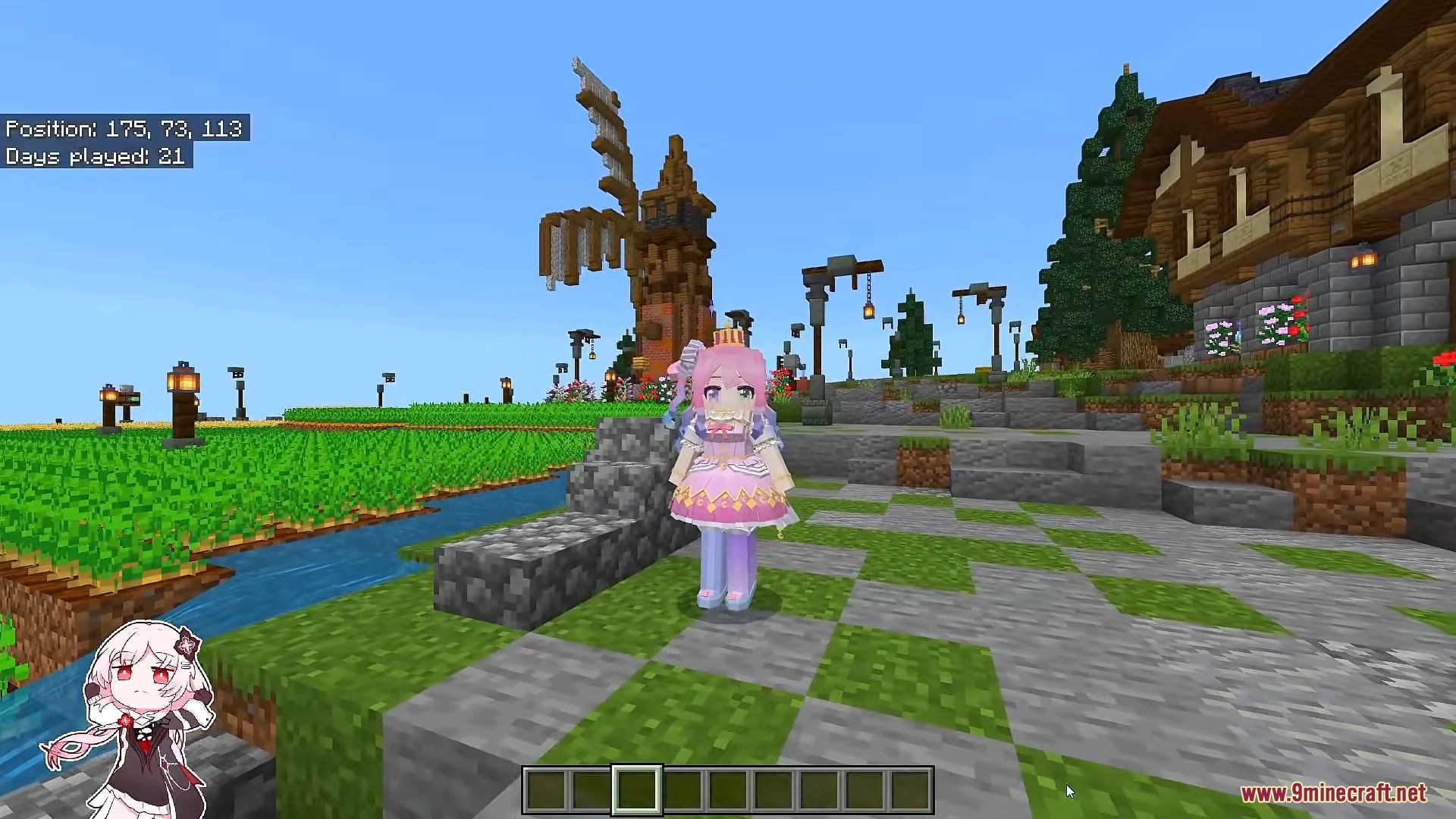
- Includes anime, fantasy, gothic, lolita, witch, undead and Asian-style characters, all using custom geometry with hidden armor.
- The 26.20 Full build contains the complete 65-skin collection, while the 26.20 Lite build ships with a slimmer 30-skin set for users who want a smaller install.
- A 1.26.13 Legacy build is also provided for users who need to join older multiplayer servers still running on that exact version.
- Works on real Android devices and popular Android emulators such as BlueStacks 5, LDPlayer, and MEmu.
- The custom geometry rendering library is baked directly into the client, so you do not need to install any extra
.somod or external skin loader. - Skins display correctly with their full 4D shape for any other player who is using a compatible client on the same server.
How to Use:
- Pick the APK build that matches the Minecraft PE version you want to play on.
- Uninstall any existing Minecraft PE from your device first – both APKs share the same package name and cannot be installed side by side.
- Enable Install from Unknown Sources in your Android system settings for the file manager or browser you will use to open the APK.
- Open the downloaded APK file and tap Install. The install can take 1 to 2 minutes because the APK contains the full skin pack.
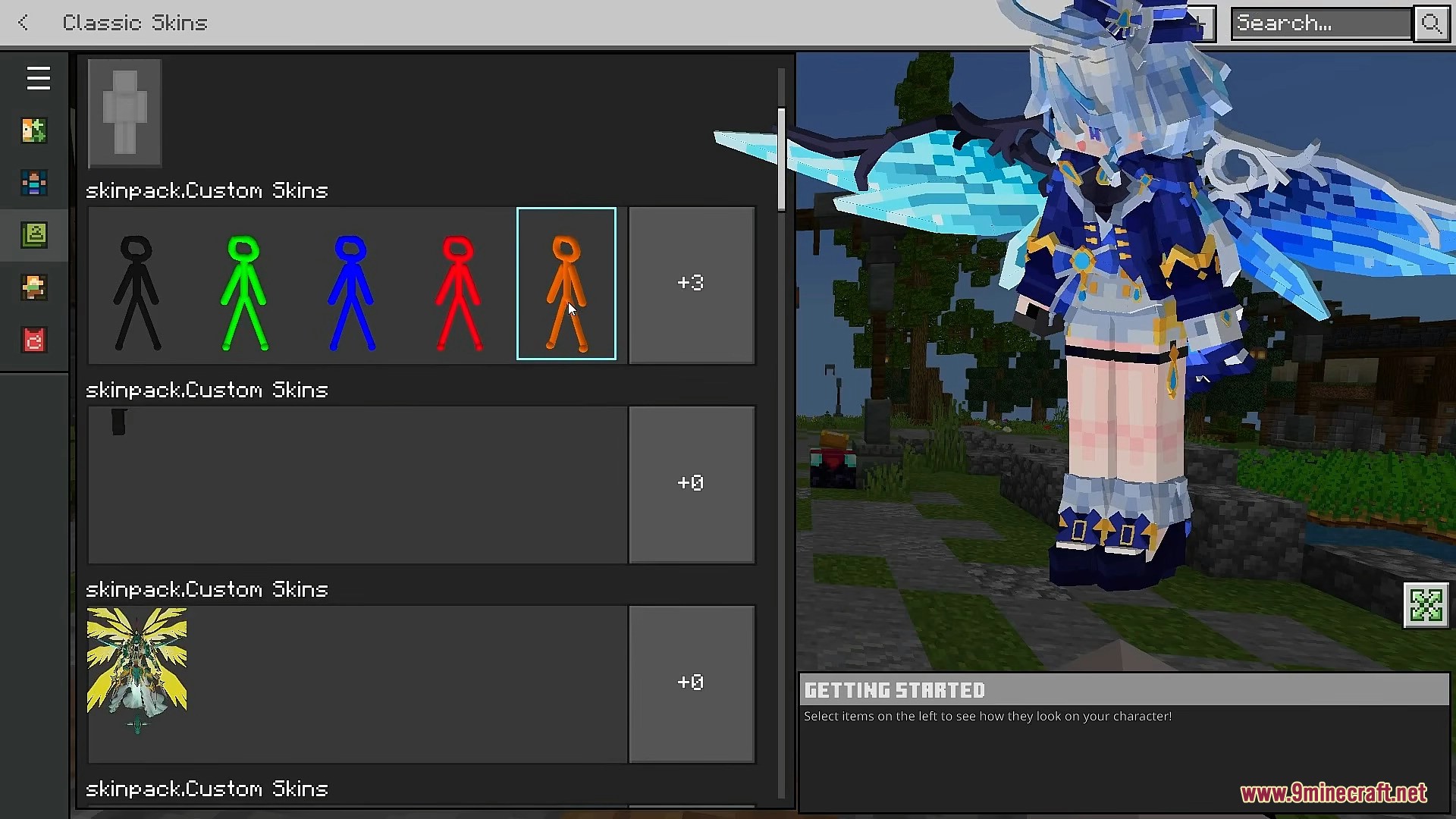
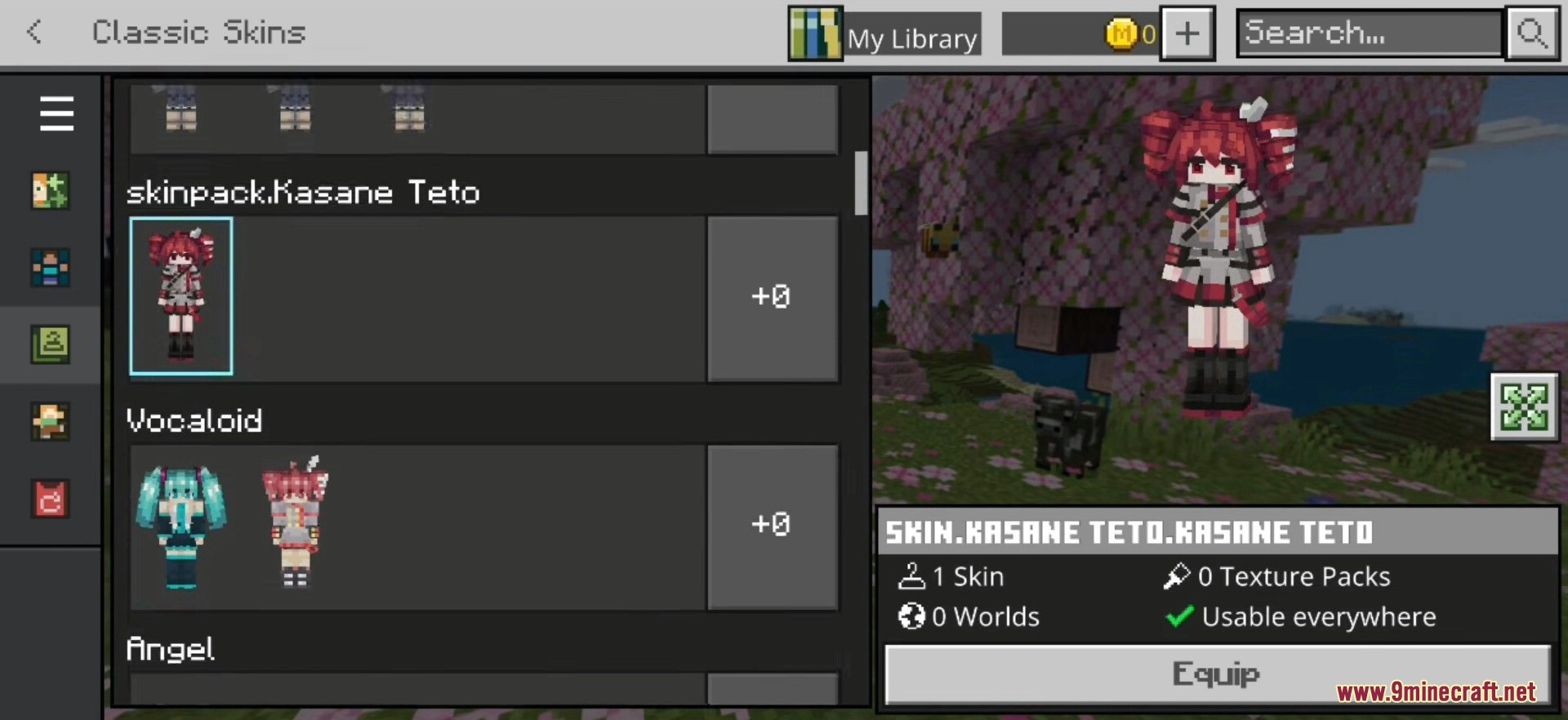
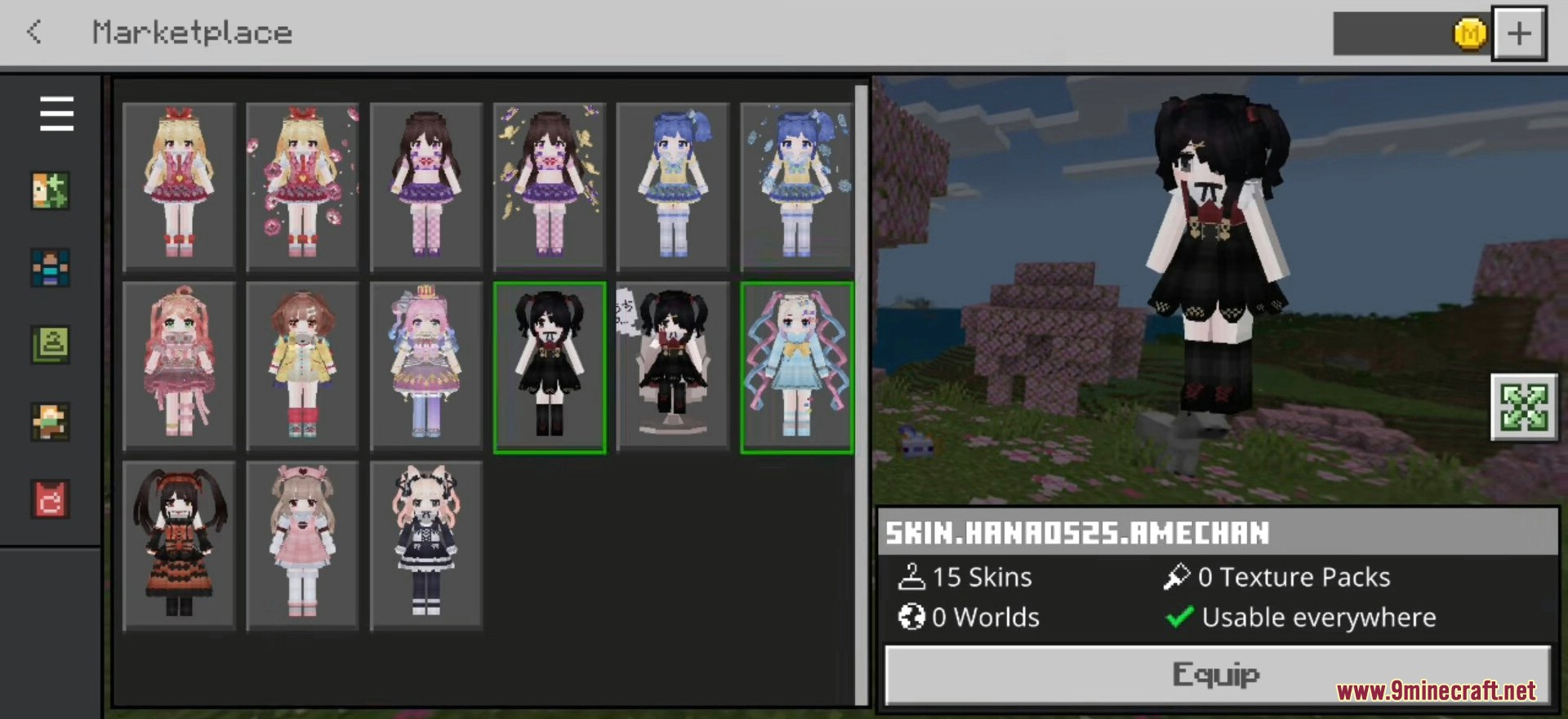
- Launch the patched Minecraft PE and open the Dressing Room from the main menu.
- Switch to the Owned tab – the bundled skin pack appears at the top of the list automatically.
- Tap any skin inside the pack and press Equip to apply it to your character.
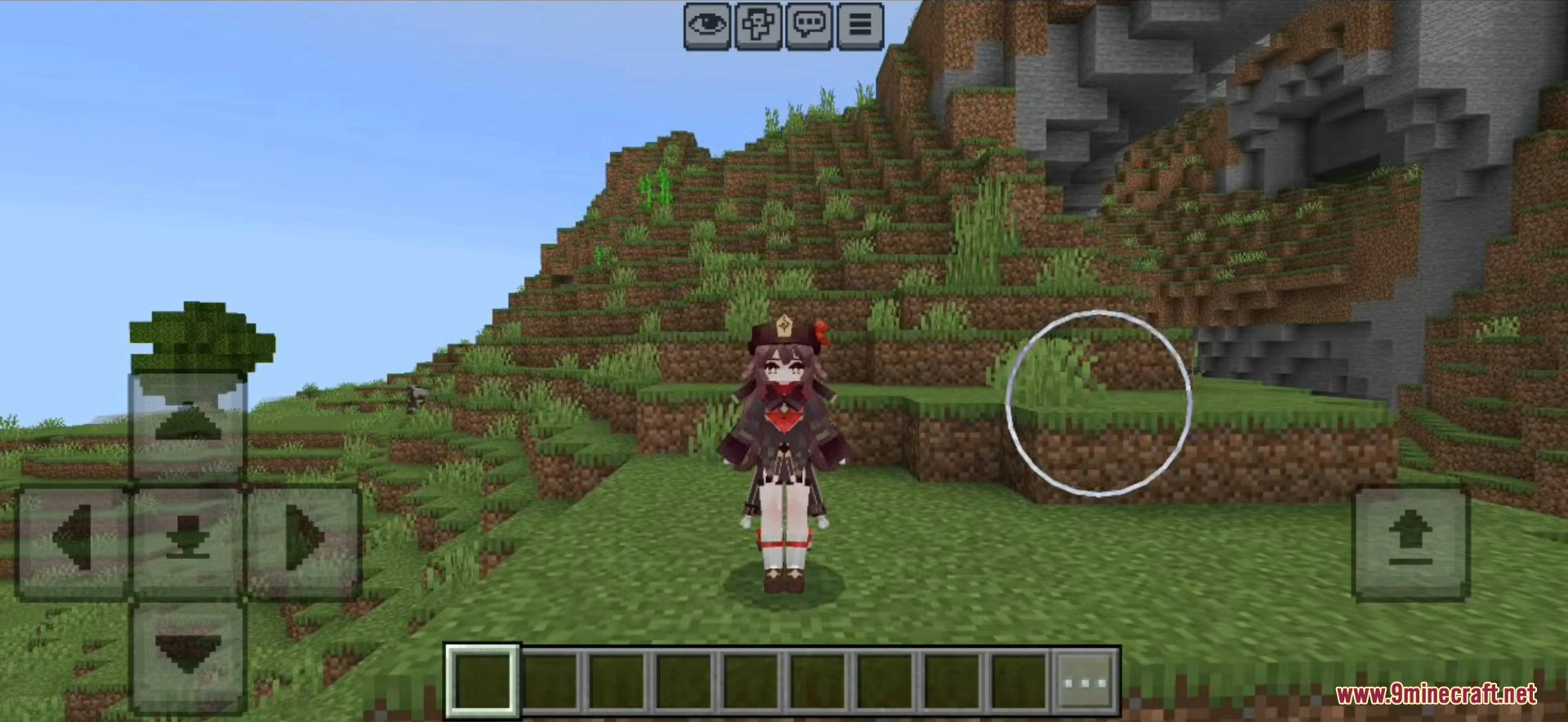
- Join any world or server. Other players using a compatible client will see the full 4D model; players on the vanilla client may see only a flat texture.
Screenshots:

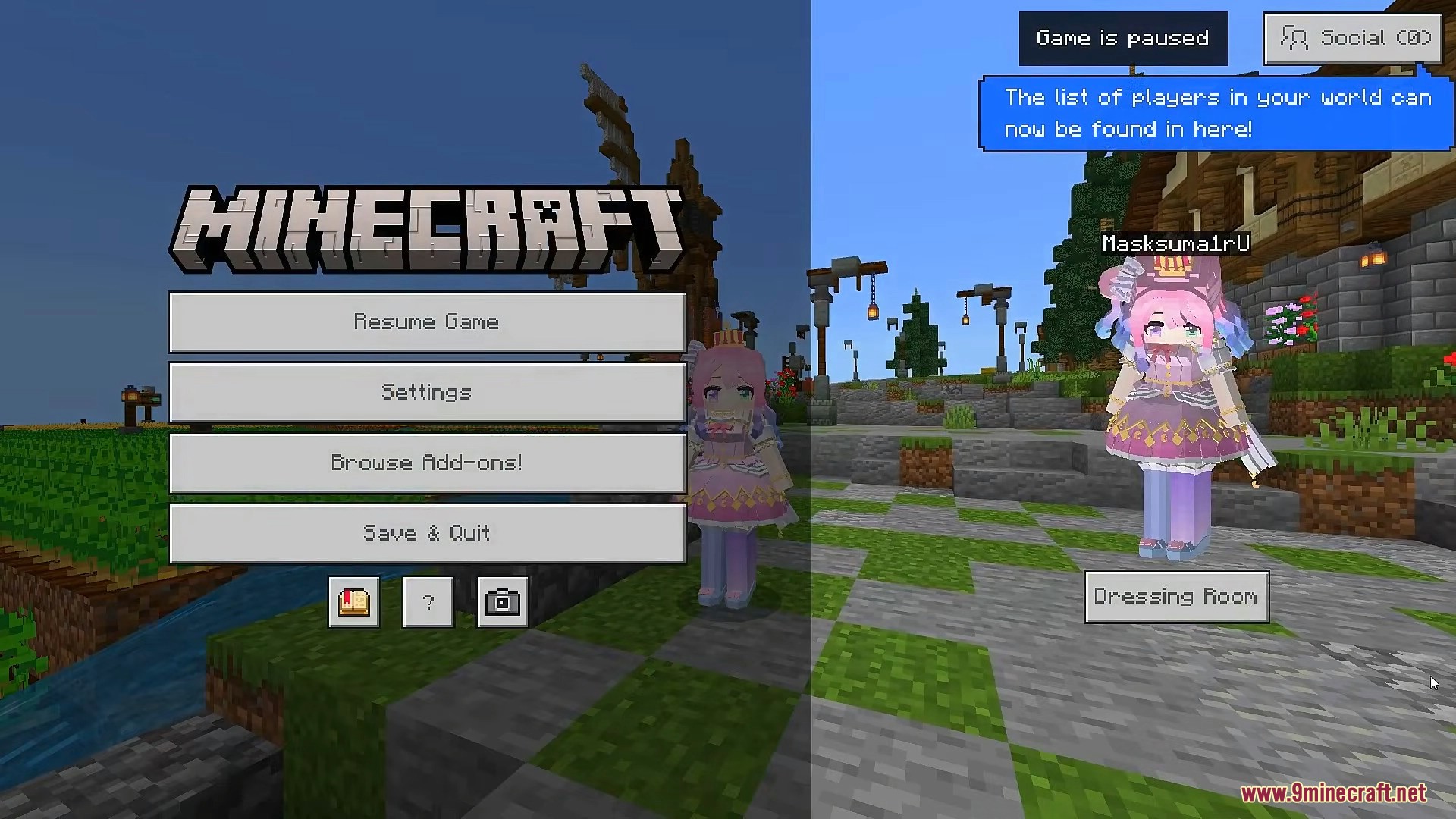
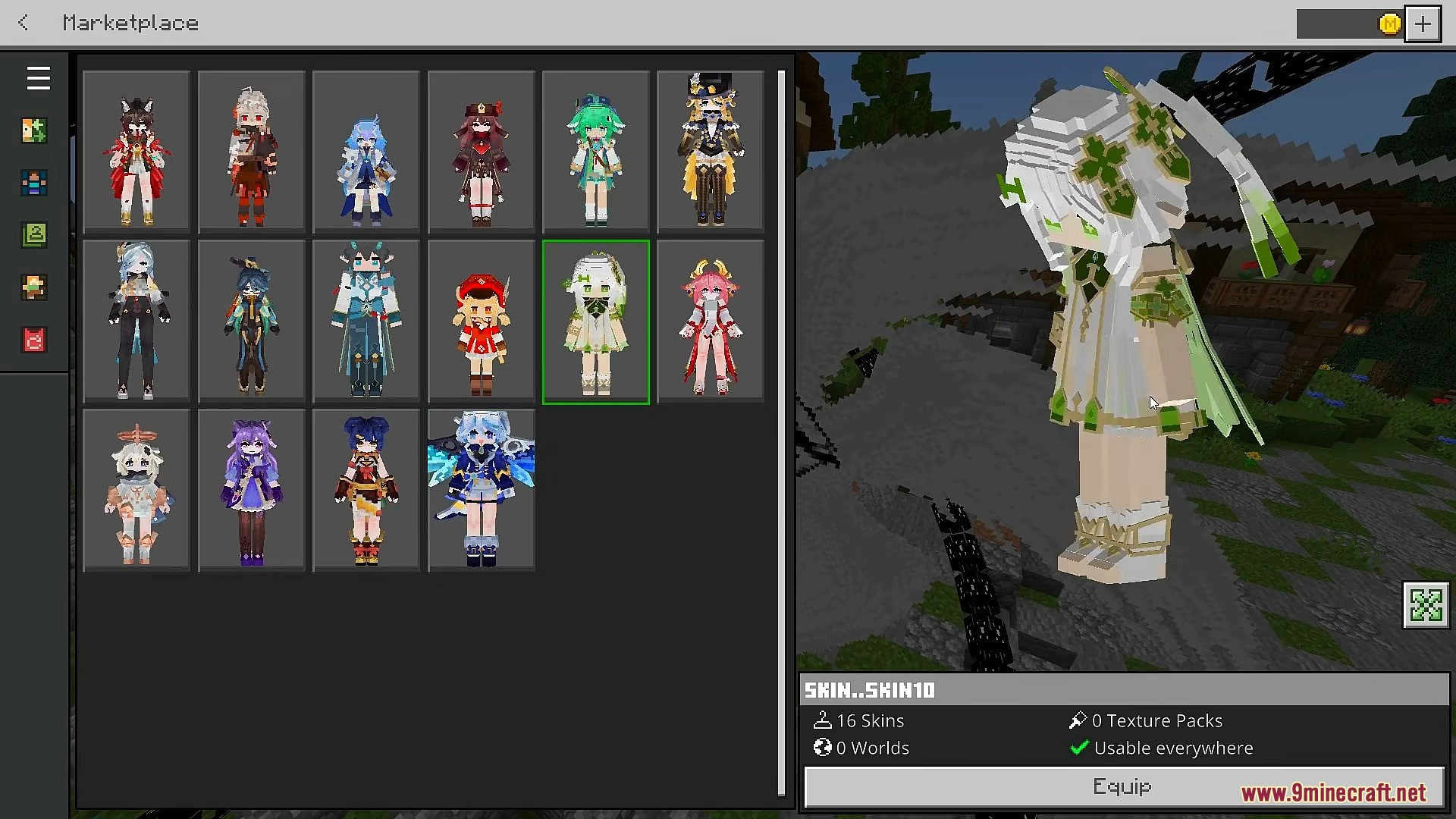
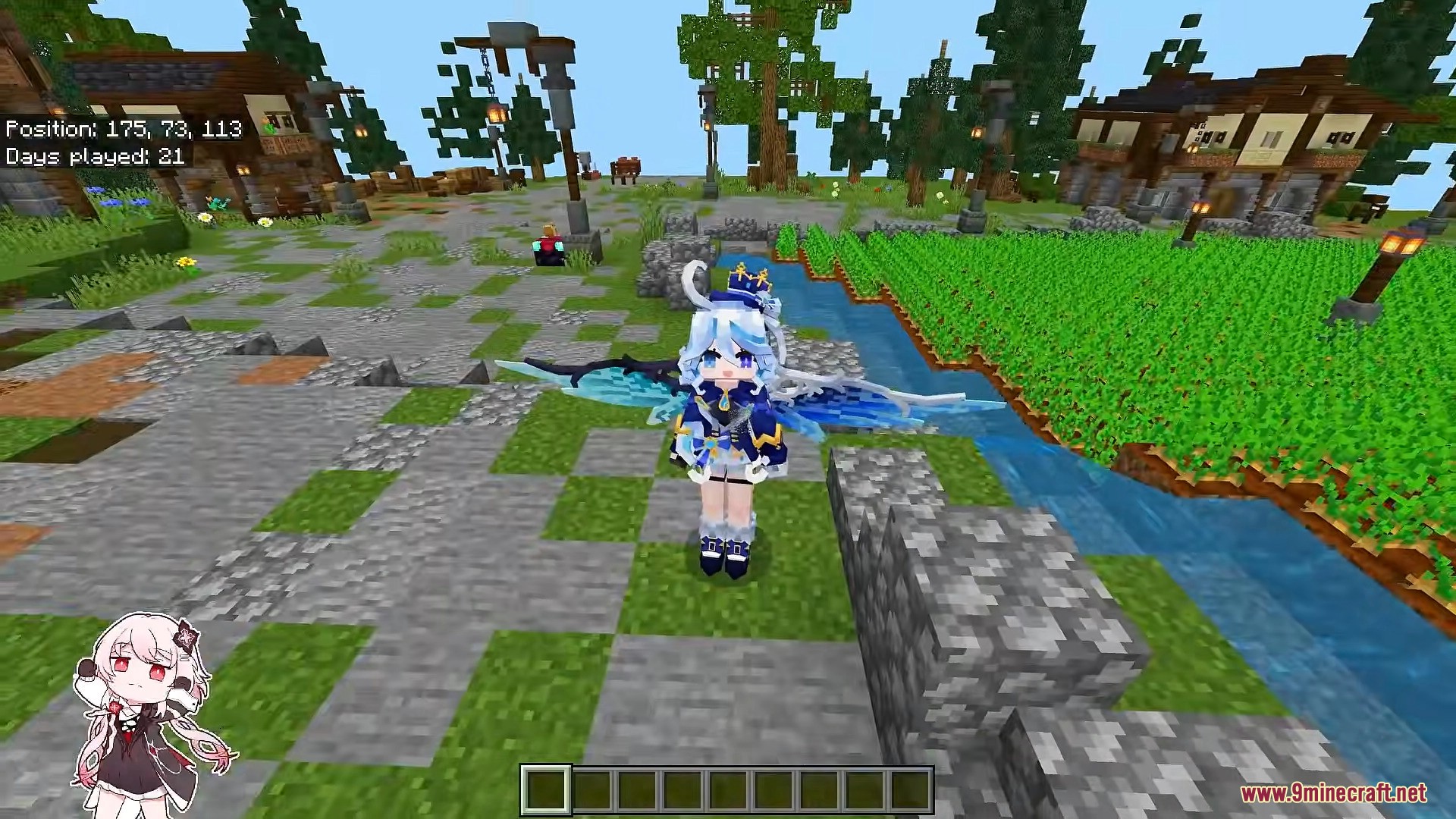
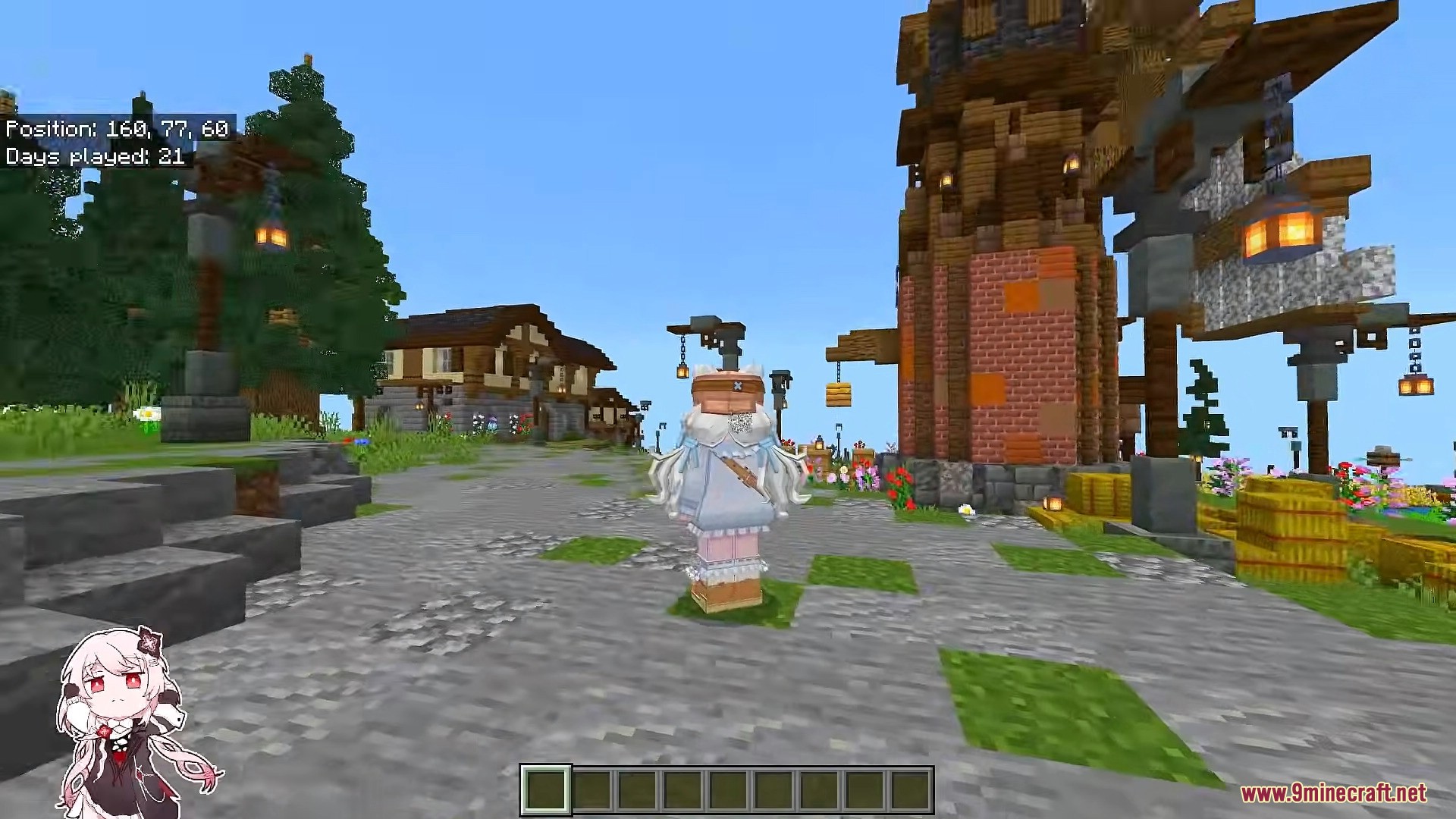

Which Build Should You Pick?
- 26.20 Full (65 skins) – Recommended for most users. Latest Minecraft PE version with the complete skin collection.
- 26.20 Lite (30 skins) – Smaller download for users with limited storage. Same latest 26.20 base, only the 4D Asian character subset.
- 1.26.13 Legacy – Use only if you need to join a multiplayer server that is locked to Minecraft PE 1.26.13.
Important Notes:
- You must uninstall the official Minecraft PE first. Both APKs share the same package name
com.mojang.minecraftpeand cannot be installed at the same time. - Only install one of the three APK builds at a time. To switch versions, uninstall the current one before installing another.
- The custom 4D model is rendered client-side. On strict anti-cheat servers (some PvP and Hive realms), the server may reject or block non-standard geometry – you will fall back to a flat texture in that case.
- If you prefer to keep the official Minecraft PE installed and import skins without replacing the client, see our Custom Geometry Skin Pack (.mcpack import method) guide instead.
- For Windows 10/11 Bedrock players, the same characters are available as a direct drop-in pack – see the Hidden Armor 4D Skin Pack for Windows Bedrock.
How to Install:
New to Minecraft PE? Follow our step-by-step guide to install Mods/Addons on your Mobile.View Guide
4D Custom Skin Mod APK Download Links
For MCPE/Bedrock 26.x
Click to rate this post!
[Total: 37 Average: 3.9]
You May Also Like














This post has no comments yet. Be the first — your comment will appear here.