


Enchanteds Sodium Options Mod (26.2, 1.21.11) – Advanced Video Settings
 124
124
 0
0


🌐 Read this article in your language! Choose your preferred language below.
Or pick the one you like:
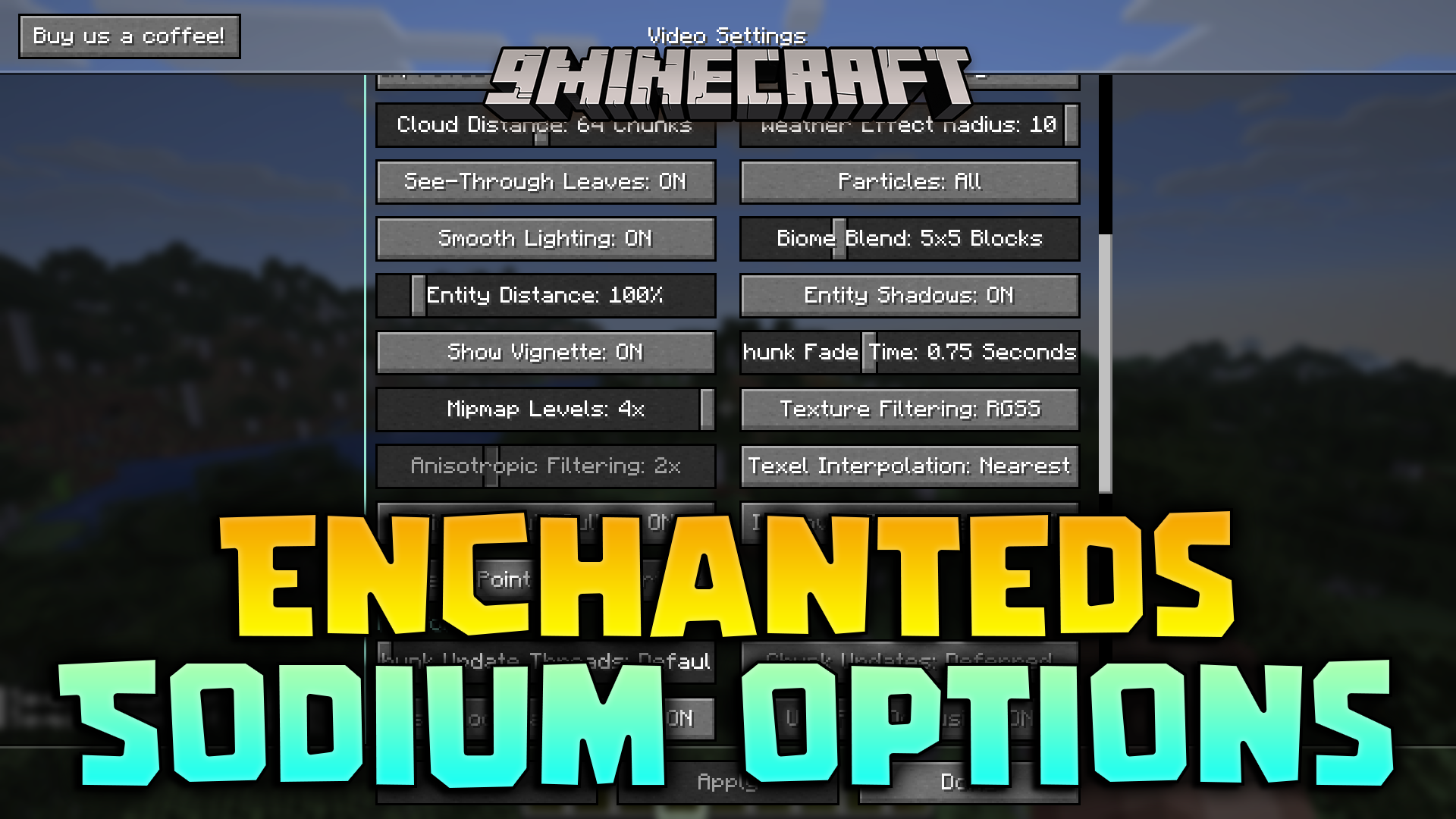
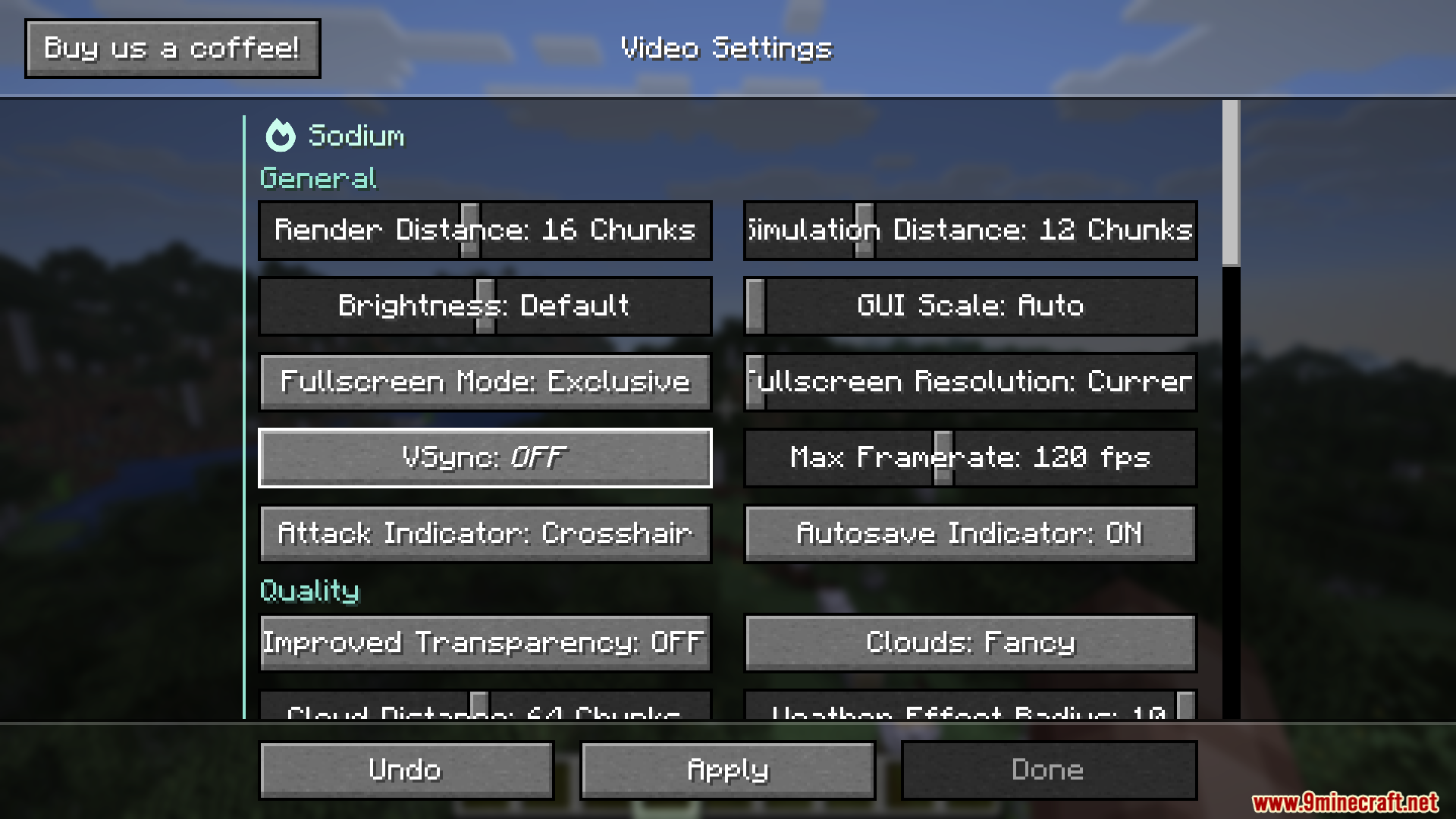
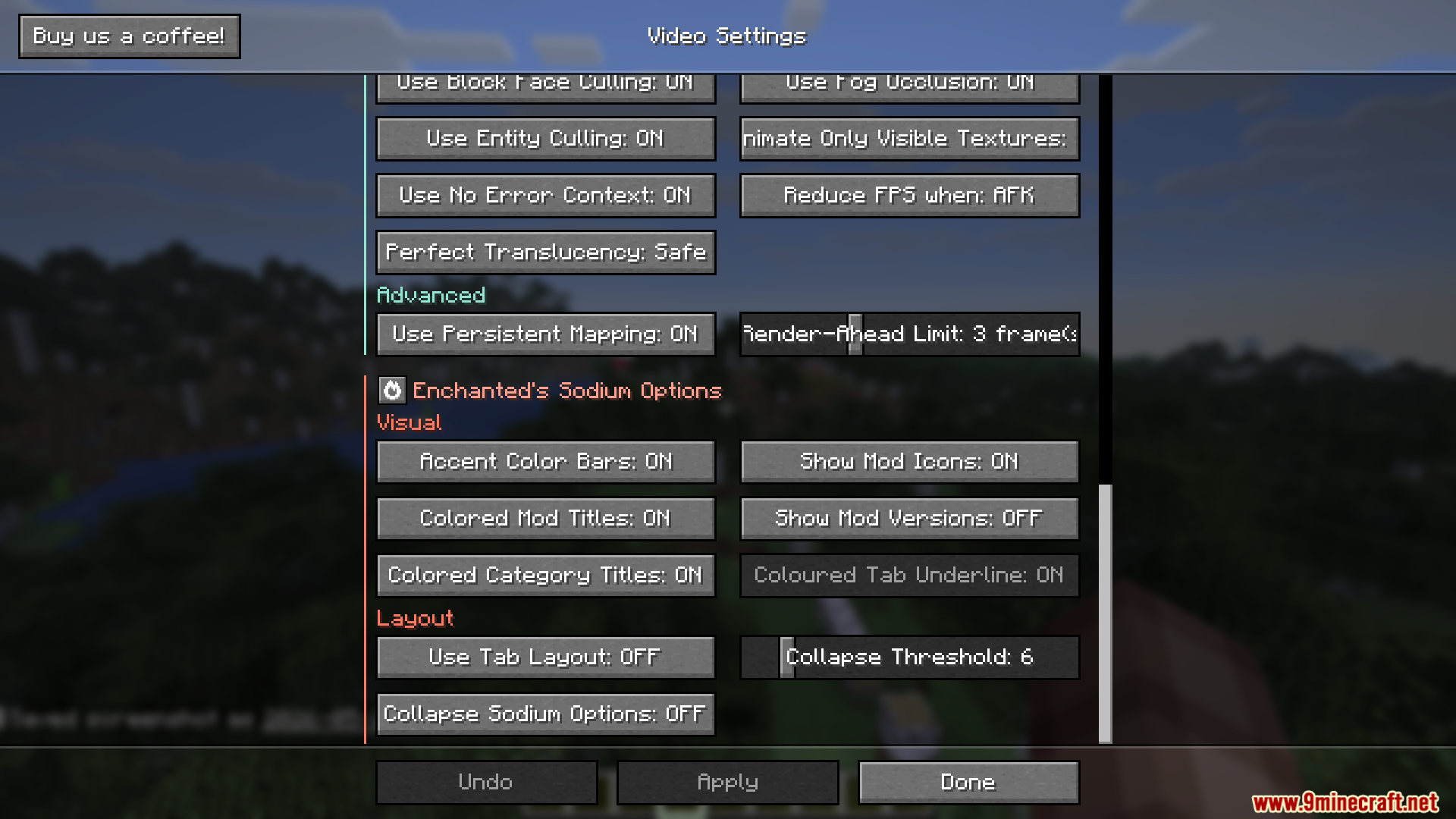
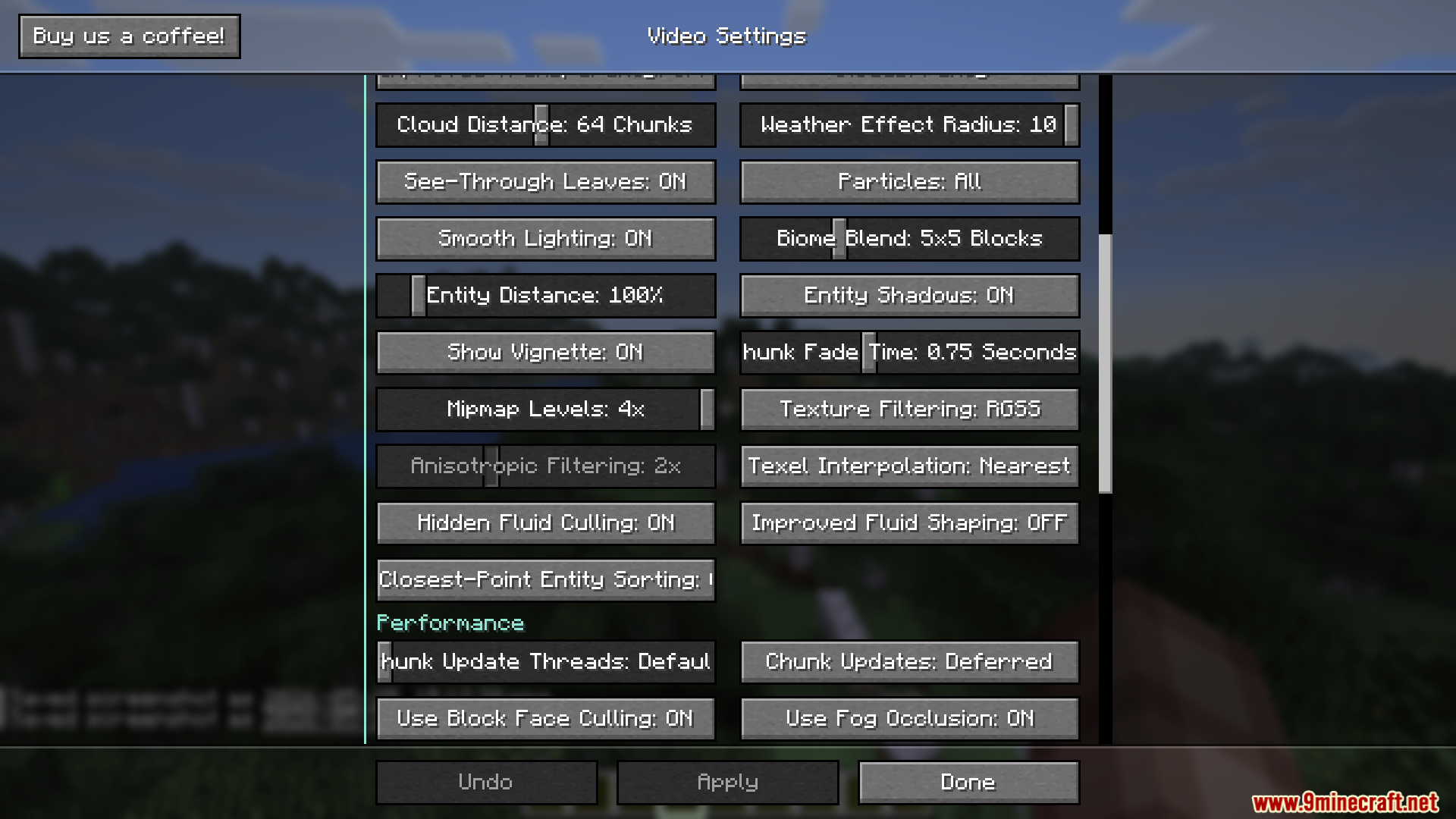
Enchanteds Sodium Options Mod changes the video settings menu in Sodium. It replaces the custom layout with a screen that looks just like the normal Minecraft menus. If you use the main performance mod but miss the classic buttons and backgrounds, this tweak brings them back.
Features:
- Vanilla Style: Replaces the custom video settings screen with one that matches the normal game menus.
- Supports all other mods that add their own options into the same menu system.
- Lets you turn off the extra colors in the settings if you prefer a simpler look.
- Works specifically with the newest updates of the main mod.
How to Use:
- Open your video settings from the main menu or pause screen.
- Look at the new layout that matches the rest of the game.
- Press Alt + P on your keyboard if you ever need to open the original custom settings screen.
Screenshots:
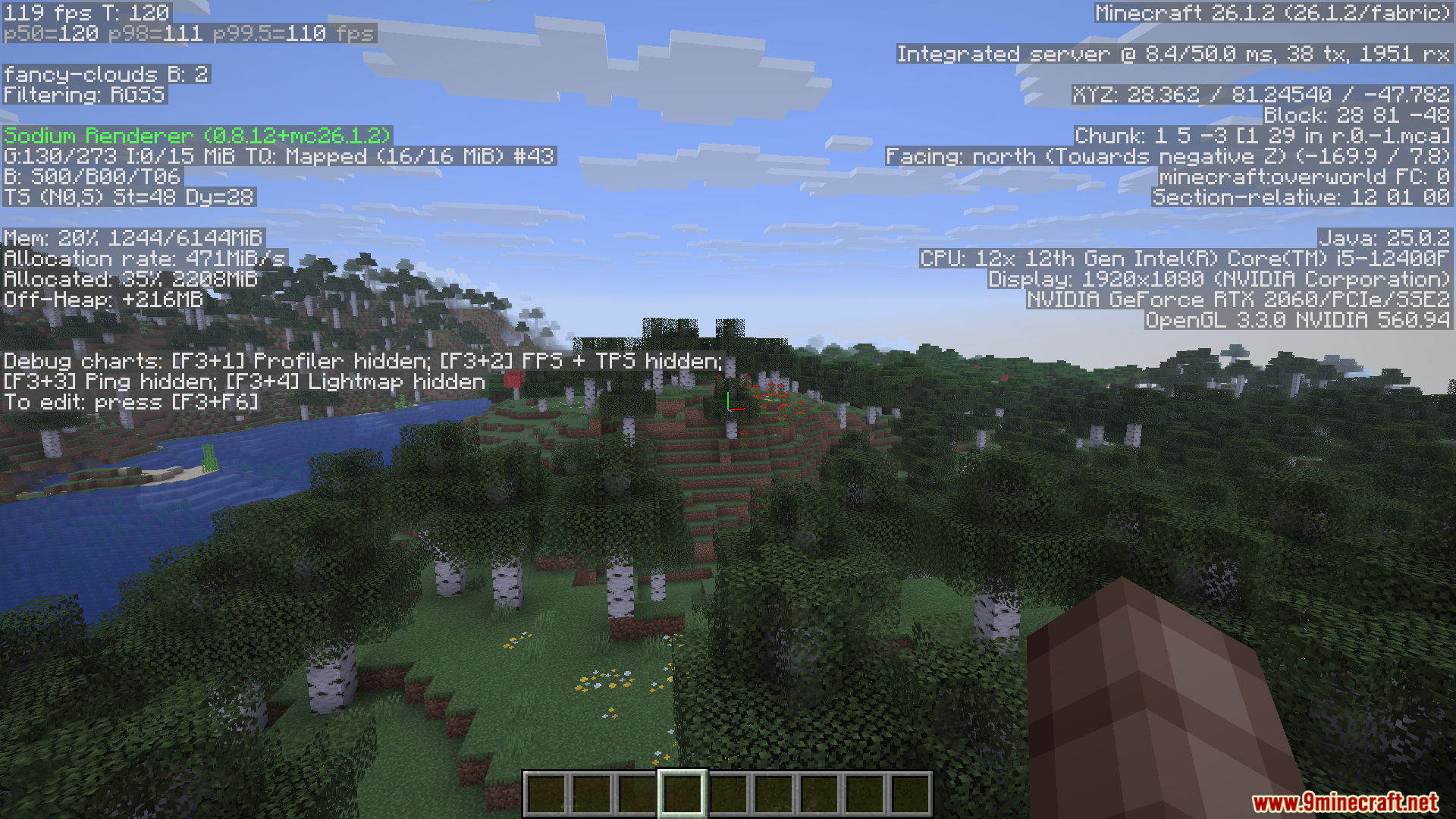
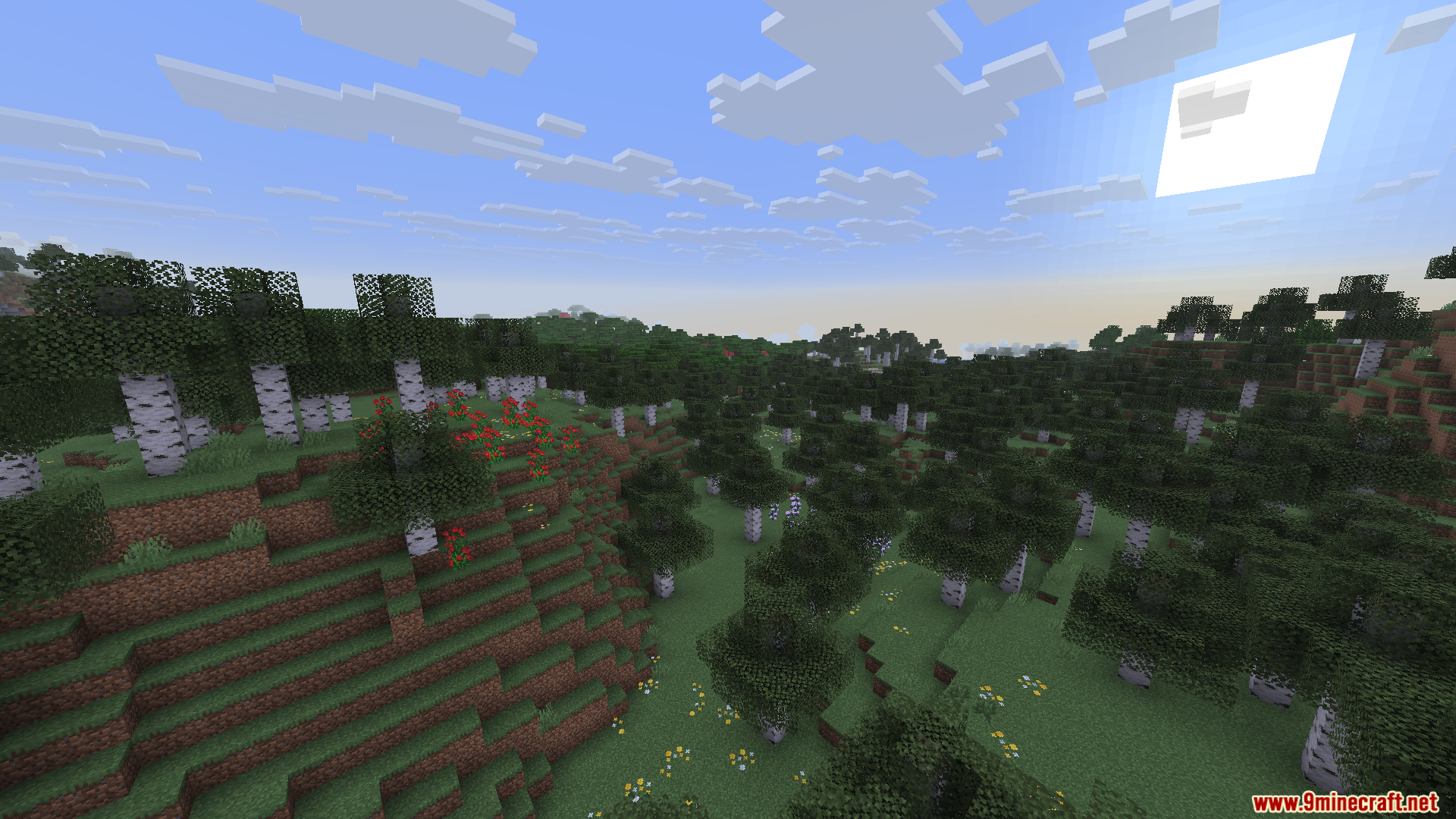
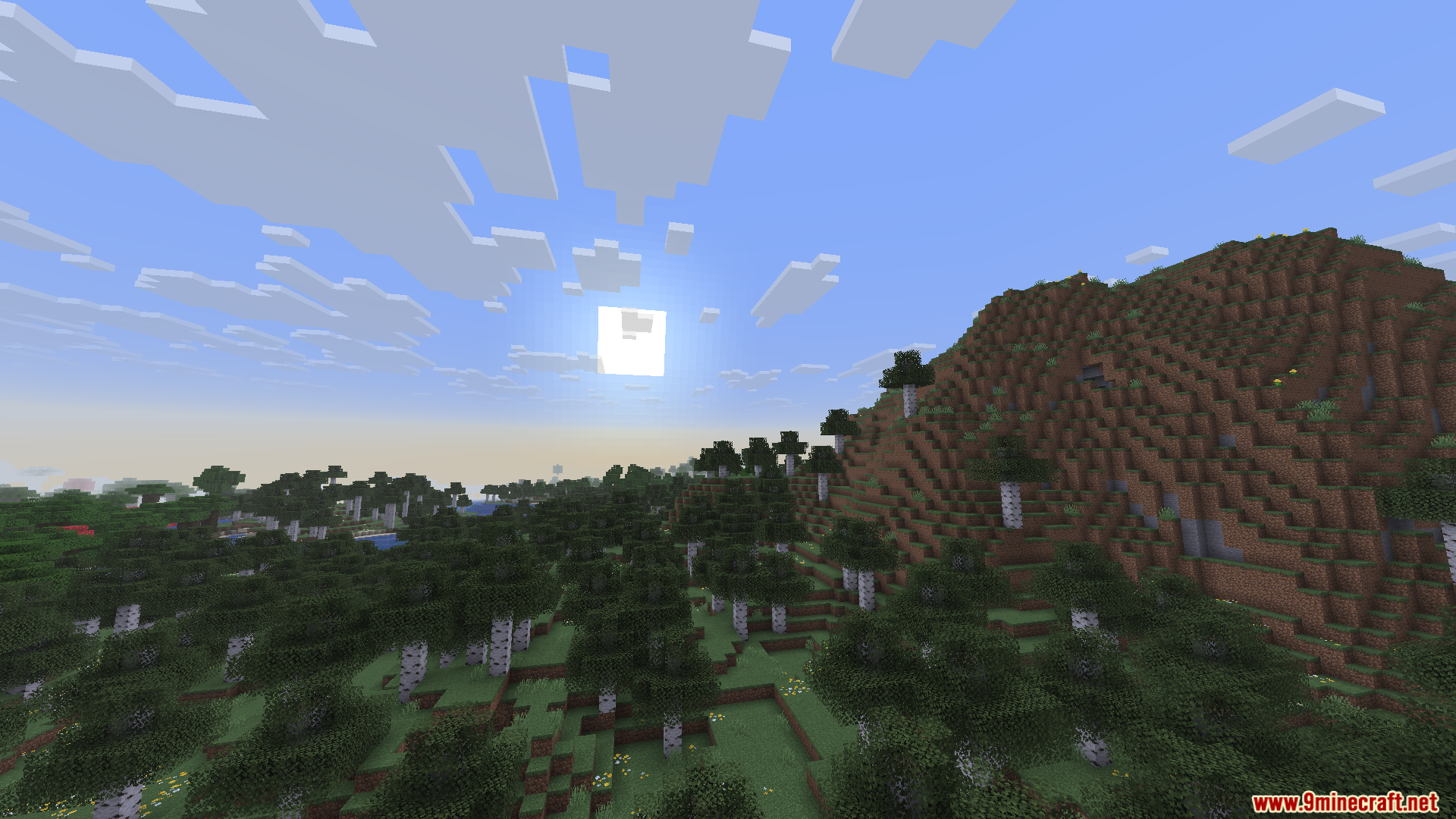
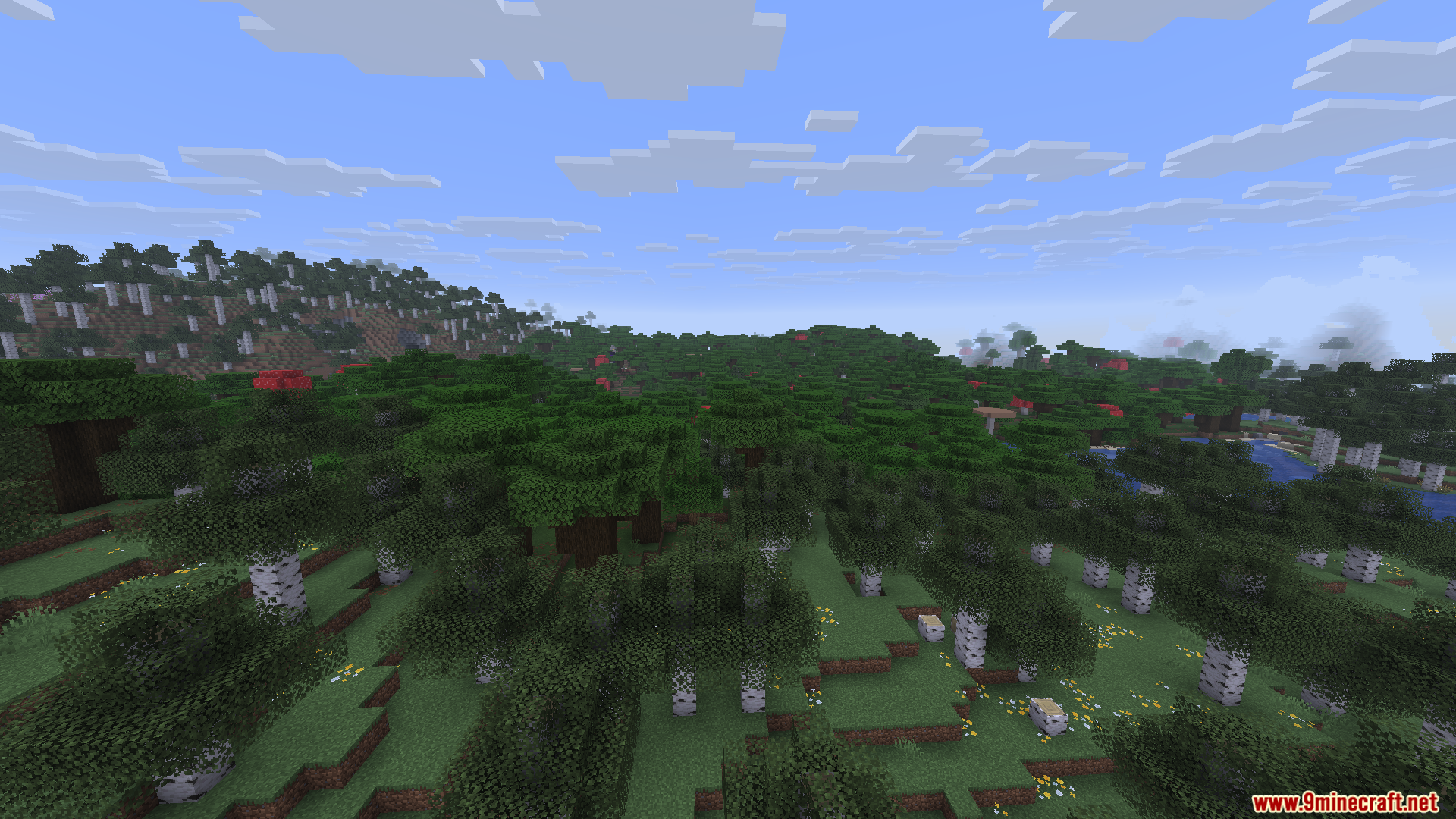
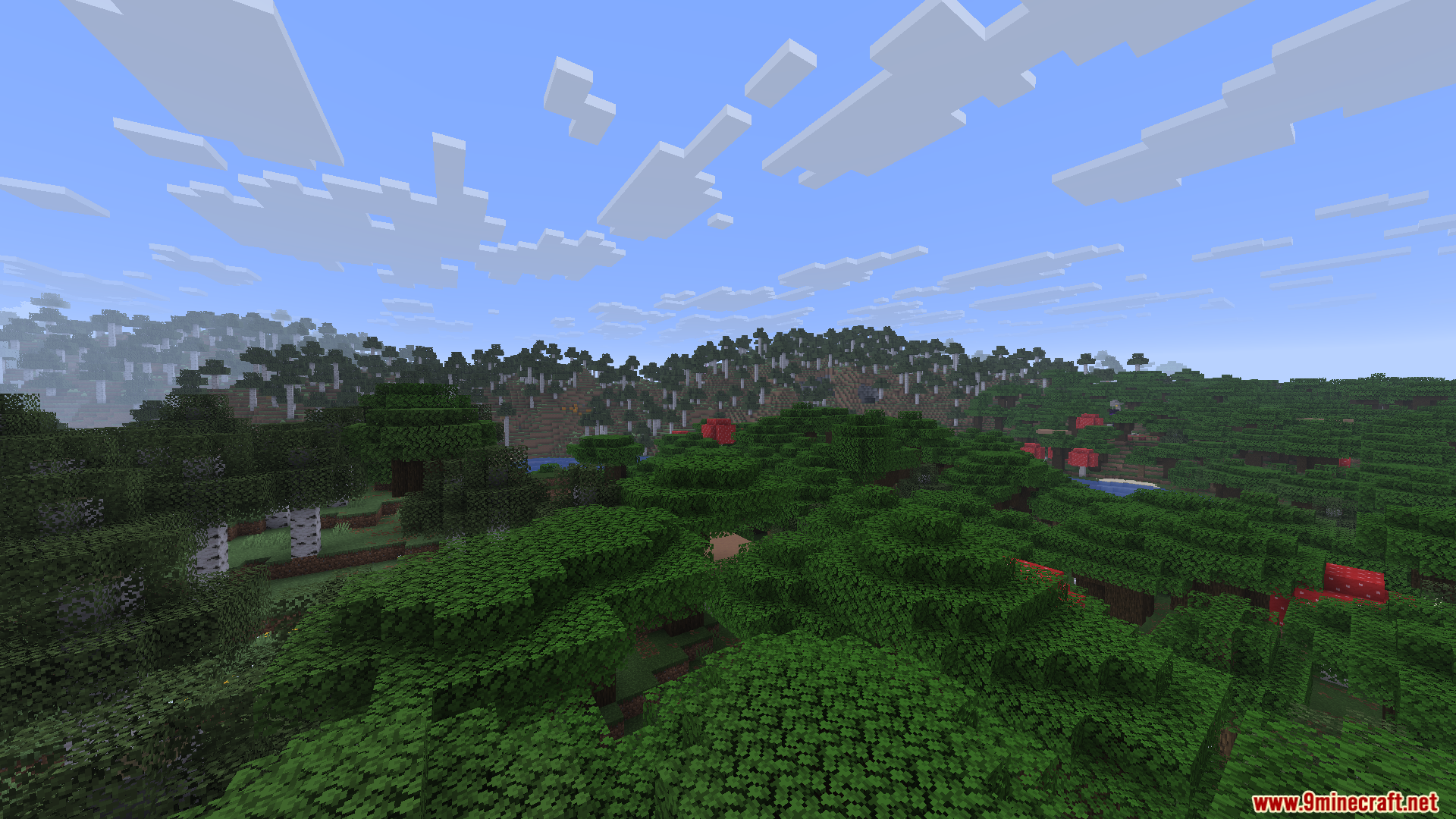
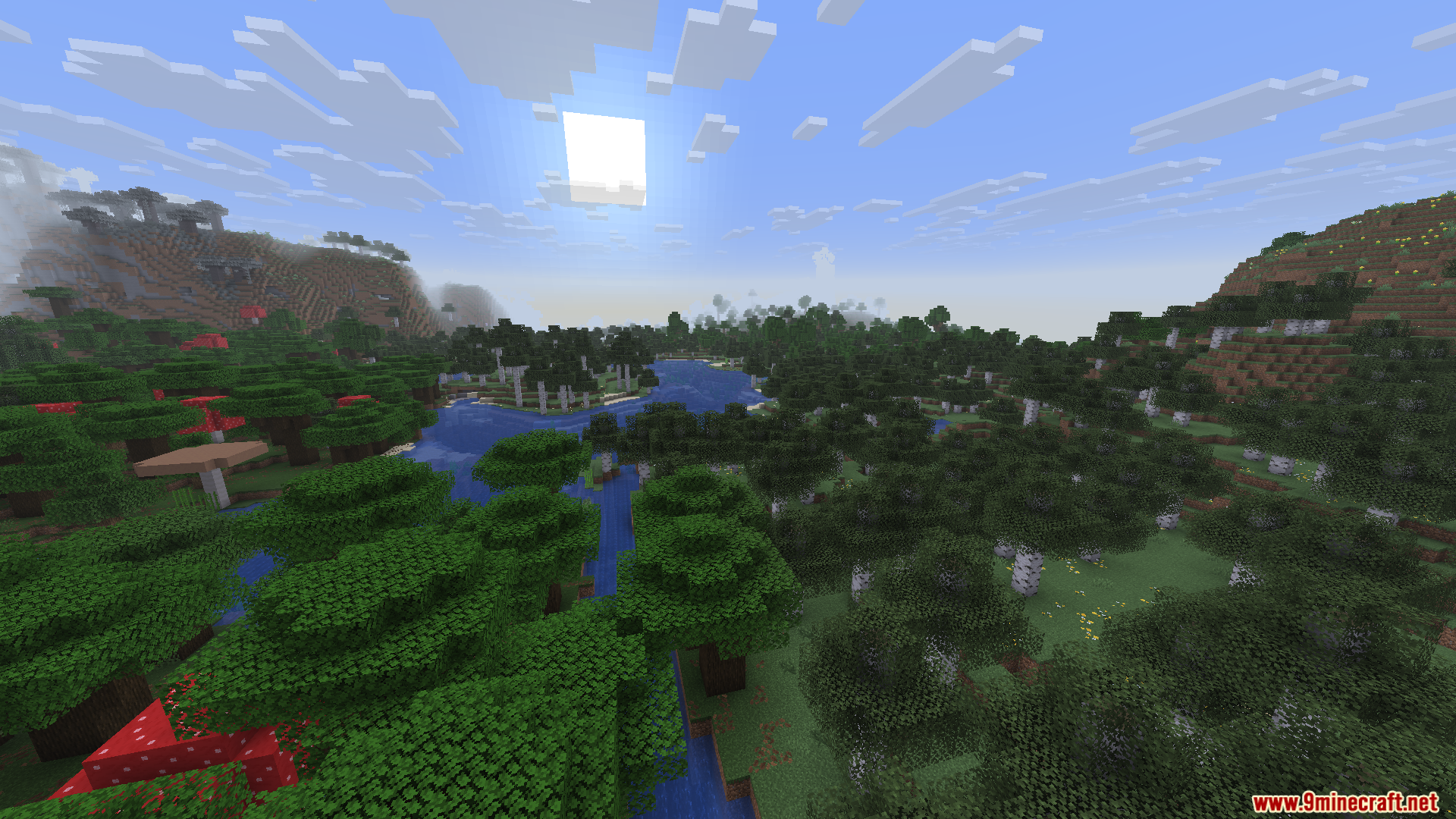
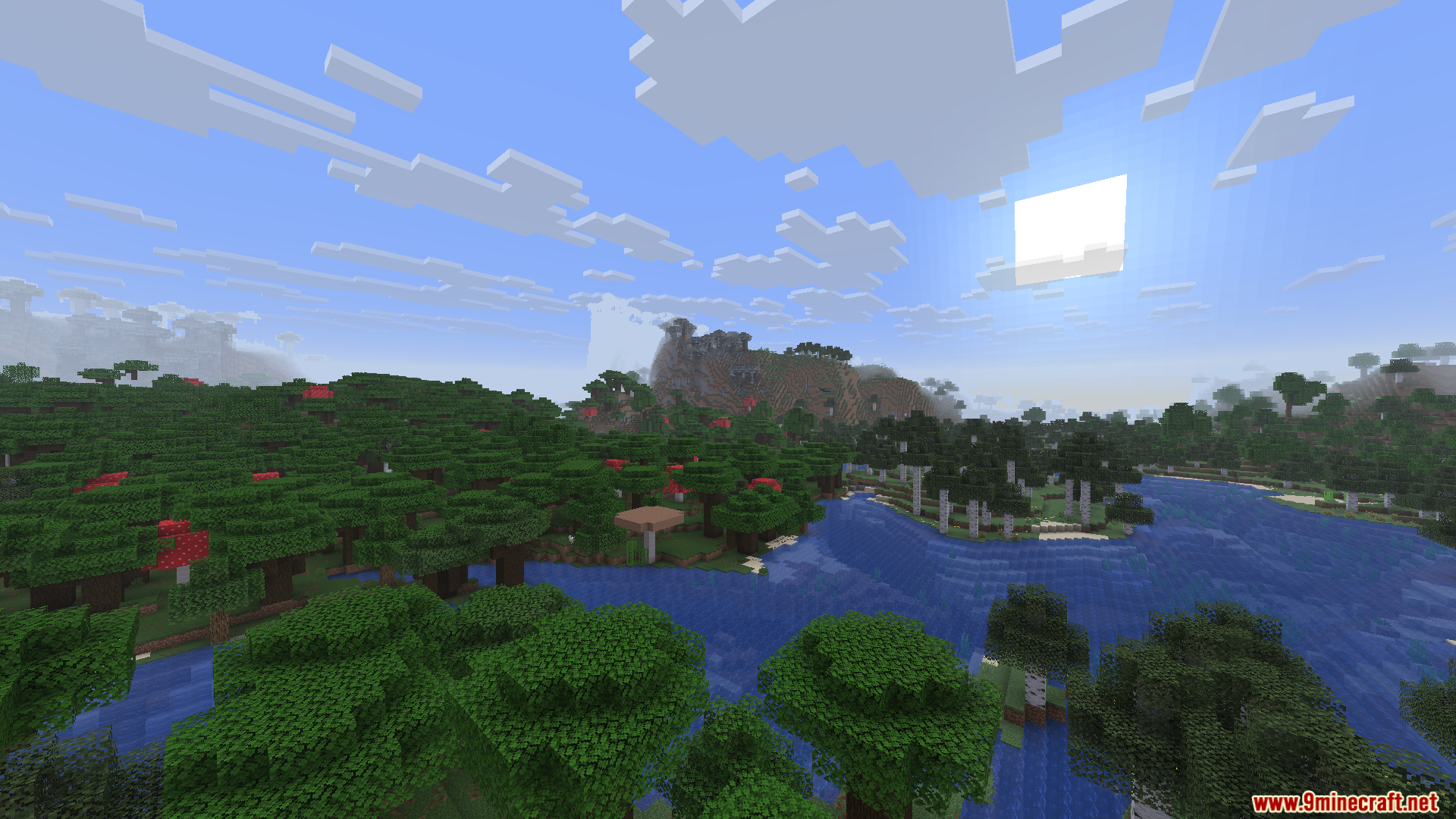
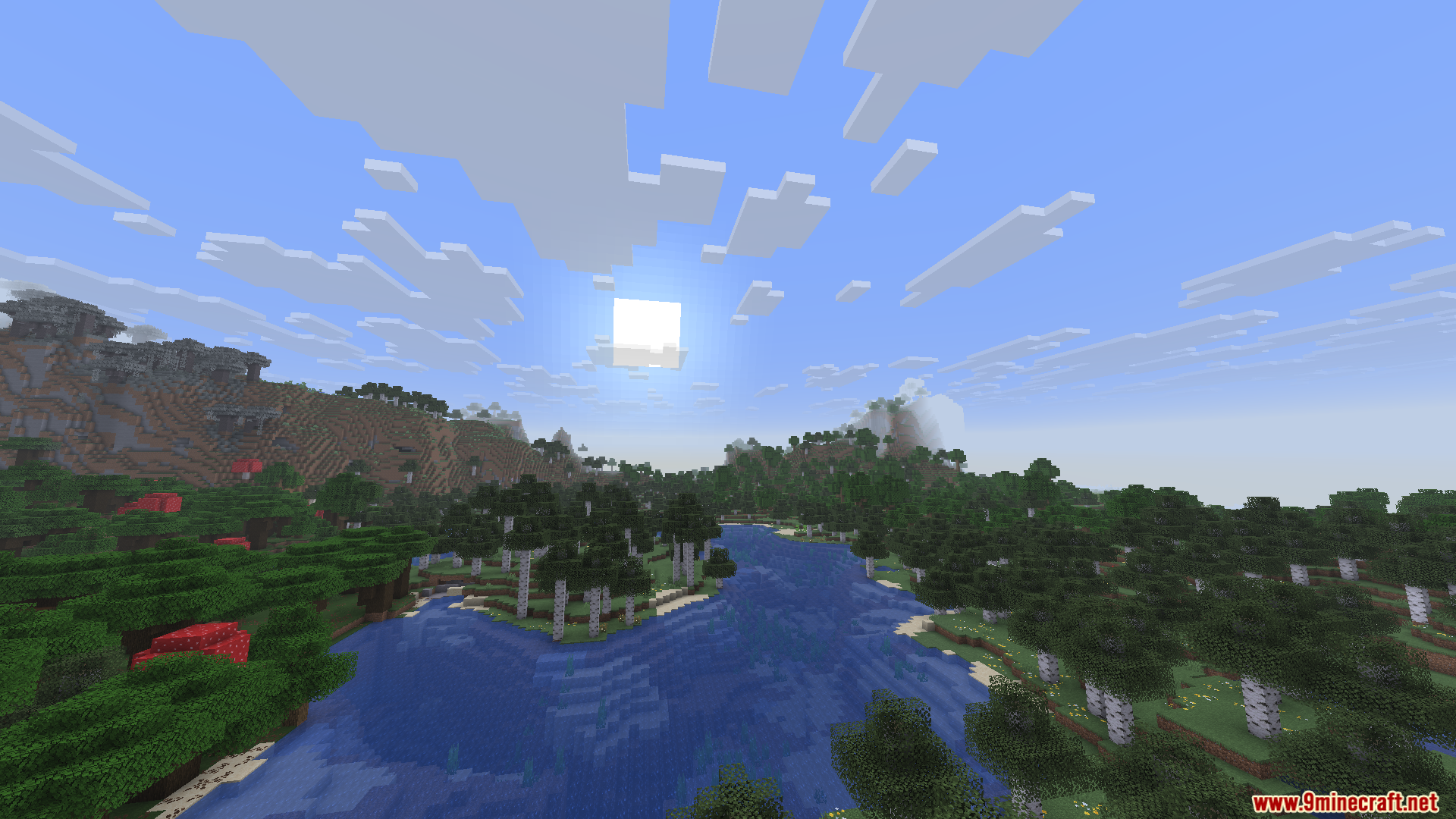
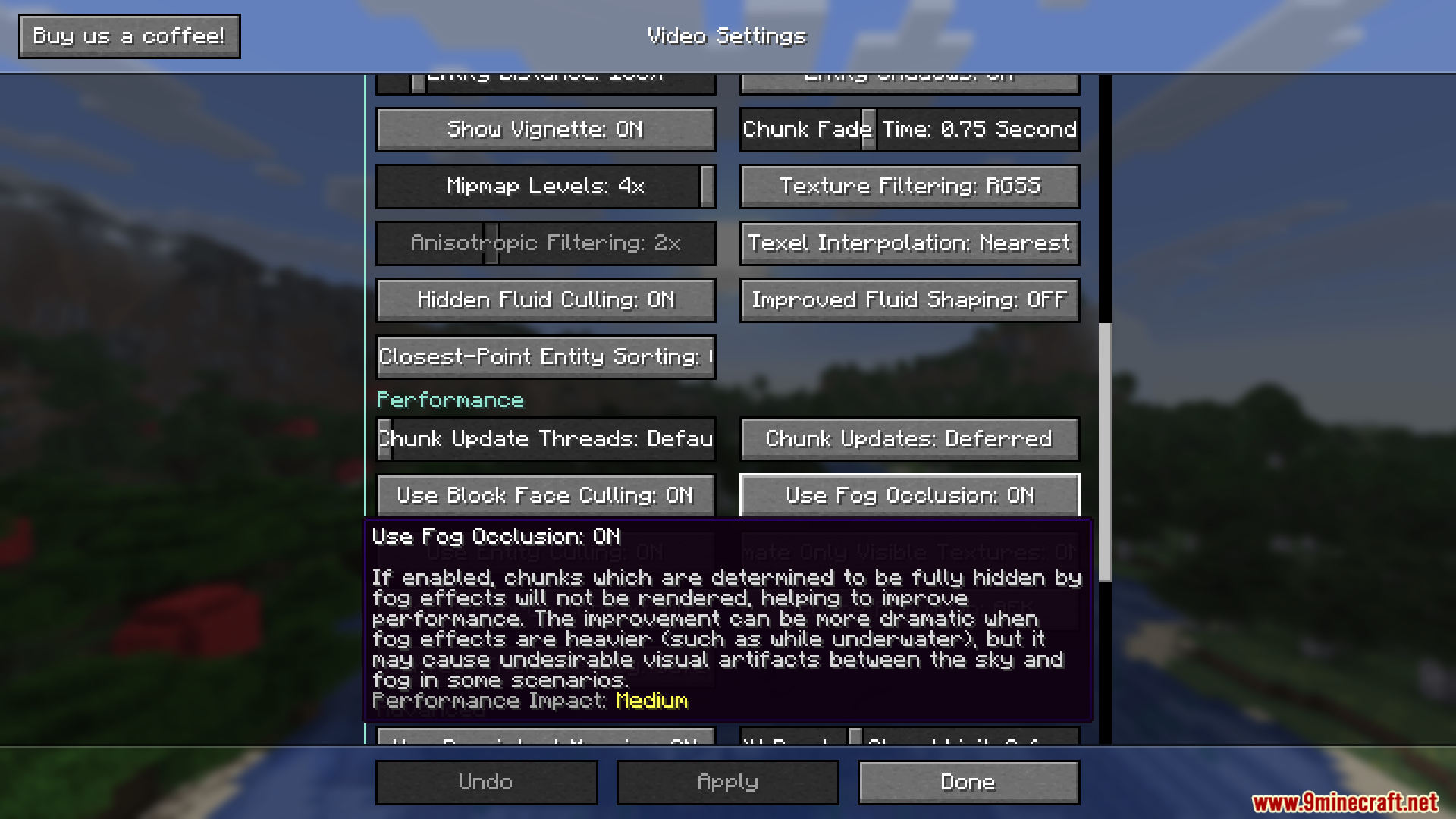
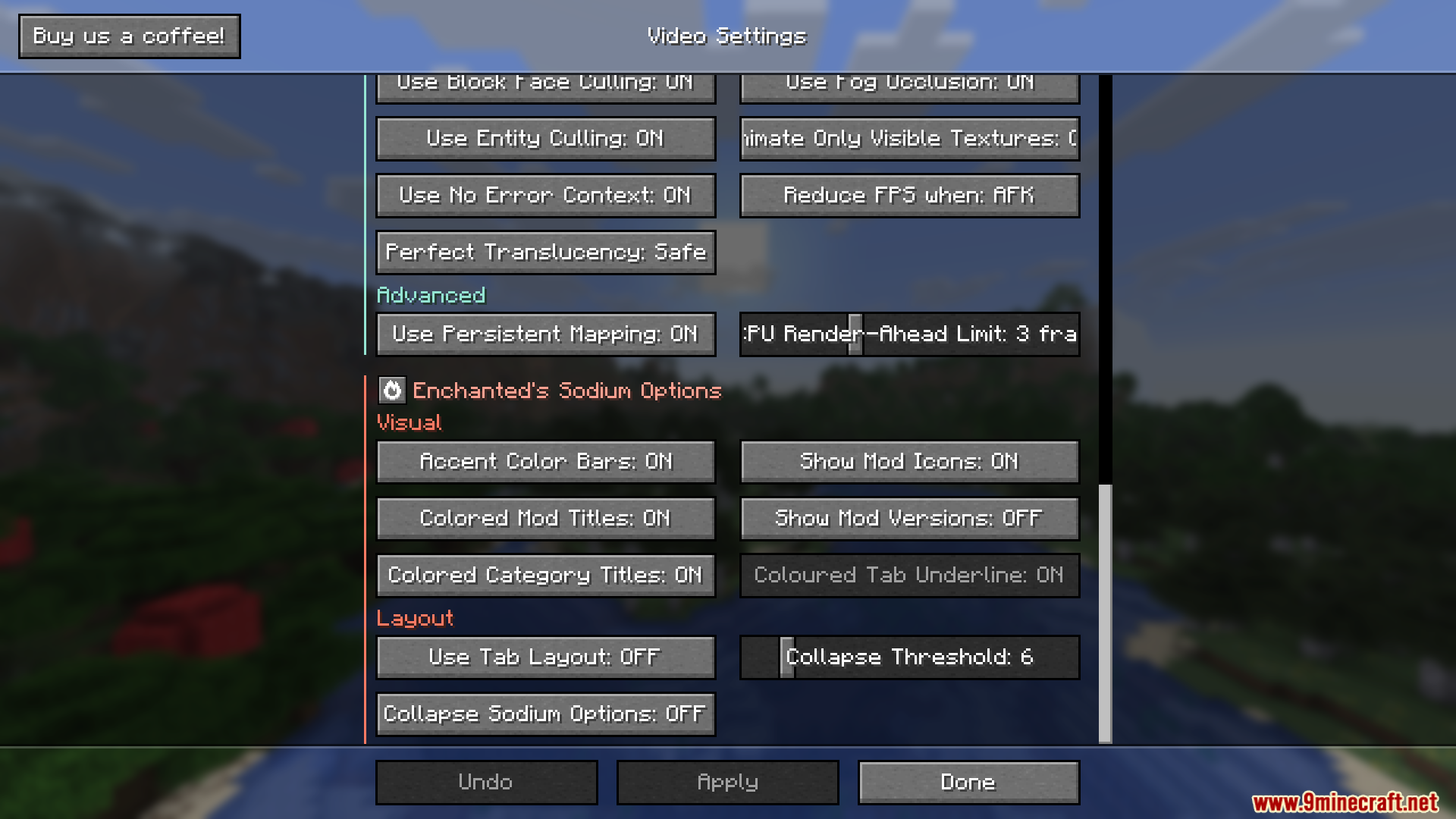
How to Install:
New to Minecraft? Follow our step-by-step guide to install Mods on your PC.View Guide
Requirements:



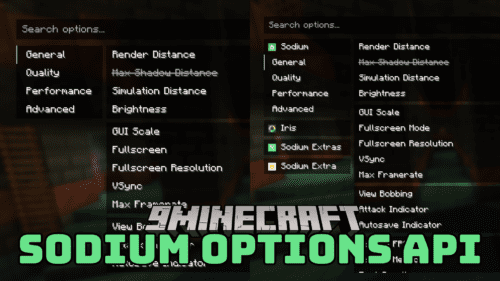

Enchanteds Sodium Options Mod Download Links
For Minecraft 26.2
For Minecraft 26.1.2, 26.1.1, 26.1
For Minecraft 1.21.11
Click to rate this post!
[Total: 0 Average: 0]
You May Also Like





This post has no comments yet. Be the first — your comment will appear here.