


Compact Machines 9minecraft Mod (26.2) – Build Factories Inside One Block
 128
128
 0
0


🌐 Read this article in your language! Choose your preferred language below.
Or pick the one you like:
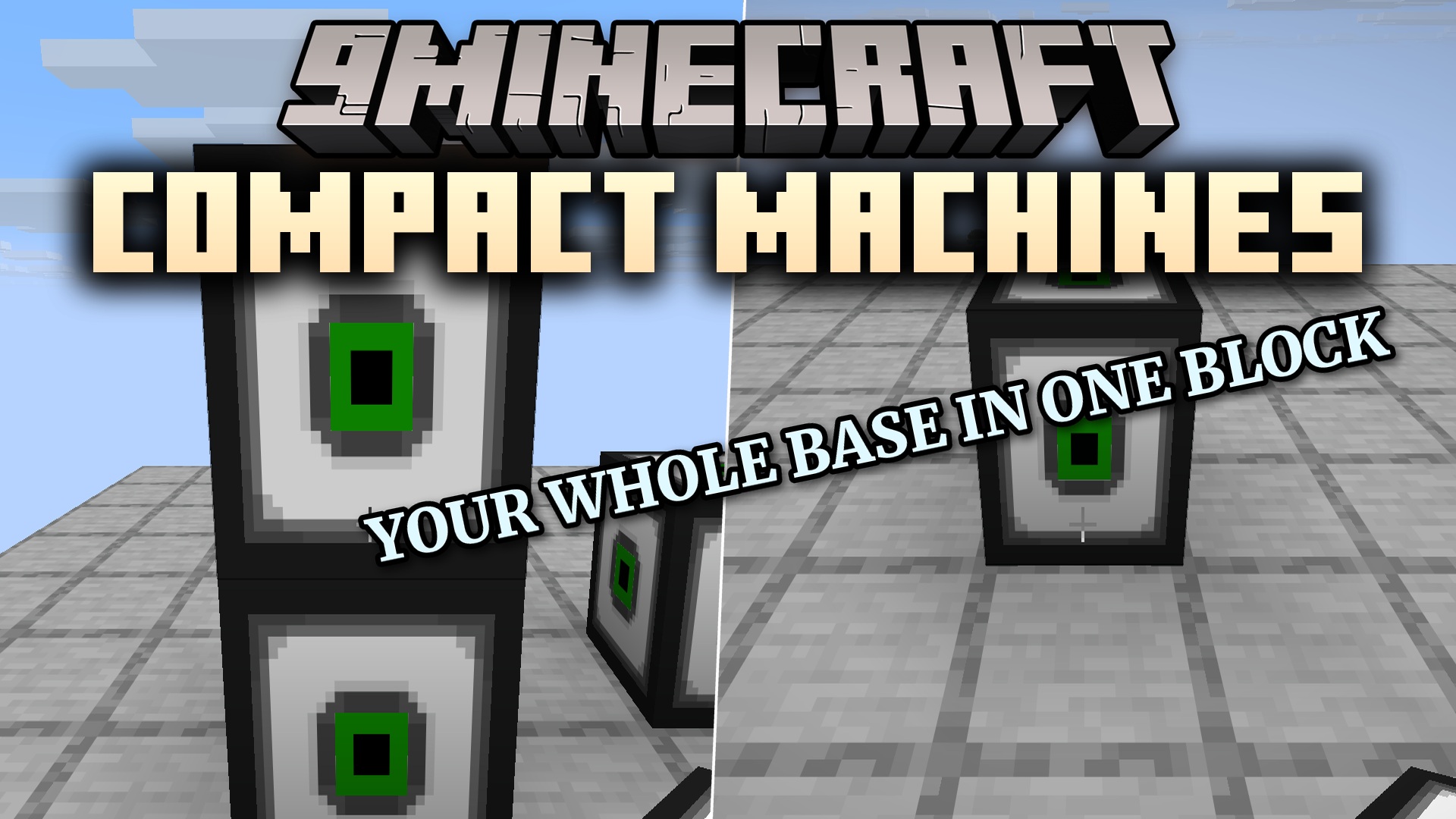
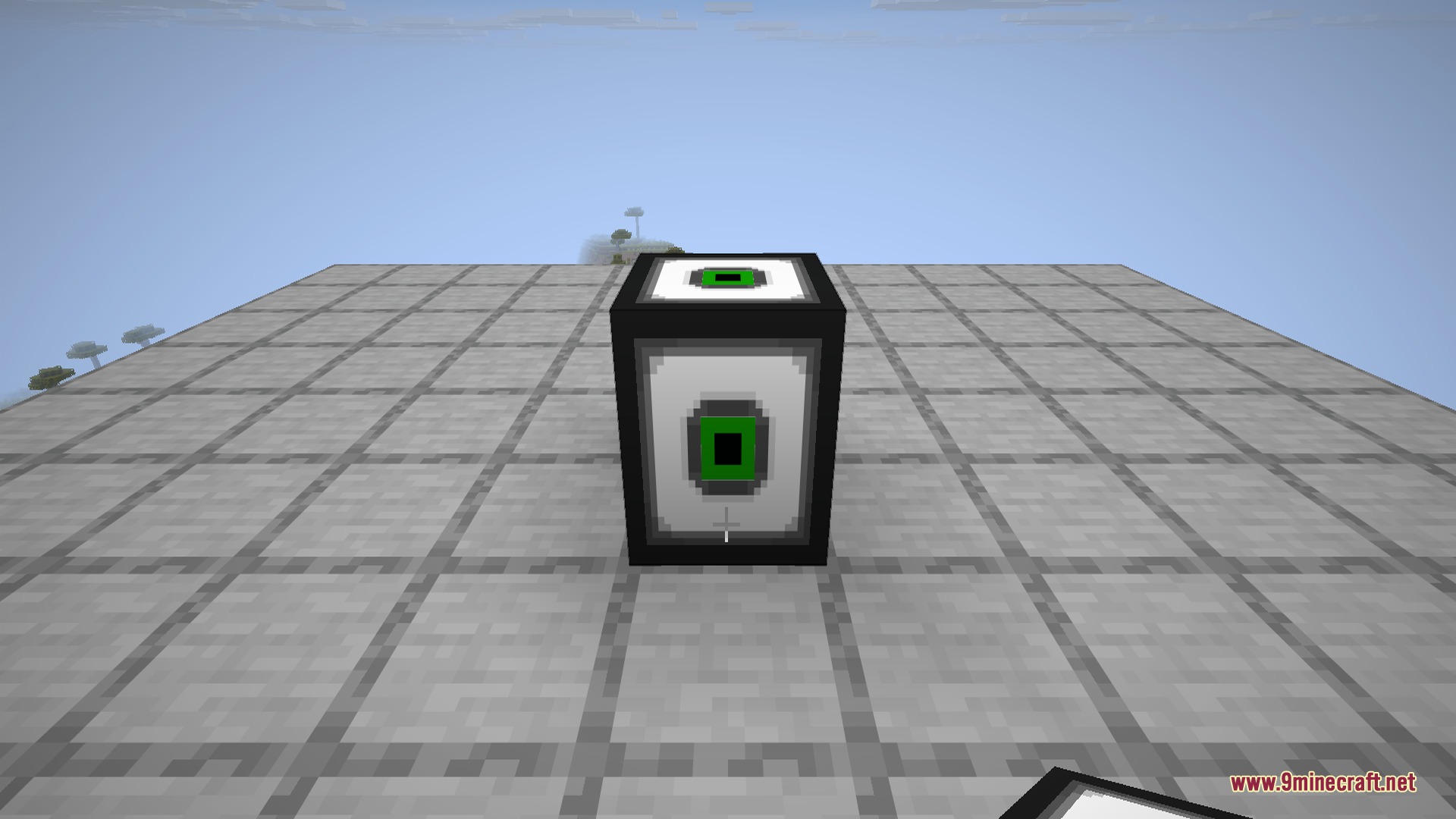
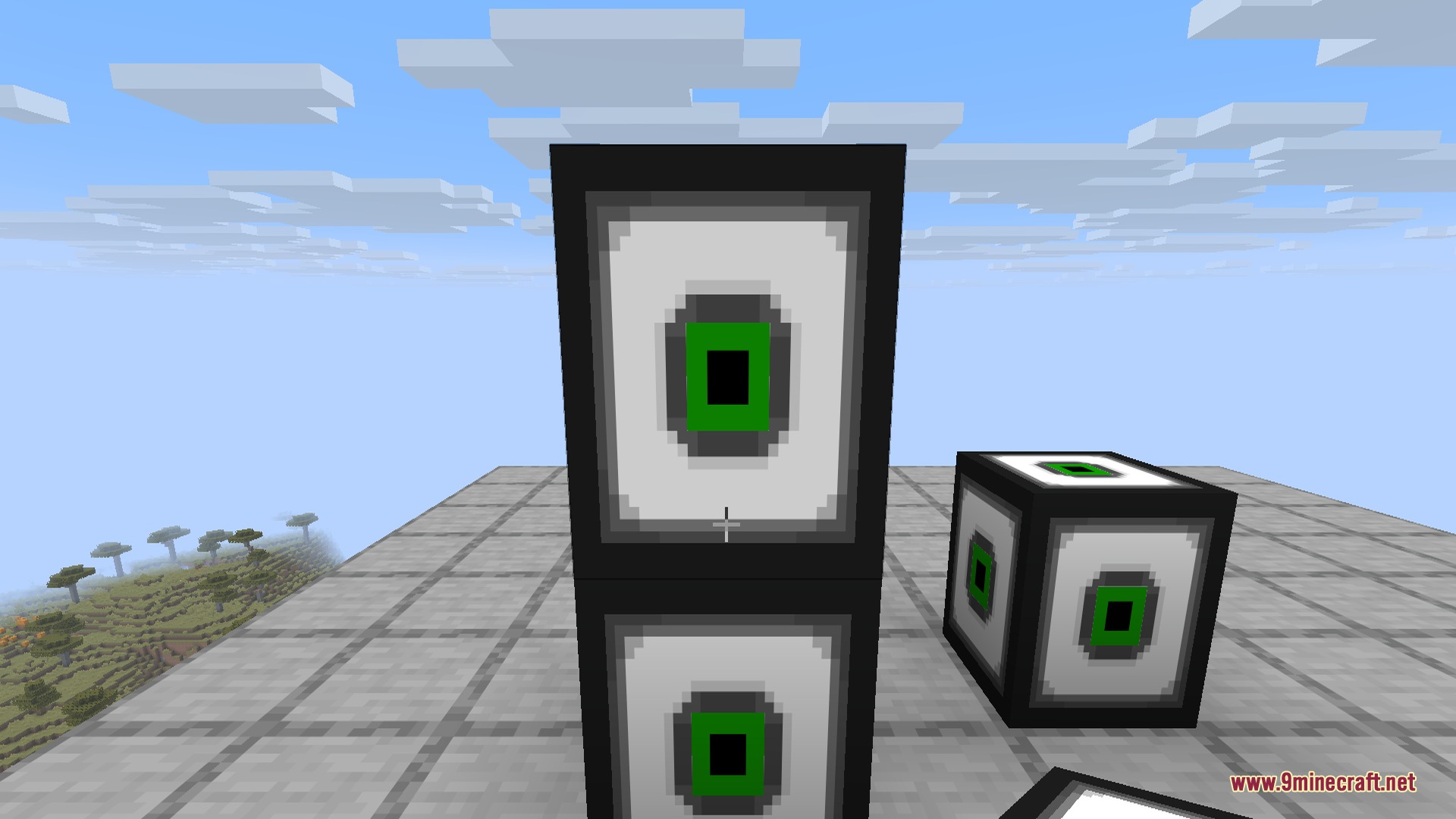
Compact Machines 9minecraft Mod lets you build an entire base inside one single block. This mod gives you a pocket dimension where each block holds a full room. You walk in, set up your farms or machines, walk out, and everything stays right where you left it. It helps you hide messy wires and save space by packing huge factories into a tiny area. You can even pick up the block and carry your whole workshop with you to a new location.
Features:
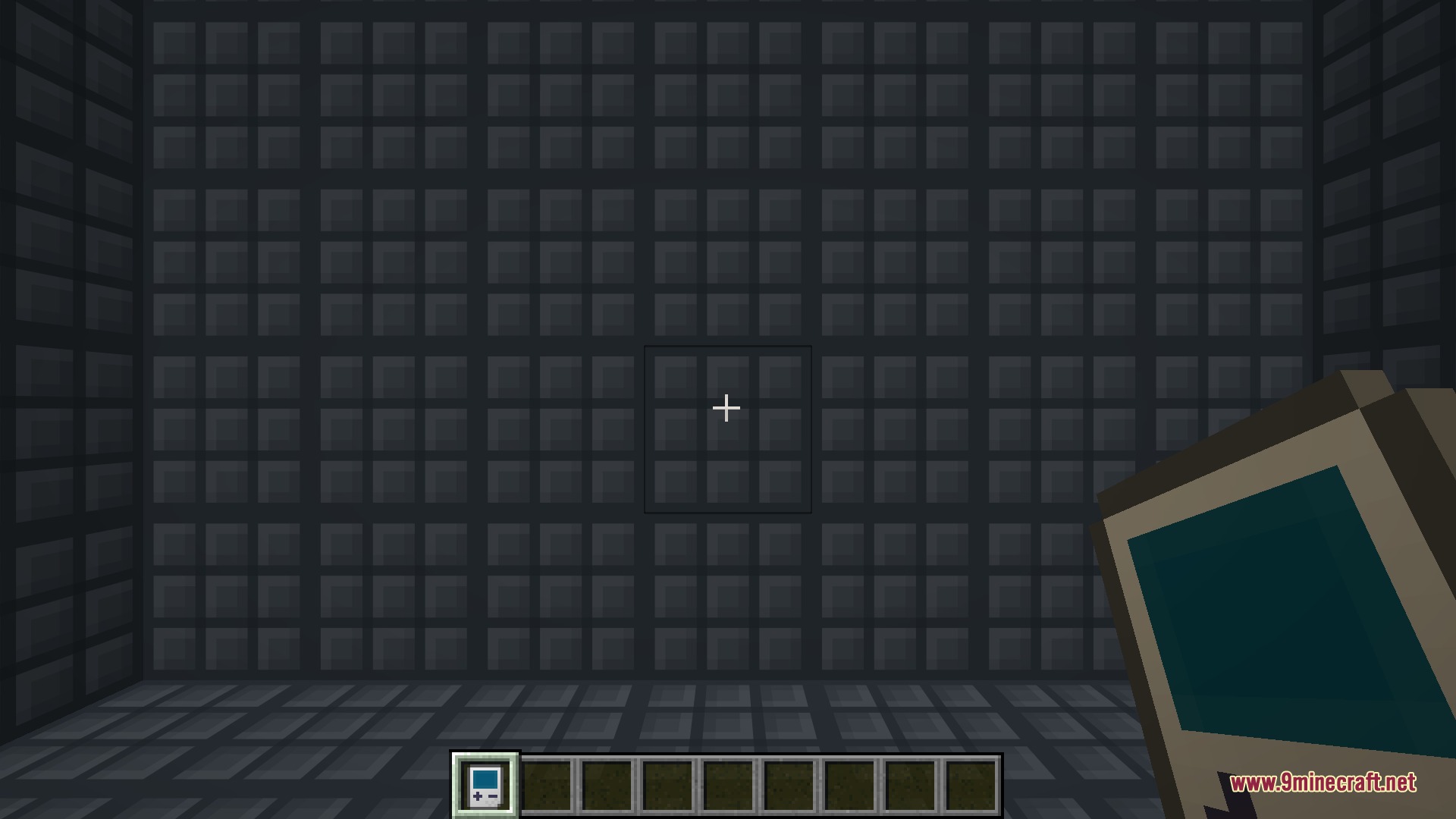
- Pocket Dimensions: Each machine block creates an unbreakable room hidden away from the main world.
- Nesting Rooms: You can place machines inside other machines to make a base that goes as deep as you want.
- Comes in different sizes like small, normal, large, giant, and colossal so you always have enough space.
- Saves everything inside the room so your farms keep working exactly as you left them.
- Lets you dye the outside of the blocks to color-code your different rooms and stay organized.
- Keeps your world running smoothly because the rooms are stored in a separate, lightweight space.
Commands:
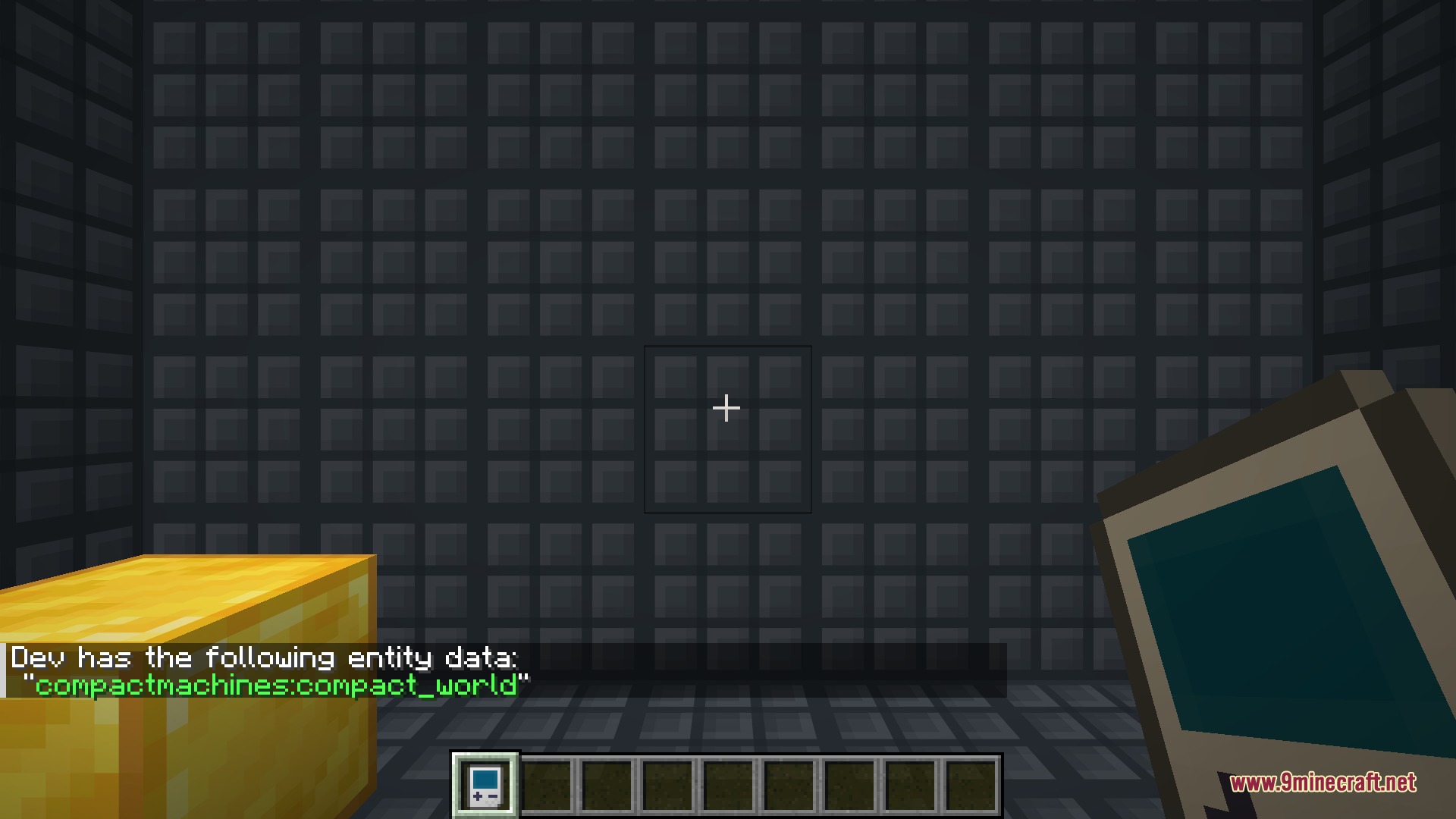
/compactmachines tp: Teleports you directly into a specific room./compactmachines give: Gives you a machine block that connects to an existing room./compactmachines rooms: Shows a list of all the rooms you own./compactmachines summary: Displays a quick overview of every room on the server./compactmachines unbind: Detaches a machine block from its current room./compactmachines rebind: Connects a machine block to a different room./compactmachines enable_basic_templates– Turns on the built-in room templates for a world that has none, so the machine recipes appear (restart the world afterwards).
Configuration:
compactmachines:allow_survival_oob: A game rule that controls if survival players can break out of the room walls.
How to Use:
- Craft a machine block in the size you want and place it anywhere in your world.
- Hold the Personal Shrinking Device (PSD) in your hand.
- Right-click the placed machine block with the device to shrink down and teleport inside.
- Build your base, storage, or farms inside the unbreakable walls.
- Right-click any wall inside the room with the device to return to the outside world.
Screenshots:
How to Install:
New to Minecraft? Follow our step-by-step guide to install Mods on your PC.View Guide
Requirements:

Compact Machines 9minecraft Mod Download Links
For Minecraft 26.2
Click to rate this post!
[Total: 0 Average: 0]
You May Also Like




This post has no comments yet. Be the first — your comment will appear here.